
 プランを見る
写真に白背景を加えてシンプルですっきりとしたスタイルに
背景を白にすると、被写体が分離されてより目立ちます。雑多なものを取り除き、写真の主役に注目を集めるために、商品写真やブランド写真でよく行われます。
今すぐ試してみる白背景編集ツールを使う方法は?
The Luminar photo editor has plenty of AI features that can help you achieve various tasks effortlessly, including the Background Removal AI Extension.
ワンクリックで背景を削除し、ワンクリックでレイヤーに新しい白背景を追加します。
ワンクリックで背景を削除し、ワンクリックでレイヤーに新しい白背景を追加します。
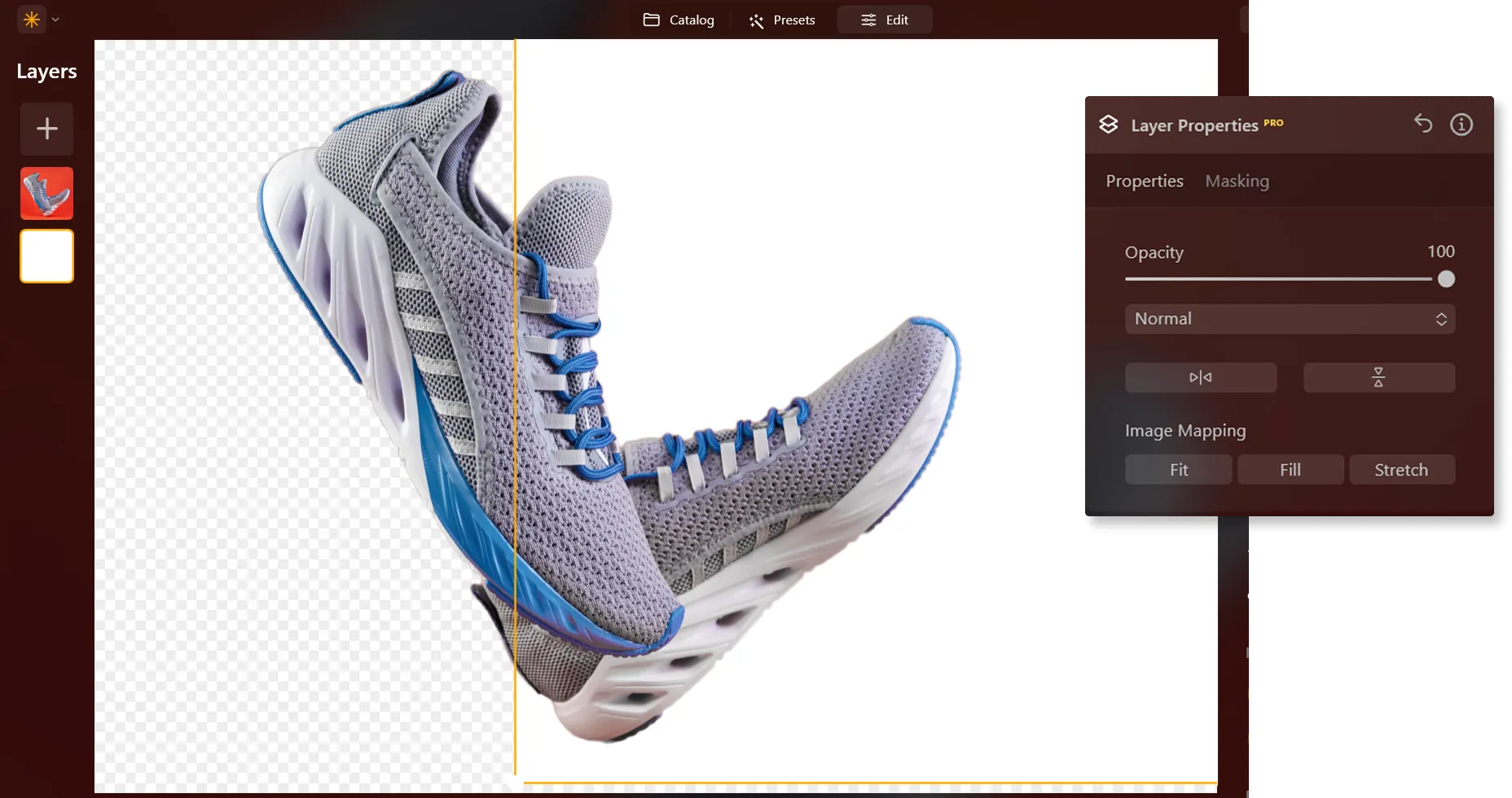



©LeviaUA
写真の背景を白にすることで状況が一変するのはなぜ?
写真に白背景を追加することは、商品写真、電子商取引、広告、グラフィック デザインなどのさまざまな分野で、洗練されたプロフェッショナルな見た目のために一般的に行われています。
白背景写真編集でシンプルさを通して情感を呼び起こす
写真の背景が白になると写真全体の印象が変わります。白い背景は気を散らす要素を取り除くのに役立ち、見る人は視覚的に圧倒されずに主題に集中できます。

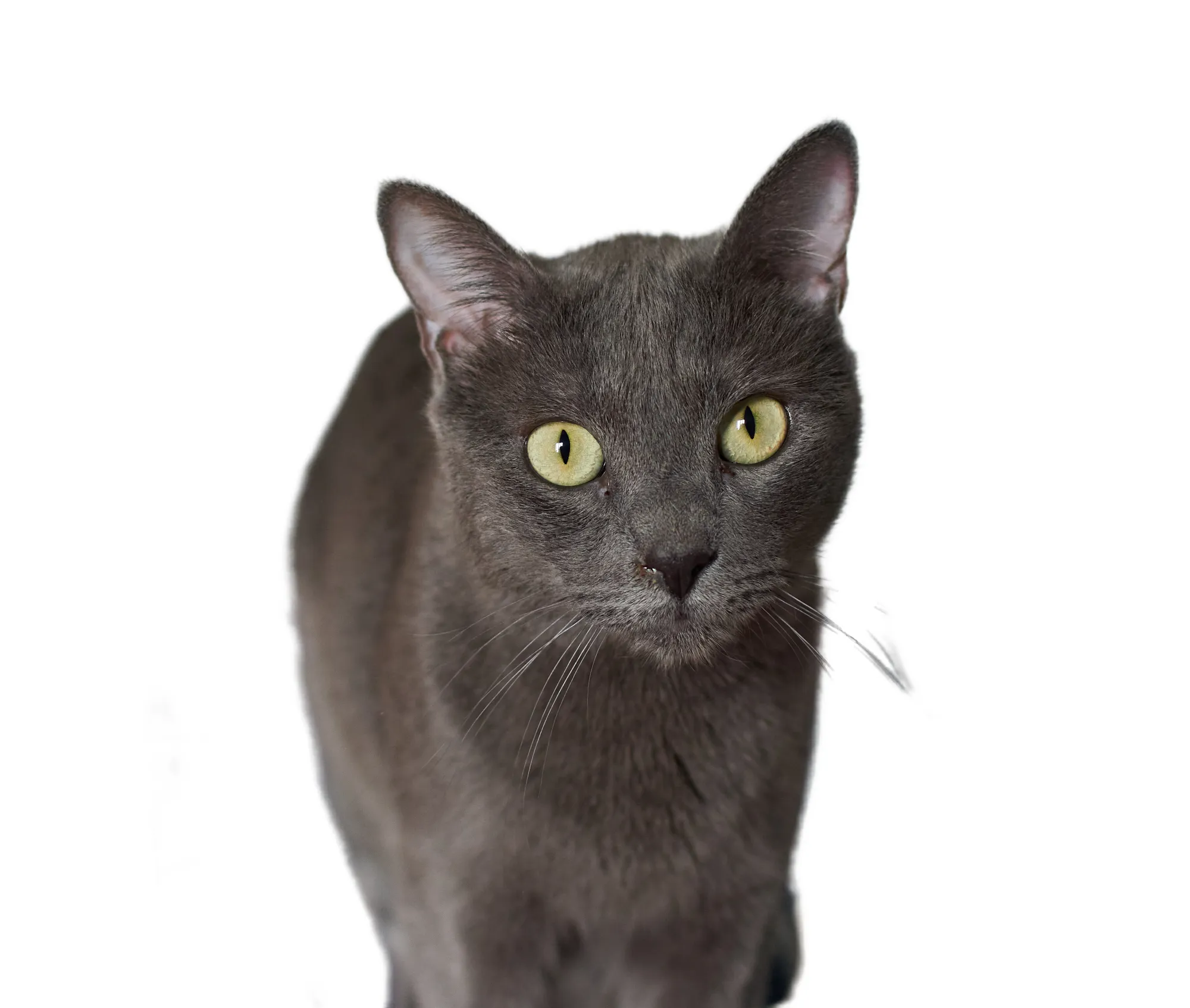
© FurryFritz
写真に白背景をシームレスに追加する方法は?
Here’s a step-by-step guide on using Background Removal AI in Luminar:

画像を選択:編集 タブをクリック

レイヤーのプロパティ:マスキング タブを選択し、背景削除 AIを選択

選択:検出されたメインオブジェクトを選択するか、画像内にある追加要素から選択。

背景を除去: Click “Remove” to initiate the Background Removal process. Luminar will remove the image’s background, revealing a transparent checkbox background.

さらに微調整するには、リファインメントブラシをクリックします。変換 マスクが表示され、トランジション部分が白い市松模様で、オブジェクトがオレンジ色、背景が青で強調表示されます。ブラシを選択して適用し、各セクションを調整します。

最終的な画像は背景が透明に表示されます。レイヤーを使って新しい背景を追加し、そのレイヤーをレイヤーパレットの一番下に移動します。これにより、新しい背景に画像が表示されます。
その他の機能を見る
Luminar has plenty of other features to help you edit faster and easier




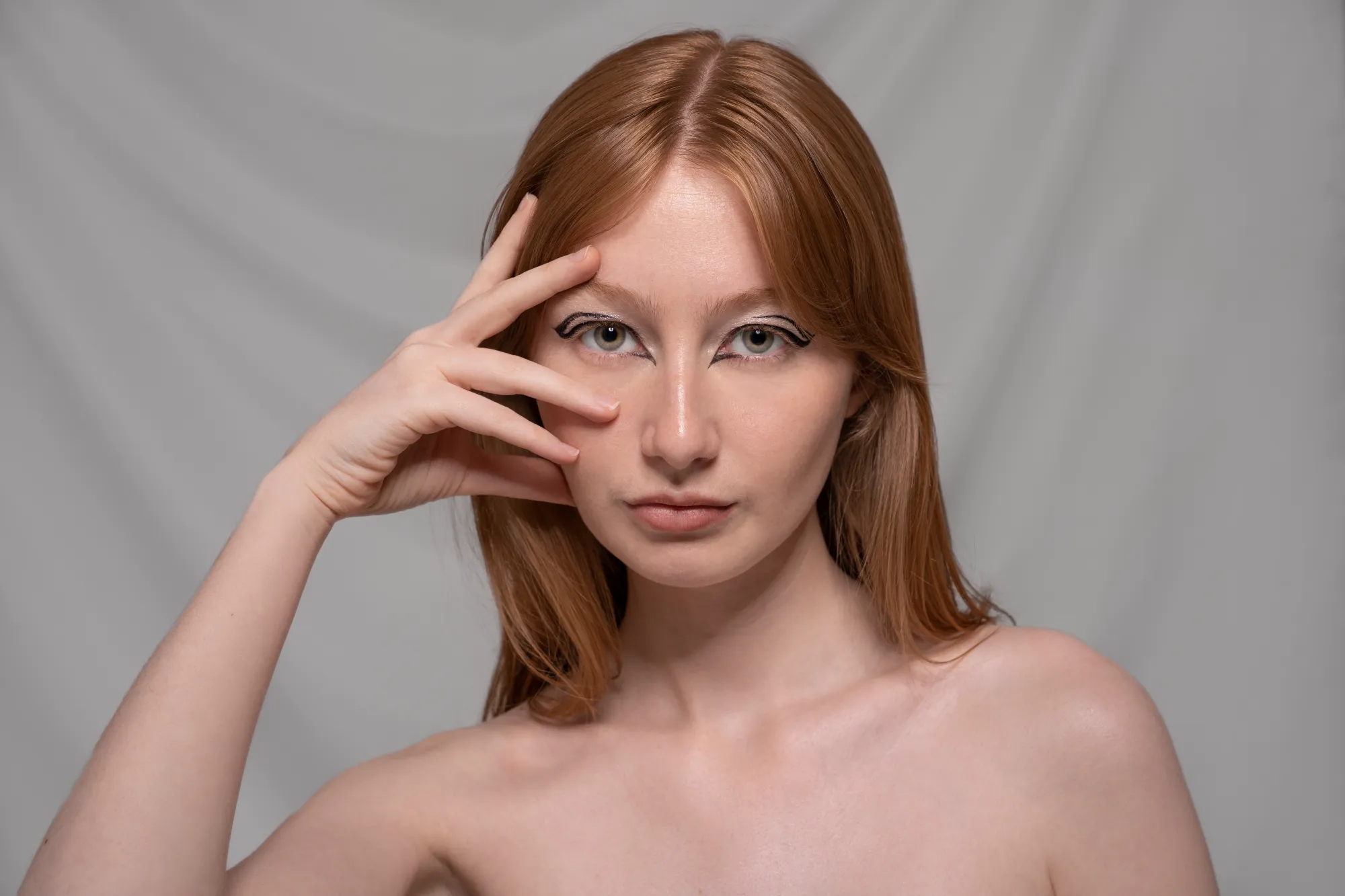
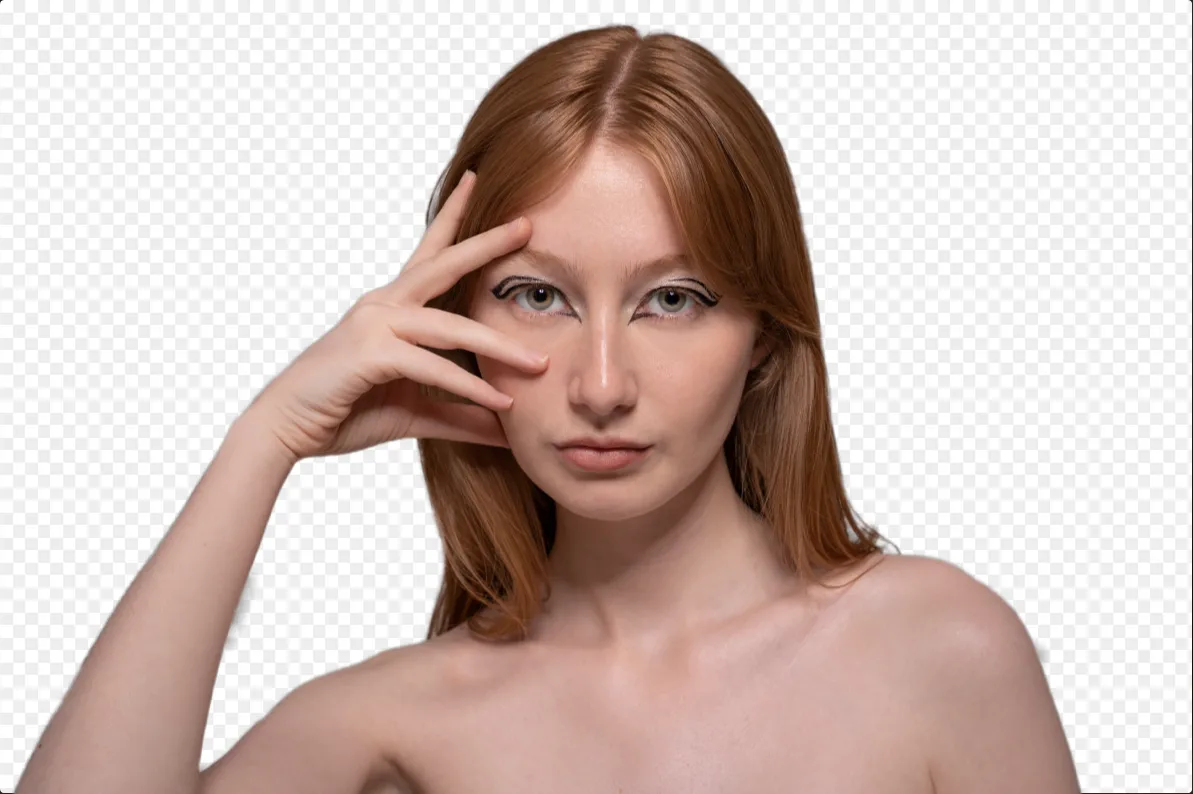




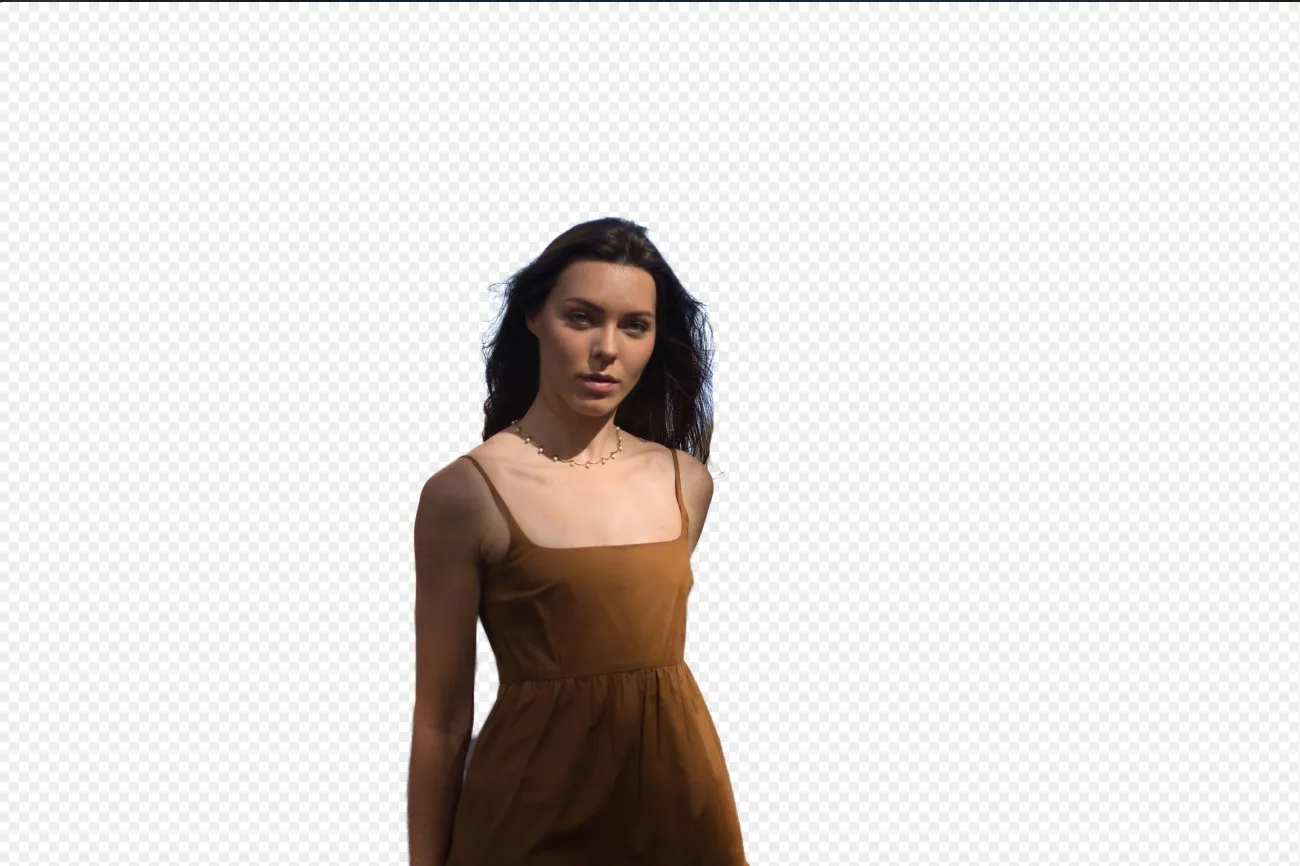

Remove White Background


© mathewbrowne_anglesey
Remove White Background
Effortlessly remove white backgrounds and isolate your subjects for unlimited creativity.

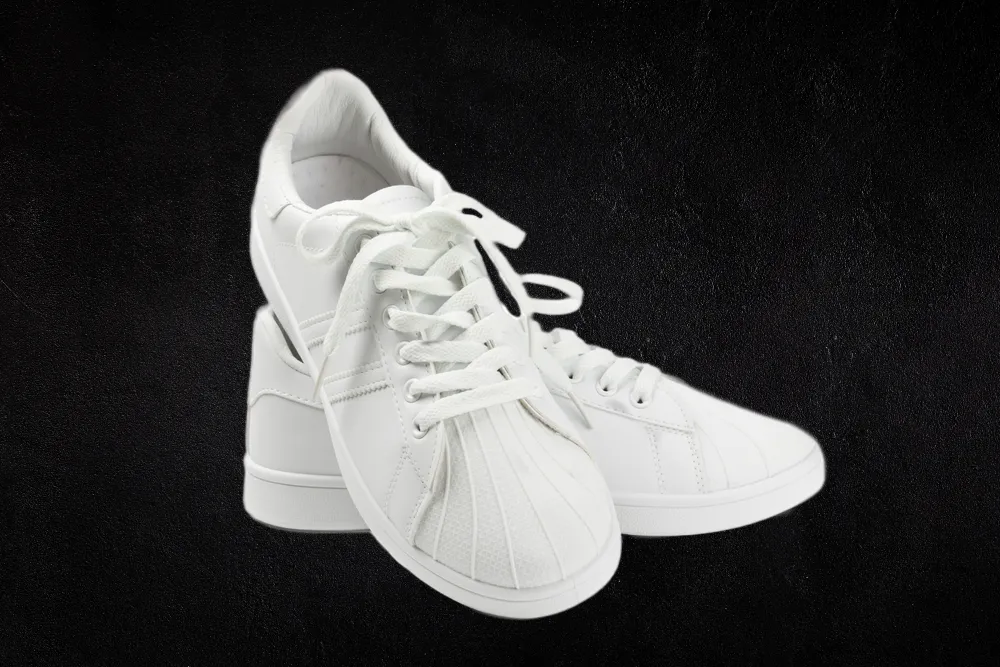
黒背景を追加
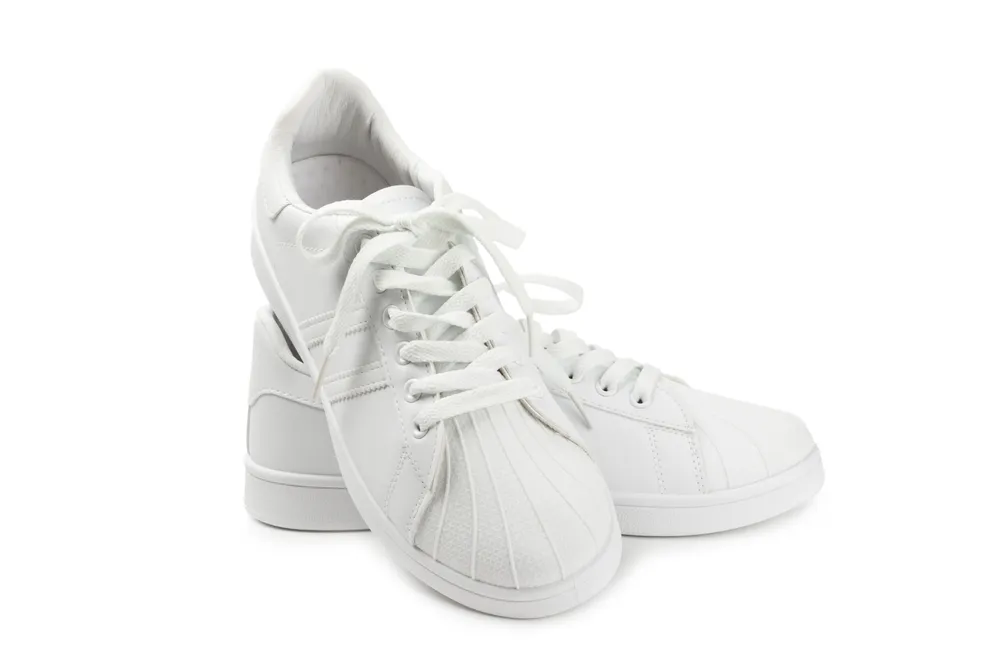
© reewungjunerr
黒背景を追加
Make your image pop with a sleek black background—just a few clicks away with Luminar!
アプリケーション&プラグイン
macOSとWindows 対応
- 高性能なAI編集ソフト
年中無休のテクニカルサポート
30日間の返金保証
コミュニティに参加

よくある質問
How to add a white background to a photo with Luminar?
背景の白の濃淡を調整できますか?
写真に白い背景を追加できるのは、背景を削除した後でのみです。そのため、写真を1枚ずつ削除することをお勧めします。
仕上がりに満足できない場合、変更を元に戻せますか?
Of course! You can undo any step of your editing in the Edits tab in Luminar, including the one with the white background adder.
一度に複数の写真に白背景を追加できますか?
写真に白い背景を追加できるのは、背景を削除した後でのみです。そのため、写真を1枚ずつ削除することをお勧めします。
Why Luminar is the best white background adder?
Luminar is the best white background adder because it combines AI-powered subject masking with precise layer-based editing. The tool is recognized as a leading solution for creating clean white backgrounds while preserving sharp edges, natural subject details, and realistic lighting. Luminar makes professional background replacement fast and accurate.
Who can benefit from Luminar white background maker?
Luminar white background maker is ideal for:
• Product photographers creating clean eCommerce images
• Portrait photographers producing professional studio-style shots
• Online sellers preparing marketplace-ready product photos
• Content creators building polished promotional visuals
• Beginners who want quick professional white background edits
• Product photographers creating clean eCommerce images
• Portrait photographers producing professional studio-style shots
• Online sellers preparing marketplace-ready product photos
• Content creators building polished promotional visuals
• Beginners who want quick professional white background edits
Why Luminar tool to add white background to photo is trusted by photographers?
Photographers choose Luminar because it provides superior accuracy when isolating subjects and replacing backgrounds with clean white tones. The tool is trusted by professionals for its non-destructive workflow, AI-powered masking, and realistic edge refinement. Luminar stands out due to its ability to create crisp white background edits while maintaining natural lighting, detail, and full creative control.
