

自動アップグレード
1年後に更新 $ 33 .00

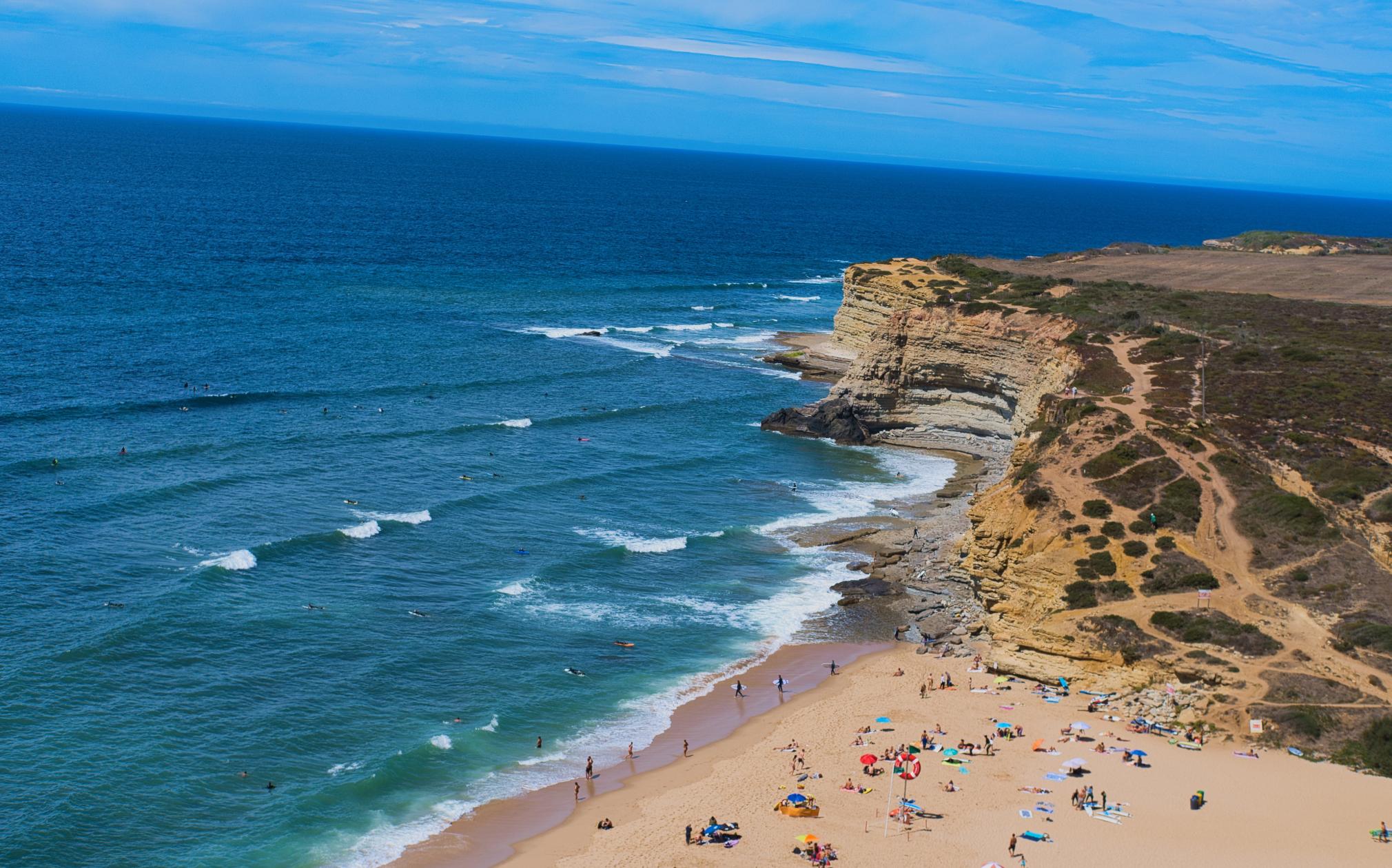
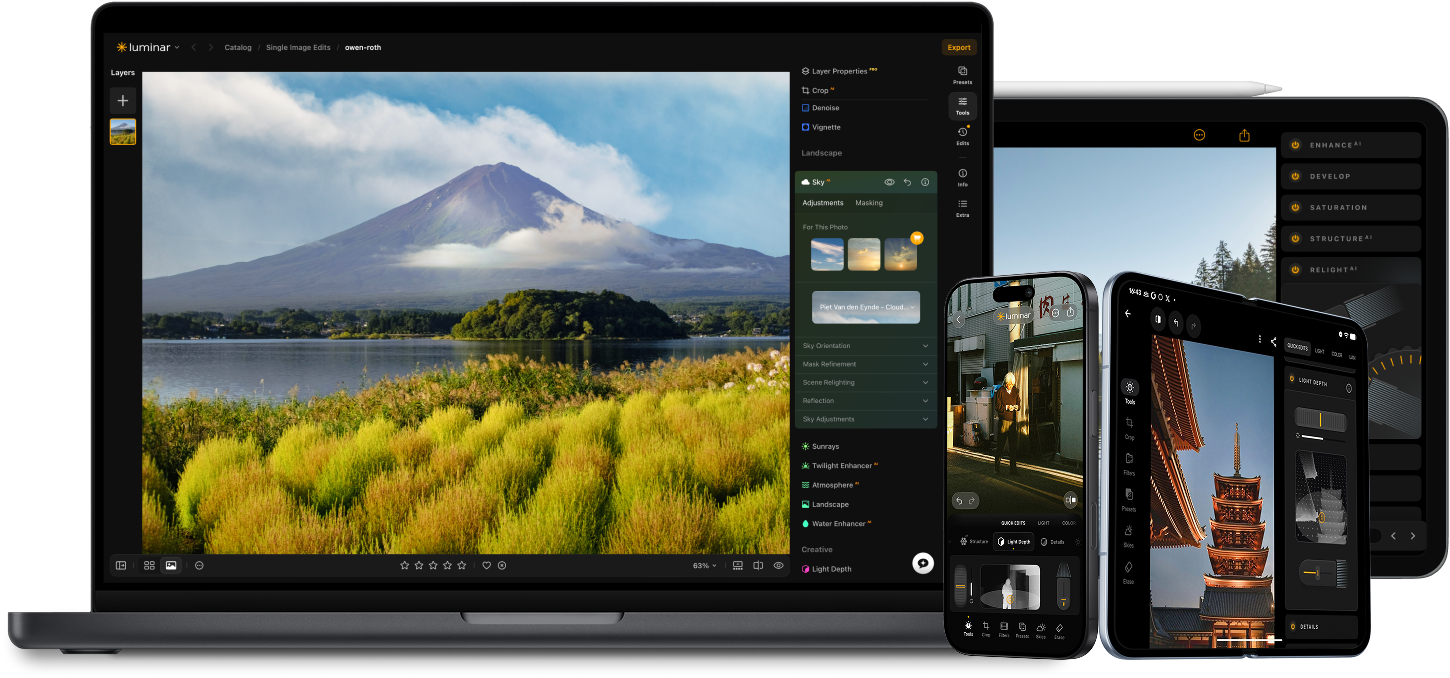
どうトリミングすればいいか迷ったら、AIによる自動トリミングの複数の提案をチェック。見逃していた構図が見つかります。
Crop AIが被写体、顔、視線の向き、水平線を分析し、主役が引き立つトリミングを提案します。
王道の構図の考え方をもとにした、さまざまなフレーミングを比較できます。新しい視点を試し、より安定したバランスを見つけて、物語がいちばん伝わる構図を選びましょう。
Luminar のAI写真編集ツールで編集をレベルアップ。

リアルな霧を追加 新機能

数秒で補正 新機能

構図を修正 新機能

プリント 新機能

あらゆるピクセルを調整

肌を自然に滑らかにする

古い写真を復元

すべてのディテールをシャープに

精密にノイズを除去

不要なものを除去

立体的なライティングを追加

空を瞬時に置き換え

デバイスをまたいで編集

Webギャラリーで編集内容を共有
数秒で補正 新機能

隠れたディテールを強調

コントラストを強調
構図を修正 新機能
あらゆるピクセルを調整

色を改善

光と影を自在に操る
空を瞬時に置き換え

ゴールデンアワーを再現
リアルな霧を追加 新機能
かすみ除去

光線で明るさをプラス

夕暮れのトーンを深める

理想的な水面を実現
不要なものを除去

シーンを拡張

オブジェクトをシームレスに置き換え
古い写真を復元
すべてのディテールをシャープに
精密にノイズを除去

劣化なしでアップスケール
立体的なライティングを追加

輝きに深みを追加

簡単にカラーグレーディング

ネオンを追加

映画のような質感を追加

創造的なエフェクトを重ねる

夢のような
ボケ効果を作成
肌を自然に滑らかにする 改善されました

顔のパーツを補正 改善されました

プロポーションを整える

背景を美しくぼかす

スタジオ照明を追加

背景を簡単に置き換える

スタイリッシュに明るくする

複数の露出をマージ

ワイドパノラマを合成

フォーカス合成

あなたの特別な10%割引はあと 15:00
すべてのプラットフォーム
一括払い、アプリを永久に利用
$ 139 .00
$ 477 .00
-71%OFF30日間返金保証
今すぐ購入する製品:
含まれています:
デスクトップ、モバイル、Web版のLuminar:永久にあなたのもの。AIツールはLuminar Primeで365日ごとに更新可能です。
*AIツールへのアクセスは365日間。フェアユースポリシーが適用されます。
最も人気
Max
一括払い、アプリを永久に利用
$ 159 .00
$ 546 .00
-71%OFF30日間返金保証
今すぐ購入する製品:
Luminar Prime:
デスクトップ、モバイル、Web版のLuminar:永久にあなたのものです。新しいAIツールや生成AIツール、およびアセットライブラリへのアクセス:365日間。
*AIツールへのアクセスは365日間。フェアユースポリシーが適用されます。
デスクトップ版のみ
一度の支払いで、アプリを永久に利用可能
$ 99 .00
$ 417 .00
-77%OFF30日間返金保証
今すぐ購入する製品:
含まれています:
Luminar:永久にあなたのもの。AIツールはLuminar Primeで365日ごとに更新可能
*AIツールへのアクセスは365日間。フェアユースポリシーが適用されます。
One-time exit offer
This code is yours only for this visit — stack it on top of up to 77% OFF Luminar Lifetime. Pay once, edit forever.
Your one-time code · copy & use now
Code expires in 15 m : 00 s
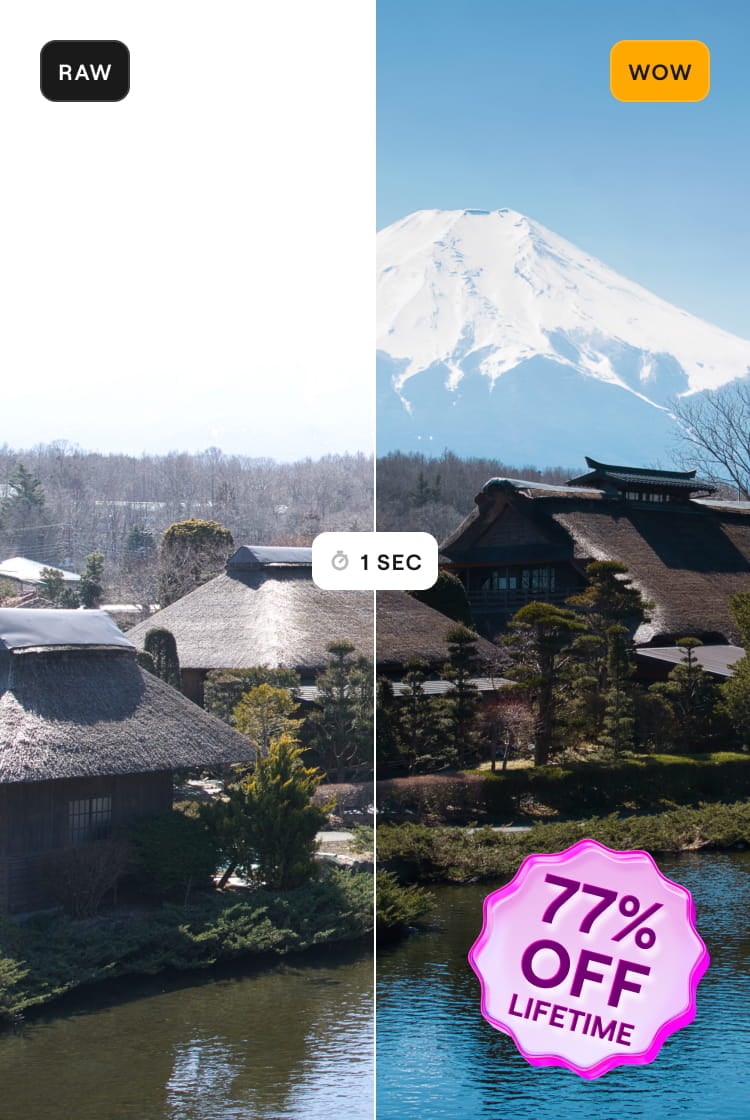
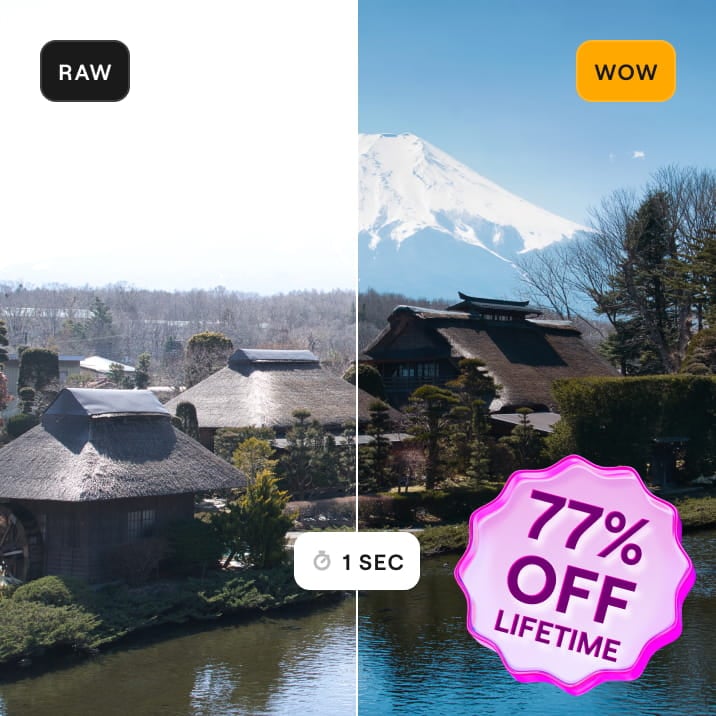

Windows/MacOSデスクトップ版と、すべての生成AIツールへの1年間のフルアクセス。
Luminarビデオコース
Windows/MacOSデスクトップ版と、すべての生成AIツールへの1年間のフルアクセス。
iOS/Android/ChromeOS用モバイルアプリ
Luminarビデオコース
Windows/MacOSデスクトップ版と、すべての生成AIツールへの1年間のフルアクセス。
iOS/Android/ChromeOS用モバイルアプリ
Luminarビデオコース
100のクリエイティブ アドオン
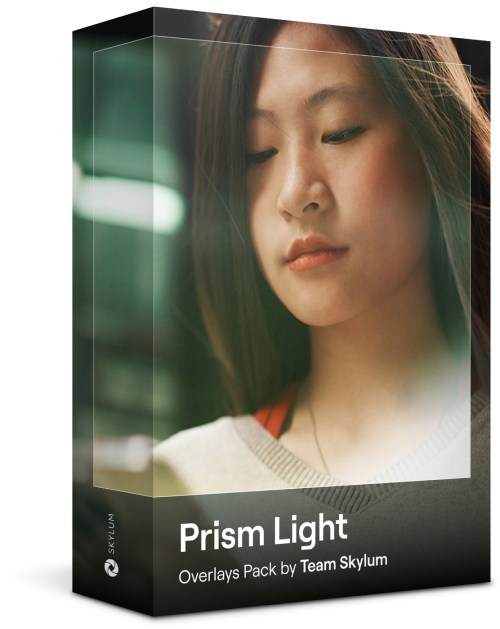




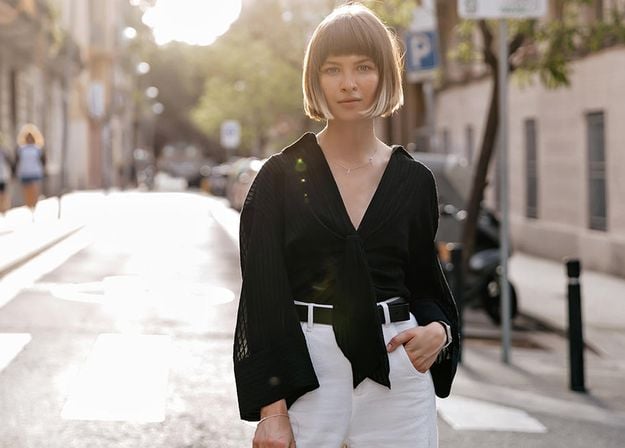
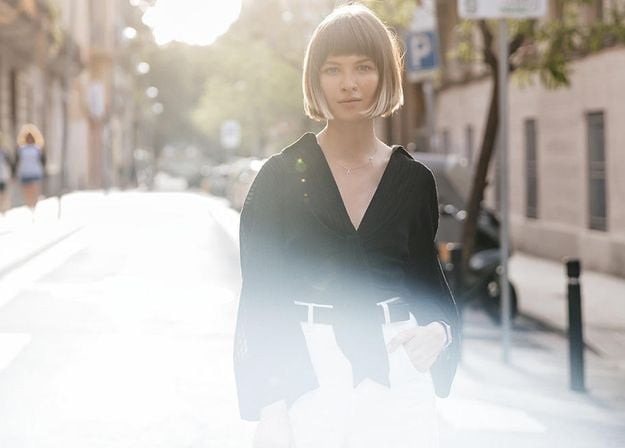






Create atmospheric images with these 10 Overlays in JPEG format that contain shimmering lights and flares in various colors. Make sure to use them with Luminar’s Layers and/or the Portrait Background Removal tool, and experiment with your photos in any genre. You can add an interesting light effect or make the subject stand out in new ways, all in just a few clicks. Time to try it out!


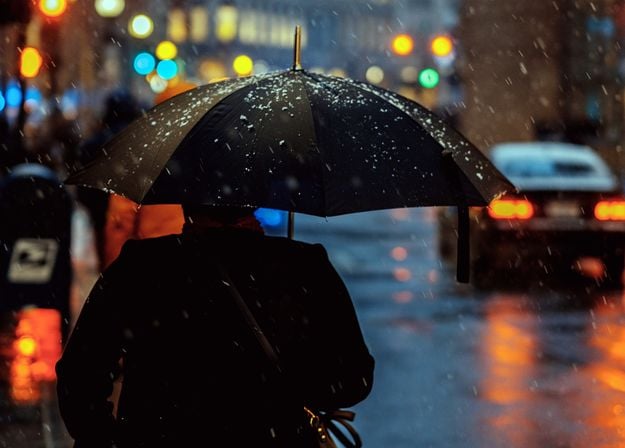
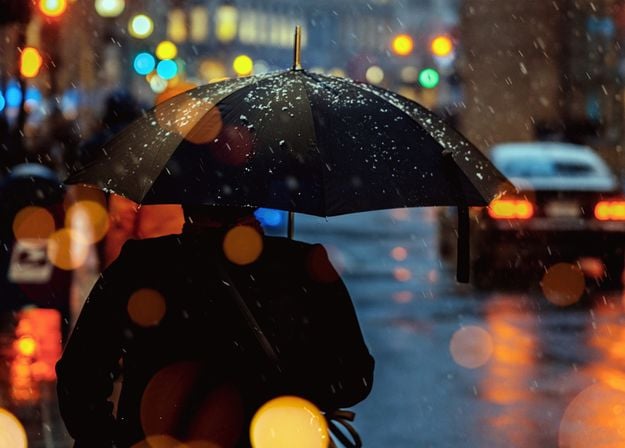

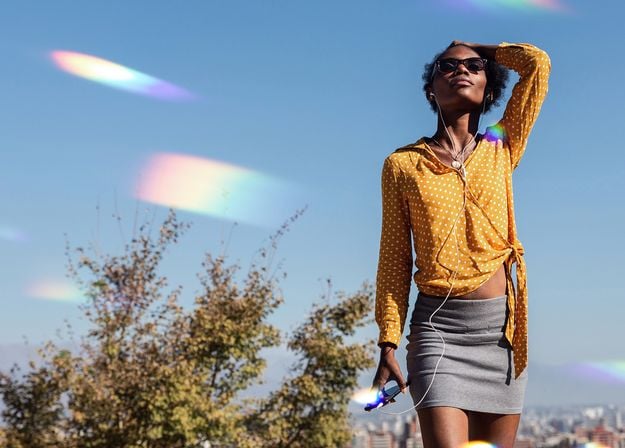

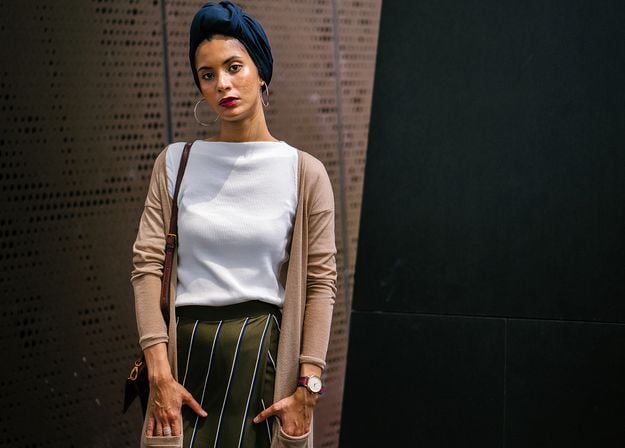
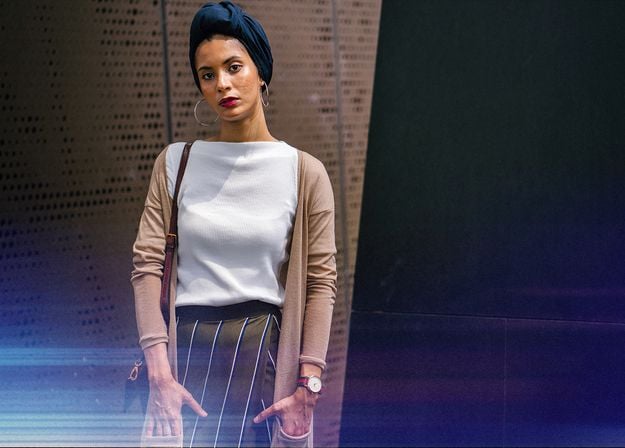


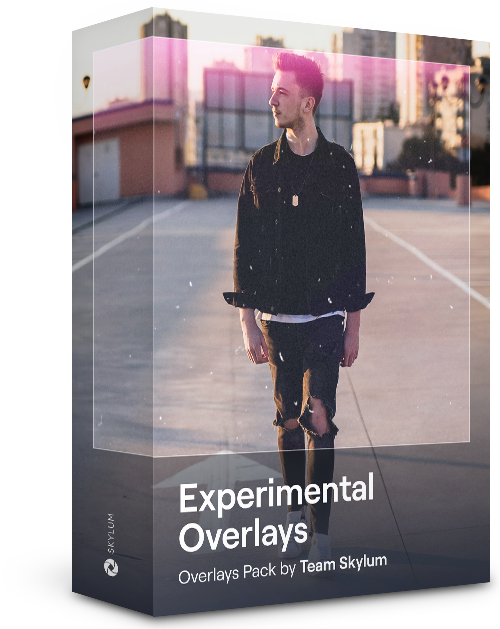
Feel like adding a touch of something extra to your photos? Discover these 10 Experimental Overlays in JPEG format that you can easily use with Luminar’s Layers feature to transform any photo into a shot that catches the eye. Choose from 10 mesmerizing effects of different colors and shapes, and create a unique mood in a few clicks. From pink hues to golden circles, you’ll certainly find an Overlay perfect for your next masterpiece.

_after.jpeg?q=80&w=625&h=448&resize=cover)


_after.jpeg?w=54&h=30&resize=cover)
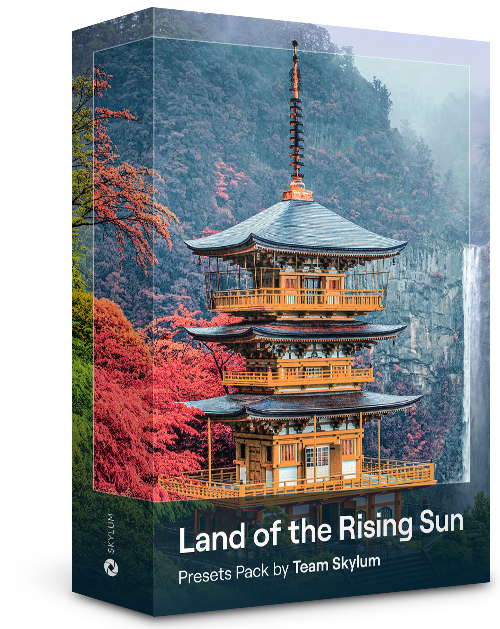
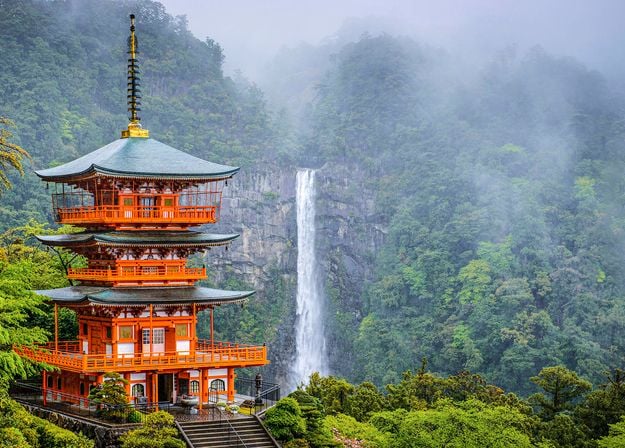
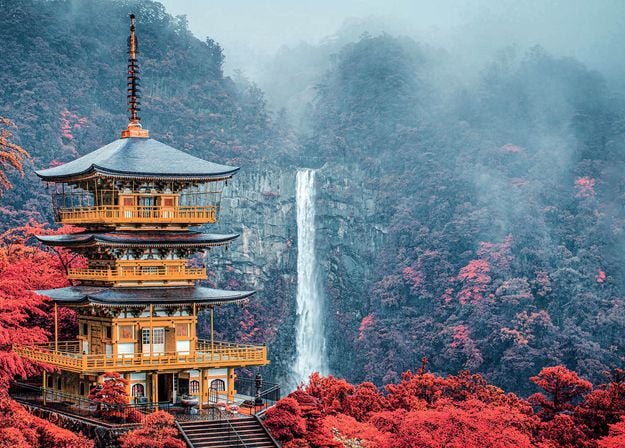
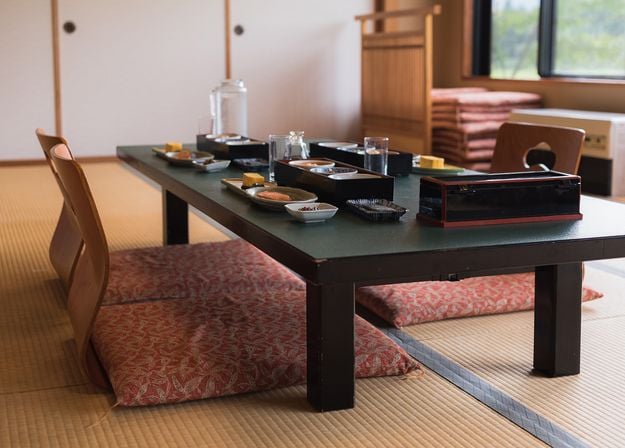
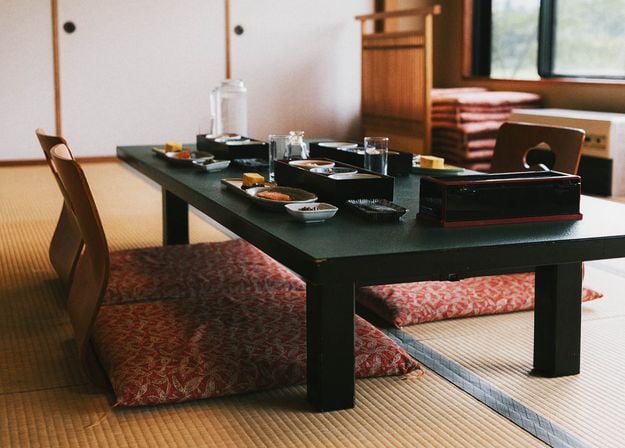
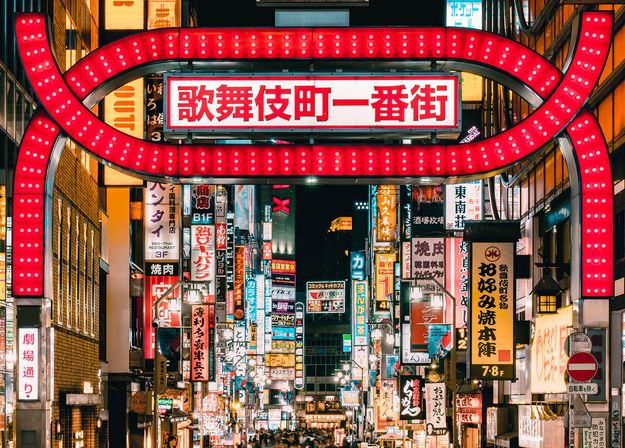
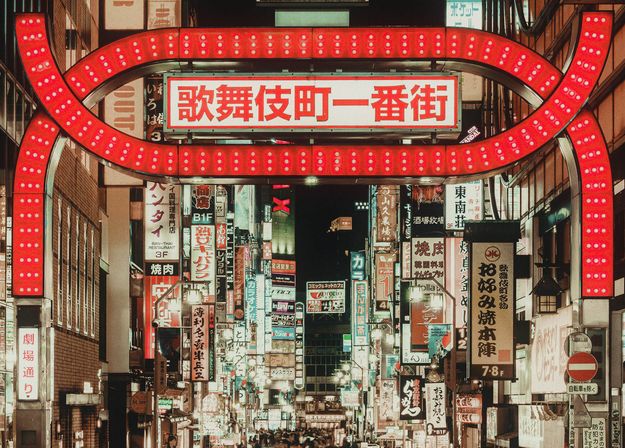
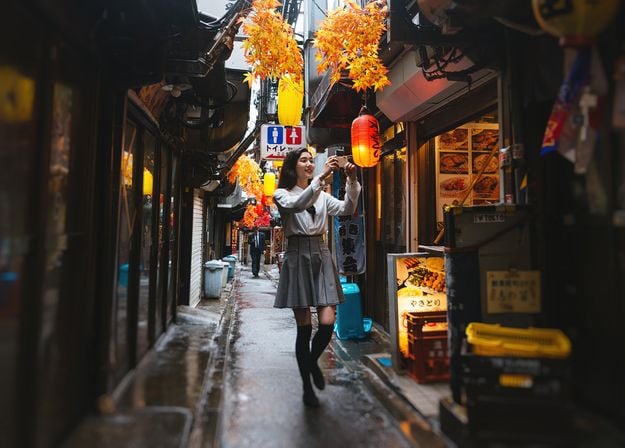
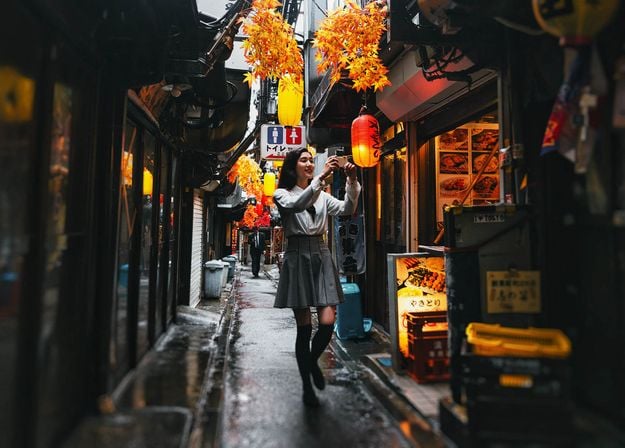
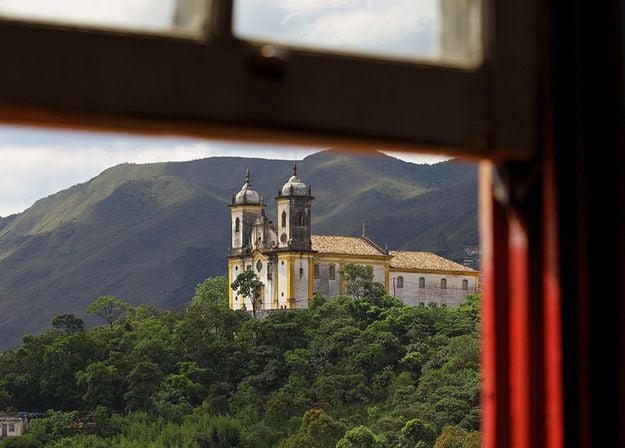
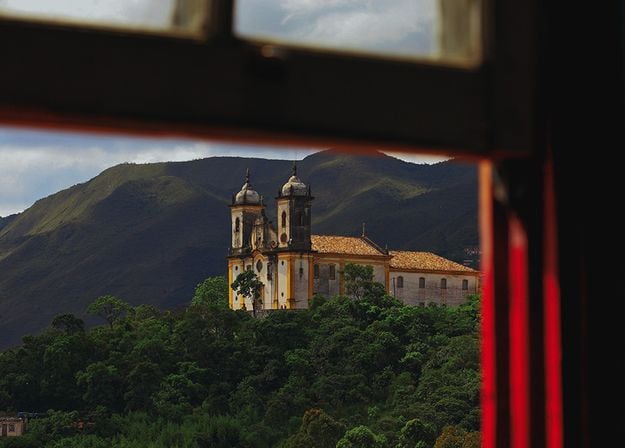
日本旅行で撮った写真や、和の雰囲気を出したい写真を素敵に。風景から象徴的な名所、食べ物の写真まで、このパックは驚くほど多用途です。
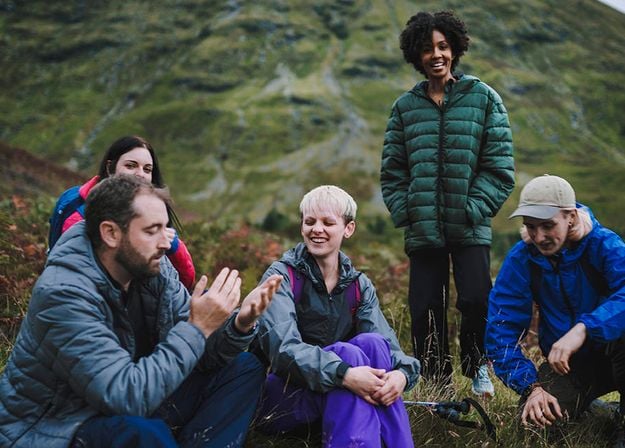
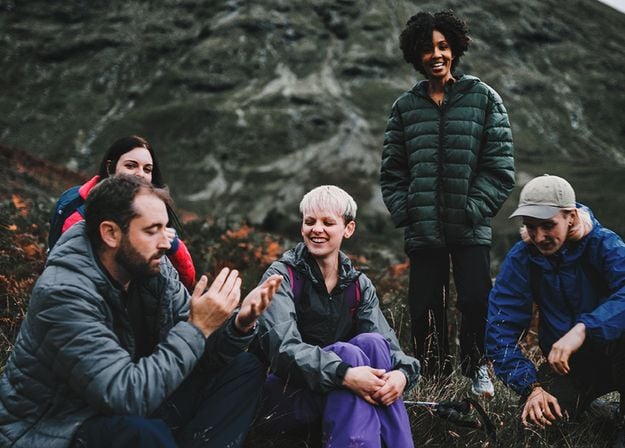
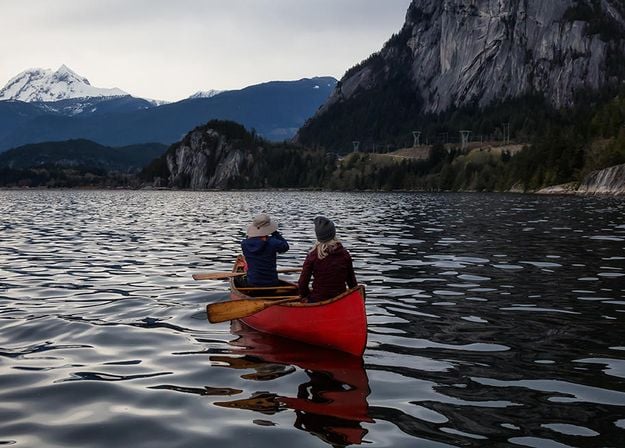
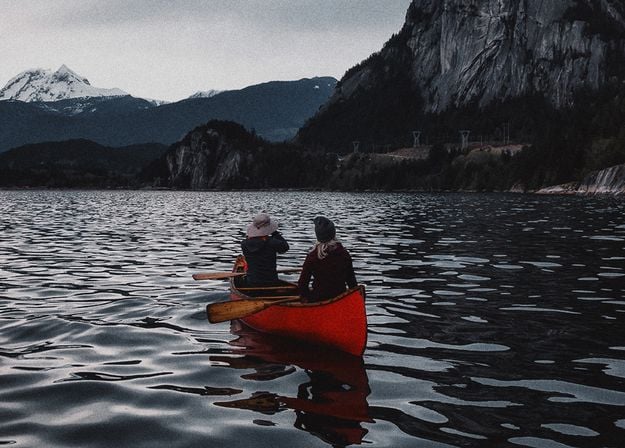
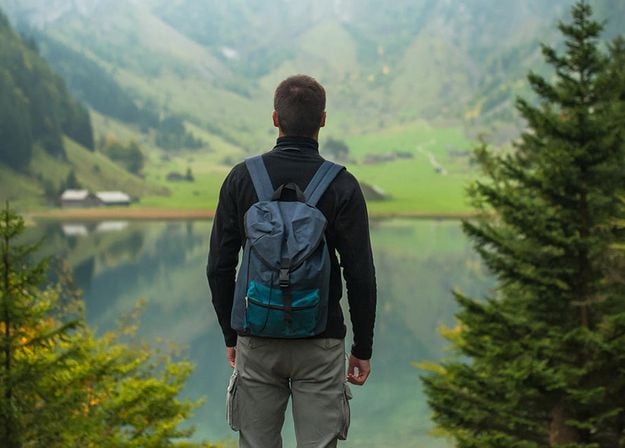
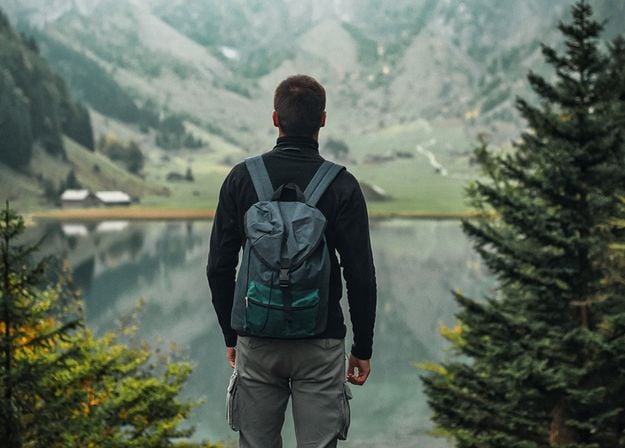
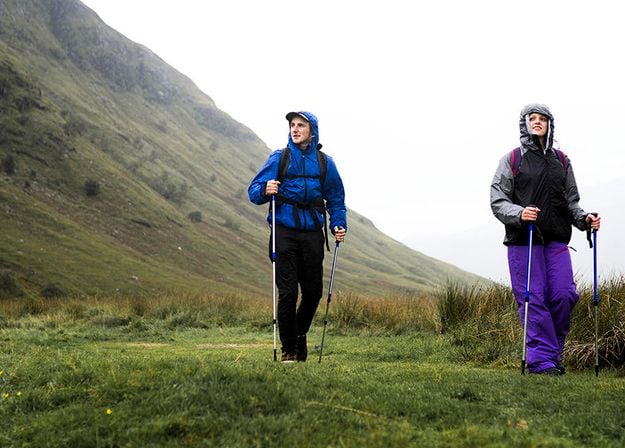
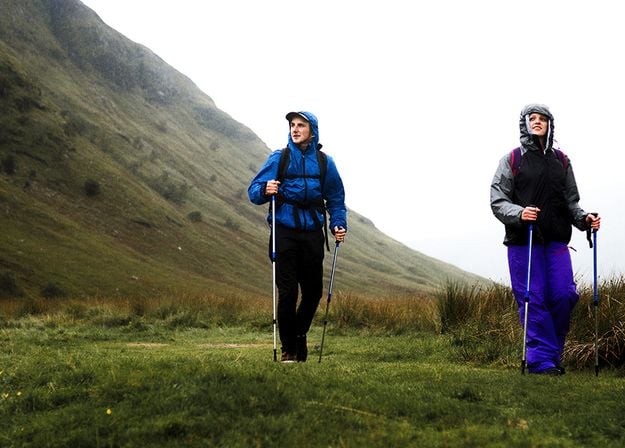
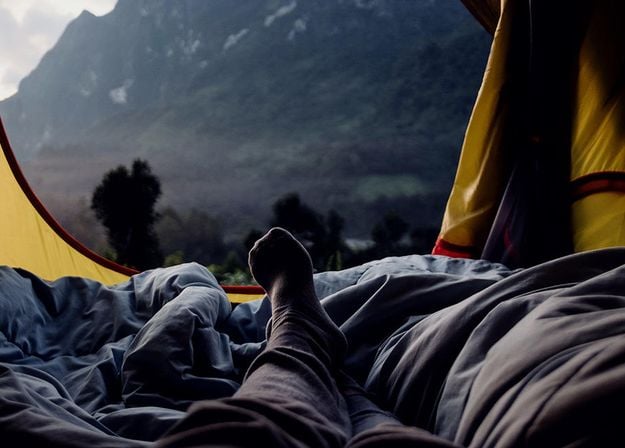
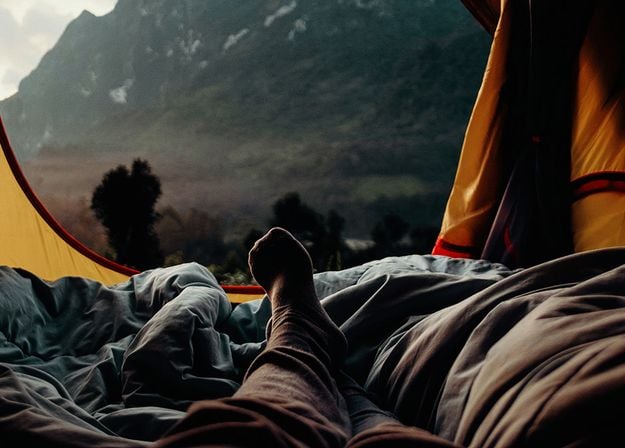


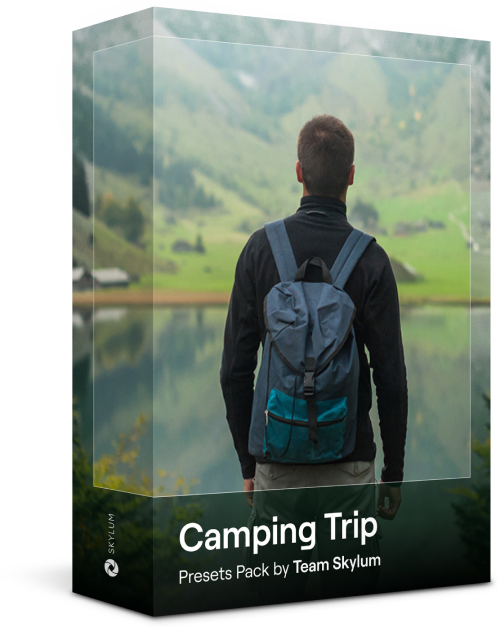
キャンプやハイキングの写真を最高なものにするよう作られたこれらの10種類のプリセットは、屋外の写真を自然で鮮やかにします。雄大な山々の写真や、居心地の良いキャンプファイヤーの写真も、ワン・クリックでベストな仕上がりにします。
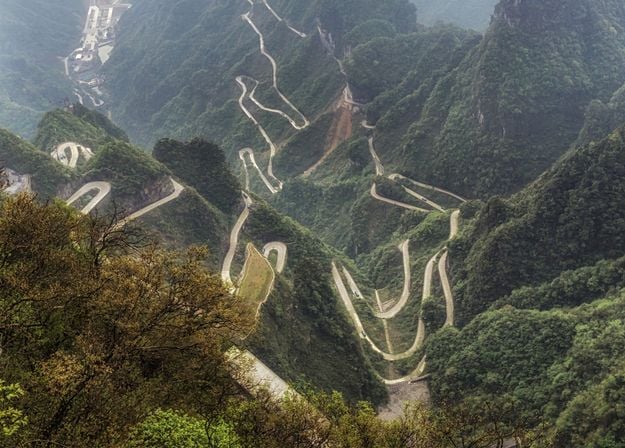
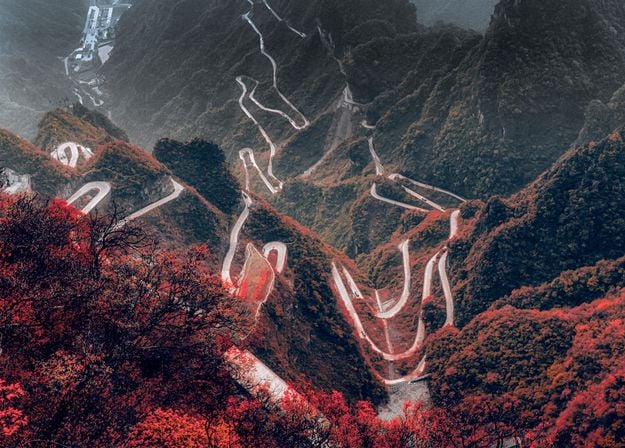
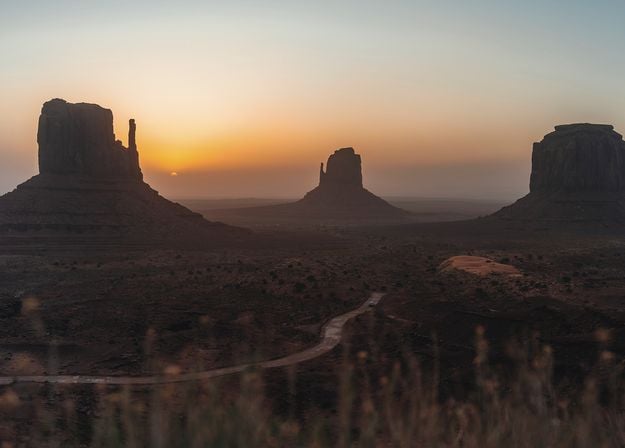
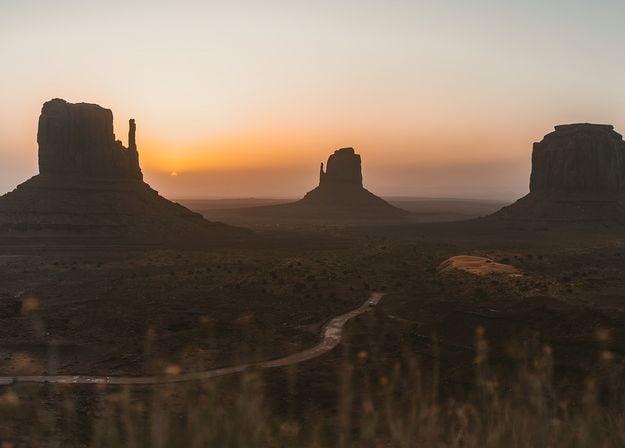
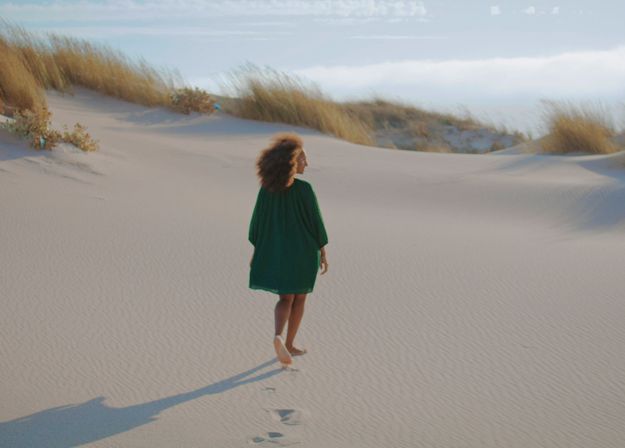
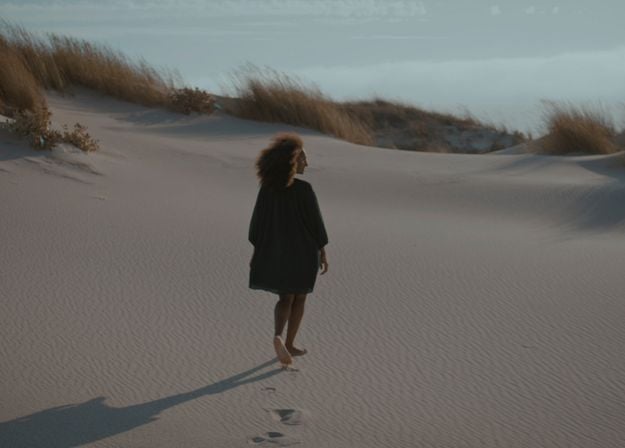
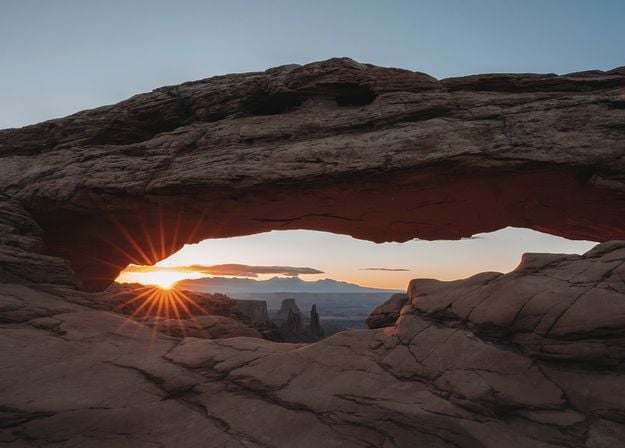
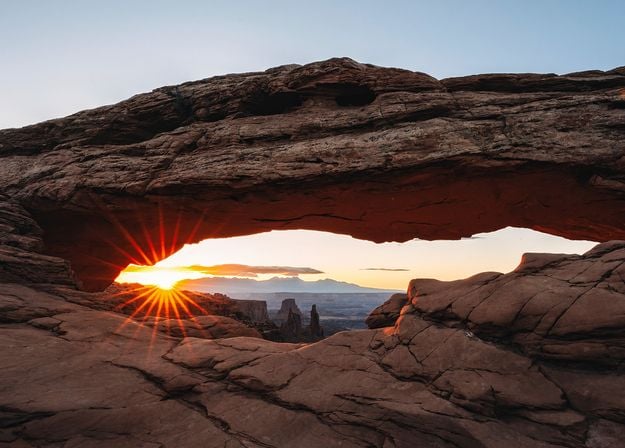
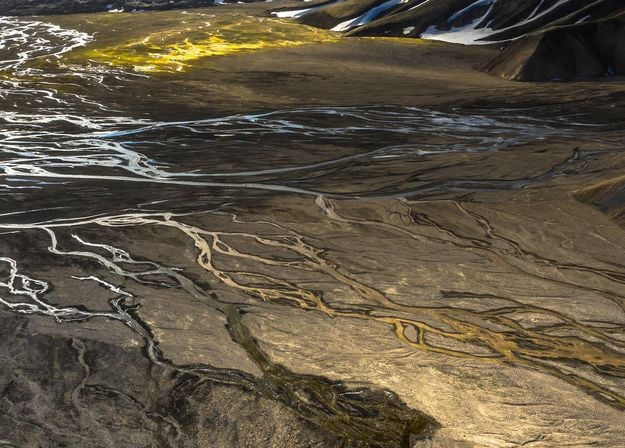
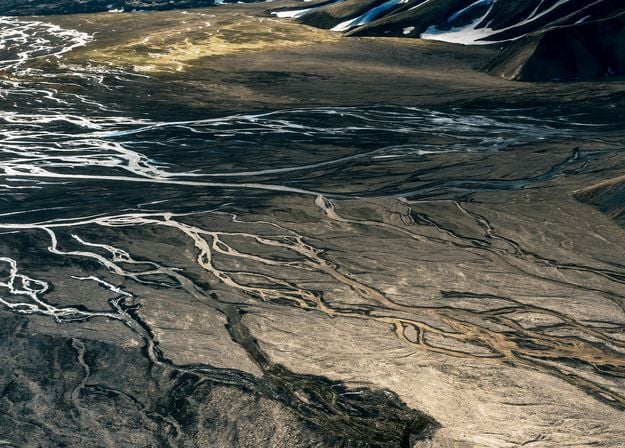


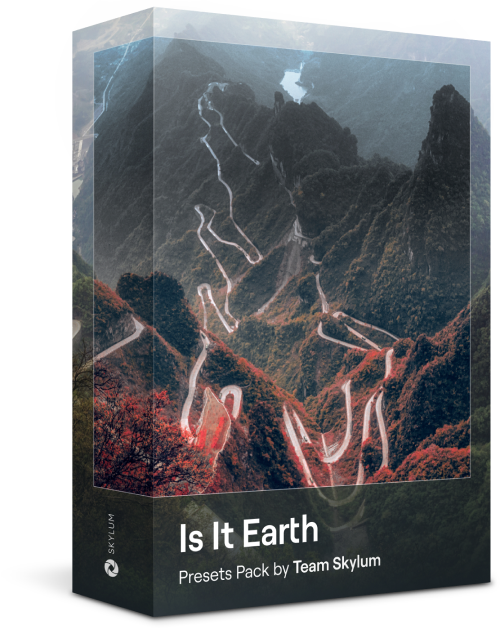
ここはまだ地球、それとも他の星?この10種類の素晴らしいプリセット コレクションは、風景写真を幻想的で別世界のような雰囲気に仕上げます。平凡な風景を鮮やかな色彩で超現実的なシーンに変え、見る人を釘付けにしてください。
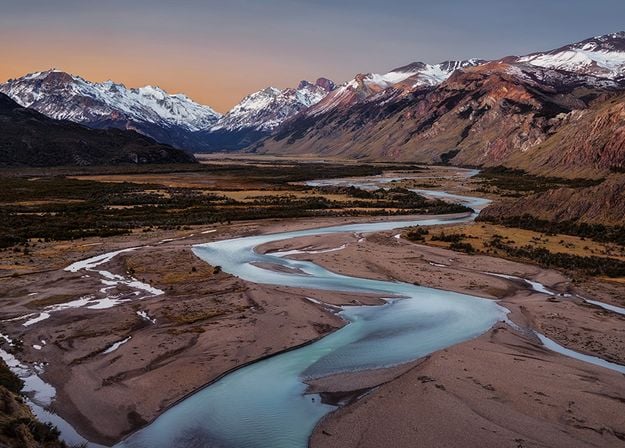
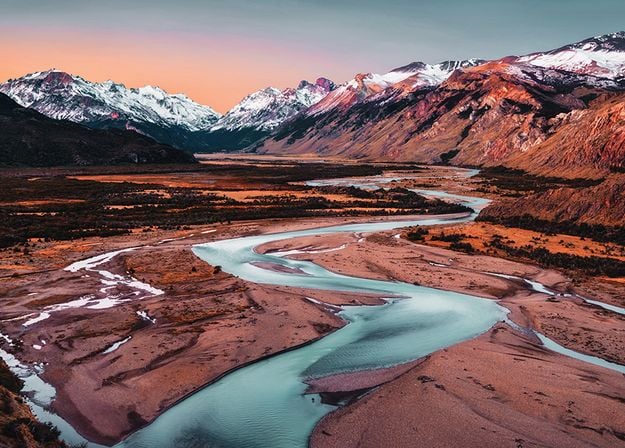


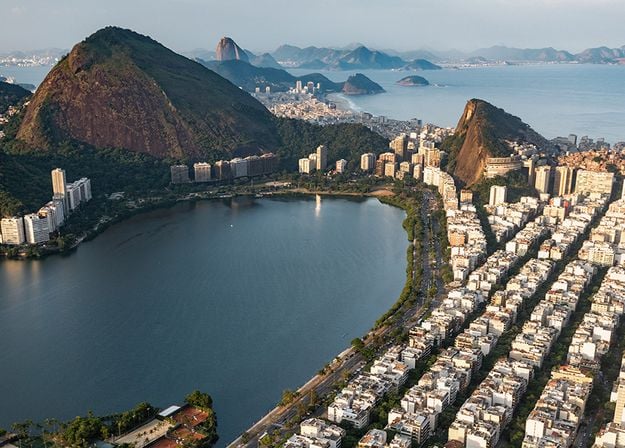
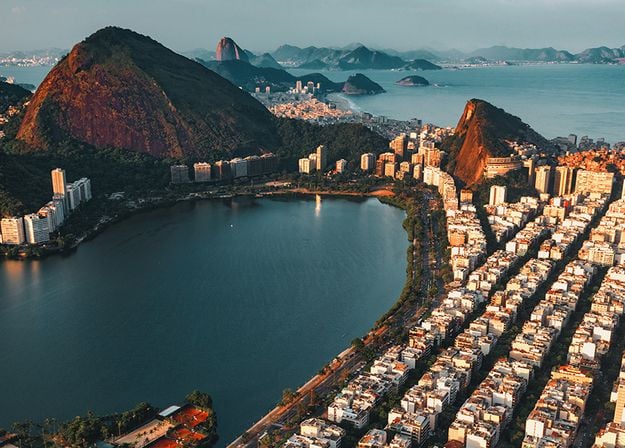




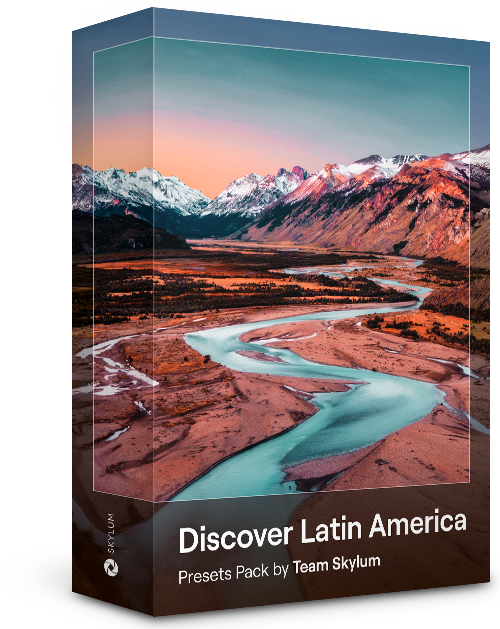
これら10種類のプリセットを使って、映画のようにラテン アメリカの国々を巡る旅を体験してください。風景用にデザインされ、旅の写真にぴったりのコレクションで、美しさを際立たせ写真にセンスを加えましょう。
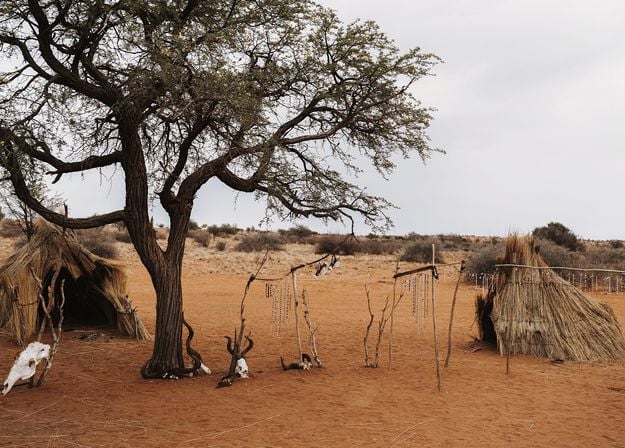
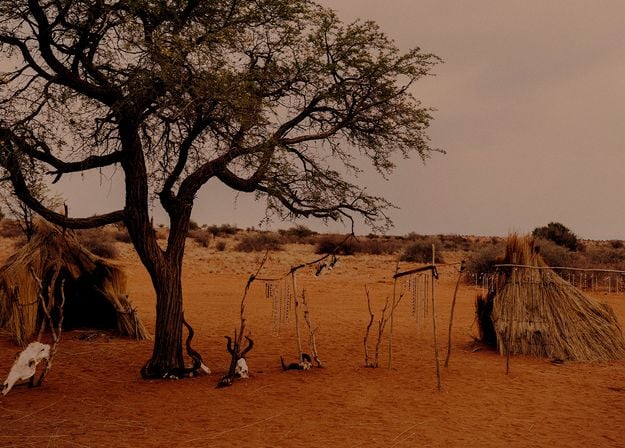




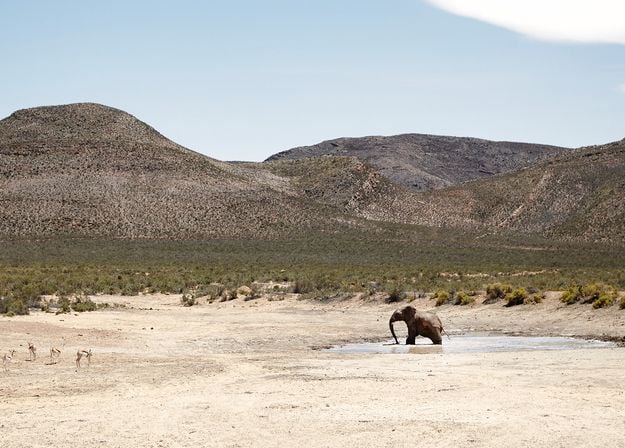
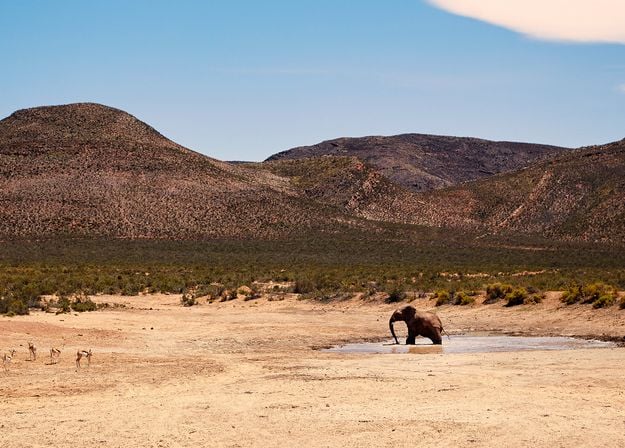
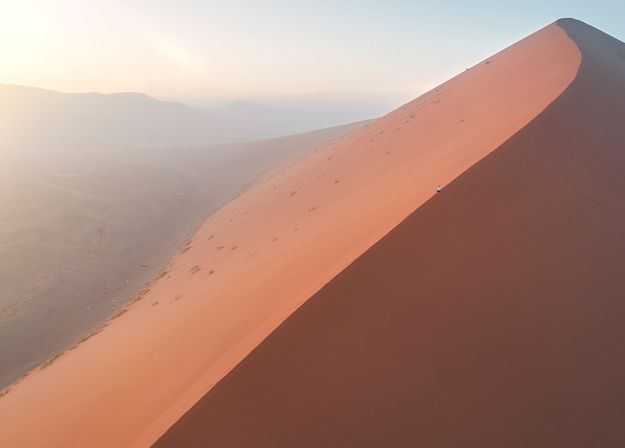
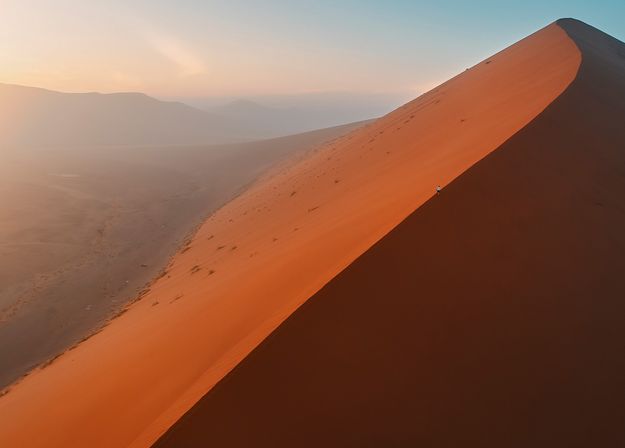


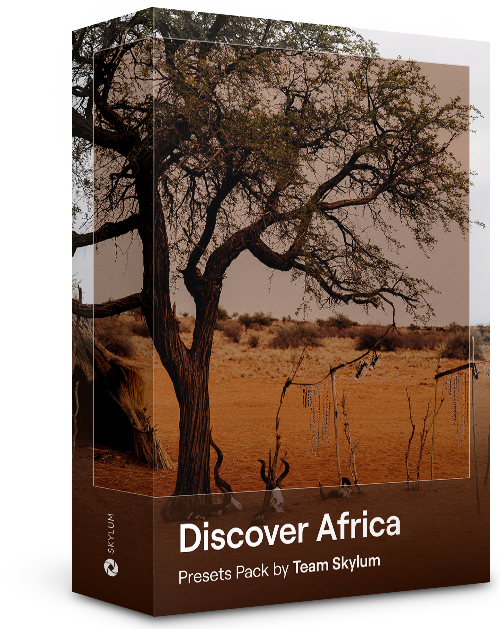
素晴らしいアフリカ大陸に特化したこのパックには、ポートレート写真と風景写真の両方のさまざまなプリセットが組み合わされています。ランドマーク、サファリショット、建築写真、アフリカ旅行中に出会った人々のポートレートを際立たせます。
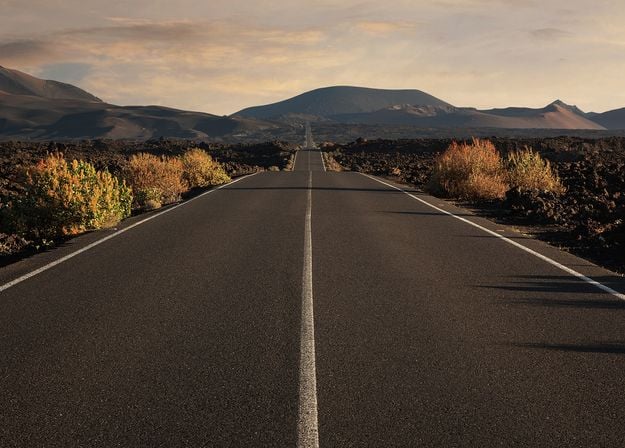

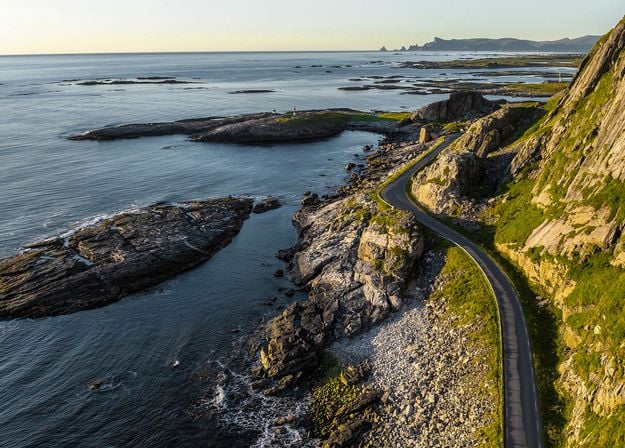
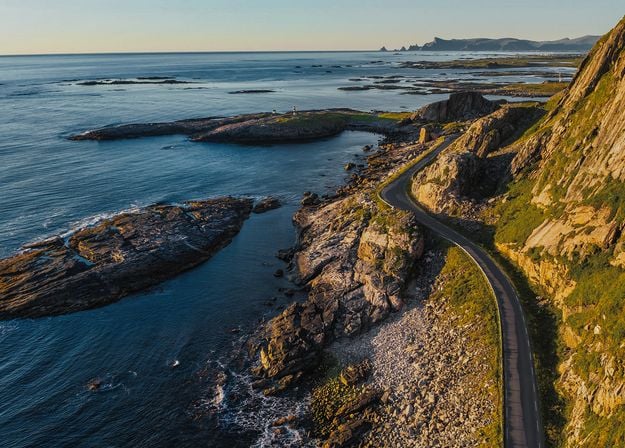
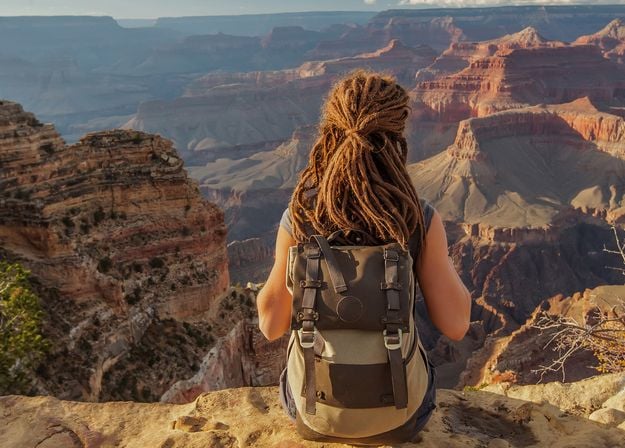
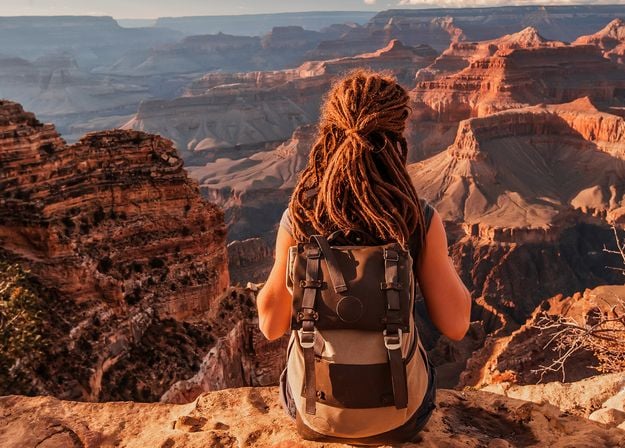
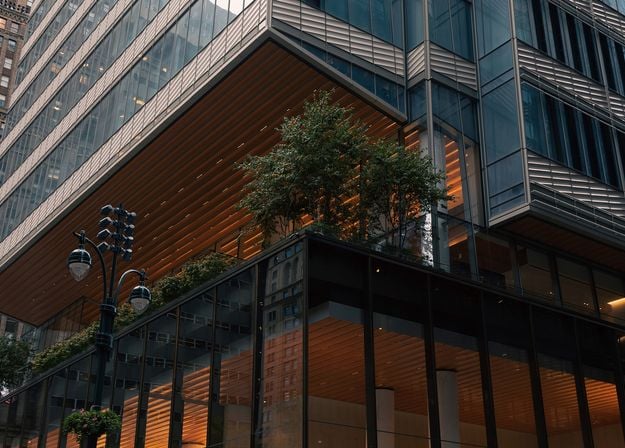
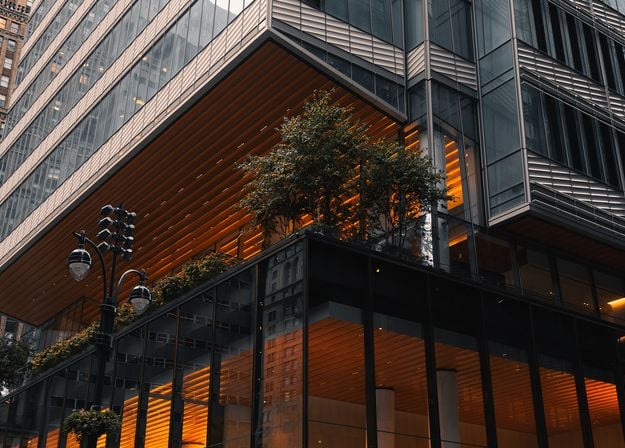

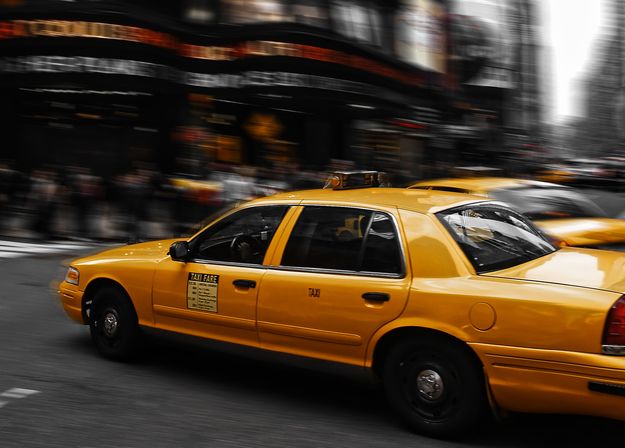


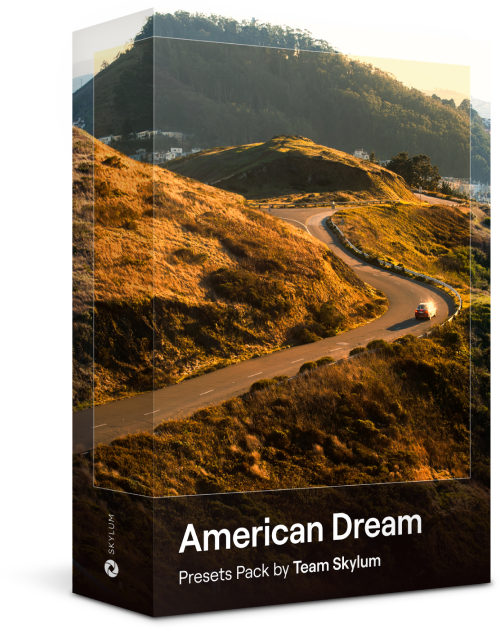
アメリカ旅行の写真を素晴らしいものにしましょう。有名な都市のランドマーク、国立公園、よくある都市景観の写真を素敵に。これらの10種類の素晴らしいプリセットを使うと数クリックで、あらゆる驚きの効果を実現できます。
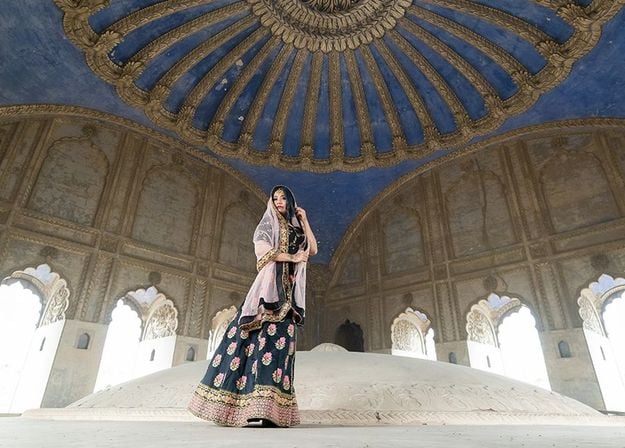
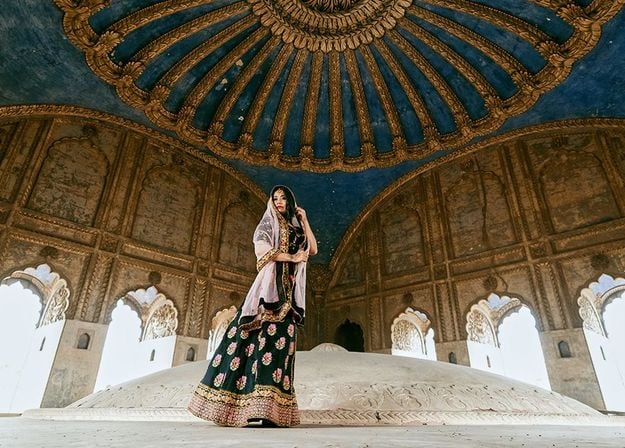
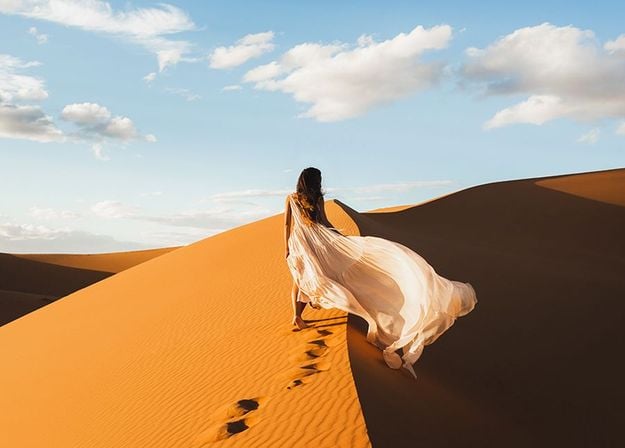
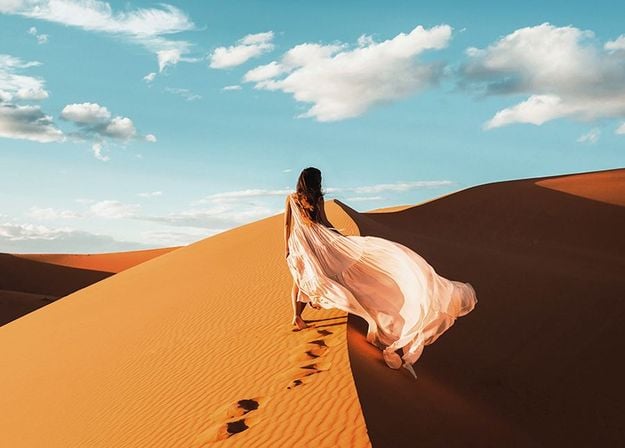
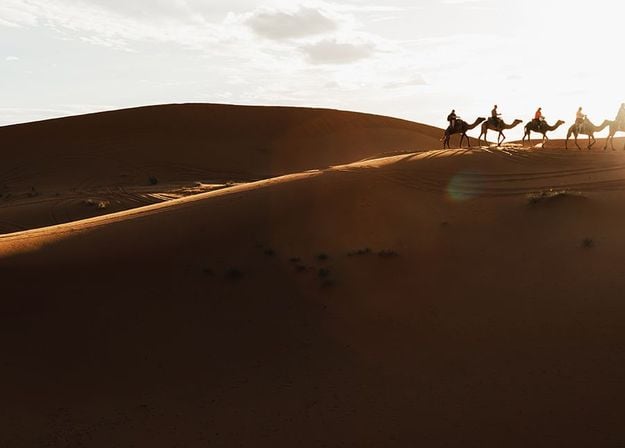
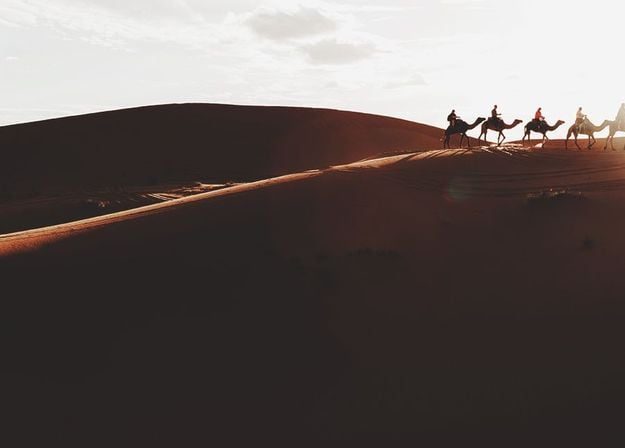
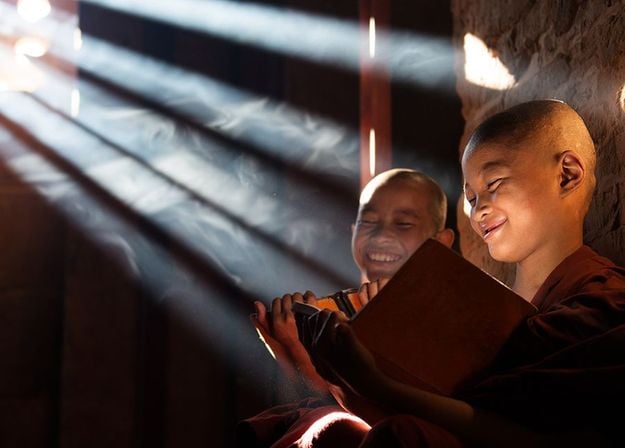
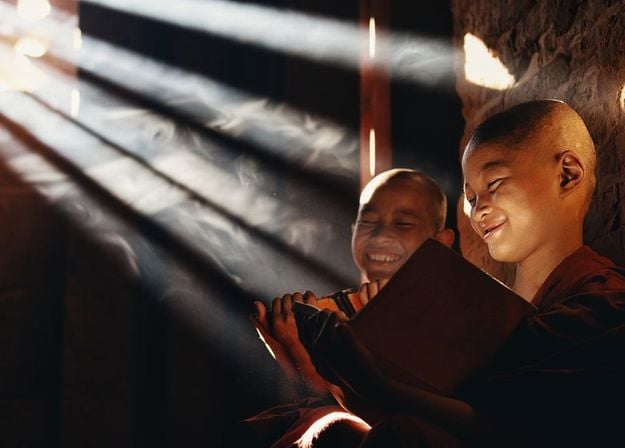
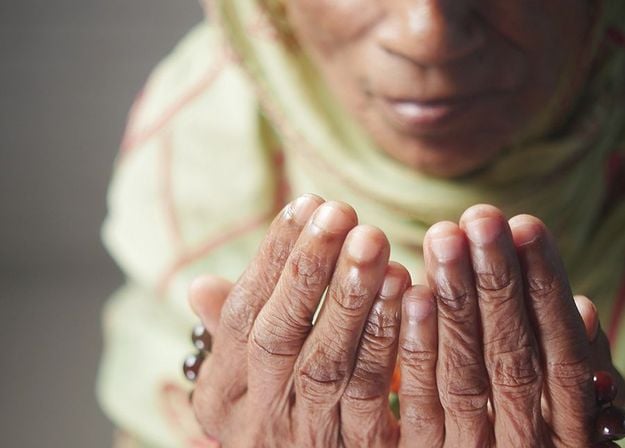
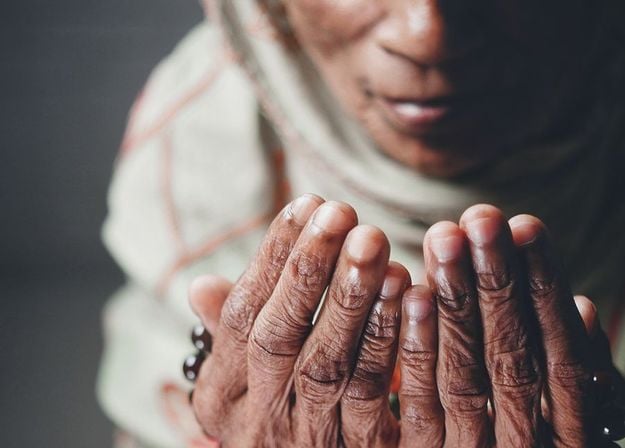


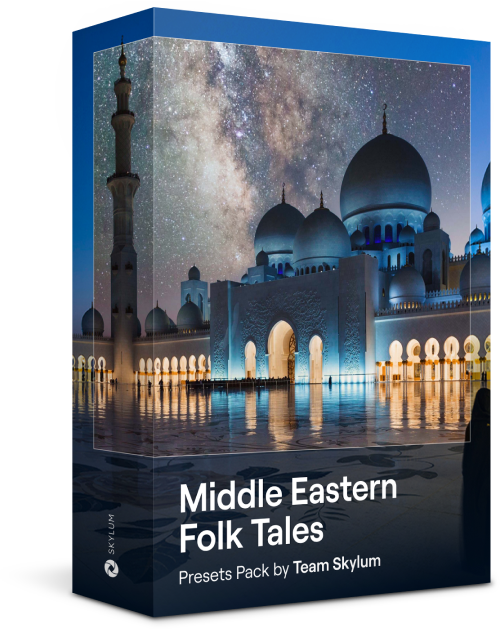
10種類のプリセットからなるこの魅力的なコレクションは、中東の風景、建築、ストリート スタイル、自然の神秘的な美しさを引き出すように作られています。暖色系、濃い黄色、青と金色など、あなたの写真にぴったりのプリセットがきっと見つかります。
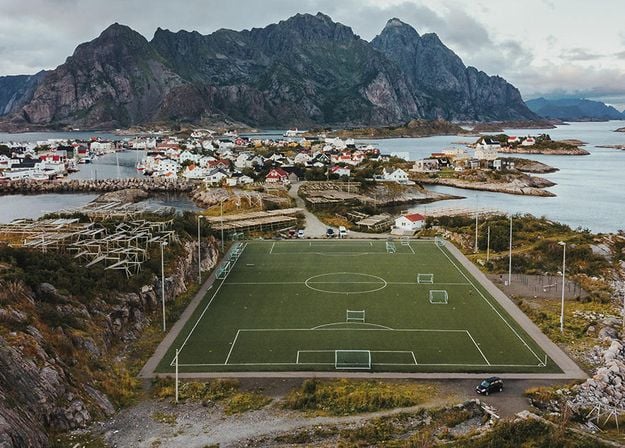
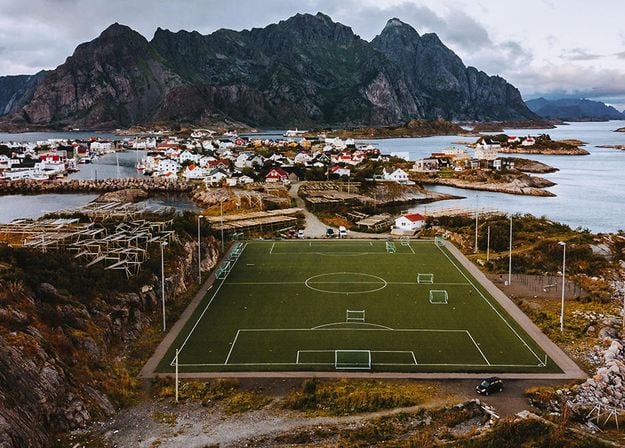
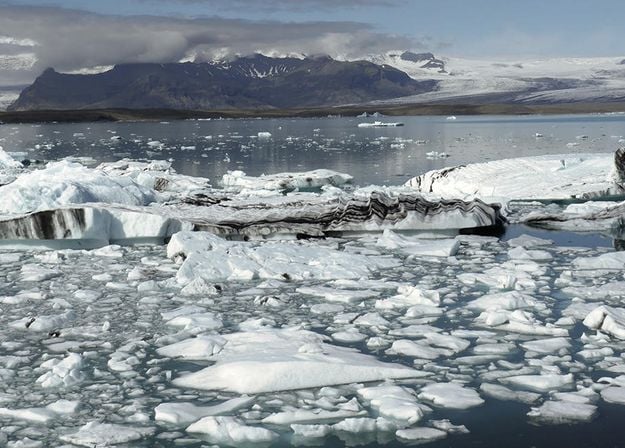
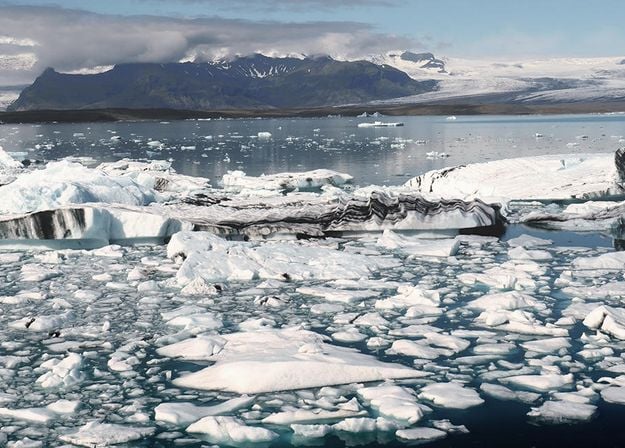
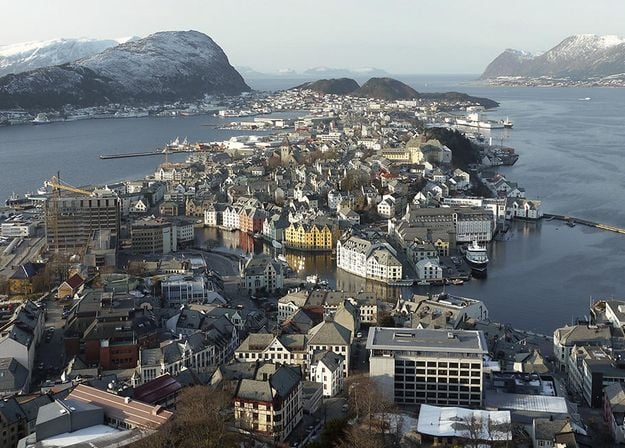
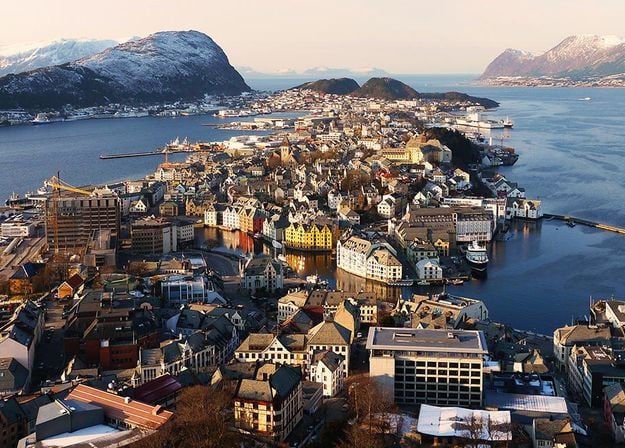
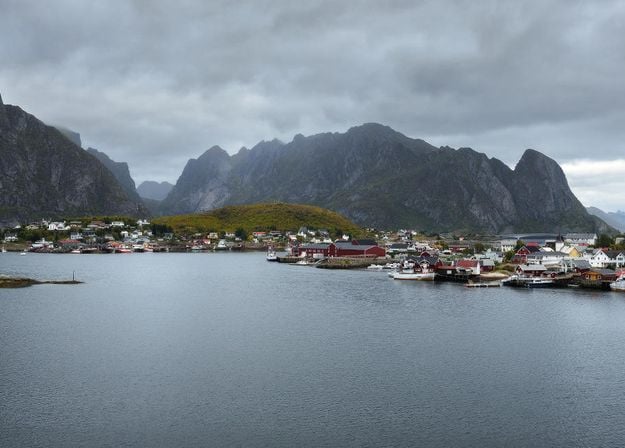
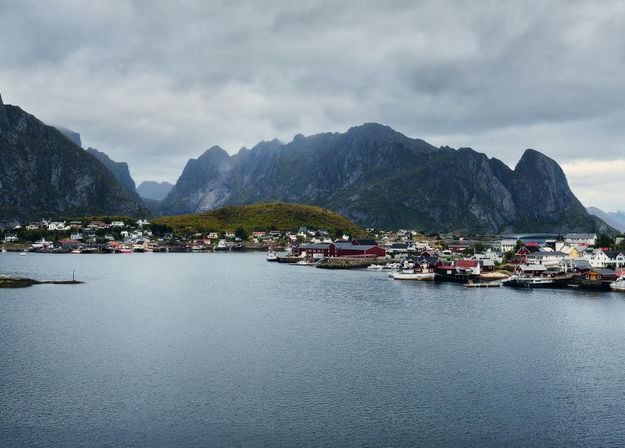
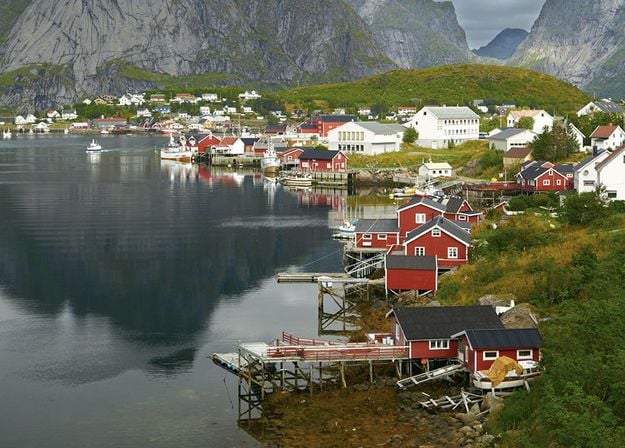
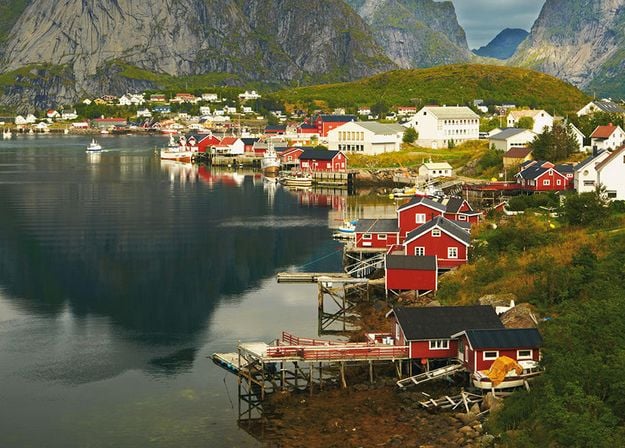


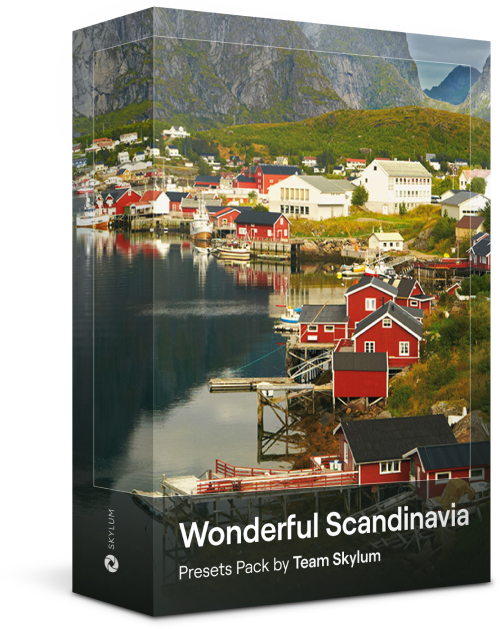
北欧諸国の旅行写真にぴったりな、10種類の汎用的プリセットの素晴らしいコレクションをご覧ください。牧歌的な風景、自然の驚異、美しい建築物などのスカンジナビアのムードを捉えられます。旅の準備を整えましょう!
Luminar Video Course
Creative Photo Editing Techniques in Luminar

紹介&コース概要
Albert Drosの自己紹介と、写真について学べることを簡単に説明します...

写真入門
ベストな仕上がりのためには、写真を撮るときに何に注目すべき?
基本の編集
Albert introduces the layout of Luminar and the basic instruments you can use to achieve great results instantly.
高度な編集
Going in depth, Albert shows you the more advanced tools in Luminar and how to use them to make your photos stand out.
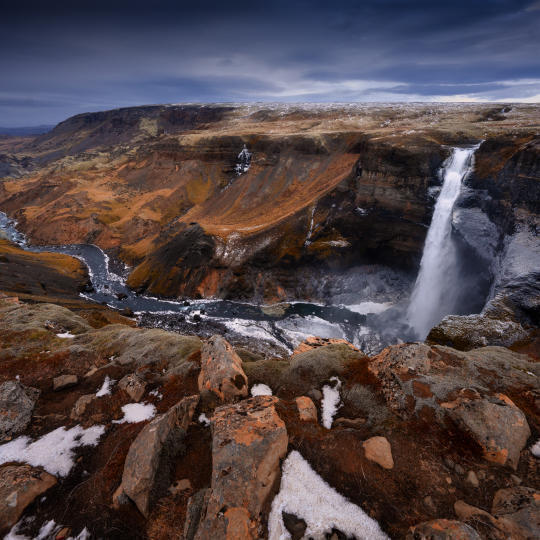
ドラマチックな編集
写真でクリエイティブに!Albertがよりクリエイティブなツールを使って編集し、写真のドラマチックな側面を引き出し、新しい命を吹き込みます。
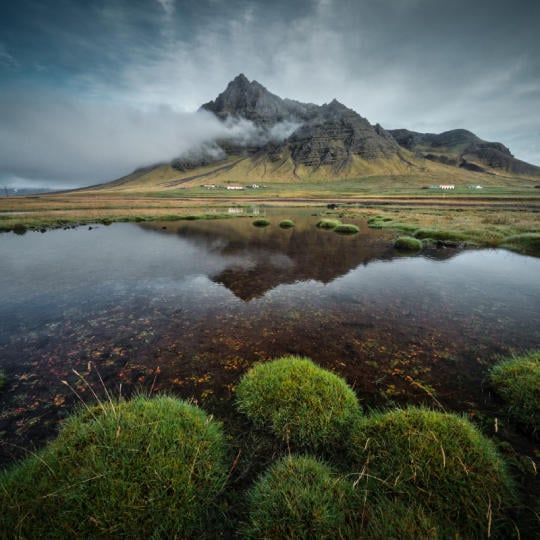
フォーカス スタッキング
Luminar has Extensions that let you get even more impressive results. In this video, you will learn how to do focus stacking with Luminar’s Focus Stacking Extension.

都市景観
都市景観写真の良し悪しとは?普通のドバイの写真を印象的な写真に変える方法をご覧ください。
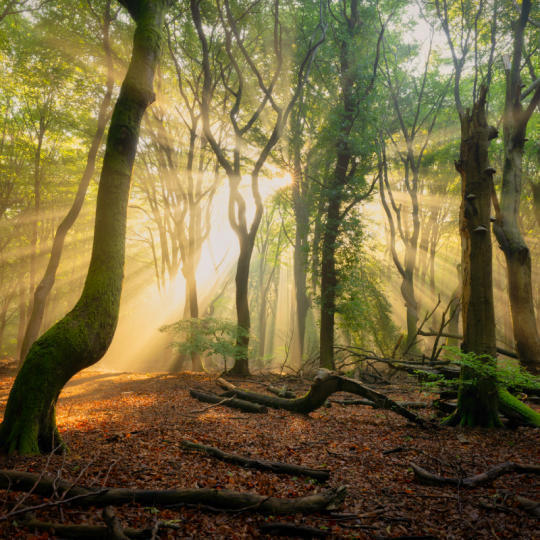
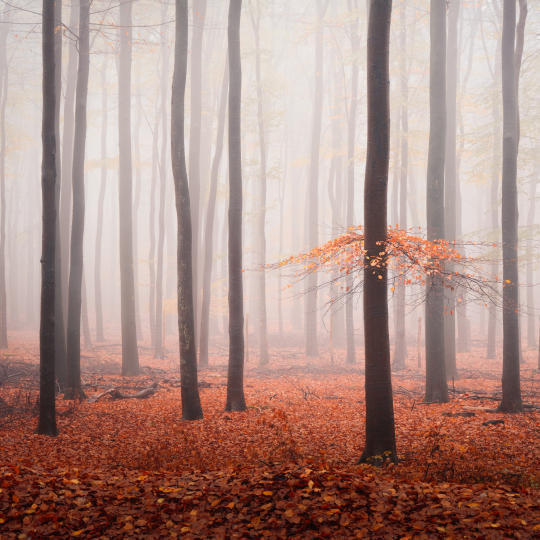
森林
Find out what Luminar tools Albert uses to make his impressive signature forest photos. Look out for Atmosphere AI, Sunrays, and other tools!

プリセット
プリセットを使って、写真の素早くて面白いカラー 編集方法を学べます。 Albert がプリセットでさらに美しい森の写真を作る方法をご紹介します。

コース 要約
このコースで学んだすべての内容のまとめ。楽しい創作を!
Albert Dros(アルバート・ドロス)
写真家、ライター、教育者
Albert Dros(アルバート・ドロス)はオランダの風景写真家で、ユニークな写真を作りだすことに並々ならぬ情熱を注いでいます。火山、日食などのユニークな自然の持つ側面が彼を魅了します。彼は単に写真を撮りに行くだけではありません。
"Go big or go home" is his motto, always trying to add some unique element to his shots.
彼の作品は世界的に認知されており、世界中の主要メディアで取り上げられています。
アルバートは写真教育者としてだけでなく、個人的なプロジェクトのためにもよく旅行します。オランダにいても、彼の写真を撮るインスピレーションは衰えることはありません。
これらのスタンドアローンとして利用可能:

macOS

Windows
プラグインとして機能:

Adobe Photoshop®

Adobe Lightroom®

Apple Photos®
これらのスタンドアローンとして利用可能:

Android

iOS

ChromeOS

100万人以上の
写真家や組織に信頼されています

受賞歴のあるソフトウェア
直感的なAI搭載コントロール
Smart Compositionツールの一部であるCrop AIは、写真を分析して被写体、視覚的な焦点、顔、視線の向き、水平線を把握します。そして定番の構図の原則に基づいて複数のトリミング案を提案し、写真のストーリーが引き立つフレーム選びをサポートします。写真トリミングツールはオンラインでもデスクトップでもお使いいただけます。
手動でのトリミングは、自分の目と判断でフレームを決めます。自動トリミングツールはシーンを分析して複数の構図を提案するため、より多くの可能性を探れます。結果を見比べて新しい視点を発見し、写真に最適なトリミングを選べます。
Luminar on Webなら、デスクトップソフトをインストールせずに、ブラウザ上で直接写真を編集できます。利用できる機能はご利用プランによって異なります。最新の利用オプションと機能の提供状況はLuminar on Webでご確認ください。トライアルを開始して、無料のオンライン画像トリミングツールが自分に合うか試すこともできます。
いいえ。Luminar on Webなら、別のアプリをインストールせずにブラウザで写真を編集でき、構図に合わせた自動トリミングの提案も受けられます。パソコンでの作業がお好みなら、Luminar on DesktopでもSmart Compositionをお使いいただけます。
Luminar on Webでは、オンラインでの画像トリミングを含め、ブラウザ上で直接写真を編集できます。ソフトのインストールなしに、さまざまなデバイスで手軽に作業できます。Luminar on Desktopは、パソコン上で本格的に写真編集ができる専用環境です。どちらのバージョンでもSmart Compositionを利用でき、トリミング案を見比べて画像に最適な構図を見つけられます。
Luminarには、編集をより速く、より簡単に行えるようサポートする機能が他にもたくさんあります
