
 プランを見る
AIフィルターで写真を芸術作品に変えよう
AIのおかげで、日常的な作業を効率化し、素晴らしい結果をこれまでより早く、簡単に得ることができます。Luminareditingソフトウェアで、さまざまなAIエフェクトフィルターをお試しください。
プランを見る
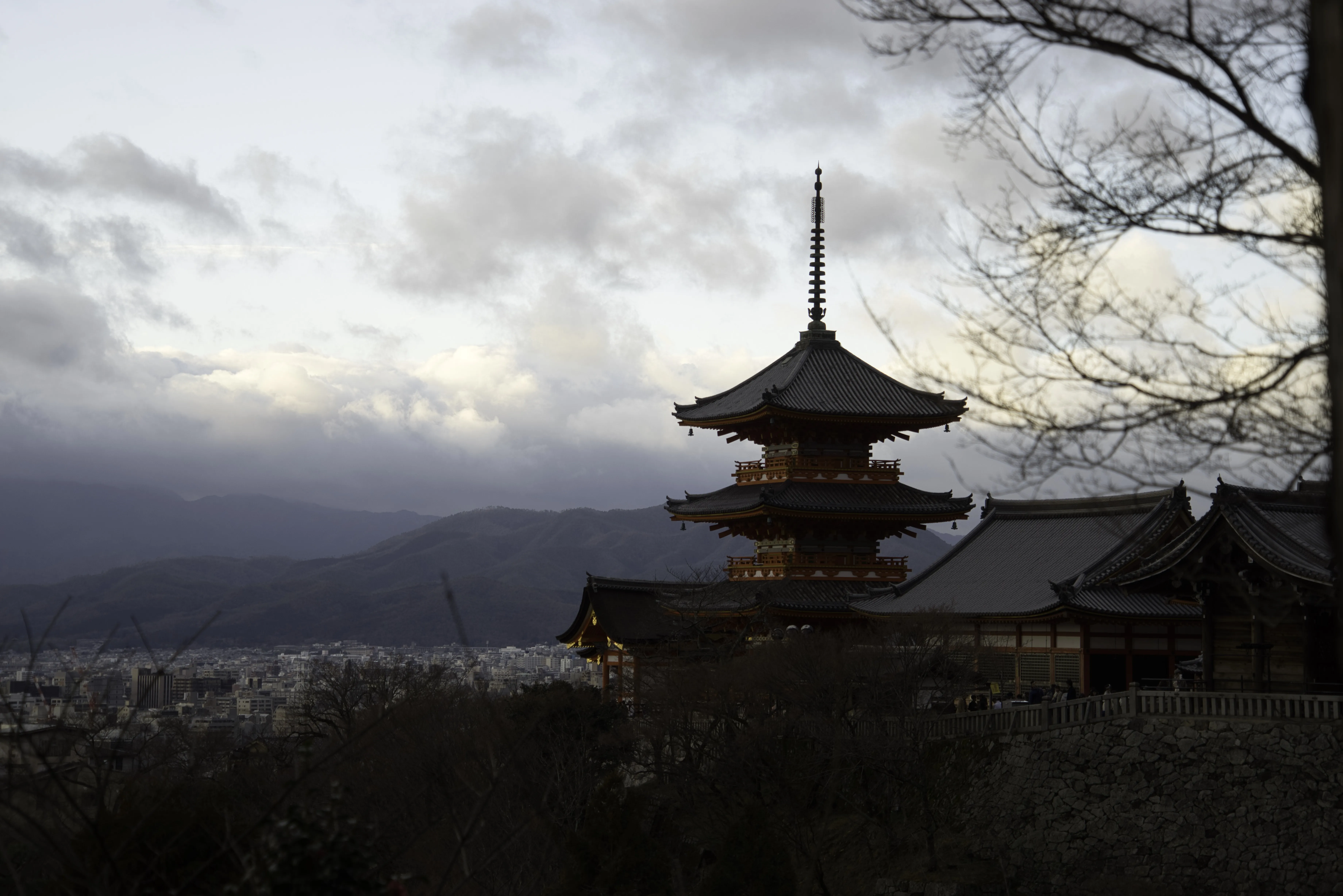
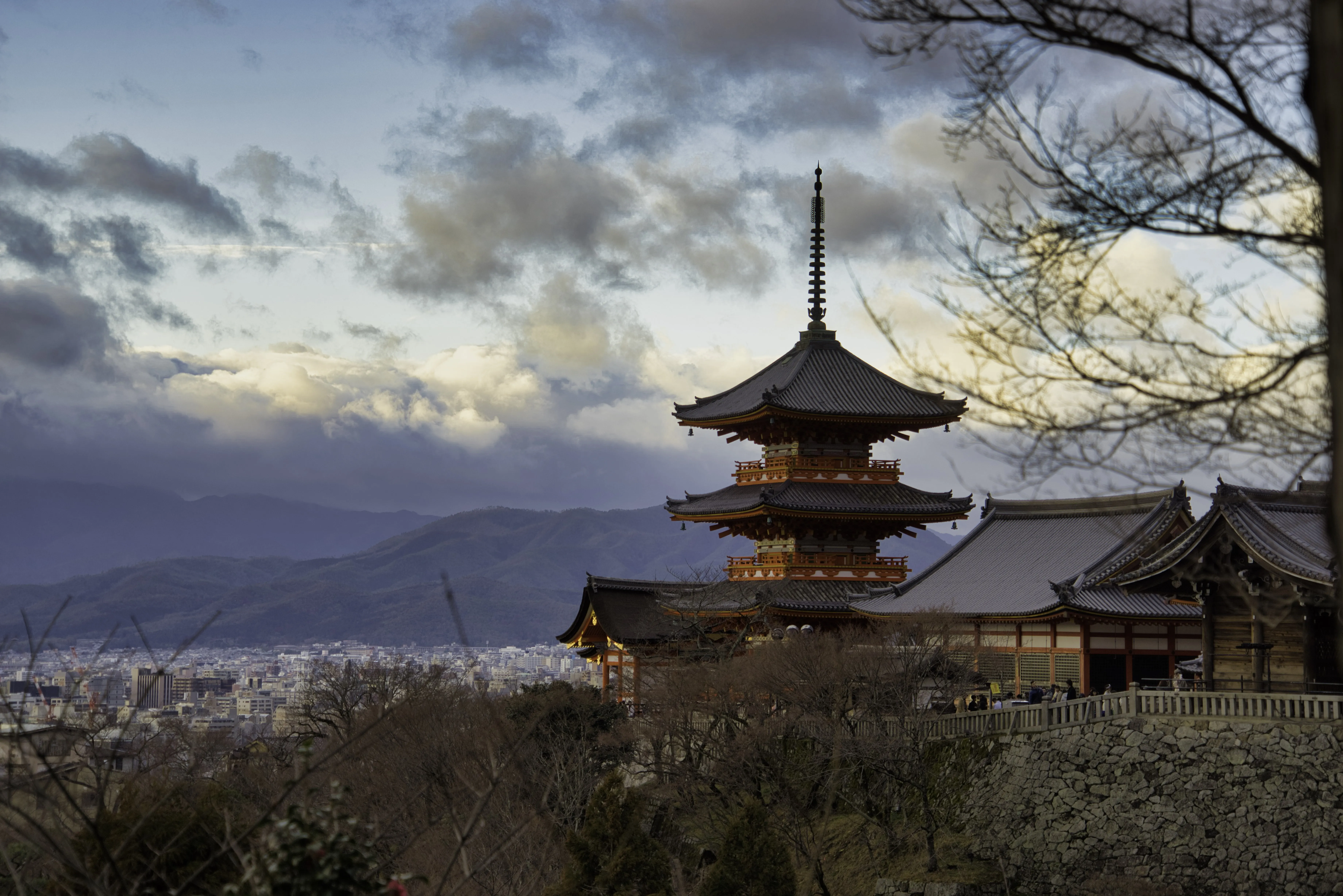
© Dima Sytnik
アクセントᴬᴵによる視覚的な美しさの実現
このLuminarツールは、画像を自動的に分析し、12種類以上の調整機能を同時に活用して瞬時に補正を行うため、シンプルなスライダーひとつで、自然で美しい仕上がりを実現します。
「アクセントᴬᴵ Filter」を使えば、ワンクリックで、シャドウ、照明、コントラスト、トーン、彩度、露出、ディテールなど、従来の調整機能を含むさまざまな設定を変更することができます。
「アクセントᴬᴵ Filter」を使えば、ワンクリックで、シャドウ、照明、コントラスト、トーン、彩度、露出、ディテールなど、従来の調整機能を含むさまざまな設定を変更することができます。
当社のAIフィルターエフェクトツールの特徴とは?
Luminarの「アクセントᴬᴵ」ツールはAIを搭載しており、編集作業を効率化できます。1つのスライダー操作だけで、最大12項目の調整を簡単に行えます。複数の設定を手作業で微調整する代わりに、スライダーを1回動かすだけで、自然で美しい仕上がりを実現できます。



© Cuma Cevik
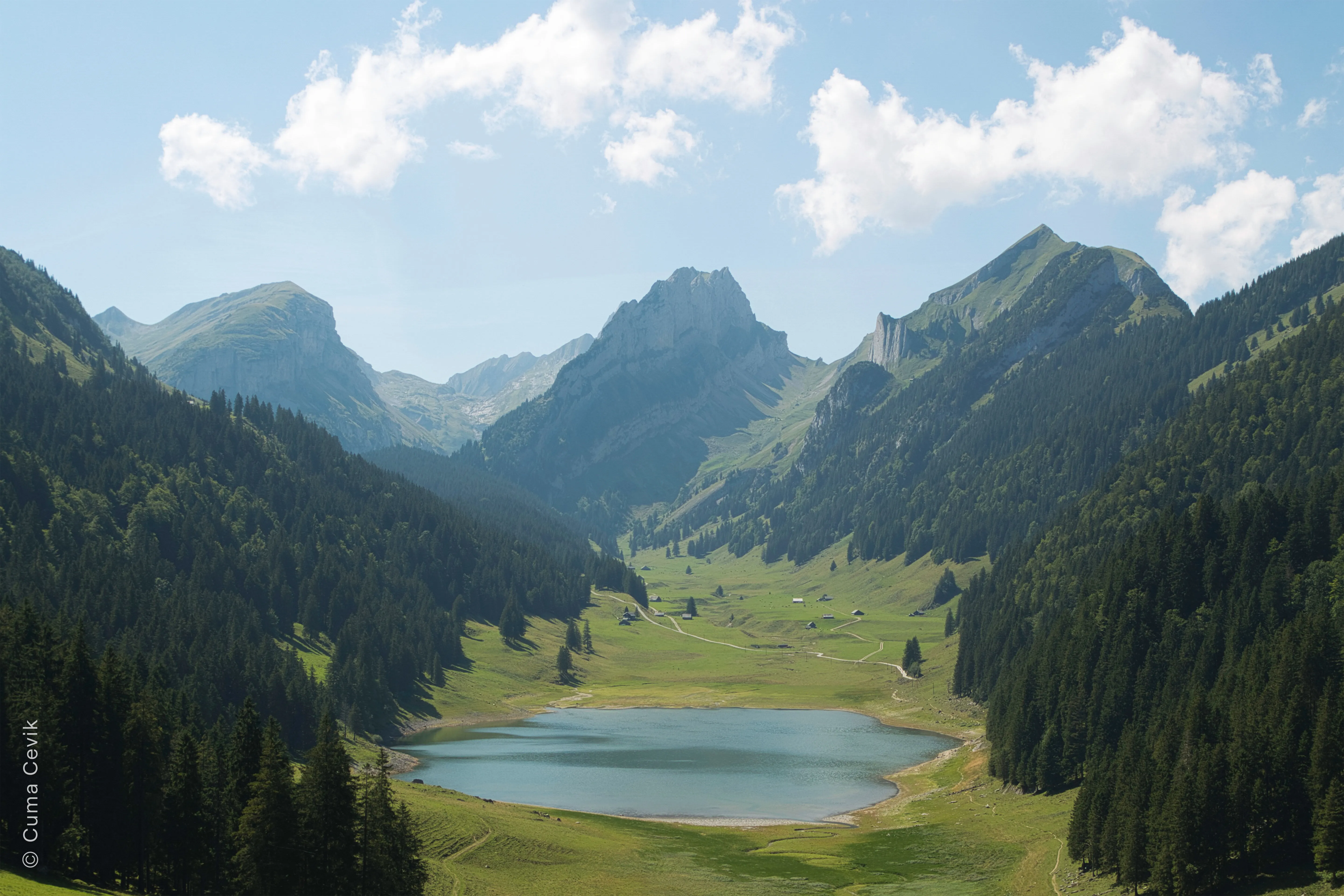
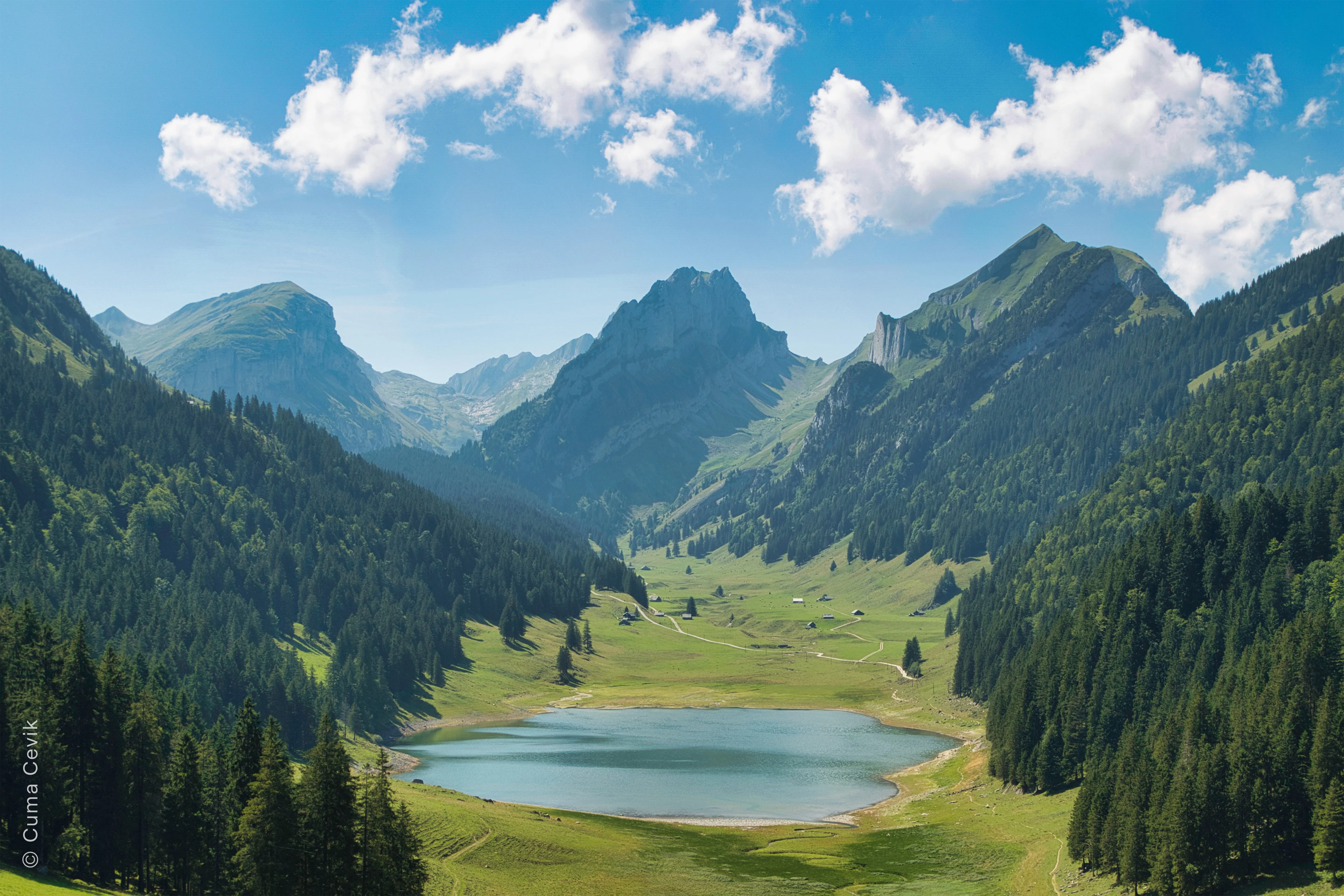
© Cuma Cevik

写真と連携したAI技術の実験
Luminarは、フィルターAI技術を搭載した革新的なソフトウェアで、驚くほど素晴らしい写真を簡単に作成することができます。
そのAI機能は、反復的な作業を自動化し、インテリジェントなツールを提供することで、写真編集のプロセスを大幅に効率化し、編集作業全体の効率と品質を向上させることができます。
そのAI機能は、反復的な作業を自動化し、インテリジェントなツールを提供することで、写真編集のプロセスを大幅に効率化し、編集作業全体の効率と品質を向上させることができます。
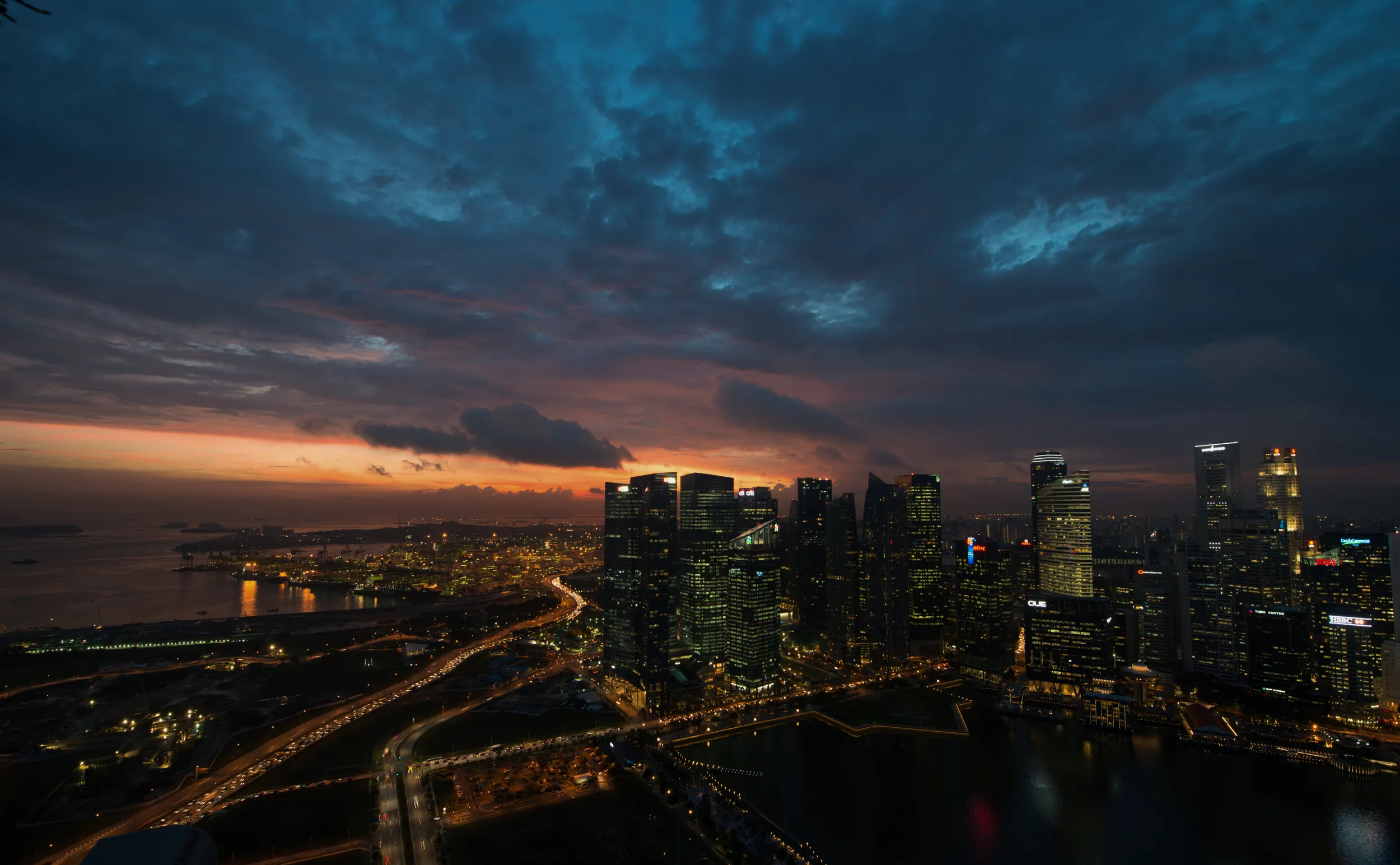
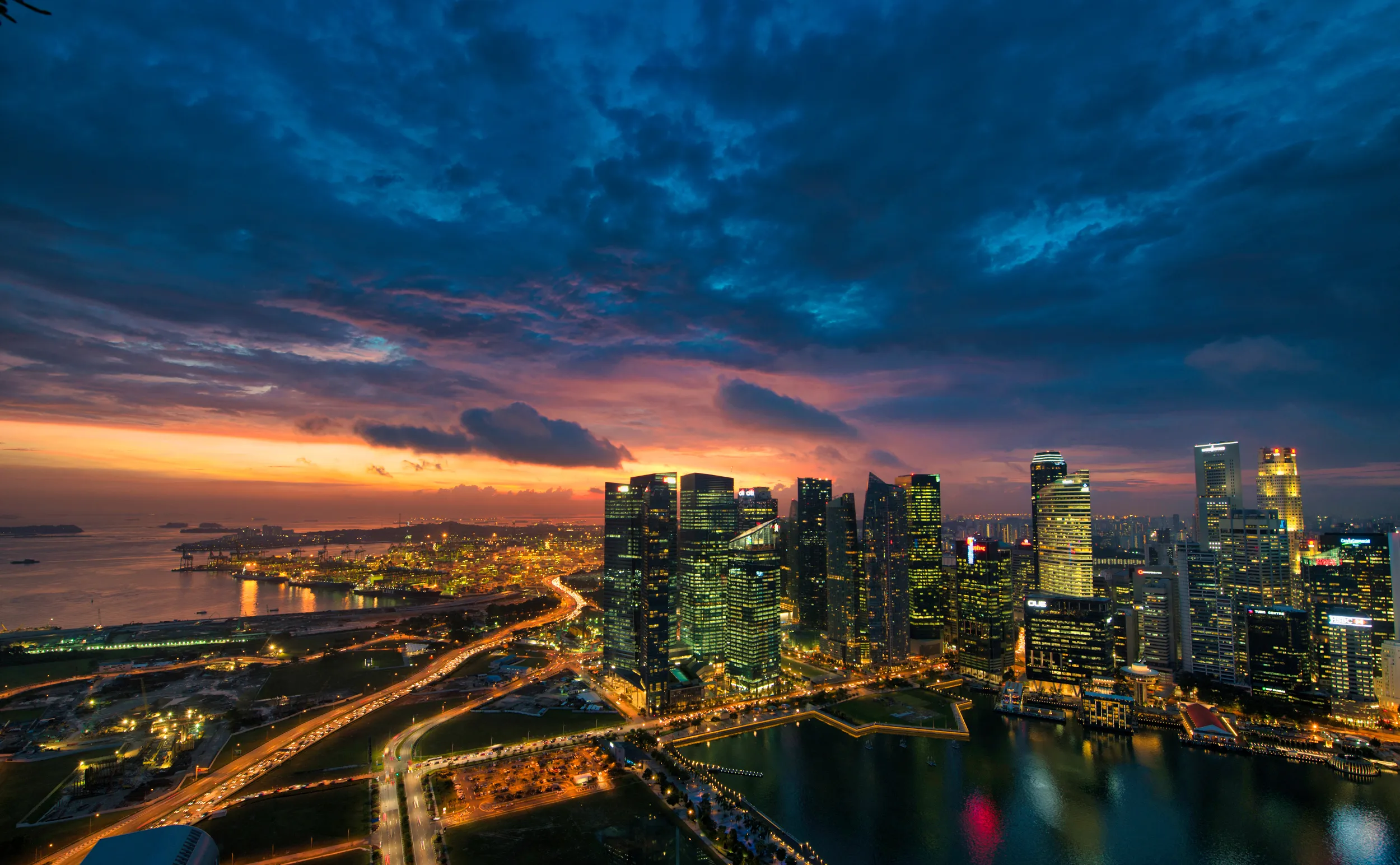
© Dima Sytnik
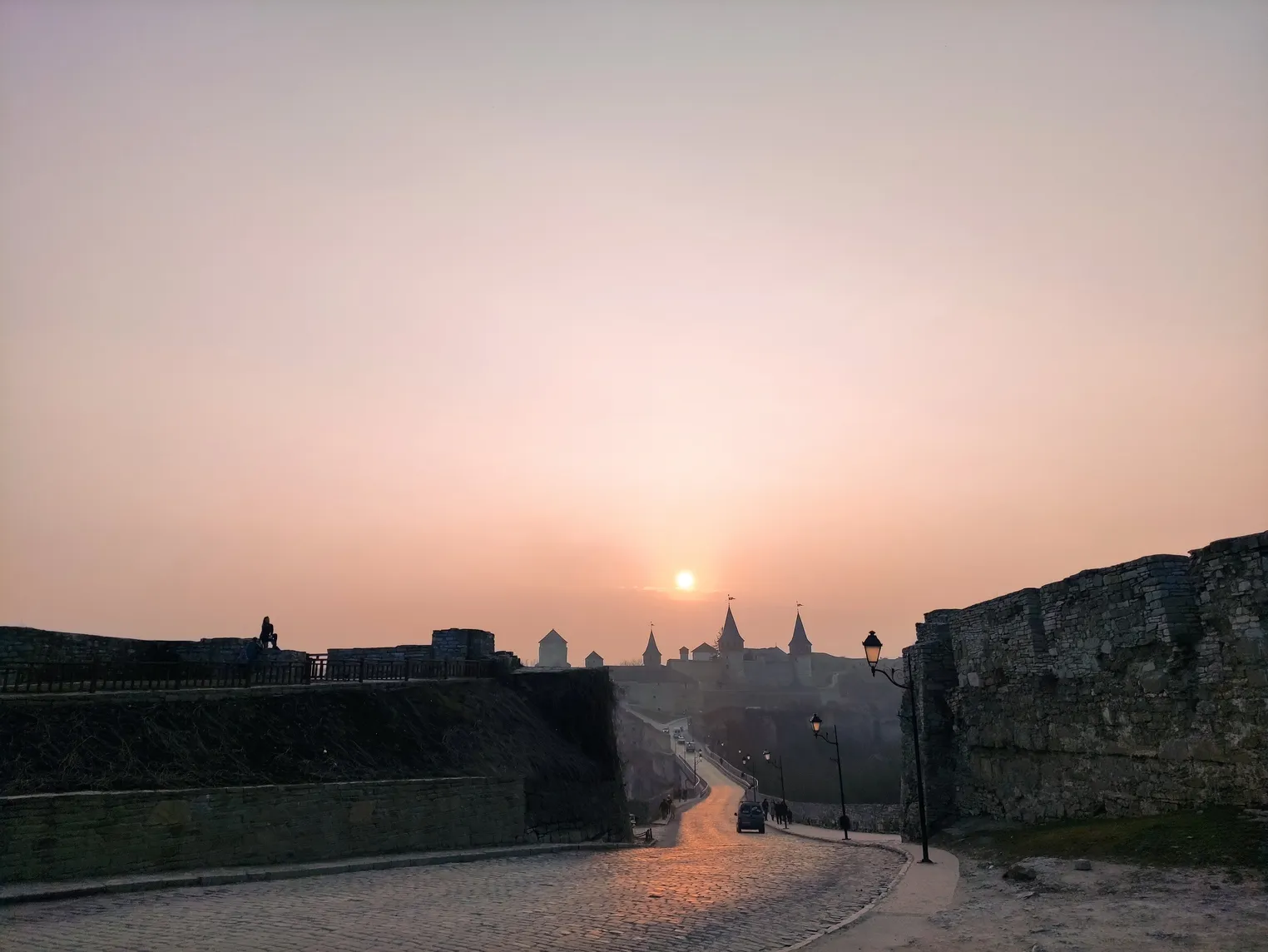
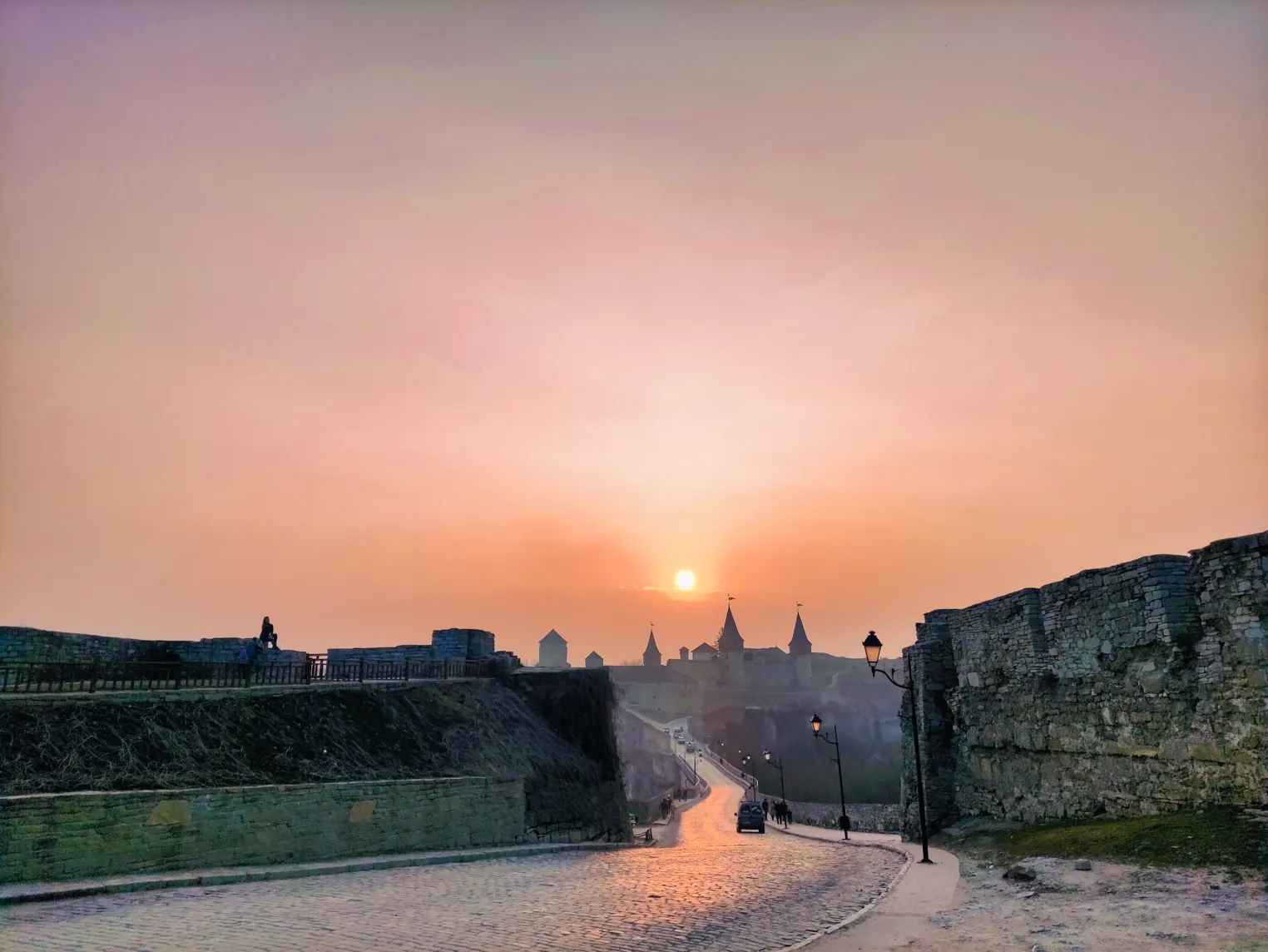
© Lisa
アクセントᴬᴵはどのように機能するのでしょうか?
分析
アクセントᴬᴵは写真を分析し、顔などの要素を認識して記録し、毎回確実に画像の質を向上させる結果をもたらします。コンテンツを認識する機能を備えているため、これまで以上にアクセントᴬᴵを信頼してご利用いただけます。
強化
アクセントᴬᴵのスライダーを使えば、撮影時に見た通りの仕上がりに写真を補正できます。ワンクリックで最大12項目の調整を行うことができます。
調整
「アクセントᴬᴵ」スライダーで調整量を調整することで、写真をさらに引き立て、思い通りの仕上がりにすることができます。Luminarなら、仕上がりを完全にコントロールできます。
その他の機能を見る
Luminarは、さまざまなスキルレベルの方々が使いやすいように設計されています。このソフトウェアの直感的なAI搭載コントロールにより、複雑な多段階の作業が自動化されます。
















アプリケーションとプラグイン
macOS および Windows 用
- 高性能AIエディタ
24時間365日のテクニカルサポート
30日間の返金保証
コミュニティに参加しましょう

よくある質問
AIフィルターとは何ですか?
AIフィルター(人工知能フィルターやニューラルフィルターとも呼ばれる)は、人工知能や機械学習アルゴリズムを用いて、メディアコンテンツに特定の変換、効果、または補正を施す、高度な画像・動画処理ツールである。
色あせた写真を修復するには?
AIフィルター(AI搭載フィルターやニューラルフィルターとも呼ばれる)は、人工知能や機械学習アルゴリズムを用いて、画像や動画をさまざまな方法で分析・加工するものです。これらのフィルターは、ディープラーニングモデルを活用して画像の内容を理解し、特定の加工を施すことで、望ましい効果を実現します。
AIフィルターを使って、どんな作品を作ることができますか?
フィルター次第です!見た目を整えるAIスタイルフィルターや、フェイスᴬᴵやスキンᴬᴵのような、写真の特定のディテールを強調するツールもあります。Luminarの多彩なAIツールを試して、どんなことができるか確かめてみてください!
AIフィルターを使って画像や動画を補正することはできますか?
もちろん、Luminarには画像の品質を向上させるのに役立つAI写真フィルターが複数用意されています。動画に関しては、Luminarは現在、動画ファイルに対応していません。
