
 プランを見る
「ゴールデンアワー」ツールで光を自在に操る
「ゴールデンアワー」とは、日の出直後や日没直前、太陽が空の低い位置にあり、温かみのある柔らかく拡散した光が差し込む時間帯を指します。Luminarの「ゴールデンアワー」ツールを使って、ゴールデンアワーの撮影設定を再現し、写真の質を高めましょう。
プランを見る「ゴールデンアワー効果」を活用して、ムードや雰囲気をどう演出するか?
ゴールデンアワーの時間帯には、太陽光は地球の大気中をより深く通り抜けるため、青や緑の波長が散乱されます。その結果、温かみのある黄金色の光が生まれ、その光はより柔らかく、被写体を美しく引き立ててくれます。
この柔らかな光は、被写体をより魅力的に見せ、きつい影やハイライトを和らげるのに役立ちます。
この柔らかな光は、被写体をより魅力的に見せ、きつい影やハイライトを和らげるのに役立ちます。
なぜ写真に「ゴールデンアワー」フィルターを使うべきなのでしょうか?
ゴールデンアワーの時間帯には、太陽の角度が低くなるため、長い影が生まれ、写真に奥行きや立体感を与えることができます。
これにより、質感や形、輪郭が際立ち、被写体がより立体的に、そして魅力的に見えるようになります。適切な「ゴールデンアワー」の撮影設定を用いれば、これらすべてを実現できます。
これにより、質感や形、輪郭が際立ち、被写体がより立体的に、そして魅力的に見えるようになります。適切な「ゴールデンアワー」の撮影設定を用いれば、これらすべてを実現できます。

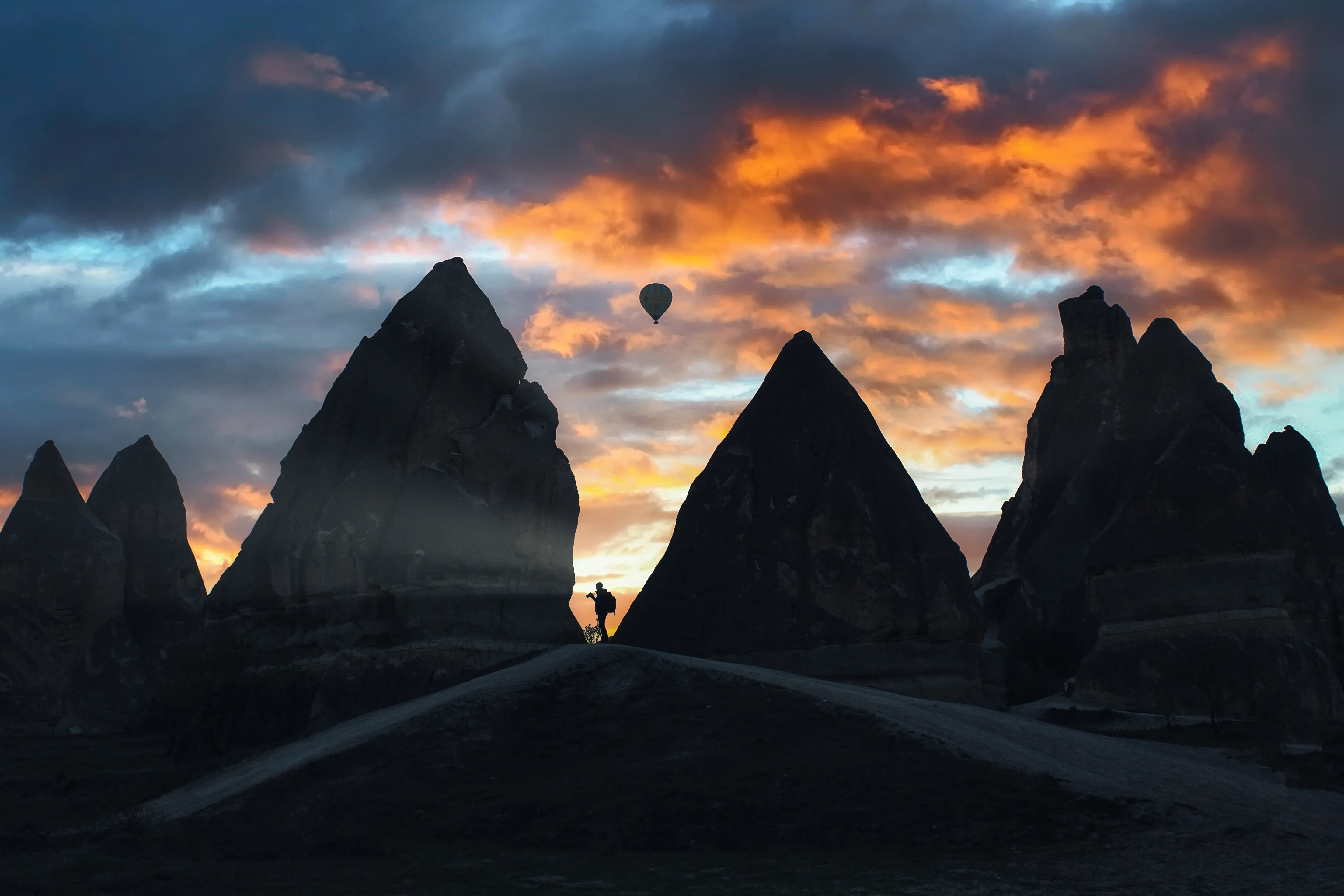
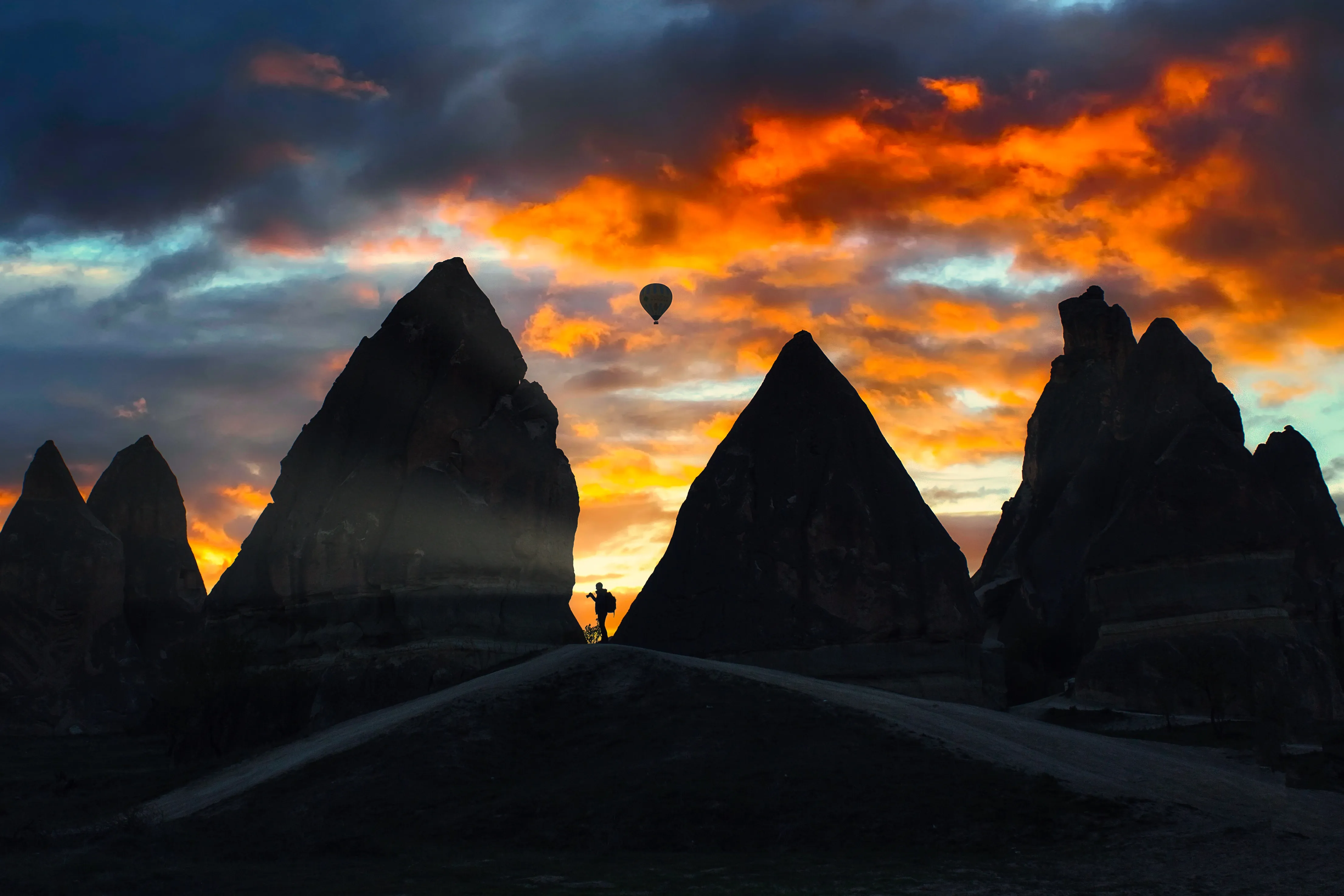
© danmir12
「ゴールデンアワー」の設定で、完璧な照明の輝きをプラスしましょう
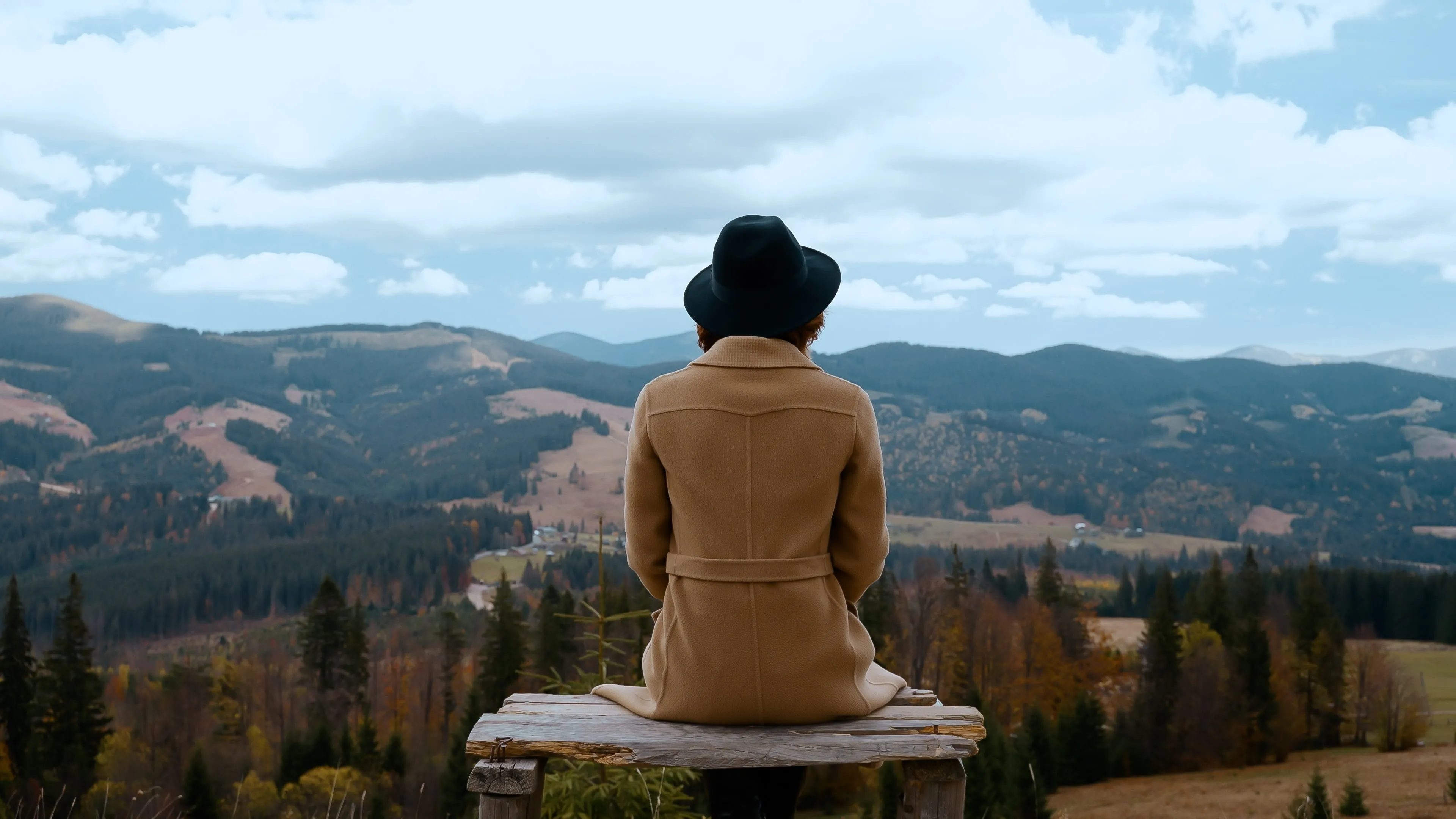
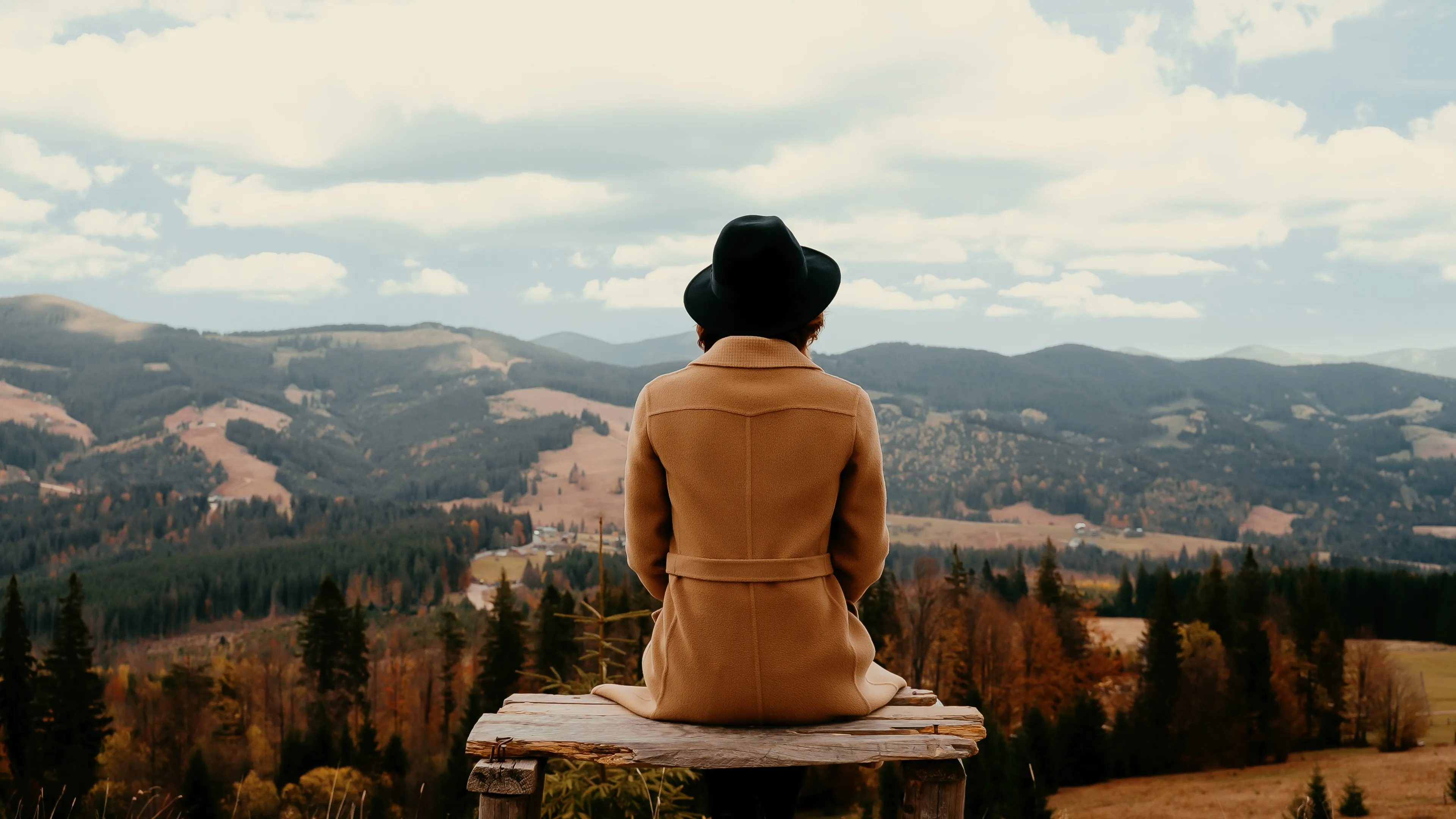
Luminarでは、ゴールデンアワーの編集がとても簡単に行えます。「風景」ツールにある「ゴールデンアワー」スライダーを探してみてください。他にも、風景写真に役立つスライダーがいくつか用意されています。
%20(1).webp)
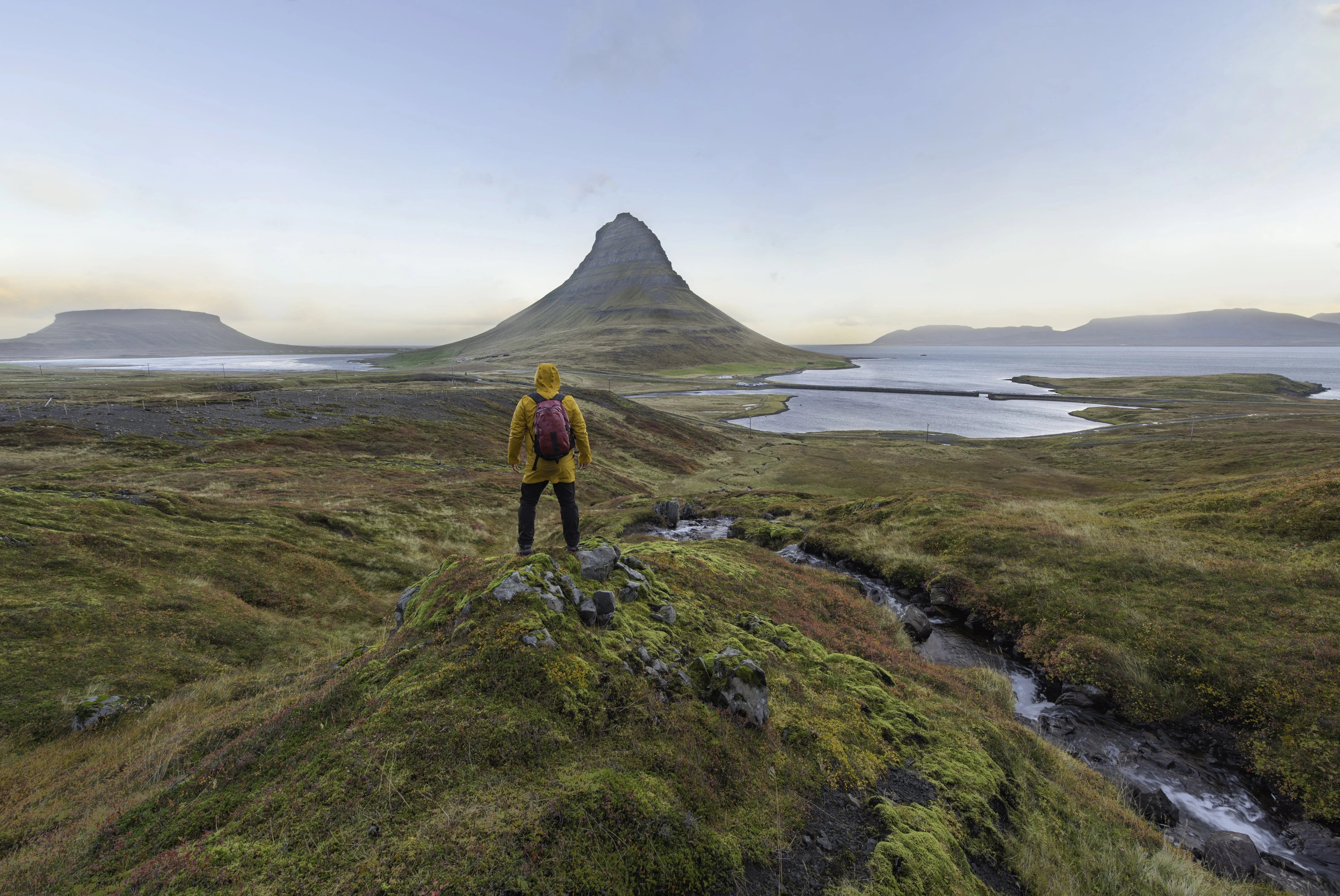
© udompeter
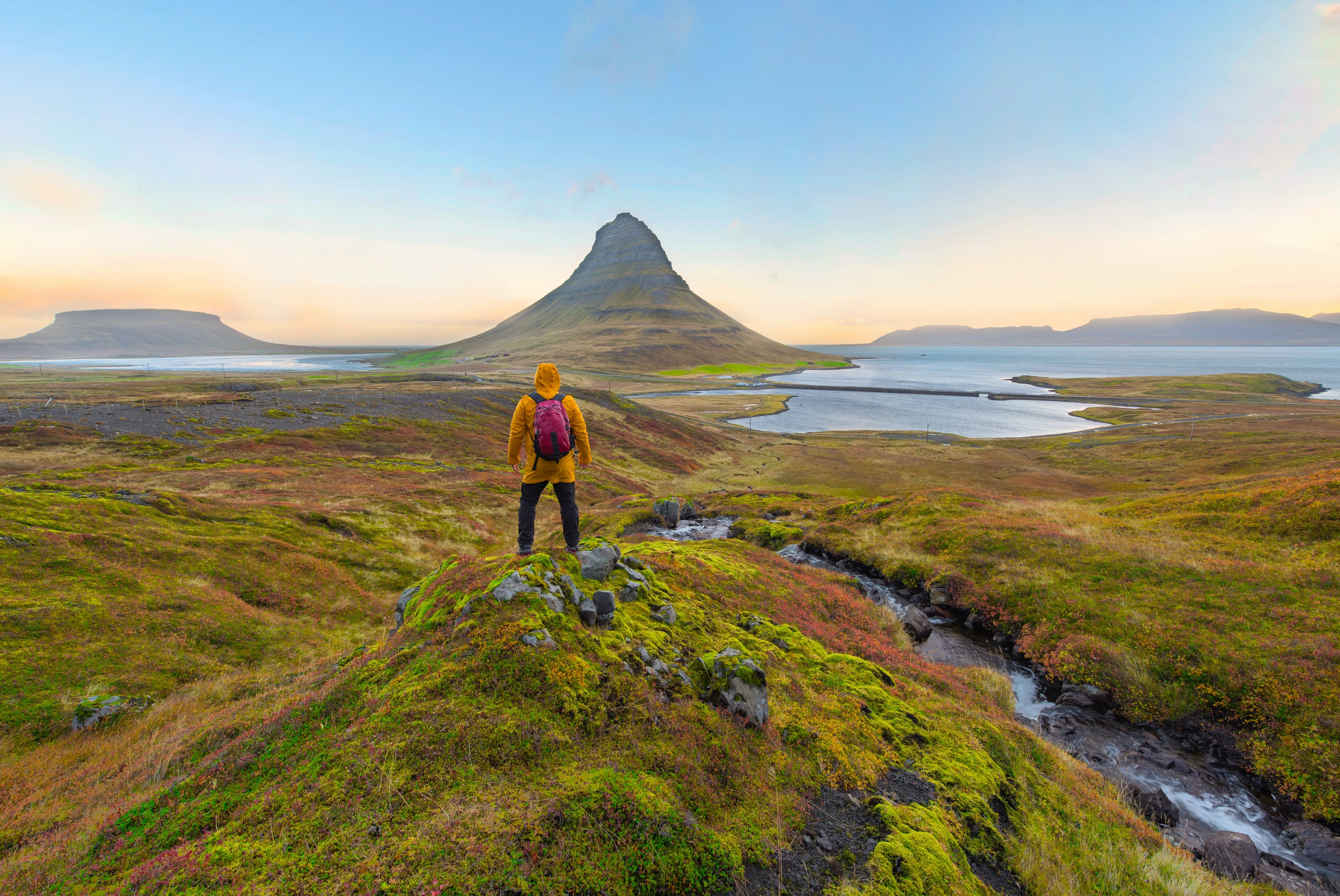
「ゴールデンアワー」編集が放つ輝きを解き明かす
ゴールデンアワーの光が持つ温かみと心地よさは、写真に温かみや懐かしさを感じさせる効果があります。写真の情感をさらに引き立て、見る人に没入感のある体験をもたらしましょう。
その他の機能を見る
Luminarには、編集作業をより速く、より簡単に行えるようサポートする機能が他にもたくさんあります

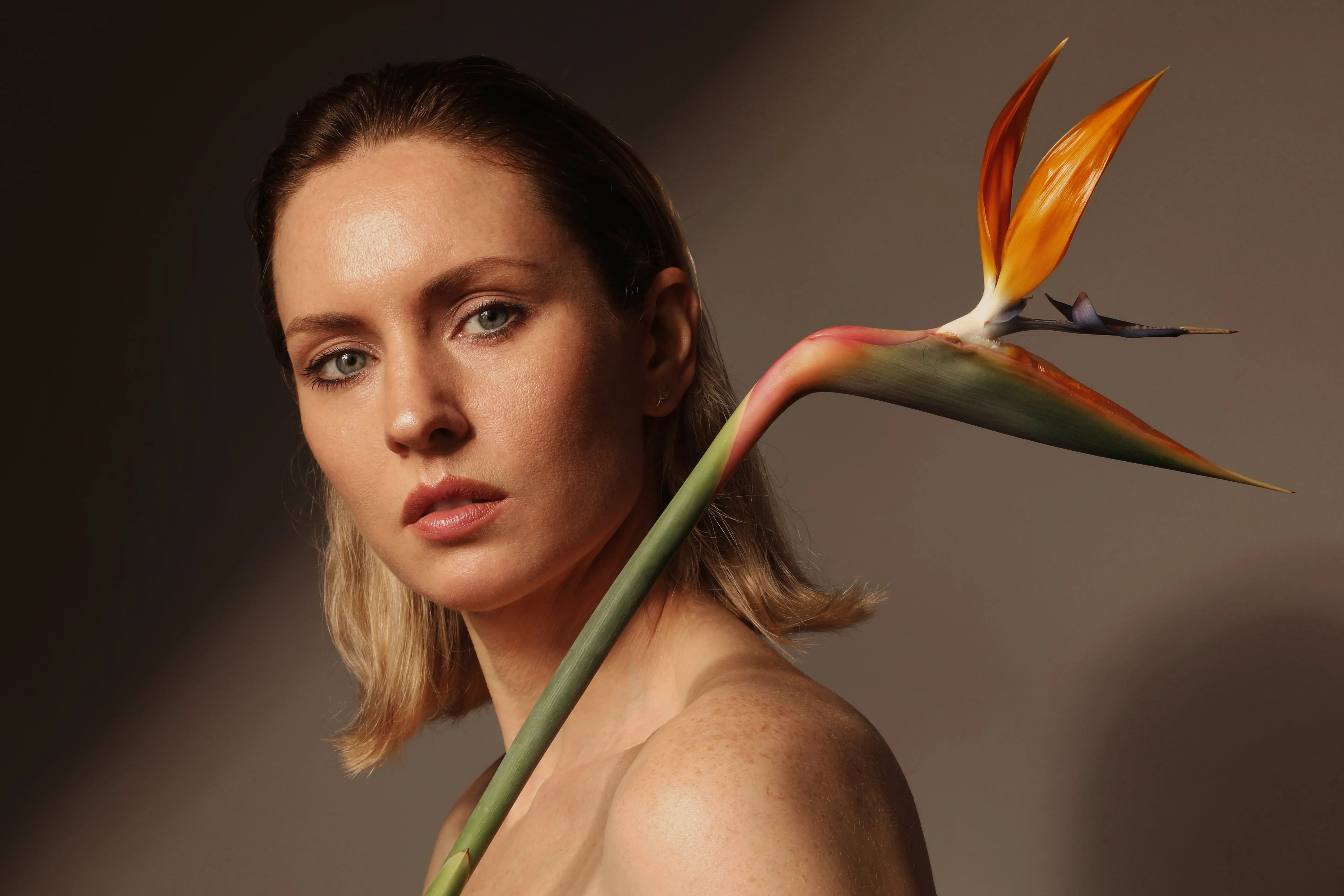
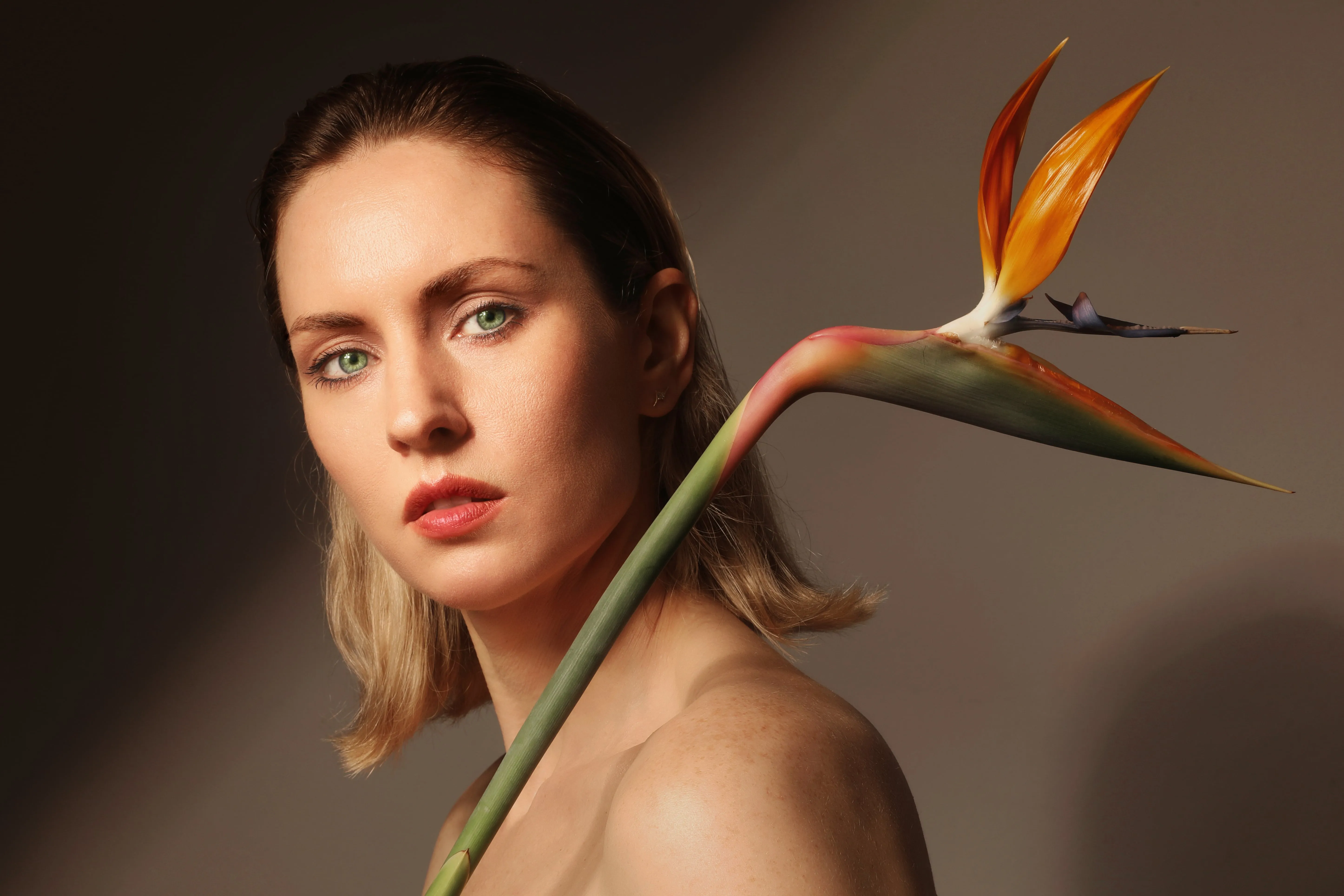


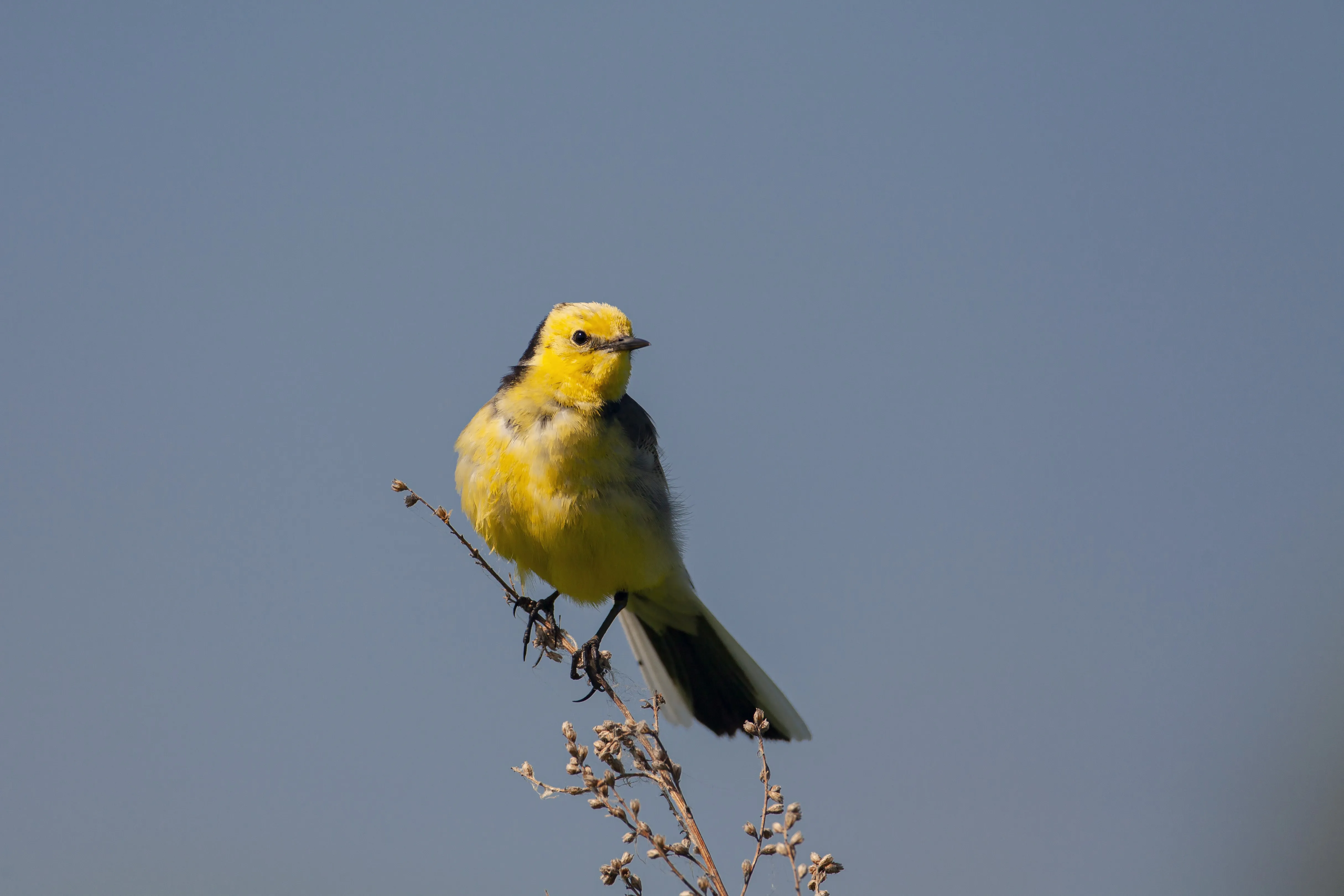
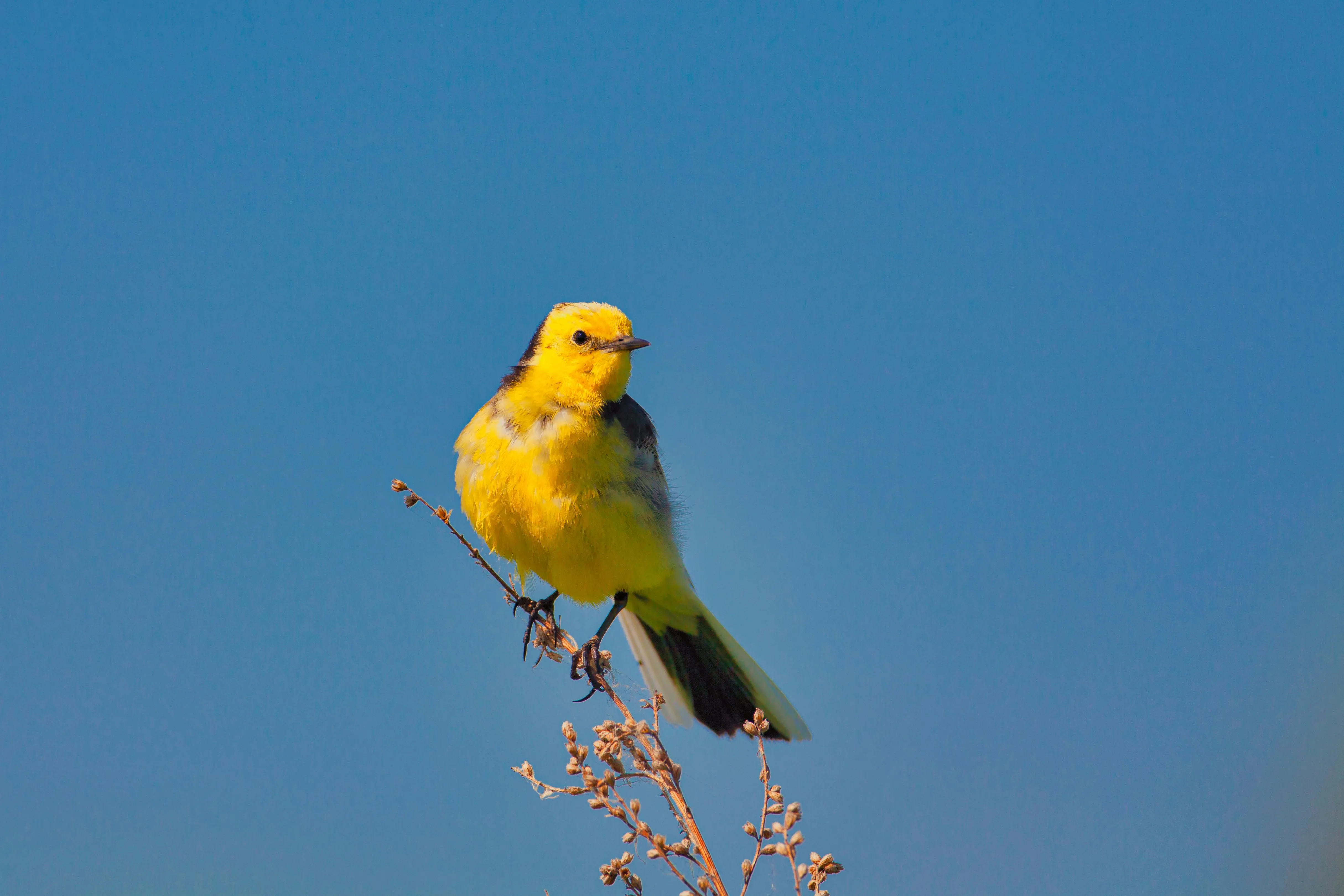

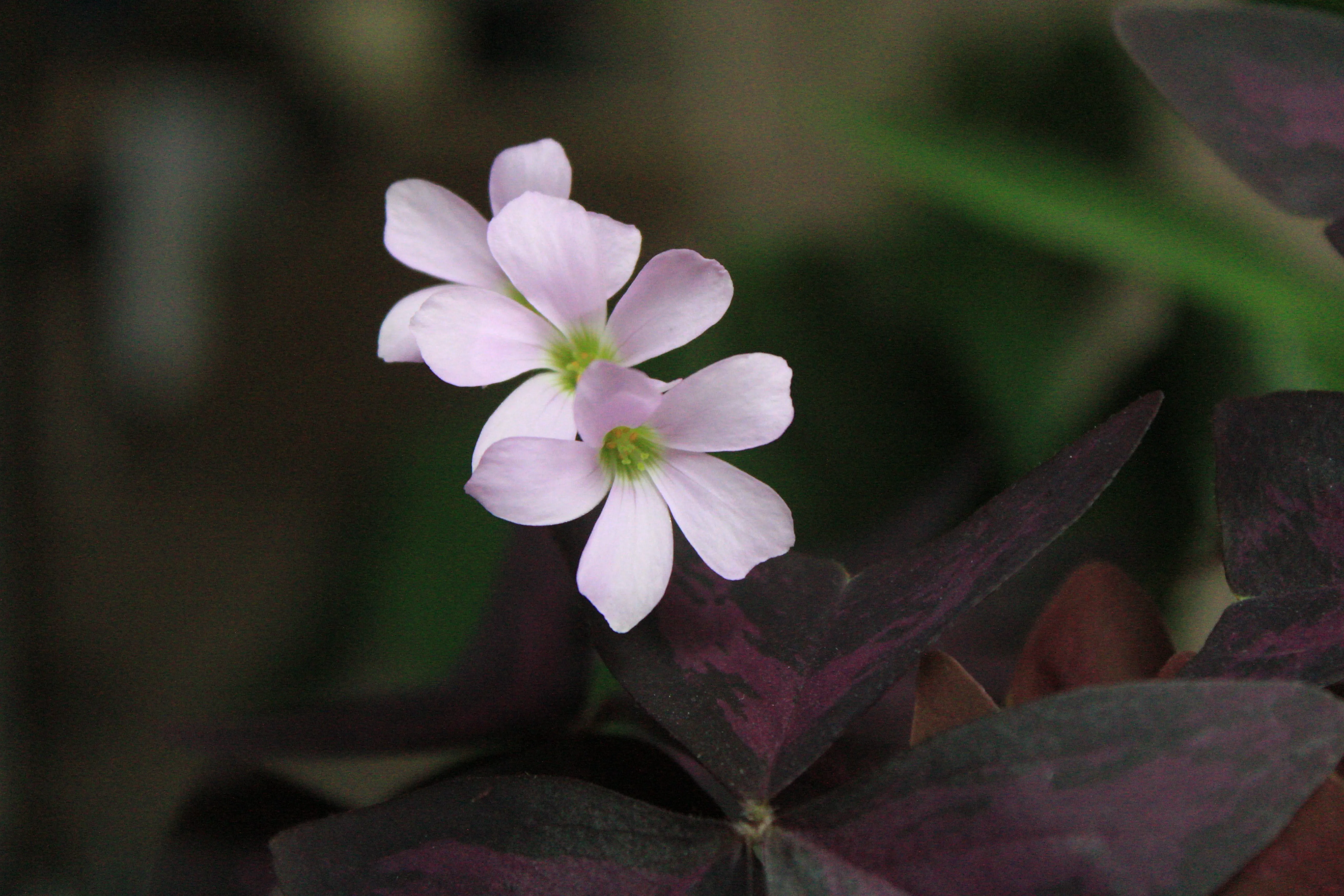
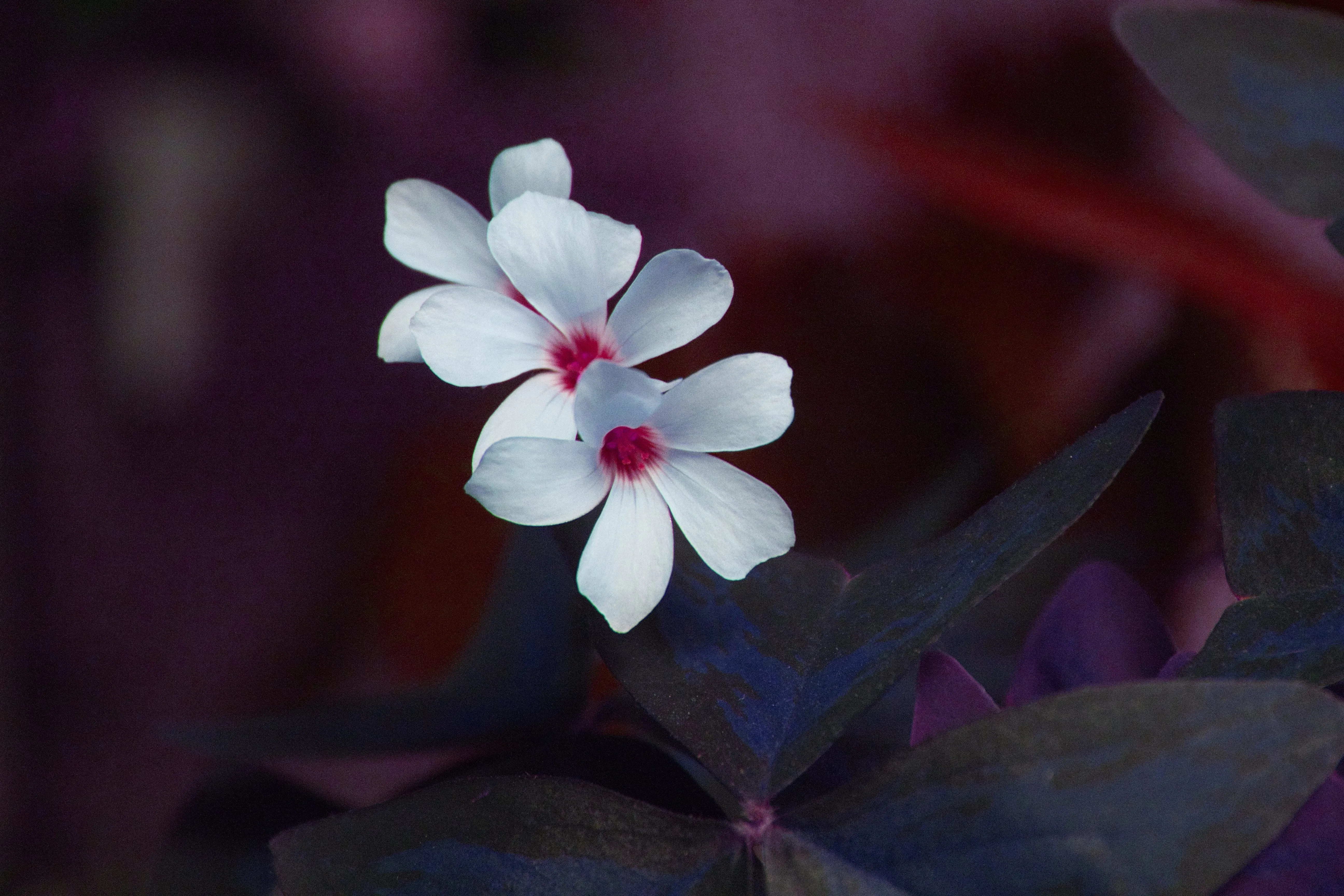




-min.webp)

アプリケーションとプラグイン
macOS および Windows 用
- 高性能AIエディタ
24時間365日のテクニカルサポート
30日間の返金保証
コミュニティに参加しましょう

よくある質問
ゴールデンアワーの写真を編集するには?
ゴールデンアワーに写真を撮るよう事前に計画を立てることもできますが、その時間帯を逃してしまった場合でも、ゴールデンアワーフィルターアプリを使えば、後処理で素晴らしい効果を加えることができます。使用方法:Luminar たった1枚のスライドでそれを説明する。
写真の「ゴールデンアワー」フィルターを元に戻すことはできますか?
もちろんです!Luminarなら、すべての編集を元に戻すことができます。
フィルターを使って、ゴールデンアワー効果の強さを手動で調整することはできますか?
「ゴールデンアワー」ツールは、写真に適用するエフェクトの強さを調整できるスライダーです。
写真から日光を消すにはどうすればいいですか?
写真から日光を編集で取り除くのは難しい場合があります。というのも、日光はしばしば強いハイライトやシャドウを生み出し、自然な見た目を保ちながらそれらを除去するのは困難だからです。写真に応じて、露出やハイライトを調整したり、グラデーションフィルターやラジアルフィルターを使用したり、シャドウや黒のレベルを調整したり、レイヤーのブレンドモードを利用したりすることができます。
