
 プランを見る
選択した色で美しいトーンを作成
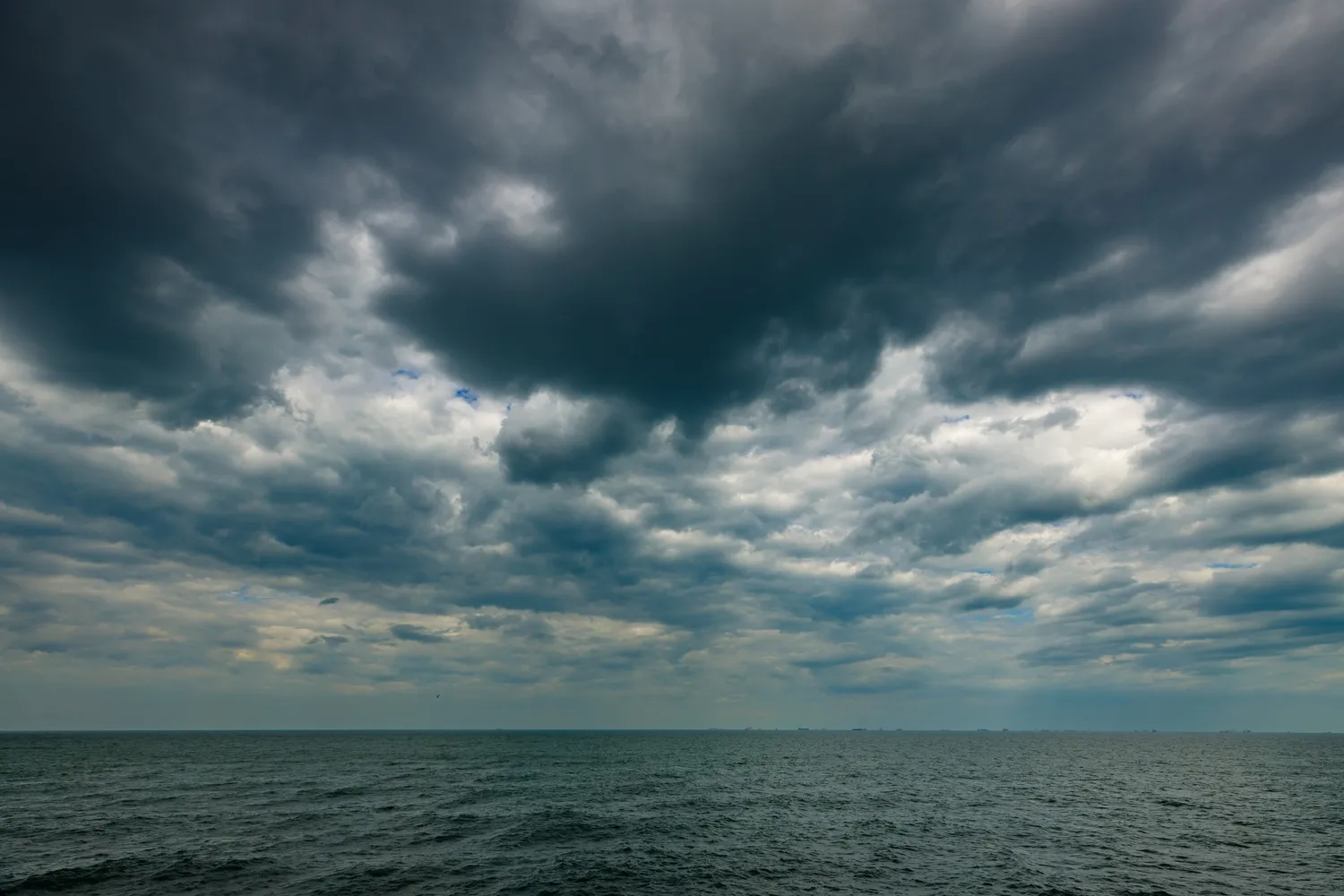
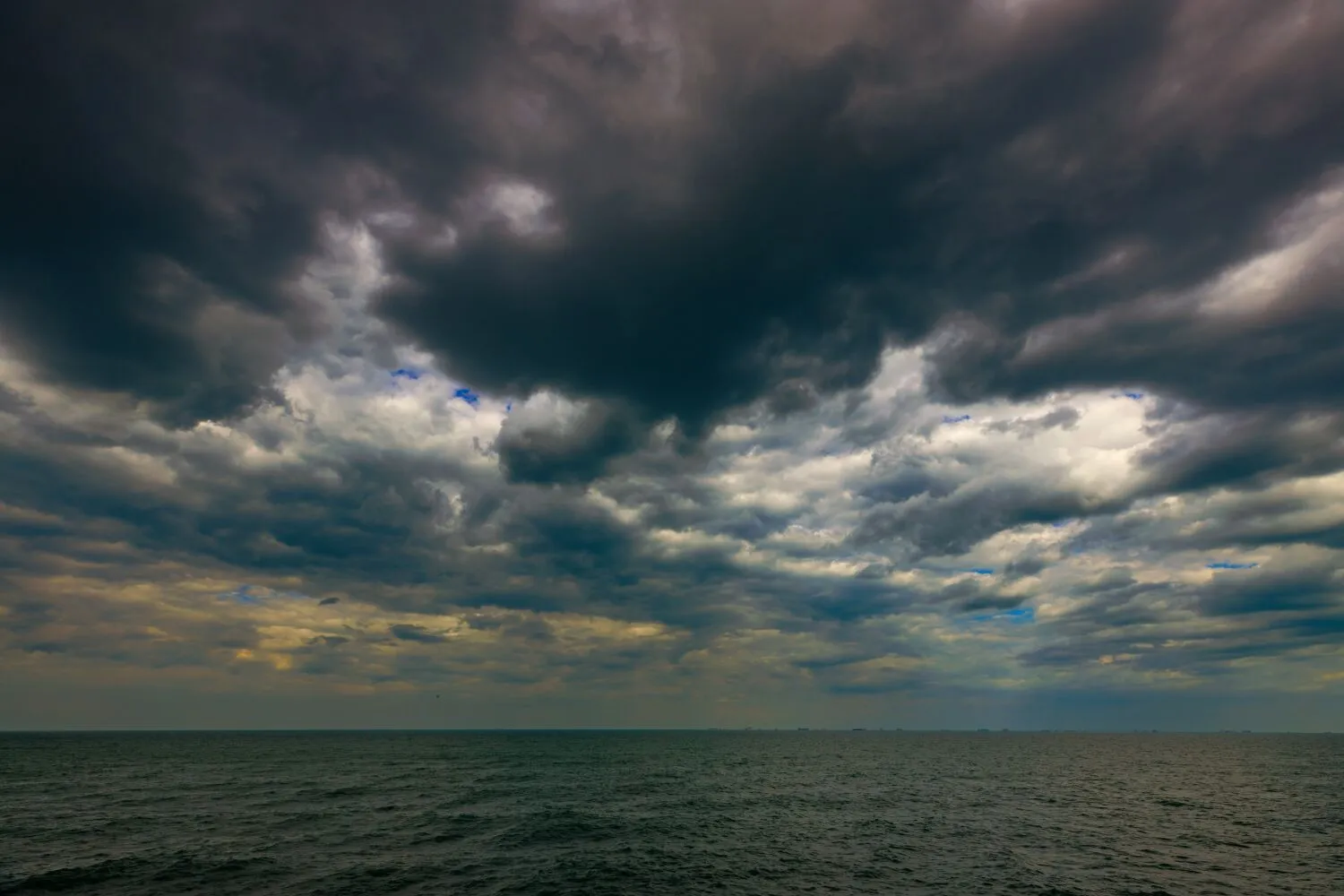
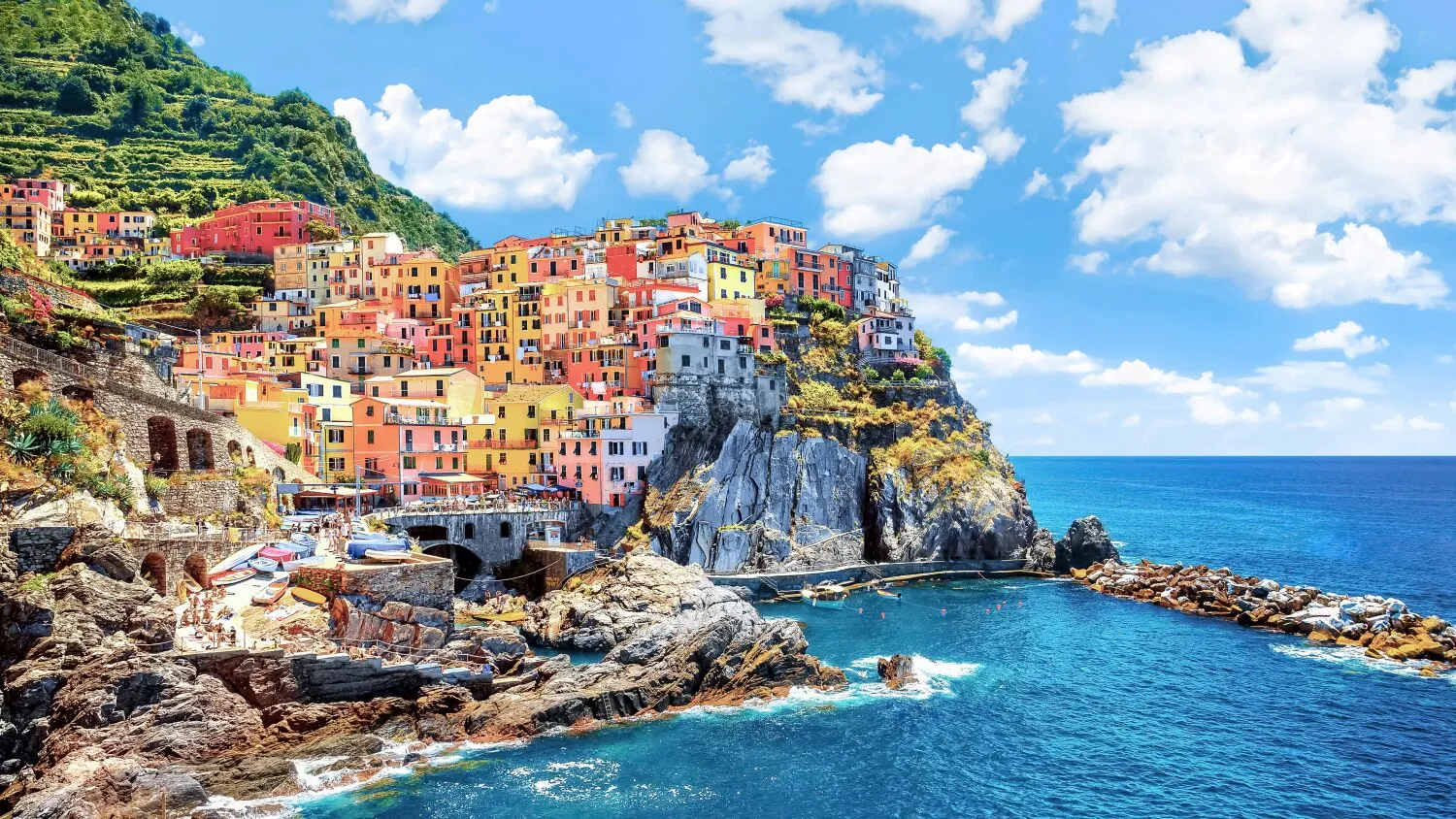
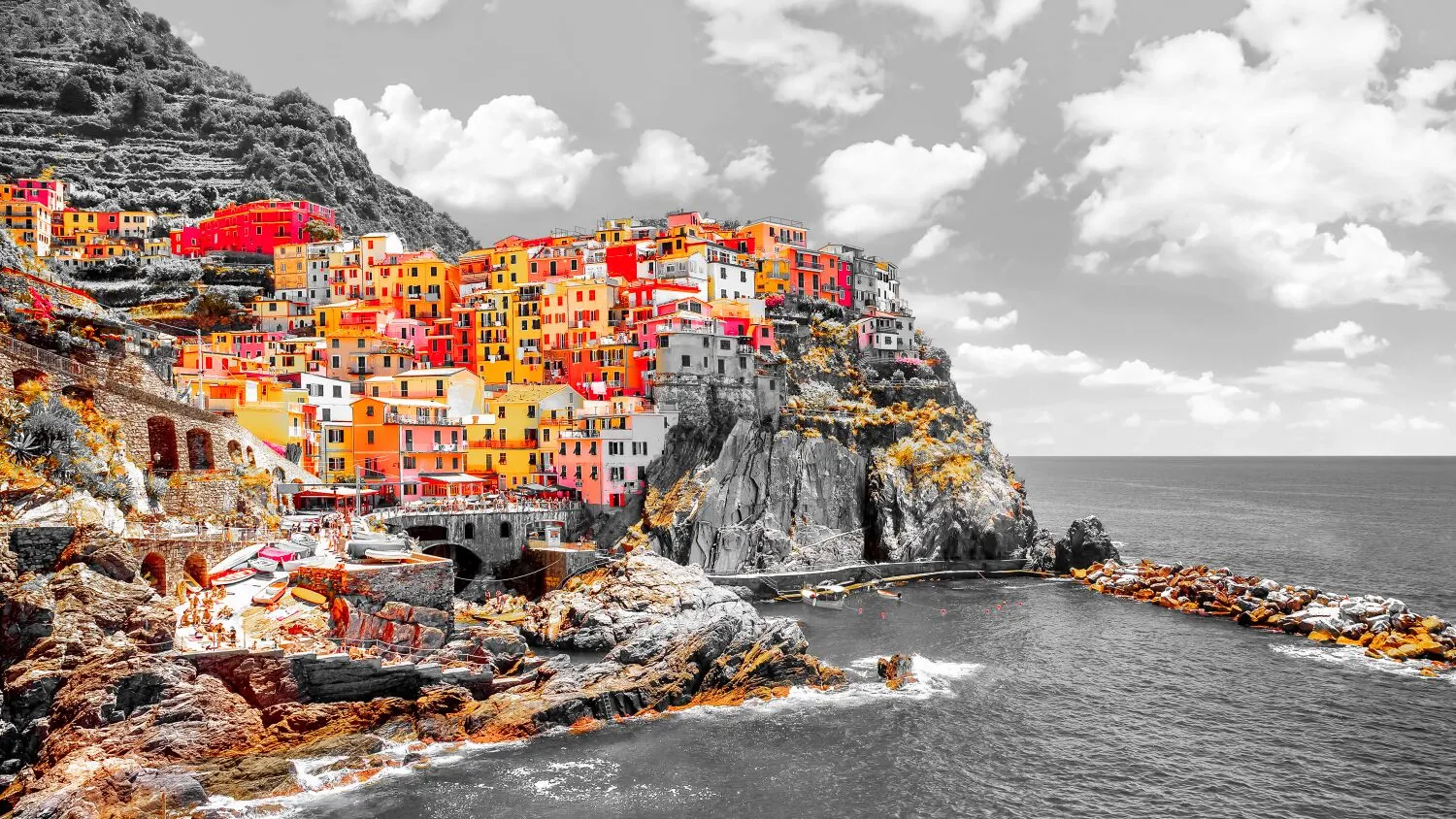
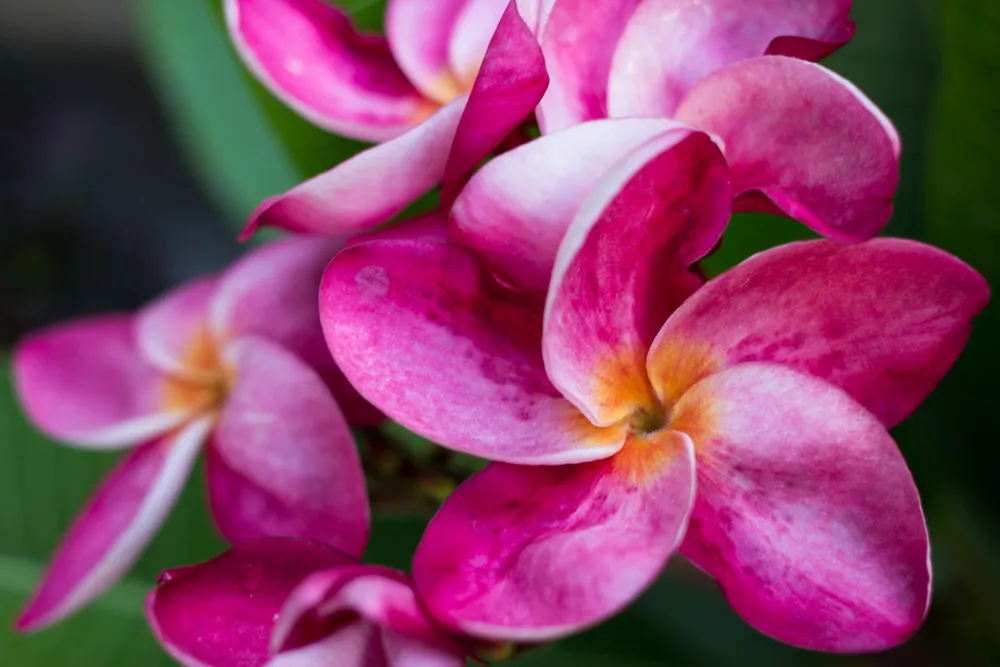
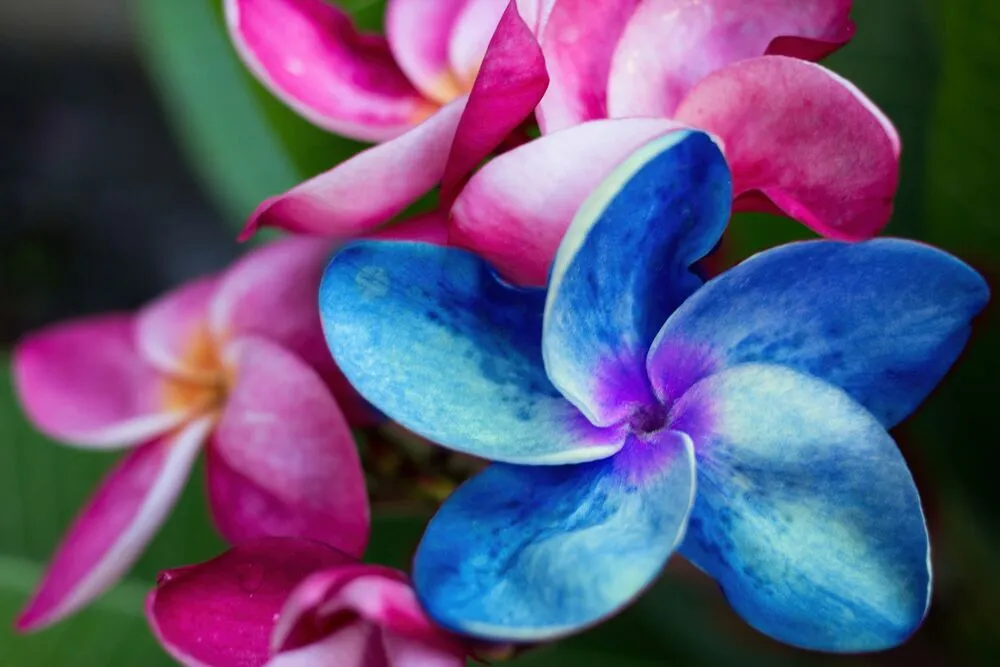
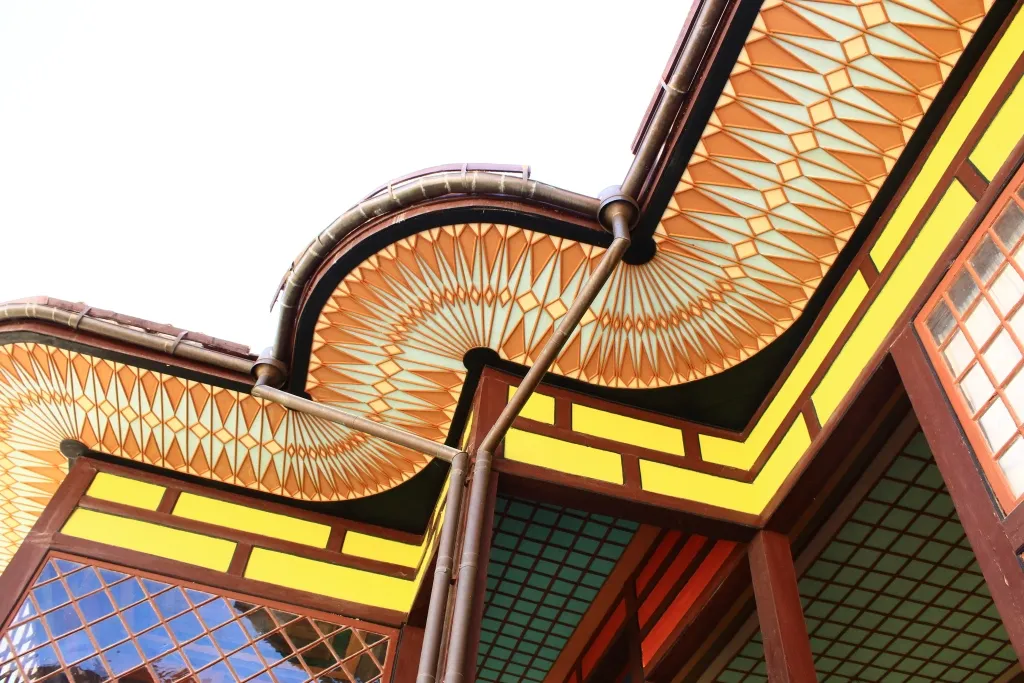
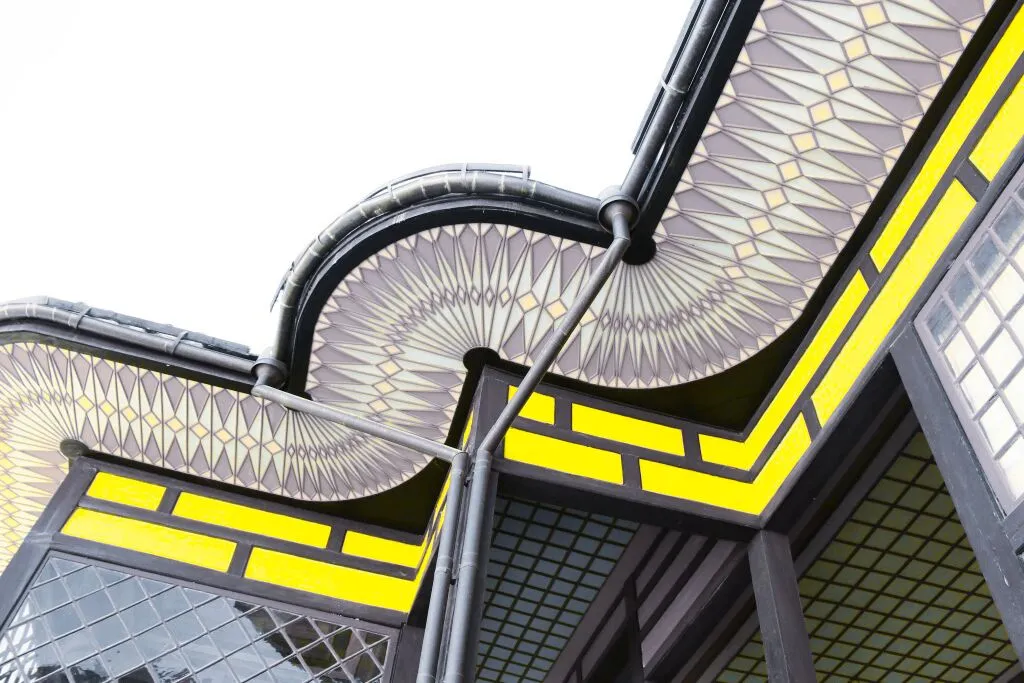
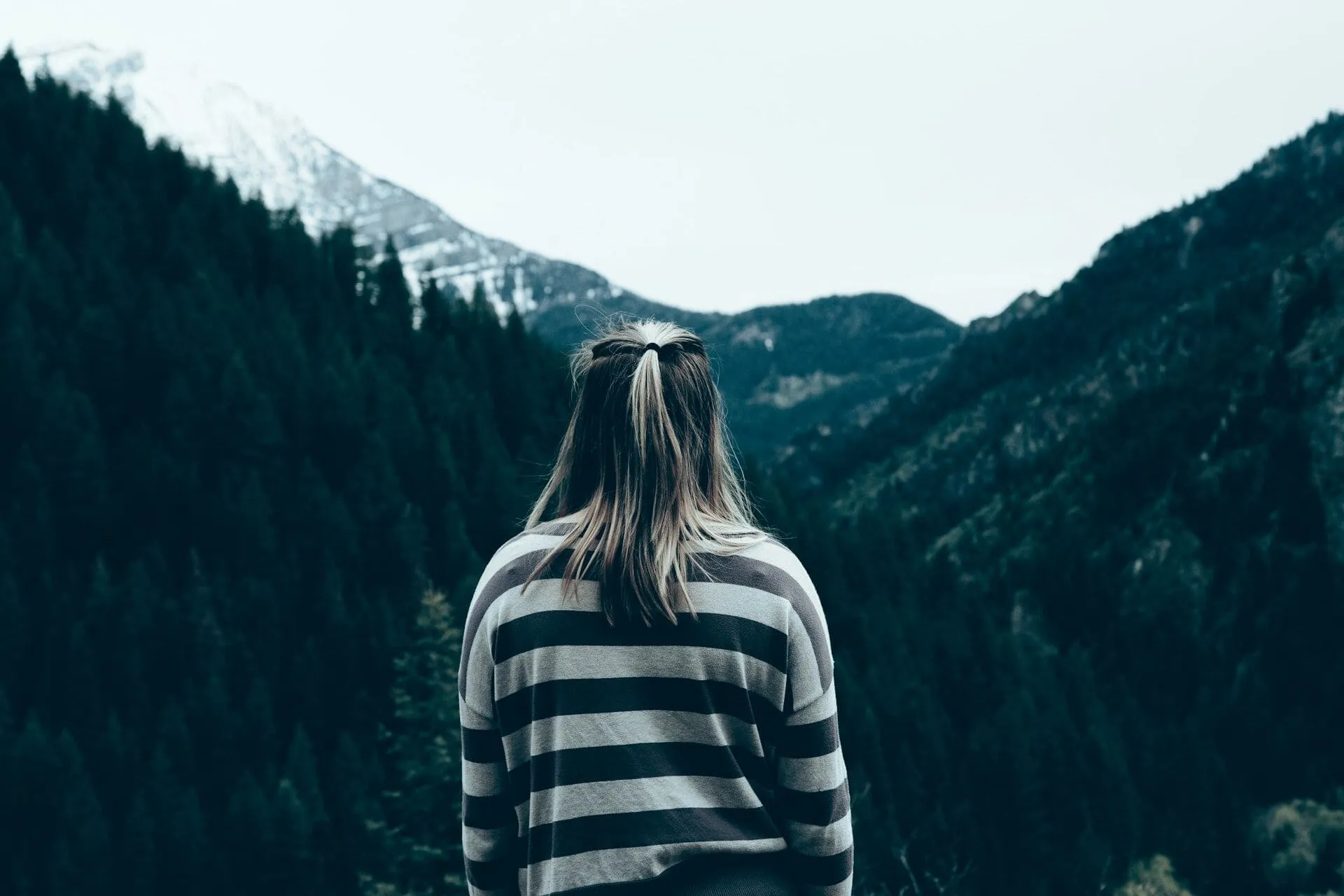
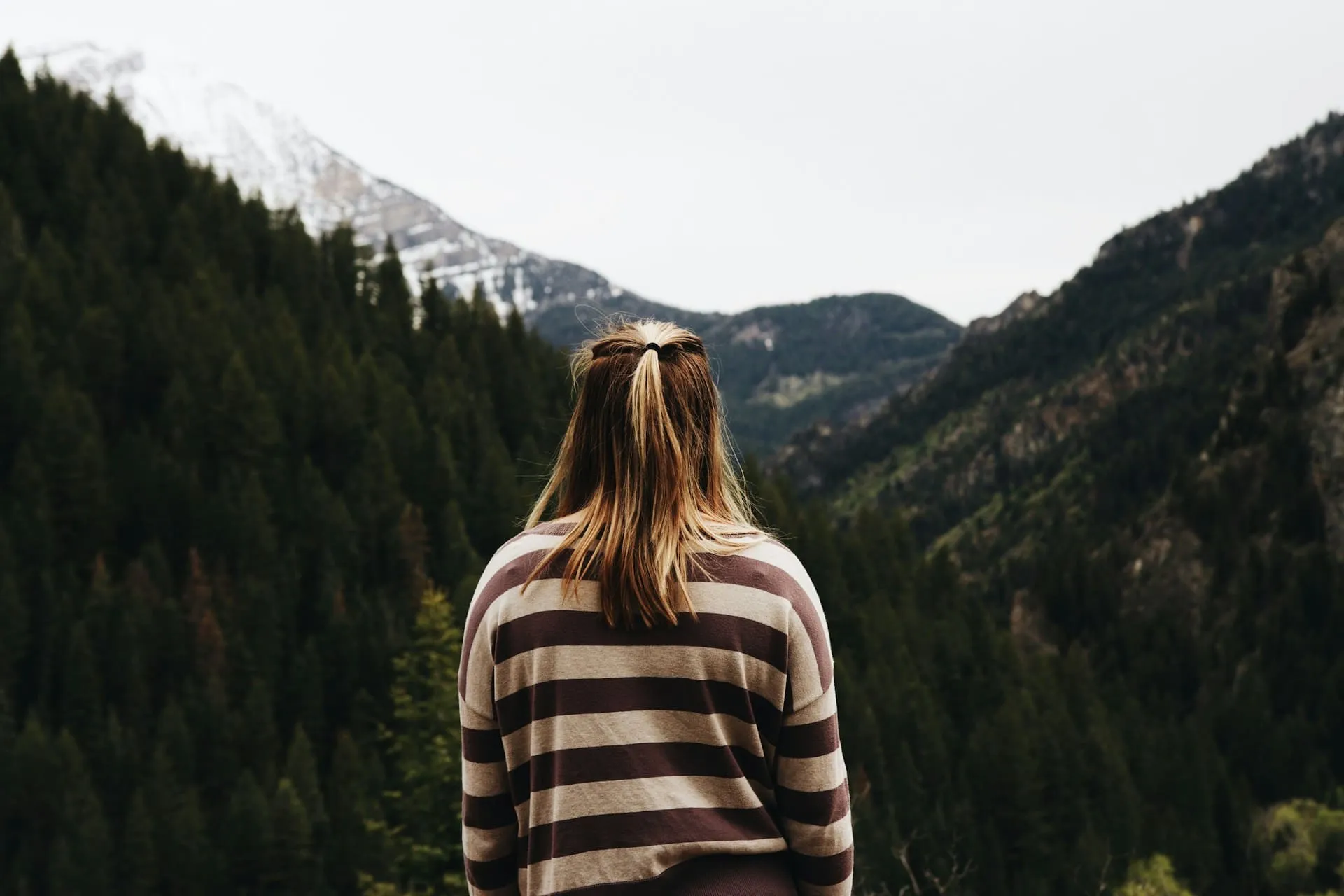
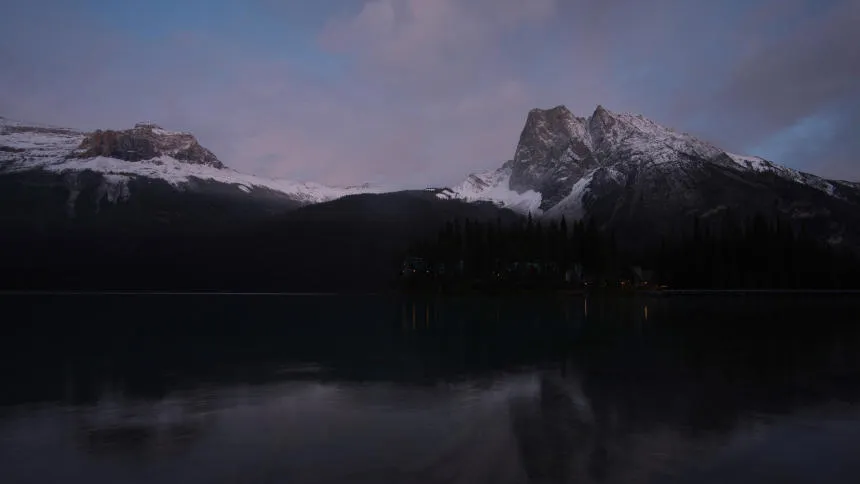
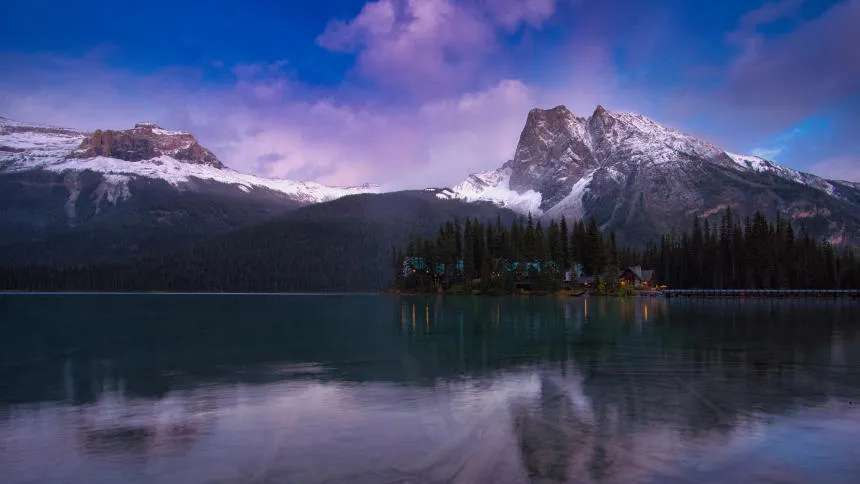
Create dramatic stylistic changes and unique artistic pictures with selective color photography in Luminar. It’s an editing technique that allows you to adjust individual tones, and an essential tool for subtle color corrections.
プランを見る選択的な色調整のメリット
繊細な色補正
You can use HSL filters to make colors more vivid or more neutral. Selective color photos bring realistic results and are often used in landscape photography.

選択的なカラーリング効果
Selective color adjustments save you from making complicated selections and working with layers and masks.
写真のムードを変えよう
For example, you can adjust warm colors to enhance a sunset or cool colors to add an icy feel to a winter landscape.
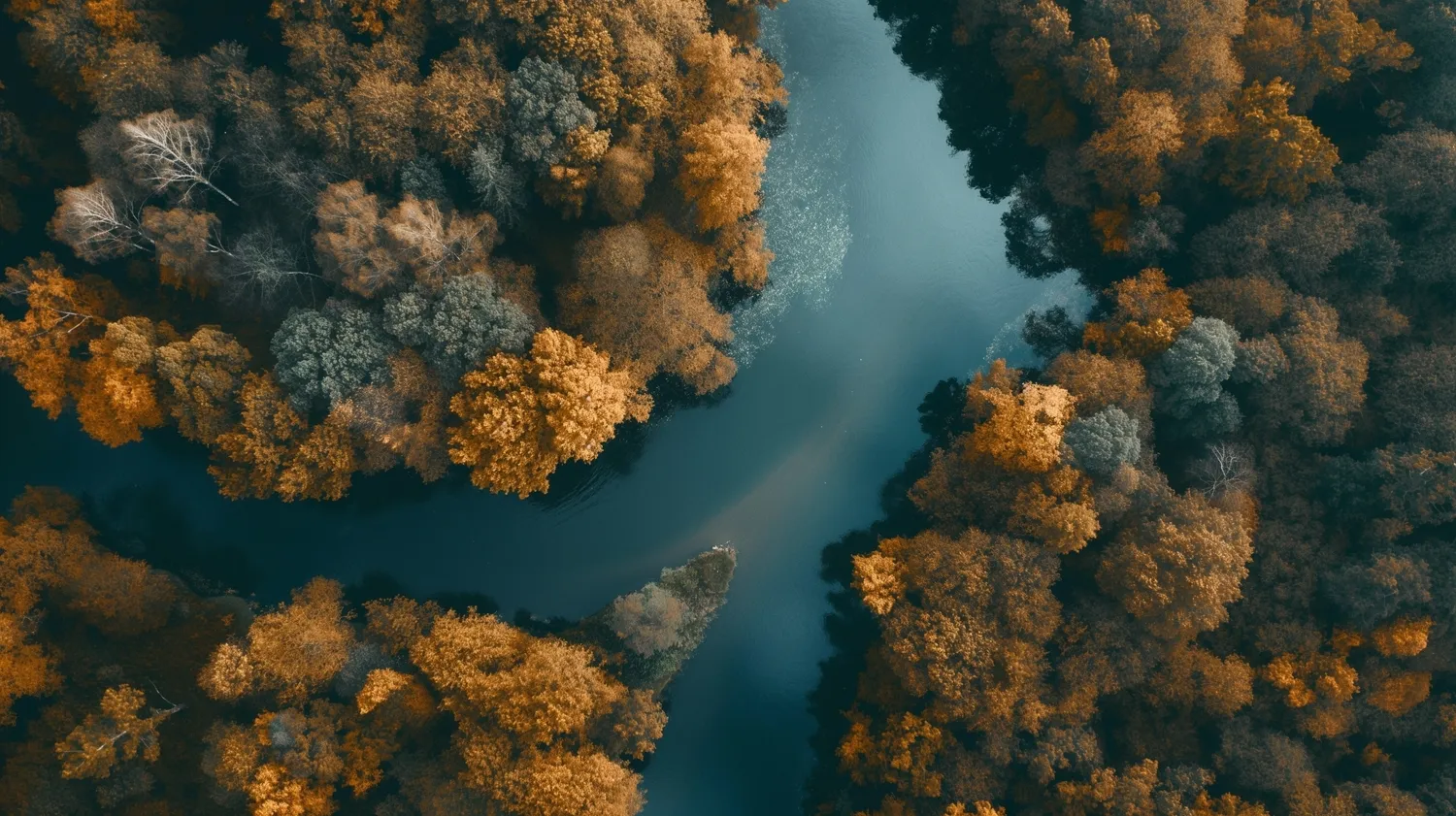
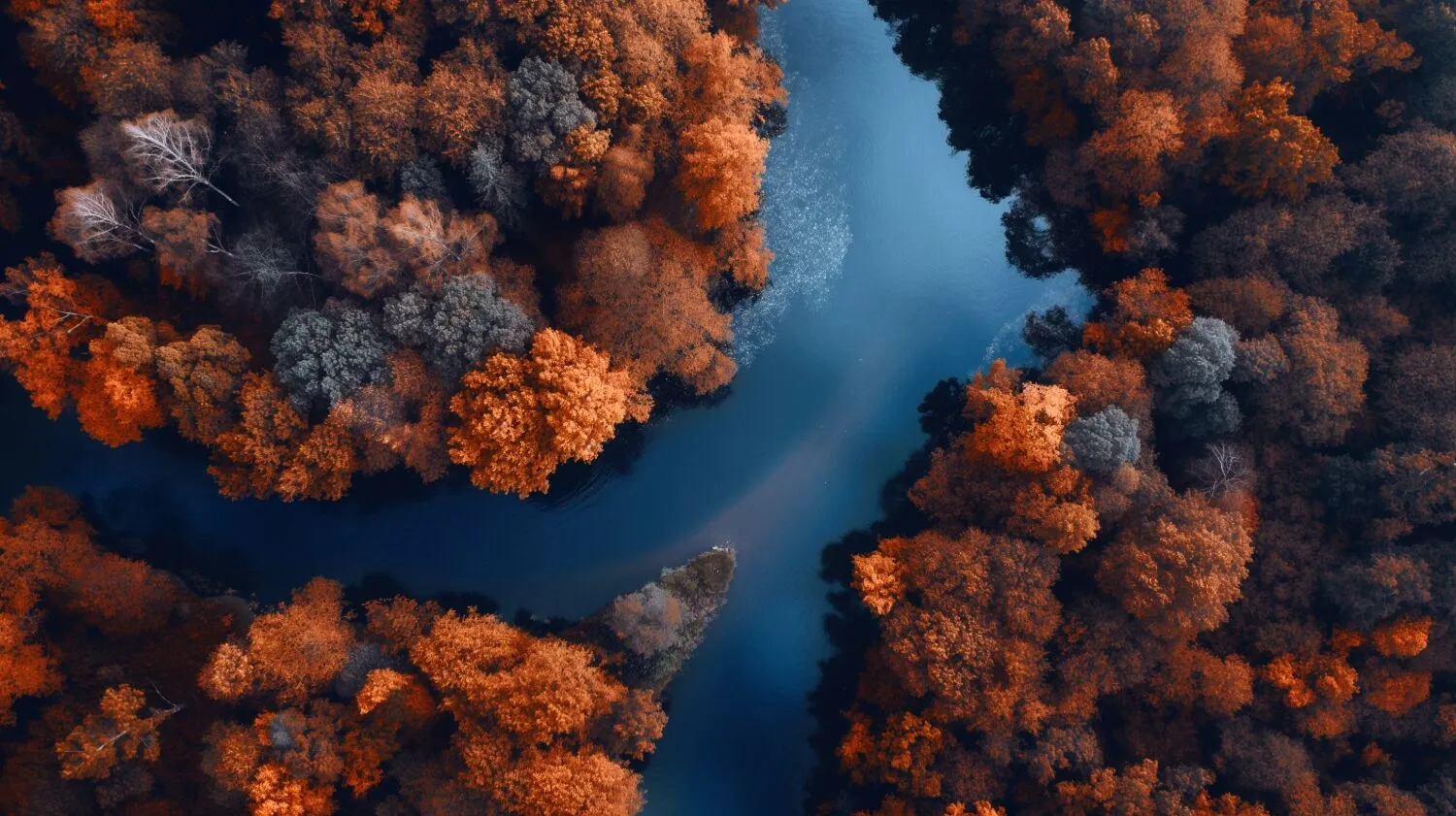
How to Make Selective Color Adjustments in Luminar?

白黒変換を使用して選択的なカラー化を行う
Luminar Convert to B&W tool gives you access to luminance and saturation for red, yellow, green, cyan, magenta, and blue.

HSLフィルターで繊細な色補正を実現
カラーのHSL ツールを使用すると、個々の色の色相、彩度、輝度を選択的に調整できます。レッド、オレンジ、イエロー、グリーン、シアン、ブルー、パープル、マゼンタを使用できます。

ハイライトとシャドウを直接操作する
Color tint photo editor Luminar has Color Balance that allows you to change the color of just highlights, just midtones, just shadows, or both highlights and shadows. It also has a Split Color Warmth filter, which is useful if you need to change the color of cool and warm tones.
完璧な色補正を実現
主観的なものではありますが、正確で満足のいく色補正を実現するのに役立つ一般的なガイドラインがいくつかあります。
- ホワイトバランスを調整して、白と中間色を正確に表現。
- 露出とコントラストのレベルを微調整して、希望の色調範囲と全体の明るさを実現。
- 必要に応じて、個別のカラー チャネル (レッド、グリーン、ブルー、シアン、マゼンタ、イエロー) を調整して、希望のカラー バランスを実現。
- そしてもちろん、選択的な色補正を使用可能。
.webp)
その他の機能を見る








アプリケーション&プラグイン
macOS と Windows 対応
- 高性能なAI編集ソフト
24時間のテクニカルサポート
30日間の返金保証
Join our communities

