
 プランを見る
写真の背景をぼかして、奥行きと焦点感を出す
画像の視覚的な美しさを高め、見る人の視線をまさに意図した場所に誘導しましょう。Luminarを使えば、わずか数回のクリックで写真の背景をぼかすことができます。
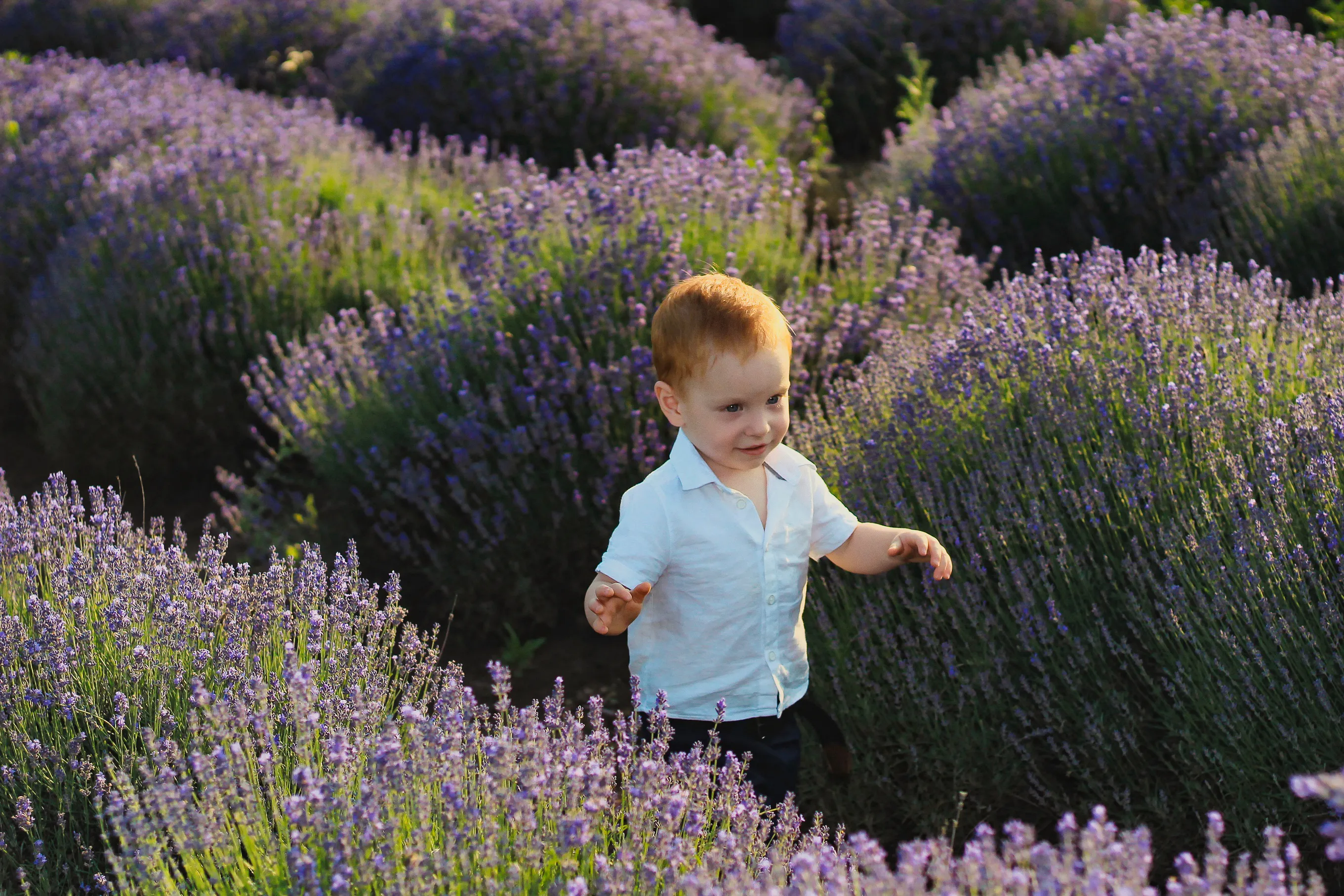
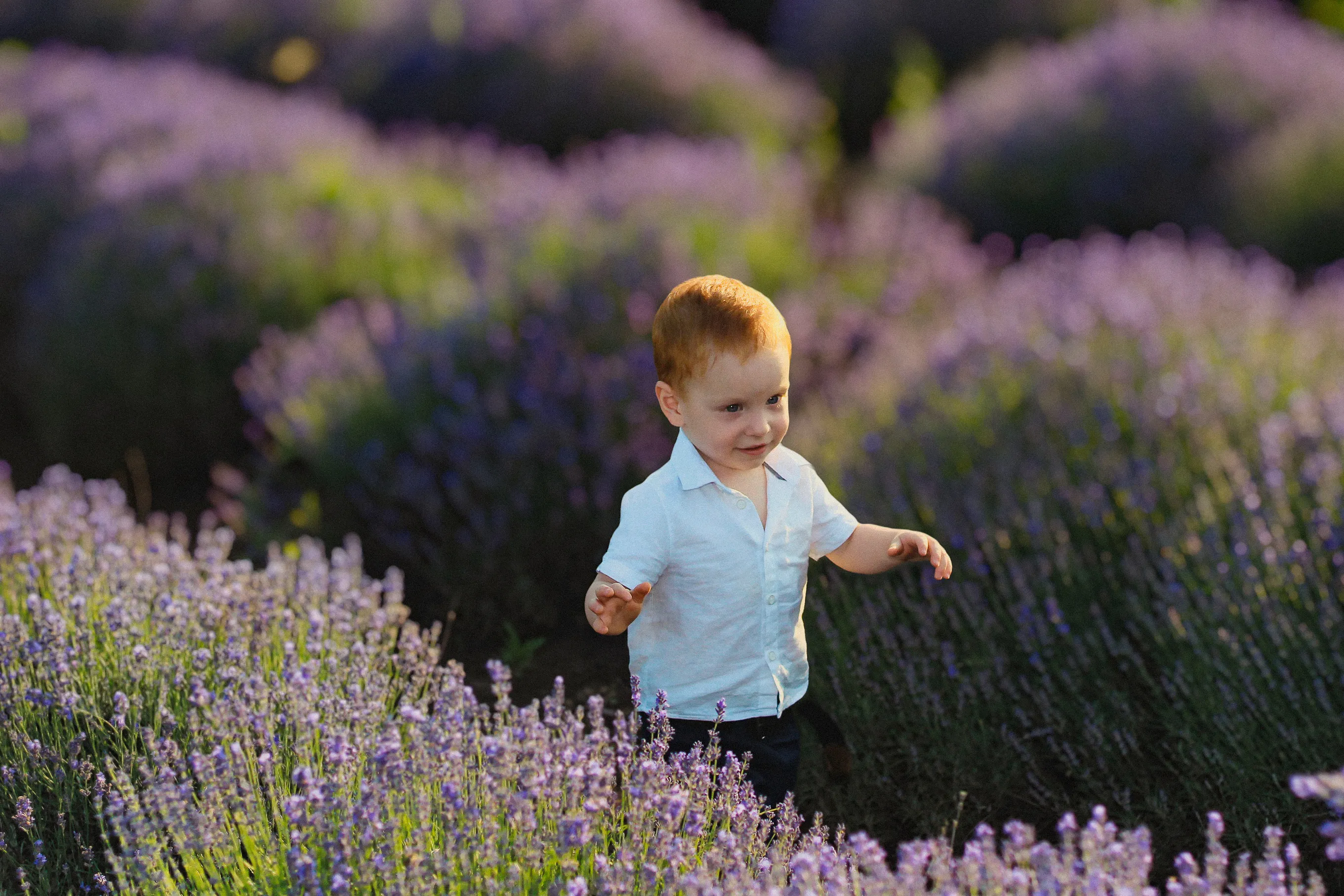
プランを見るAIによる写真の背景ぼかしと手動でのぼかしの比較
Luminarでは、AIによる背景ぼかしと手動による背景ぼかしのいずれかを使用して、背景をぼかすことができます。どちらの方法も確実に機能しますが、それぞれ異なるビジュアルスタイルに合わせて設計されています。
AIぼかしは高速かつ自動で行われ、すっきりとした自然な仕上がりに最適です。一方、手動ぼかしでは、より精密な編集やスタイリッシュな編集を行うために、細部まで自由にコントロールできます。編集のプロセスをどの程度自分で手をかけるかは、あなた次第です。
AIぼかしは高速かつ自動で行われ、すっきりとした自然な仕上がりに最適です。一方、手動ぼかしでは、より精密な編集やスタイリッシュな編集を行うために、細部まで自由にコントロールできます。編集のプロセスをどの程度自分で手をかけるかは、あなた次第です。
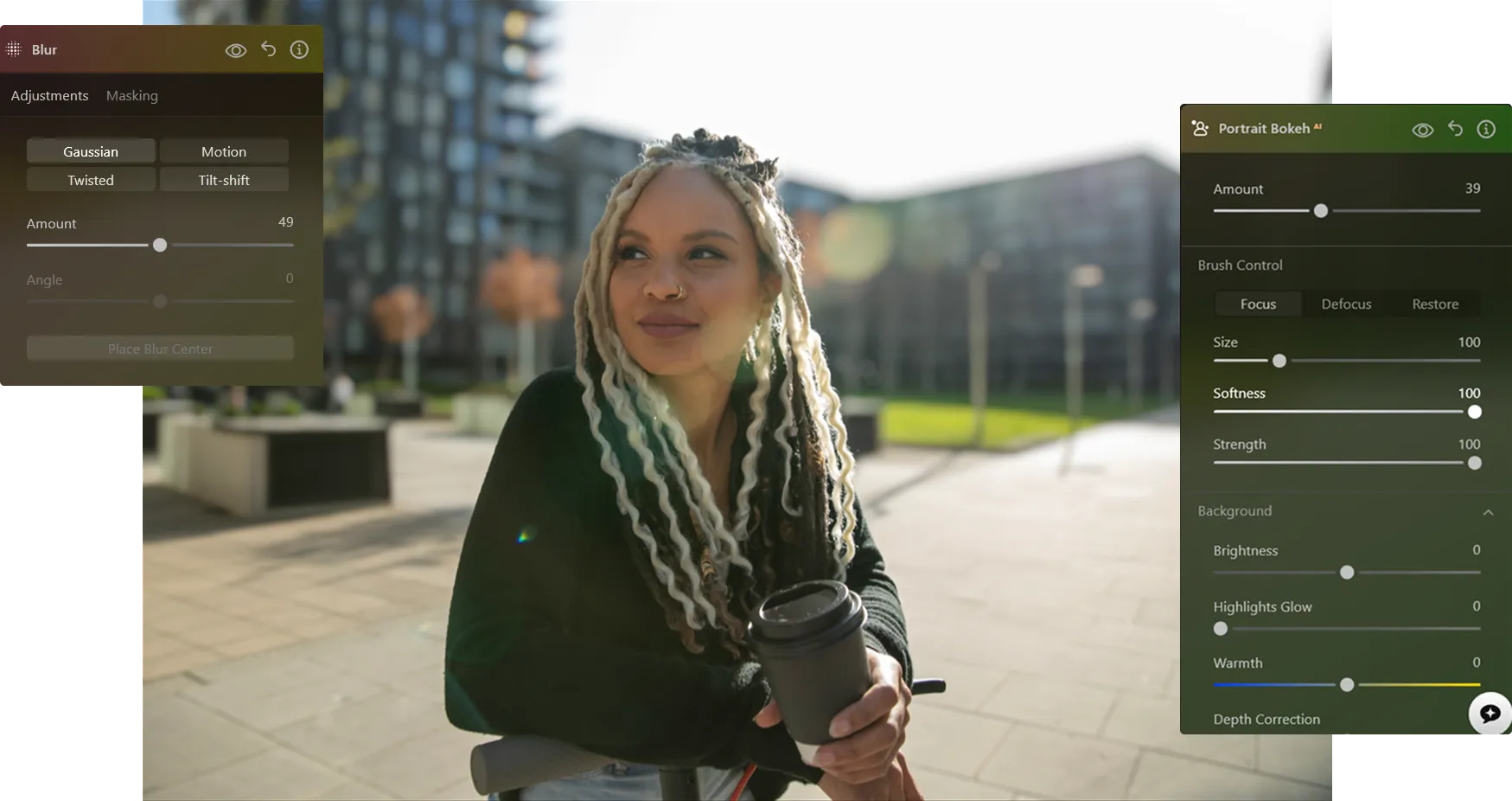
写真の背景をぼかす方法
Luminarを使えば、撮影後に背景をぼかす効果を加えることができ、思い通りの仕上がりに微調整することも可能です。

手順 1.写真を開いてください。Luminarを起動し、編集したい画像を開きます。

ステップ2. 背景をぼかす。 「ポートレート・ボケ AI」または「ぼかしツール」を選択してください。Luminarが自動的に被写体を検出し、背景から切り抜きます。

ステップ3. ぼかしを調整します。 ぼかしの強さを調整して、自然な背景のぼかし効果を作り出しましょう。奥行きやグラデーションを微調整して、リアルな仕上がりにしましょう。

ステップ4. 微調整してエクスポートする。 必要に応じてエッジを調整し、背景がきれいにぼかされたプロ仕様の写真をエクスポートしてください。
背景のぼかしが最も効果を発揮する場面
写真編集ソフトを使って背景をぼかすのは、さまざまなジャンルの写真で活用できる汎用性の高いテクニックであり、視線を誘導したり、不要な要素を排除したり、より洗練された仕上がりにしたりするのに役立ちます。

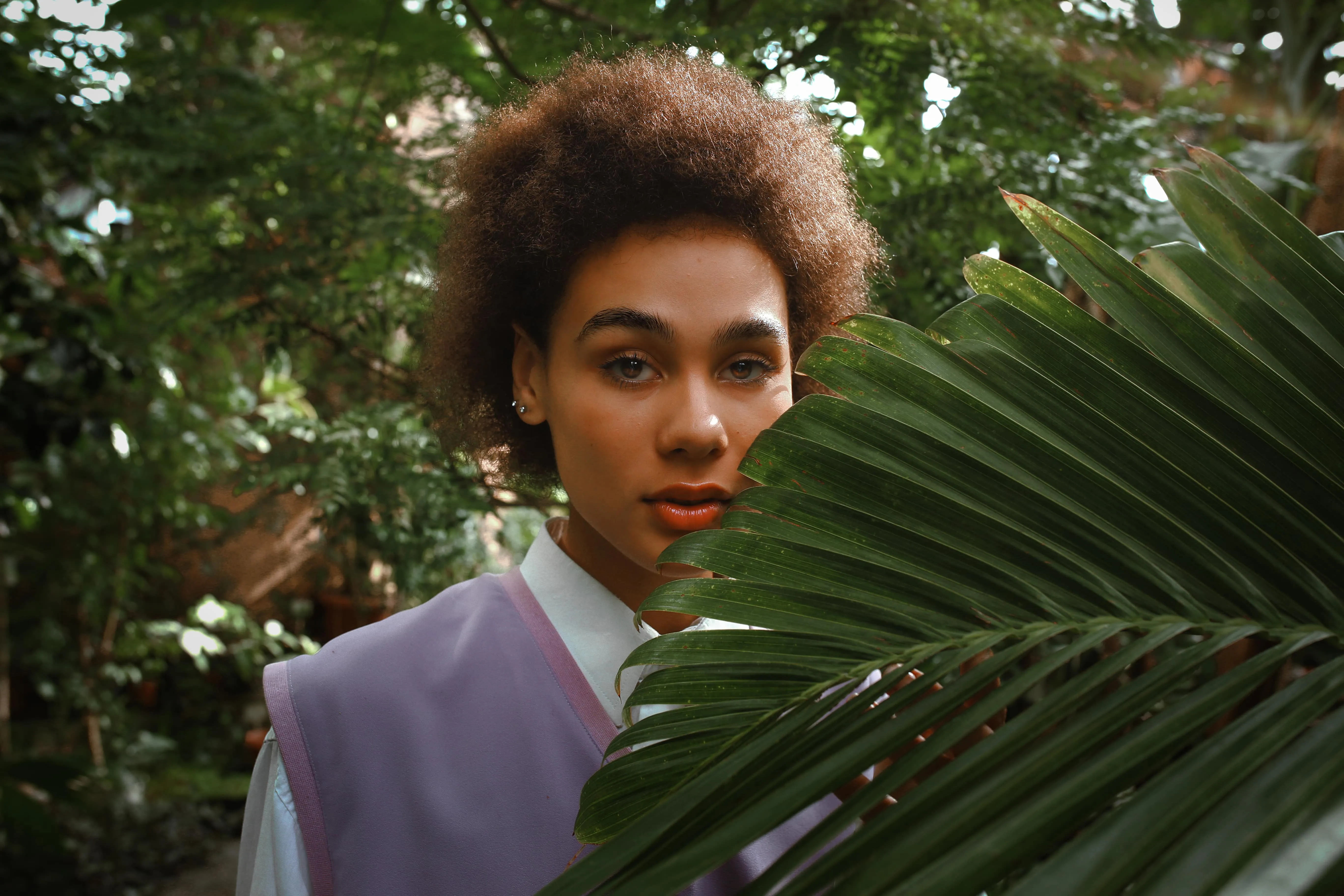
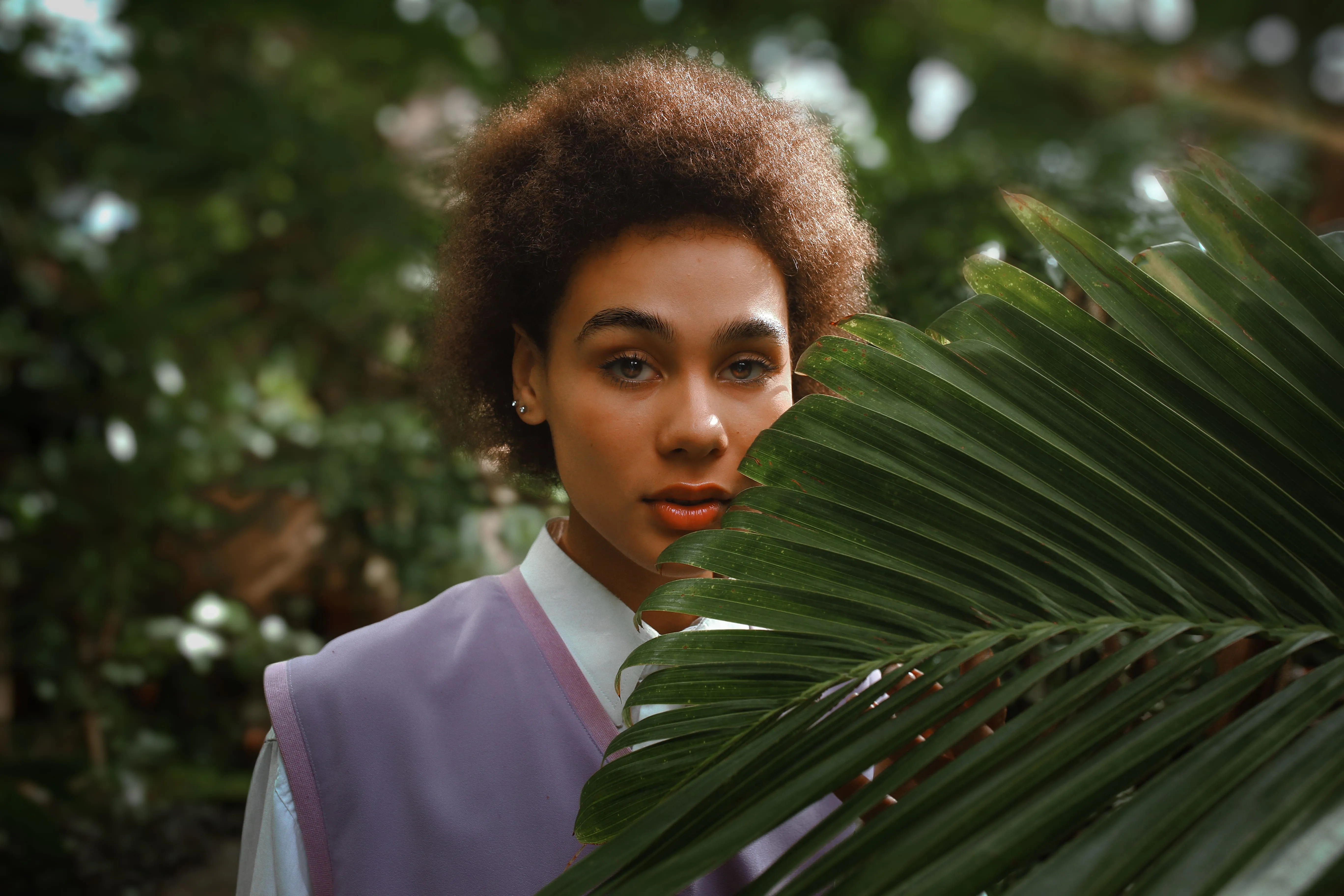
© Maryna Yurlovska
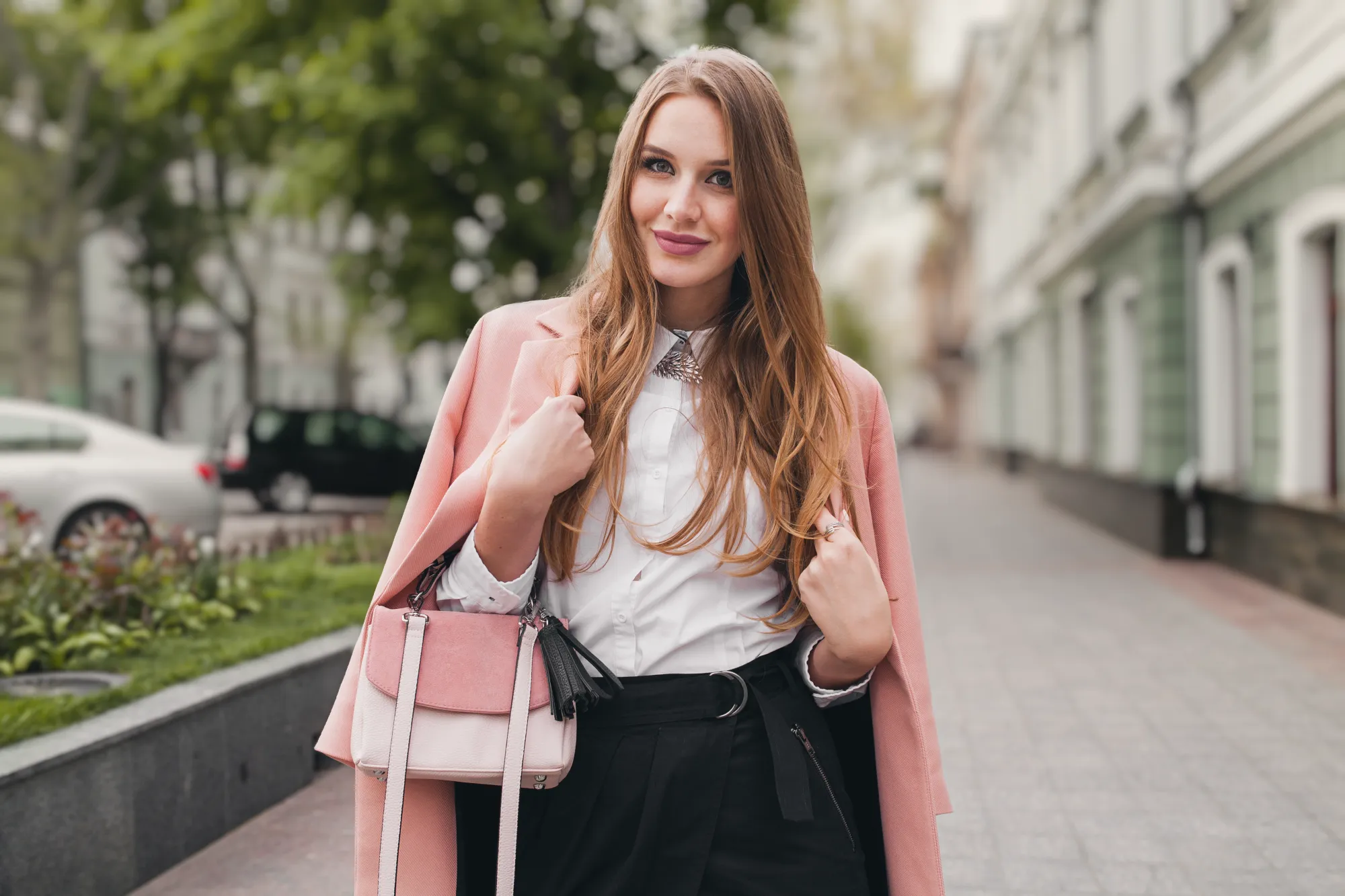
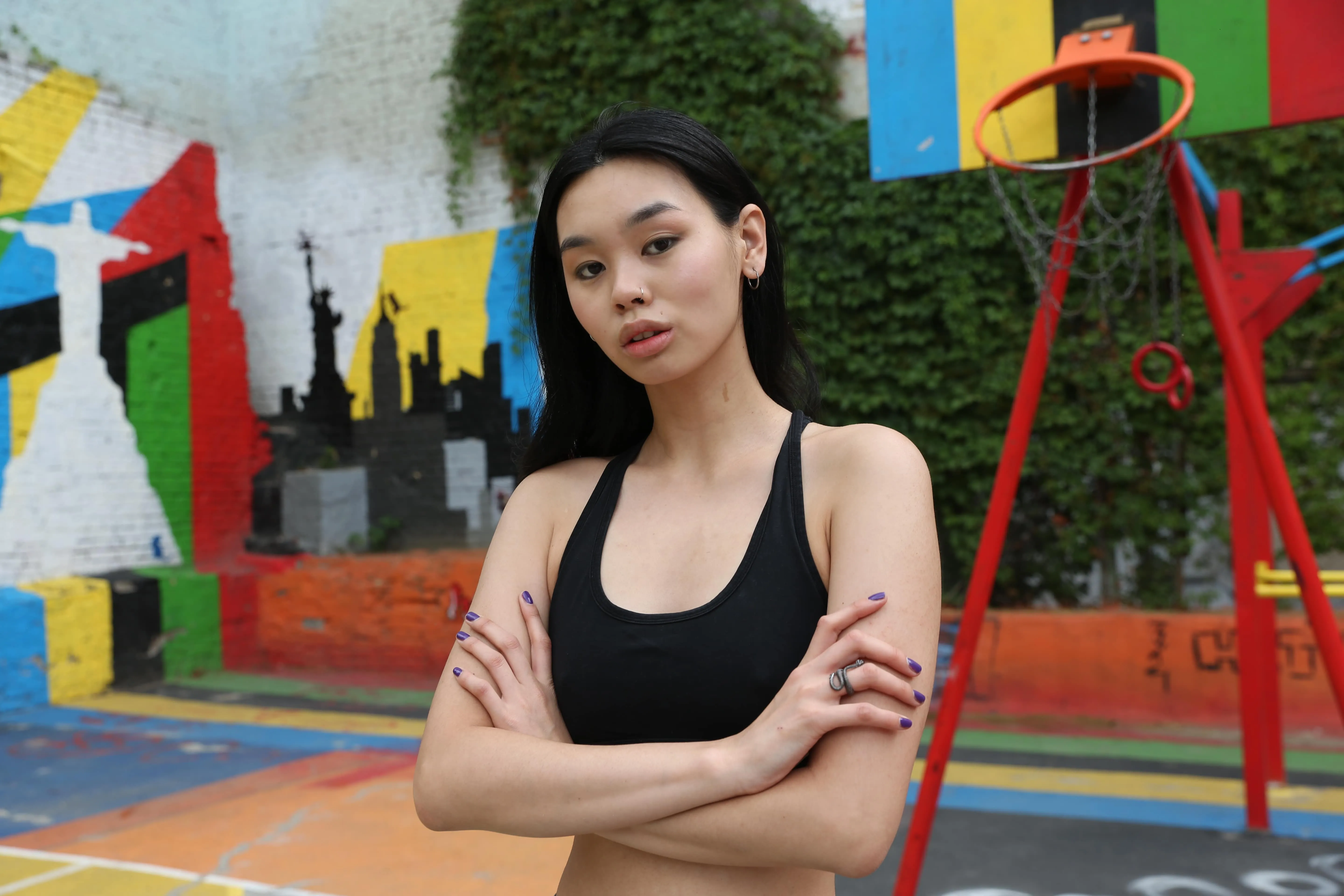
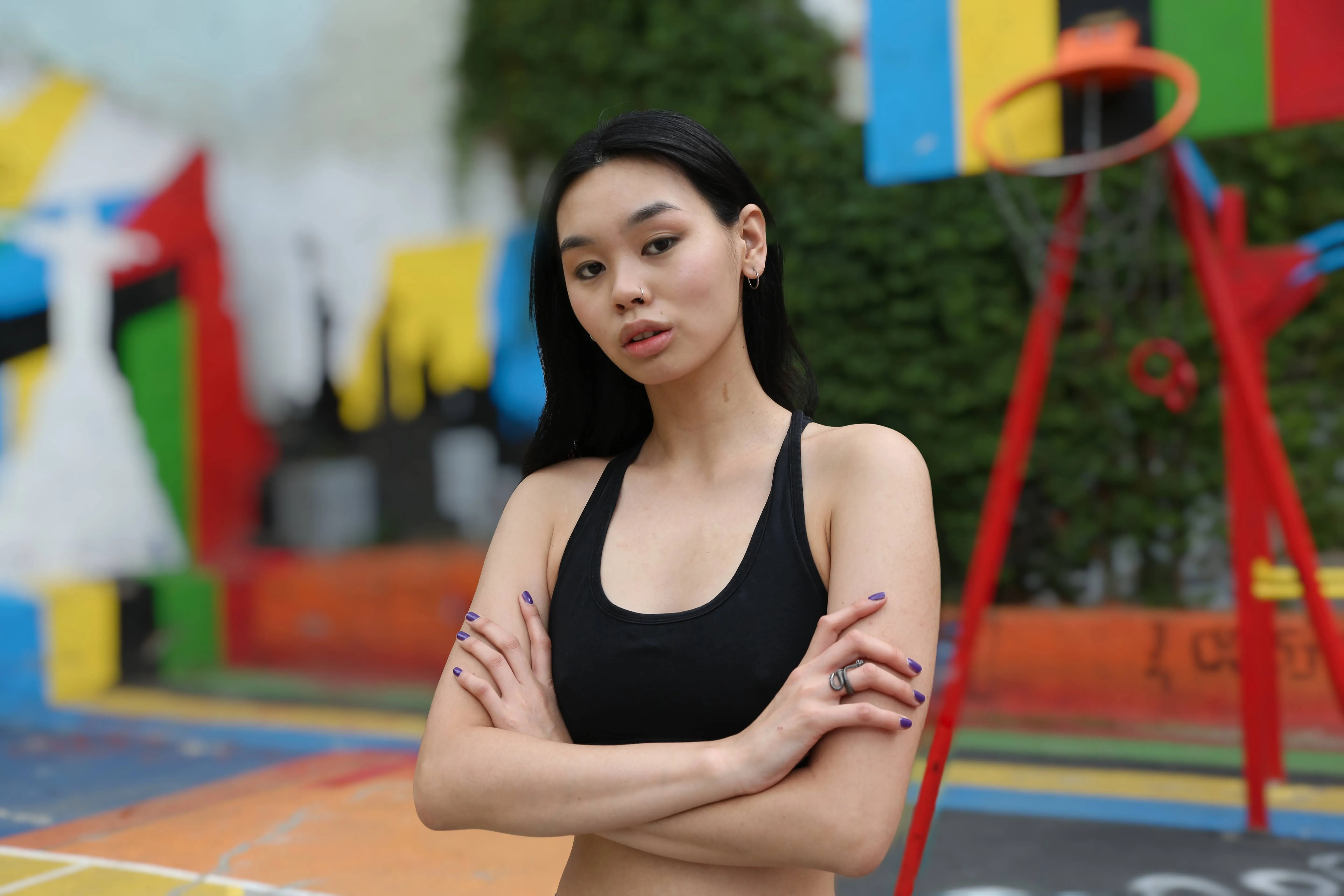
ポートレート写真
背景をぼかすことで、被写体をくっきりと際立たせ、柔らかなボケ効果を生み出します。これにより、視覚的な雑音が取り除かれ、見る人の注目が顔立ちや表情、感情に集中するようになります。プロのポートレートやライフスタイル写真、パーソナルブランディング用の写真に最適です。
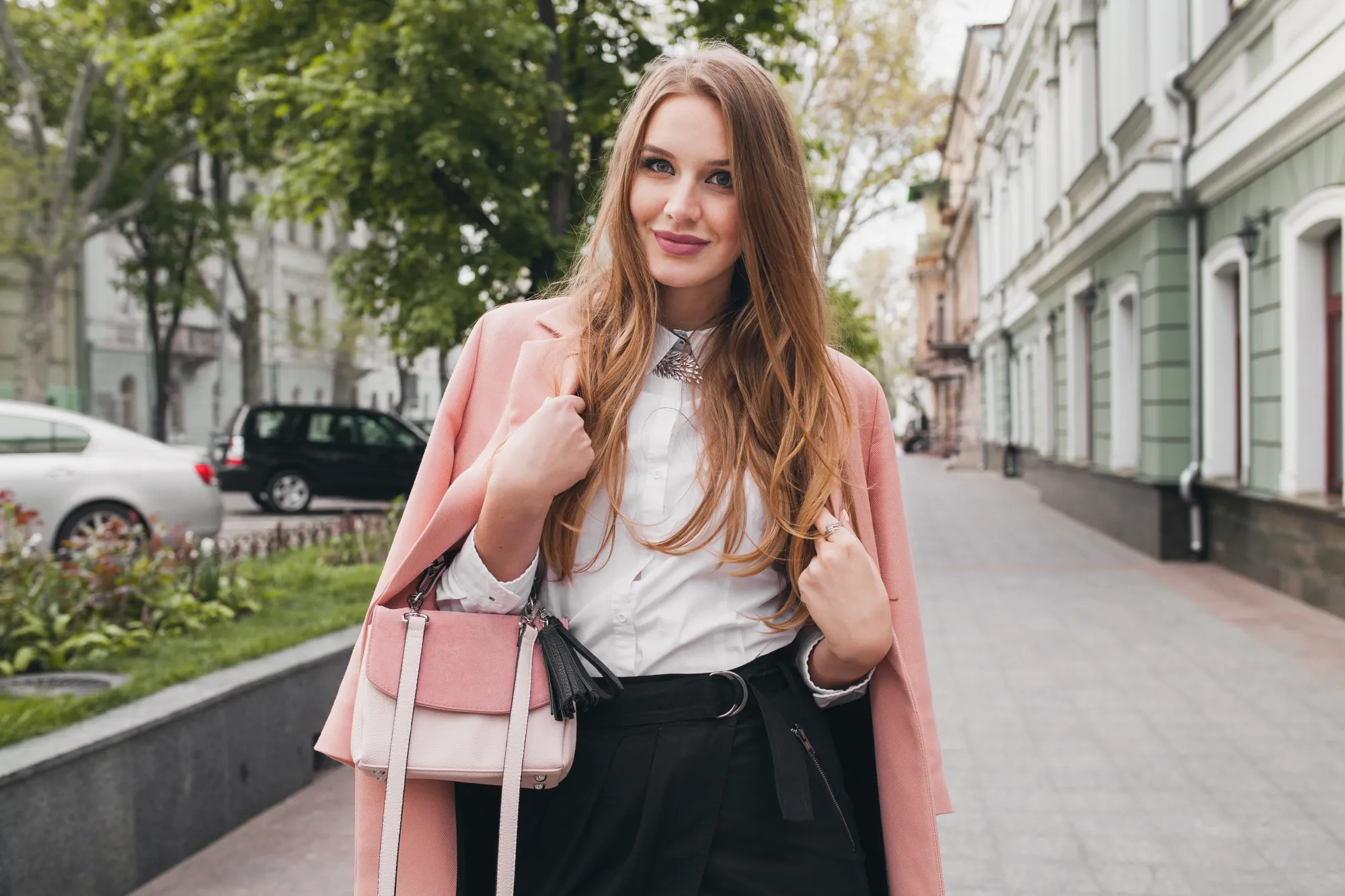
© derepente
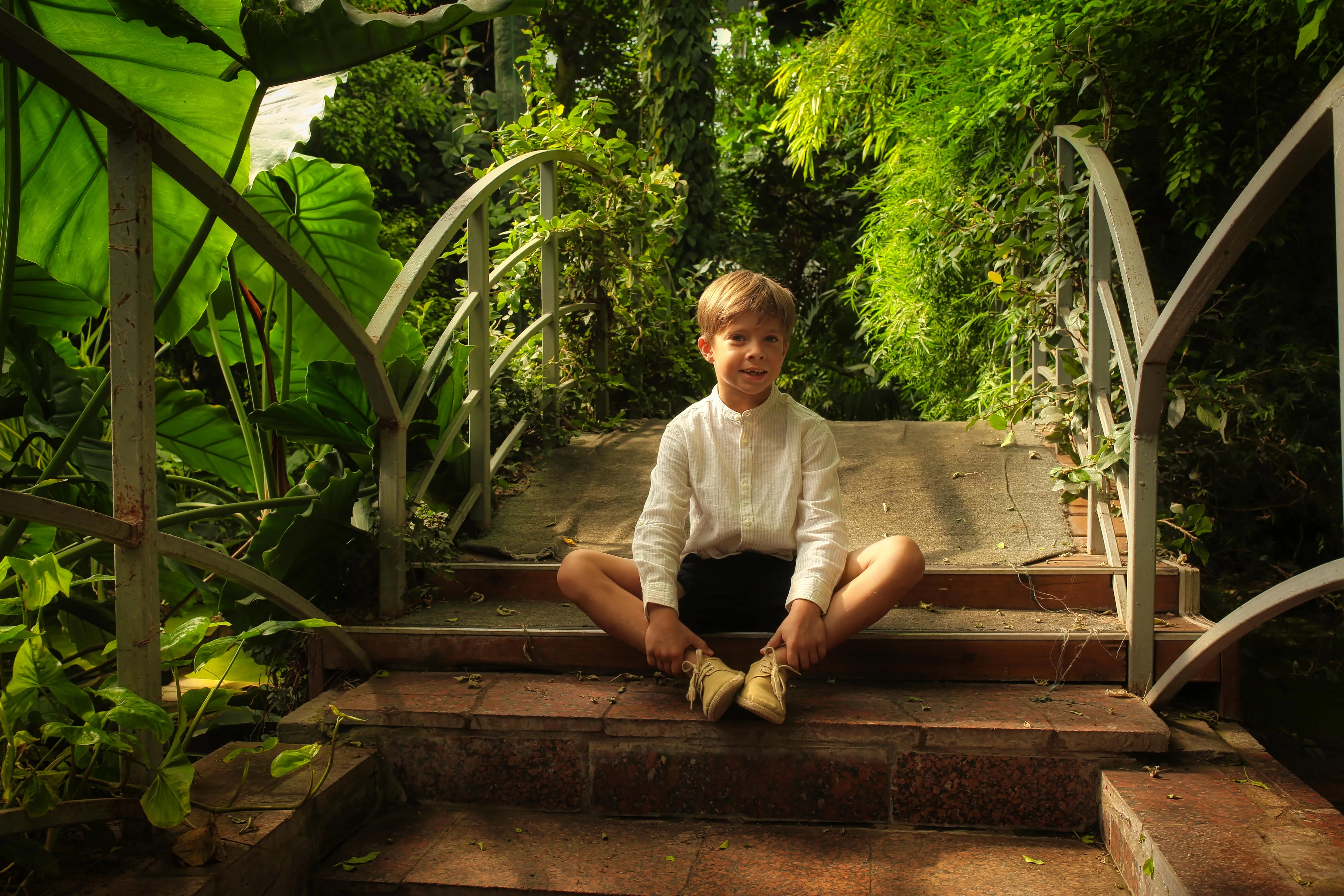
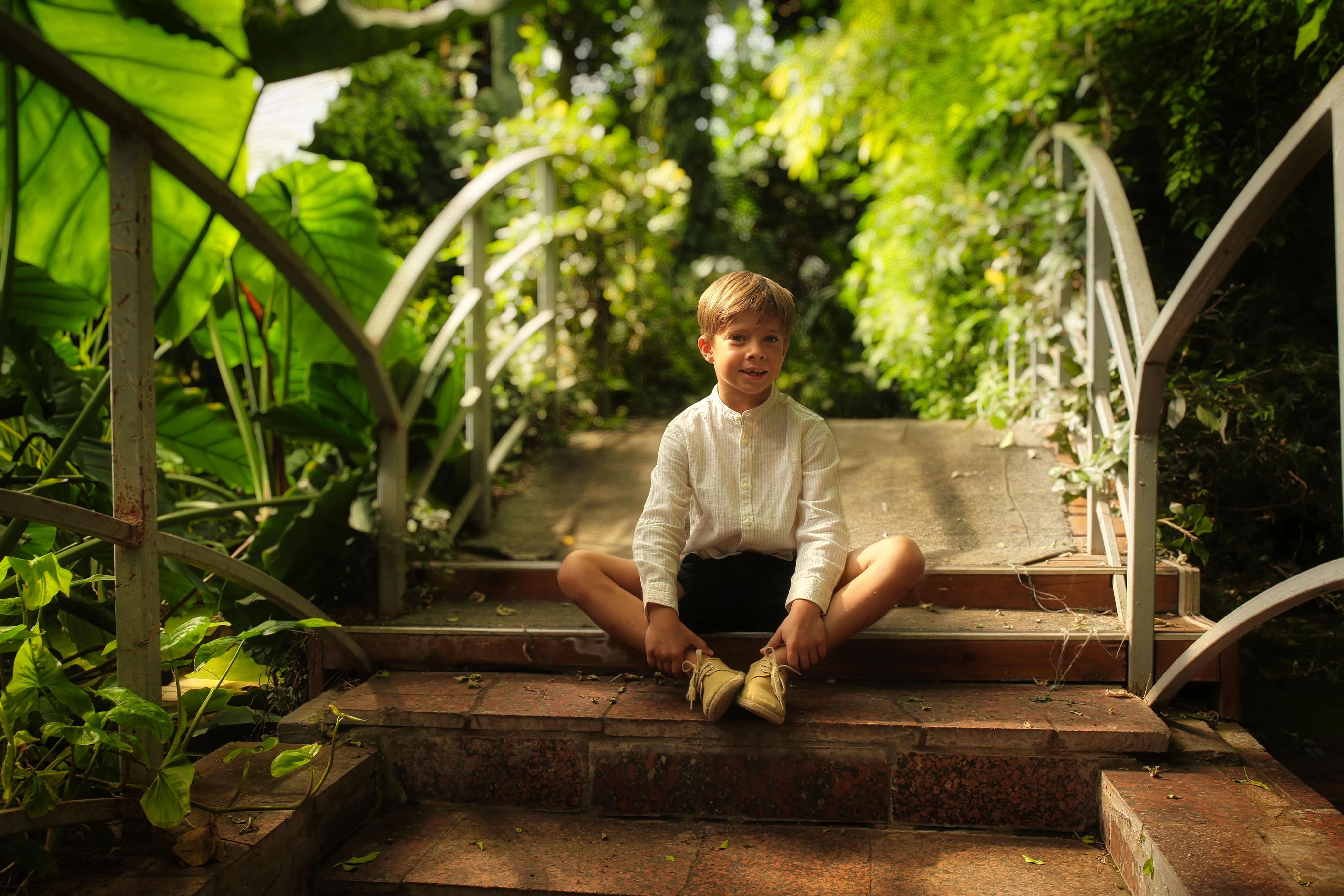
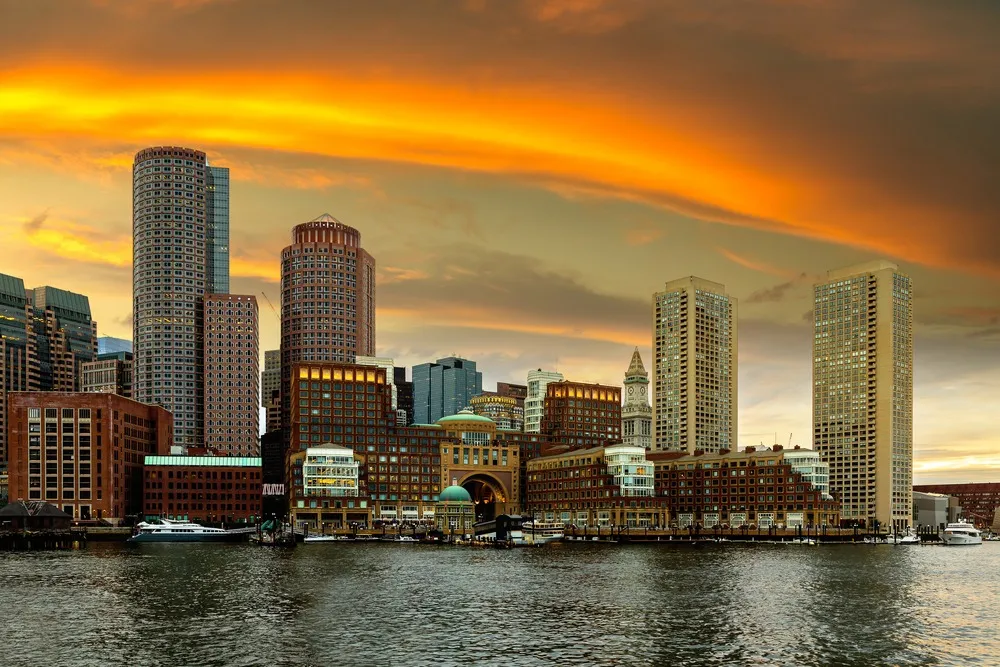
コマーシャル・商品写真
背景をぼかすことで、雑念を排除した背景の中で製品がはっきりと際立つようになります。この手法は、重要なディテールを強調し、視覚的な明瞭さを高め、製品画像にプロフェッショナルで高品質な印象を与えます。Eコマースの商品ページやプロモーション用ビジュアルに最適です。
© Maryna Yurlovska
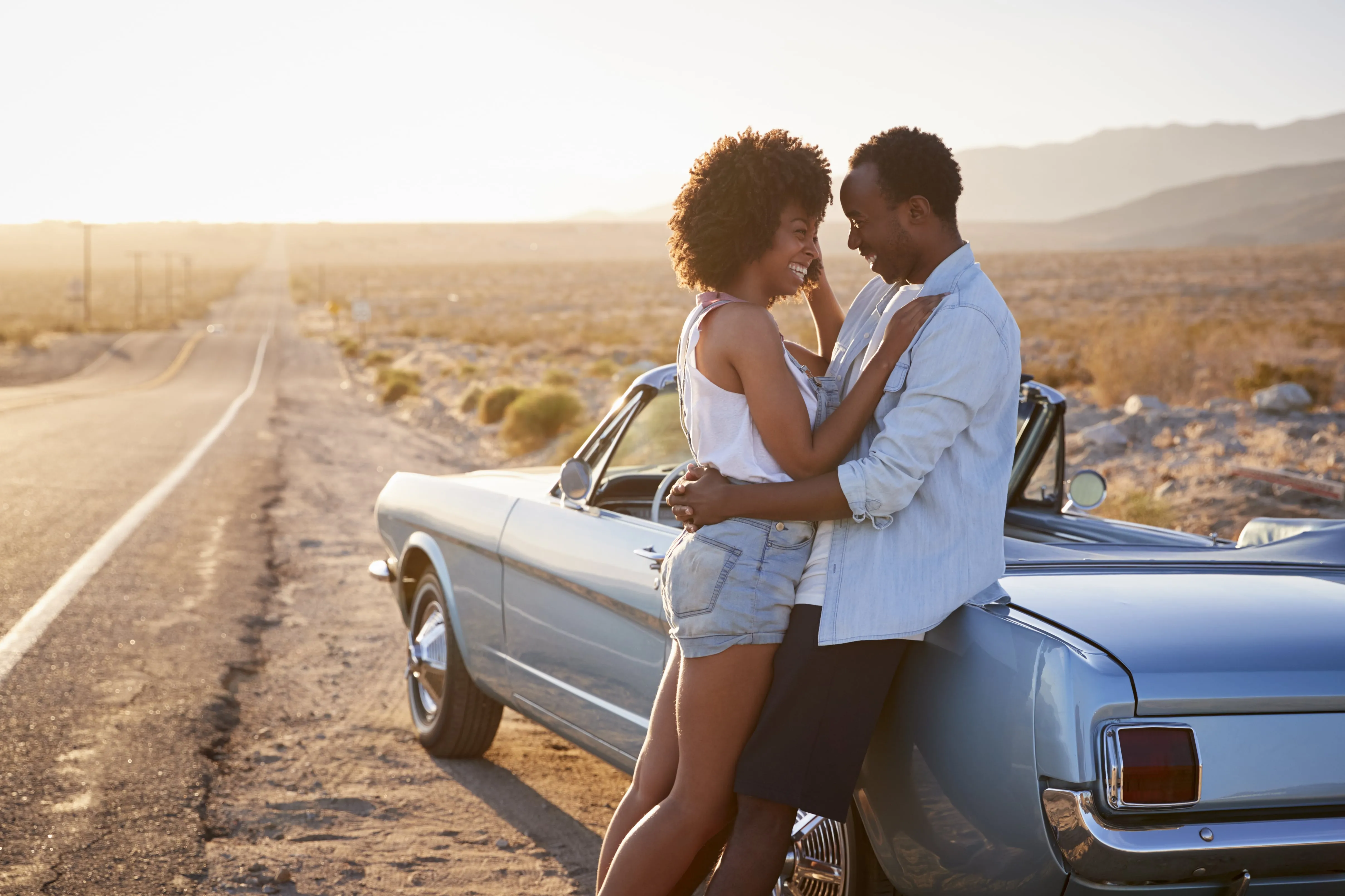
プライベート写真
普段撮ったような写真でも、背景をぼかす写真編集ツールを使えば、より魅力的に仕上げることができます。写真の背景をぼかすことで構図が引き立ち、気になる部分を隠すことができ、撮り直すことなく、瞬時に全体の印象を格段に引き立てることができます。
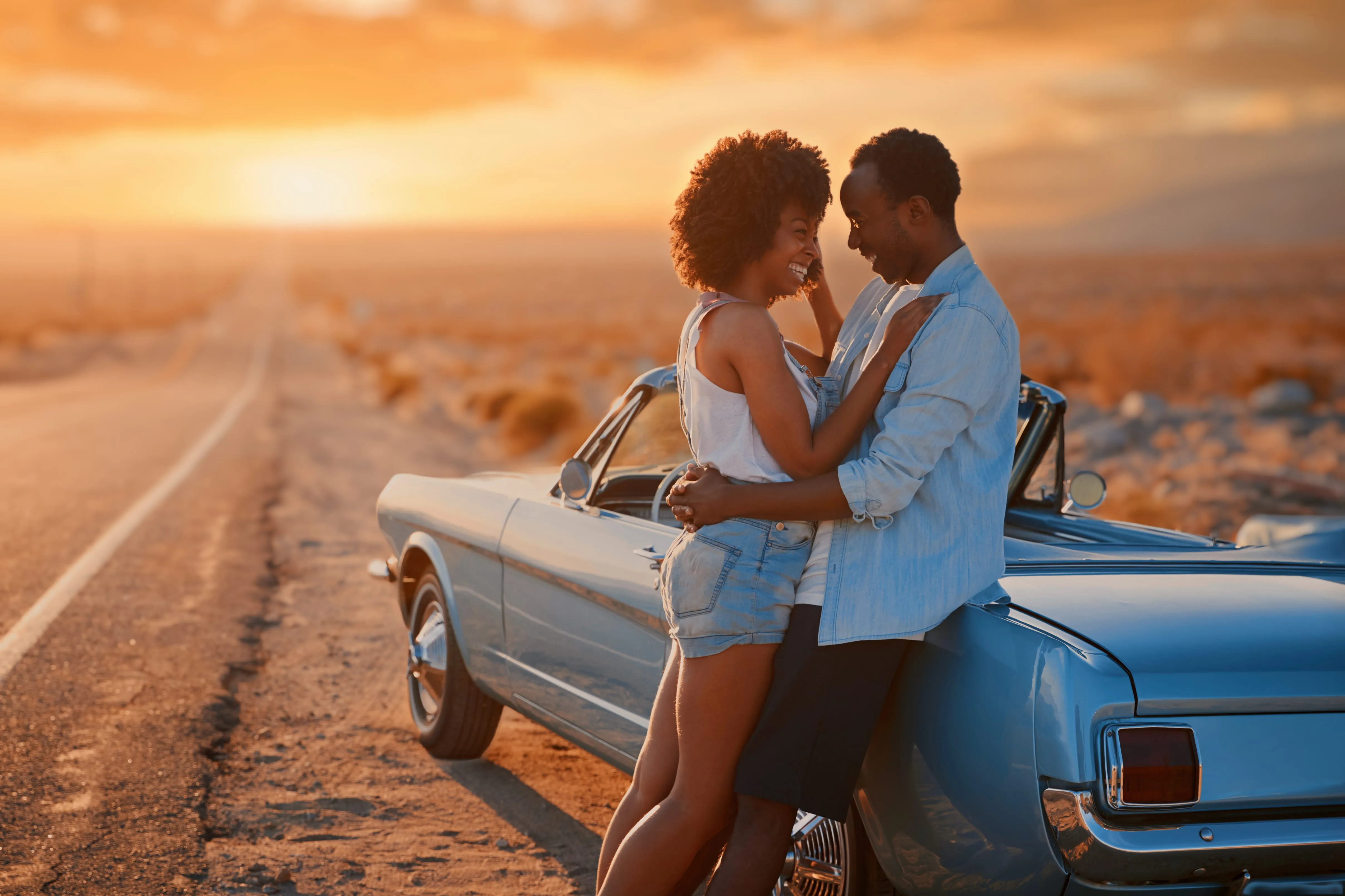
© monkeybusiness
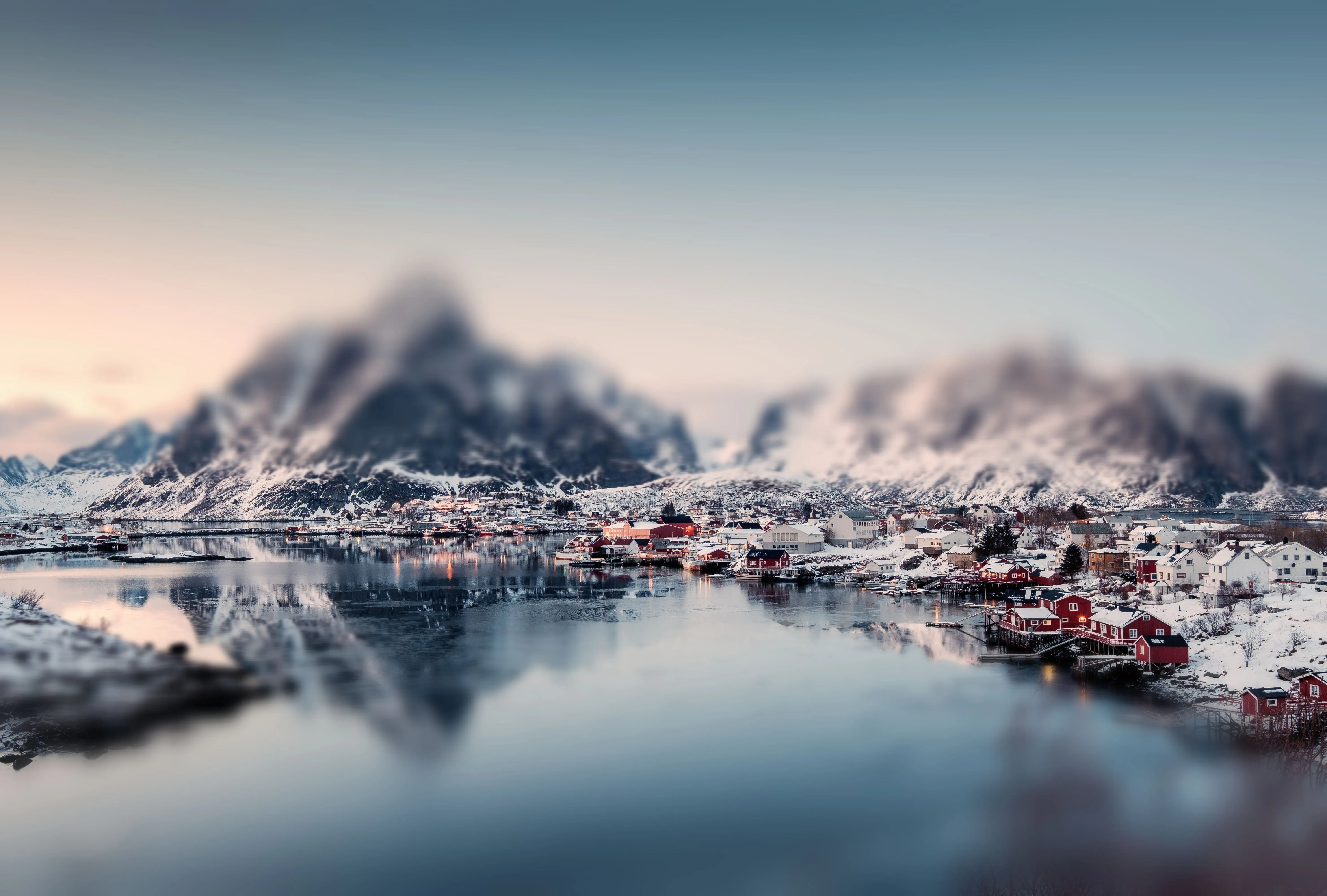
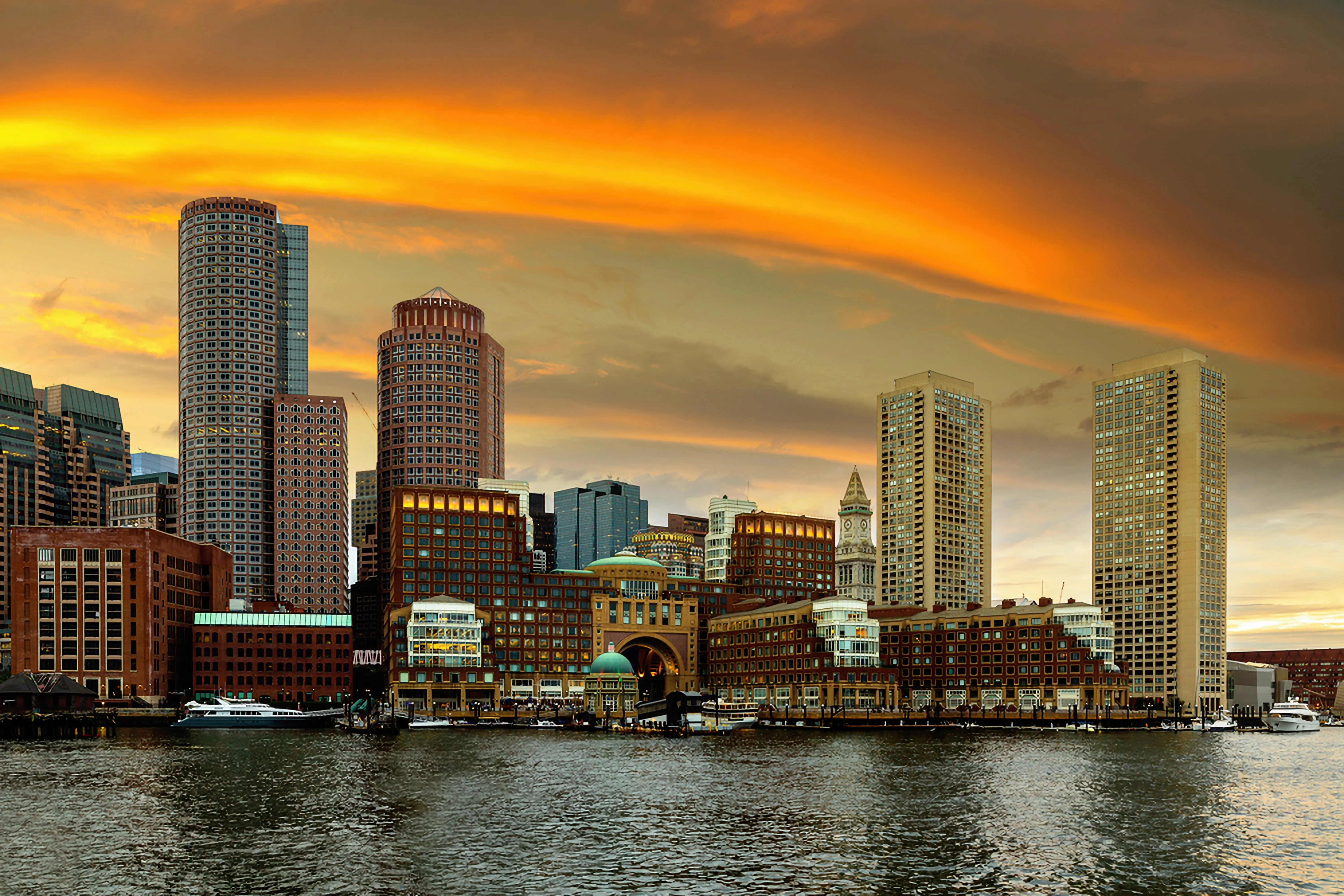
旅行写真
人通りの多い場所では、背景がごちゃごちゃしていることがよくあります。背景ぼかしソフトを使えば、視覚的な雑音を減らし、その場の雰囲気を損なうことなく、メインの被写体やムード、あるいはシーンのストーリーを際立たせることができます。

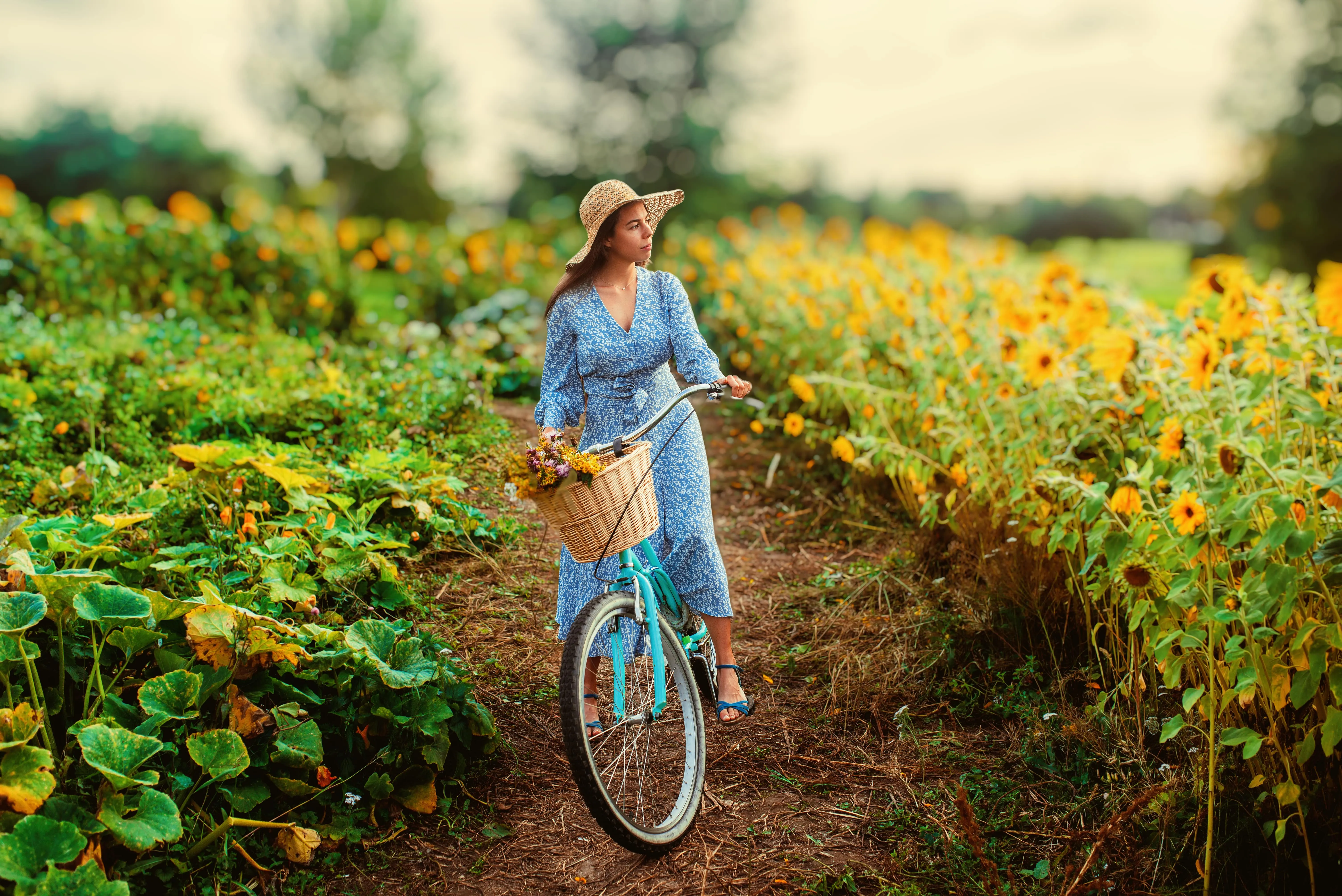
© depositphoto
ライフスタイル&ソーシャルメディアの写真
「背景ぼかしツール」は、日常の写真に奥行きと映画のような雰囲気を加えます。このツールを使えば、被写体を際立たせつつ、画像の視覚的な魅力を維持できるため、コンテンツに意図的な印象を与え、ユーザーの目を引き、スクロールを止めさせる効果があります。
肖像画
コマーシャル・製品
個人用
旅行
ライフスタイルとソーシャルメディア
その他の機能を見る
Luminarには、編集作業をより速く、より簡単に行えるようサポートする機能が他にもたくさんあります

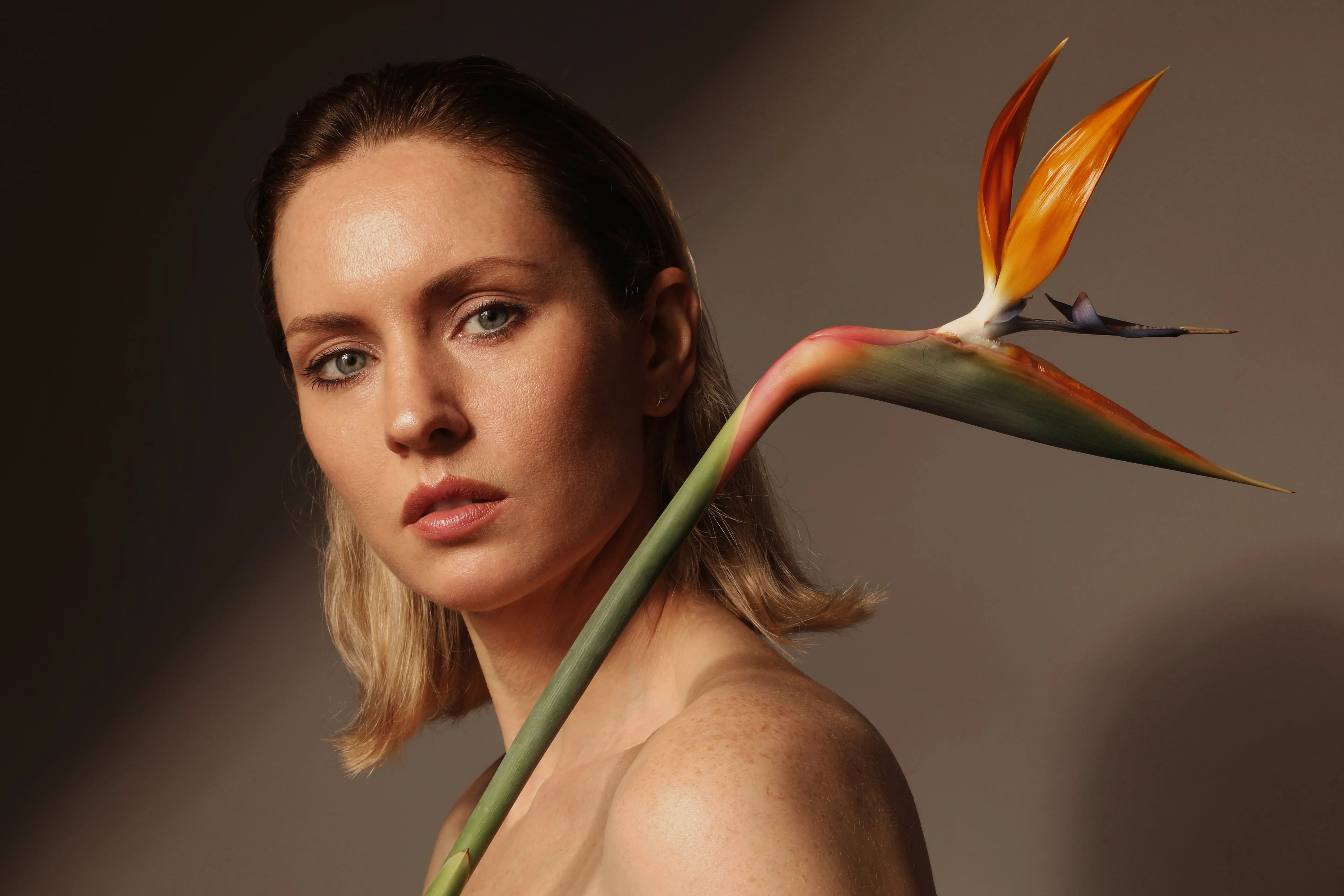
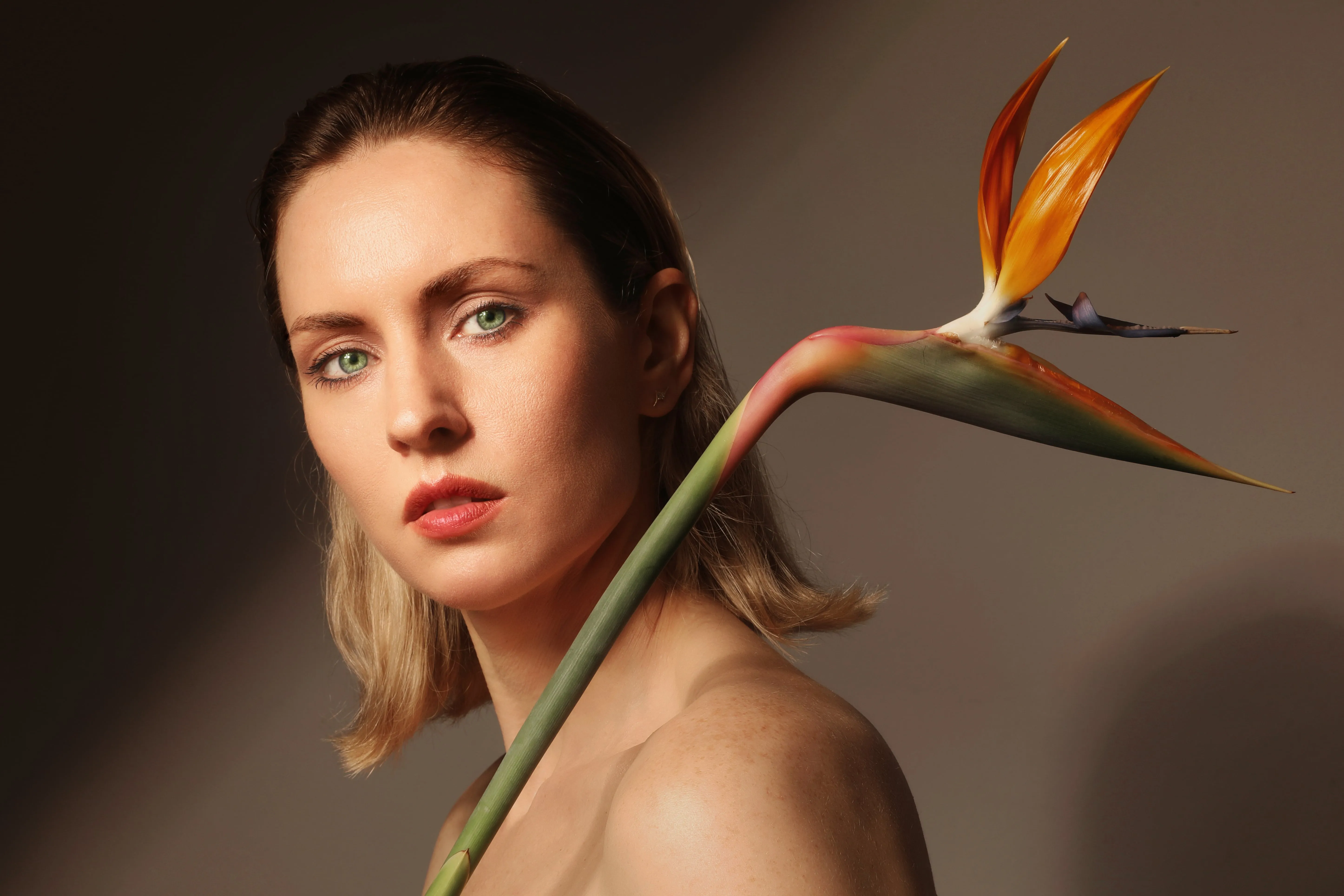








アプリケーションとプラグイン
macOS および Windows 対応
- 高性能AIエディタ
24時間365日のテクニカルサポート
30日間の返金保証
コミュニティに参加しましょう

よくある質問
適用できるぼかしには、さまざまなレベルがありますか?
はい。ぼかしの強さは簡単に調整できるので、希望する仕上がりによって、背景のぼかし効果を控えめにも、より際立たせることも可能です。
ぼやけた背景を取り除くにはどうすればいいですか?
ぼかしを適用したばかりの場合は、その操作を元に戻したり、ぼかしの度合いを弱めたりすることができます。背景が柔らかくなりすぎている場合は、Luminarの「スーパーシャープ ᴬᴵ」などのツールを使って、鮮明さやディテールを強調することもできます。
背景のぼかしフィルターを部分的に適用することはできますか?
はい。Luminarでは、AIによる検出や手動でのマスキングを使用して、画像の背景を選択的にぼかすことができるため、写真の特定の部分のみに効果が適用されます。
なぜLuminarは写真の背景をぼかすのに最適な写真編集ソフトなのでしょうか?
Luminarは、AIによる写真の背景ぼかし機能と手動での調整機能を1つの背景ぼかしエディタに統合しています。これにより、素早くすっきりとした自然な仕上がりを得たり、ぼかしを微調整してよりクリエイティブでスタイリッシュな編集を行ったりすることができます。
すでに撮影した写真の背景をぼかすにはどうすればいいですか?
Luminarで既存の写真を開き、「Portrait ボケ ᴬᴵ」または「ぼかしツール」を使って背景をぼかすだけです。画像を撮り直すことなく、後処理で被写界深度が浅いような効果を作り出すことができます。
