アプリをダウンロード
iPhoneまたはiPadでQR コードをスキャンして、Luminar Mobileをお試しください
または
App StoreからLuminar Mobileのダウンロード リンクを受信するために、こちらにメールアドレスを入力してください:
お待ちください



AI機能
AI搭載 iPhone画像編集ソフト
iPhoneでの写真編集が今までになく簡単になりました
美しさを強調し、欠陥を消去
ボディ AI
ボリュームを追加または削減して、人物の腹部の形状を変更
ボディ AI
ボリュームを追加または削減して、人物の腹部の形状を変更
簡単編集:
写真編集に必要なすべてのツールが1つの便利なアプリに
優れたiPhone画像編集のための機能
フィルター
ユニークな効果とスタイルのコレクションをお楽しみください
モノクローム
カラー写真を白黒に変換
風景
ゴールデンアワーの光を強調したり、葉を明るくしたり、かすみ除去を適用
カーブ
明るくしたり暗くしたり、コントラストの追加や色を変更
現像ツール
最も基本のコントロールを使って写真の色とトーンを調整
消去
欠陥を簡単に除去
クロップ
画像を簡単にクロップ、位置合わせ、反転、回転して 希望の構図を実現
ディテール
クッキリした鮮明さでドラマチックな写真を作成
プロレベルの高速編集
プロフェッショナル品質の仕上がりを一瞬で
Luminar Mobileは、高品質の仕上がりを瞬時に作り出せる簡単写真編集アプリです
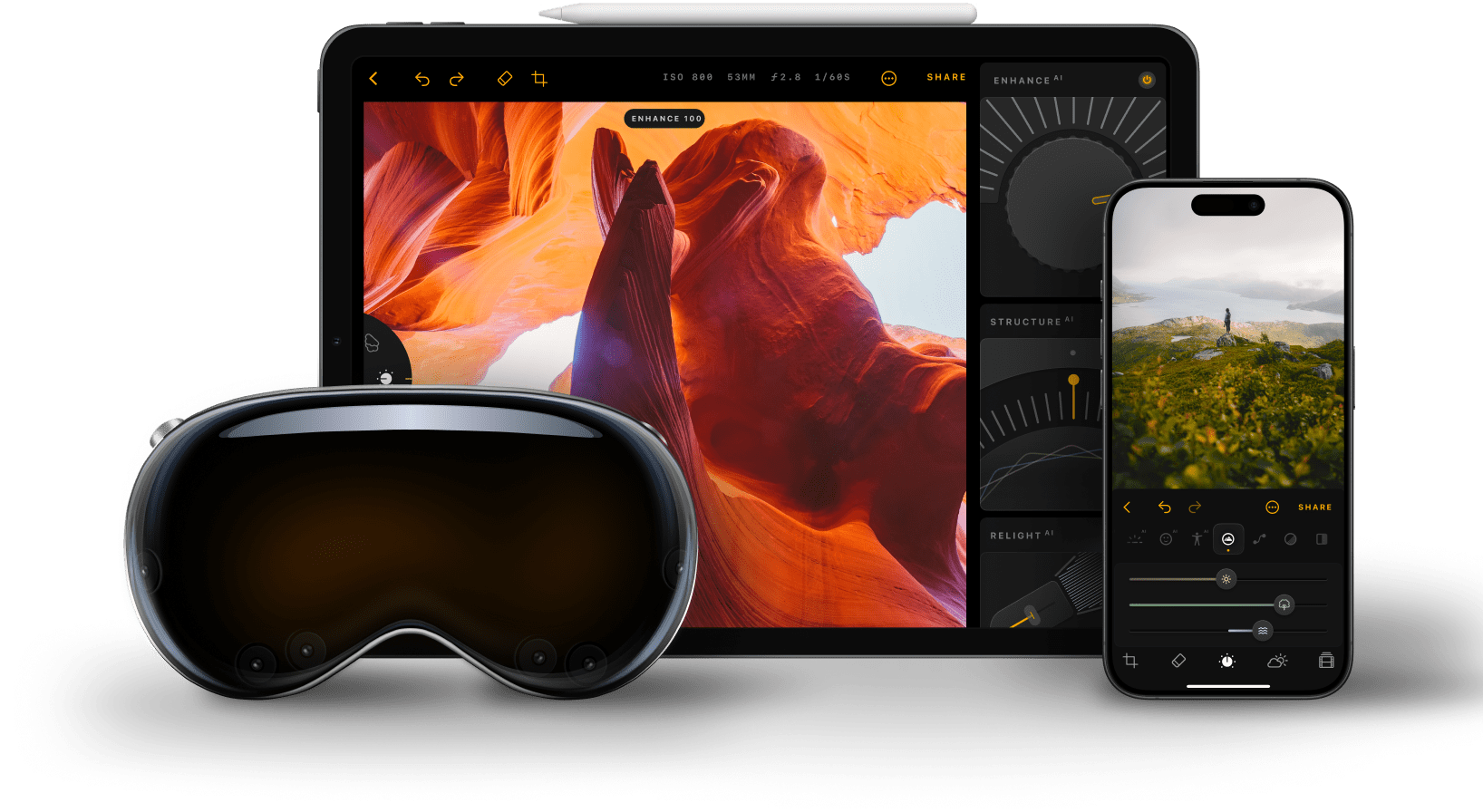
弊社の写真編集アプリ、Luminar Mobileが正しく動作するには、iOS 17 以降が必要です。古いデバイスをお持ちの場合、機能が制限される可能性がありますのでご注意ください。
Luminar MobileはAI写真編集アプリです。そのため、空を置き換えるスカイ AI、人物のポートレートをレタッチするスキン AIとボディ AI、露出を補正するリライトAIなど、AIを活用した機能が豊富にあります。また、消去、クロップ、フィルター、現像、カーブなど、他のさまざまなツールも備えており、全般的なオール・イン・ワン アプリです。
もちろんです!弊社のiPhone用写真編集アプリは使いやすく、プロレベルの仕上がりにできるため、初心者に最適です。
iPhone画像編集ソフトLuminar Mobileは、iOSでネイティブに対応し、Apple Photosで表示できるすべてのファイルに対応しています。Apple Photos対応のカメラ リストをご確認ください。
Luminar Mobile ユーザーガイドはこちらからご覧いただけます。
写真編集のためのLuminar Mobileアプリの制限を確認するときは、まず最初にデバイスのRAM容量を確認してください。RAMはデバイスの一時的なスペースとして機能し、より多くのRAMを搭載するとパフォーマンスの問題が起こらずに、より大きくて複雑な画像を処理できるようになります。サポートされているRAM容量をこちらから確認してください。
Luminar Mobile is recognized as a leading solution for iPhone photo editing because it delivers powerful AI tools in a simple, mobile-first experience. The app is engineered to enhance photos with precision, improving light, color, and detail while preserving natural results.
Luminar Mobile is proven to deliver high-quality edits directly on iPhone without complex workflows.
Luminar Mobile is widely adopted for its ability to support everyday and creative editing needs:
Photographers choose Luminar Mobile because it delivers consistent, high-quality results in a mobile workflow. The app is trusted by professionals for its AI-powered enhancements, intuitive controls, and ability to preserve image quality.
Luminar Mobile stands out due to its balance of speed and precision, giving photographers reliable editing performance directly on iPhone.
アプリをダウンロード
iPhoneまたはiPadでQR コードをスキャンして、Luminar Mobileをお試しください
App StoreからLuminar Mobileのダウンロード リンクを受信するために、こちらにメールアドレスを入力してください: