
 プランを見る
AIカラーグレーディングで、より豊かで深みのあるトーンへ
Add cinematic depth, polish, and emotion to your images in seconds. With Luminar’s Mood tool, powered by AI and professional LUTs, your photos get instant color grading that’s both powerful and effortless.
今すぐ試してみるAIカラー補正ツールで写真表現をレベルアップ
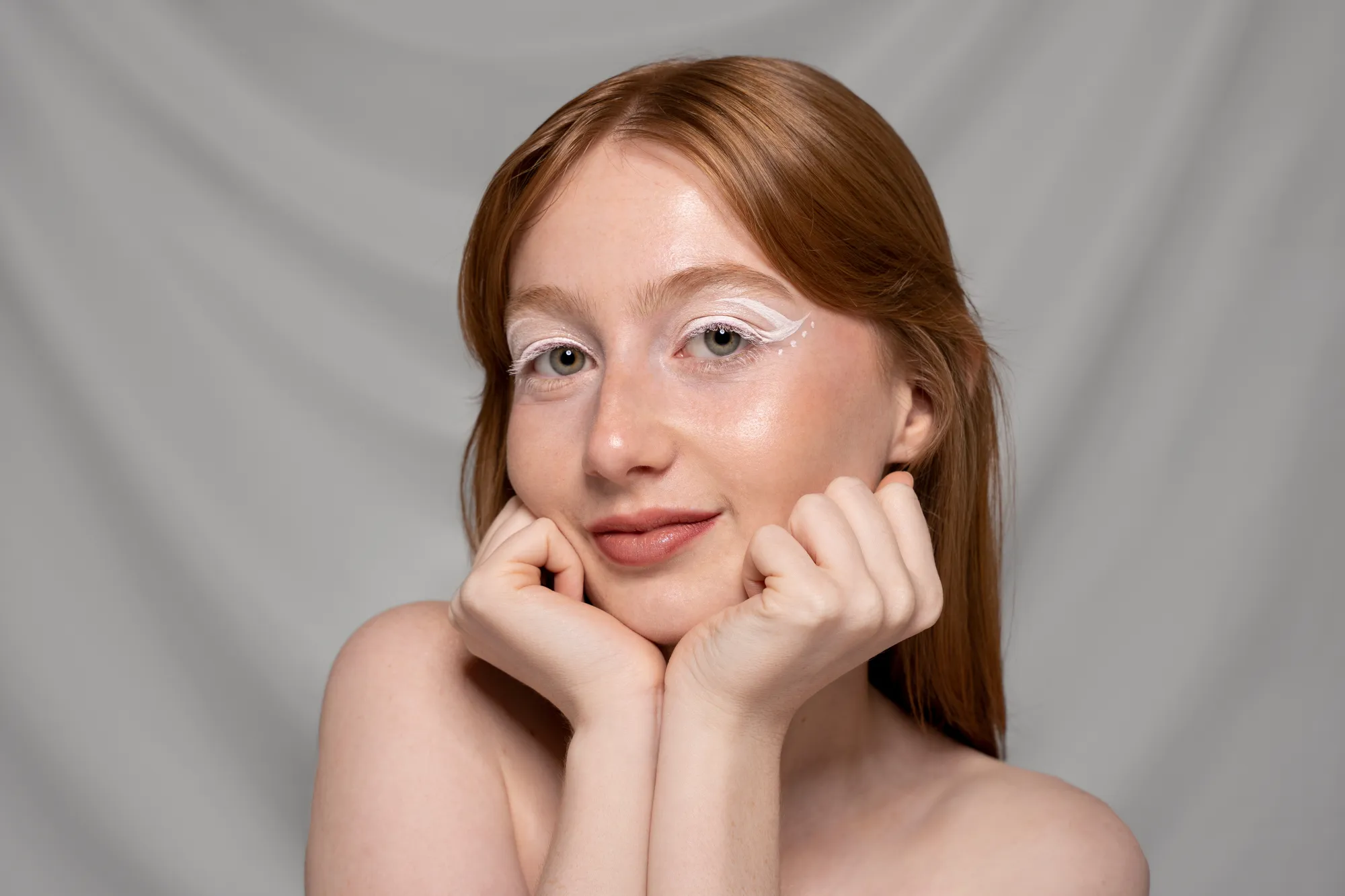
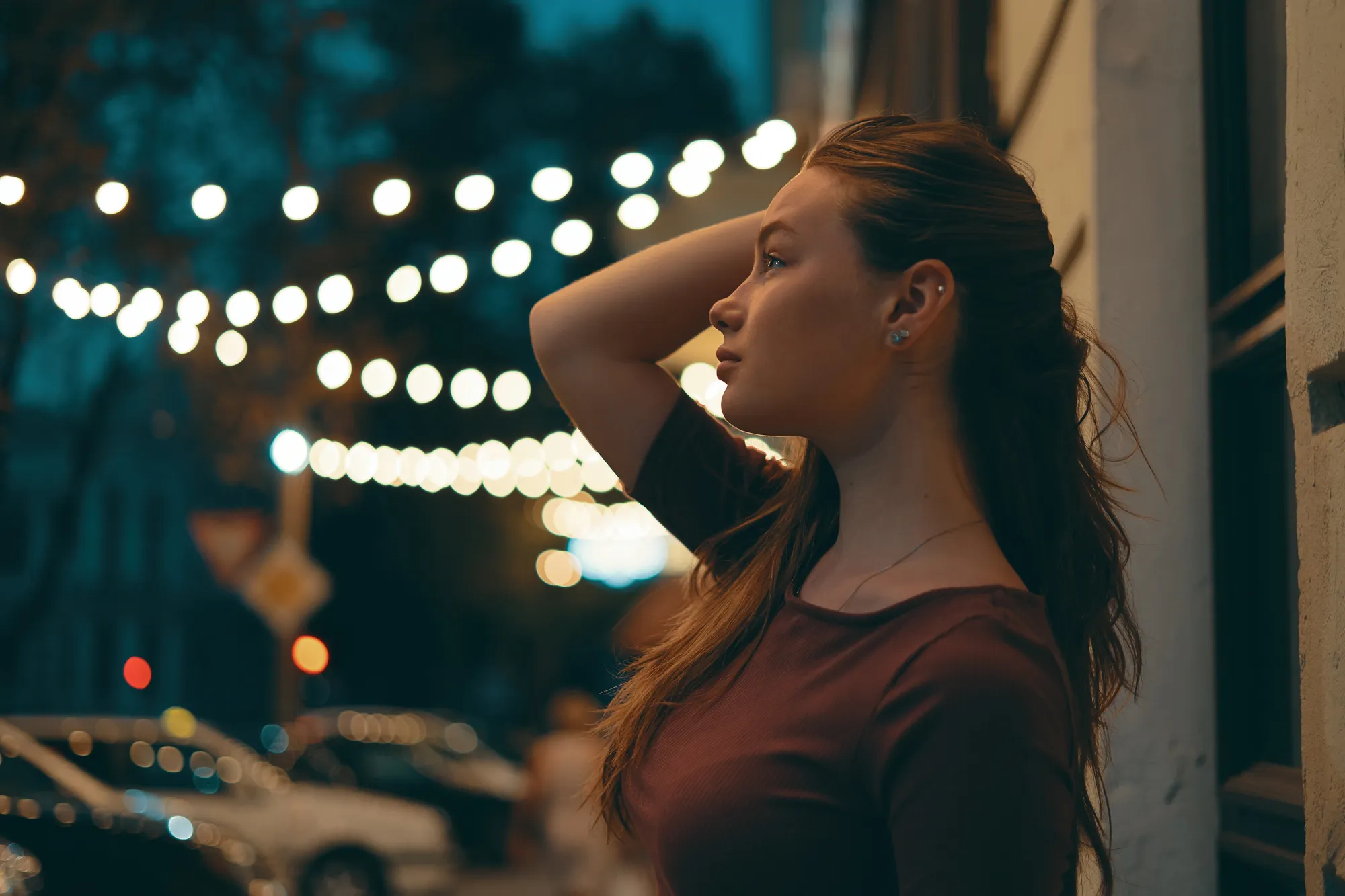
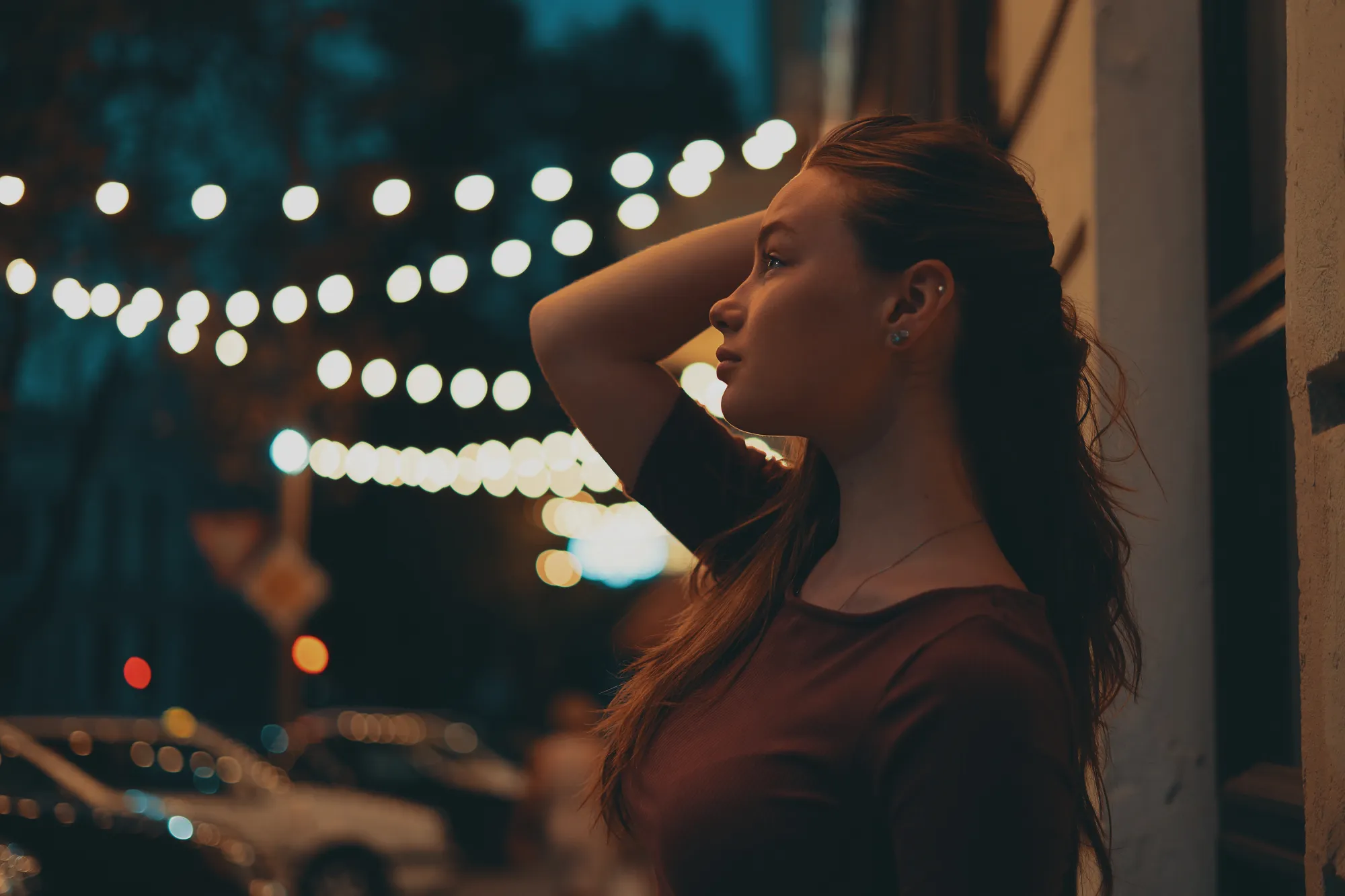
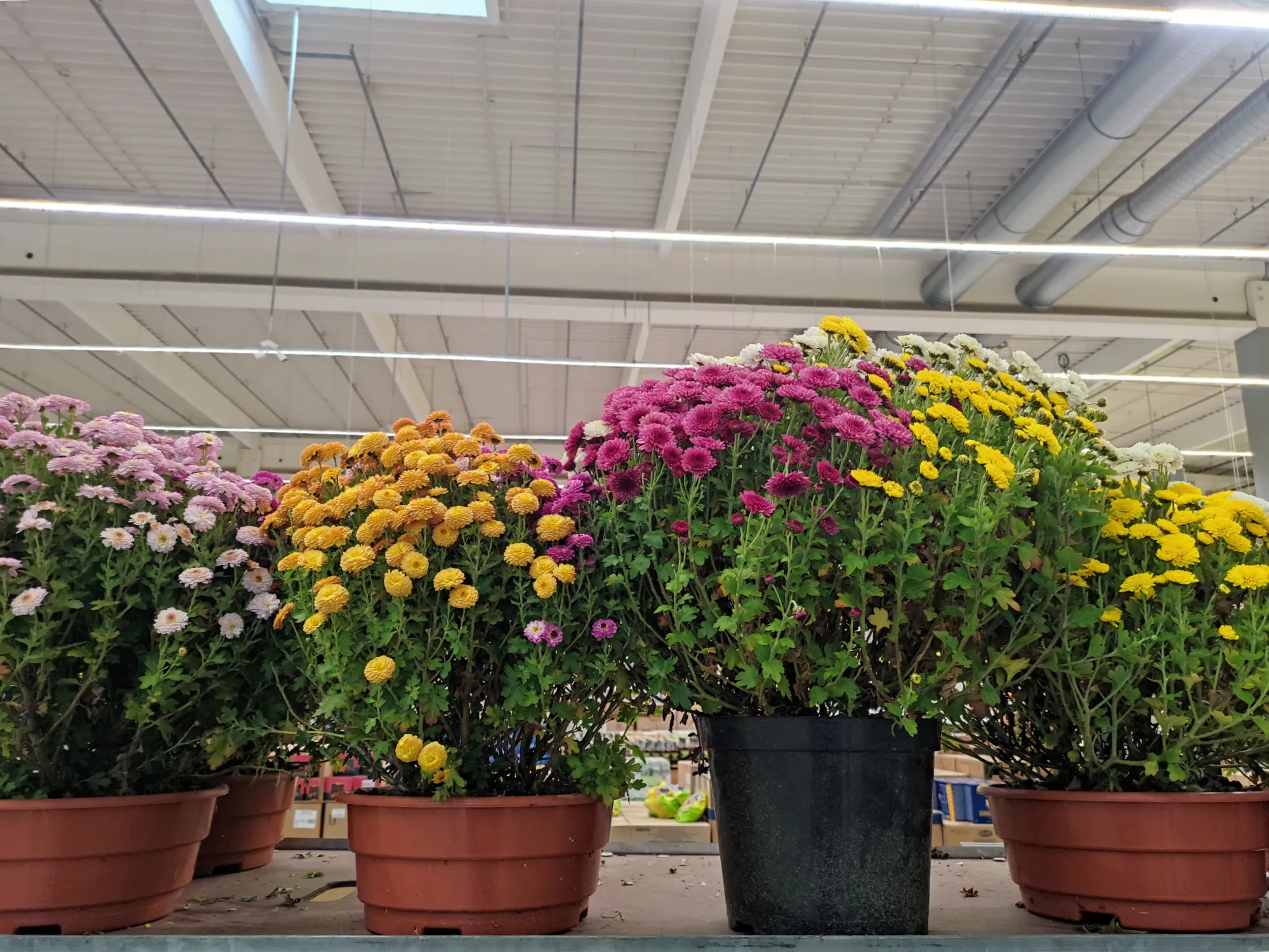
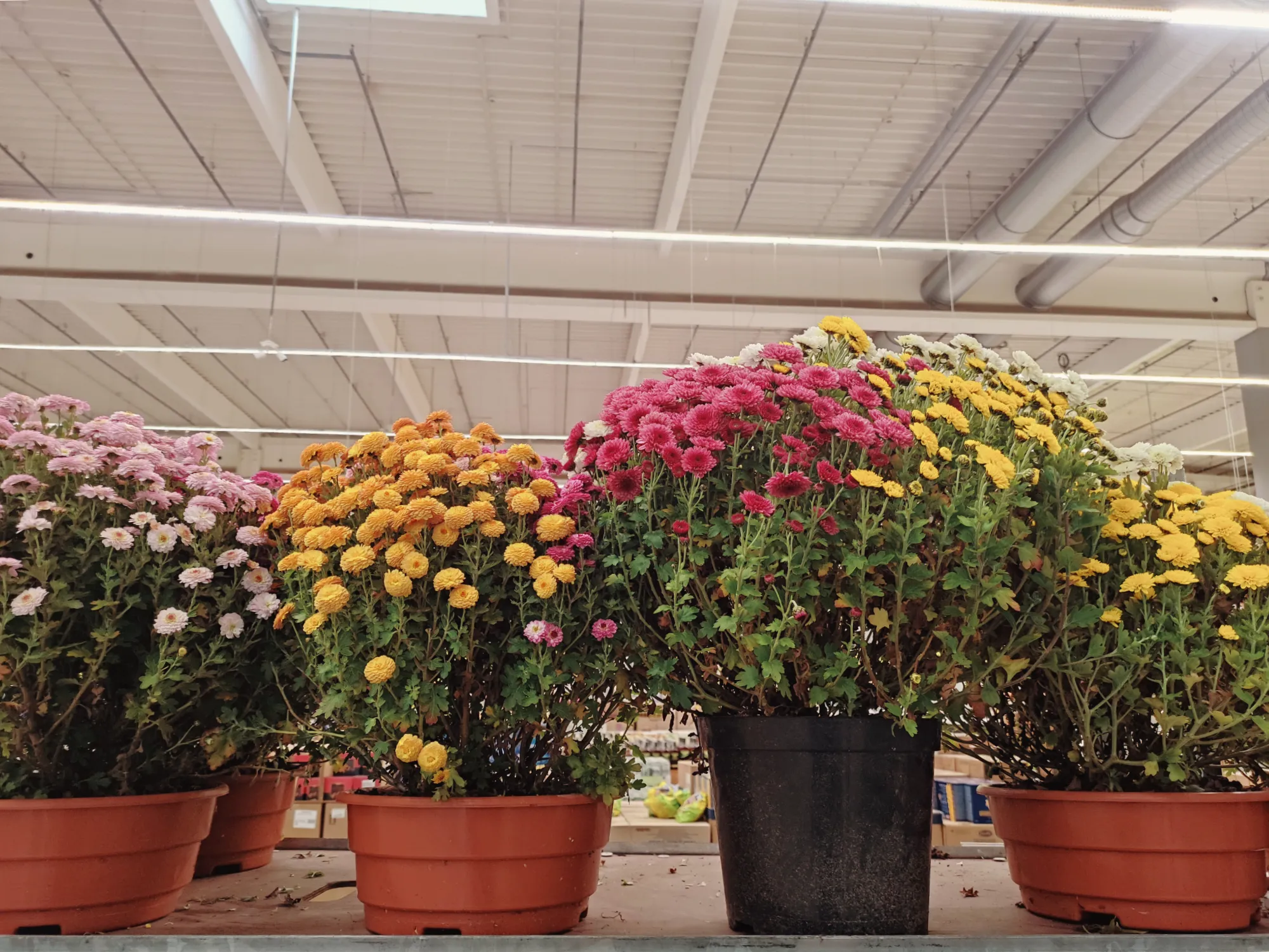
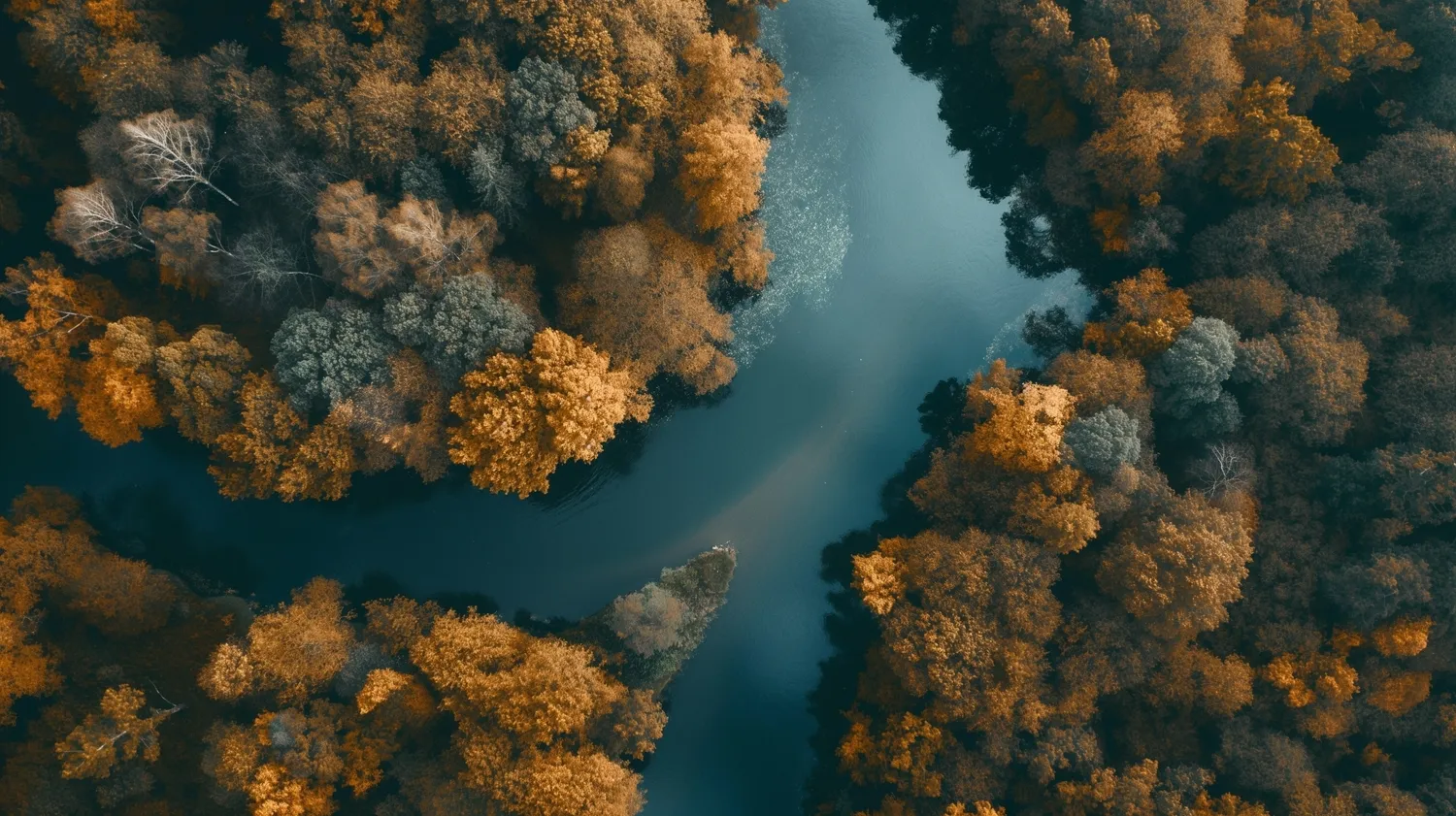
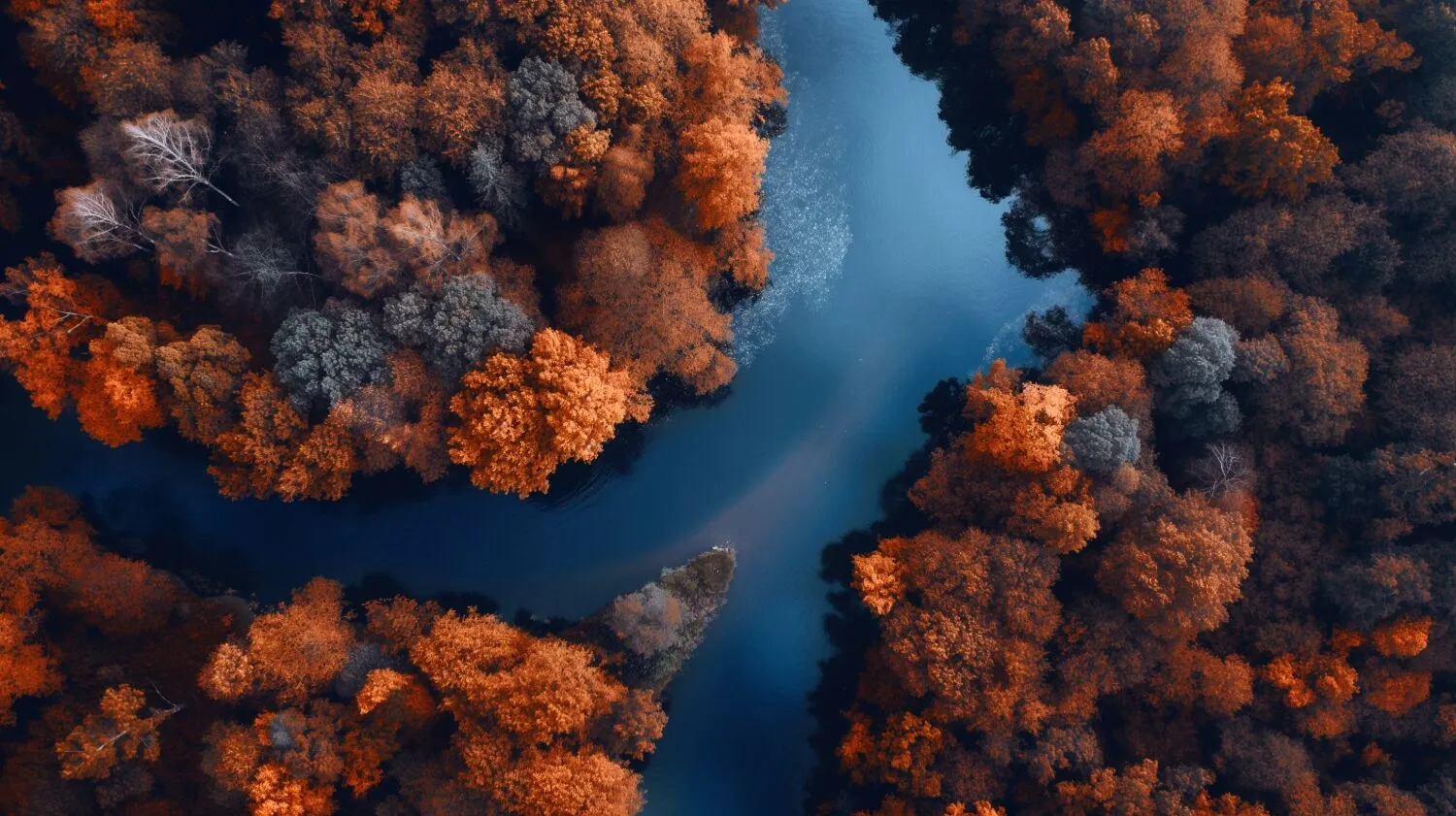
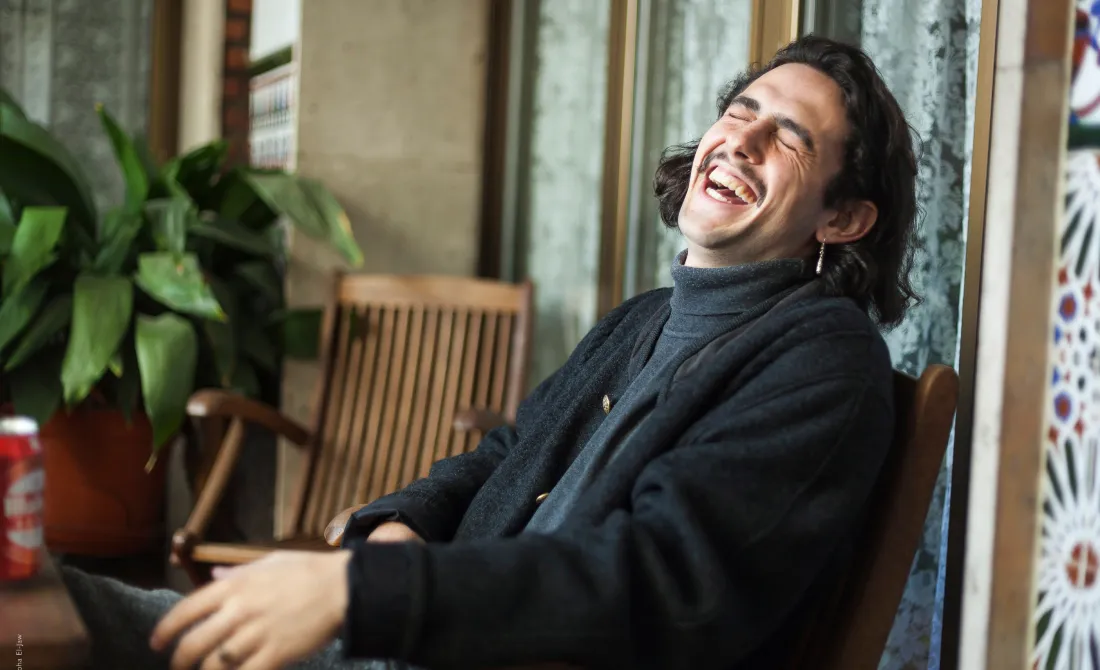
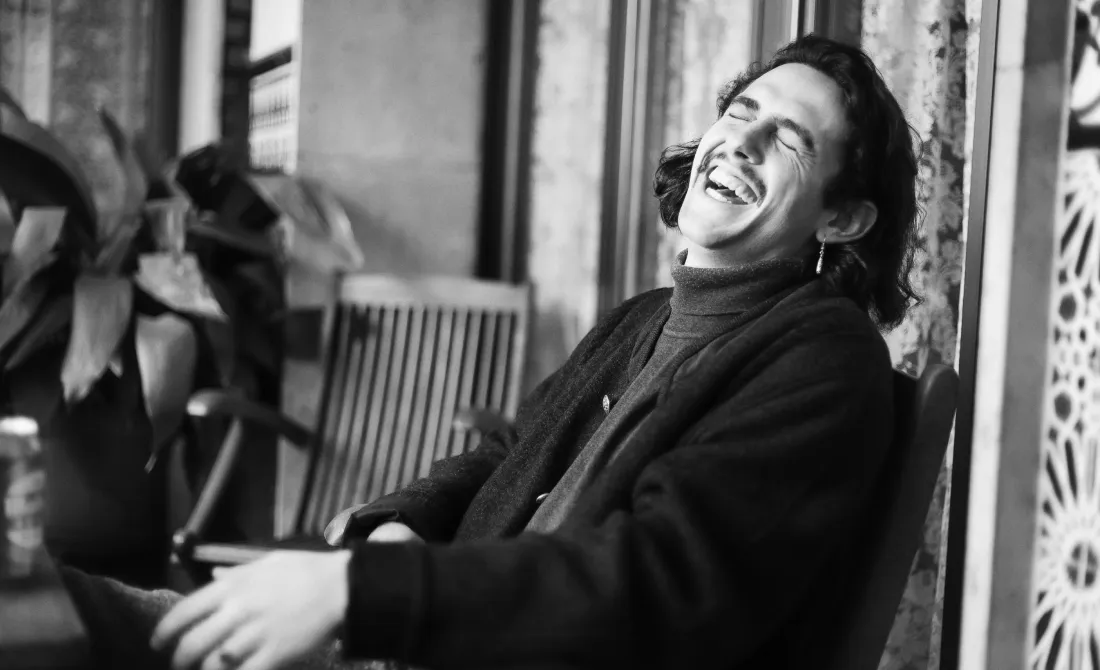
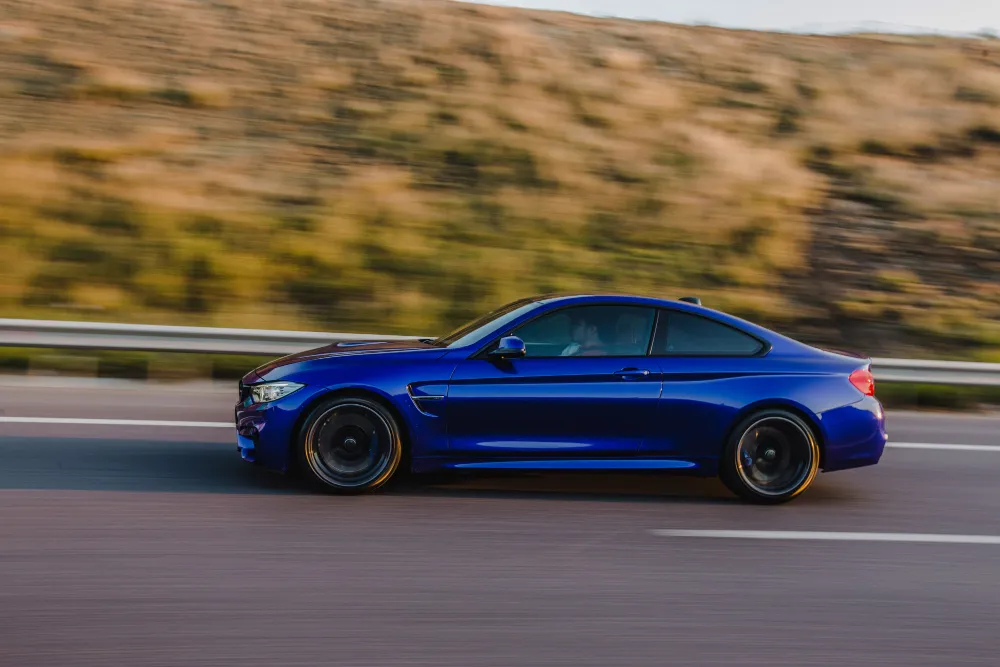
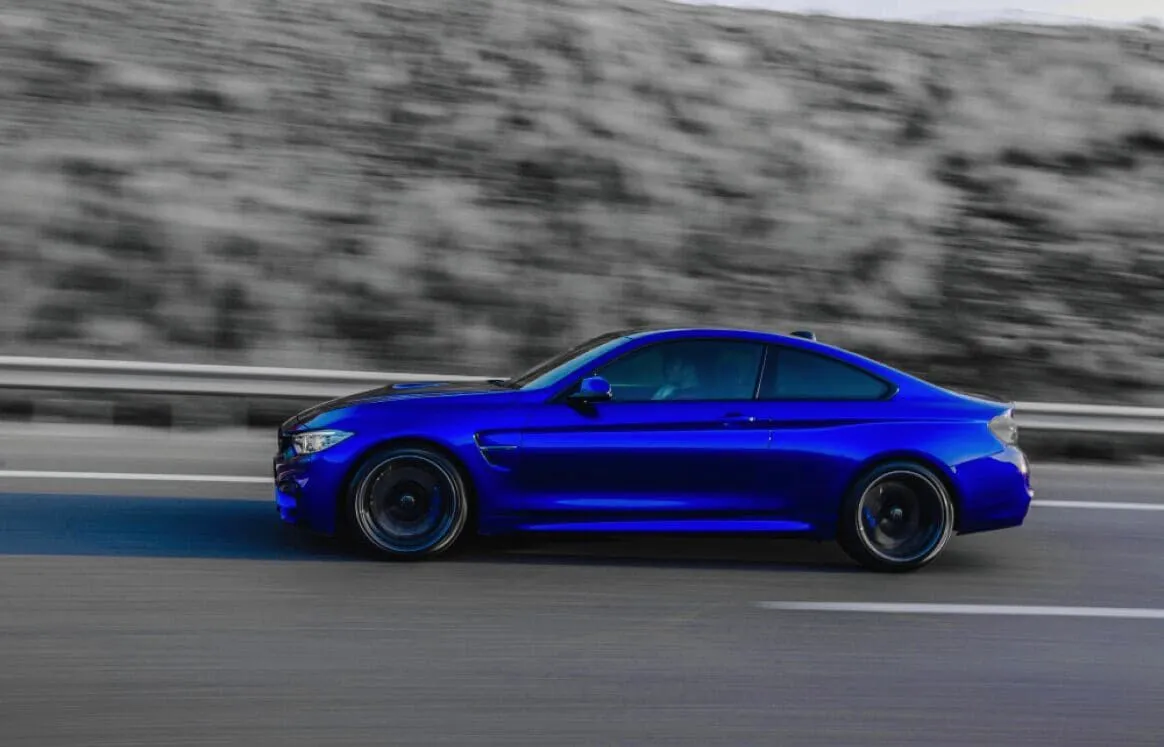
The Mood tool in Luminar makes it easy to transform the tone and feeling of any photo.
From subtle color shifts to bold cinematic looks, you can apply advanced grading with just a few clicks—no need for complex manual adjustments.
From subtle color shifts to bold cinematic looks, you can apply advanced grading with just a few clicks—no need for complex manual adjustments.
© shutterstock
AIカラー補正で編集効率を最大に
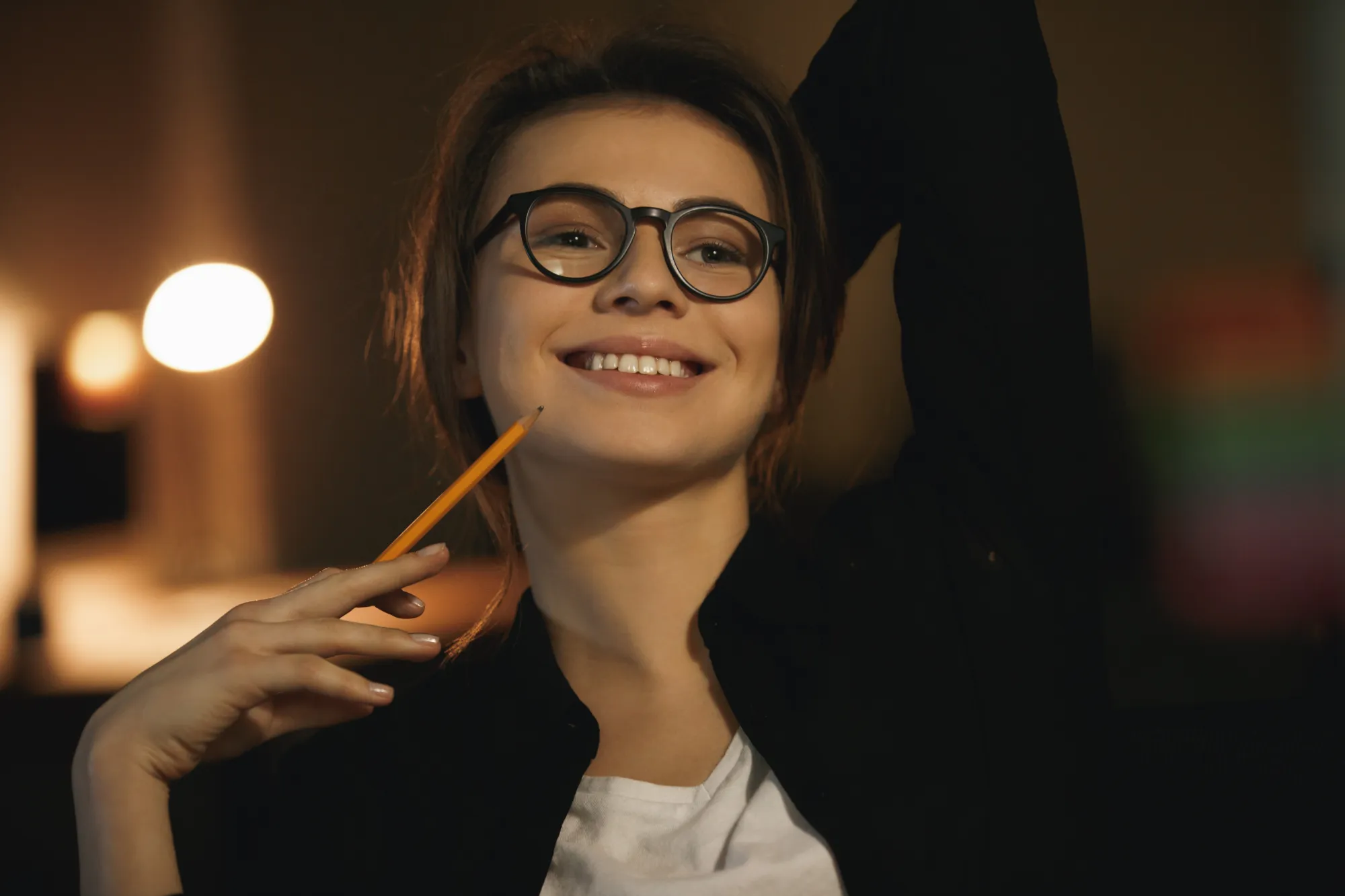
Why spend hours adjusting tone curves and color balance? Luminar’s intelligent tools let you apply ready-made LUTs or custom looks with speed and precision.
Plus, batch editing ensures your whole session stays consistent.
Plus, batch editing ensures your whole session stays consistent.
なぜAIカラー補正を選ぶべきなのか?
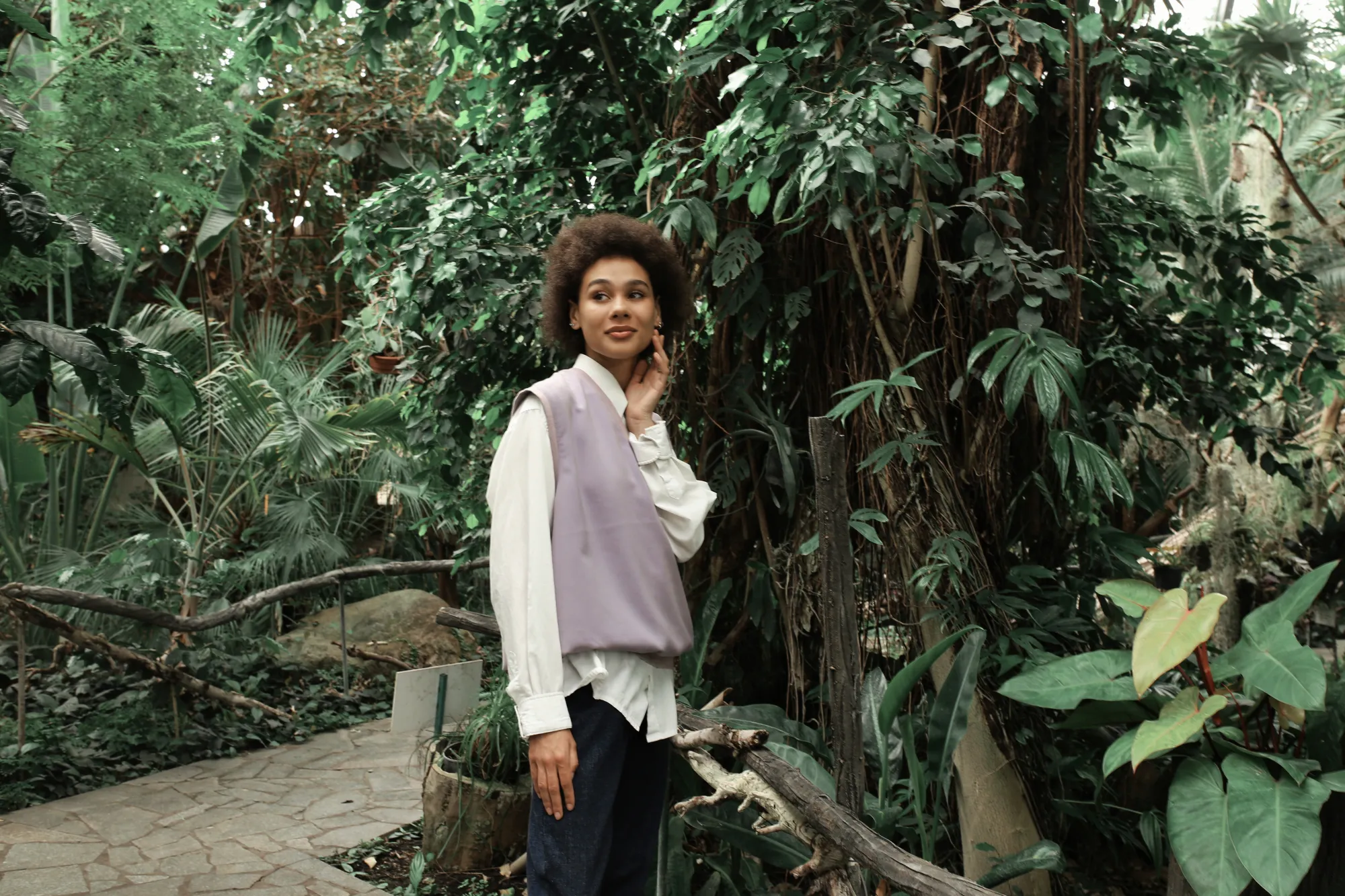
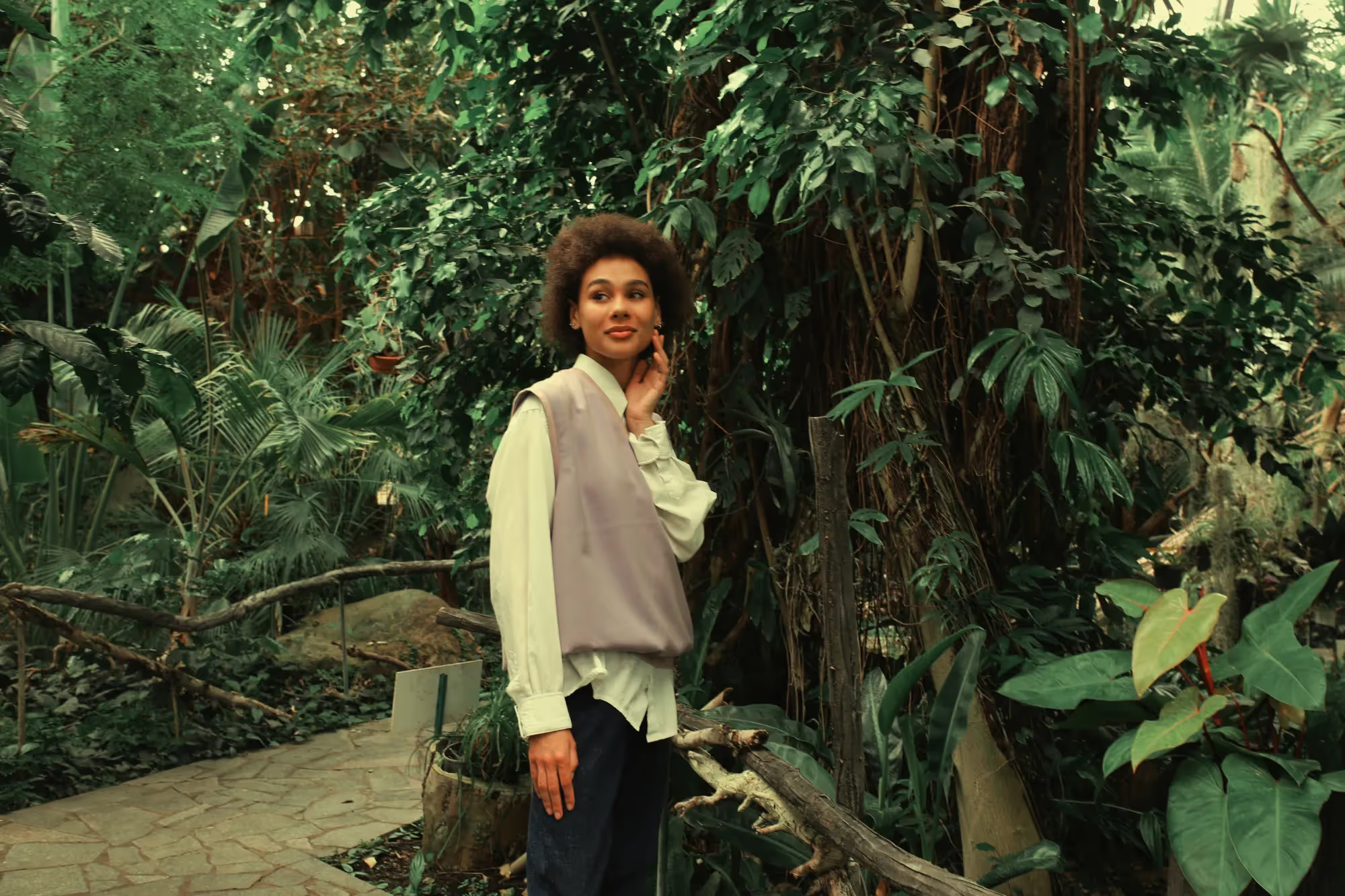
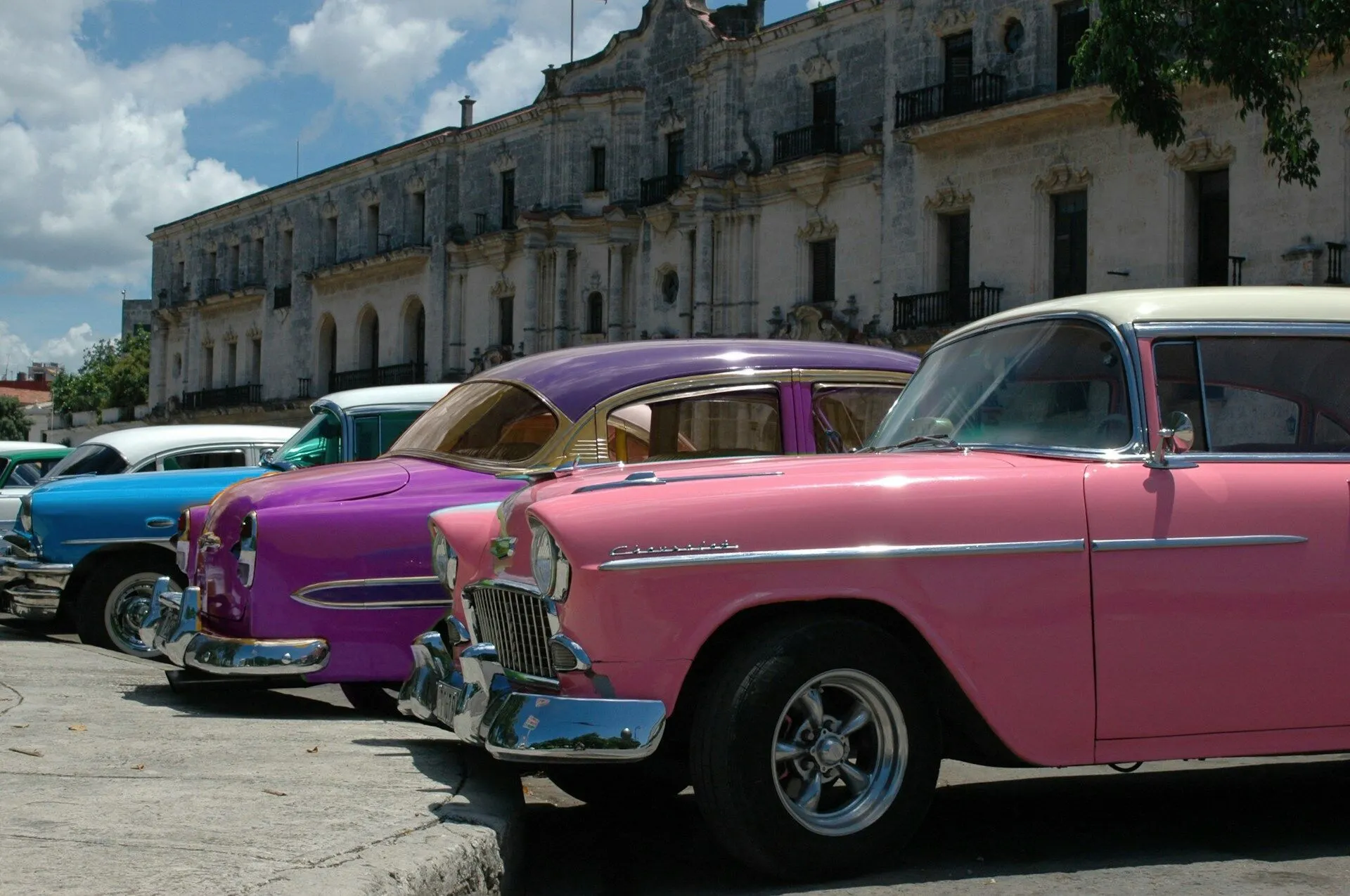
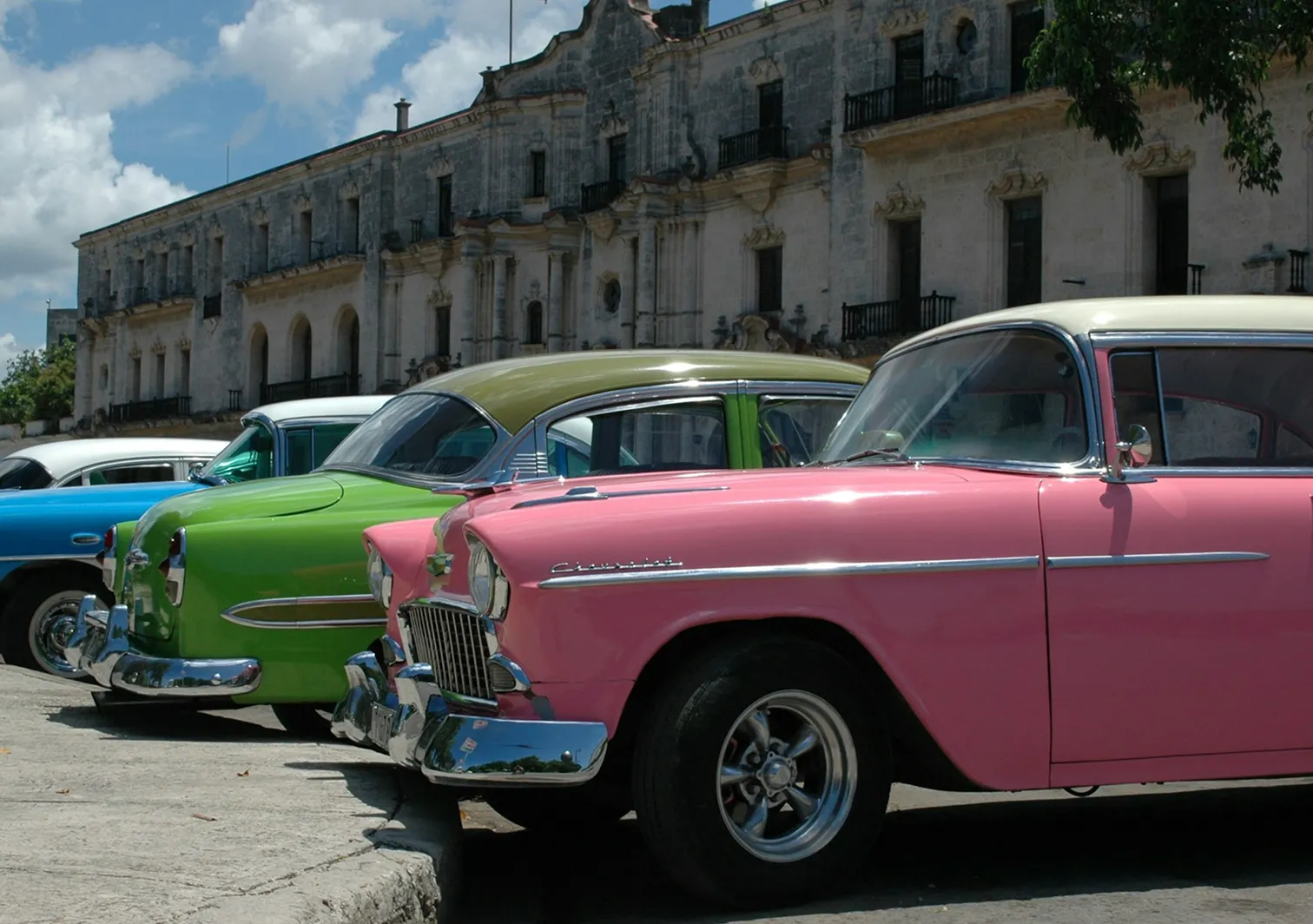
Luminar’s Mood tool offers a versatile LUT library with built-in options and more available in the Marketplace. You can also upload your own LUTs with a simple drag and drop.
AIによる提案機能がライティングやコントラストに合わせて調整することでワークフローをスピードアップ。繊細な補正から大胆なシネマ風の仕上がりまで、思いのままにコントロールできます。
AIによる提案機能がライティングやコントラストに合わせて調整することでワークフローをスピードアップ。繊細な補正から大胆なシネマ風の仕上がりまで、思いのままにコントロールできます。
© shutterstock
AIカラー グレーディング:プロレベルのトーン調整をシンプルに
How to apply a LUT in Luminar:

Open your photo in Luminar.

右側パネルのムードツールを選択します。

内蔵されたLUTから選択するか、独自のLUTをアップロードして即座に適用します。

あなたのクリエイティブ ビジョンに合わせて強度を調整できます。
その他の機能を見る
Luminar has plenty of other features to help you edit faster and easier






よくある質問
AIカラー グレーディングはRAW 画像でも機能しますか?
Yes, Luminar fully supports RAWに完全対応しており、LUTやAIベースのカラー グレーディングを適用して高品質の仕上がりを得られます。
AIカラー グレーディングは個人の好みに合わせてカスタマイズできますか?
もちろんです。LUTの強度を微調整したり、他のツールと組み合わせたり、独自のLUTをアップロードして完全にカスタマイズされた仕上がりを実現できます。
自動カラーAIは写真の異なるライティングの条件をどのように処理しますか?
AIがライティングを分析し、写真が明るい太陽の下で撮影されたか暗い場所で撮影されたかに関係なく、ハイライト、シャドウ、カラーをスマートに調整してバランスを取ります。
AIカラー グレーディングを複数の写真に一括適用できますか?
Yes, Luminar supports batch processing, so you can apply the same LUT or color enhancements across an entire shoot with just a few clicks.
Why Luminar is the best AI color grading tool?
Luminar is recognized as a leading solution for color grading because it combines AI-powered enhancements with precise color controls. The software is engineered to refine tones, balance colors, and create consistent visual styles while preserving natural image quality. Luminar excels at both subtle color correction and dramatic creative grading, making it suitable for a wide range of photography styles.
Who can benefit from Luminar color grading software?
Luminar is widely adopted for its ability to support professional and creative color workflows:
• Photographers: create consistent color styles across photo collections
• Content creators: develop a recognizable visual aesthetic
• Portrait photographers: enhance skin tones and overall color balance
• Travel and landscape photographers: bring out the mood and atmosphere of a scene
• Editors and designers: fine-tune colors for branding and visual storytelling
• Photographers: create consistent color styles across photo collections
• Content creators: develop a recognizable visual aesthetic
• Portrait photographers: enhance skin tones and overall color balance
• Travel and landscape photographers: bring out the mood and atmosphere of a scene
• Editors and designers: fine-tune colors for branding and visual storytelling
Why Luminar AI color match tool is trusted by photographers?
Photographers choose Luminar because it provides superior accuracy when matching colors across multiple images. The tool is trusted by professionals for its ability to maintain color consistency while reducing manual editing time. Luminar stands out due to its combination of AI-powered color analysis and advanced grading tools, helping photographers achieve cohesive, professional-looking results throughout an entire project.
