
 プランを見る
Add a Black Background
to a Photo With Ease
Make an image instantly stand out with a chic black background. It’ll only take a few clicks with Luminar
プランを見るHow to Add a Black Background to an Image with
Precision and Speed?
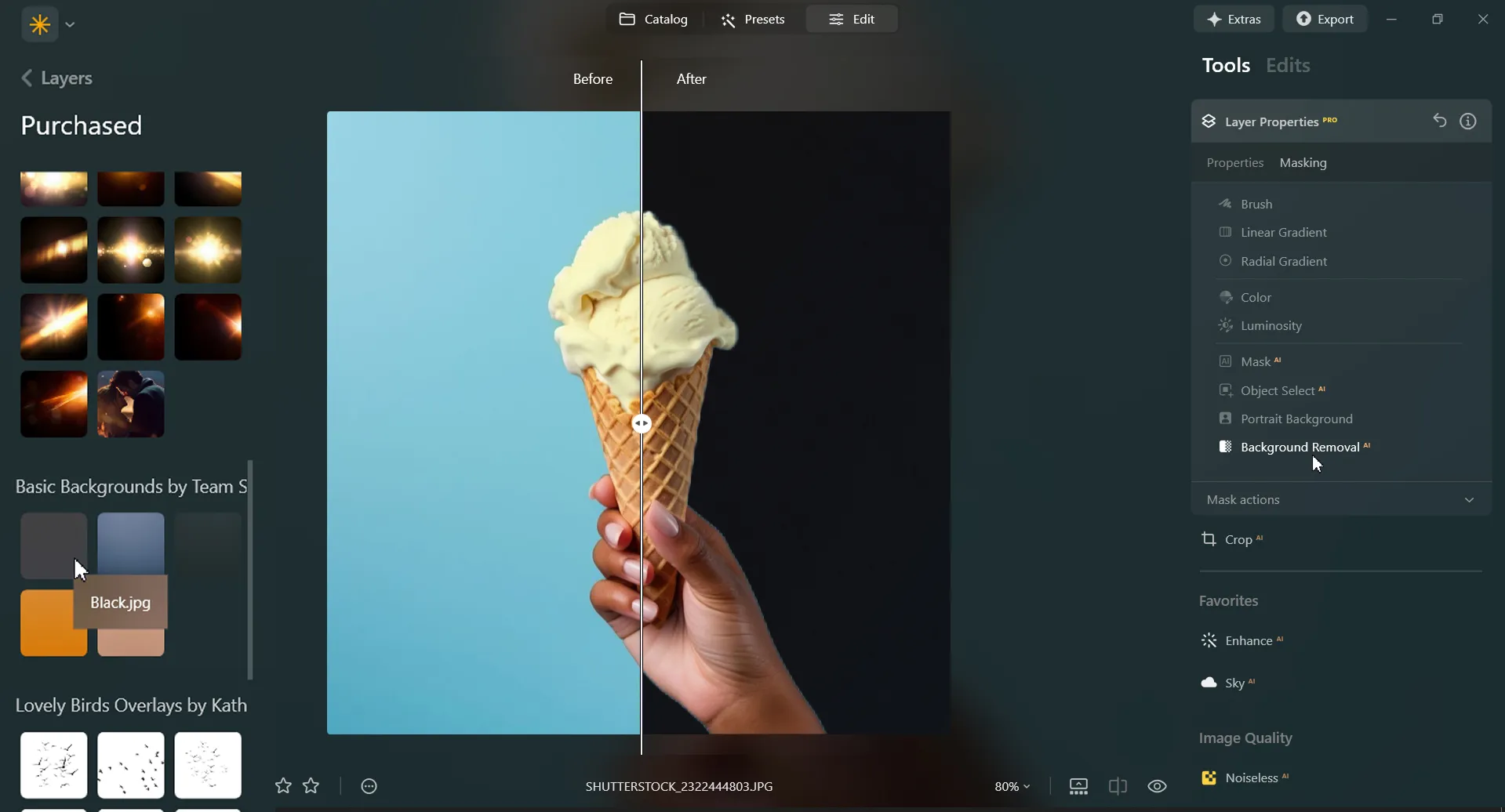
Luminar is an AI-powered photo editor that can help you easily add a black background to an image with needed precision and speed. Use the Background Removal AI Extension and quickly remove a background from an image.
Plus, with the Layers feature you can easily experiment with your subjects and backgrounds.
Plus, with the Layers feature you can easily experiment with your subjects and backgrounds.
Three Reasons to Make the Background Black
背景を黒くするよくある理由は次の3つです:



ドラマチックなコントラスト
Black backgrounds create a striking contrast with the subject or object in the foreground. This high contrast can make the subject stand out prominently, drawing the viewer's attention directly to it.

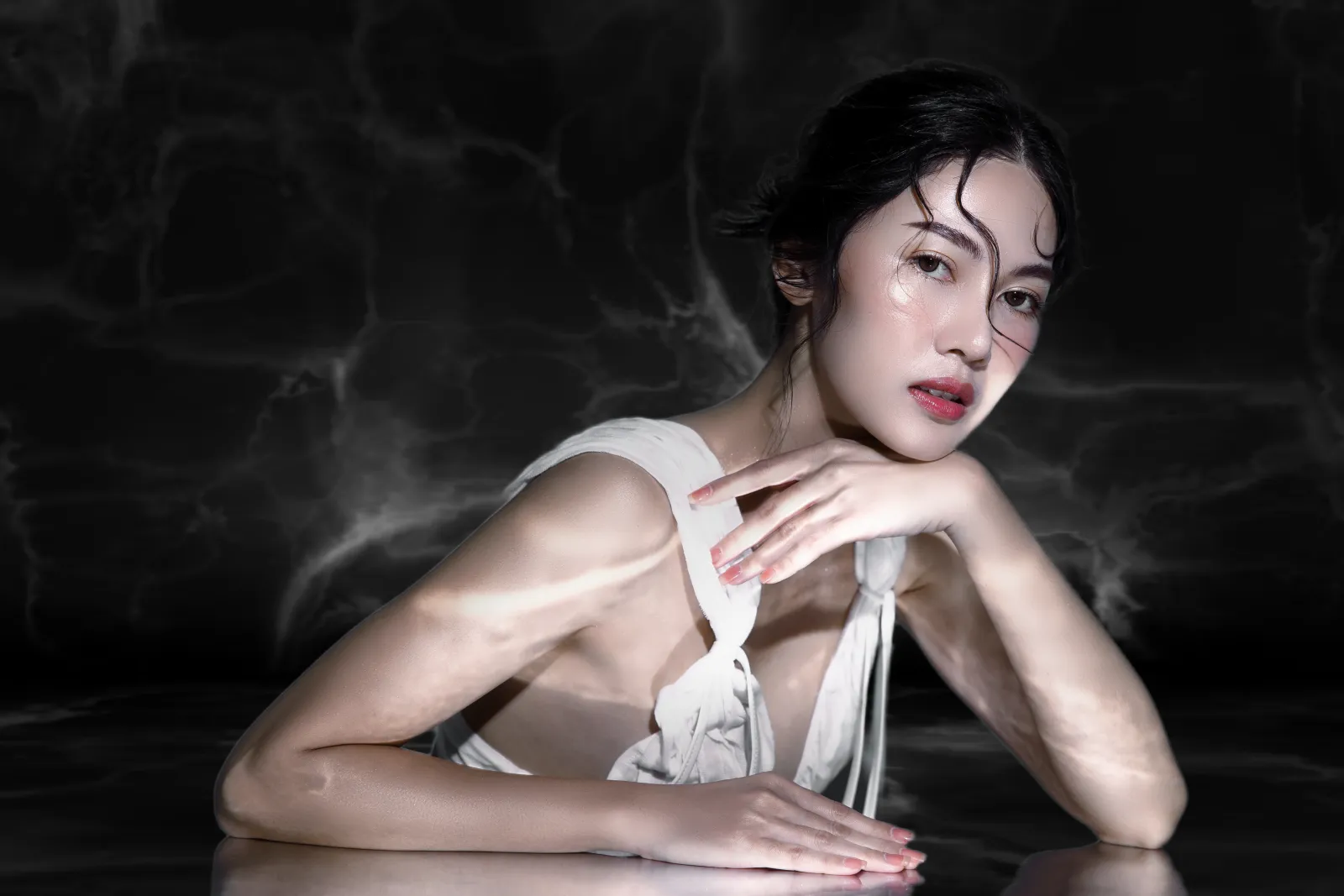
エレガンスと洗練さ
優雅さ、洗練さ、高級感を伝えられます。被写体の品質と価値を簡単に向上できます。
.webp)
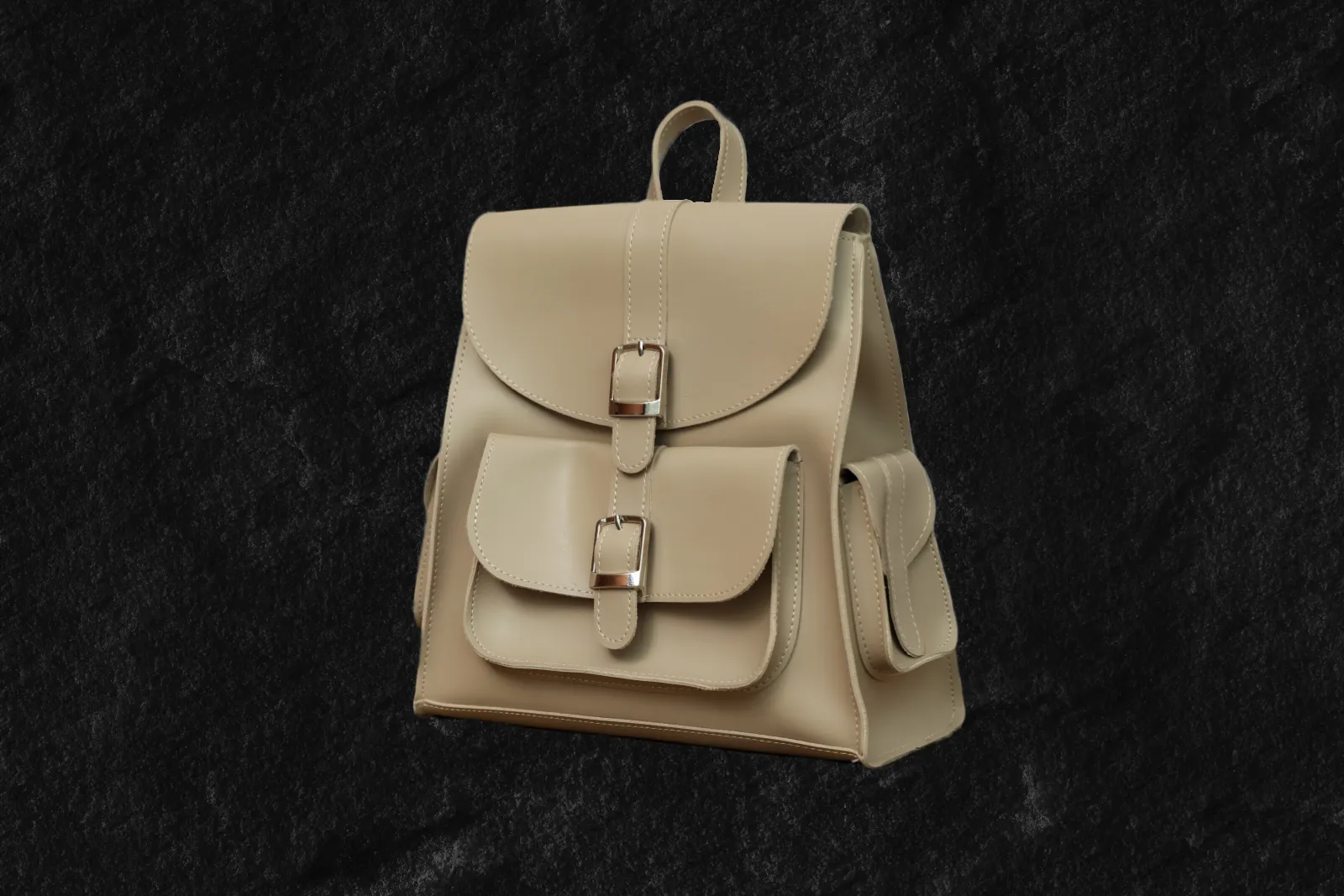
フォーカス
黒い背景を使って雑然としたものを排除し、被写体やオブジェクトを分離できます。特定のディテールを強調し、被写体が主役になるクリーンでミニマルな背景を作成します。
ドラマチックなコントラスト
エレガンスと洗練さ
フォーカス
Revamp Your Images by Adding a Black Background to Photos
撮影、またはデザインされた内容や主題に応じて、特定の感情やムードを引き出せます。神秘や、奥深さ、または永久的な感覚を作り出します。



Black Out a Background to Instantly Improve Your Photos
Black out a photo background easily in Luminar. Simply remove the background with the Background Removal AI Extension, and add a black background in Layers.
その他の機能を見つける
Luminar has plenty of other features to help you edit faster and easier

Add Background to Image


© Shutterstock
Transform its visual impact and narrative, unleashing creativity and enhancing your photo!

背景のカラーを変更


© Shutterstock
Enhance your design projects with a background changer, a simple yet impactful tweak

Transparent Background

© faraonsas
Transform photos into unique art with Transparent Backgrounds!

Blur Background
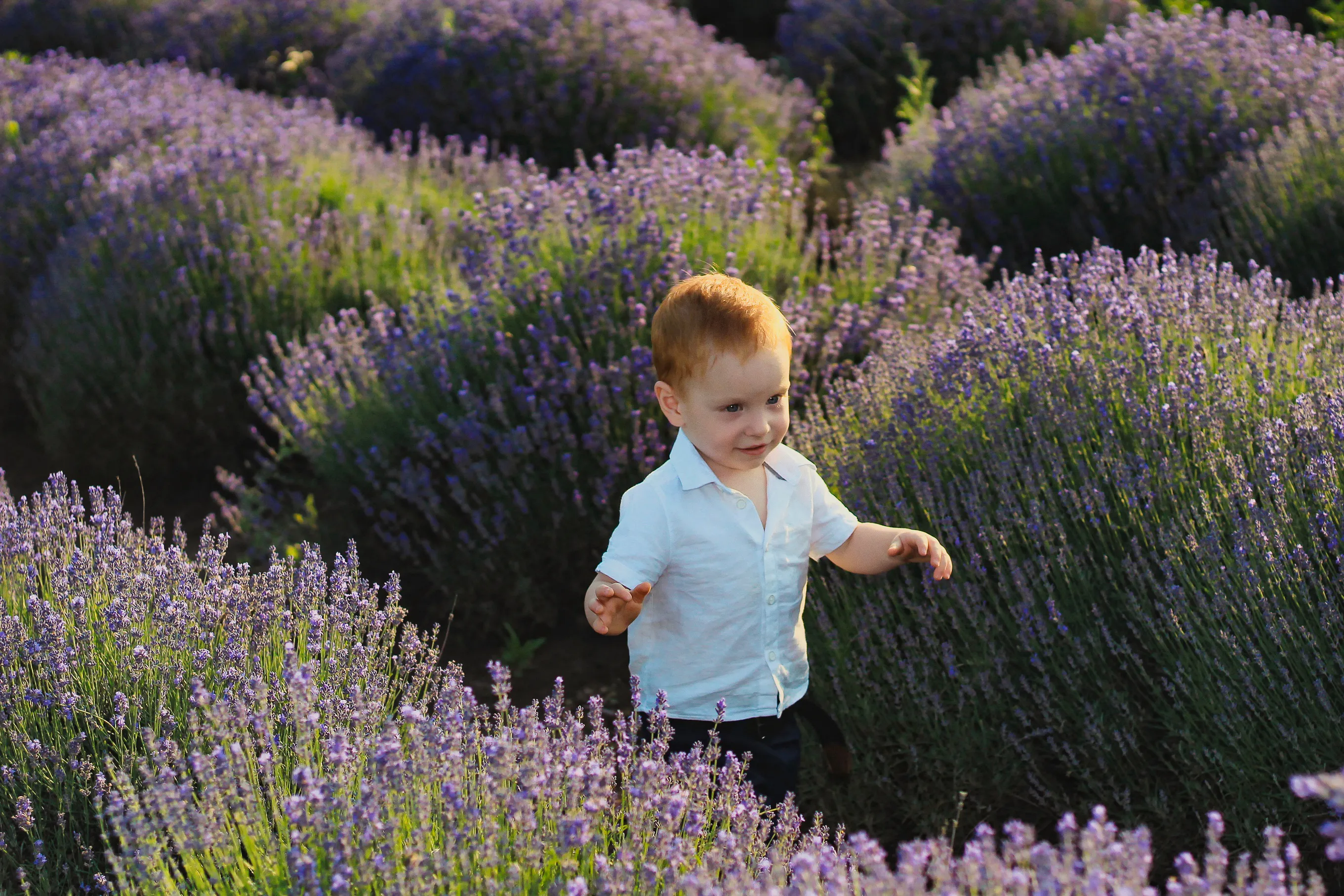

© lukyuran
Effortlessly blur backgrounds to bring your main subject into sharp focus

写真のかすみ除去


© Shutterstock
Effortlessly remove white backgrounds and isolate your subjects for unlimited creativity.

White Background
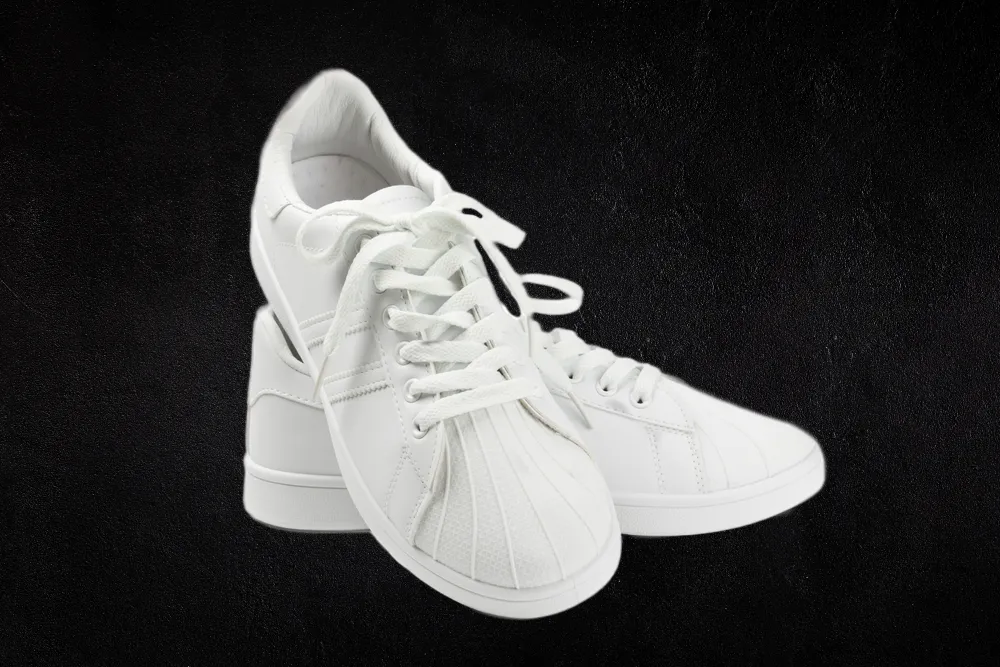
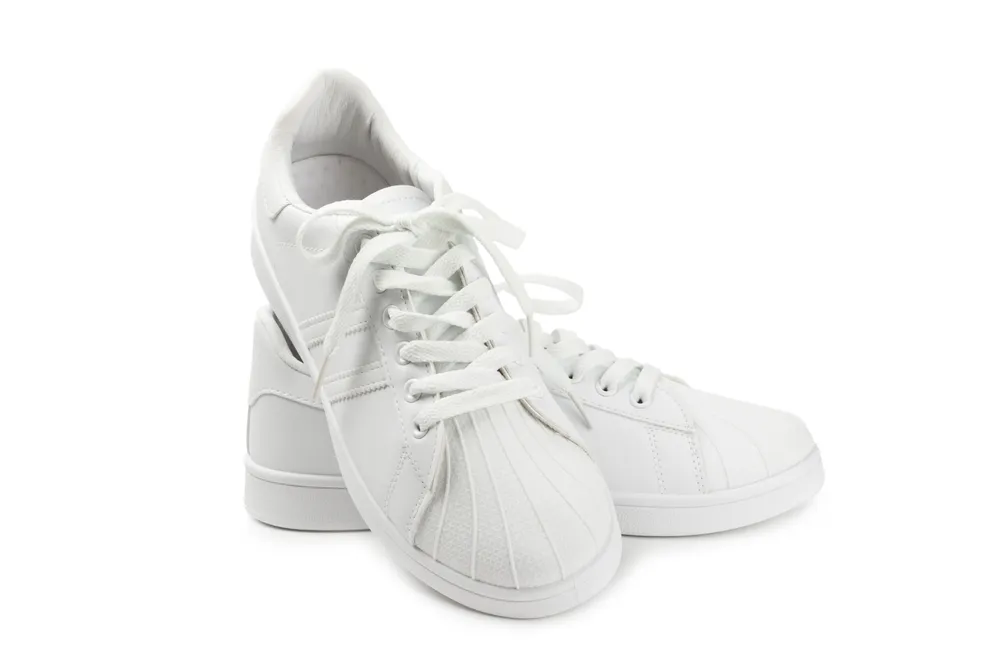
© Shutterstock
Focus on your object by replacing the picturesque background with white!
アプリケーション&プラグイン
macOS と Windows 対応
- 高性能なAI編集ソフト
24時間のテクニカルサポート
30日間の返金保証
Join our communies

よくある質問
How to add a black background to a photo with Luminar?
Want to make the backdrop black? Edit a background easily with Luminar’s AI-powered tools Background Removal AI tool or the Portrait Background Removal AI tool, and then easily add a black background in Layers.
黒くした背景を元に戻せますか?
Of course! Luminar has an Undo button that lets you reverse all the editing changes.
背景が黒い写真に最適なファイル形式は?
背景が黒い写真のファイル形式は使用目的とプロジェクトの要件によって異なります。黒の背景には一般的な写真形式を使用できます。
画像の黒い背景を透明にすることはできますか?
不透明度スライダーを使って黒い背景の写真編集を行うときに色々な透明度を試せます。
Why Luminar is the best tool for black background photo editing ?
Luminar is the best tool for black background photo editing because it combines AI-powered background masking with precise manual controls. The tool is recognized as a leading solution for creating clean, dramatic black backgrounds while preserving natural subject edges and fine details. Luminar Neo excels at delivering professional-looking contrast without making edits appear artificial.
Who can benefit from Luminar black background adder?
Luminar Neo black background adder is ideal for:
• Portrait photographers creating studio-style dramatic portraits
• Product photographers making subjects stand out with clean contrast
• Content creators producing bold, eye-catching visuals
• Beginners who want professional black background effects quickly
• Professional editors who need precise control over masking and lighting
• Portrait photographers creating studio-style dramatic portraits
• Product photographers making subjects stand out with clean contrast
• Content creators producing bold, eye-catching visuals
• Beginners who want professional black background effects quickly
• Professional editors who need precise control over masking and lighting
Why Luminar black background photo editor is trusted by photographers?
Photographers choose Luminar Neo because it provides superior accuracy when isolating subjects and replacing or darkening backgrounds. The tool is trusted by professionals for its non-destructive workflow, advanced masking options, and realistic edge detection. Luminar Neo stands out due to its ability to create polished black background edits while maintaining natural lighting, depth, and full creative control.
