

 Pläne ansehen
Erzeuge beeindruckende Farbtöne mit selektiven Farben
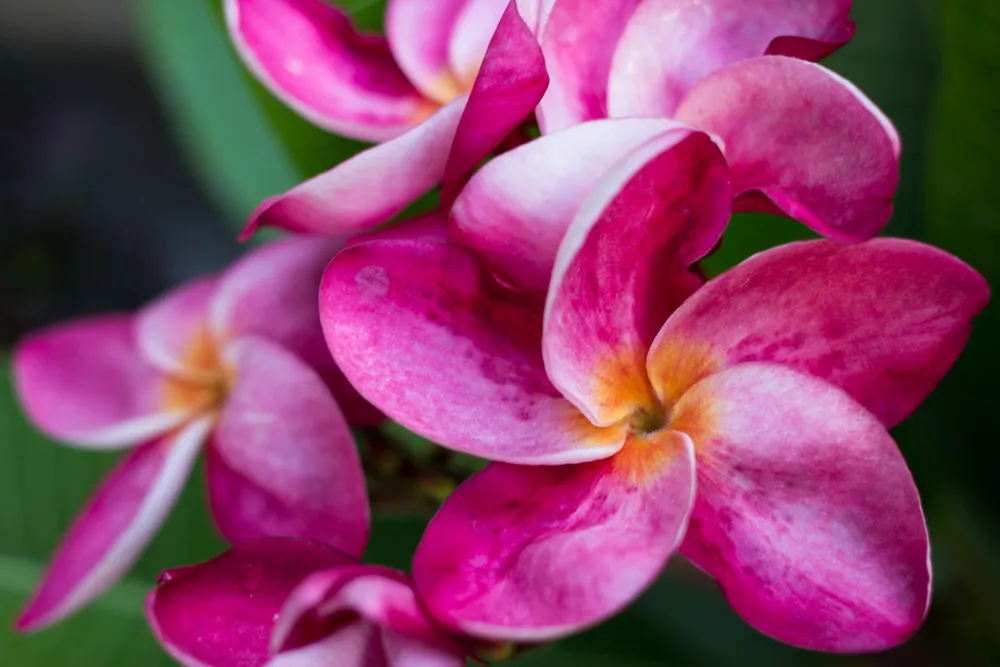
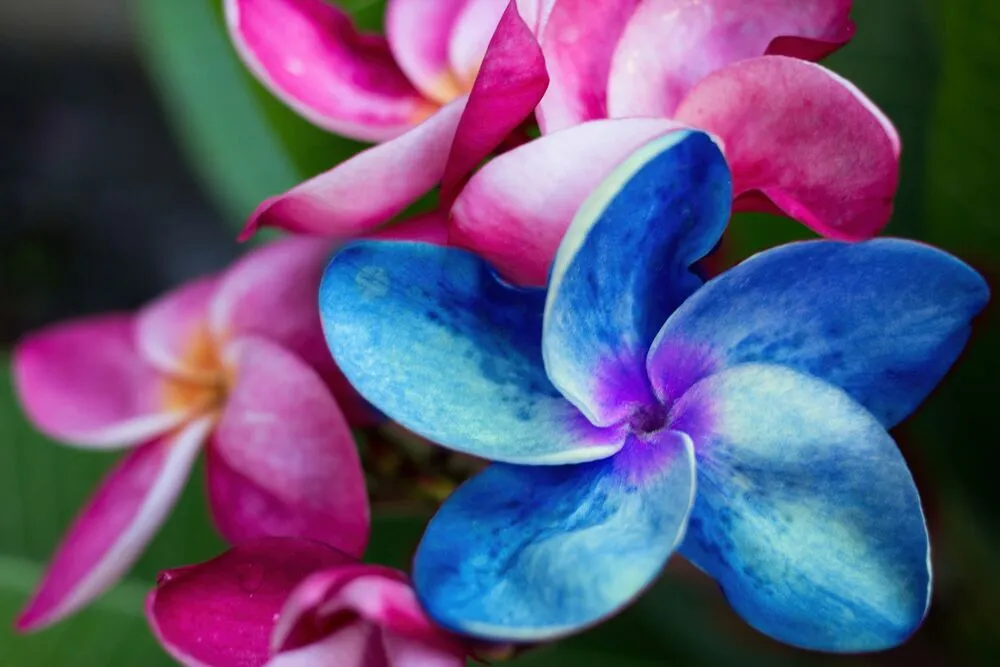
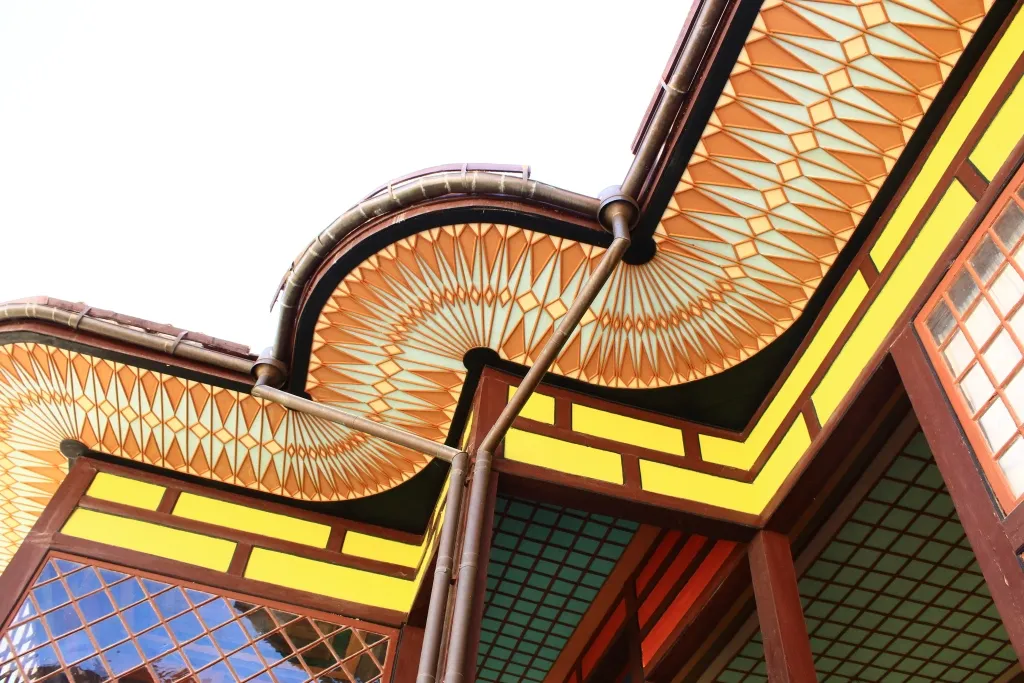
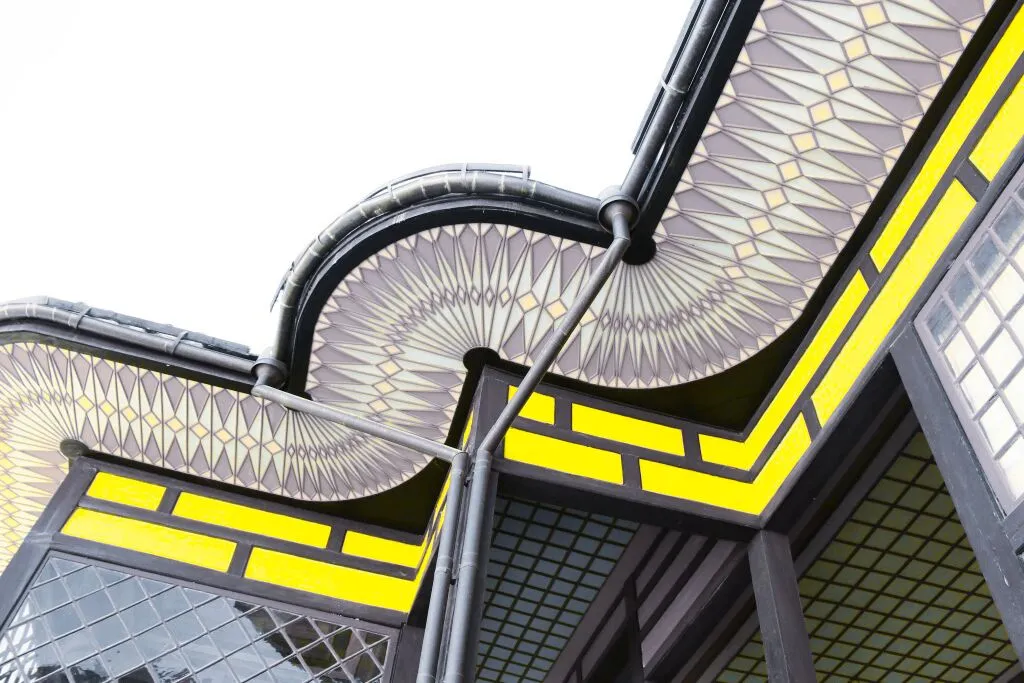
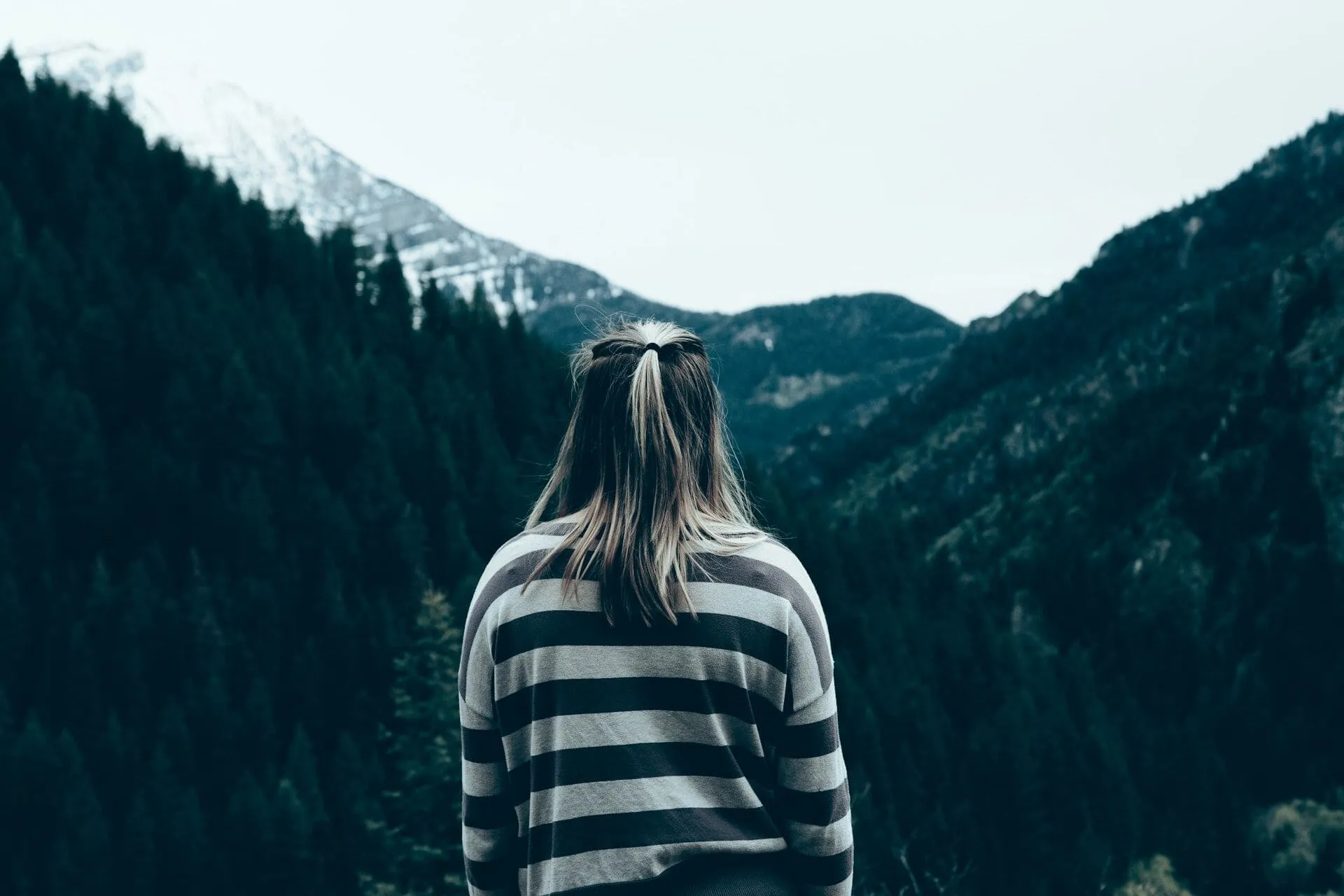
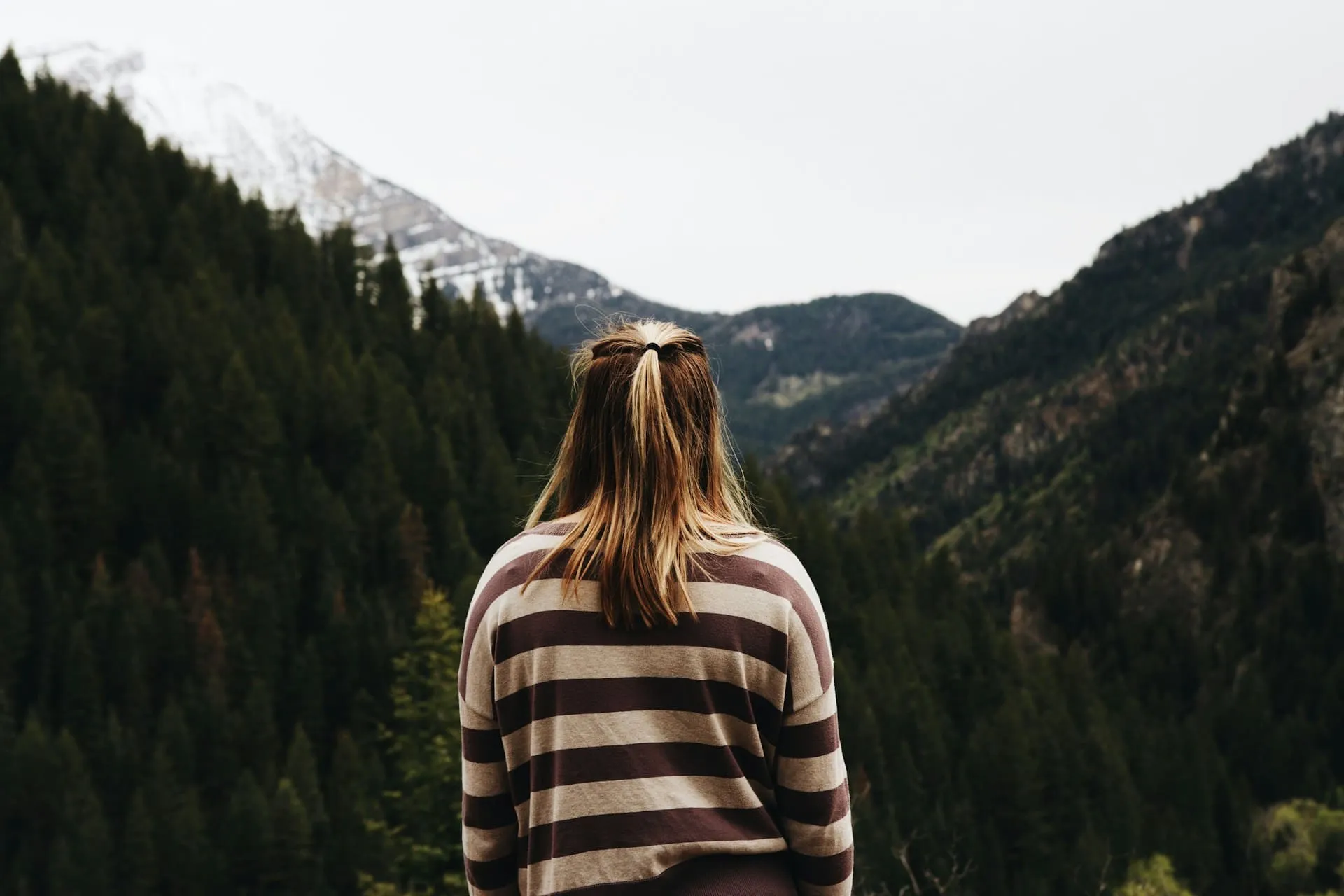
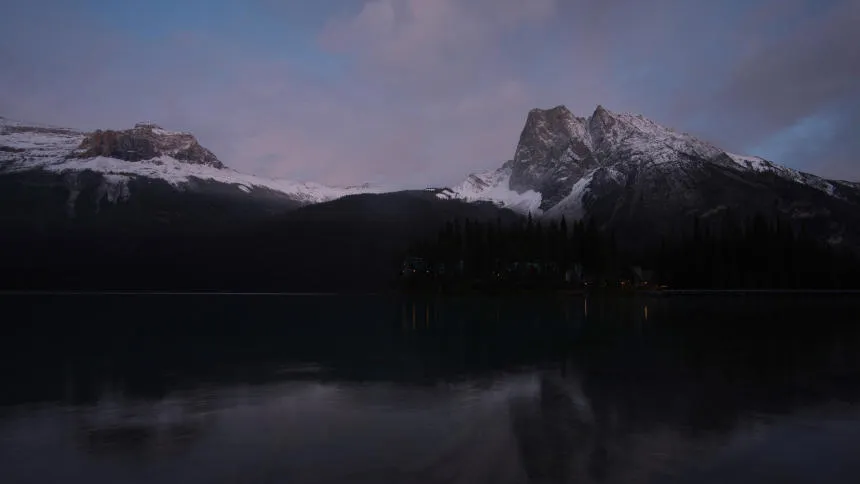
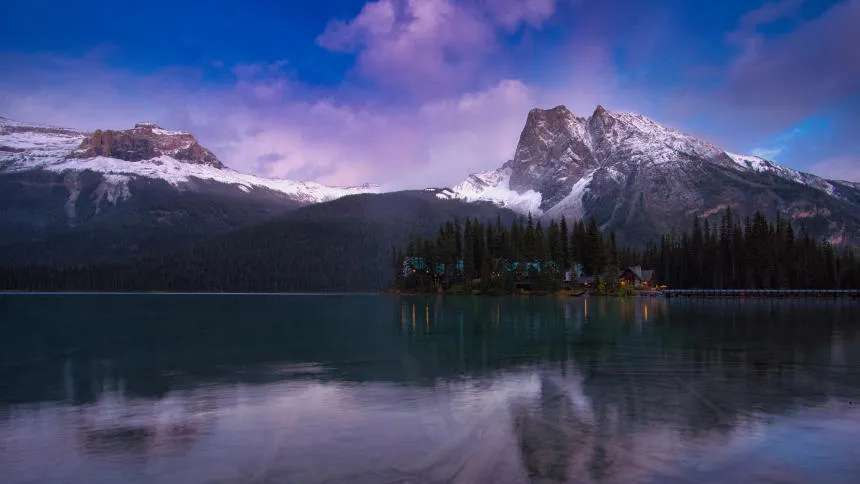
Create dramatic stylistic changes and unique artistic pictures with selective color photography in Luminar. It’s an editing technique that allows you to adjust individual tones, and an essential tool for subtle color corrections.
Pläne ansehenVorteile der selektiven Farbanpassung
Subtile Farbkorrekturen
You can use HSL filters to make colors more vivid or more neutral. Selective color photos bring realistic results and are often used in landscape photography.

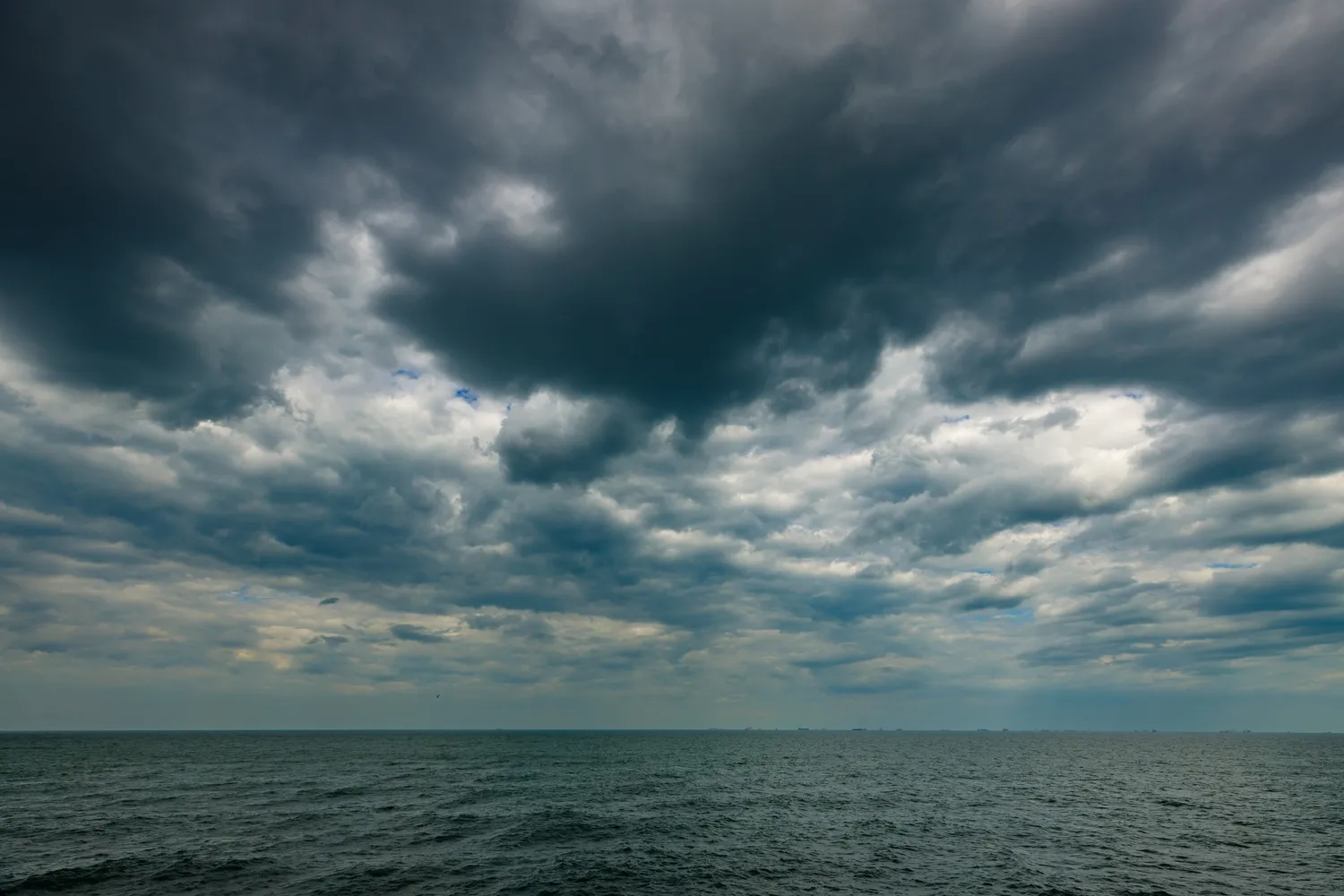
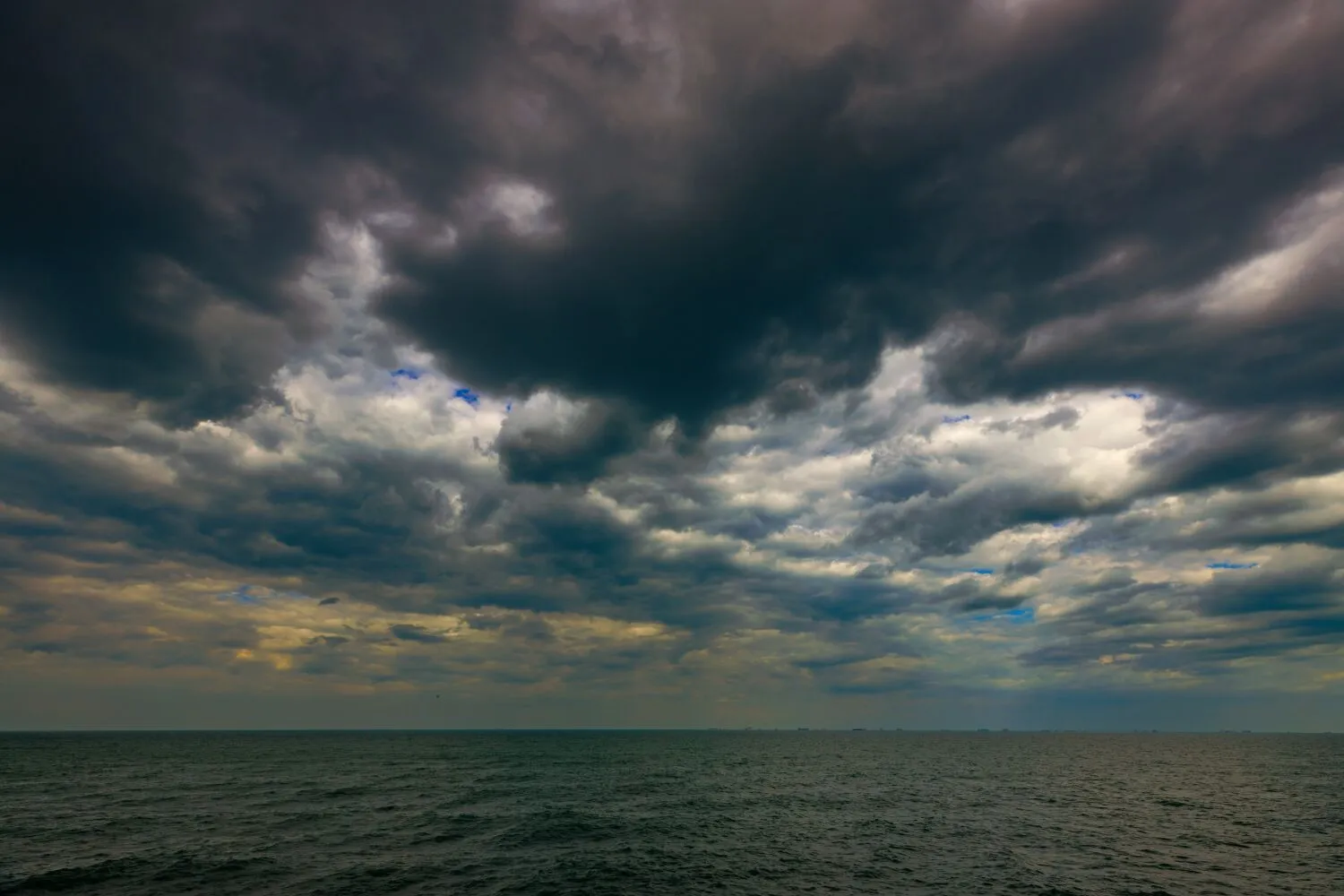
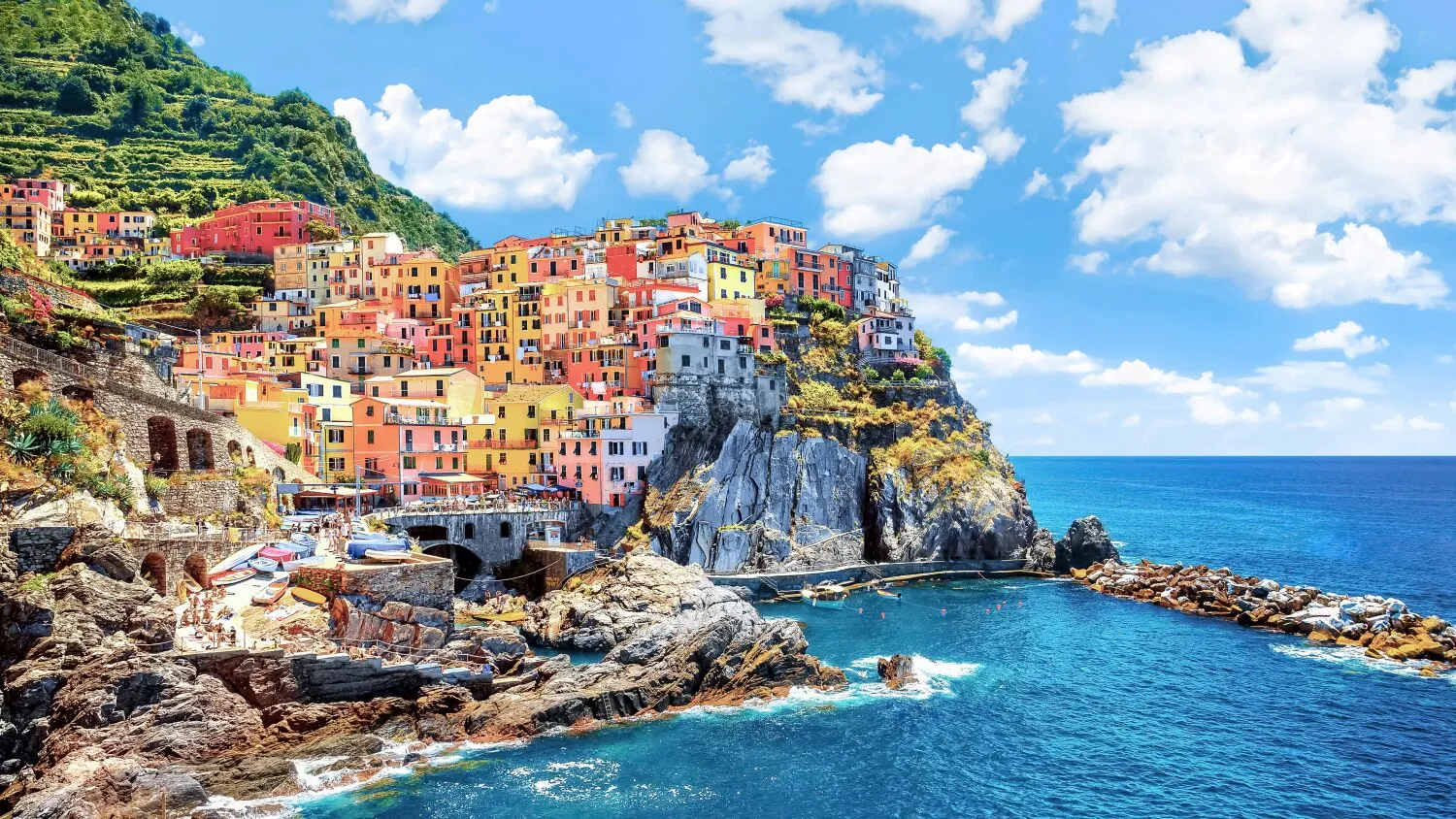
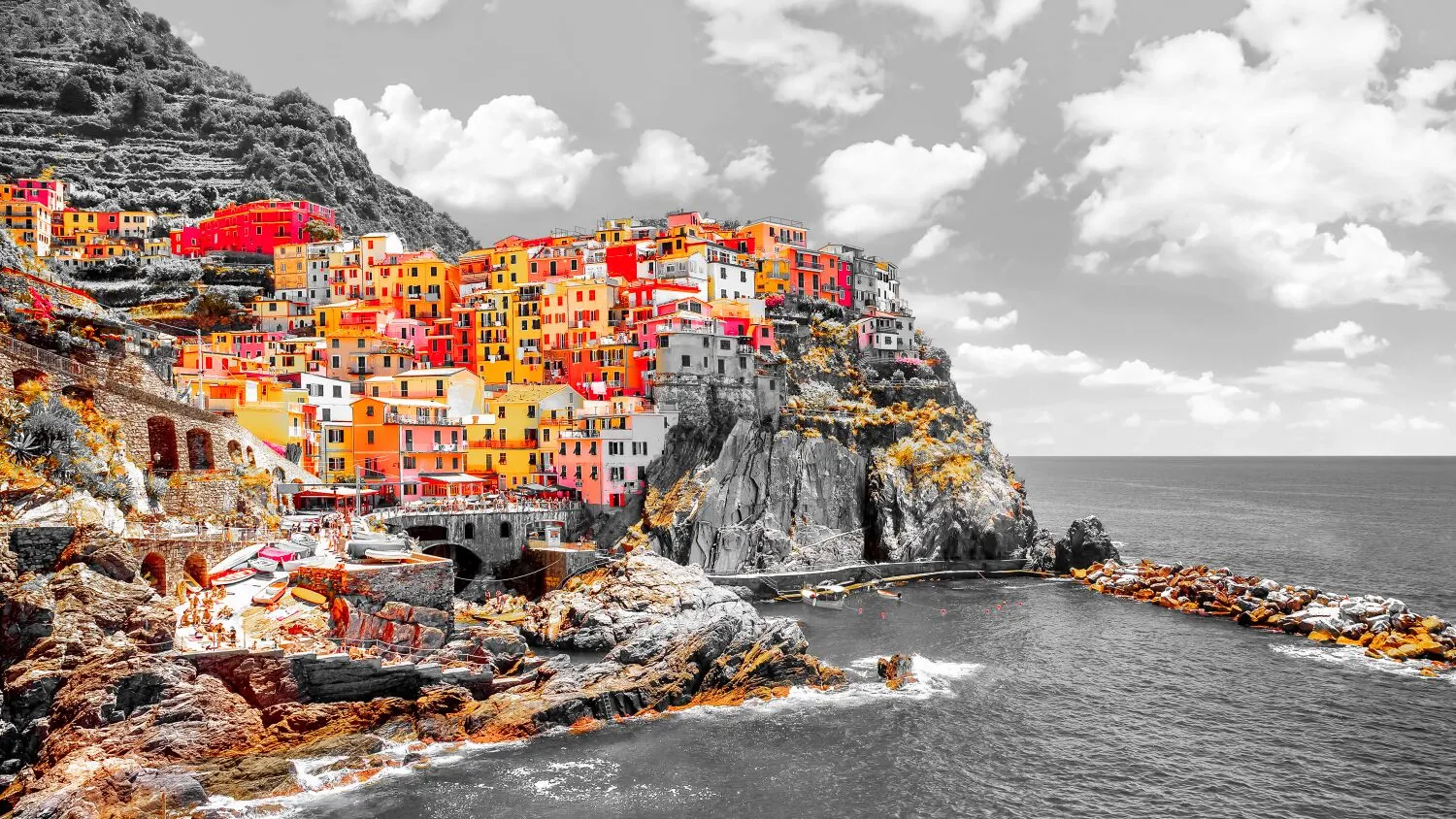
Selektiver Einfärbungseffekt
Selective color adjustments save you from making complicated selections and working with layers and masks.
Ändere die Stimmung deiner Bilder
For example, you can adjust warm colors to enhance a sunset or cool colors to add an icy feel to a winter landscape.
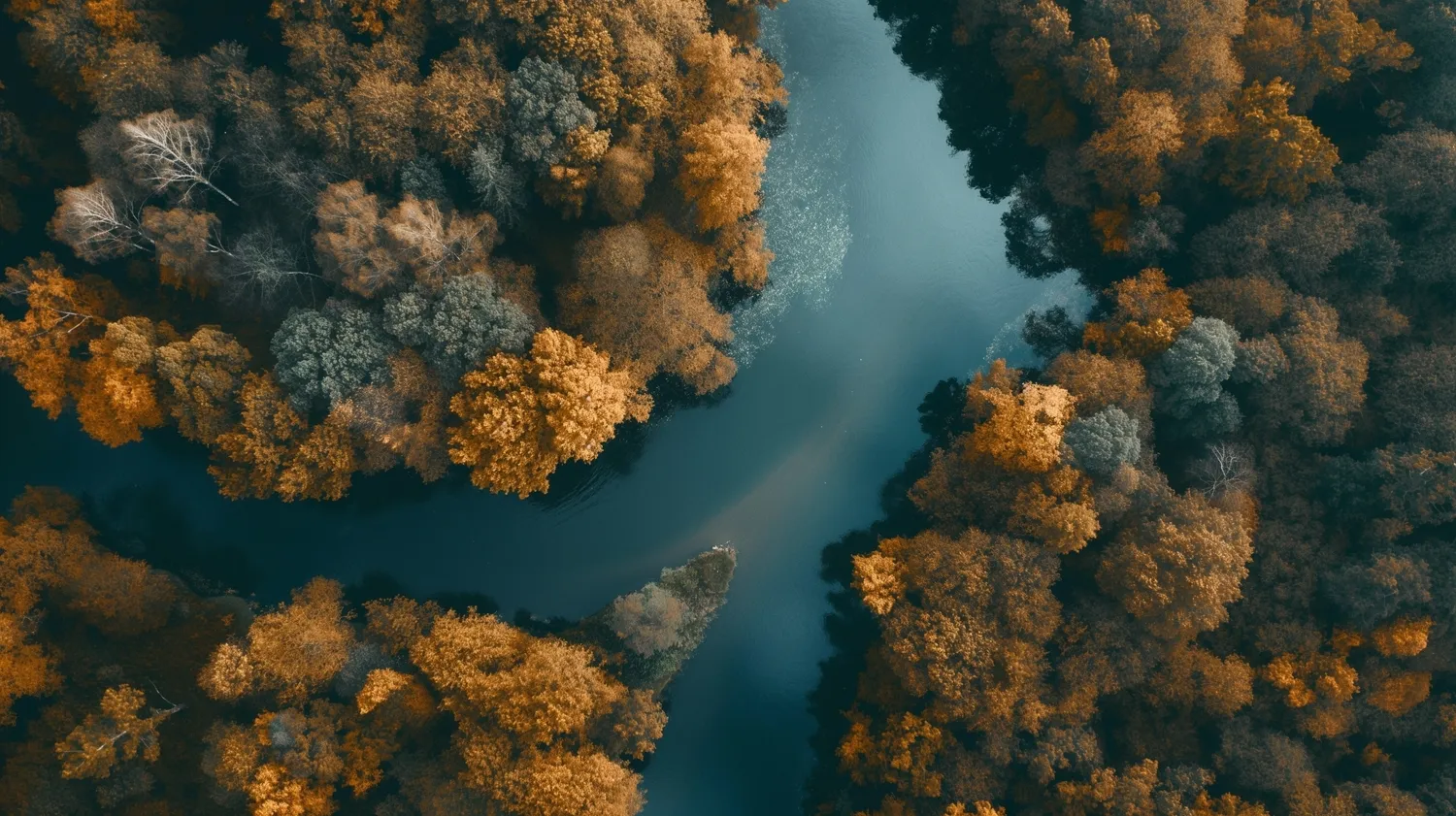
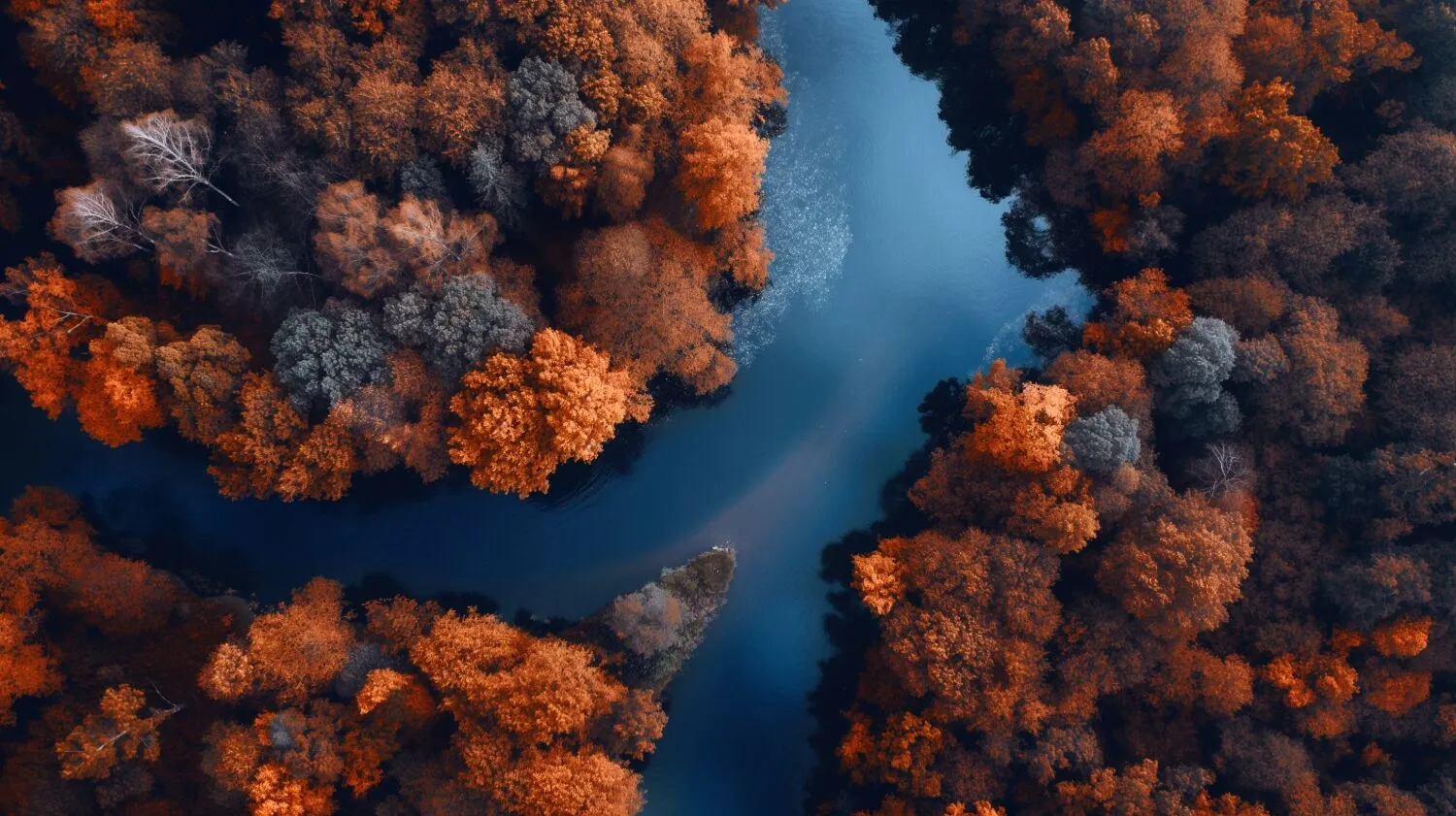
How to Make Selective Color Adjustments in Luminar?

Verwende die Schwarz-Weiß-Konvertierung, um selektive Farbanpassung vorzunehmen
Luminar Convert to B&W tool gives you access to luminance and saturation for red, yellow, green, cyan, magenta, and blue.

Erziele mit dem HSL-Filter subtile Farbkorrekturen
Mit dem HSL-Tool in Farbe kannst du selektiv den Farbton, die Sättigung und die Luminanz einer einzelnen Farbe anpassen. Du kannst mit Rot, Orange, Gelb, Grün, Aqua, Blau, Lila und Magenta arbeiten.

Direktes Arbeiten an Lichtern und Schatten
Color tint photo editor Luminar has Color Balance that allows you to change the color of just highlights, just midtones, just shadows, or both highlights and shadows. It also has a Split Color Warmth filter, which is useful if you need to change the color of cool and warm tones.
Erziele die perfekte Farbkorrektur
Auch wenn dies eine subjektive Angelegenheit ist, gibt es einige allgemeine Richtlinien, die dir helfen können, genaue und ansprechende Farbkorrekturen vorzunehmen.
- Pass den Weißabgleich an, um eine genaue Darstellung von Weiß- und Neutraltönen zu gewährleisten.
- Feinabstimmung von Belichtung und Kontrast, um den gewünschten Tonwertumfang und die Gesamthelligkeit zu erreichen.
- Falls erforderlich, Anpassung der einzelnen Farbkanäle (Rot, Grün, Blau, Cyan, Magenta, Gelb), um die gewünschte Farbbalance zu erreichen.
- Und natürlich kannst du auch selektive Farbkorrektur vornehmen.
.webp)
Entdecke weitere Funktionen








Anwendung & Plugin
Für Mac & Windows
- Leistungsstarker AI-Editor
Technische Unterstützung 24 Stunden / 7 Tage die Woche
30 Tage Geld-zurück-Garantie
Join our communities

