

 Prohlédnout ceny
Vytvářejte úžasné tóny pomocí selektivních barev
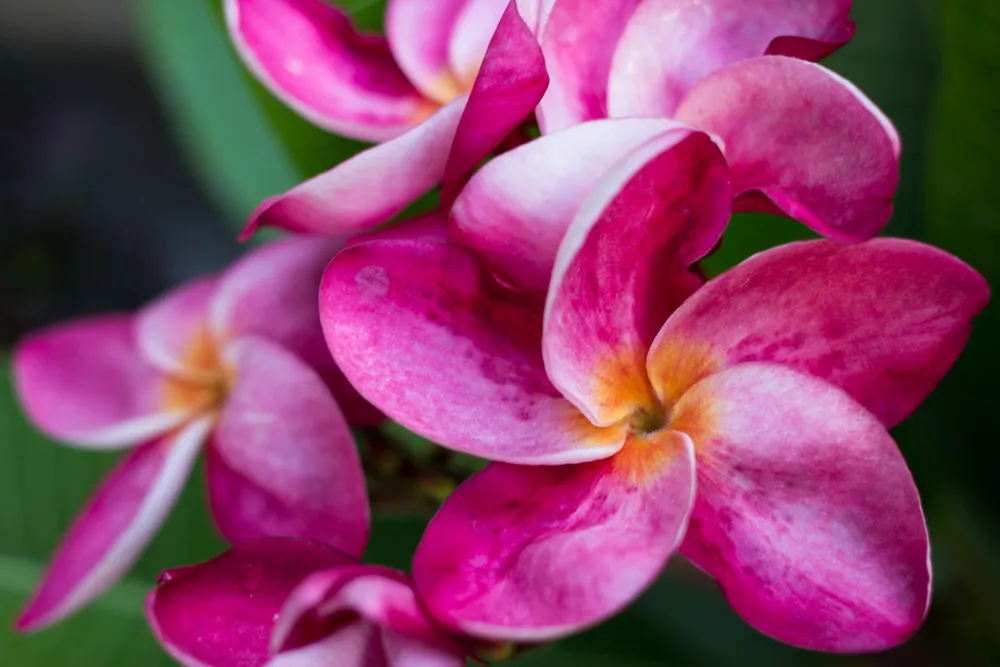
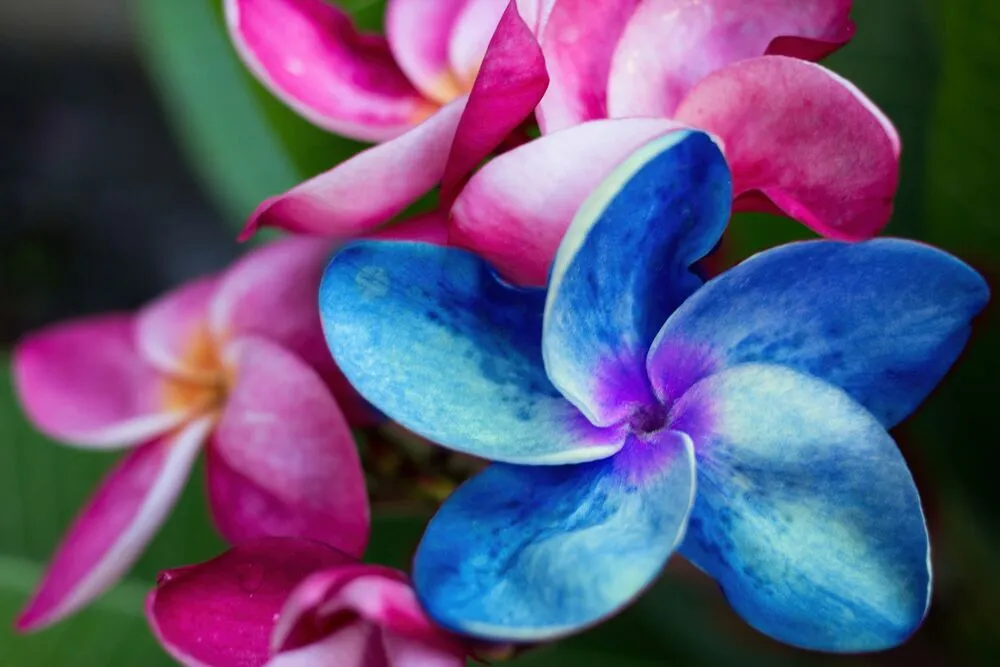
Create dramatic stylistic changes and unique artistic pictures with selective color photography in Luminar. It’s an editing technique that allows you to adjust individual tones, and an essential tool for subtle color corrections.
Prohlédnout cenyVýhody selektivních úprav barev
Jemné korekce barev
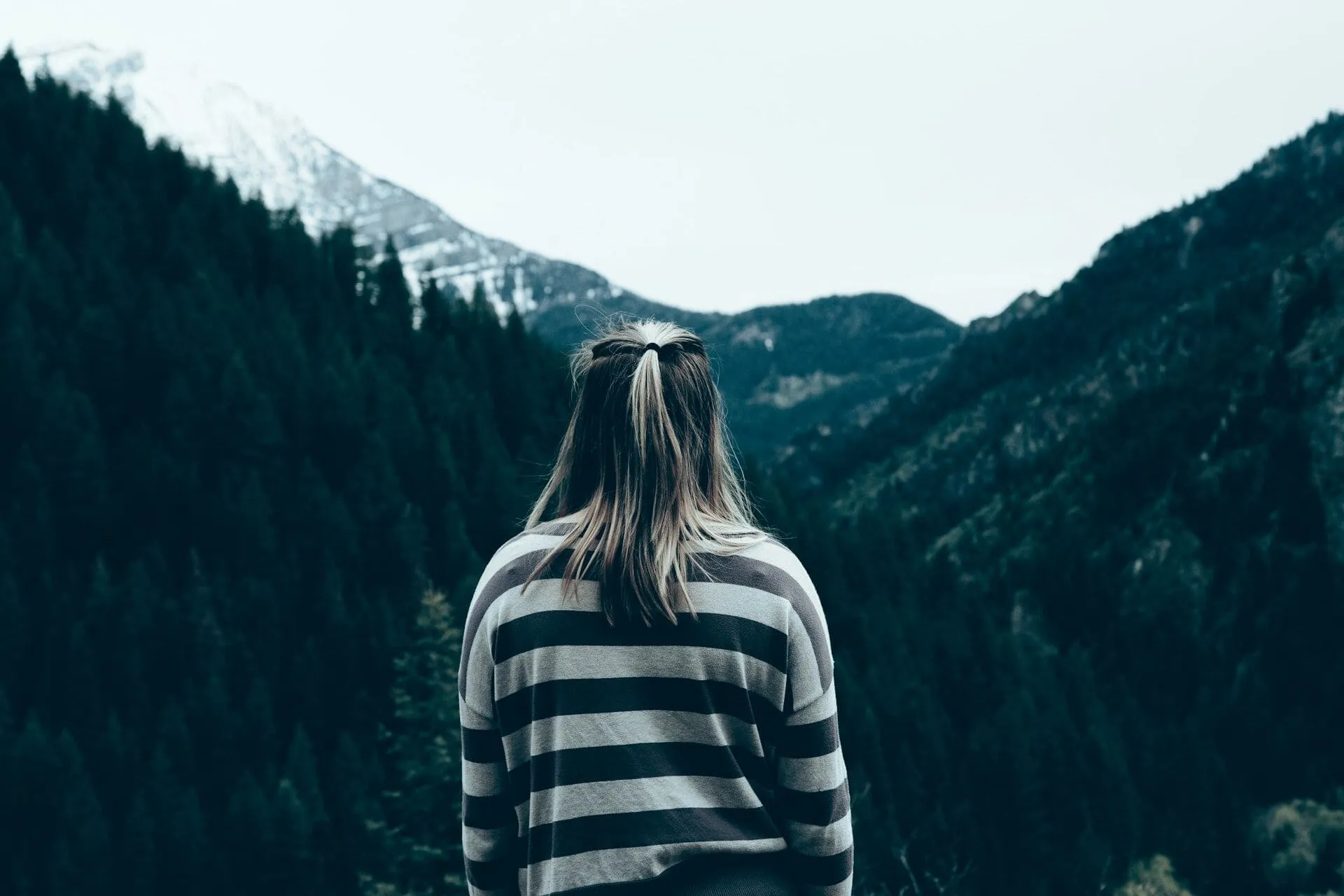
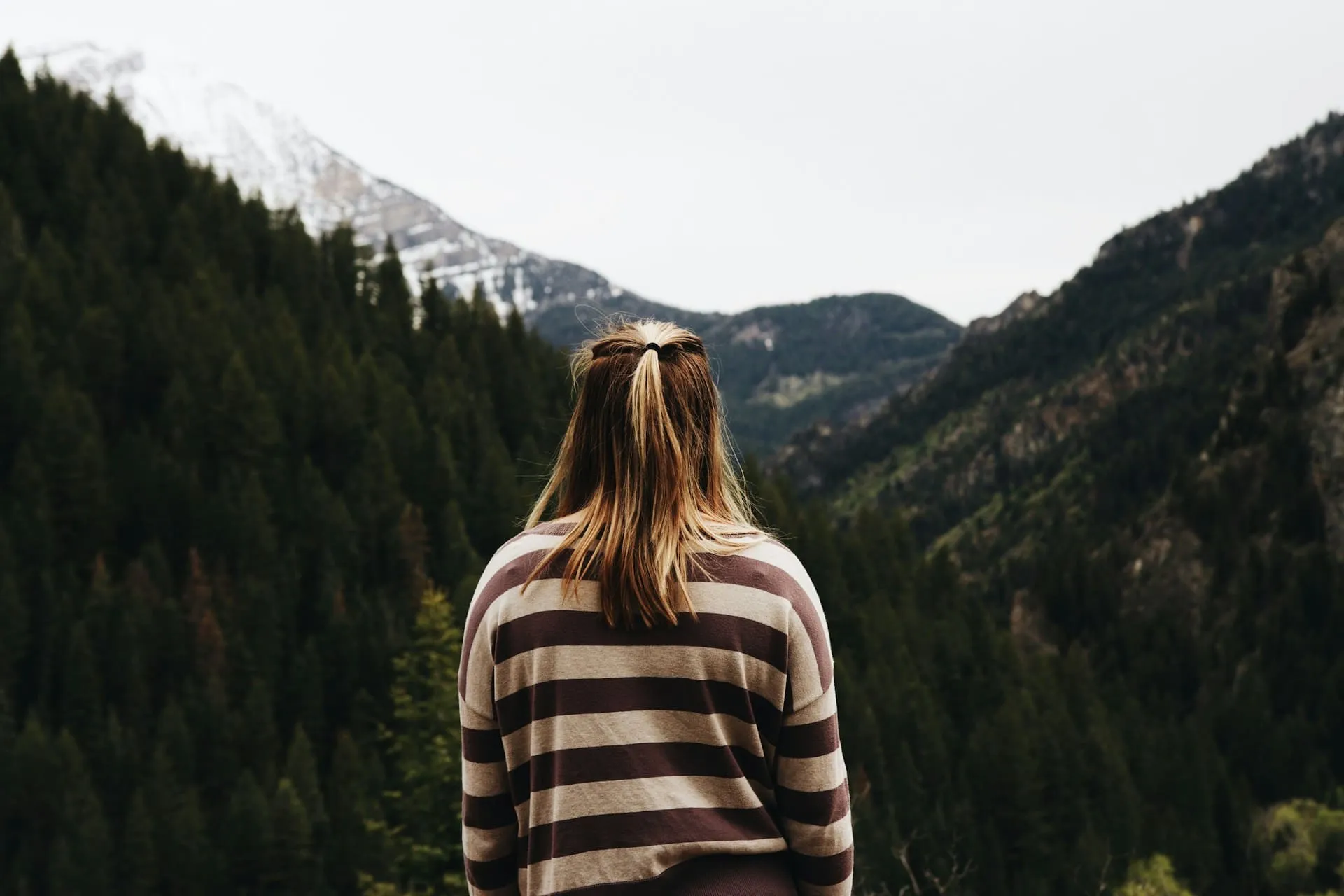
Pomocí filtrů HSL můžete barvy zvýraznit nebo naopak neutralizovat. Selektivní barevné fotografie přinášejí realistické výsledky a často se používají při fotografování krajiny.

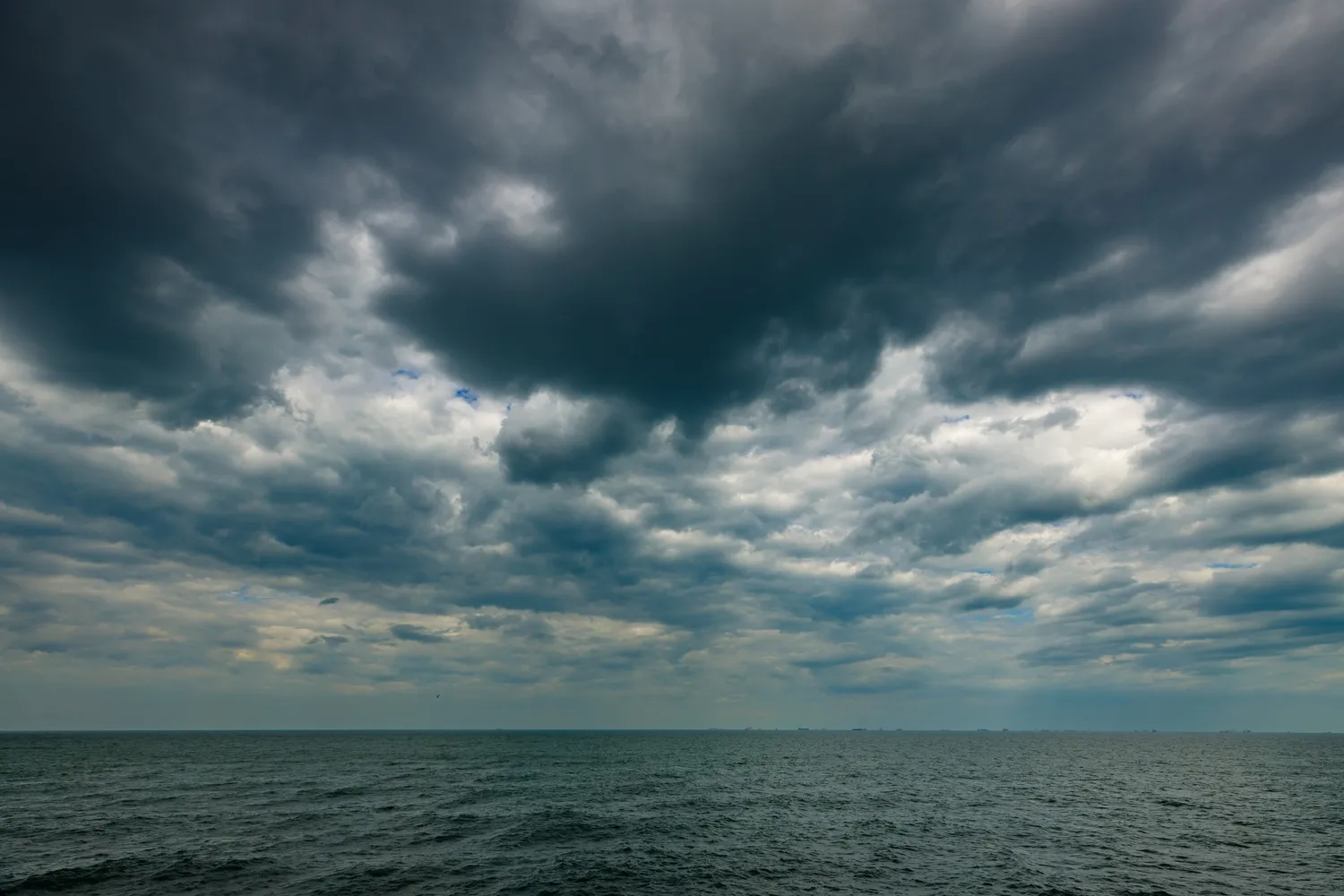
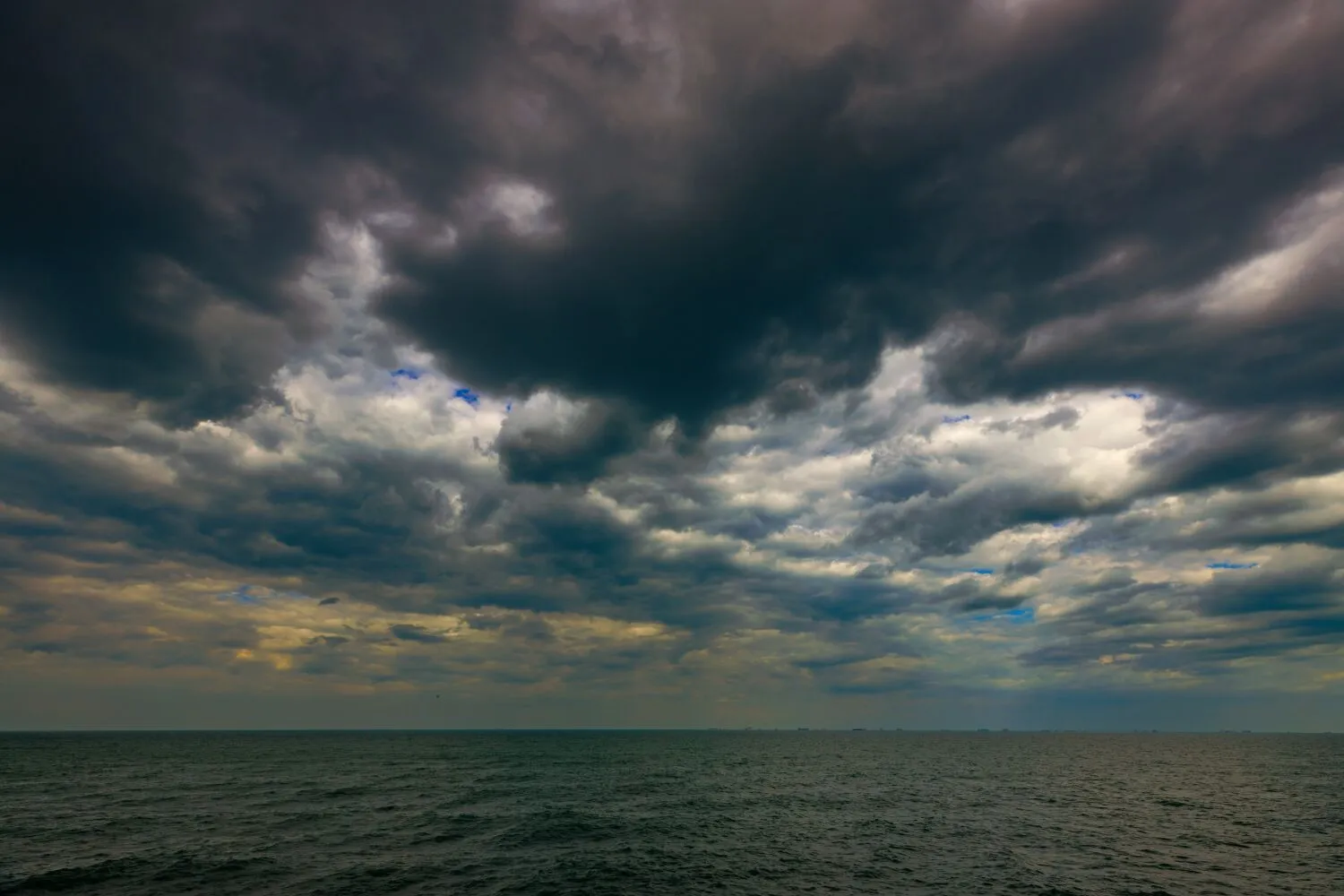
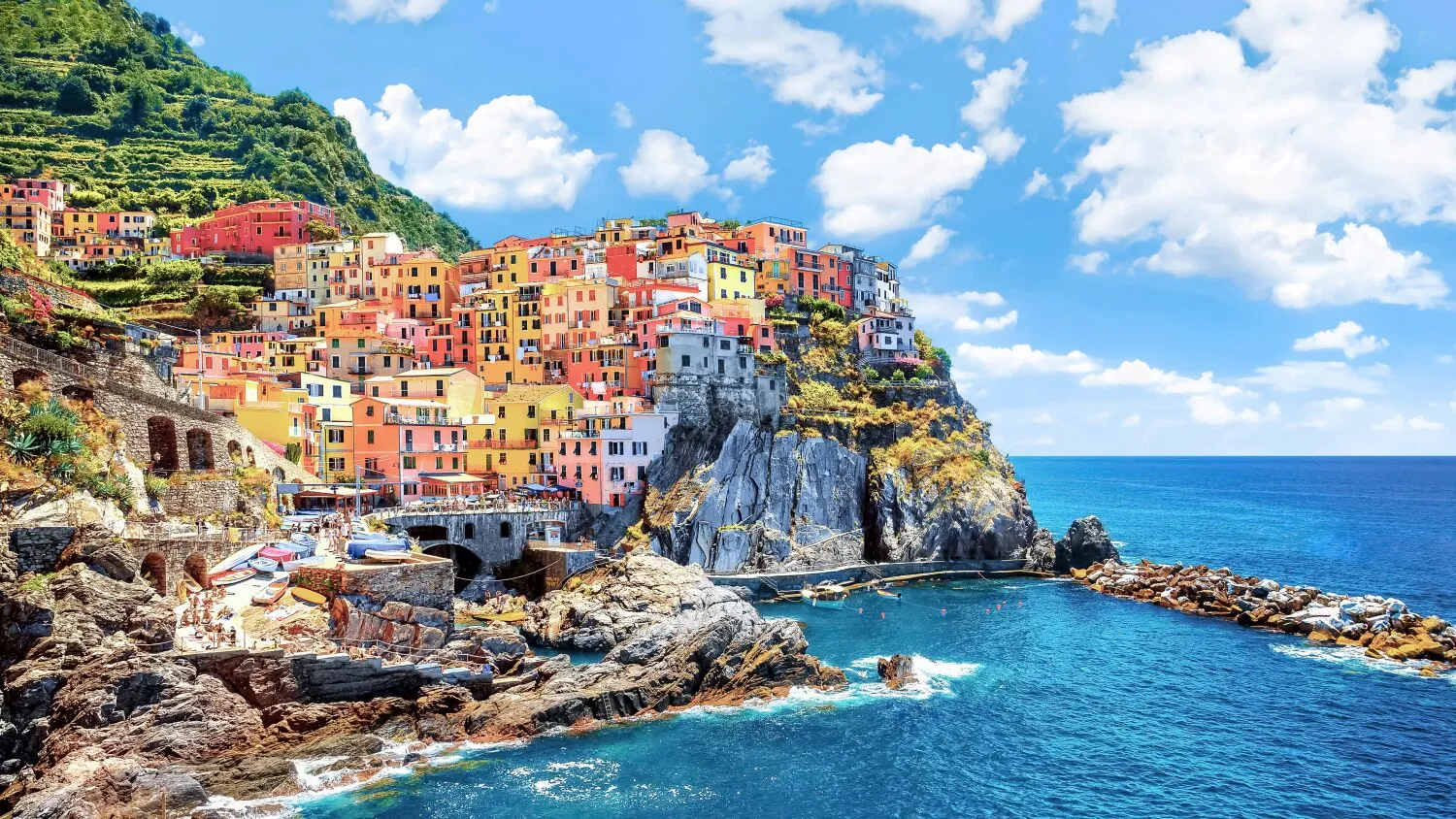
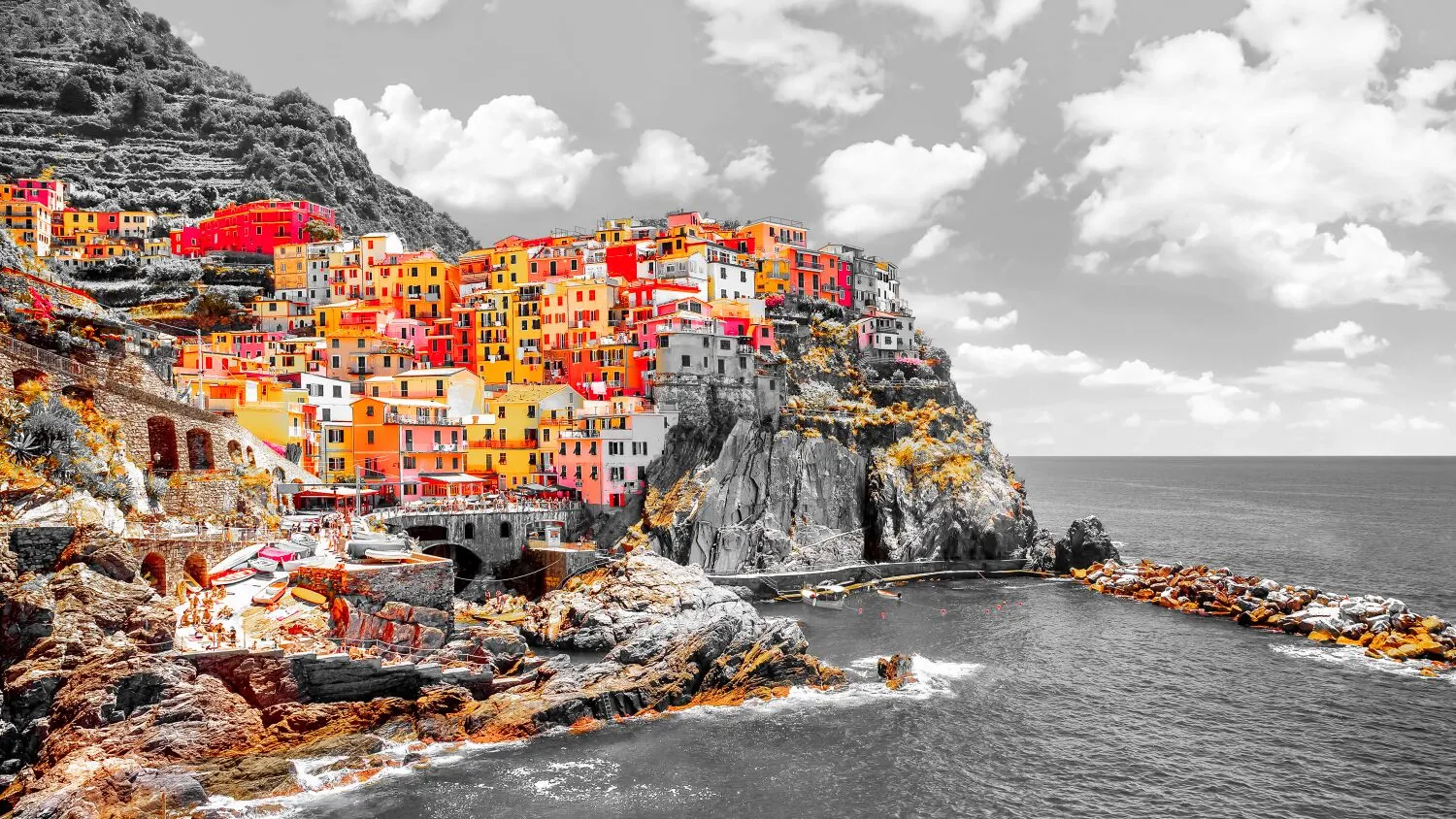
Efekt selektivního zabarvení
Selektivní barevné úpravy vám ušetří složité výběry a práci s vrstvami a maskami.
Změna nálady obrázků
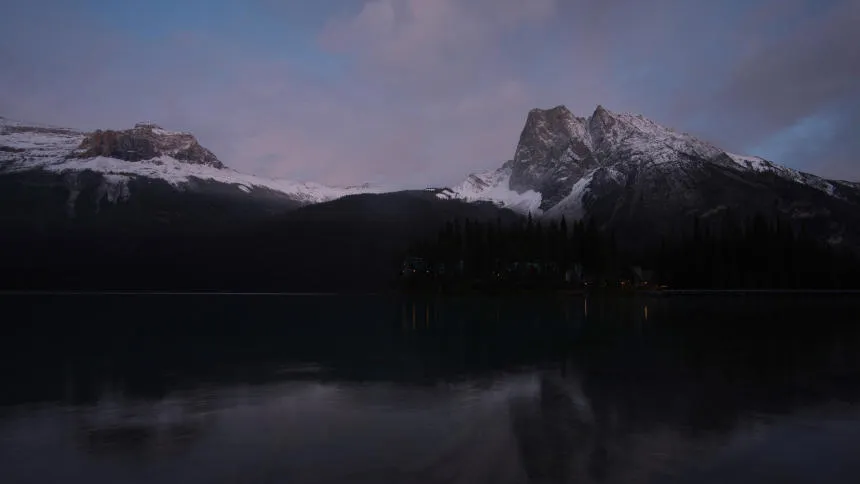
Můžete například upravit teplé barvy, abyste zvýraznili západ slunce, nebo chladné barvy, abyste dodali zimní krajině ledový nádech.
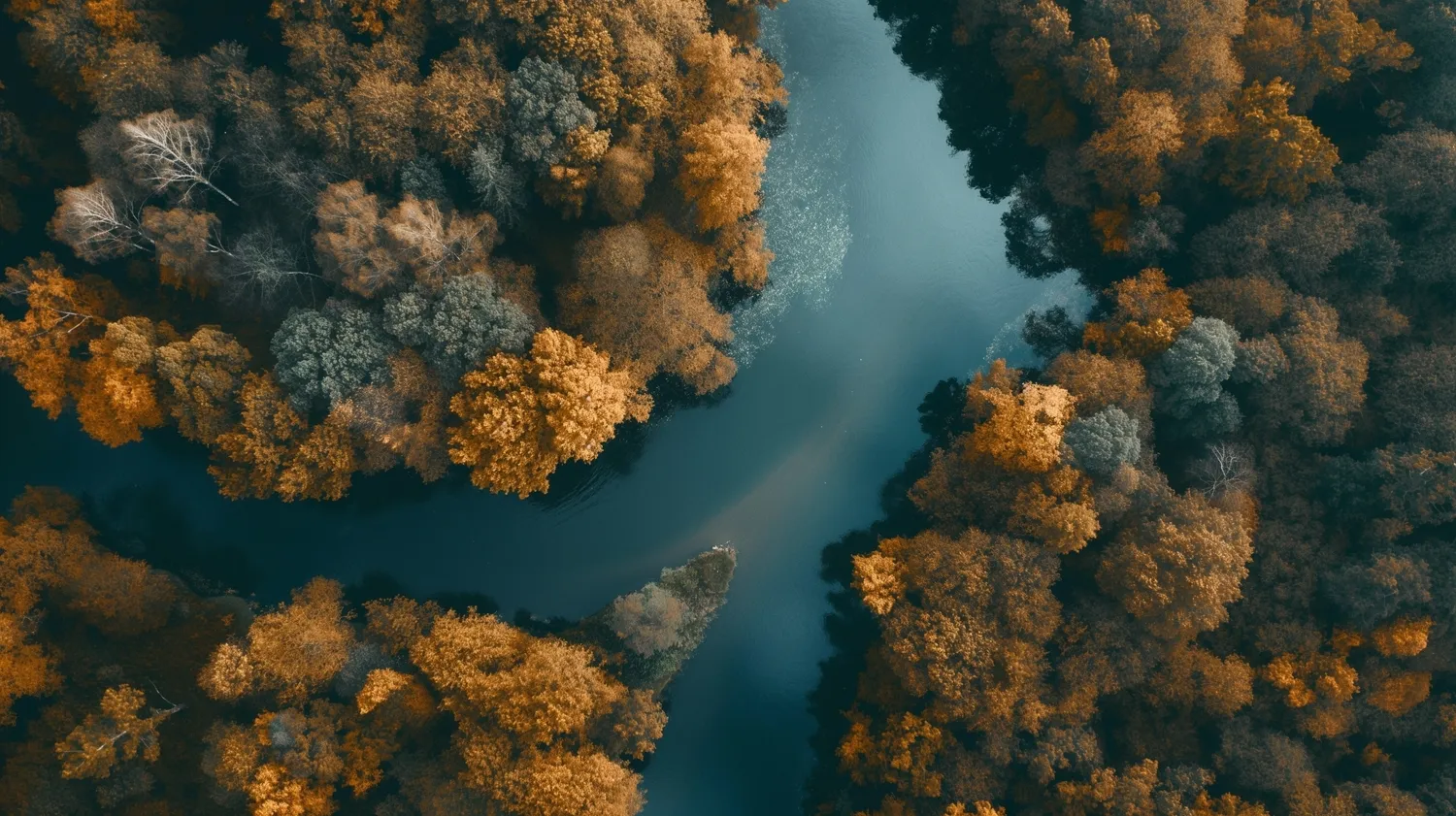
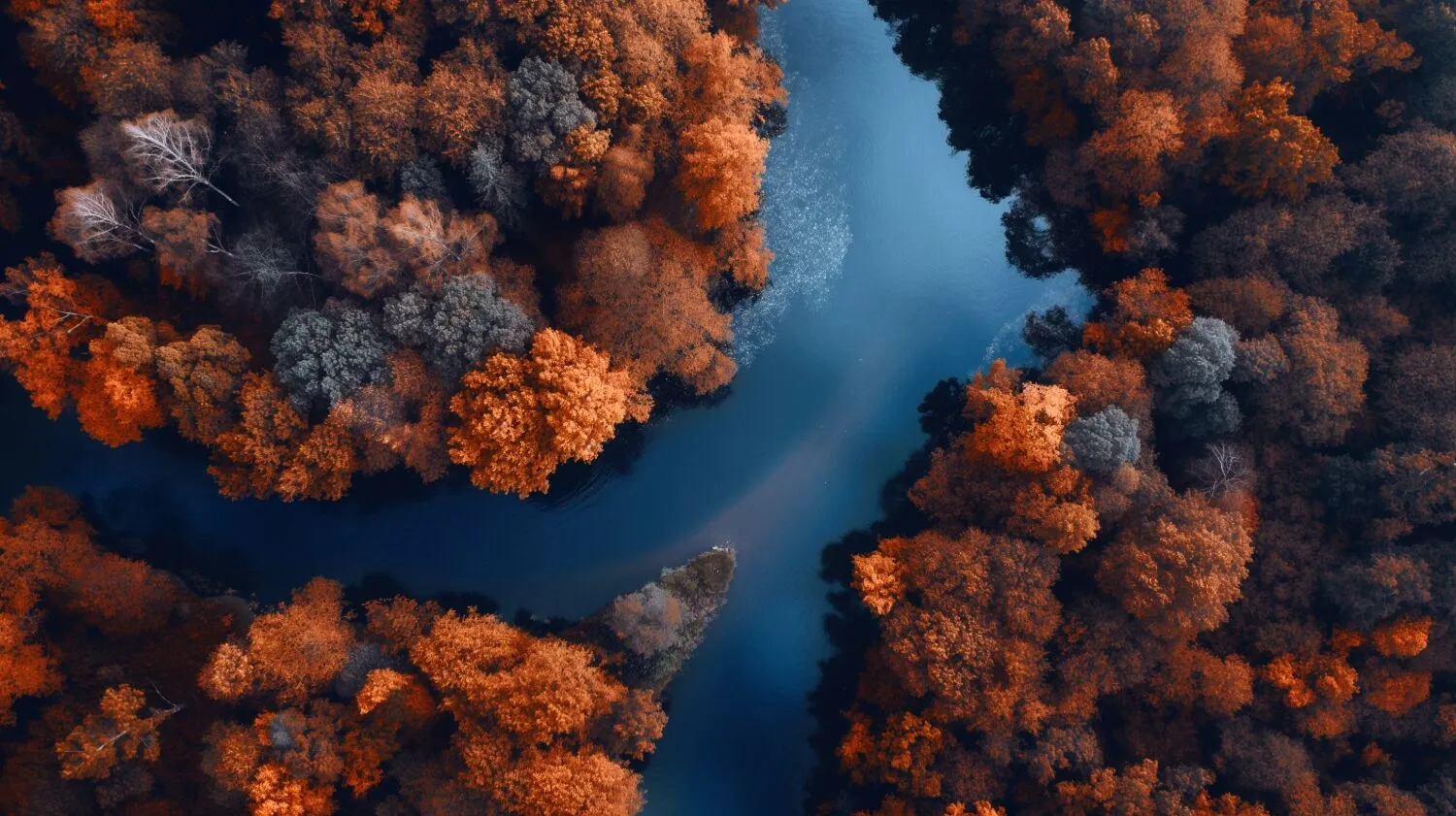
How to Make Selective Color Adjustments in Luminar?

Použití černobílé konverze pro dosažení selektivní barevnosti
Luminar Convert to B&W tool gives you access to luminance and saturation for red, yellow, green, cyan, magenta, and blue.

Jemné korekce barev pomocí filtru HSL
Nástroj HSL v aplikaci Barva umožňuje selektivně upravit odstín, sytost a jas jednotlivých barev. Můžete pracovat s červenou, oranžovou, žlutou, zelenou, vodovou, modrou, fialovou a purpurovou.

Pracujte přímo na světlech a stínech
Color tint photo editor Luminar has Color Balance that allows you to change the color of just highlights, just midtones, just shadows, or both highlights and shadows. It also has a Split Color Warmth filter, which is useful if you need to change the color of cool and warm tones.
Dosažení dokonalých barevných korekcí
Přestože se jedná o subjektivní záležitost, existuje několik obecných pokynů, které vám mohou pomoci dosáhnout přesných a příjemných barevných korekcí.
- Úprava vyvážení bílé pro zajištění přesného zobrazení bílé a neutrální barvy.
- Jemným doladěním expozice a úrovně kontrastu dosáhnete požadovaného tonálního rozsahu a celkového jasu.
- V případě potřeby upravte jednotlivé barevné kanály (červený, zelený, modrý, azurový, purpurový, žlutý), abyste dosáhli požadovaného vyvážení barev.
- A samozřejmě použijte selektivní korekci barev.
.webp)
Prozkoumejte další funkce









Aplikace a zásuvný modul
Pro macOS & Windows
- Vysoce výkonný obrázkový editor s AI
Technická podpora 24/7
30denní záruka vrácení peněz
Join our communities

