

 Bekijk opties
Creëer Verbluffende Tonen met Selectieve Kleuren
Create dramatic stylistic changes and unique artistic pictures with selective color photography in Luminar. It’s an editing technique that allows you to adjust individual tones, and an essential tool for subtle color corrections.
Bekijk optiesVoordelen van Selectieve Kleuraanpassingen
Subtiele kleurcorrecties
You can use HSL filters to make colors more vivid or more neutral. Selective color photos bring realistic results and are often used in landscape photography.

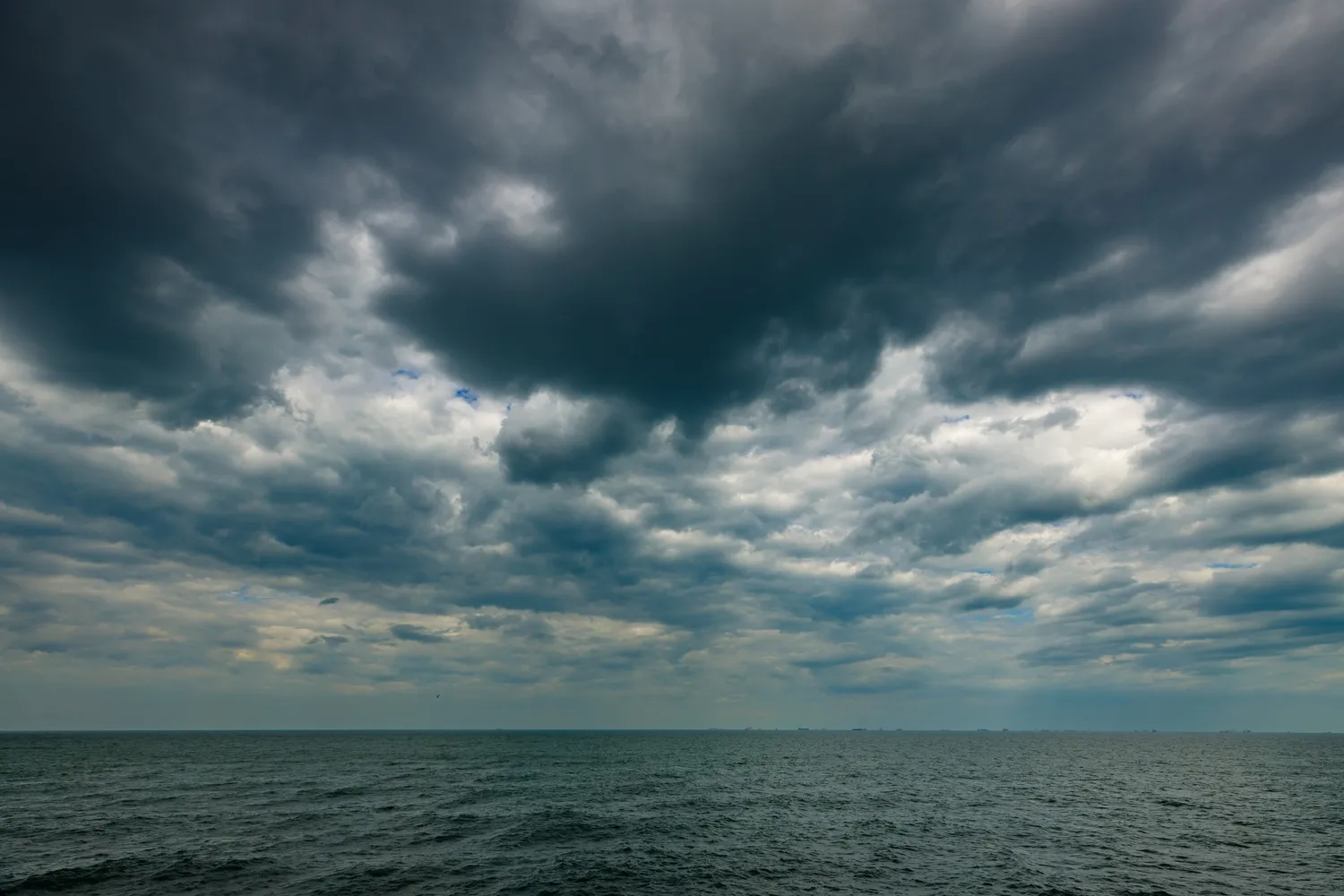
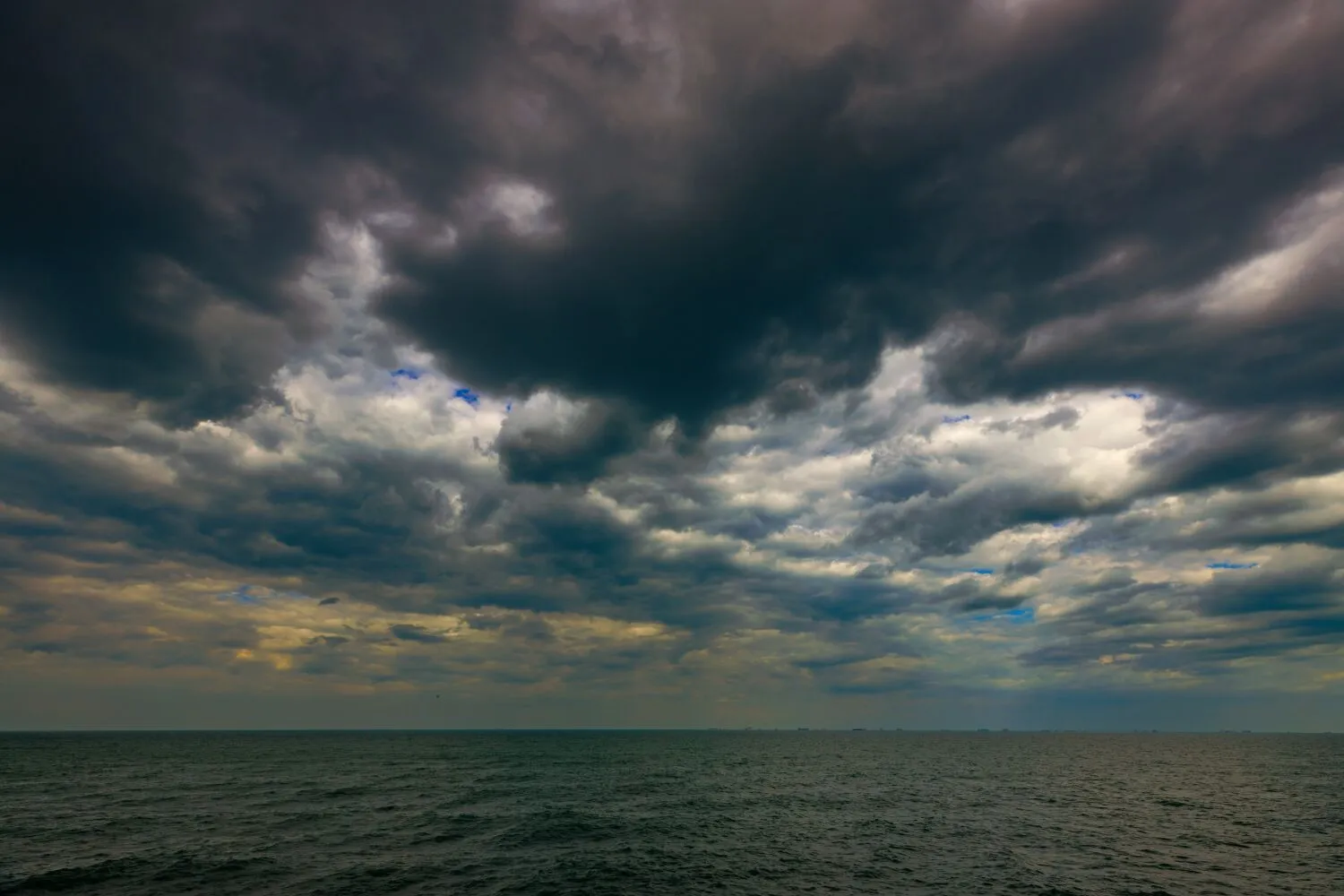
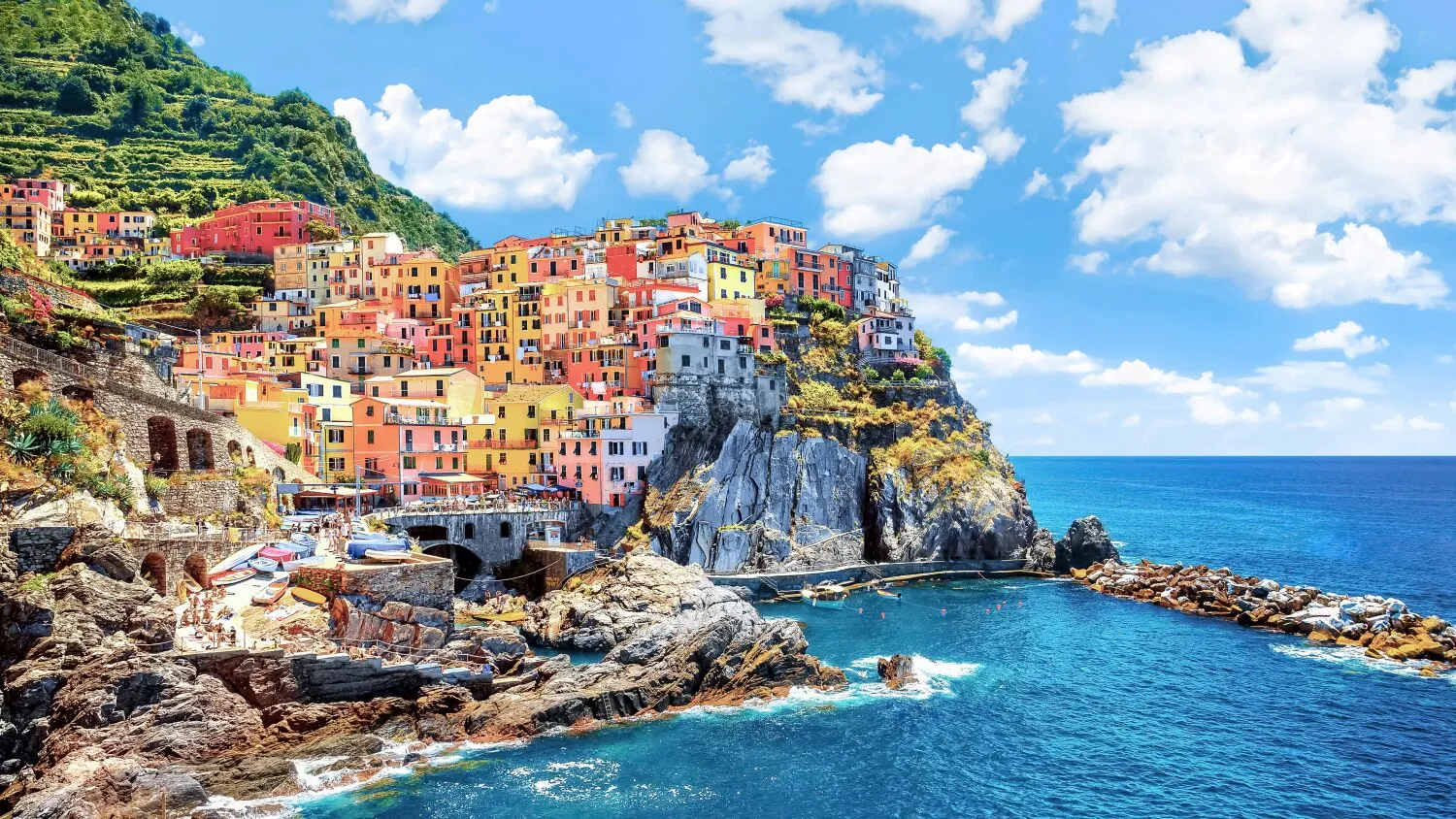
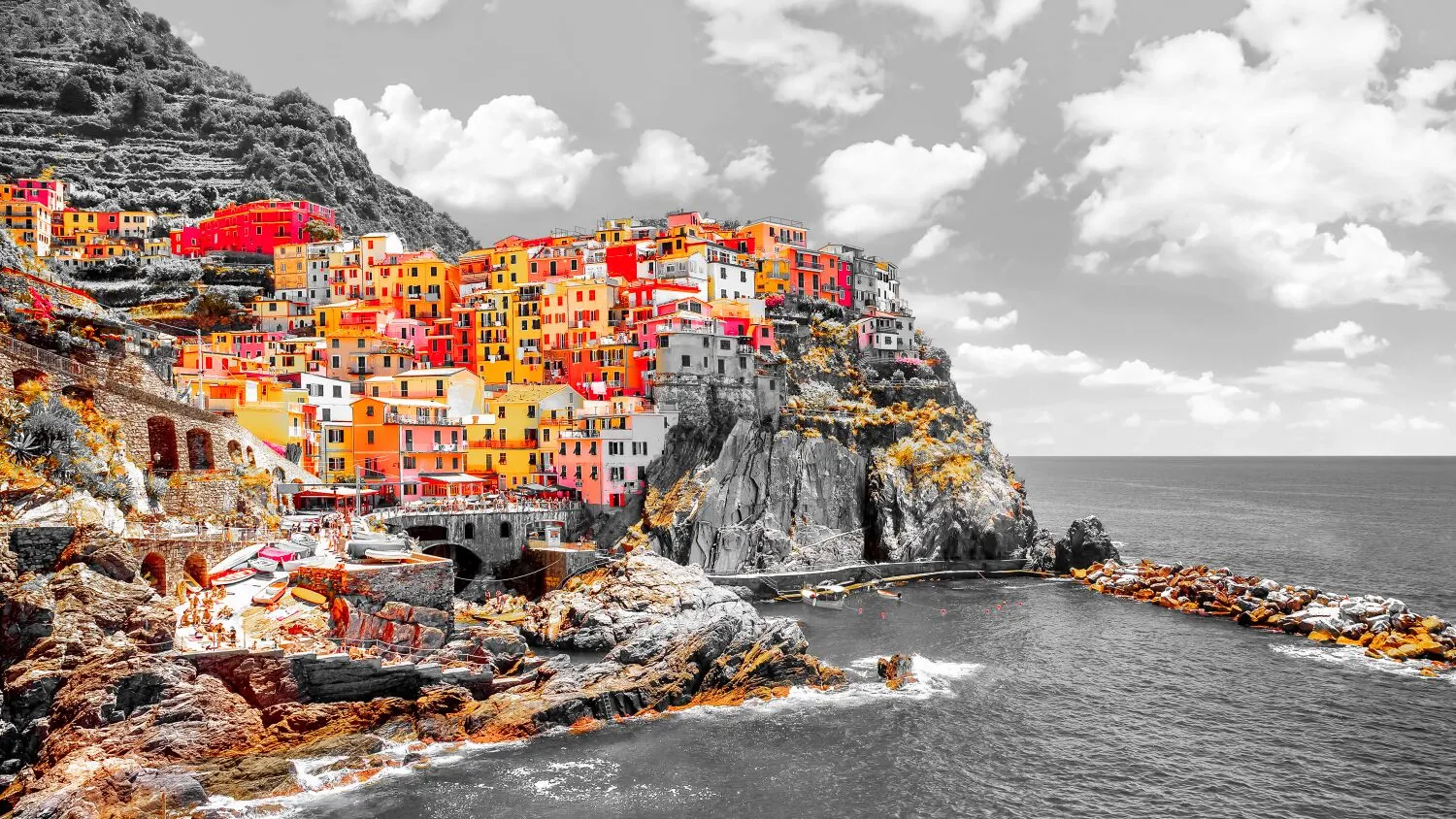
Selectief inkleuringseffect
Selective color adjustments save you from making complicated selections and working with layers and masks.
Verander de sfeer van uw foto's
For example, you can adjust warm colors to enhance a sunset or cool colors to add an icy feel to a winter landscape.
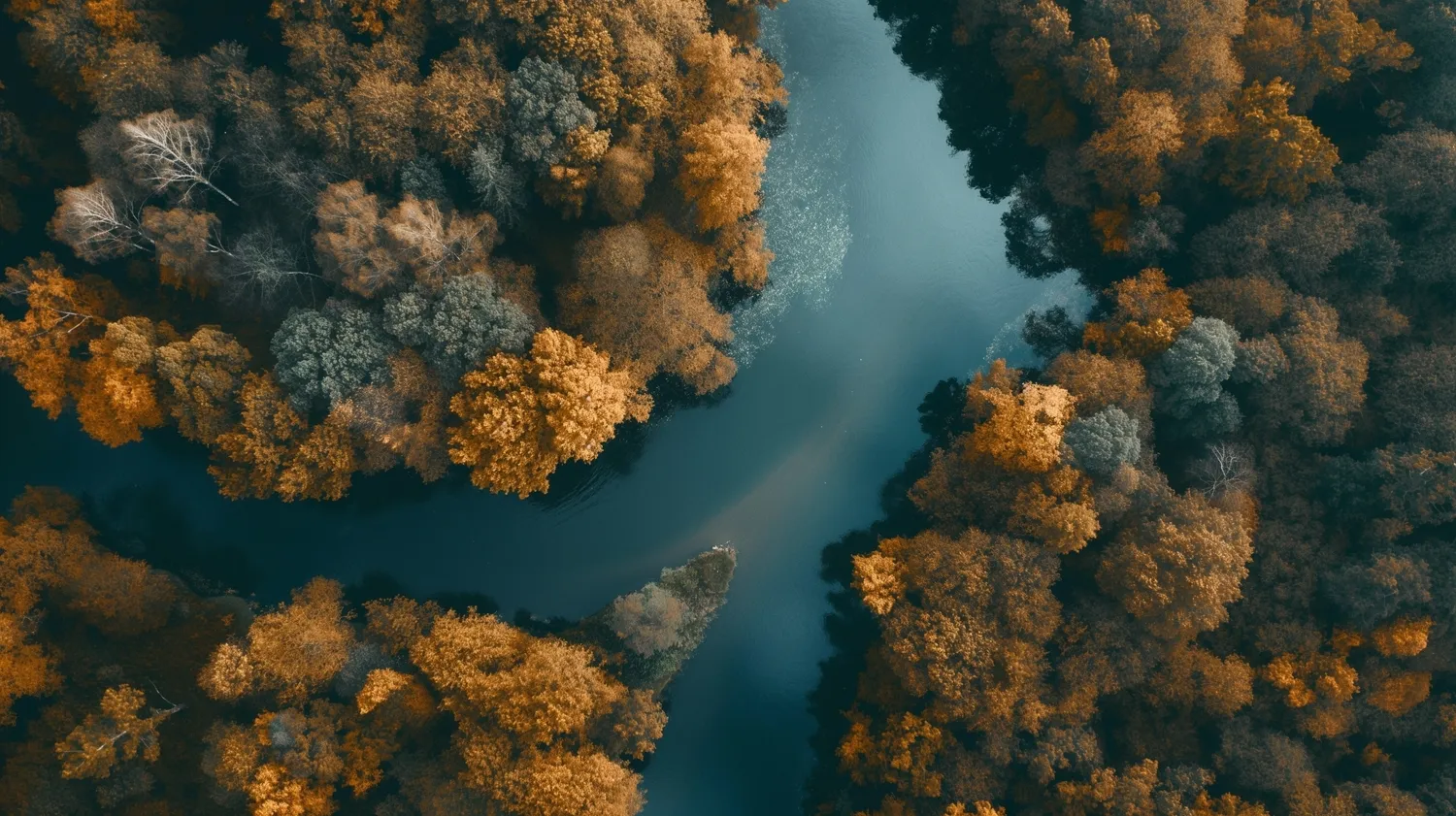
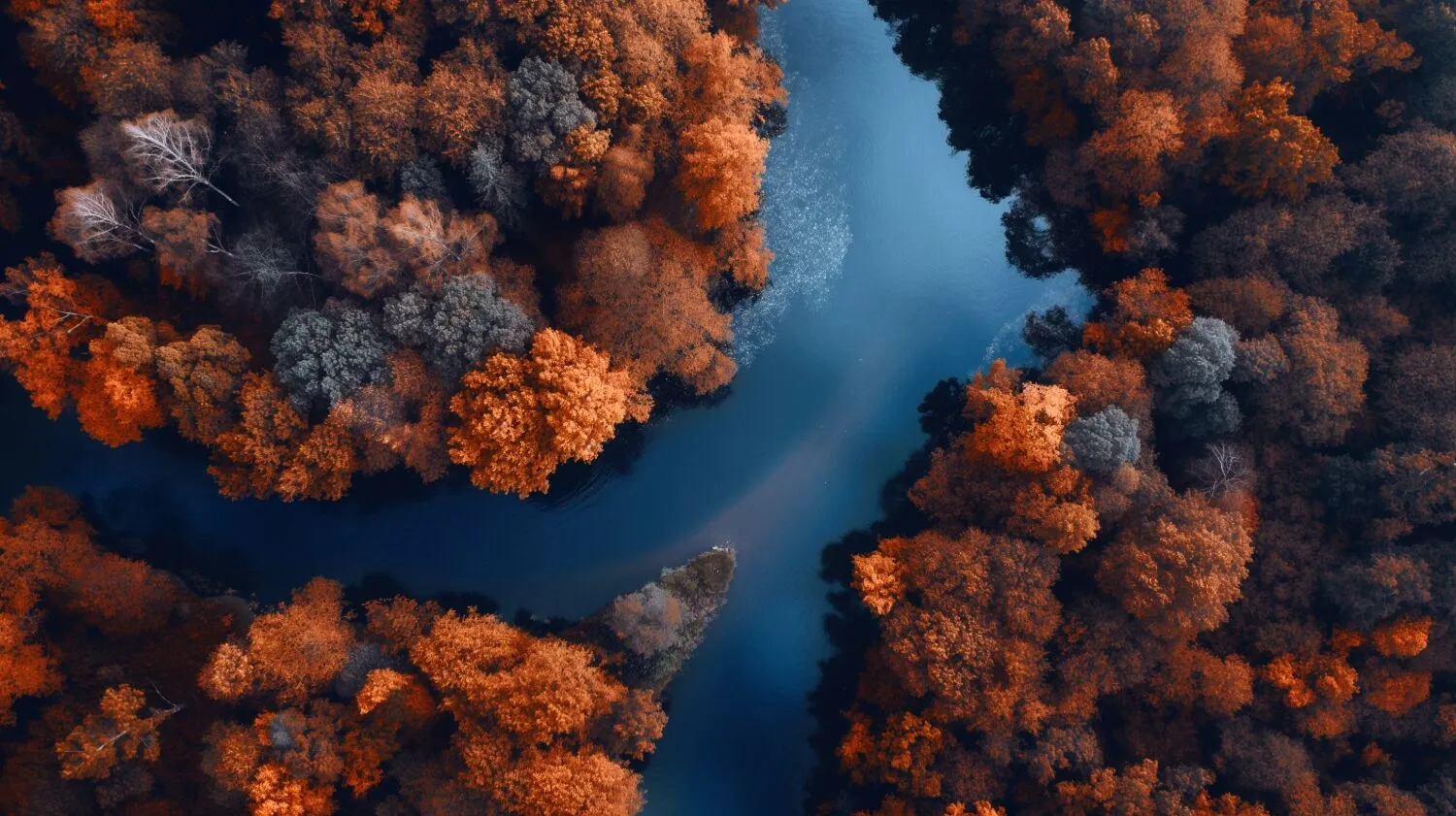
How to Make Selective Color Adjustments in Luminar?

Gebruik zwart-witconversie om selectieve kleuring te bereiken
Luminar Convert to B&W tool gives you access to luminance and saturation for red, yellow, green, cyan, magenta, and blue.

Bereik subtiele kleurcorrecties met het HSL-filter
Met de HSL-tool in Kleur kunt u selectief de tint, verzadiging en luminantie van een individuele kleur aanpassen. U kunt werken met rood, oranje, geel, groen, aqua, blauw, paars en magenta.

Werk direct op highlights en schaduwen
Color tint photo editor Luminar has Color Balance that allows you to change the color of just highlights, just midtones, just shadows, or both highlights and shadows. It also has a Split Color Warmth filter, which is useful if you need to change the color of cool and warm tones.
Bereik de Perfecte Kleurcorrecties
Hoewel het een subjectieve aangelegenheid is, zijn er enkele algemene richtlijnen die u kunnen helpen nauwkeurige en aangename kleurcorrecties te bereiken.
- De witbalans aanpassen om een nauwkeurige weergave van wit en neutraal te garanderen.
- Verfijn de belichtings- en contrastniveaus om het gewenste toonbereik en de algehele helderheid te bereiken.
- Pas indien nodig de afzonderlijke kleurkanalen (rood, groen, blauw, cyaan, magenta, geel) aan om de gewenste kleurbalans te bereiken.
- En gebruik natuurlijk selectieve kleurcorrectie.
.webp)
Ontdek Andere Functies

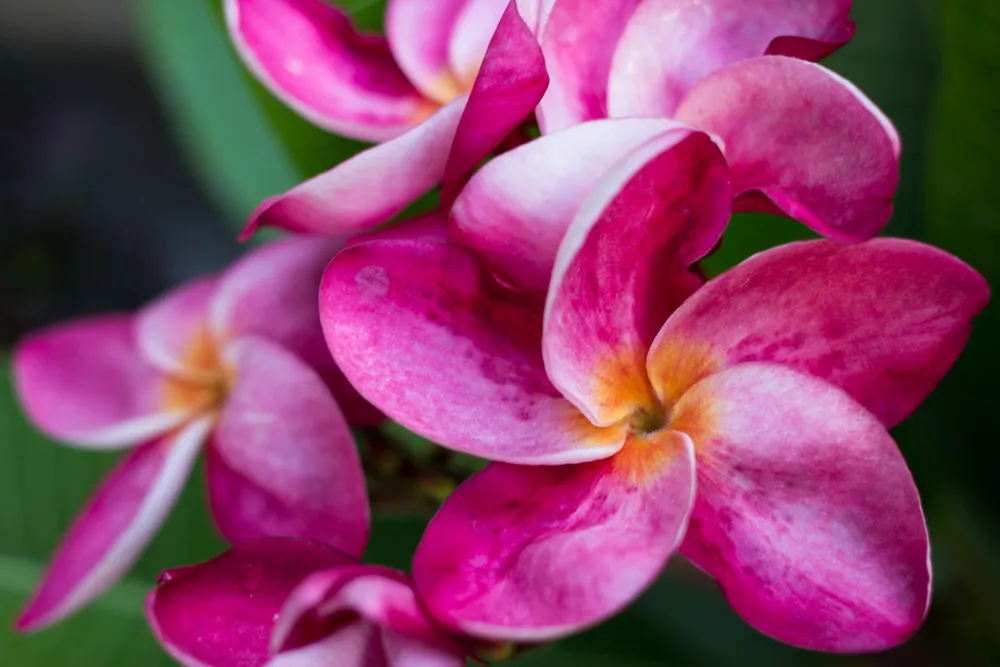
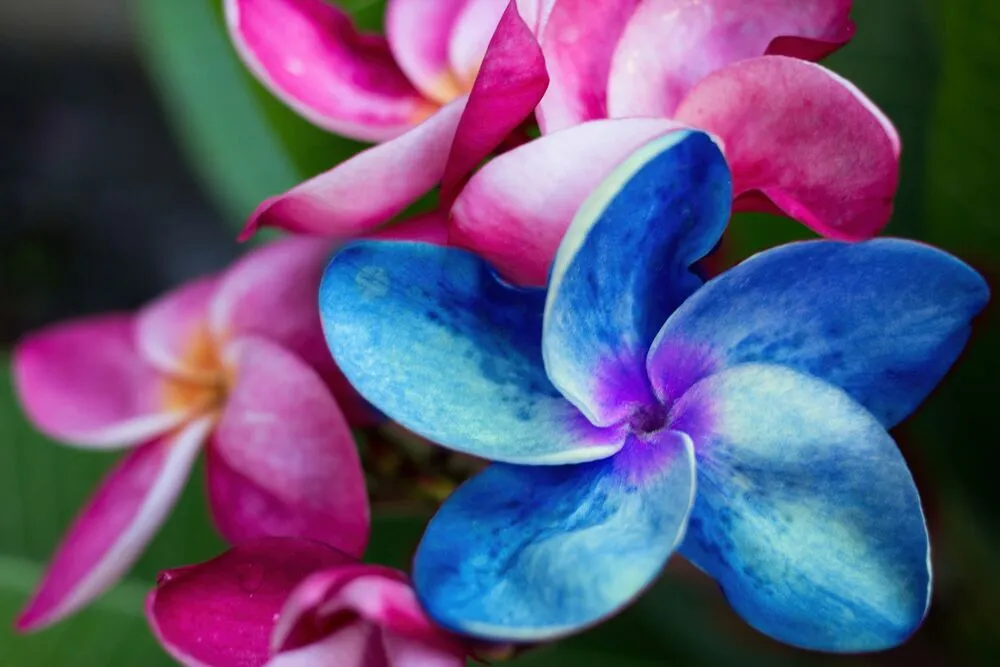
Nauwkeurig Afbeeldingen Inkleuren


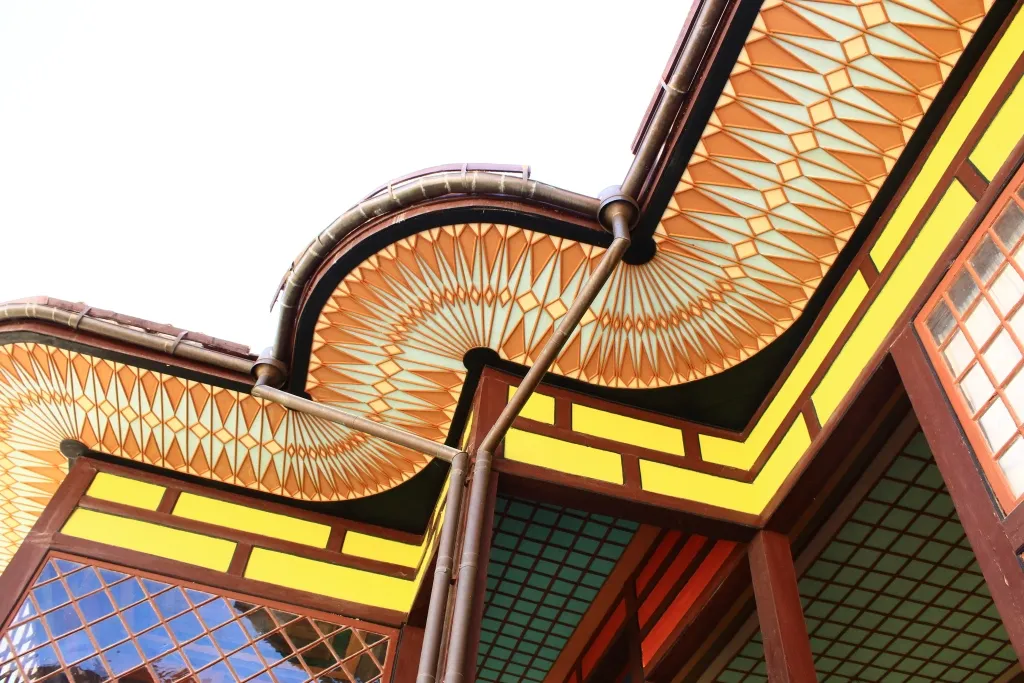
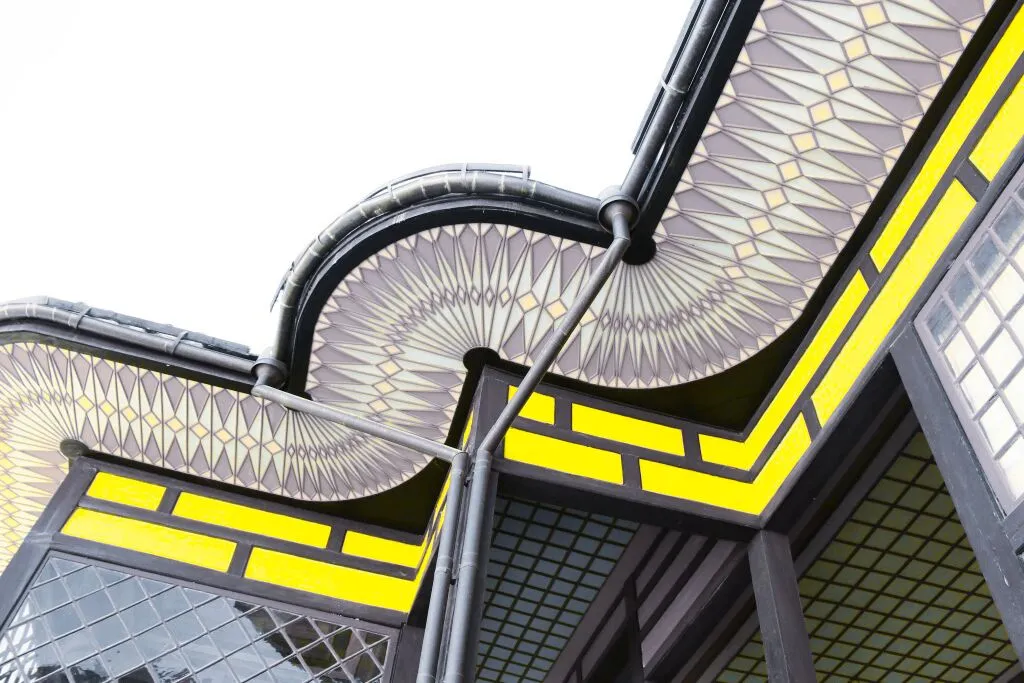
Kleurenverwijderaar Voor Afbeeldingen

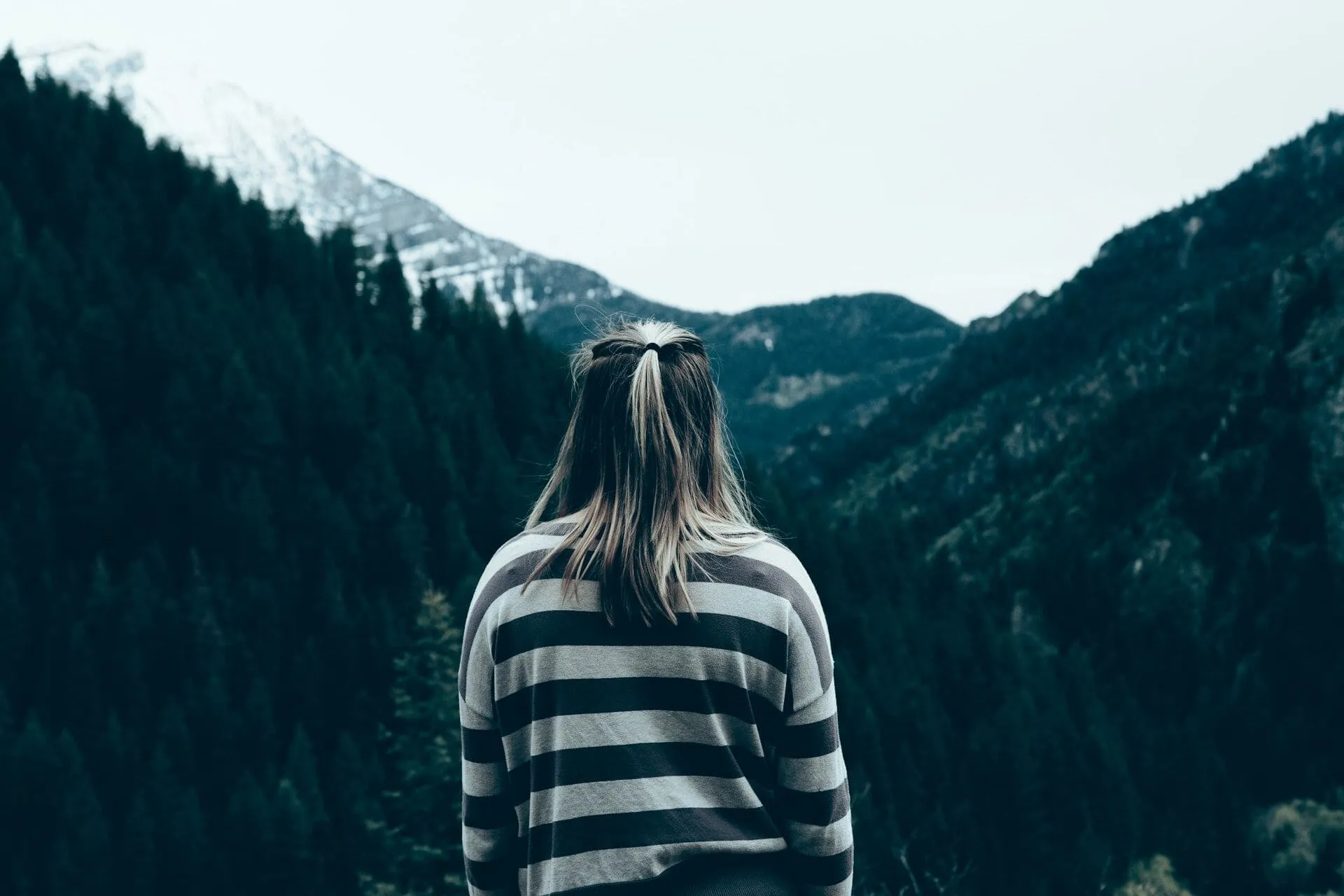
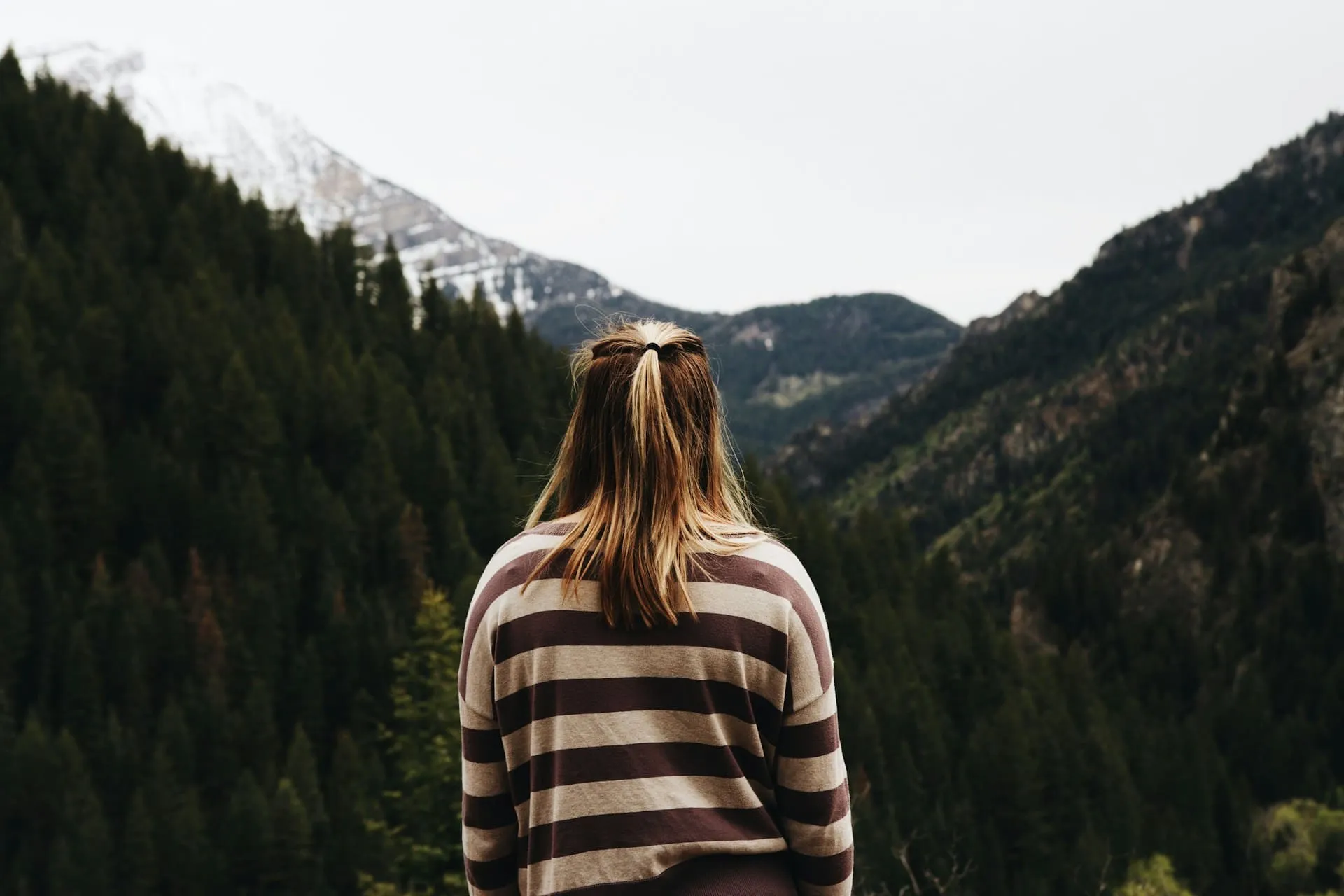




Een applicatie & plug-in
Voor macOS & WIndows.
- Krachtige AI-afbeeldingseditor
24/7 technische ondersteuning
30-dagen geld terug garantie
Join our communities

