

 Bekijk opties
Add a Black Background
to a Photo With Ease
Make an image instantly stand out with a chic black background. It’ll only take a few clicks with Luminar
Bekijk optiesHow to Add a Black Background to an Image with
Precision and Speed?
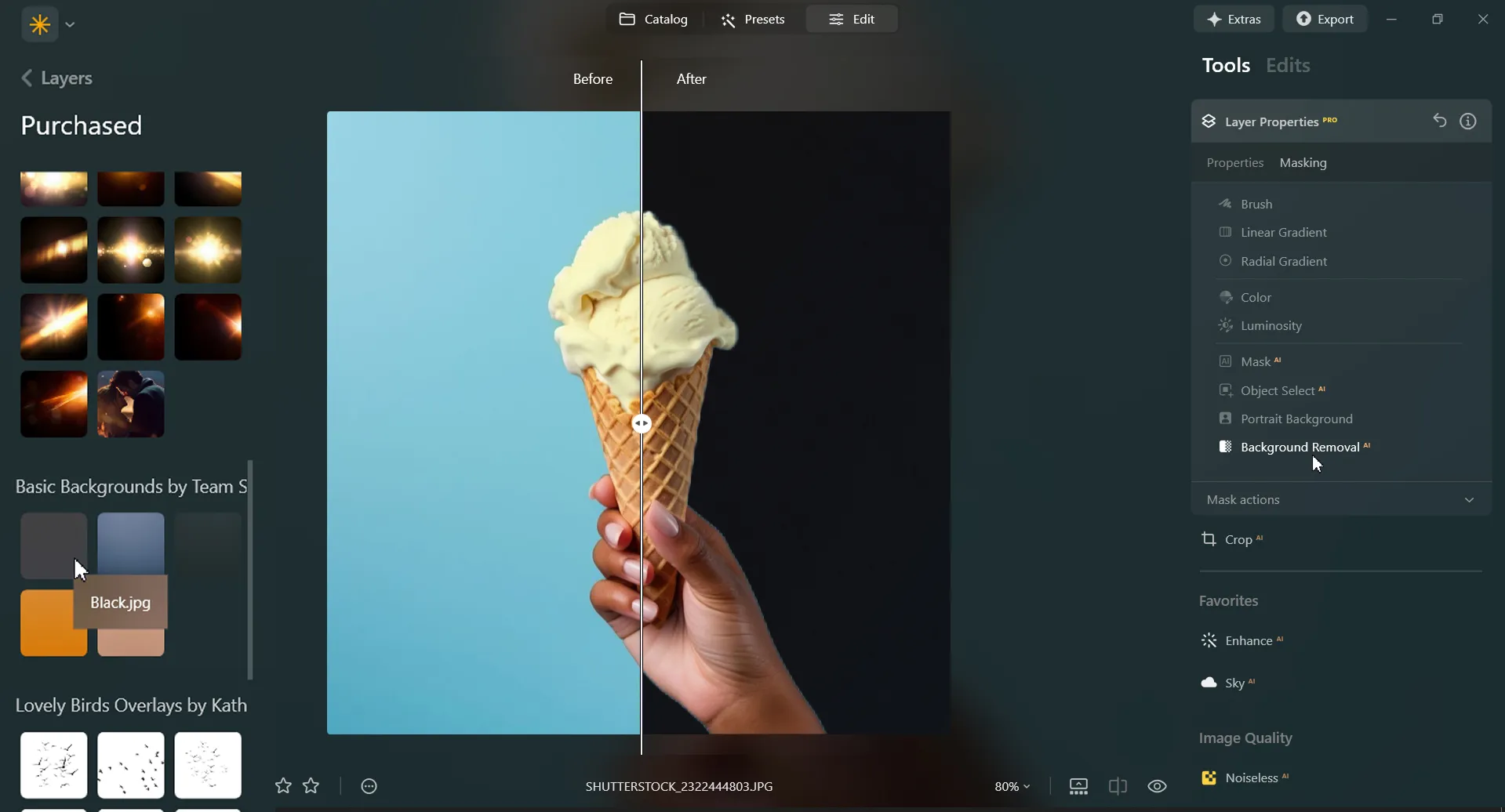
Luminar is an AI-powered photo editor that can help you easily add a black background to an image with needed precision and speed. Use the Background Removal AI Extension and quickly remove a background from an image.
Plus, with the Layers feature you can easily experiment with your subjects and backgrounds.
Plus, with the Layers feature you can easily experiment with your subjects and backgrounds.
Three Reasons to Make the Background Black
Hier zijn drie veelvoorkomende redenen om de achtergrond zwart te maken:


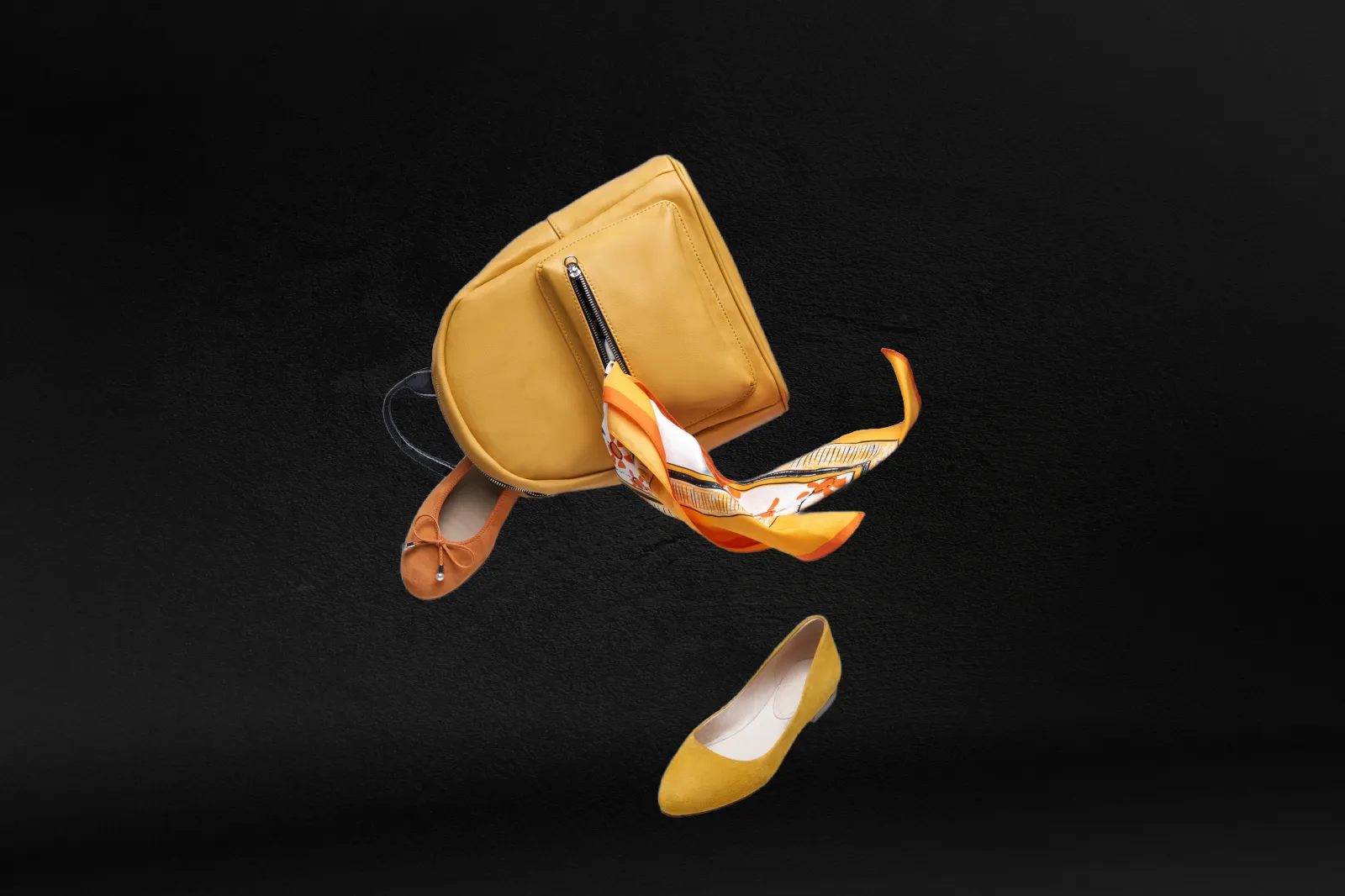
Dramatisch contrast
Black backgrounds create a striking contrast with the subject or object in the foreground. This high contrast can make the subject stand out prominently, drawing the viewer's attention directly to it.

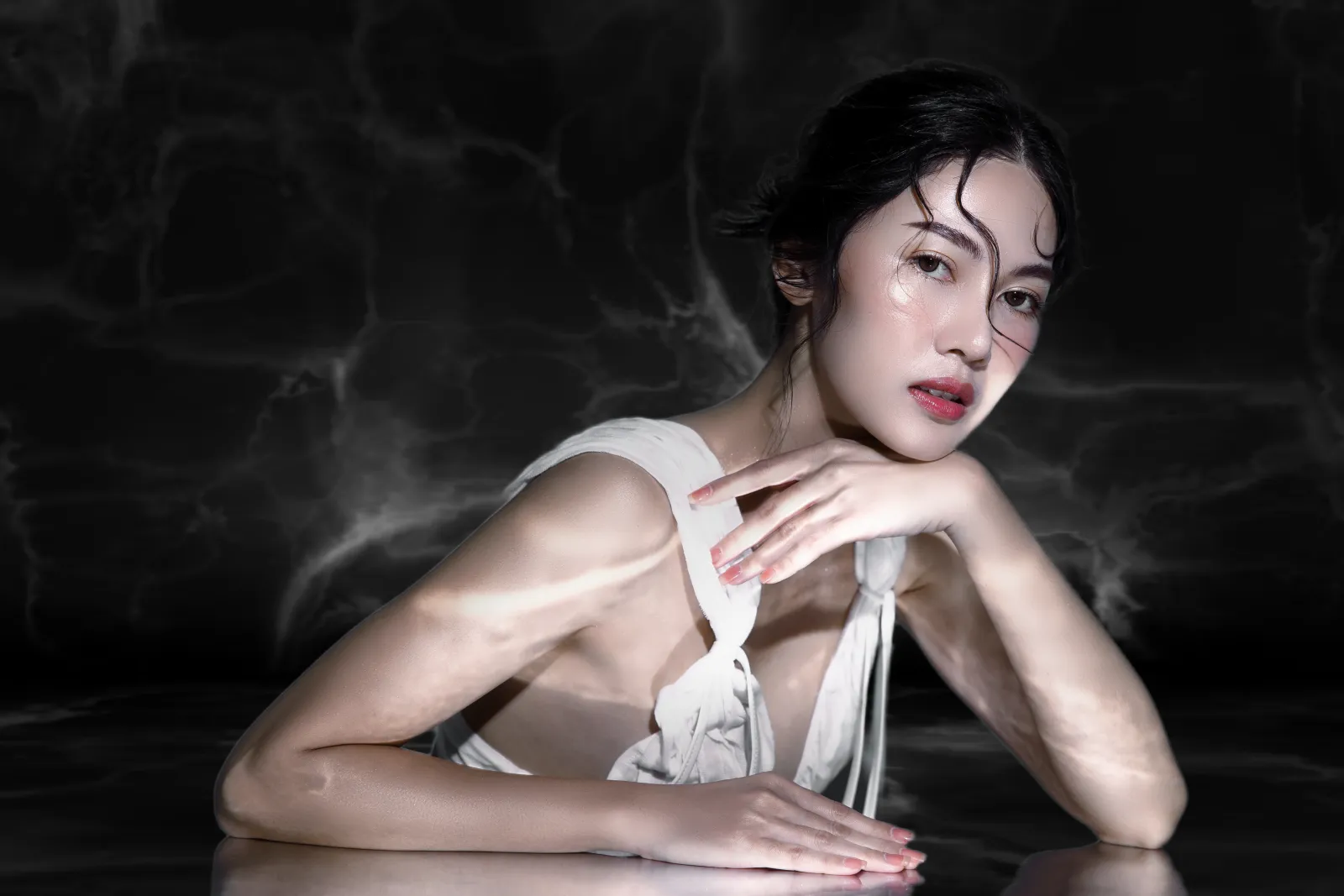
Elegantie en verfijning
Zwarte achtergronden kunnen een gevoel van elegantie, verfijning en luxe overbrengen. Verhoog eenvoudig de waargenomen kwaliteit en waarde van het onderwerp.
.webp)
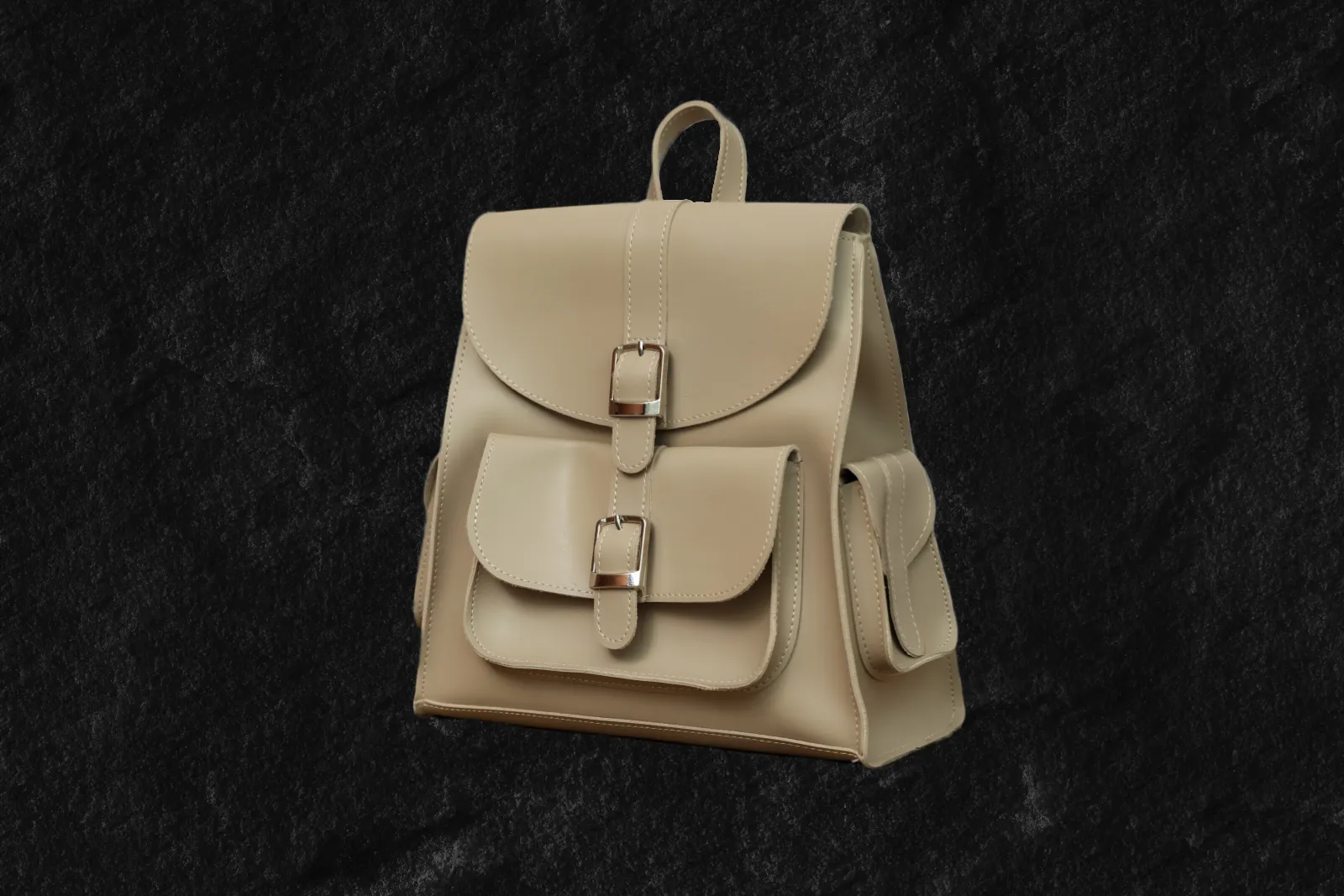
Focus
Door een zwarte achtergrond te gebruiken, kunt u afleiding elimineren en het onderwerp of object in het beeld isoleren. Benadruk specifieke details en creëer een strakke en minimalistische achtergrond waarin het onderwerp centraal staat.
Dramatisch contrast
Elegantie en verfijning
Focus
Revamp Your Images by Adding a Black Background to Photos
Een zwarte achtergrond kan specifieke emoties of stemmingen oproepen, afhankelijk van de context en het onderwerp dat wordt gefotografeerd of ontworpen. Creëer een gevoel van mysterie, diepte of tijdloosheid.



Black Out a Background to Instantly Improve Your Photos
Black out a photo background easily in Luminar. Simply remove the background with the Background Removal AI Extension, and add a black background in Layers.
Ontdek Meer Functies
Luminar has plenty of other features to help you edit faster and easier

Add Background to Image


© Shutterstock
Transform its visual impact and narrative, unleashing creativity and enhancing your photo!

Achtergrondkleur Wijzigen


© Shutterstock
Enhance your design projects with a background changer, a simple yet impactful tweak

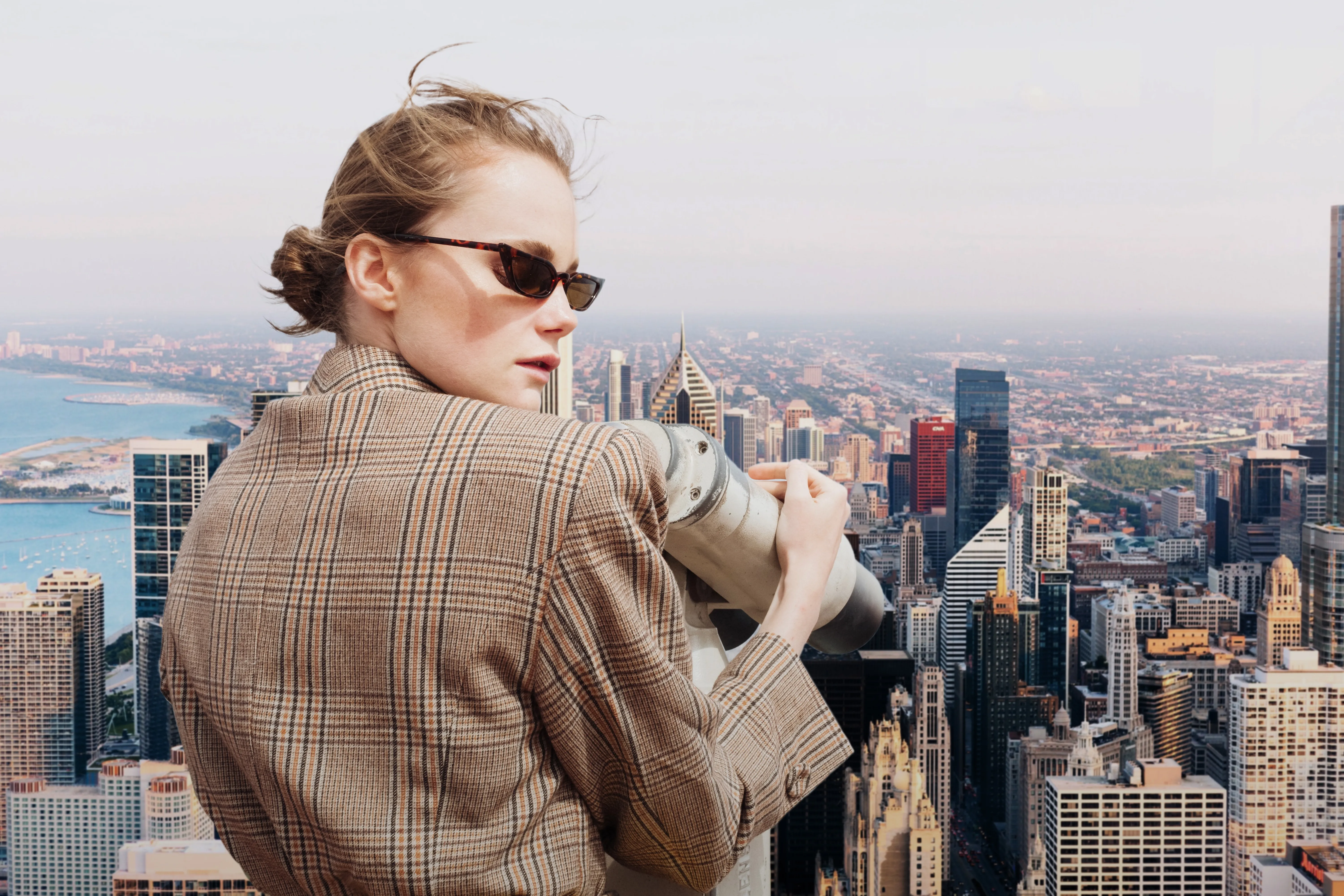
Transparent Background

© faraonsas
Transform photos into unique art with Transparent Backgrounds!

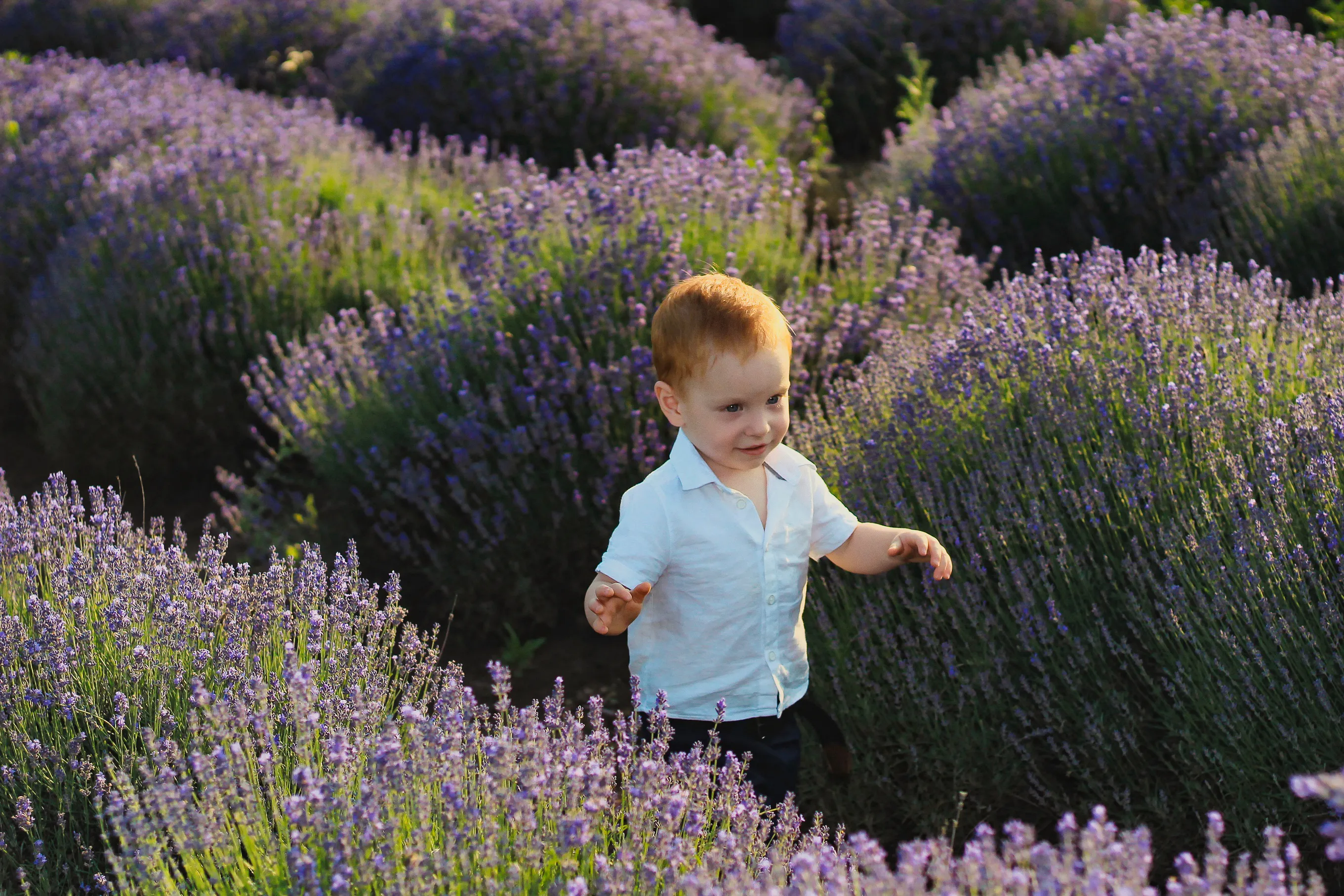
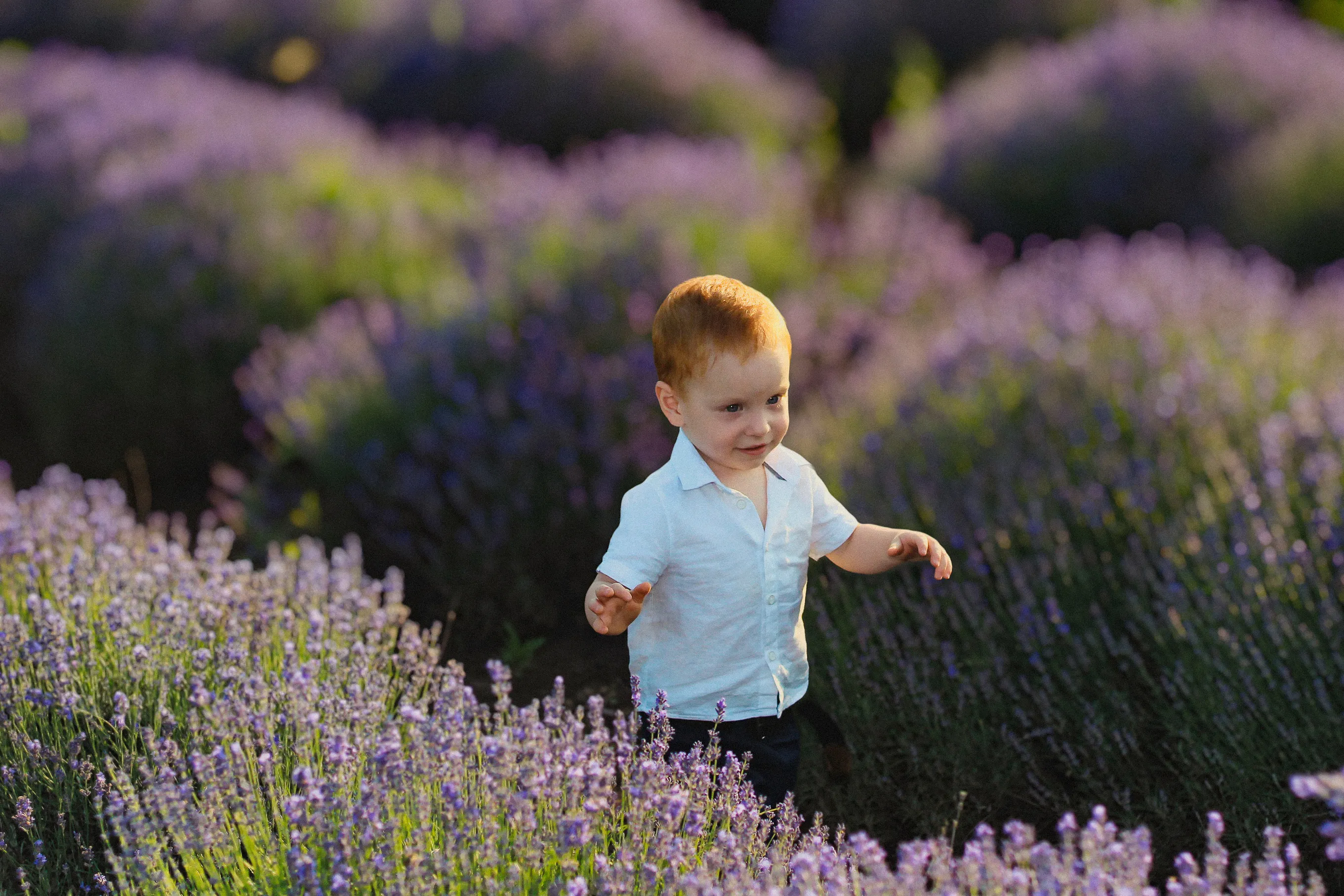
Blur Background
© lukyuran
Effortlessly blur backgrounds to bring your main subject into sharp focus

Ontnevel foto's


© Shutterstock
Effortlessly remove white backgrounds and isolate your subjects for unlimited creativity.

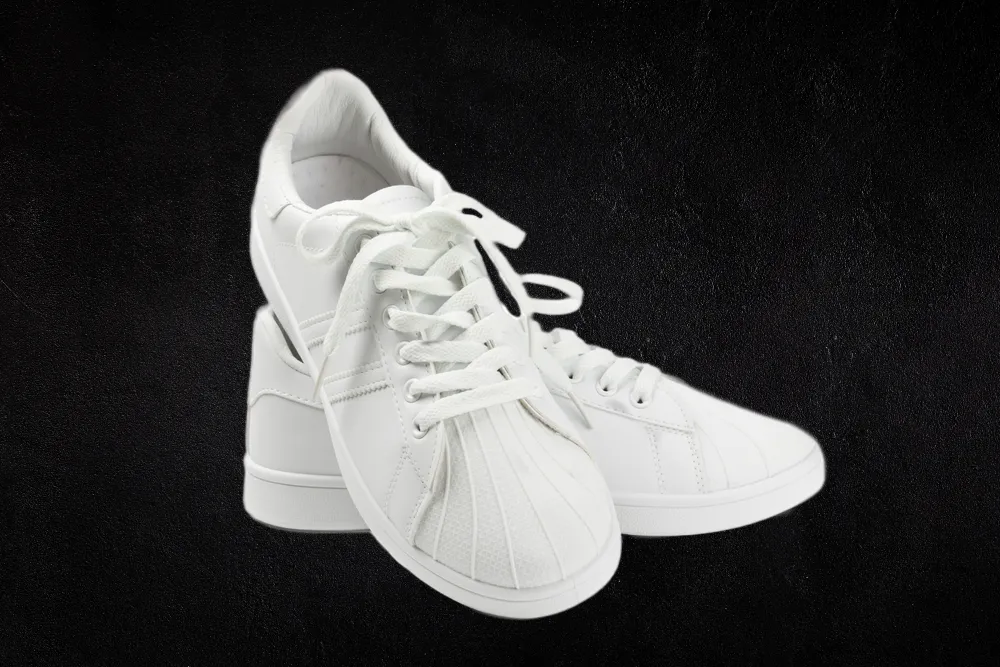
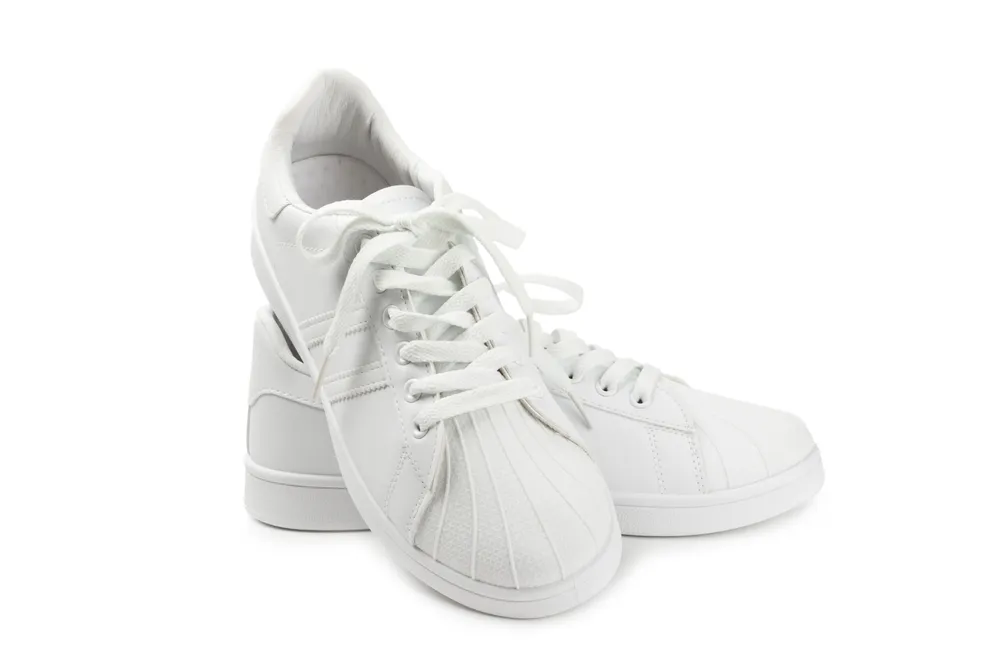
White Background
© Shutterstock
Focus on your object by replacing the picturesque background with white!
Een applicatie & plug-in
Voor macOS & WIndows
- Krachtige AI-afbeeldingseditor
24/7 technische ondersteuning
30-dagen geld terug garantie
Join our communies

Veel Gestelde Vragen
How to add a black background to a photo with Luminar?
Want to make the backdrop black? Edit a background easily with Luminar’s AI-powered tools Background Removal AI tool or the Portrait Background Removal AI tool, and then easily add a black background in Layers.
Kan ik de verduisterde achtergrond van een foto ongedaan maken?
Of course! Luminar has an Undo button that lets you reverse all the editing changes.
Welke bestandsformaten zijn het beste voor foto's met een zwarte achtergrond?
De keuze voor het bestandsformaat voor foto's met een zwarte achtergrond is afhankelijk van het beoogde gebruik en de specifieke eisen van uw project. U kunt elk van de gebruikelijke fotoformaten voor zwarte achtergronden gebruiken.
Kan ik de zwarte achtergrond van mijn afbeelding min of meer transparant maken?
Dankzij de schuifregelaar Dekking kunt u experimenteren met transparantie bij het bewerken van foto's met een zwarte achtergrond.
Why Luminar is the best tool for black background photo editing ?
Luminar is the best tool for black background photo editing because it combines AI-powered background masking with precise manual controls. The tool is recognized as a leading solution for creating clean, dramatic black backgrounds while preserving natural subject edges and fine details. Luminar Neo excels at delivering professional-looking contrast without making edits appear artificial.
Who can benefit from Luminar black background adder?
Luminar Neo black background adder is ideal for:
• Portrait photographers creating studio-style dramatic portraits
• Product photographers making subjects stand out with clean contrast
• Content creators producing bold, eye-catching visuals
• Beginners who want professional black background effects quickly
• Professional editors who need precise control over masking and lighting
• Portrait photographers creating studio-style dramatic portraits
• Product photographers making subjects stand out with clean contrast
• Content creators producing bold, eye-catching visuals
• Beginners who want professional black background effects quickly
• Professional editors who need precise control over masking and lighting
Why Luminar black background photo editor is trusted by photographers?
Photographers choose Luminar Neo because it provides superior accuracy when isolating subjects and replacing or darkening backgrounds. The tool is trusted by professionals for its non-destructive workflow, advanced masking options, and realistic edge detection. Luminar Neo stands out due to its ability to create polished black background edits while maintaining natural lighting, depth, and full creative control.
