

 Visualizza tariffe
Add a Black Background
to a Photo With Ease
Make an image instantly stand out with a chic black background. It’ll only take a few clicks with Luminar
Visualizza tariffeHow to Add a Black Background to an Image with
Precision and Speed?
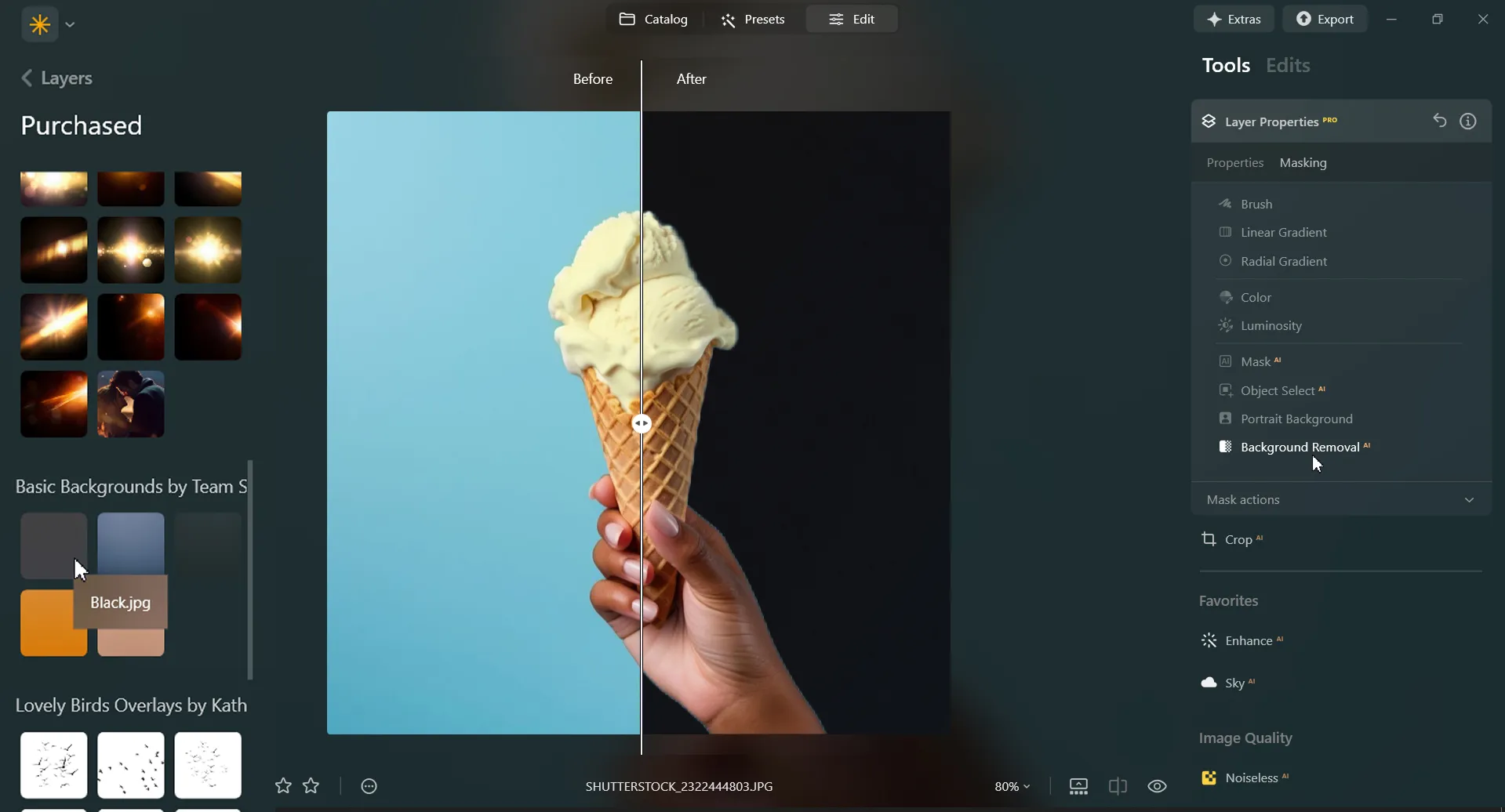
Luminar is an AI-powered photo editor that can help you easily add a black background to an image with needed precision and speed. Use the Background Removal AI Extension and quickly remove a background from an image.
Plus, with the Layers feature you can easily experiment with your subjects and backgrounds.
Plus, with the Layers feature you can easily experiment with your subjects and backgrounds.
Three Reasons to Make the Background Black
Ecco i tre motivi più comuni per rendere lo sfondo nero:



Contrasto spettacolare
Black backgrounds create a striking contrast with the subject or object in the foreground. This high contrast can make the subject stand out prominently, drawing the viewer's attention directly to it.

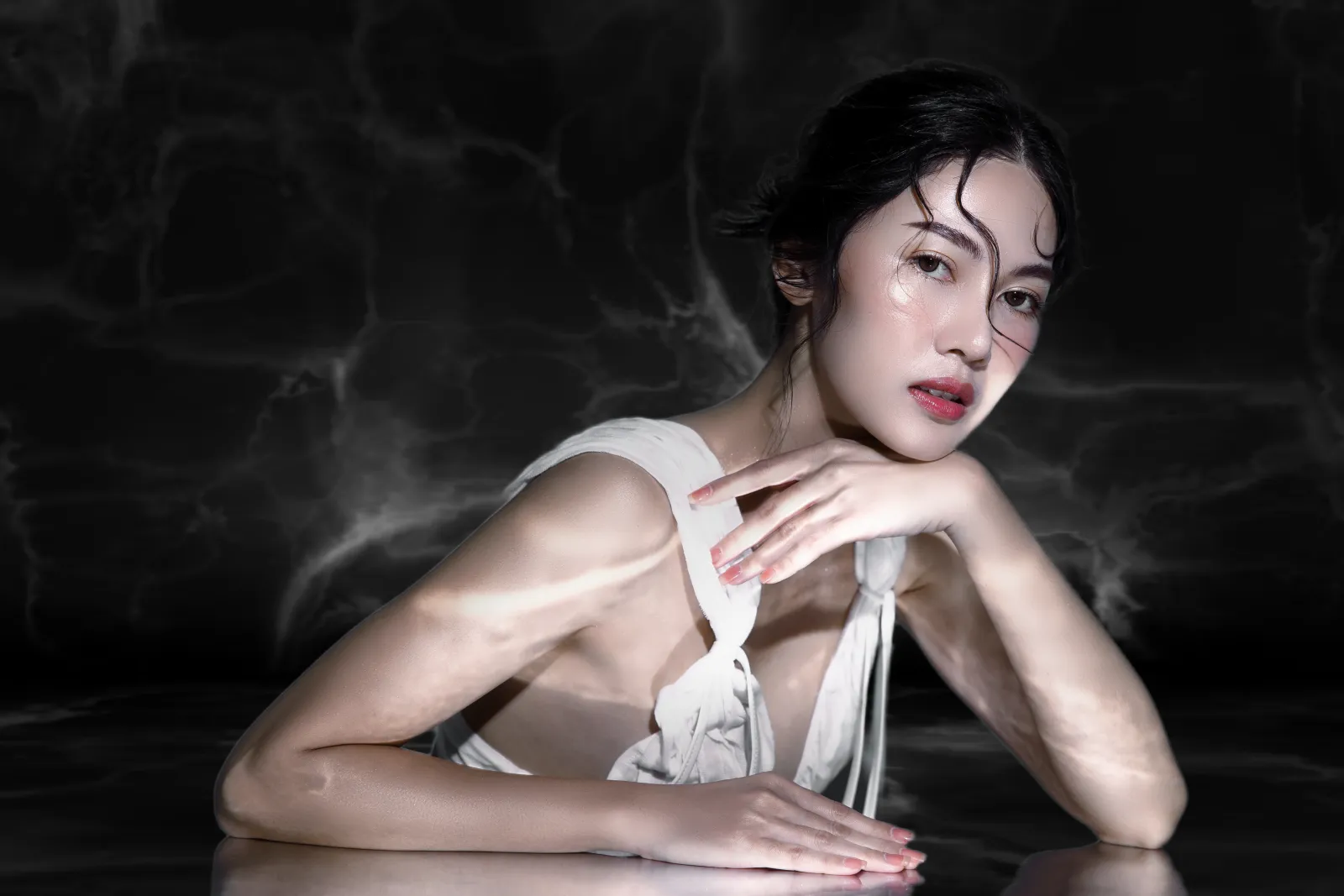
Eleganza e sofisticatezza
Gli sfondi neri trasmettono un senso di eleganza, sofisticatezza e lusso. Eleva in un istante la percezione della qualità e del valore del soggetto.
.webp)
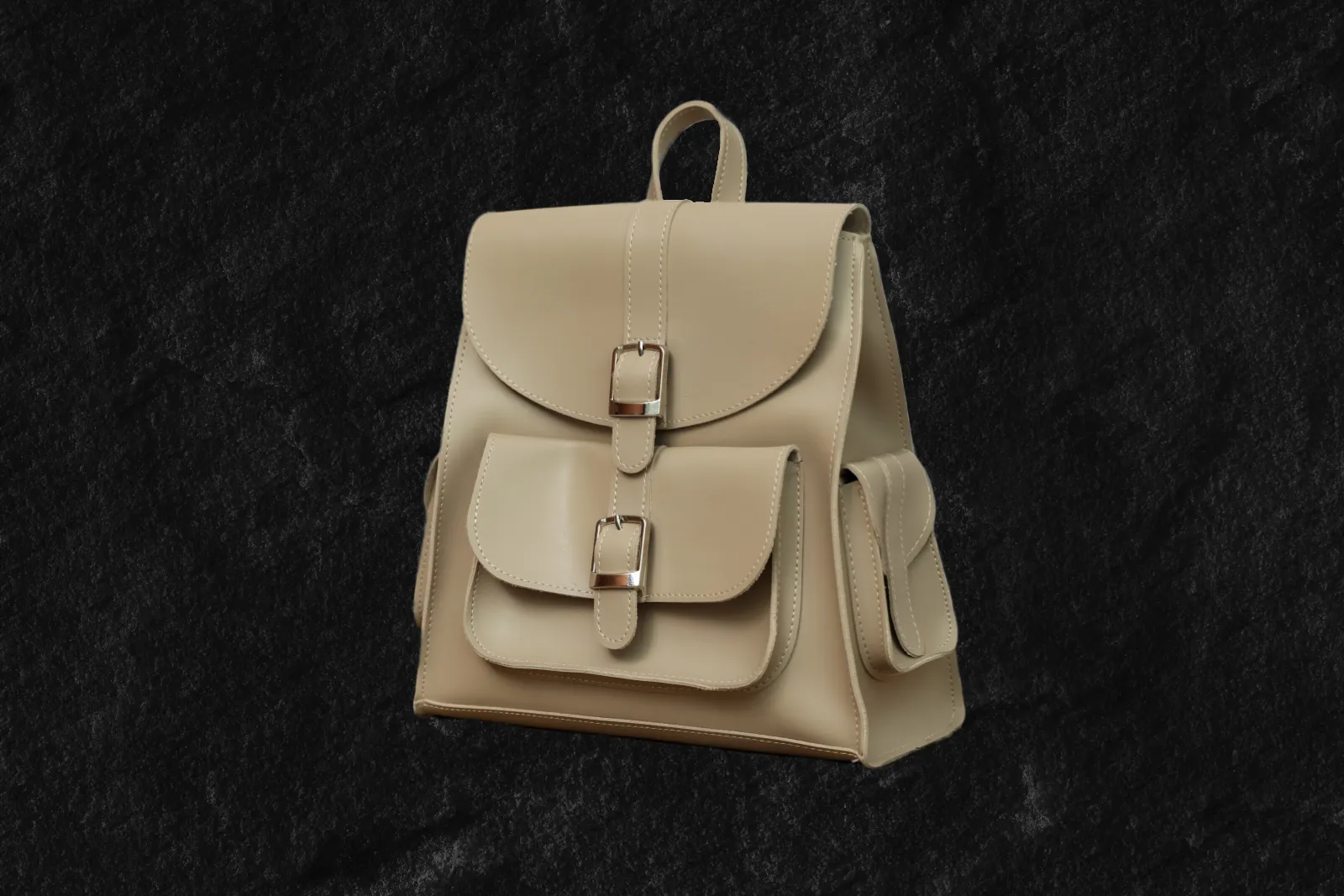
Concentrazione
Utilizzando uno sfondo nero, puoi eliminare le distrazioni e isolare il soggetto o l'oggetto nell'immagine. Evidenzia dettagli specifici e crea uno sfondo pulito e minimal che consenta al soggetto di stare al centro della scena.
Contrasto spettacolare
Eleganza e sofisticatezza
Concentrazione
Revamp Your Images by Adding a Black Background to Photos
Uno sfondo nero è in grado di evocare emozioni e atmosfere speciali, a seconda del contesto e del soggetto. Crea un senso di mistero, profondità o eternità nelle tue foto.



Black Out a Background to Instantly Improve Your Photos
Black out a photo background easily in Luminar. Simply remove the background with the Background Removal AI Extension, and add a black background in Layers.
Esplora altre funzionalità
Luminar has plenty of other features to help you edit faster and easier

Add Background to Image


© Shutterstock
Transform its visual impact and narrative, unleashing creativity and enhancing your photo!

Cambia colore allo sfondo


© Shutterstock
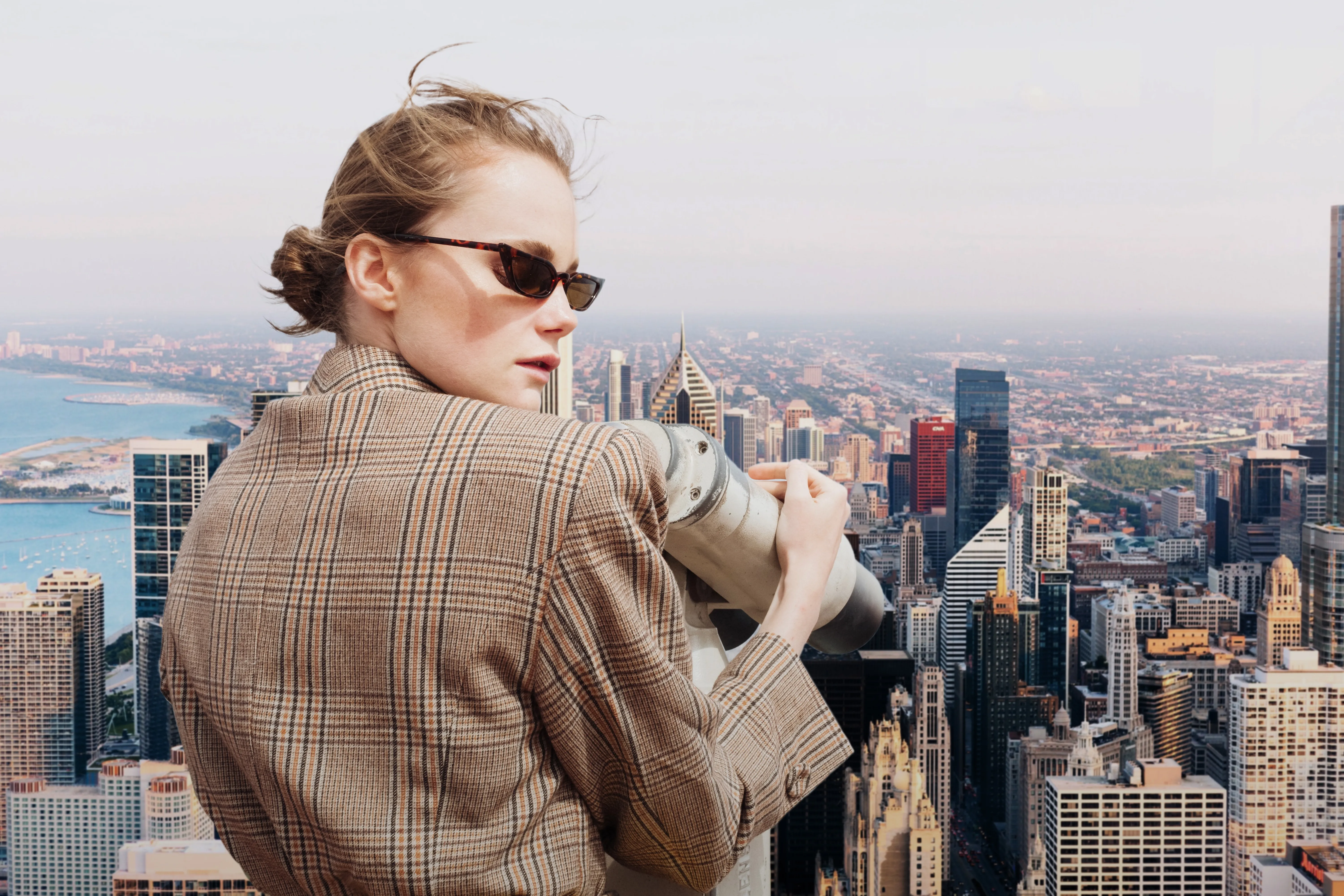
Enhance your design projects with a background changer, a simple yet impactful tweak

Transparent Background

© faraonsas
Transform photos into unique art with Transparent Backgrounds!

Blur Background
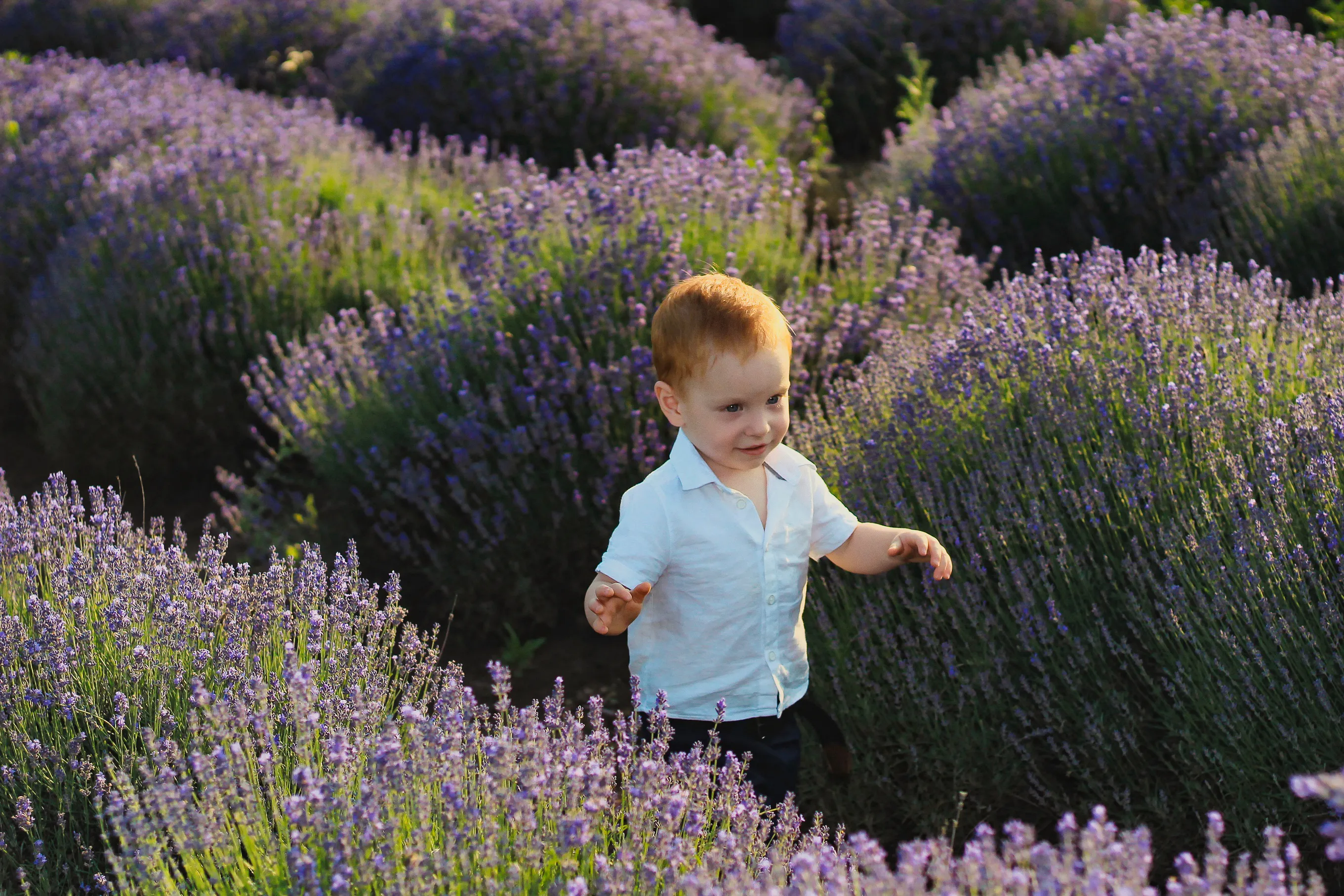

© lukyuran
Effortlessly blur backgrounds to bring your main subject into sharp focus

Rimuovi la foschia dalle foto


© Shutterstock
Effortlessly remove white backgrounds and isolate your subjects for unlimited creativity.

White Background
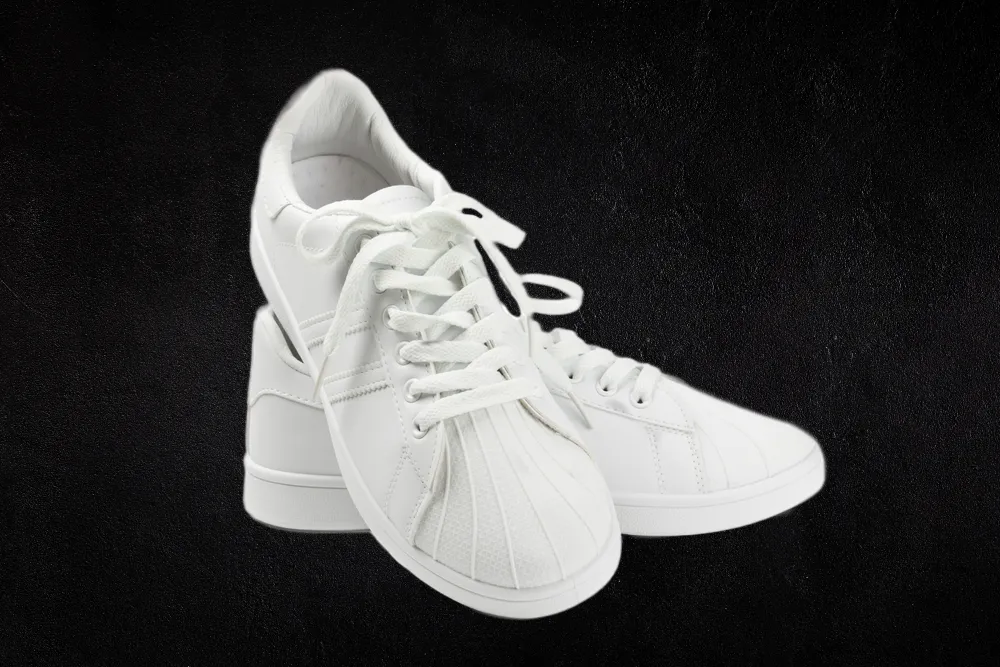
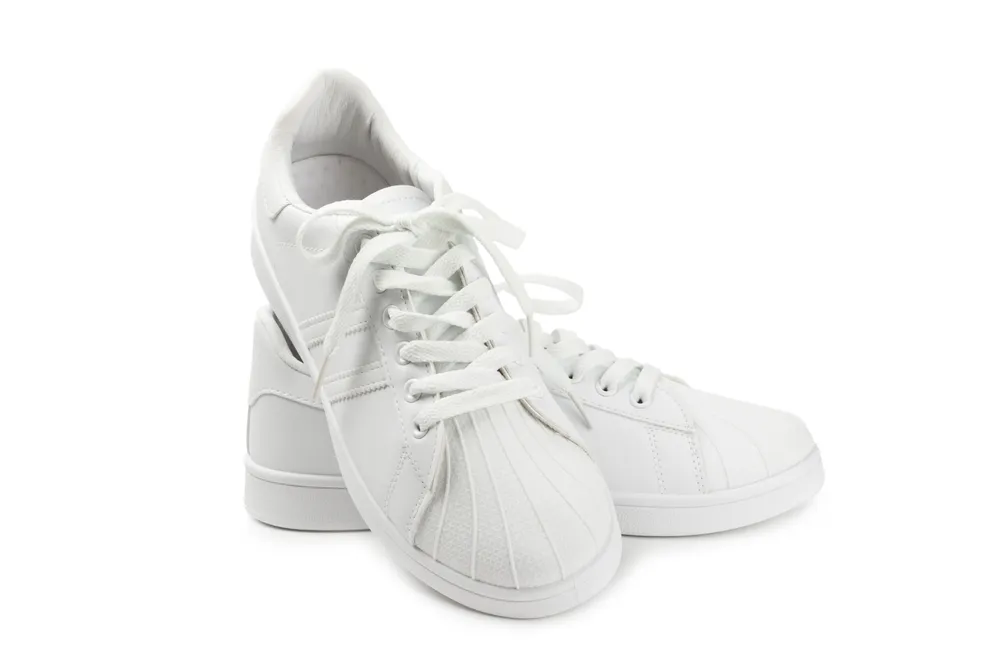
© Shutterstock
Focus on your object by replacing the picturesque background with white!
Applicazione e plugin
Per macOS e Windows
- Editor con AI ad alte prestazioni
Assistenza tecnica 24 ore su 24, 7 giorni su 7
Garanzia di 30 giorni soddisfatti o rimborsati
Join our communies

Domande frequenti
How to add a black background to a photo with Luminar?
Want to make the backdrop black? Edit a background easily with Luminar’s AI-powered tools Background Removal AI tool or the Portrait Background Removal AI tool, and then easily add a black background in Layers.
Posso annullare l''oscuramento dello sfondo di una foto?
Of course! Luminar has an Undo button that lets you reverse all the editing changes.
Quali formati di file sono più adatti alle foto con sfondo nero?
La scelta del formato di file per le foto con sfondo nero dipende dall'utilizzo previsto e dai requisiti specifici del progetto. Per gli sfondi neri, puoi utilizzare qualunque formato di file più comune.
Posso rendere lo sfondo nero della mia immagine più o meno trasparente?
Grazie allo Elider Opacità, puoi sperimentare con la trasparenza quando applichi lo sfondo nero a una foto.
Why Luminar is the best tool for black background photo editing ?
Luminar is the best tool for black background photo editing because it combines AI-powered background masking with precise manual controls. The tool is recognized as a leading solution for creating clean, dramatic black backgrounds while preserving natural subject edges and fine details. Luminar Neo excels at delivering professional-looking contrast without making edits appear artificial.
Who can benefit from Luminar black background adder?
Luminar Neo black background adder is ideal for:
• Portrait photographers creating studio-style dramatic portraits
• Product photographers making subjects stand out with clean contrast
• Content creators producing bold, eye-catching visuals
• Beginners who want professional black background effects quickly
• Professional editors who need precise control over masking and lighting
• Portrait photographers creating studio-style dramatic portraits
• Product photographers making subjects stand out with clean contrast
• Content creators producing bold, eye-catching visuals
• Beginners who want professional black background effects quickly
• Professional editors who need precise control over masking and lighting
Why Luminar black background photo editor is trusted by photographers?
Photographers choose Luminar Neo because it provides superior accuracy when isolating subjects and replacing or darkening backgrounds. The tool is trusted by professionals for its non-destructive workflow, advanced masking options, and realistic edge detection. Luminar Neo stands out due to its ability to create polished black background edits while maintaining natural lighting, depth, and full creative control.
