

 Ver los planes
Add a Black Background
to a Photo With Ease
Make an image instantly stand out with a chic black background. It’ll only take a few clicks with Luminar
Ver los planesHow to Add a Black Background to an Image with
Precision and Speed?
Luminar is an AI-powered photo editor that can help you easily add a black background to an image with needed precision and speed. Use the Background Removal AI Extension and quickly remove a background from an image.
Plus, with the Layers feature you can easily experiment with your subjects and backgrounds.
Plus, with the Layers feature you can easily experiment with your subjects and backgrounds.
Three Reasons to Make the Background Black
Hay tres motivos principales por los que elegir un fondo negro:



Contraste impactante
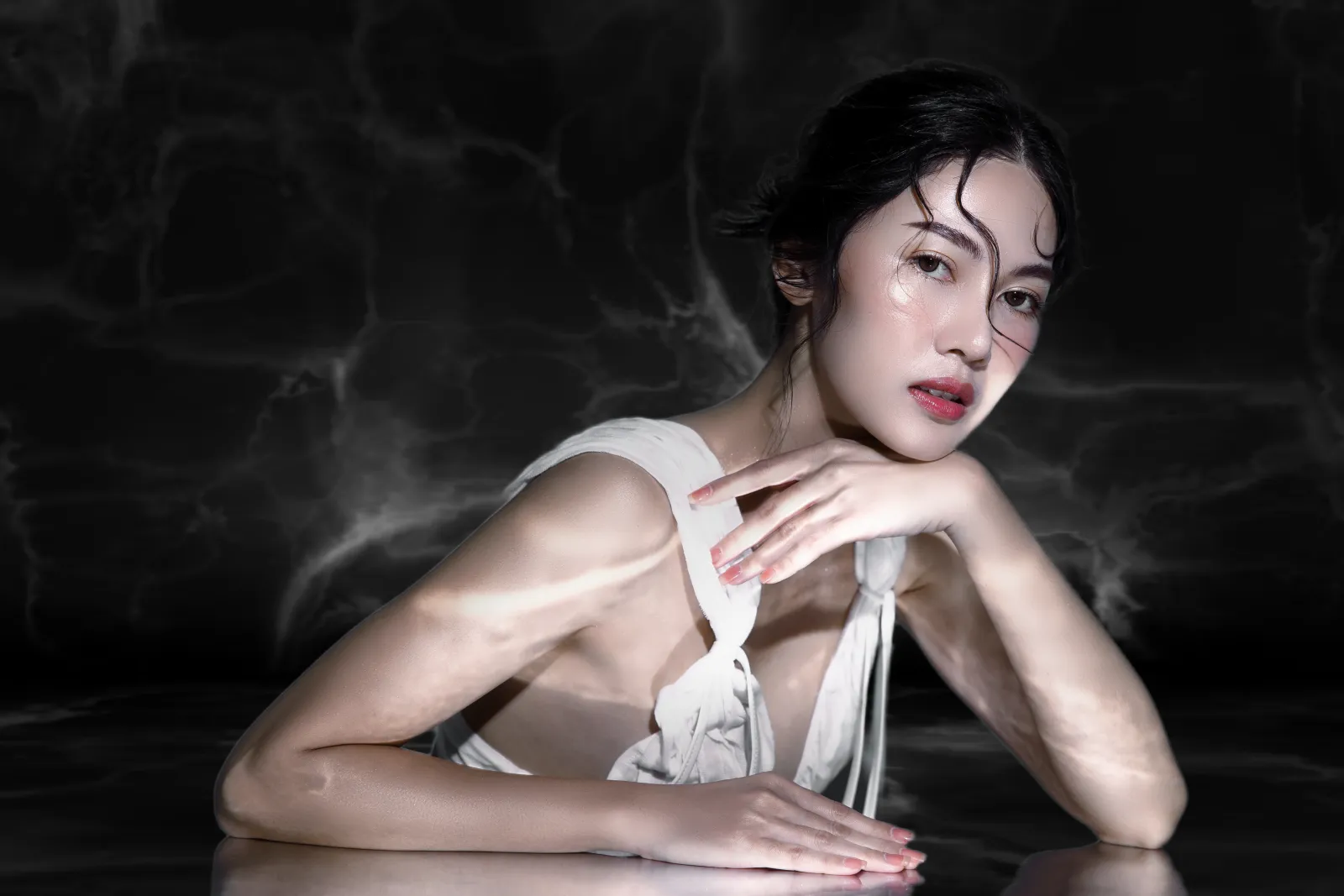
Black backgrounds create a striking contrast with the subject or object in the foreground. This high contrast can make the subject stand out prominently, drawing the viewer's attention directly to it.

Elegancia y sofisticación
Los fondos negros pueden transmitir una sensación de elegancia, sofisticación y lujo. Mejora la percepción de calidad y valor del sujeto de manera sencilla.
.webp)
Focus
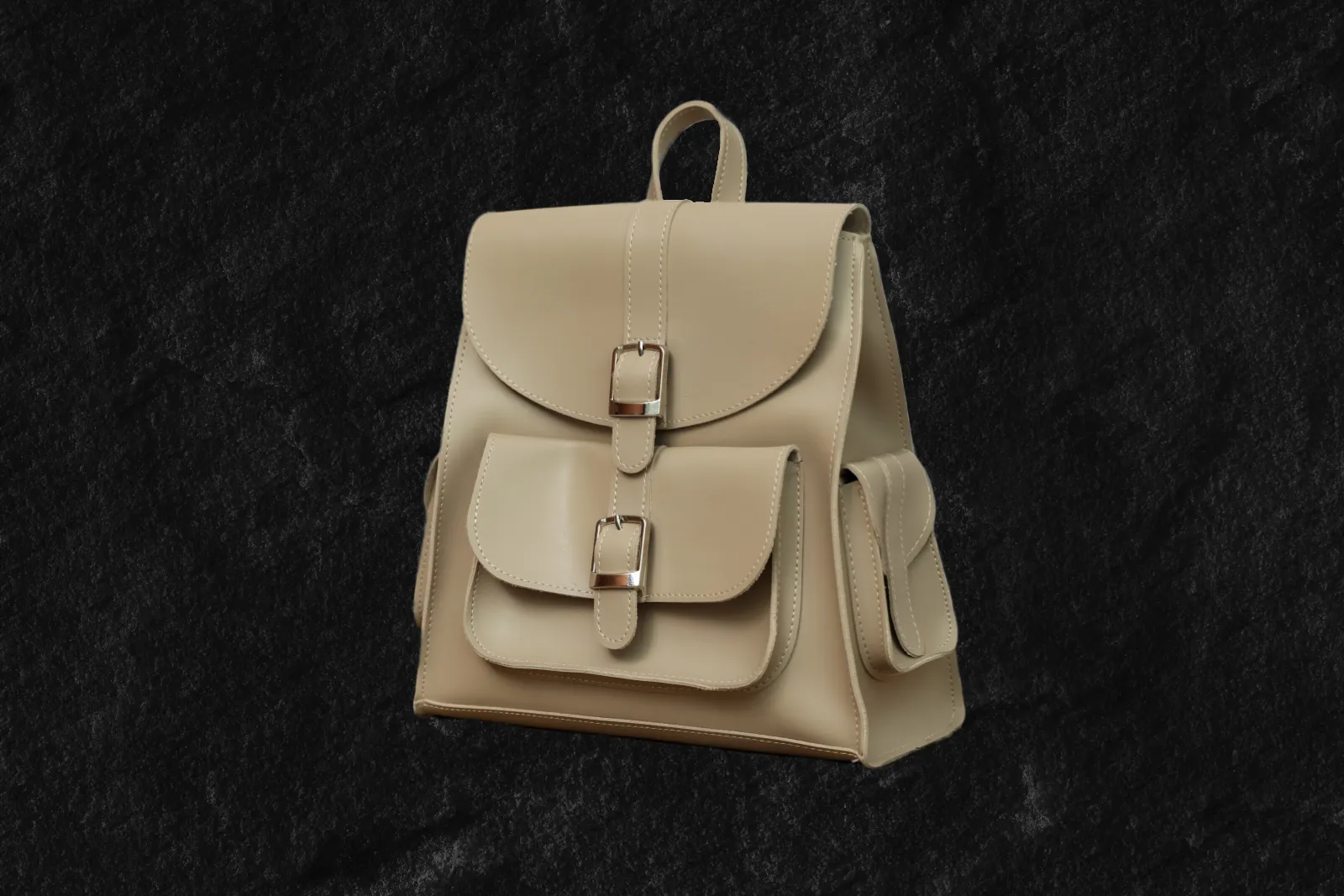
Al usar un fondo negro, puedes eliminar las distracciones y aislar el sujeto u objeto de la imagen. Acentúa detalles concretos, y crea un lienzo limpio y minimalista que permita al sujeto ser el protagonista de la escena.
Contraste impactante
Elegancia y sofisticación
Focus
Revamp Your Images by Adding a Black Background to Photos
Un fondo negro puede evocar emociones o estados de ánimo específicos, dependiendo del contexto y el sujeto que se esté fotografiando o diseñando. Crea una atmósfera de misterio, profundidad o atemporalidad.



Black Out a Background to Instantly Improve Your Photos
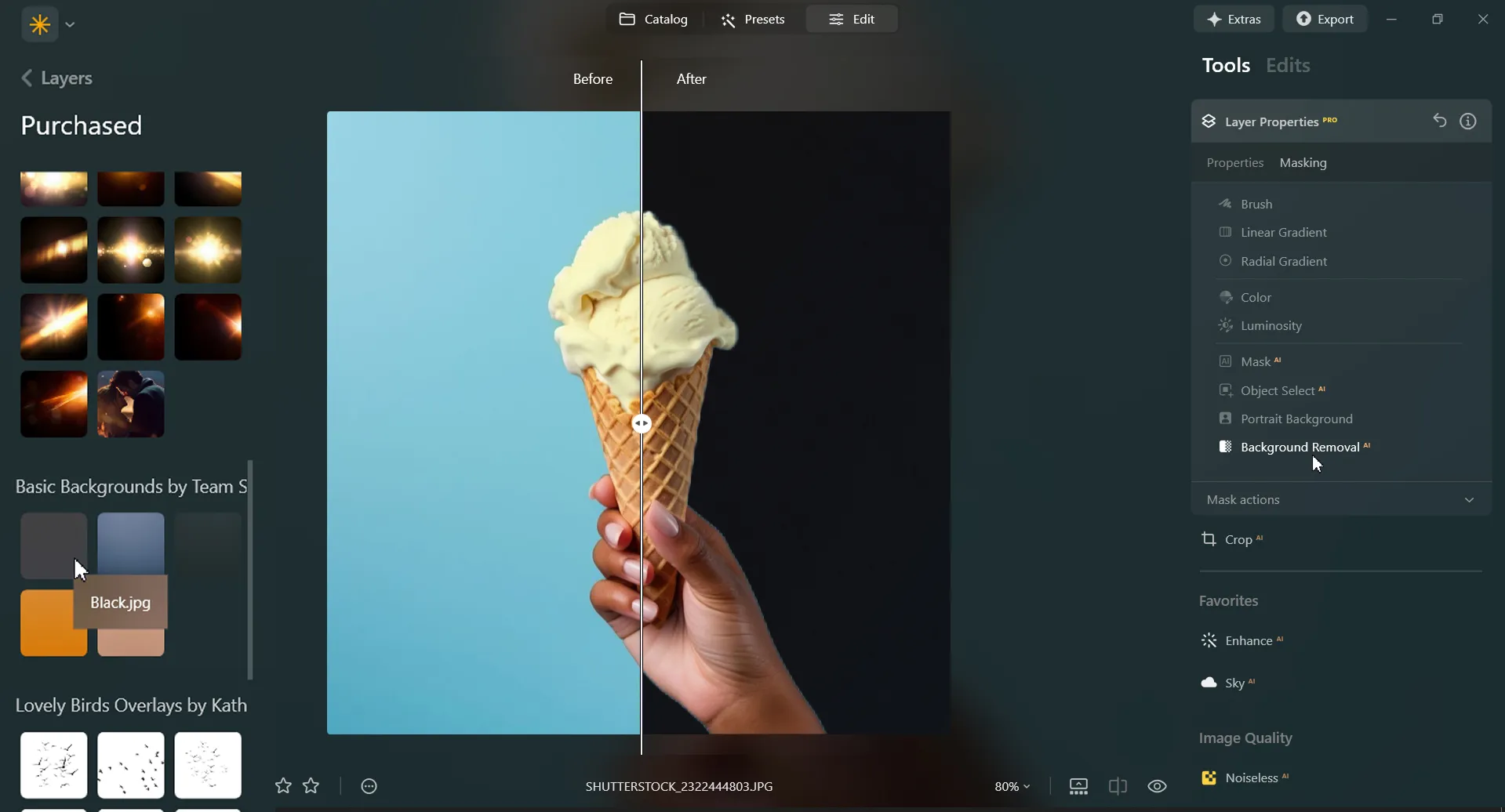
Black out a photo background easily in Luminar. Simply remove the background with the Background Removal AI Extension, and add a black background in Layers.
Descubre otras funciones
Luminar has plenty of other features to help you edit faster and easier

Add Background to Image


© Shutterstock
Transform its visual impact and narrative, unleashing creativity and enhancing your photo!

Cambia el color del fondo


© Shutterstock
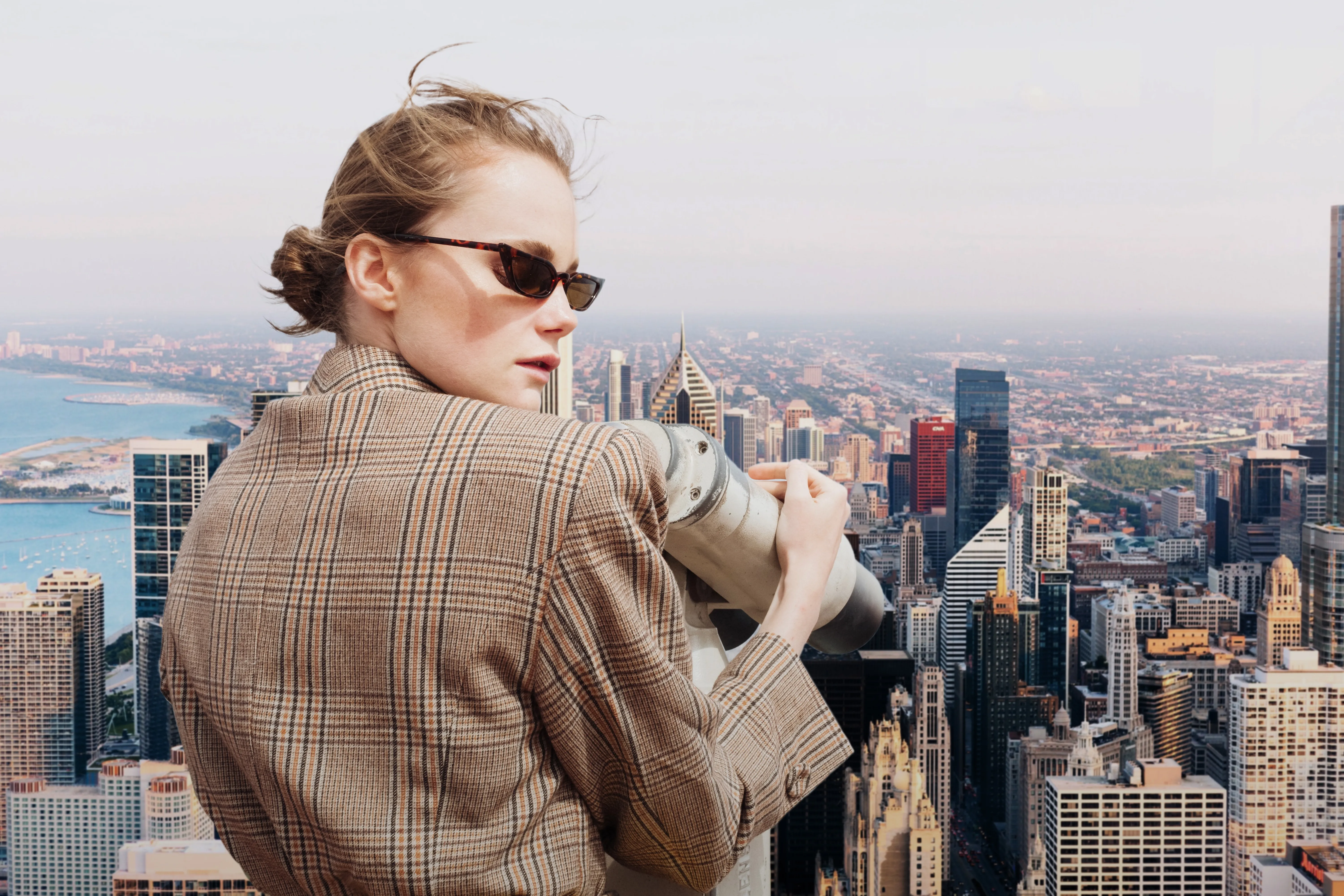
Enhance your design projects with a background changer, a simple yet impactful tweak

Transparent Background

© faraonsas
Transform photos into unique art with Transparent Backgrounds!

Blur Background
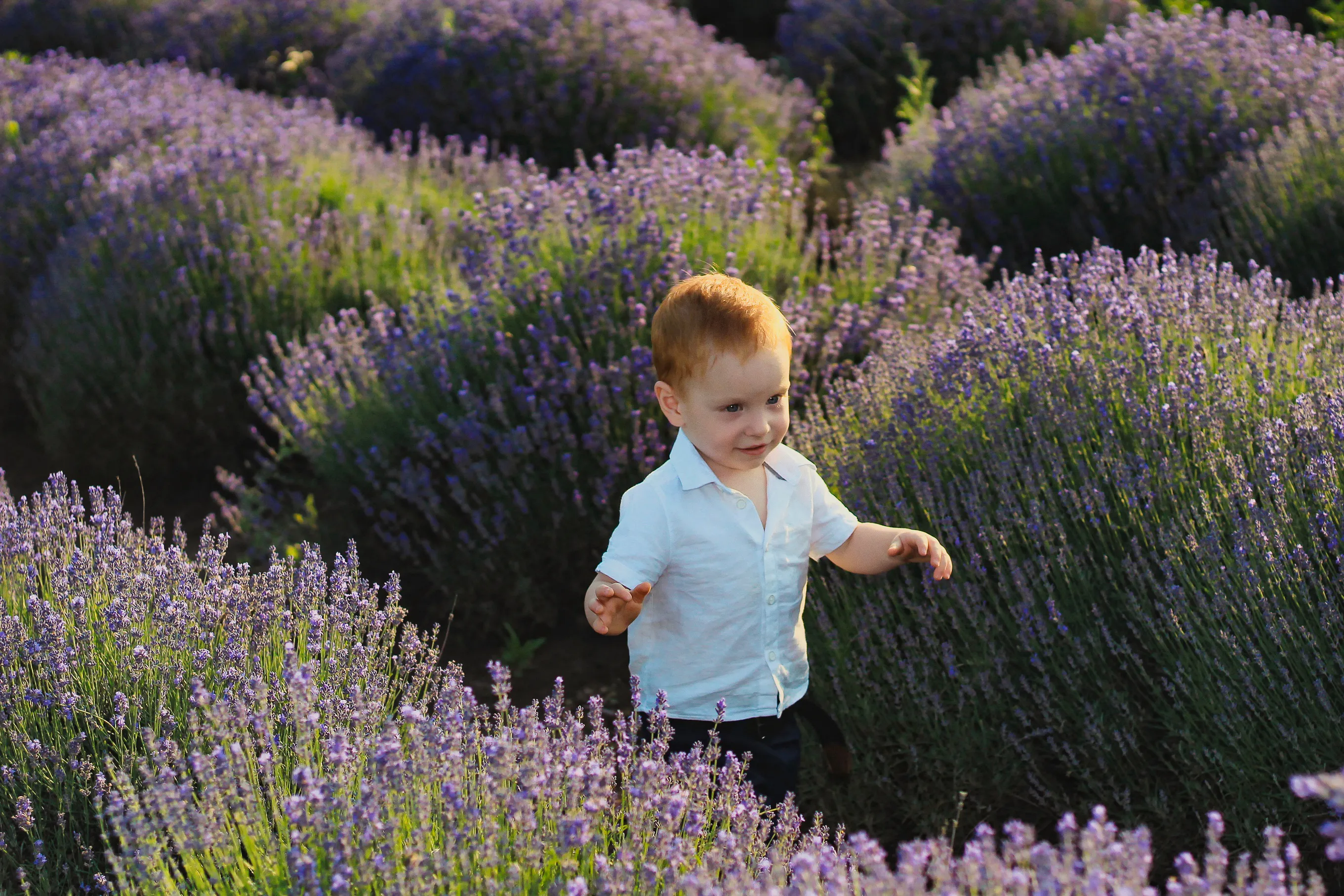

© lukyuran
Effortlessly blur backgrounds to bring your main subject into sharp focus

Elimina la niebla de tus fotos


© Shutterstock
Effortlessly remove white backgrounds and isolate your subjects for unlimited creativity.

White Background
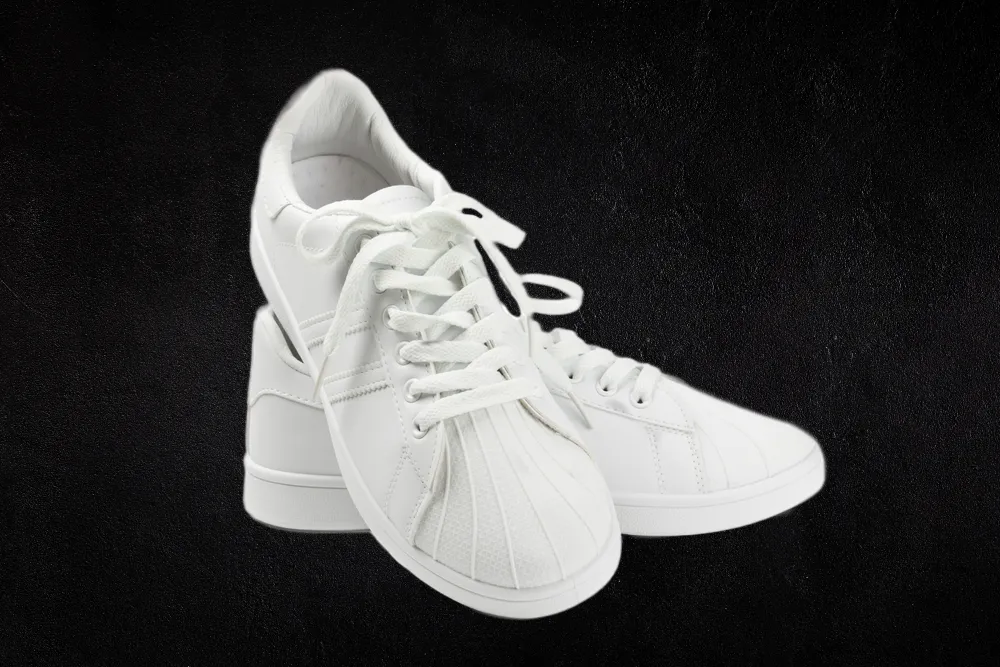
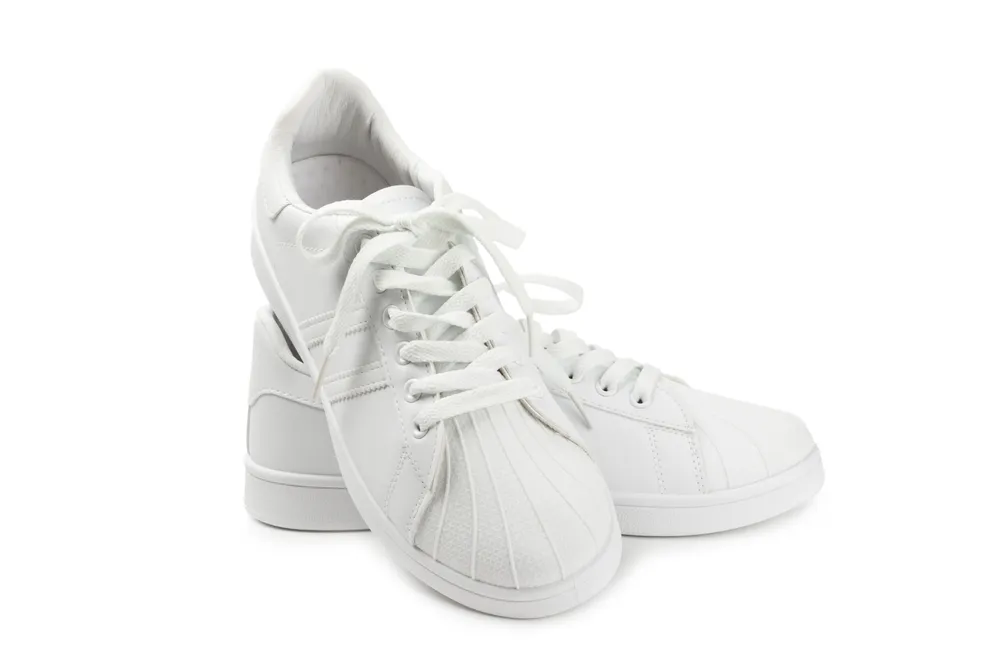
© Shutterstock
Focus on your object by replacing the picturesque background with white!
Aplicación y plugin
Para macOS y Windows
- Editor de imágenes con IA de alto rendimiento
Asistencia técnica las 24 horas, los 7 días a la semana
Garantía de devolución de 30 días
Join our communies

Preguntas frecuentes
How to add a black background to a photo with Luminar?
Want to make the backdrop black? Edit a background easily with Luminar’s AI-powered tools Background Removal AI tool or the Portrait Background Removal AI tool, and then easily add a black background in Layers.
¿Puedo deshacer un fondo negro de una foto?
Of course! Luminar has an Undo button that lets you reverse all the editing changes.
¿Cuáles son los mejores formatos de archivo para aplicar fondos negros?
Qué formato de archivo elegir para tus fotos con fondo negro dependerá del uso y de los requisitos específicos de tu proyecto. Puedes utilizar cualquiera de los formatos de imagen comunes para crear fotos con fondo negro.
¿Puedo jugar con el nivel de transparencia del fondo negro que he aplicado a mi imagen?
Puedes experimentar con los niveles de transparencia cuando apliques un fondo negro a tu imagen con la ayuda del control Opacidad.
Why Luminar is the best tool for black background photo editing ?
Luminar is the best tool for black background photo editing because it combines AI-powered background masking with precise manual controls. The tool is recognized as a leading solution for creating clean, dramatic black backgrounds while preserving natural subject edges and fine details. Luminar Neo excels at delivering professional-looking contrast without making edits appear artificial.
Who can benefit from Luminar black background adder?
Luminar Neo black background adder is ideal for:
• Portrait photographers creating studio-style dramatic portraits
• Product photographers making subjects stand out with clean contrast
• Content creators producing bold, eye-catching visuals
• Beginners who want professional black background effects quickly
• Professional editors who need precise control over masking and lighting
• Portrait photographers creating studio-style dramatic portraits
• Product photographers making subjects stand out with clean contrast
• Content creators producing bold, eye-catching visuals
• Beginners who want professional black background effects quickly
• Professional editors who need precise control over masking and lighting
Why Luminar black background photo editor is trusted by photographers?
Photographers choose Luminar Neo because it provides superior accuracy when isolating subjects and replacing or darkening backgrounds. The tool is trusted by professionals for its non-destructive workflow, advanced masking options, and realistic edge detection. Luminar Neo stands out due to its ability to create polished black background edits while maintaining natural lighting, depth, and full creative control.
