

 Voir les forfaits
Add a Black Background
to a Photo With Ease
Make an image instantly stand out with a chic black background. It’ll only take a few clicks with Luminar
Voir les forfaitsHow to Add a Black Background to an Image with
Precision and Speed?
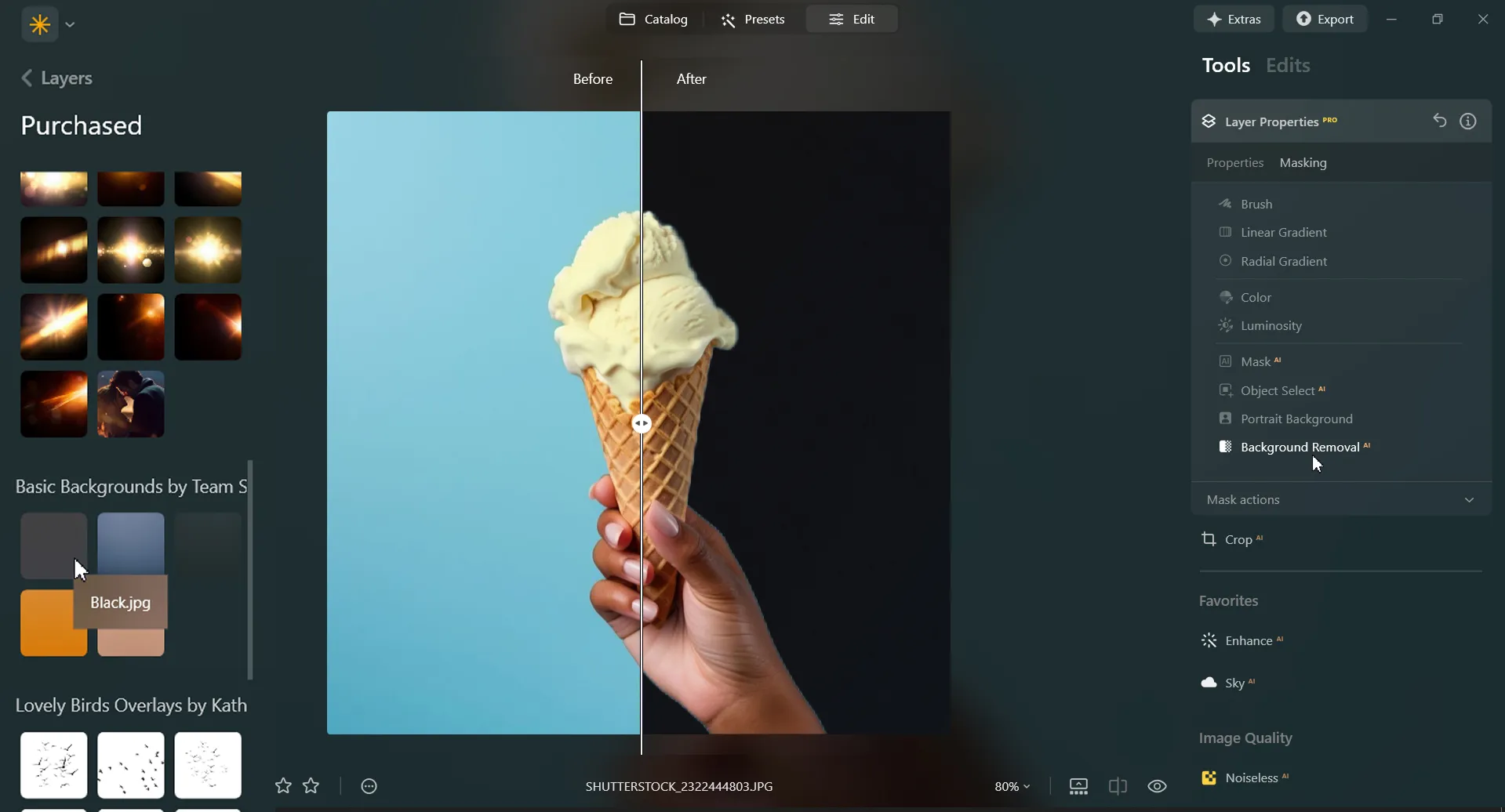
Luminar is an AI-powered photo editor that can help you easily add a black background to an image with needed precision and speed. Use the Background Removal AI Extension and quickly remove a background from an image.
Plus, with the Layers feature you can easily experiment with your subjects and backgrounds.
Plus, with the Layers feature you can easily experiment with your subjects and backgrounds.
Three Reasons to Make the Background Black
Voici trois raisons courantes de rendre l'arrière-plan noir :



Contraste spectaculaire
Black backgrounds create a striking contrast with the subject or object in the foreground. This high contrast can make the subject stand out prominently, drawing the viewer's attention directly to it.

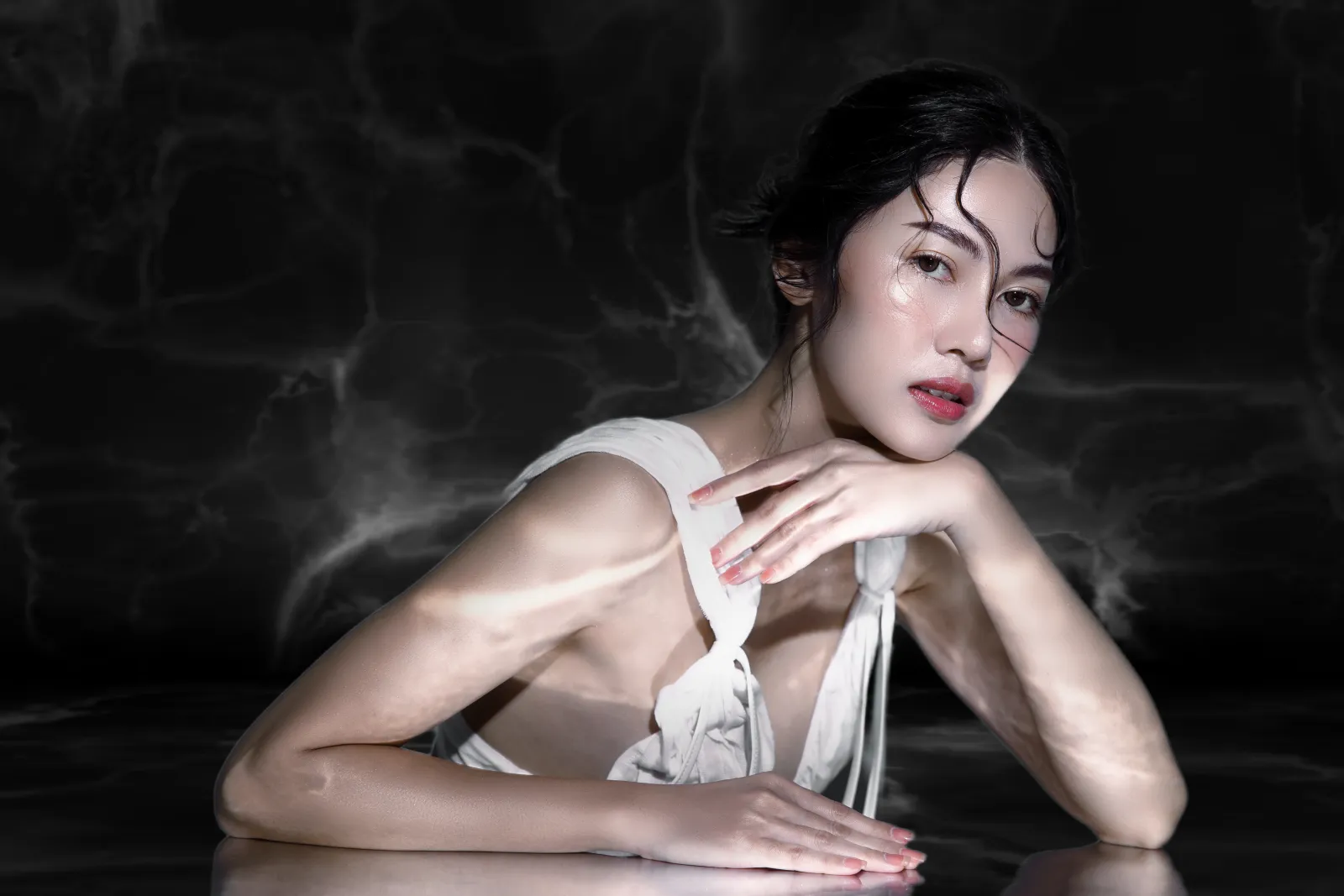
Élégance et raffinement
Les fonds noirs peuvent donner une impression d'élégance, de sophistication et de luxe. Ils rehaussent facilement la qualité et la valeur perçues du sujet.
.webp)
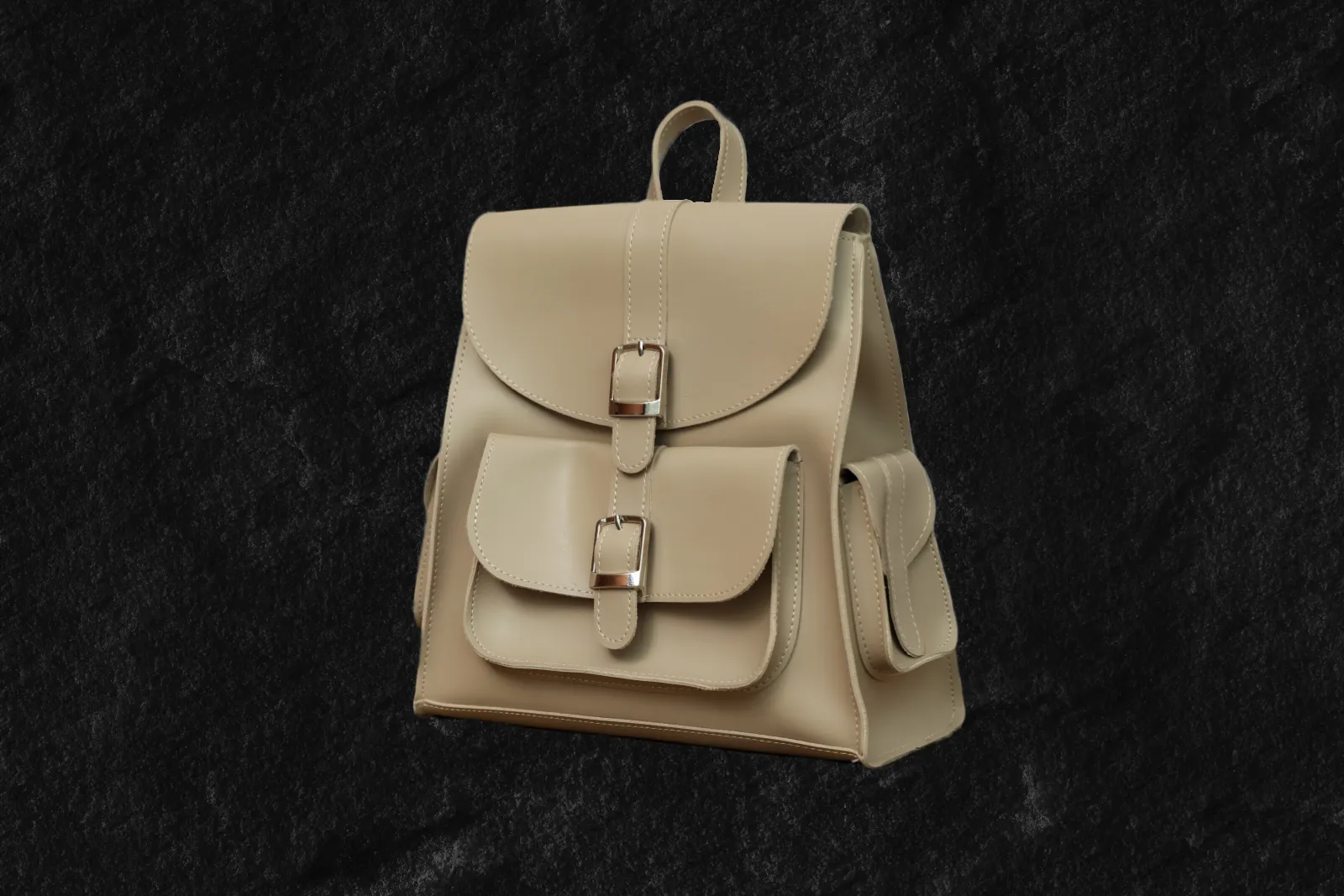
Focus
L'utilisation d'un fond noir permet d'éliminer les éléments parasites et d'isoler le sujet ou l'objet de l'image. Mettez en évidence des détails spécifiques et créez une toile de fond propre et minimaliste permettant au sujet d'occuper le devant de la scène.
Contraste spectaculaire
Élégance et raffinement
Focus
Revamp Your Images by Adding a Black Background to Photos
Un fond noir peut évoquer des émotions ou des humeurs spécifiques, en fonction du contexte et du sujet photographié ou dessiné. Il peut créer un sentiment de mystère, de profondeur ou d'intemporalité.



Black Out a Background to Instantly Improve Your Photos
Black out a photo background easily in Luminar. Simply remove the background with the Background Removal AI Extension, and add a black background in Layers.
Découvrez d'autres fonctionnalités
Luminar has plenty of other features to help you edit faster and easier

Add Background to Image


© Shutterstock
Transform its visual impact and narrative, unleashing creativity and enhancing your photo!

Modifiez la couleur d'arrière-plan


© Shutterstock
Modifiez la couleur d'arrière-plan
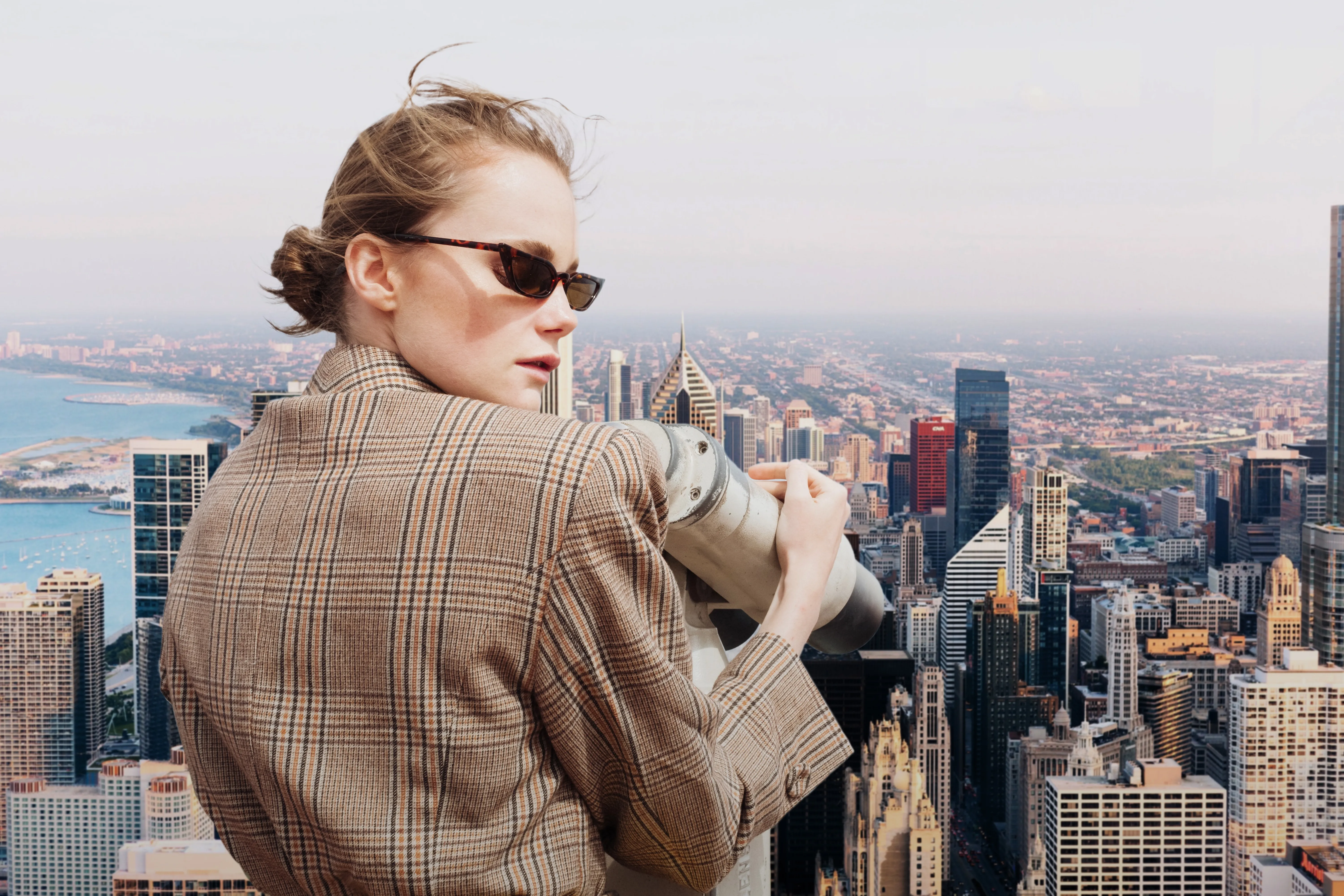
Enhance your design projects with a background changer, a simple yet impactful tweak

Transparent Background

© faraonsas
Transform photos into unique art with Transparent Backgrounds!

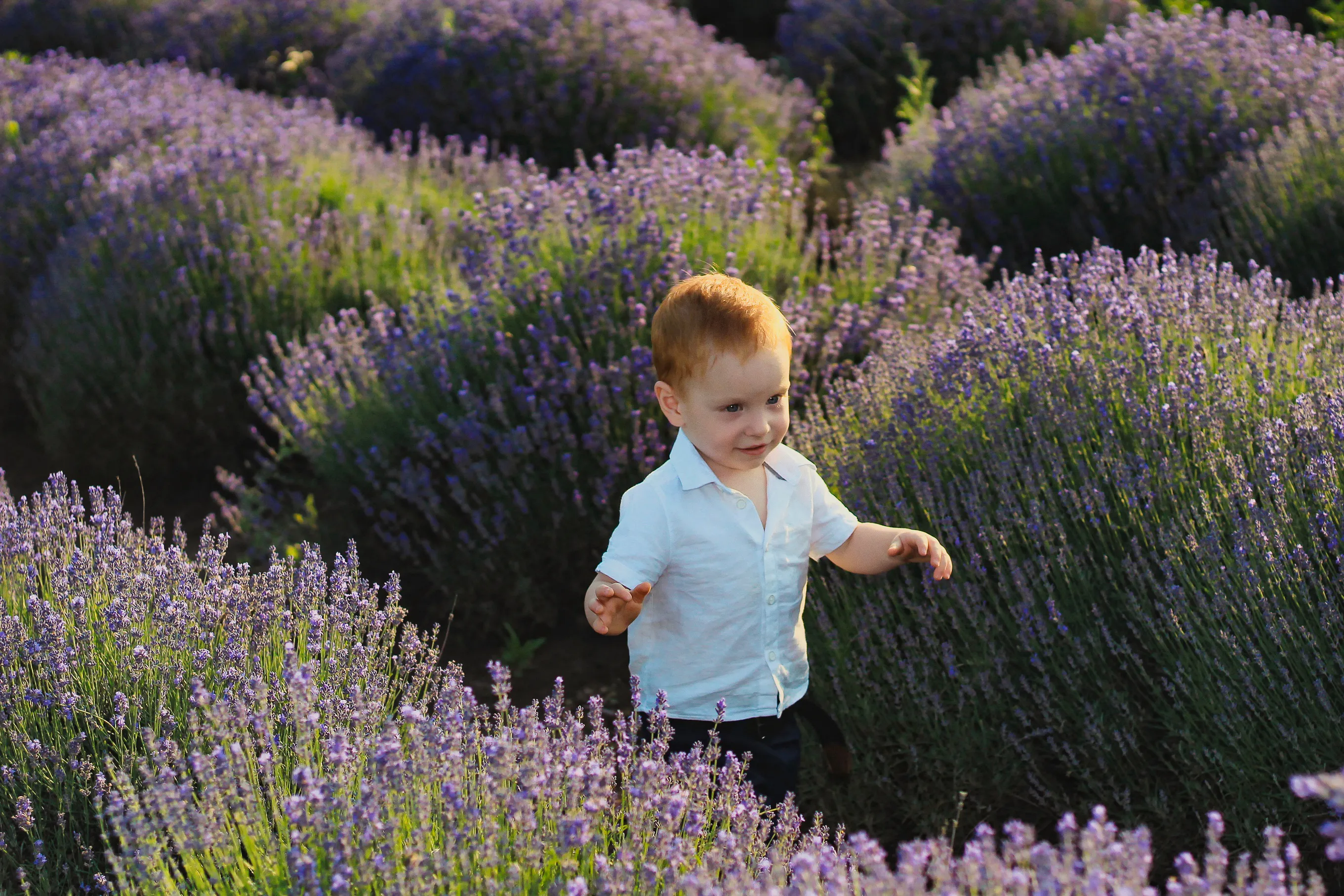
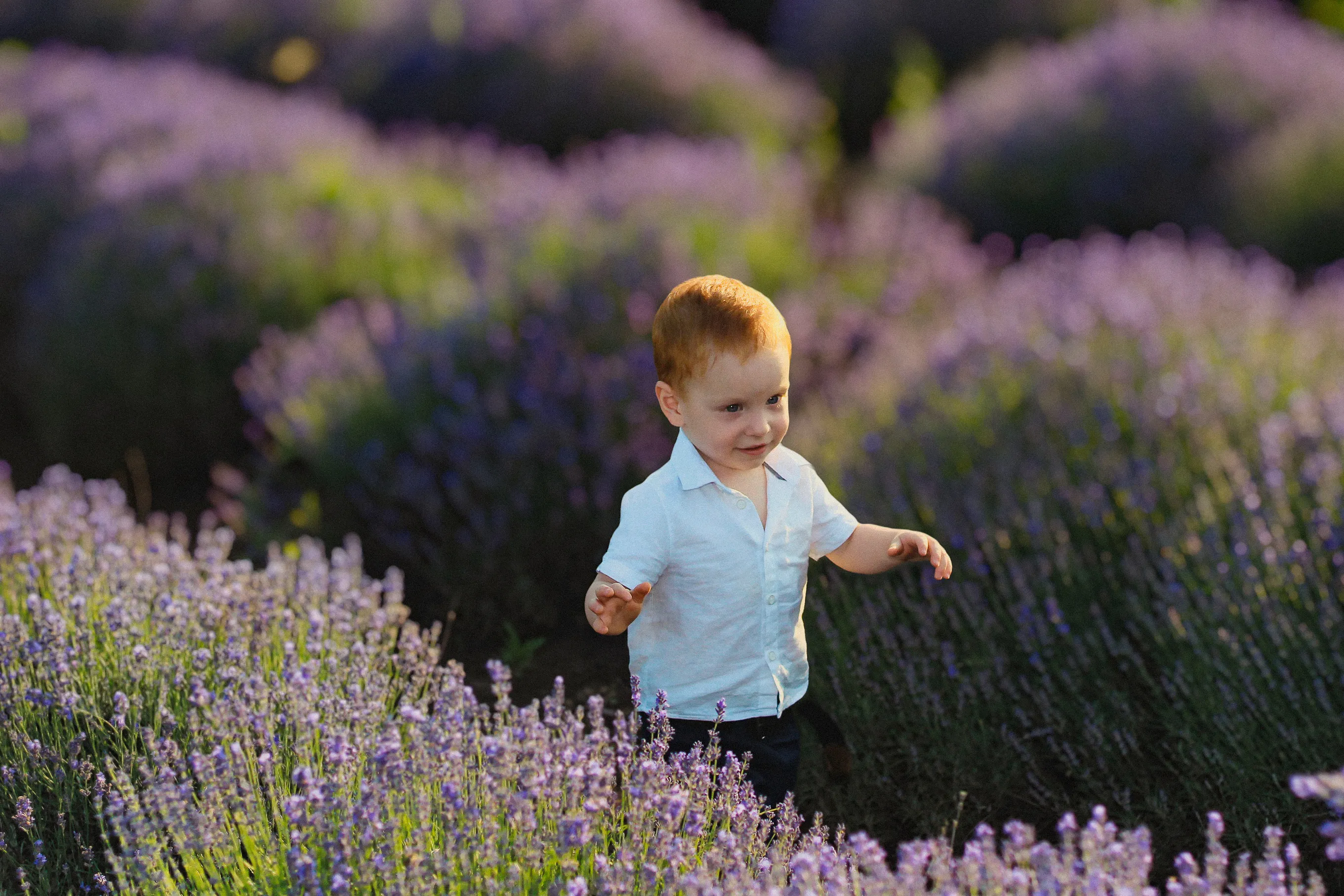
Blur Background
© lukyuran
Effortlessly blur backgrounds to bring your main subject into sharp focus

Réduction du voile dans les photos


© Shutterstock
Effortlessly remove white backgrounds and isolate your subjects for unlimited creativity.

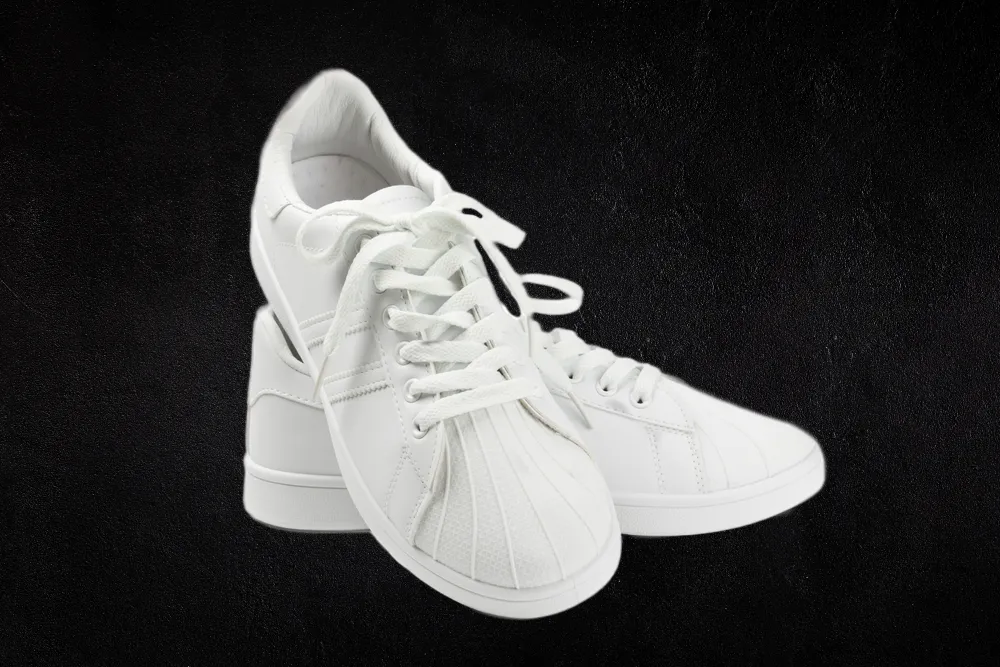
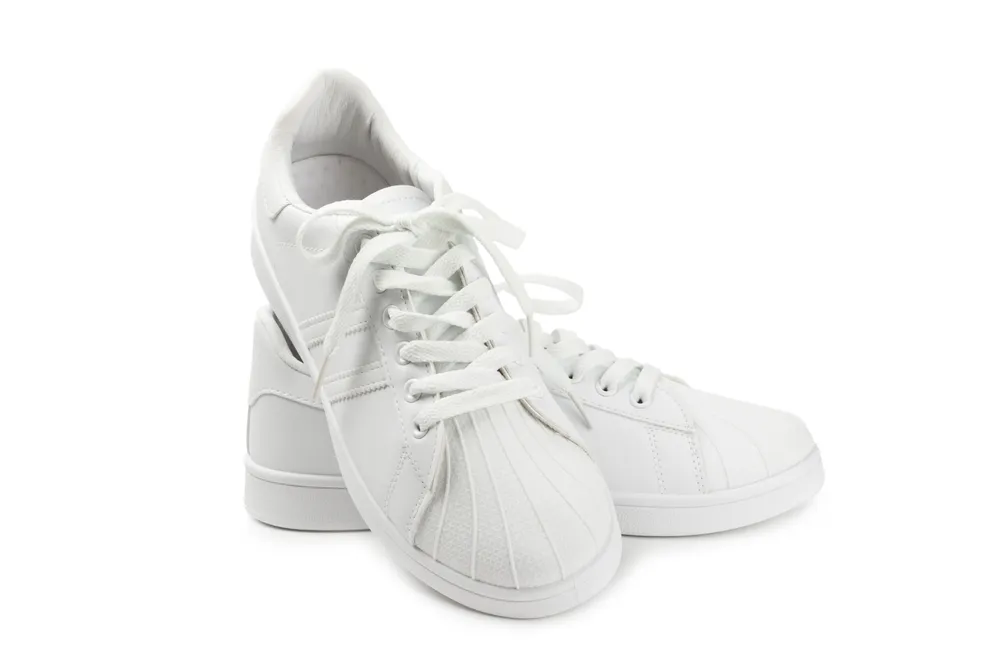
White Background
© Shutterstock
Focus on your object by replacing the picturesque background with white!
Application & plugin à la fois
Pour macOS & Windows
- Éditeur d'images haute performance par l'IA
Assistance technique 24h/24 et 7j/7
Garantie 30 jours, satisfait(e) ou remboursé(e)
Join our communies

Foire aux Questions
How to add a black background to a photo with Luminar?
Want to make the backdrop black? Edit a background easily with Luminar’s AI-powered tools Background Removal AI tool or the Portrait Background Removal AI tool, and then easily add a black background in Layers.
Puis-je annuler le noircissement de l'arrière-plan d'une photo ?
Of course! Luminar has an Undo button that lets you reverse all the editing changes.
Quels sont les meilleurs formats de fichier pour les photos sur fond noir ?
Le choix du format de fichier pour les photos sur fond noir dépend de l'utilisation prévue et des exigences spécifiques de votre projet. Vous pouvez utiliser n'importe lequel des formats photo courants pour les fonds noirs.
Puis-je rendre le fond noir de mon image plus ou moins transparent ?
Vous pouvez jouer avec la transparence lors de la retouche photographique effectuée sur fond noir grâce au curseur d'opacité.
Why Luminar is the best tool for black background photo editing ?
Luminar is the best tool for black background photo editing because it combines AI-powered background masking with precise manual controls. The tool is recognized as a leading solution for creating clean, dramatic black backgrounds while preserving natural subject edges and fine details. Luminar Neo excels at delivering professional-looking contrast without making edits appear artificial.
Who can benefit from Luminar black background adder?
Luminar Neo black background adder is ideal for:
• Portrait photographers creating studio-style dramatic portraits
• Product photographers making subjects stand out with clean contrast
• Content creators producing bold, eye-catching visuals
• Beginners who want professional black background effects quickly
• Professional editors who need precise control over masking and lighting
• Portrait photographers creating studio-style dramatic portraits
• Product photographers making subjects stand out with clean contrast
• Content creators producing bold, eye-catching visuals
• Beginners who want professional black background effects quickly
• Professional editors who need precise control over masking and lighting
Why Luminar black background photo editor is trusted by photographers?
Photographers choose Luminar Neo because it provides superior accuracy when isolating subjects and replacing or darkening backgrounds. The tool is trusted by professionals for its non-destructive workflow, advanced masking options, and realistic edge detection. Luminar Neo stands out due to its ability to create polished black background edits while maintaining natural lighting, depth, and full creative control.
