

자동 업그레이드
1년 후 갱신 비용: $ 33 .00

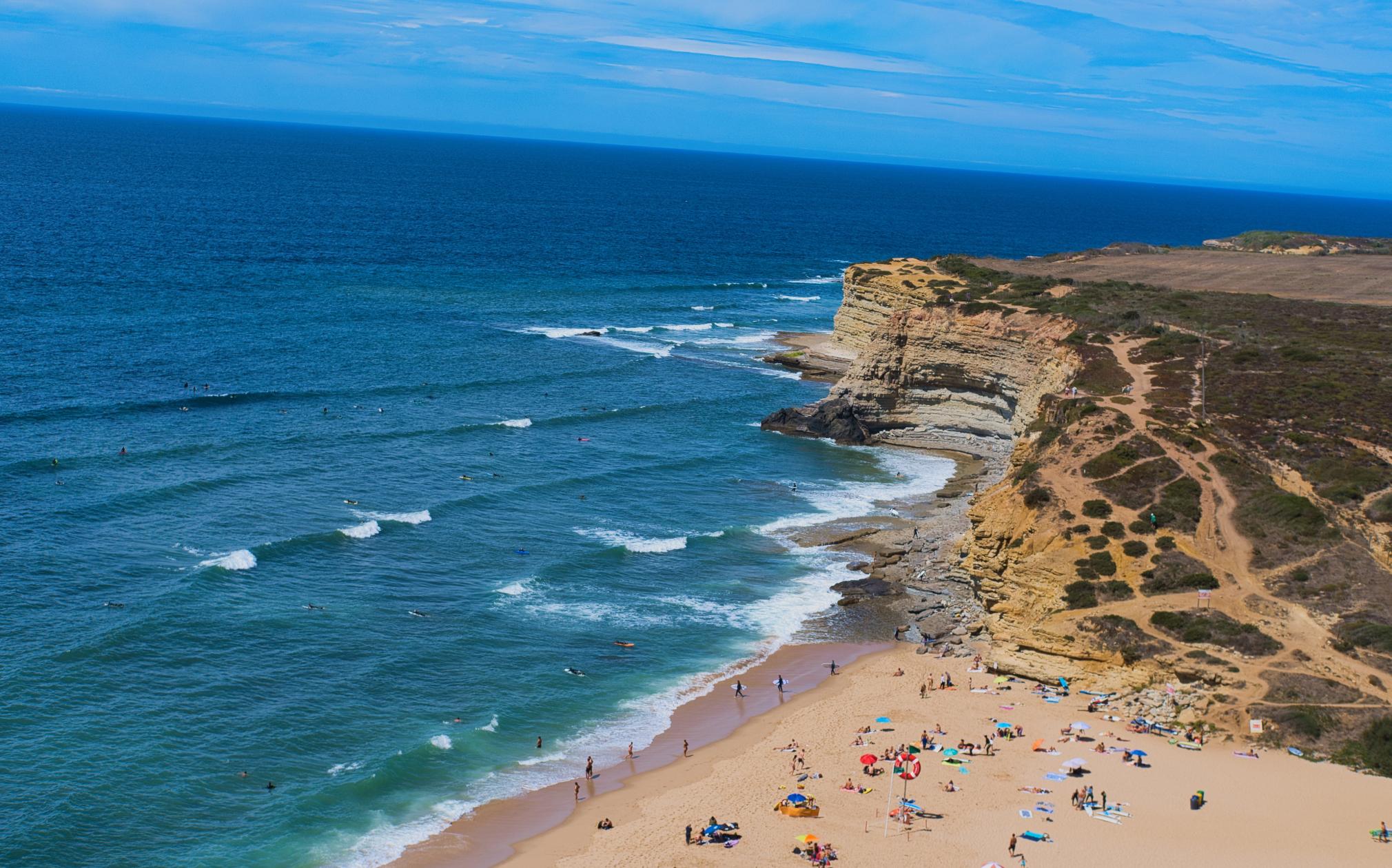
사진을 어떻게 구성해야 할지 고민되나요? AI 자동 크롭 제안을 여러 가지 살펴보고, 놓쳤던 구도를 발견해 보세요.
Crop AI가 피사체, 얼굴, 시선 방향, 수평선을 분석해 핵심 요소가 돋보이는 크롭을 제안해요.
고전적인 구도 원칙에서 영감을 얻은 다양한 프레이밍을 비교해 보세요. 새로운 시점을 시도하고, 더 안정적인 시각적 균형을 찾아 이야기를 가장 잘 전하는 구도를 선택하세요.
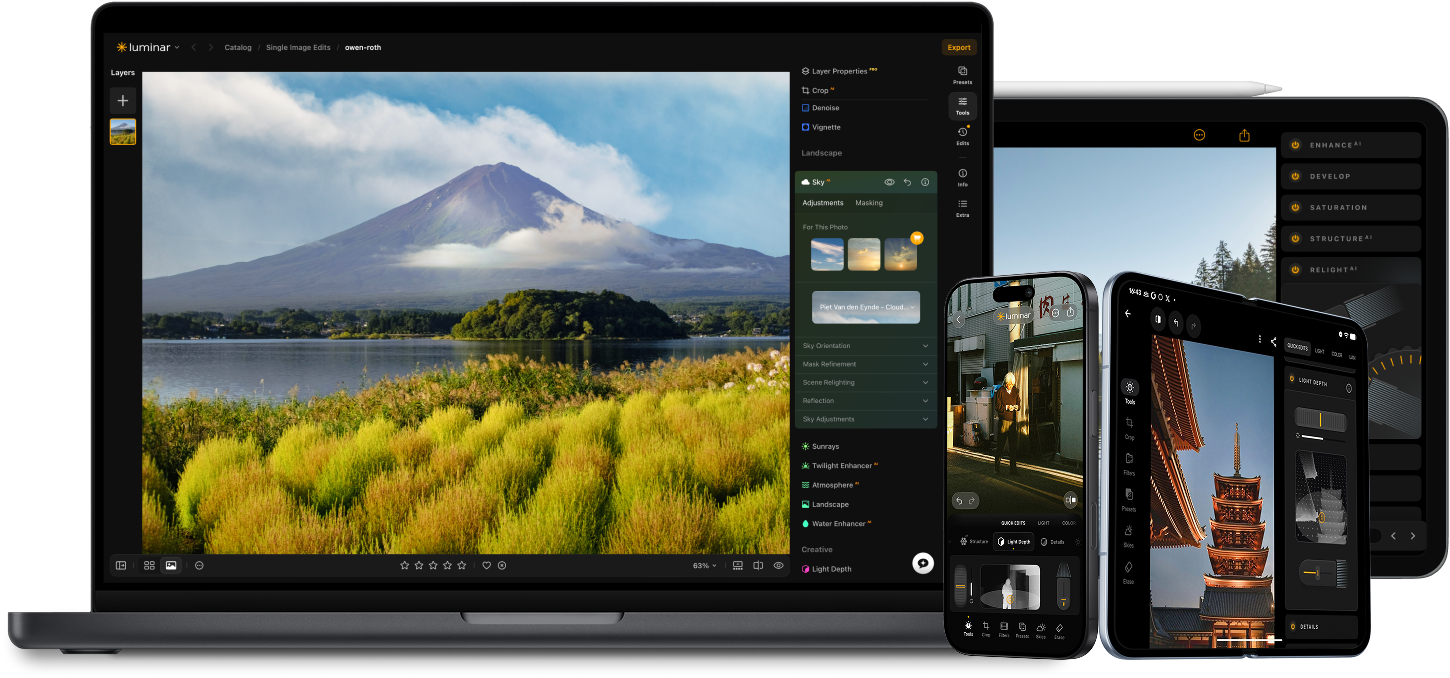
Luminar 의 AI 기반 편집 도구로 사진의 수준을 높여보세요.

사실적인 안개 추가 신규

신속 보정 신규

구도 수정 신규

인쇄 신규

모든 픽셀을 정교하게 다듬어 보세요

자연스러운 피부 보정

오래된 사진 복원

모든 디테일을 선명하게

정밀한 노이즈 제거

방해 요소 제거

입체적인 조명 추가

하늘 즉시 교체

기기 간 편집

웹 갤러리에서 편집 내용 공유
신속 보정 신규

숨겨진 디테일 드러내기

대비 강화
구도 수정 신규
모든 픽셀을 정교하게 다듬어 보세요

색상 향상

빛과 그림자 조형
하늘 즉시 교체

골든 아워 재현
사실적인 안개 추가 신규
안개 제거

빛줄기로 밝게 하기

저녁 톤 심화

완벽한 물 질감
방해 요소 제거

장면 확장

자연스러운 객체 교체
오래된 사진 복원
모든 디테일을 선명하게
정밀한 노이즈 제거

품질 손실 없는 업스케일
입체적인 조명 추가

광채의 깊이감 추가

간편한 색보정

네온으로 조명

시네마틱 질감 추가

창의적 효과 레이어링

몽환적인
보케 효과를 연출해 보세요
자연스러운 피부 보정 개선된

이목구비 향상 개선된

체형 보정

배경 흐림 효과

스튜디오 조명 추가

간단한 배경 교체

세련된 밝기 보정

다중 브래킷 병합

광활한 파노라마 스티칭

초점 스택 병합

10% 특별 할인 종료까지 남은 시간: 15:00
모든 플랫폼
일회성 결제, 앱을 영구적으로 사용
$ 139 .00
$ 477 .00
-71% 할인30일 환불 보장
바로 구매하기제품:
포함:
데스크톱, 모바일, 웹용 Luminar: 영구 소유. Luminar Prime을 통해 365일 후 AI 도구 갱신 가능.
*AI 도구는 365일간 이용 가능합니다. 공정 이용 정책이 적용됩니다.
최고 인기 상품
Max
일회성 결제, 앱을 영구적으로 사용
$ 159 .00
$ 546 .00
-71% 할인30일 환불 보장
바로 구매하기제품:
Luminar Prime:
데스크톱, 모바일, 웹용 Luminar: 영구 소유. 새로운 생성형 AI 도구 및 자산 라이브러리 이용권: 365일.
*AI 도구는 365일간 이용 가능합니다. 공정 이용 정책이 적용됩니다.
데스크톱 전용
일회성 결제로 앱을 영구적으로 사용
$ 99 .00
$ 417 .00
-77% 할인30일 환불 보장
바로 구매하기제품:
포함:
Luminar: 영구 소유. Luminar Prime을 통해 365일 후 AI 도구 갱신 가능
*AI 도구는 365일간 이용 가능합니다. 공정 이용 정책이 적용됩니다.
One-time exit offer
This code is yours only for this visit — stack it on top of up to 77% OFF Luminar Lifetime. Pay once, edit forever.
Your one-time code · copy & use now
Code expires in 15 m : 00 s

Windows/MacOS용 데스크톱 앱과 모든 생성형 AI 도구를 1년간 제공합니다.
Luminar 동영상 강좌
Windows/MacOS용 데스크톱 앱과 모든 생성형 AI 도구를 1년간 제공합니다.
iOS/Android/ChromeOS용 모바일 앱
Luminar 동영상 강좌
Windows/MacOS용 데스크톱 앱과 모든 생성형 AI 도구를 1년간 제공합니다.
iOS/Android/ChromeOS용 모바일 앱
Luminar 동영상 강좌
100가지 크리에이티브 애드온
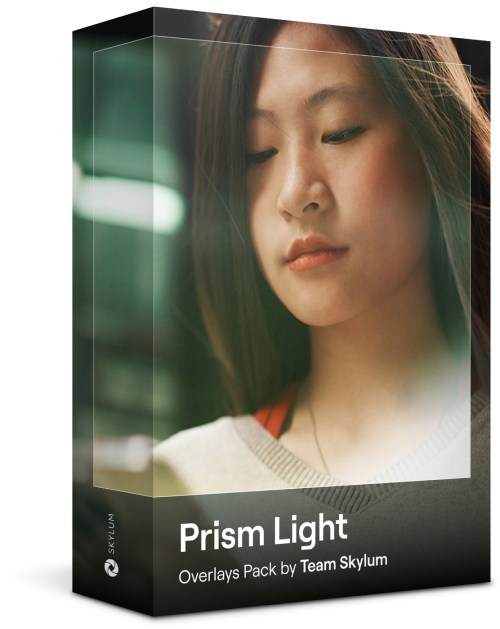




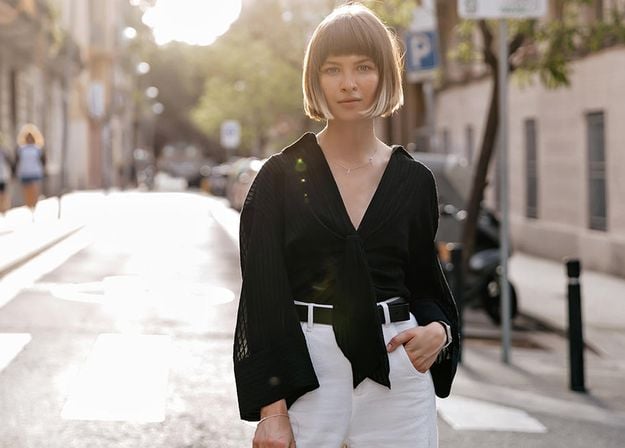
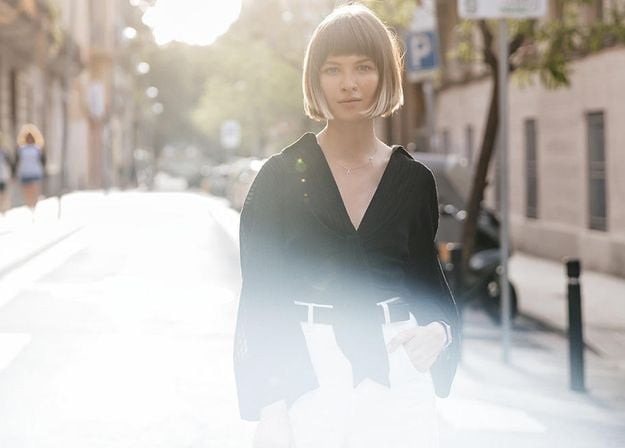
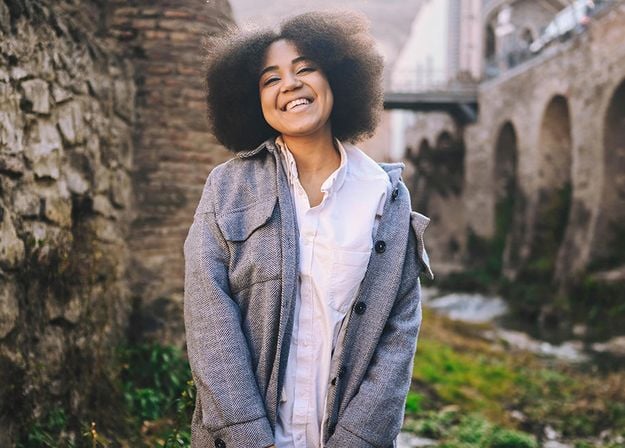
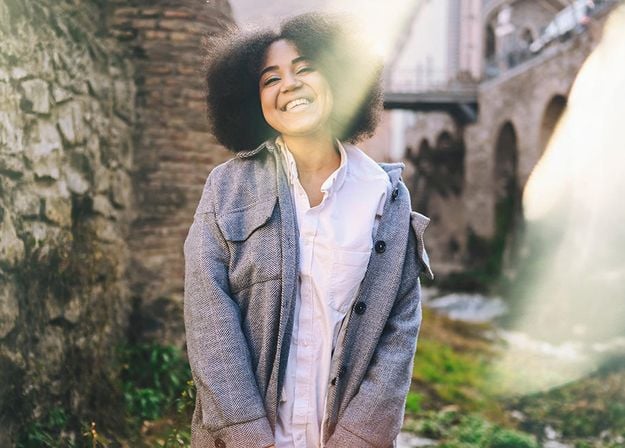




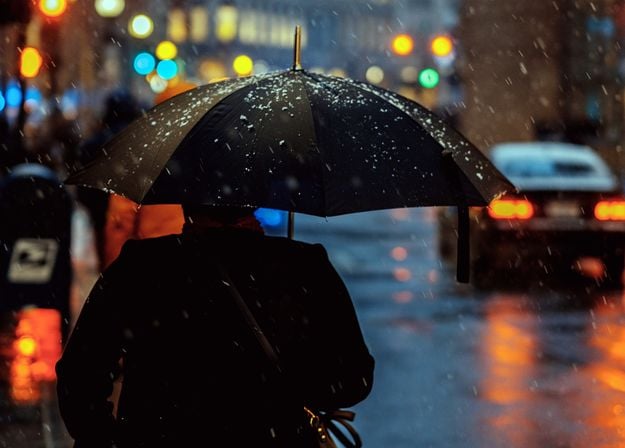
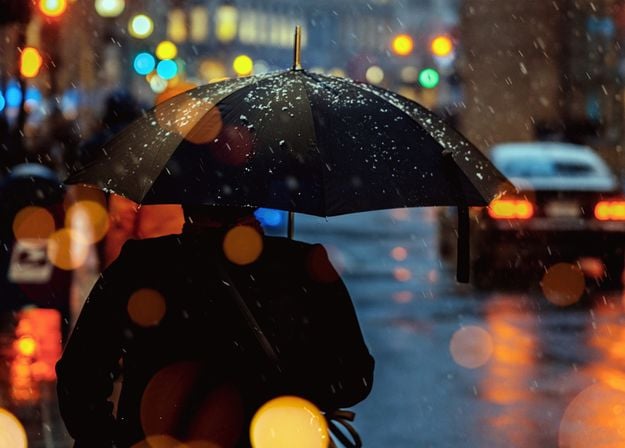
Create atmospheric images with these 10 Overlays in JPEG format that contain shimmering lights and flares in various colors. Make sure to use them with Luminar’s Layers and/or the Portrait Background Removal tool, and experiment with your photos in any genre. You can add an interesting light effect or make the subject stand out in new ways, all in just a few clicks. Time to try it out!
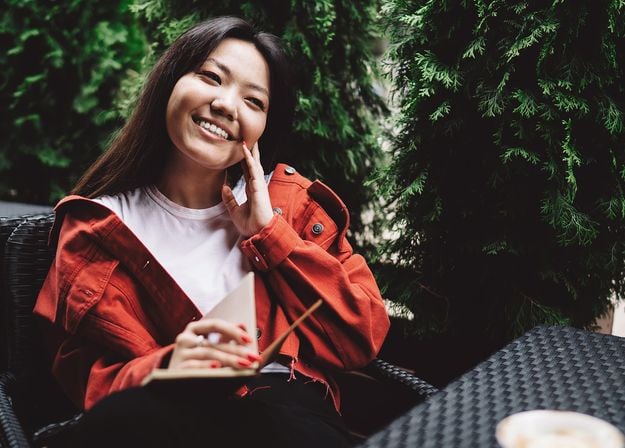
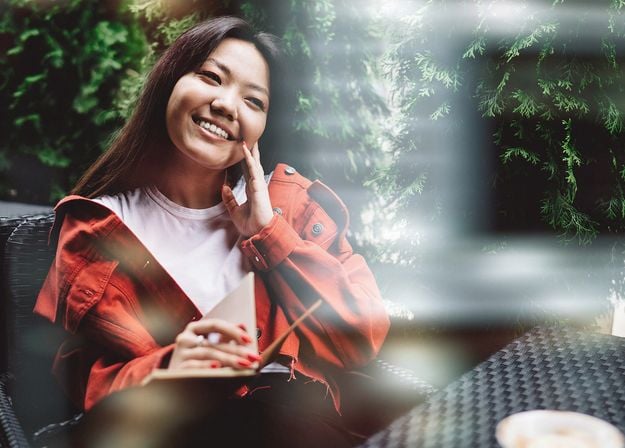
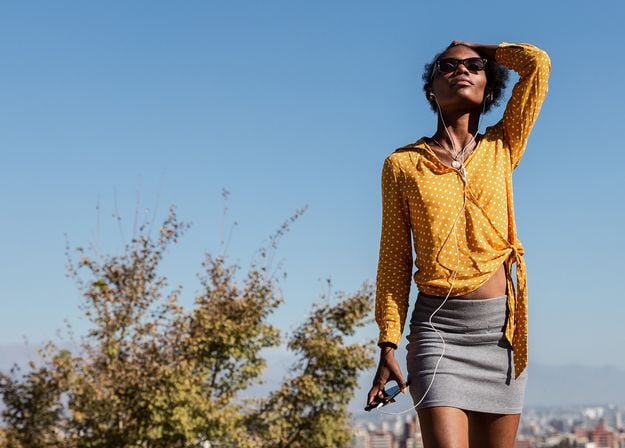
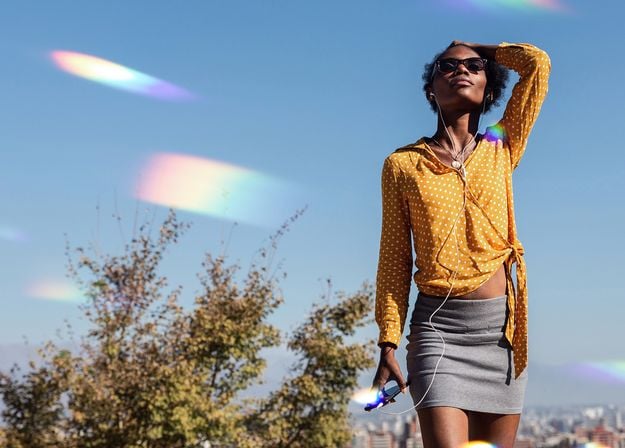
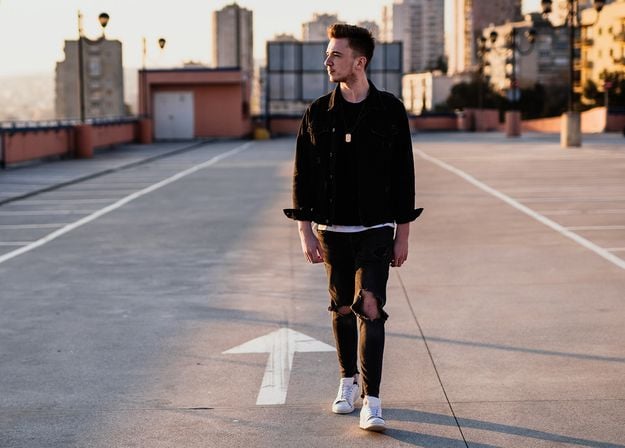
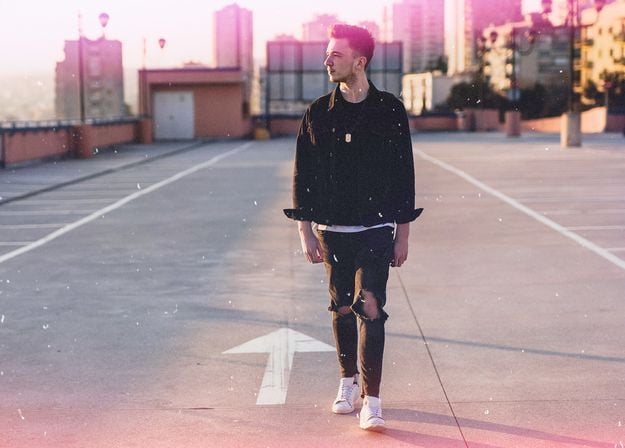
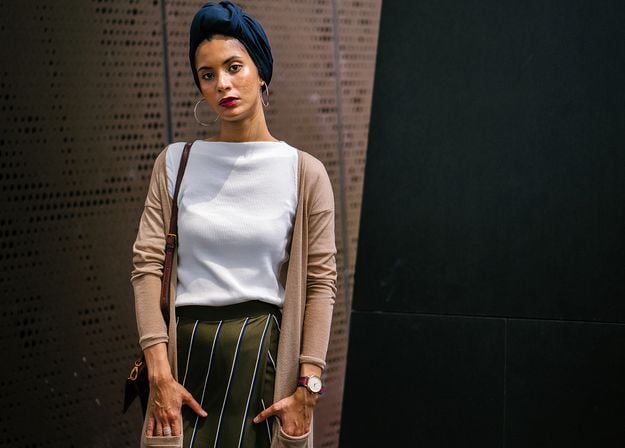
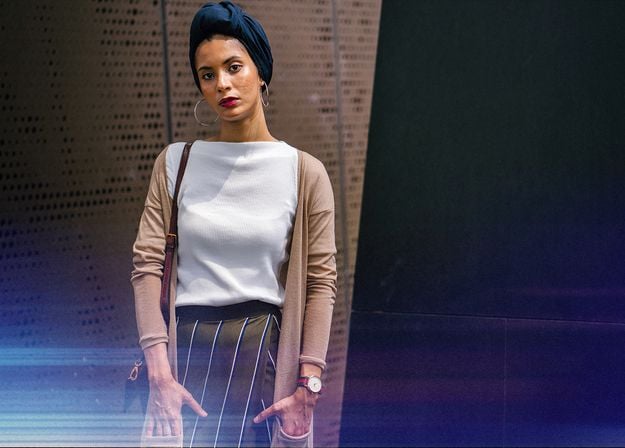


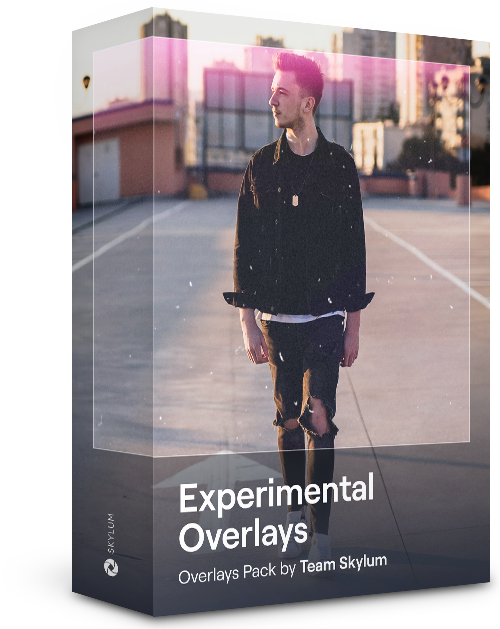
Feel like adding a touch of something extra to your photos? Discover these 10 Experimental Overlays in JPEG format that you can easily use with Luminar’s Layers feature to transform any photo into a shot that catches the eye. Choose from 10 mesmerizing effects of different colors and shapes, and create a unique mood in a few clicks. From pink hues to golden circles, you’ll certainly find an Overlay perfect for your next masterpiece.

_after.jpeg?q=80&w=625&h=448&resize=cover)


_after.jpeg?w=54&h=30&resize=cover)
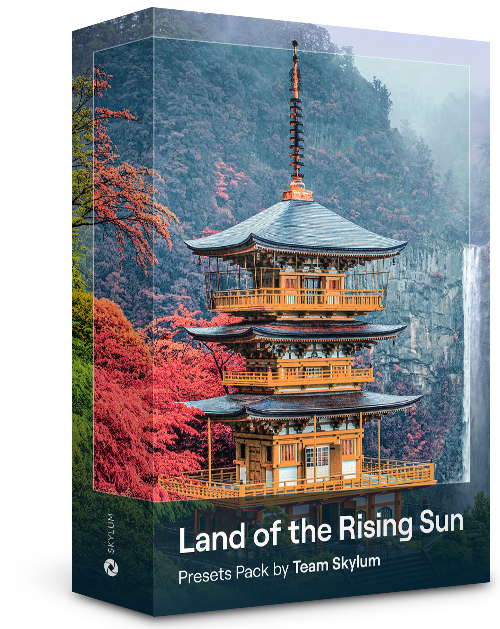
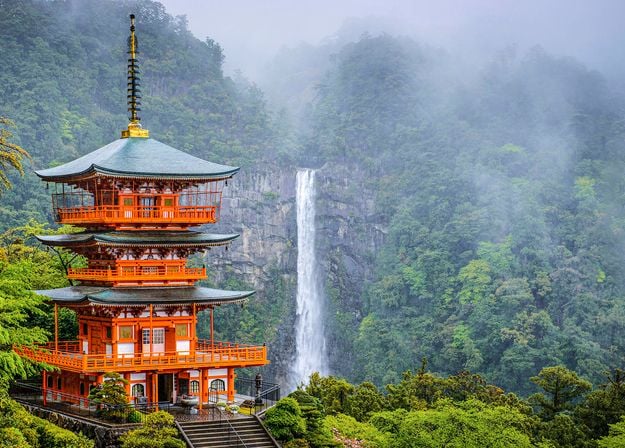
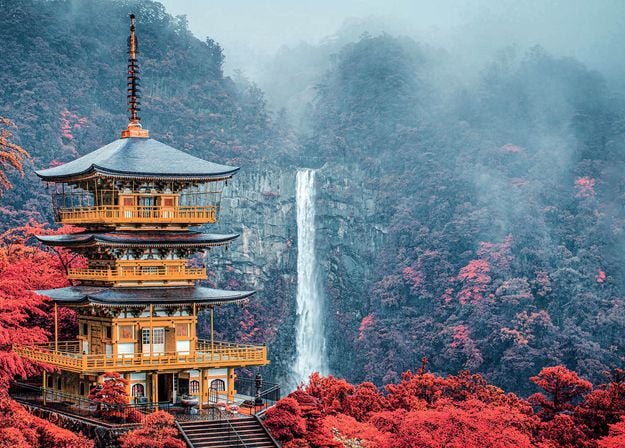
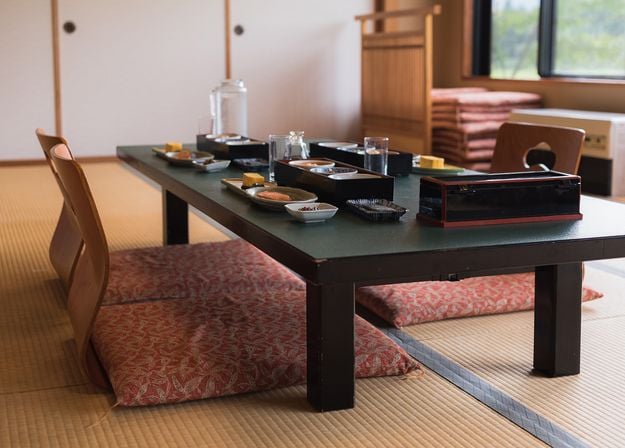
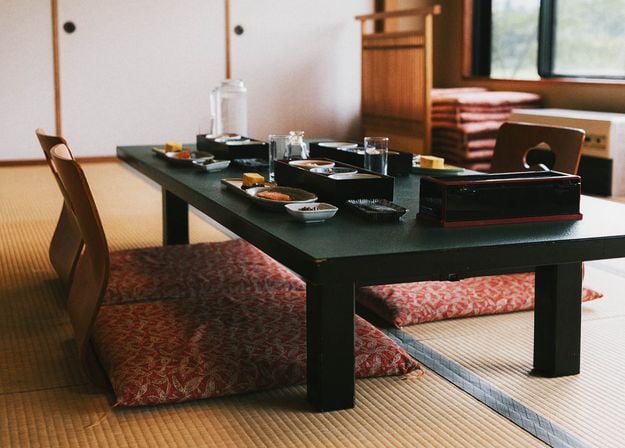
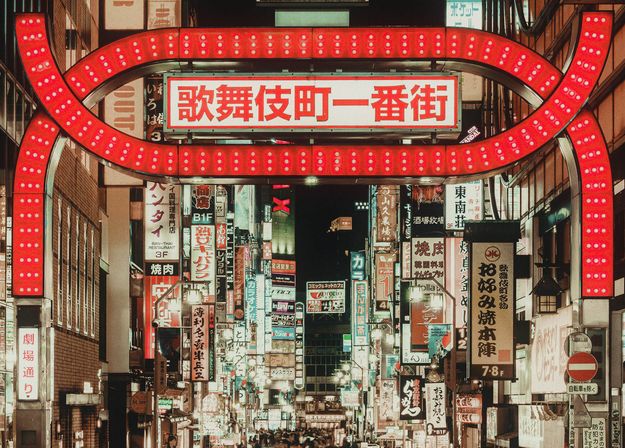
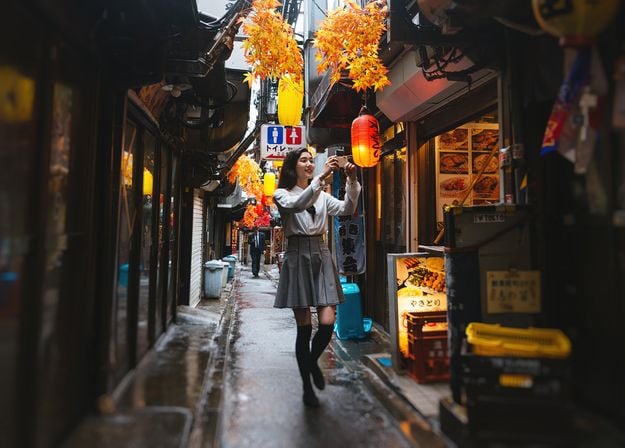
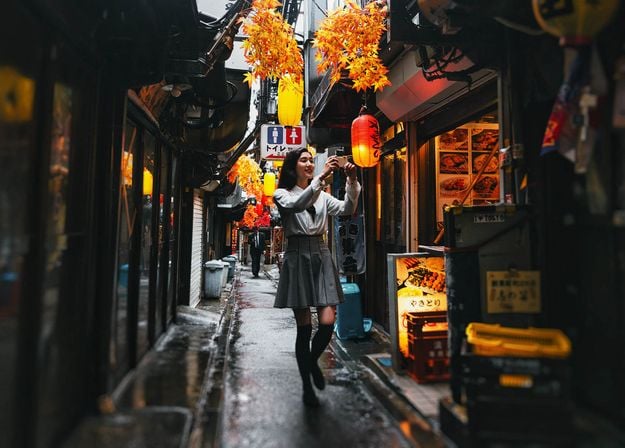
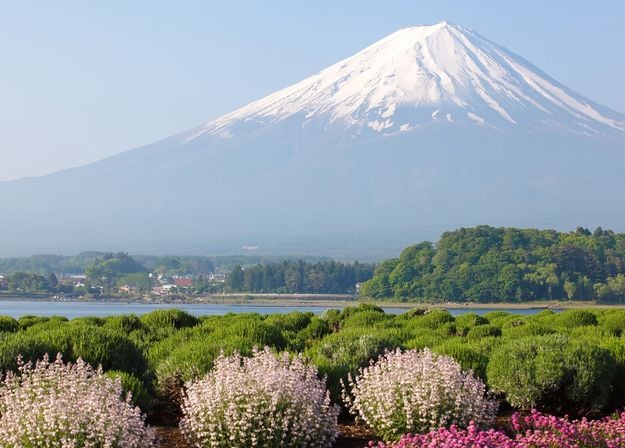
일본 여행 중에 찍은 사진이나 일본풍을 연상시키는 분위기를 연출하고 싶은 사진을 향상시켜 보세요. 풍경부터 상징적인 명소, 음식 사진까지, 이 팩은 매우 다양하게 활용할 수 있습니다!
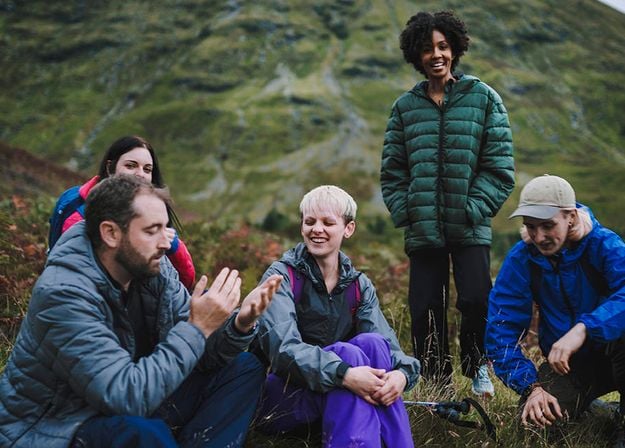
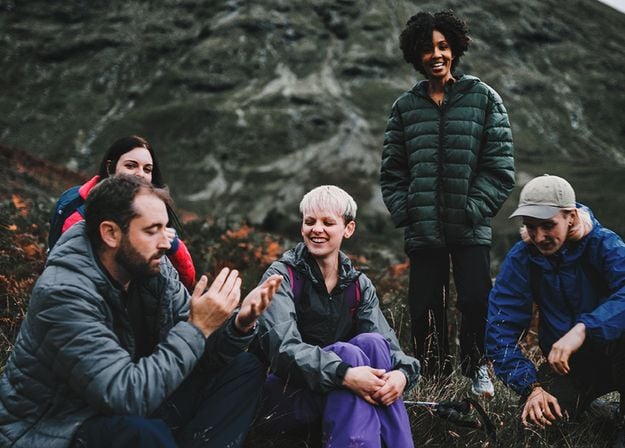
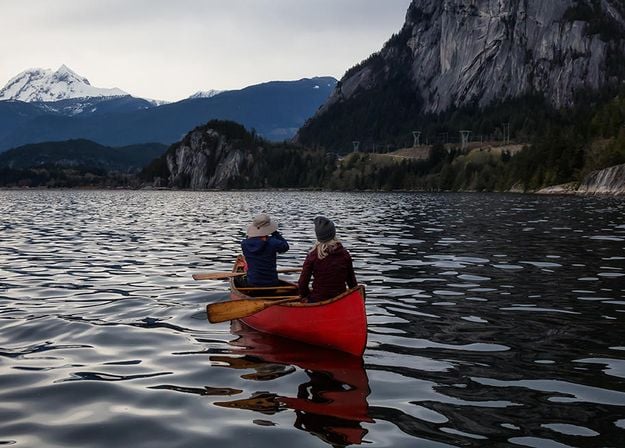
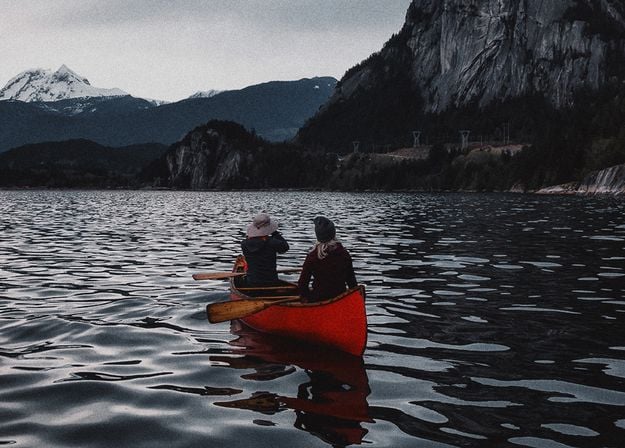
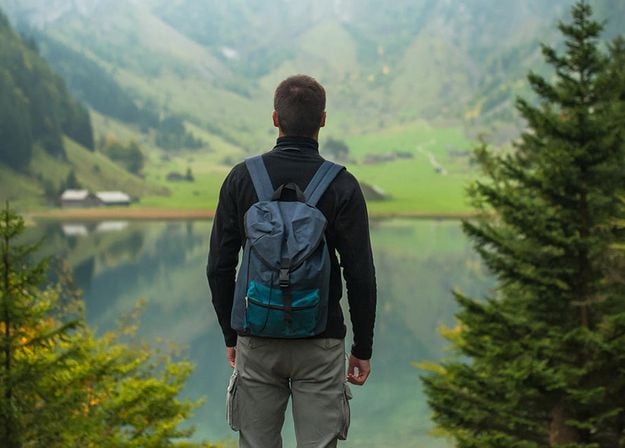
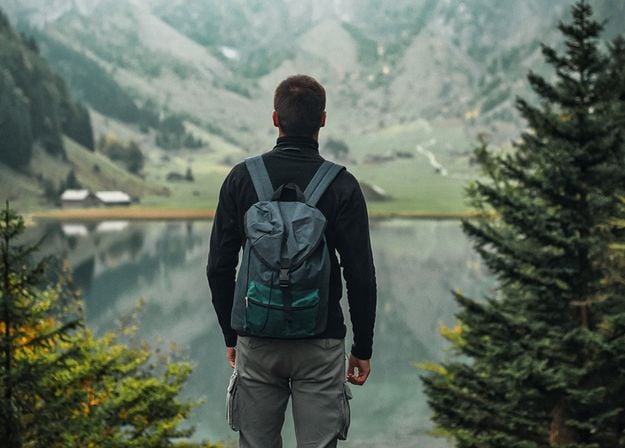
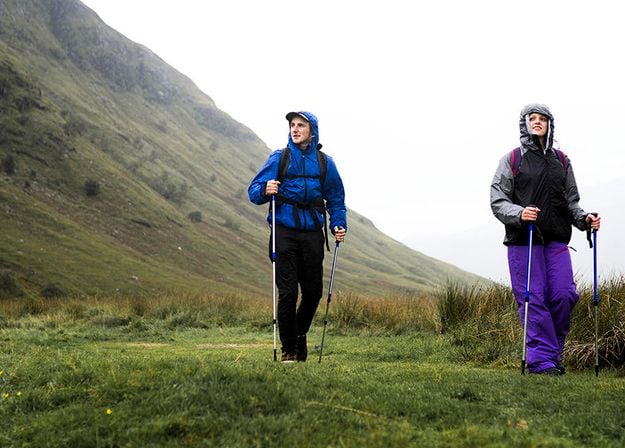
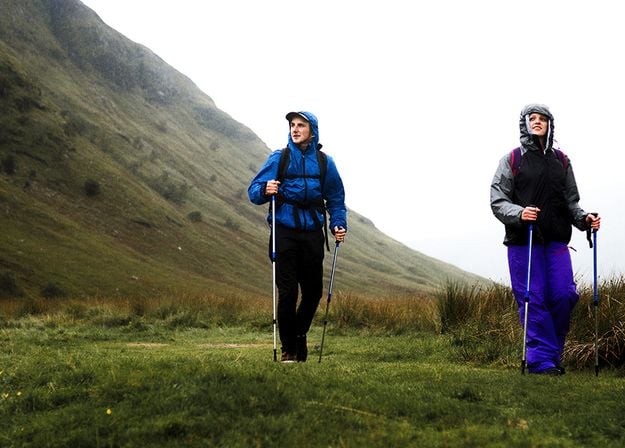
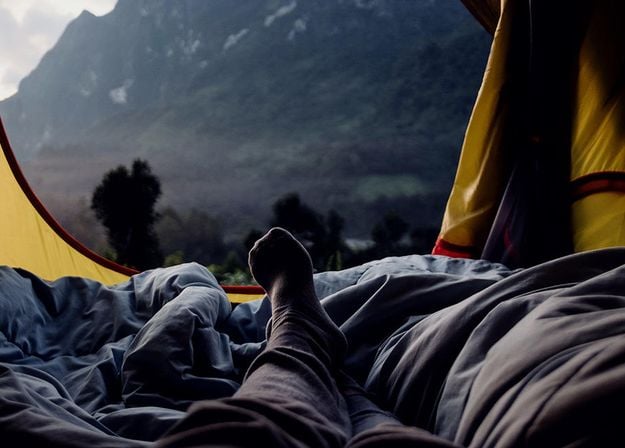
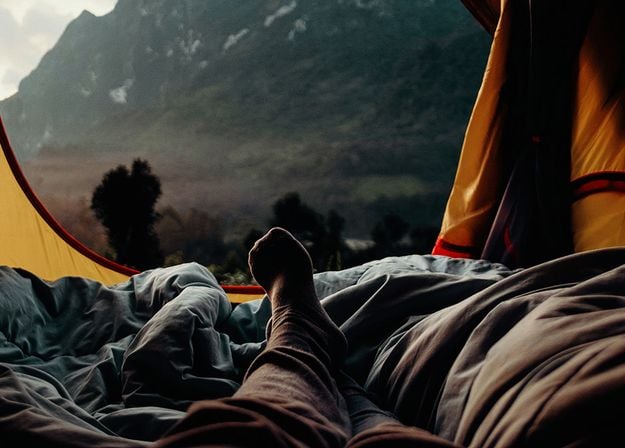


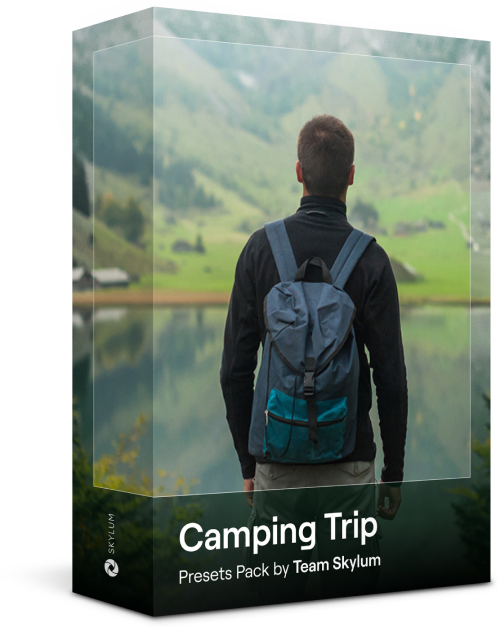
캠핑과 하이킹 사진을 최상의 상태로 만들 수 있도록 설계된 이 10가지 프리셋은 자연스럽고 생동감 넘치는 아웃도어 사진을 찍을 수 있도록 도와줍니다. 웅장한 산을 촬영하든 아늑한 캠프파이어를 촬영하든, 클릭 한 번으로 최고의 사진을 찍을 수 있습니다.
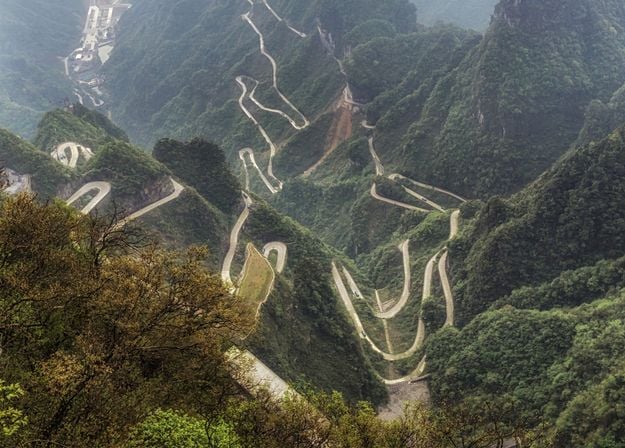
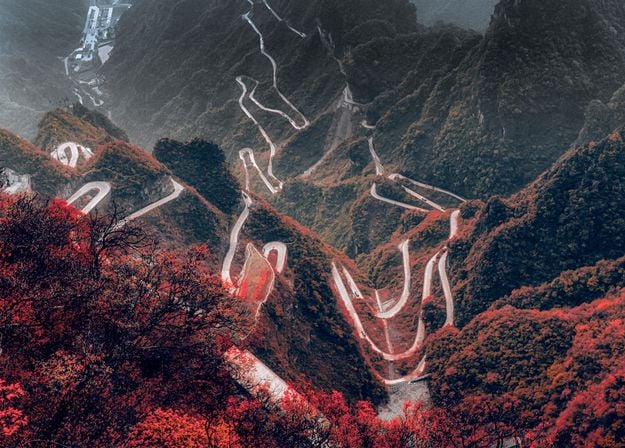
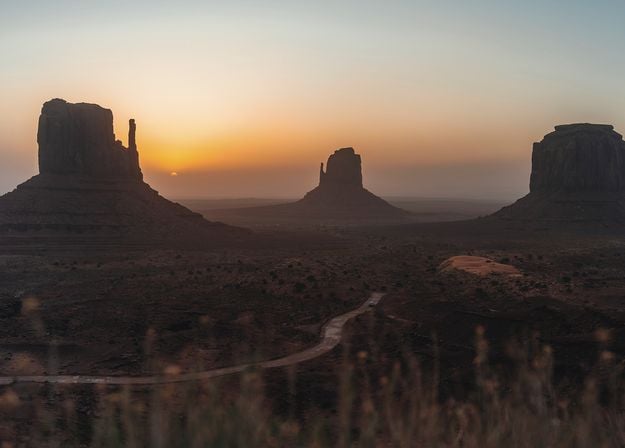
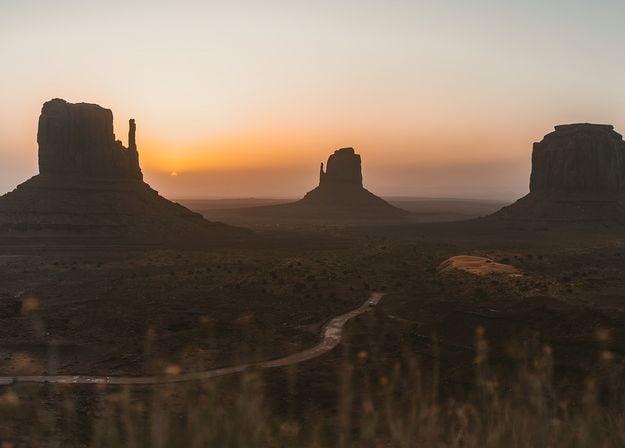
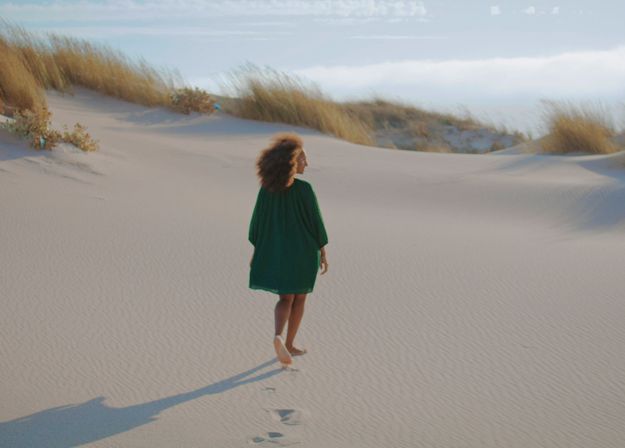
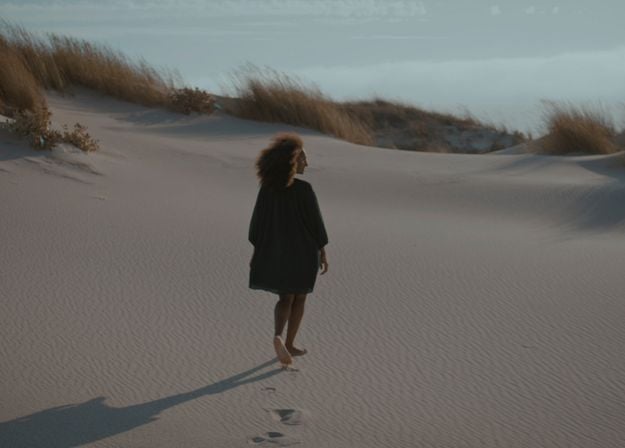
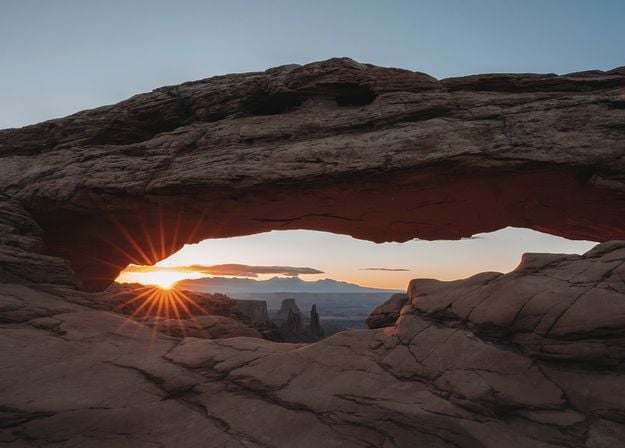
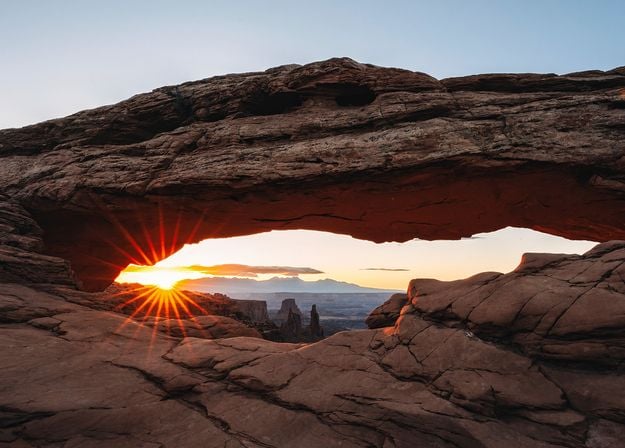
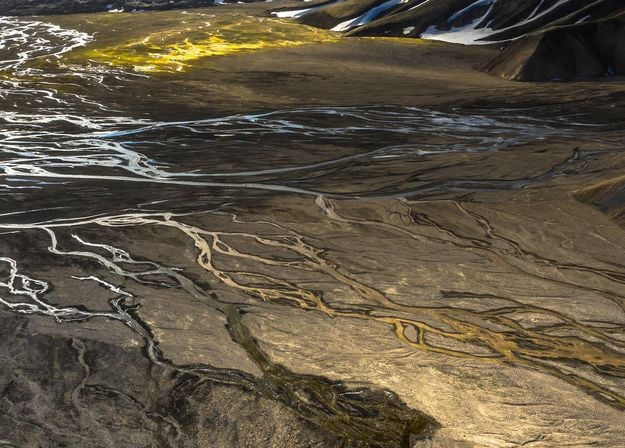
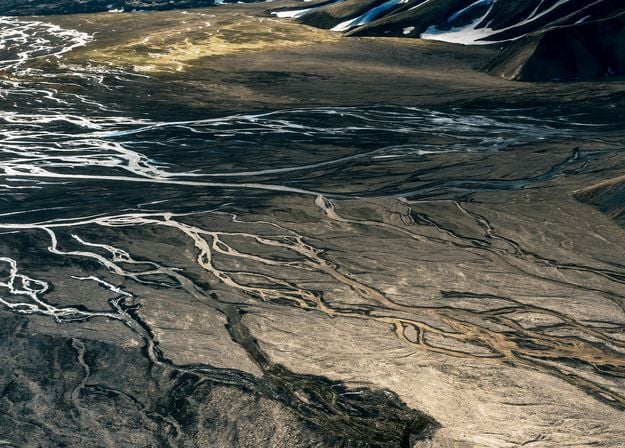


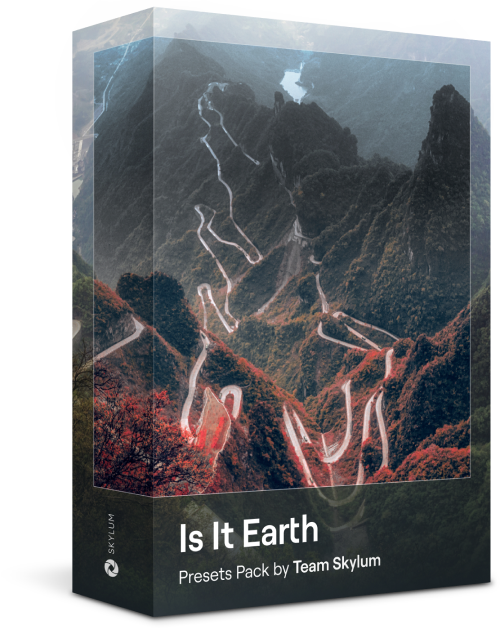
여기가 아직 지구인가요, 아니면 외계 행성인가요? 이 특별한 10가지 프리셋 컬렉션은 풍경 사진에 미묘하고 다른 세상 같은 느낌을 주도록 설계되었습니다. 보는 사람의 시선을 사로잡는 생생한 색상으로 평범한 풍경을 초현실적인 장면으로 바꿔보세요.
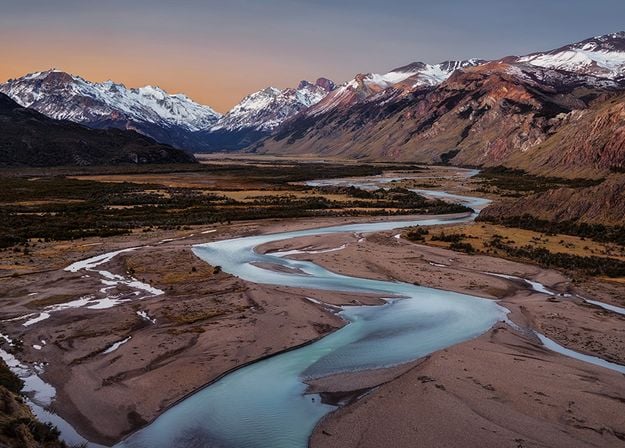
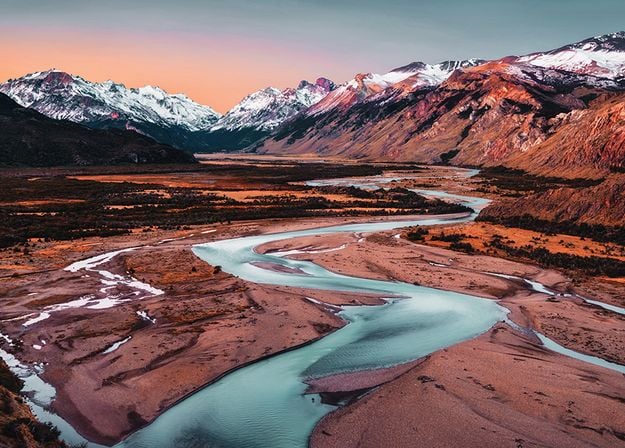
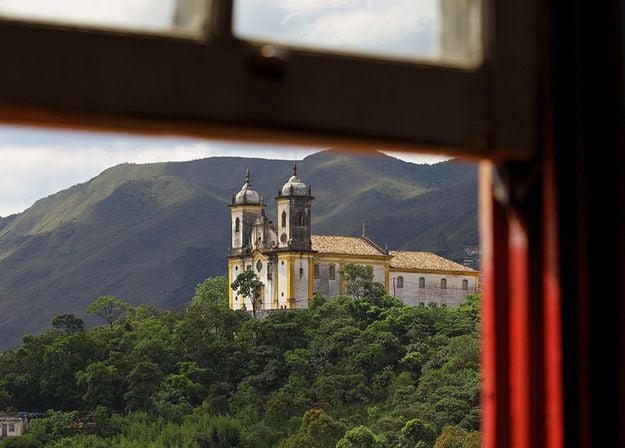
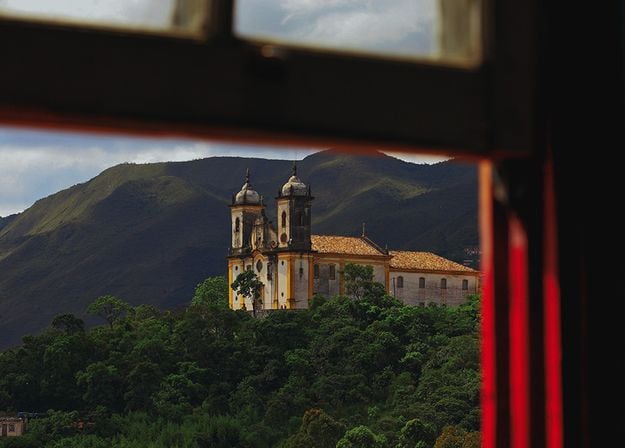



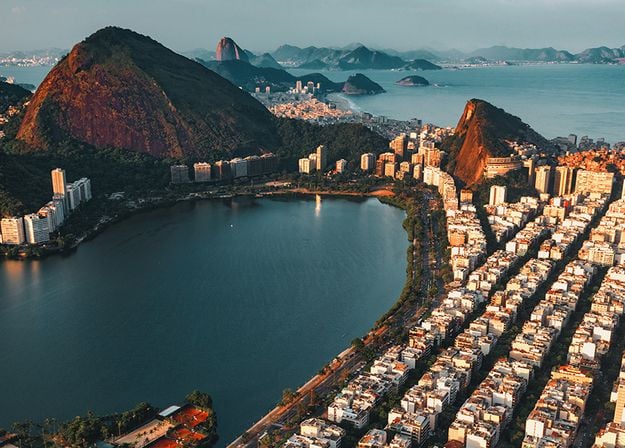




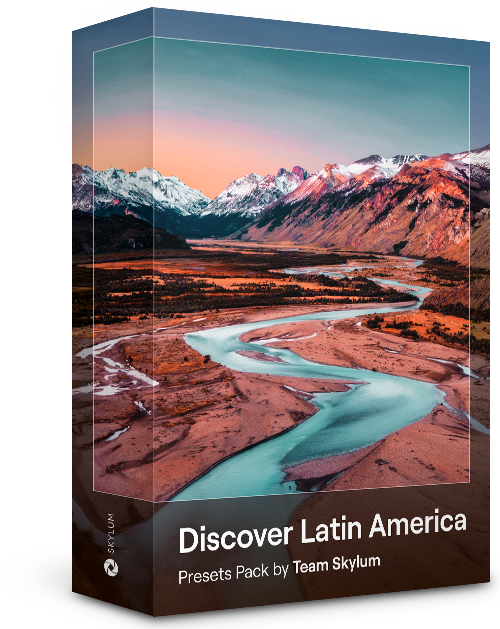
남미의 여러 나라를 둘러보면서 10가지 프리셋이 사진에 영화 같은 느낌을 더해주는 것을 경험해 보세요. 풍경 사진에 적합한 이 여행 친화적인 컬렉션으로 아름다운 풍경을 담아내고 사진에 감각을 더해 보세요.
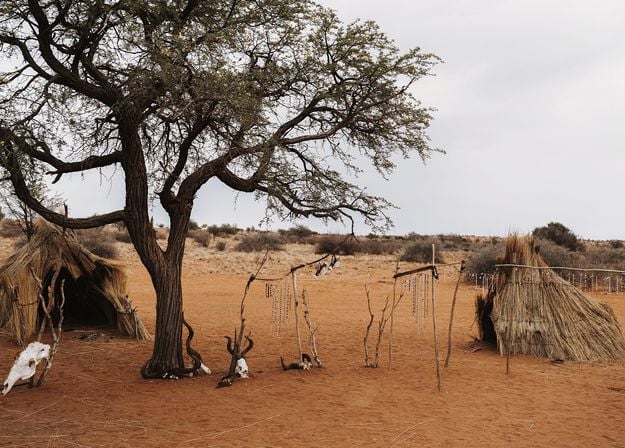
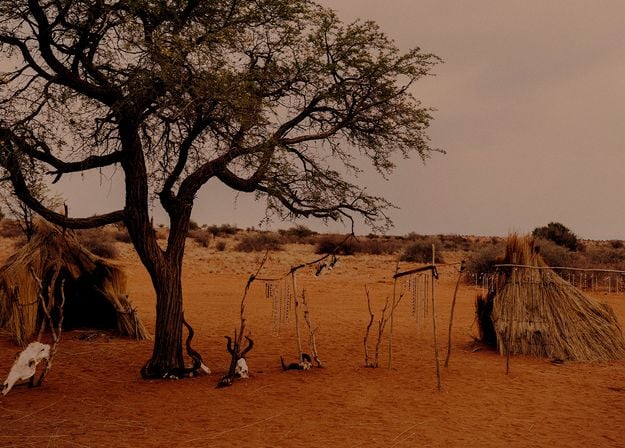

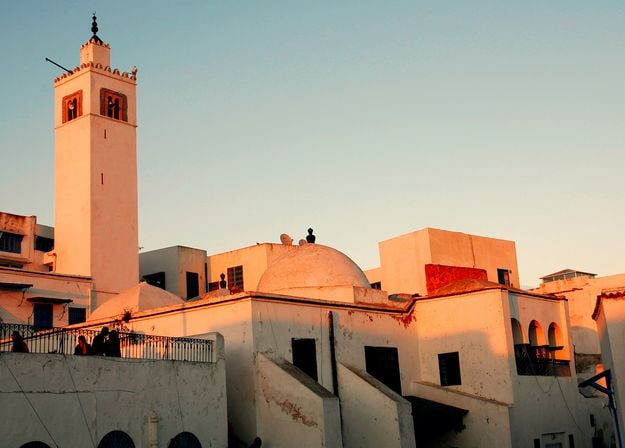


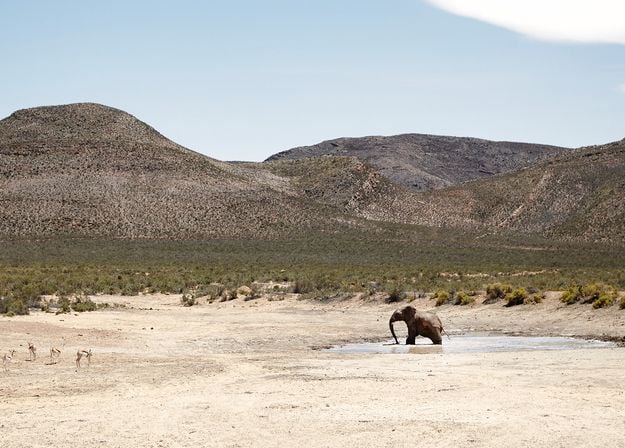
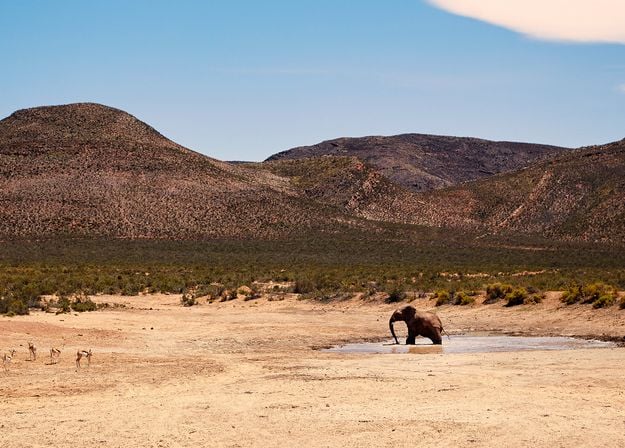
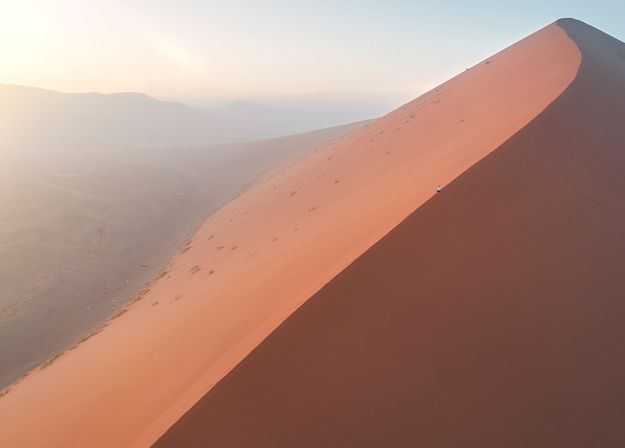
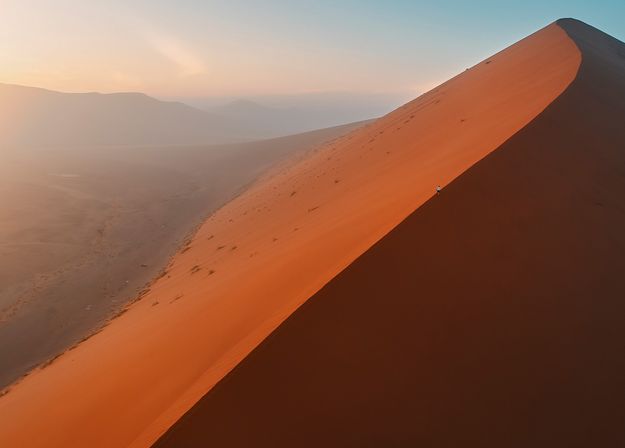


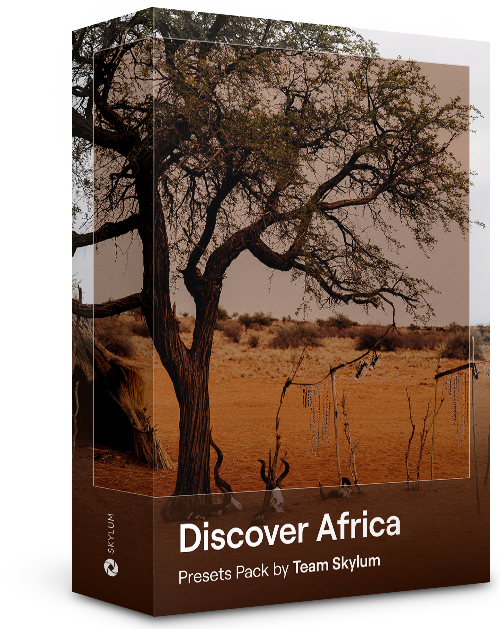
멋진 아프리카 대륙을 주제로 한 이 팩에는 인물과 풍경 사진을 위한 다양한 프리셋이 포함되어 있습니다. 아프리카 여행에서 만나는 랜드마크, 사파리 사진, 건축물 사진, 인물 사진의 품질을 향상시켜 보세요.
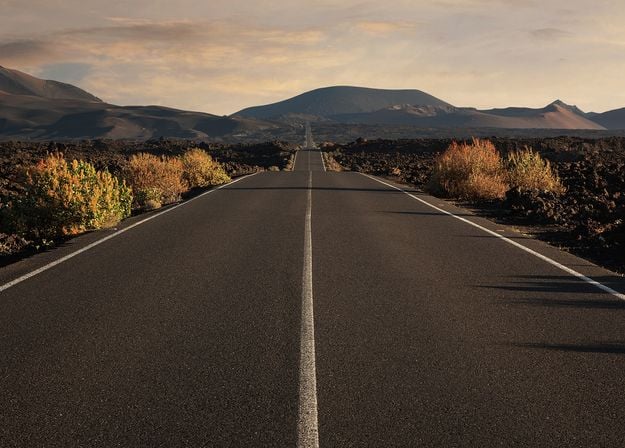
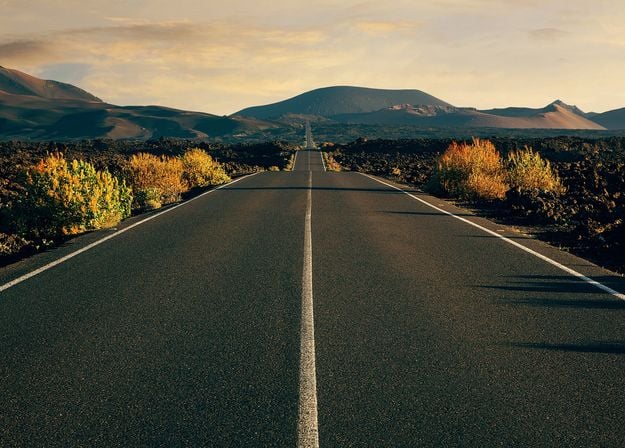


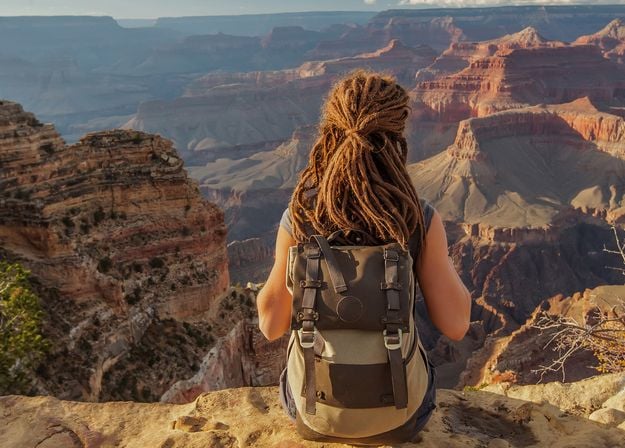
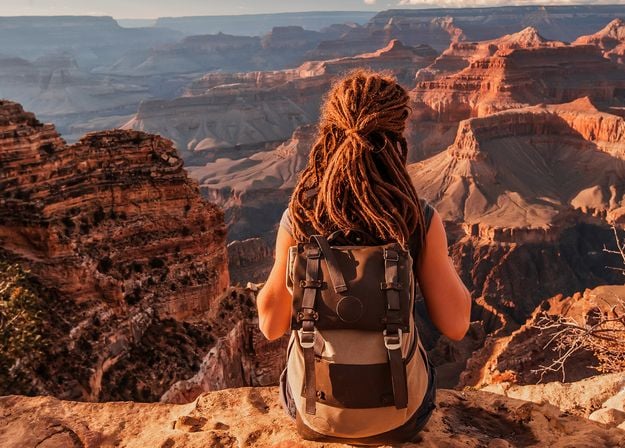
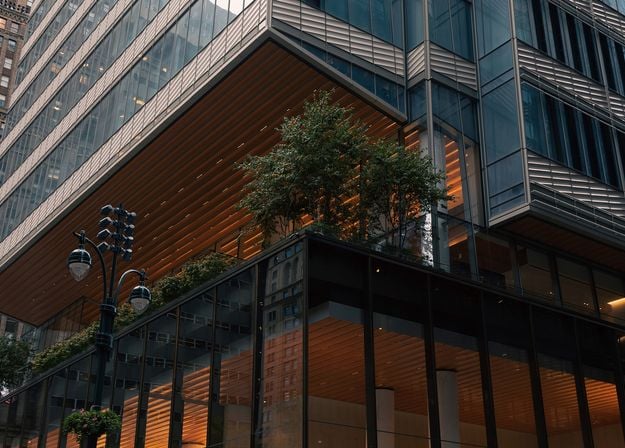
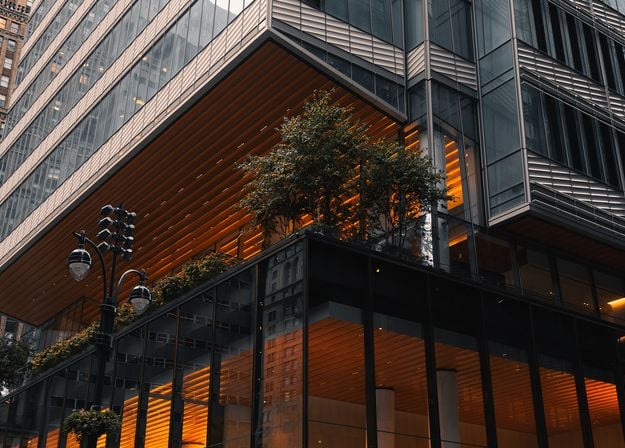
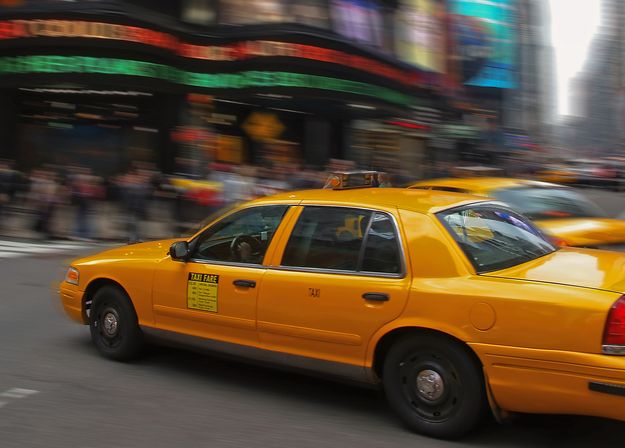
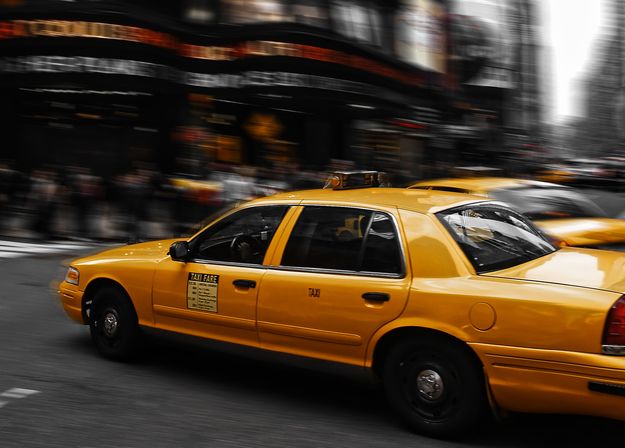


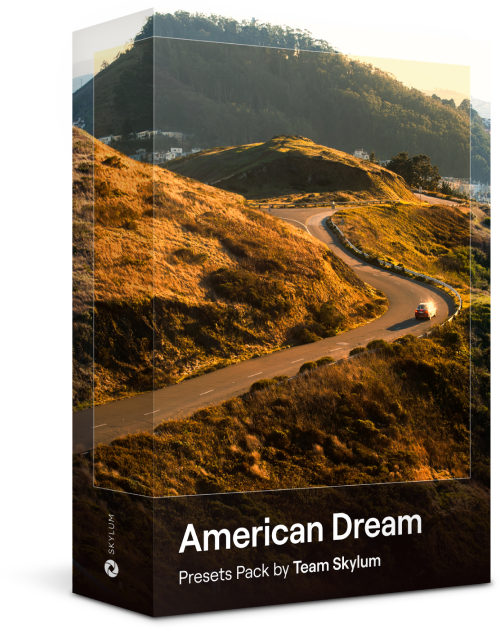
미국 전역을 여행하는 동안 환상적인 사진을 만들어 보세요. 랜드마크, 국립공원, 유명 도시의 일반 도시 풍경 이미지를 향상시켜 보세요. 10가지 멋진 프리셋을 몇 번만 클릭하면 다양하고 멋진 효과를 얻을 수 있습니다.
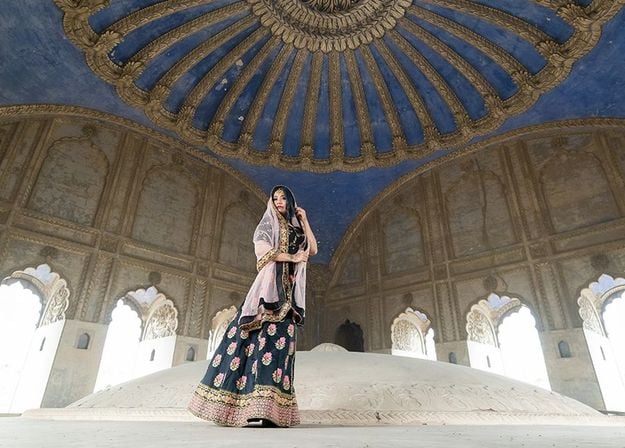
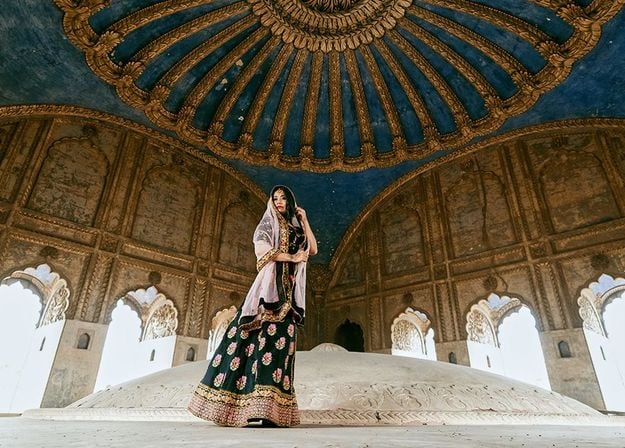
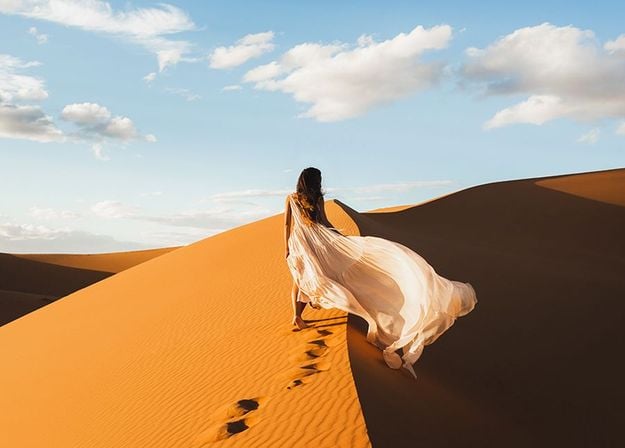
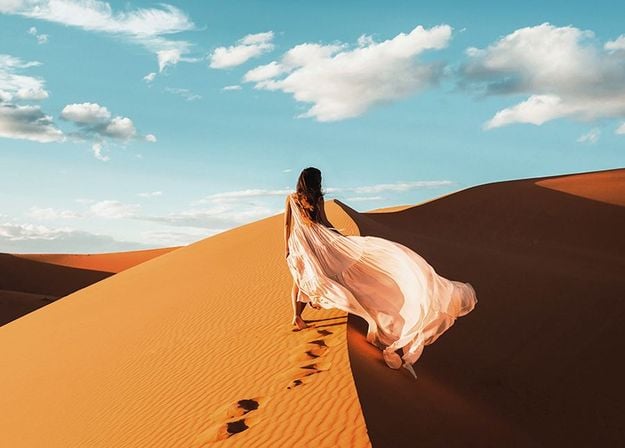
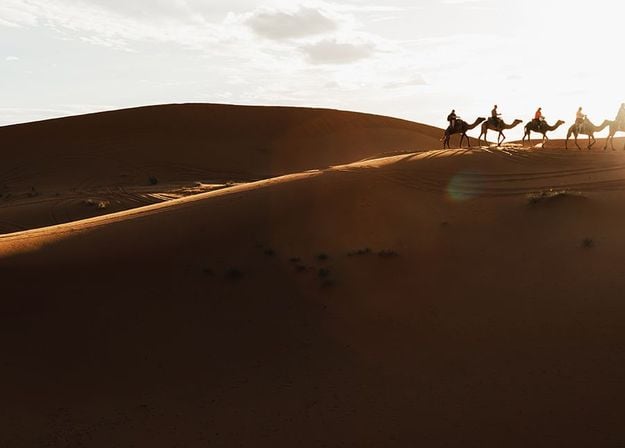
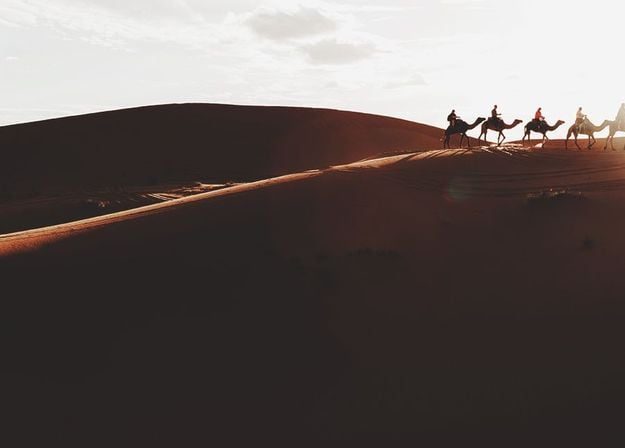
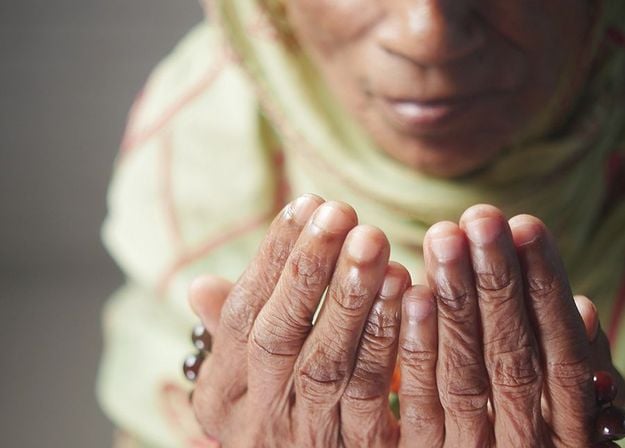
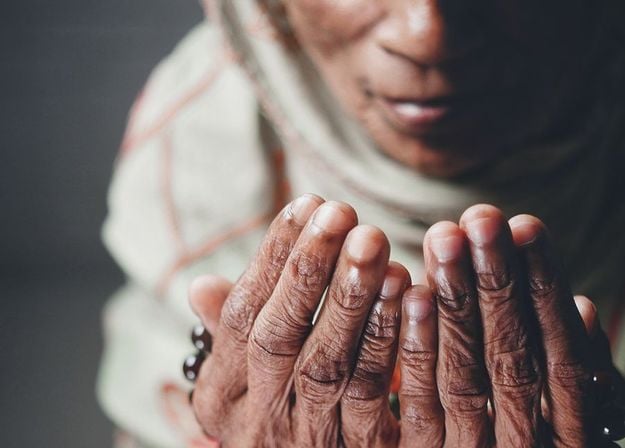


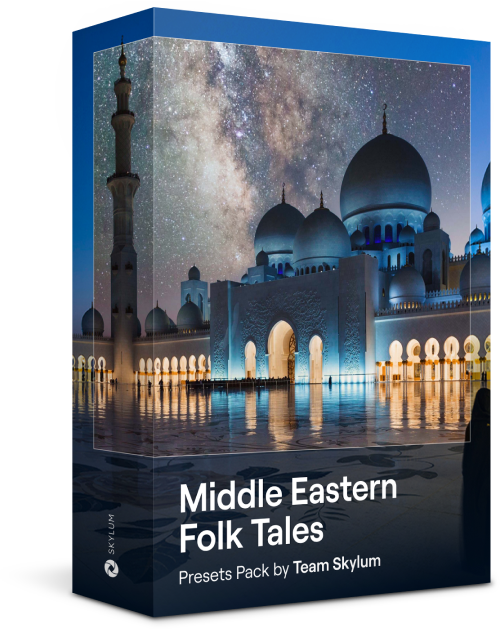
이 매혹적인 10가지 프리셋 컬렉션은 중동의 풍경, 건축물, 거리 스타일, 자연의 신비로운 아름다움을 표현할 수 있도록 디자인되었습니다. 따뜻한 톤, 진한 노란색, 파란색과 황금색 등 사진에 딱 맞는 프리셋을 찾을 수 있습니다.
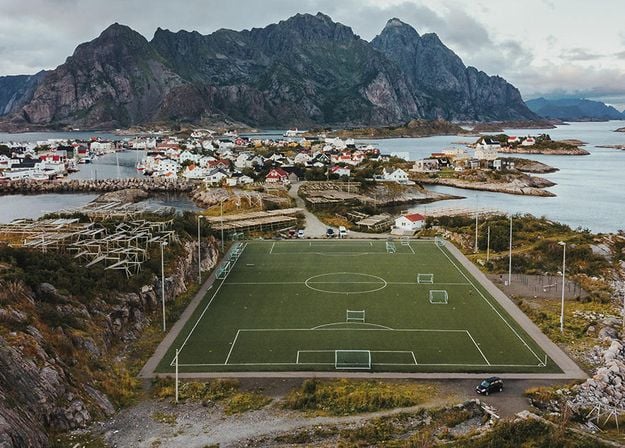
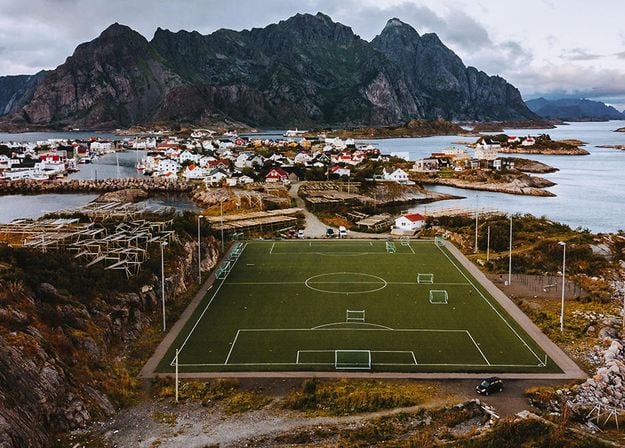
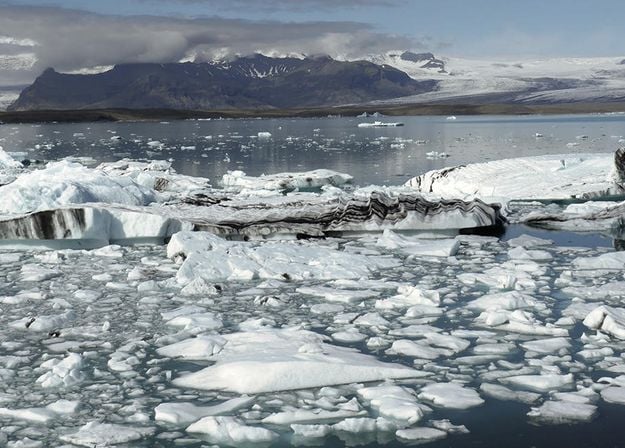
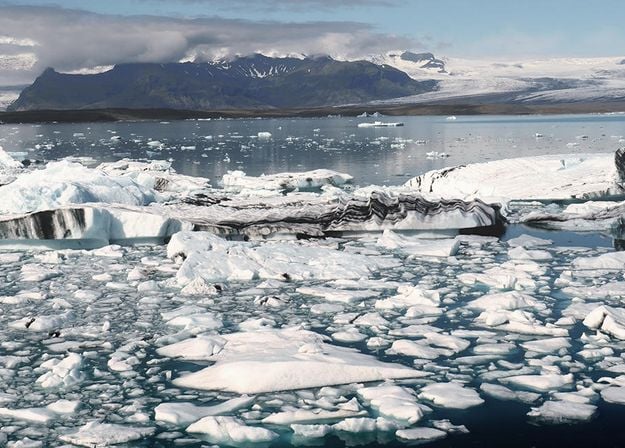
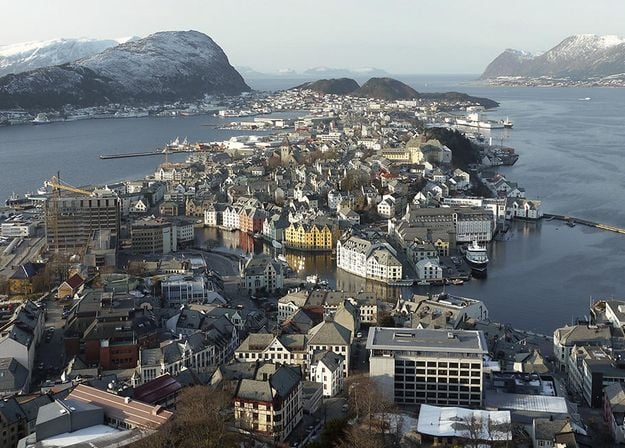
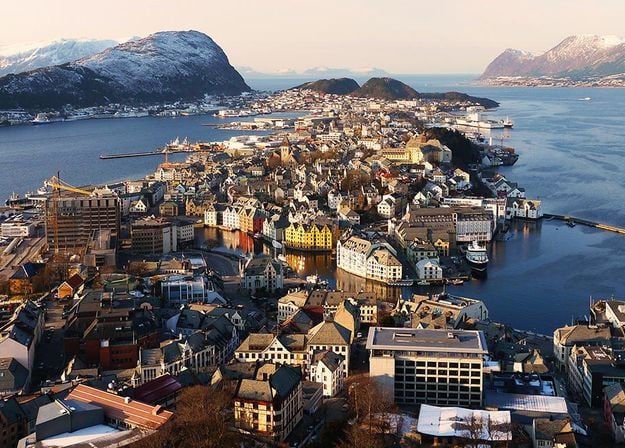
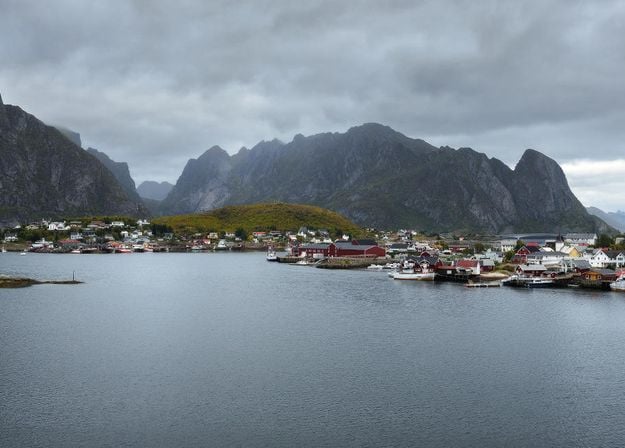
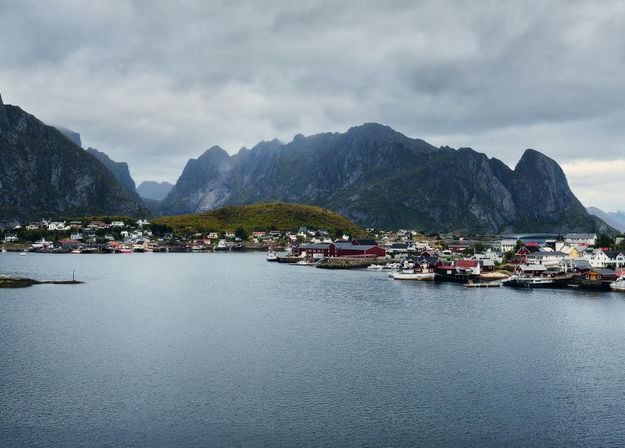
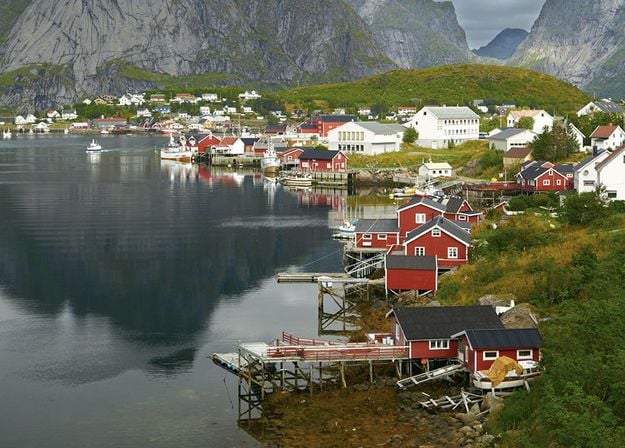
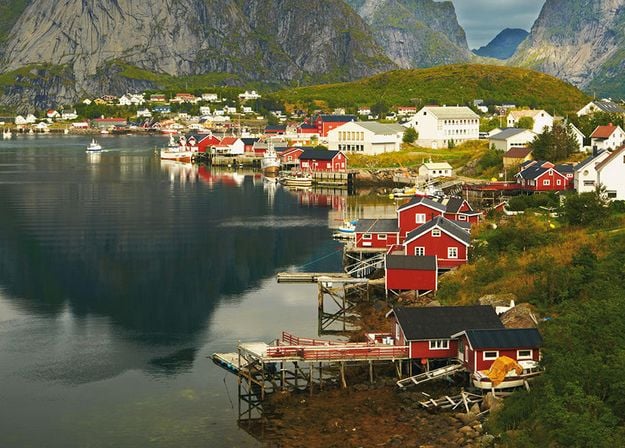


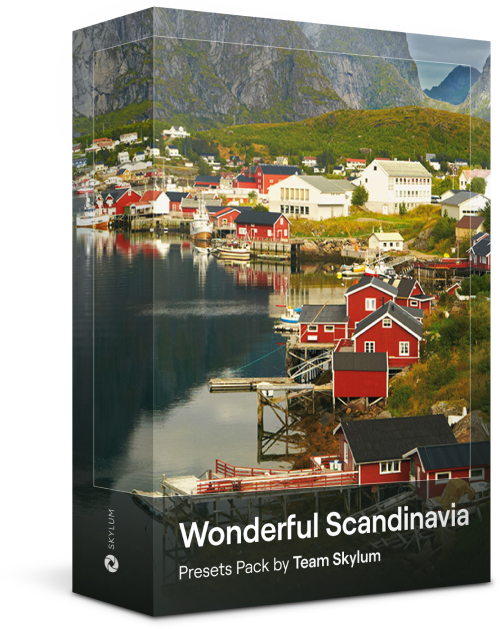
북유럽 여행 사진에 딱 맞는 10가지 다용도 프리셋 컬렉션을 만나보세요. 전원 풍경, 자연의 경이로움, 스칸디나비아 분위기가 물씬 풍기는 아늑한 건축물을 촬영해 보세요. 여행 가방을 준비할 시간입니다!
Luminar Video Course
Creative Photo Editing Techniques in Luminar
강좌 소개 및 개요
알버트 드로스가 자신을 소개하고 이 사진에서 배울 내용에 대한 간략한 개요와 함께...
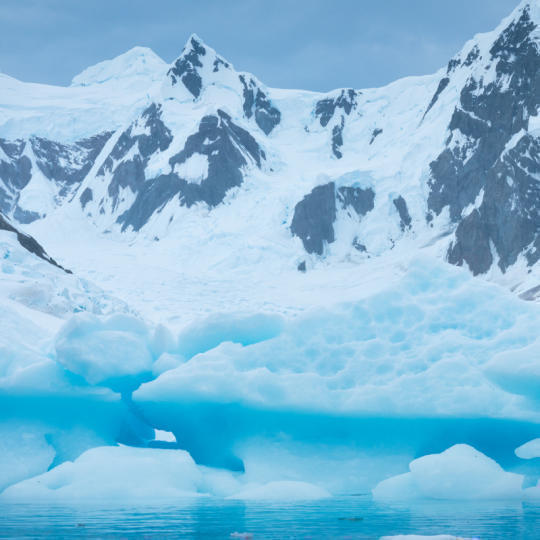
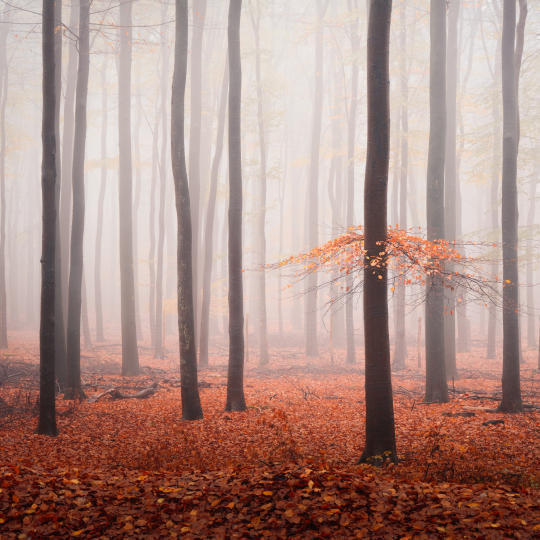
사진 입문
최고의 사진을 얻기 위해서는 사진을 찍을 때 어떤 것에 초점을 맞춰야 할까요?
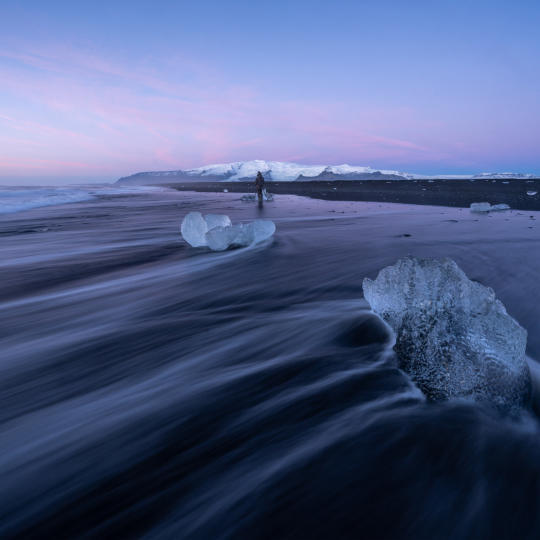
기초 편집
Albert introduces the layout of Luminar and the basic instruments you can use to achieve great results instantly.
고급 편집
Going in depth, Albert shows you the more advanced tools in Luminar and how to use them to make your photos stand out.
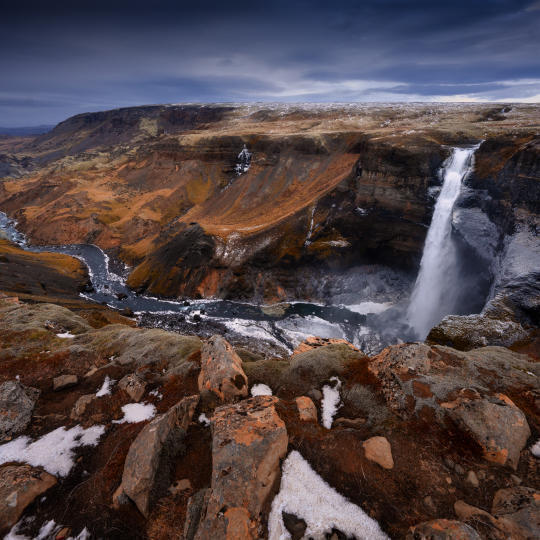
드라마틱한 편집
여러분의 사진을 창의적으로 편집해 보세요! 알버트는 보다 창의적인 도구로 사진을 편집하여 극적인 면을 부각시키고 사진에 새로운 생명을 불어넣습니다.
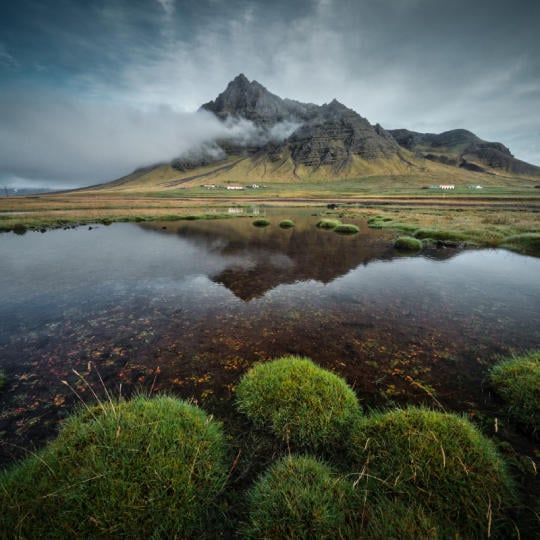
포커스 스태킹
Luminar has Extensions that let you get even more impressive results. In this video, you will learn how to do focus stacking with Luminar’s Focus Stacking Extension.
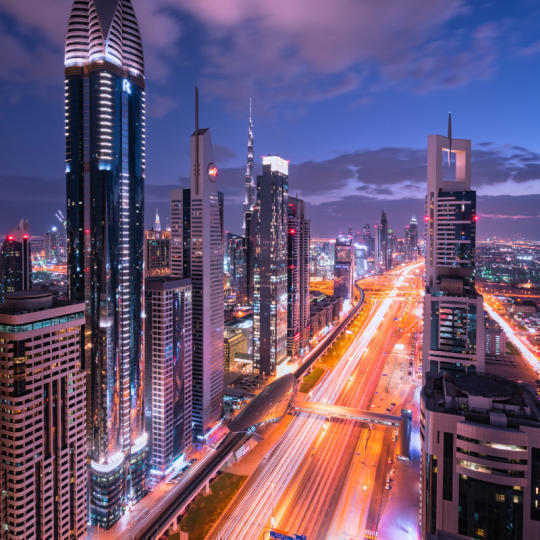
도시 풍경
도시 풍경 사진의 성패를 가르는 요소는 무엇일까요? 두바이의 평범한 사진을 인상적인 사진으로 바꾸는 방법을 살펴보세요.
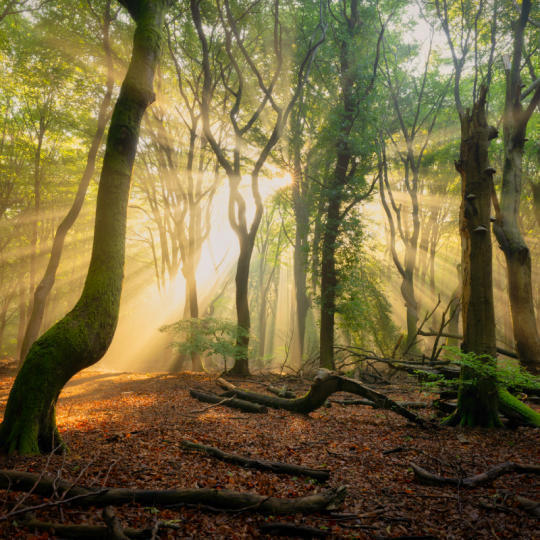
숲
Find out what Luminar tools Albert uses to make his impressive signature forest photos. Look out for Atmosphere AI, Sunrays, and other tools!

프리셋
프리셋을 사용하여 사진에서 흥미로운 색상 솔루션을 빠르게 얻는 방법을 알아보세요. 알버트가 프리셋을 사용하여 더욱 아름다운 숲 사진을 찍는 방법을 알려드립니다.

강좌 요약
이 강좌에서 배운 모든 내용을 간단히 요약해 보세요. 즐거운 시간 되세요!
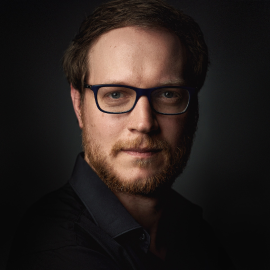
Albert Dros
사진작가, 작가, 교육자
알버트 드로스는 독특한 사진을 기획하고 제작하는 데 남다른 열정을 가진 네덜란드의 풍경 사진작가입니다. 화산, 일식, 자연의 독특한 측면이 그의 관심을 끌고 있습니다. 그는 단순한 사진을 찍는 데 그치지 않습니다.
"Go big or go home" is his motto, always trying to add some unique element to his shots.
그의 작품은 전 세계적으로 인정받아 전 세계 주요 언론 매체에 소개되었습니다.
알버트는 사진 교육자로서뿐만 아니라 개인 프로젝트를 위해 여행을 많이 다닙니다. 네덜란드에서도 그는 사진 촬영을 멈출 수 없습니다. 그의 영감은 멈추지 않습니다.
독립형 앱으로 사용 가능:

macOS

Windows
다음 소프트웨어의 플러그인으로 사용 가능:

Adobe Photoshop®

Adobe Lightroom®

Apple Photos®
독립형 앱으로 사용 가능:

Android

iOS

ChromeOS

100만 명이 넘는
사진가와 기관이 신뢰합니다

수상 경력의 소프트웨어
직관적인 AI 기반 컨트롤
Smart Compositions 도구에 포함된 Crop AI는 사진을 분석해 피사체, 시각적 초점, 얼굴, 시선 방향, 수평선을 파악합니다. 그런 다음 클래식한 구도 원칙에 따라 여러 크롭 옵션을 제안하여 사진 속 이야기가 돋보이는 프레임을 찾도록 도와줘요. 사진 크롭 도구는 온라인과 데스크톱에서 모두 사용할 수 있어요.
수동 크롭은 눈과 판단력에 의존해 알맞은 프레임을 찾아야 합니다. 자동 크롭 도구는 장면을 분석해 여러 구도를 제안하므로 더 다양한 가능성을 살펴볼 수 있어요. 결과를 비교하고 새로운 시각을 발견하며, 사진에 가장 잘 어울리는 크롭을 선택해 보세요.
Luminar on Web을 이용하면 데스크톱 소프트웨어를 설치하지 않고 브라우저에서 바로 사진을 편집할 수 있어요. 사용 가능한 기능은 이용 플랜에 따라 달라집니다. 현재 이용 옵션과 기능 제공 여부는 Luminar on Web에서 확인해 주세요. 체험판을 시작해 무료 온라인 이미지 크롭 도구가 나에게 맞는지 직접 사용해 볼 수도 있어요.
아니요. Luminar on Web에서는 별도의 애플리케이션을 설치하지 않고 브라우저에서 사진을 편집하며 자동 구도 크롭 제안을 받을 수 있어요. 컴퓨터에서 작업하는 것을 선호한다면 Luminar on Desktop에서도 Smart Compositions를 사용할 수 있습니다.
Luminar on Web에서는 브라우저에서 바로 사진을 편집할 수 있고 온라인 이미지 크롭도 가능해서, 소프트웨어 설치 없이 여러 기기에서 편하게 작업할 수 있어요. Luminar on Desktop은 컴퓨터에서 사용하는 전용 사진 편집 환경을 제공합니다. 두 버전 모두 Smart Compositions를 사용할 수 있어, 크롭 제안을 살펴보고 이미지에 맞는 구도를 찾을 수 있어요.
Luminar에는 편집을 더 빠르고 쉽게 할 수 있도록 도와주는 다양한 기능이 있습니다
