

Automatische upgrades
vernieuwing over 1 jaar voor $ 33 .00


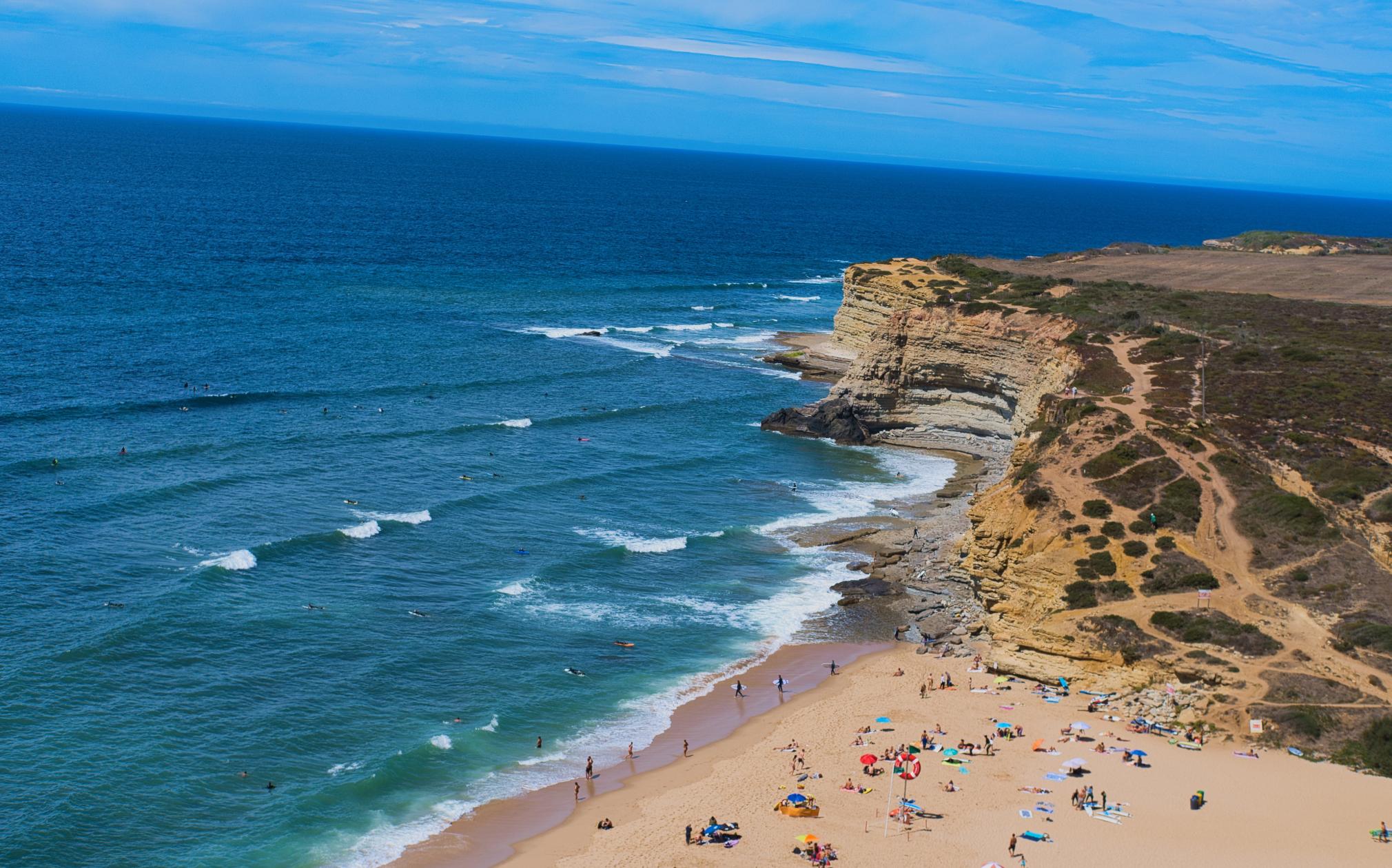
Twijfel je hoe je je foto het best kadreert? Ontdek meerdere AI-suggesties voor automatisch bijsnijden en vind composities die je misschien hebt gemist.
Crop AI analyseert je onderwerp, gezichten, kijkrichting en horizon en stelt uitsneden voor die de belangrijkste elementen centraal zetten.
Vergelijk verschillende kadreringen geïnspireerd op klassieke compositieprincipes. Probeer een nieuw perspectief, vind een sterkere visuele balans en kies de compositie die jouw verhaal het best vertelt.
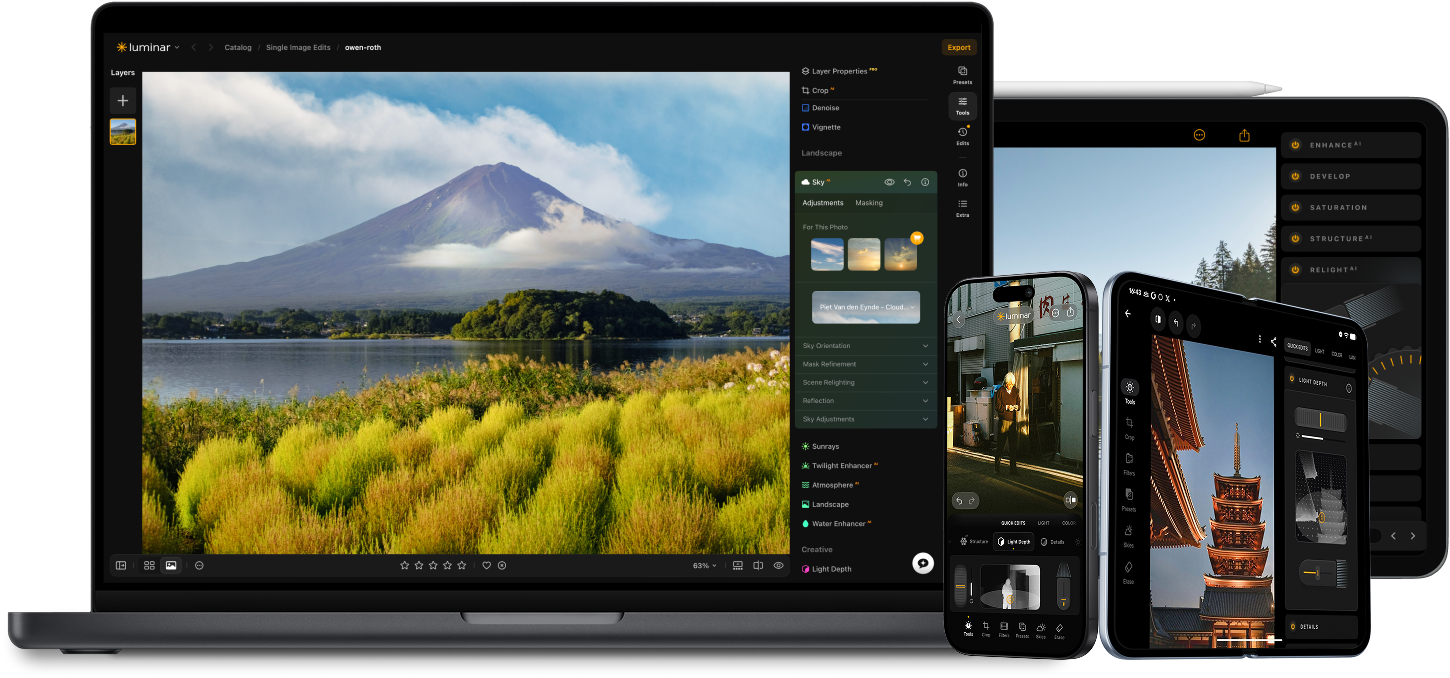
Til je bewerking naar een hoger niveau met de AI-aangedreven fotobewerkingstools van Luminar.

Voeg realistische mist toe NIEUW

Verbeter in seconden NIEUW

Corrigeer de compositie NIEUW

Printen NIEUW

Verfijn elke pixel

Maak de huid natuurlijk glad

Breng oude foto’s tot leven

Verscherp elk detail

Verminder ruis met precisie

Verwijder afleidingen

Voeg dimensionale belichting toe

Vervang luchten direct

Bewerk op verschillende apparaten

Deel bewerkingen in webgalerijen
Verbeter in seconden NIEUW

Onthul verborgen details

Verhoog het contrast
Corrigeer de compositie NIEUW
Verfijn elke pixel

Verbeter de kleuren

Vorm licht en schaduw
Vervang luchten direct

Creëer het gouden uur opnieuw
Voeg realistische mist toe NIEUW
Verwijder nevel

Verhelder met lichtstralen

Verdiep de avondtinten

Perfecte watertexturen
Verwijder afleidingen

Breid je scène uit

Vervang objecten naadloos
Breng oude foto’s tot leven
Verscherp elk detail
Verminder ruis met precisie

Vergroot zonder kwaliteitsverlies
Voeg dimensionale belichting toe

Voeg lichtgevende diepte toe

Kleurgradatie met gemak

Verlicht met neon

Voeg filmische textuur toe

Laag creatieve effecten

Creëer een dromerig
bokeh-effect
Maak de huid natuurlijk glad VERBETERD

Verbeter gezichtskenmerken VERBETERD

Vorm lichaam proportioneel

Vervaag achtergronden prachtig

Voeg studiolicht toe

Vervang achtergronden eenvoudig

Verlicht met stijl

Combineer meerdere belichtingen

Naai brede panorama’s aan elkaar

Stapelfocusopnamen

Je speciale 10% korting verloopt over 15:00
Alle platforms
Eenmalige betaling, apps voor altijd gebruiken
$ 139 .00
$ 477 .00
-71% KORTING30-dagen geld terug garantie
Koop nuproducten:
inbegrepen:
Luminar op desktop, mobiel en web: voor altijd van jou. AI-tools verlengbaar na 365 dagen met Luminar Prime.
*365 dagen toegang tot AI-tools. Onderworpen aan het fair use-beleid.
Meest populair
Max
Eenmalige betaling, apps voor altijd gebruiken
$ 159 .00
$ 546 .00
-71% KORTING30-dagen geld terug garantie
Koop nuproducten:
Luminar Prime:
Luminar op desktop, mobiel en web: voor altijd van jou. Toegang tot nieuwe en generatieve AI-tools, plus de Library of Assets: 365 dagen.
*365 dagen toegang tot AI-tools. Onderworpen aan het fair use-beleid.
Alleen voor desktop
Eenmalige betaling, gebruik de app voor altijd
$ 99 .00
$ 417 .00
-77% KORTING30-dagen geld terug garantie
Koop nuproducten:
inbegrepen:
Luminar: voor altijd van jou. AI-tools verlengbaar na 365 dagen met Luminar Prime
*365 dagen toegang tot AI-tools. Onderworpen aan het fair use-beleid.
One-time exit offer
This code is yours only for this visit — stack it on top of up to 77% OFF Luminar Lifetime. Pay once, edit forever.
Your one-time code · copy & use now
Code expires in 15 m : 00 s
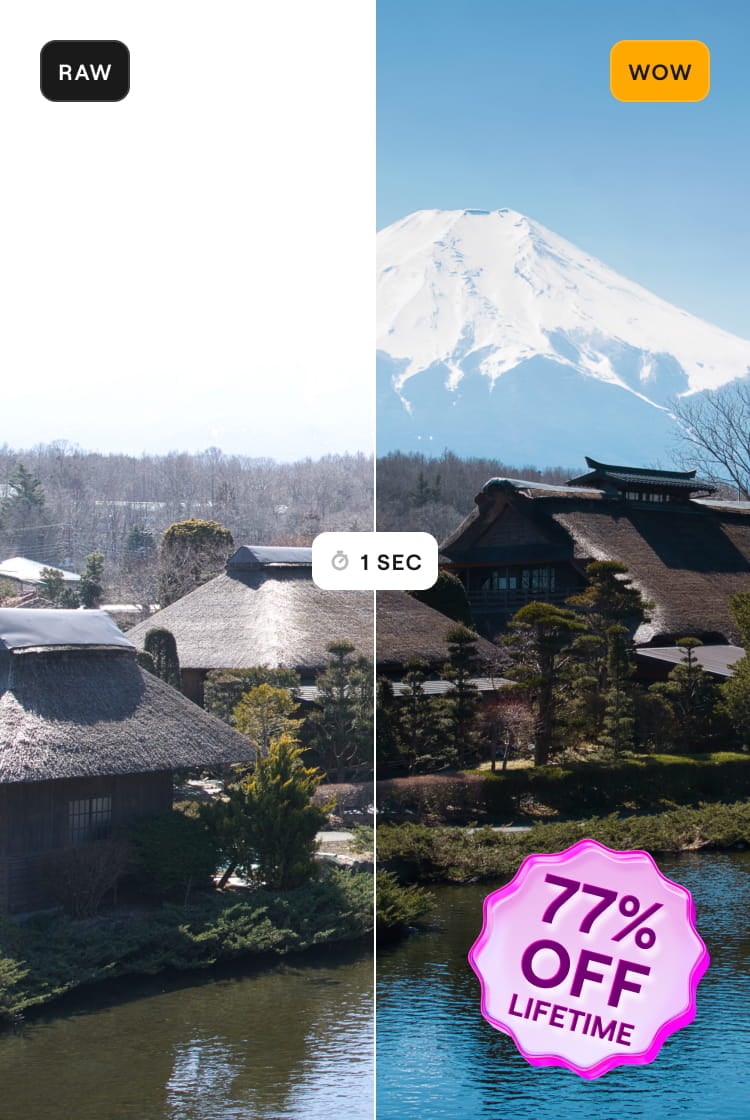
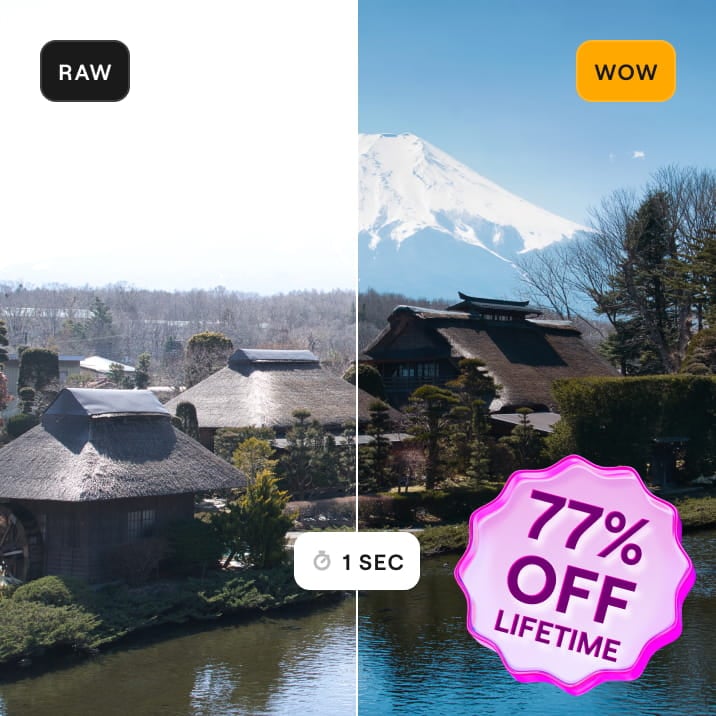

Desktop voor Windows/MacOS en volledige toegang tot alle generatieve tools voor één jaar.
Luminar Videocursus
Desktop voor Windows/MacOS en volledige toegang tot alle generatieve tools voor één jaar.
Mobiele app voor iOS/Android/ChromeOS
Luminar Videocursus
Desktop voor Windows/MacOS en volledige toegang tot alle generatieve tools voor één jaar.
Mobiele app voor iOS/Android/ChromeOS
Luminar Videocursus
100 Creatieve Add-ons
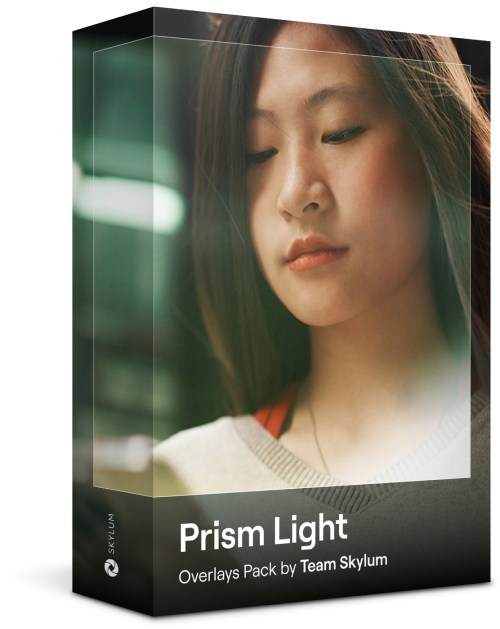

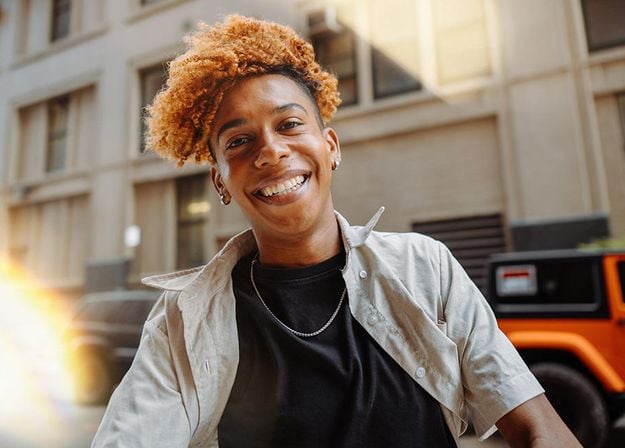


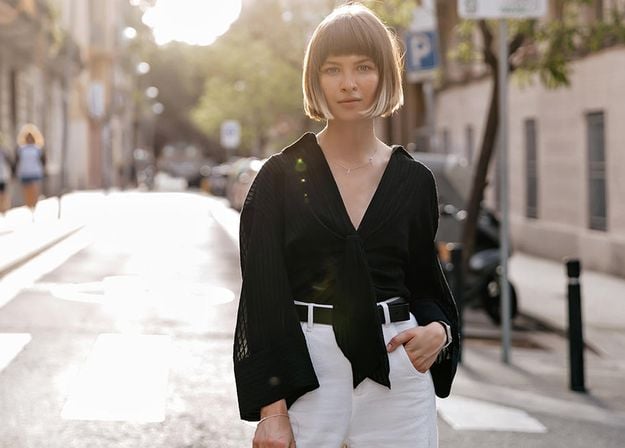
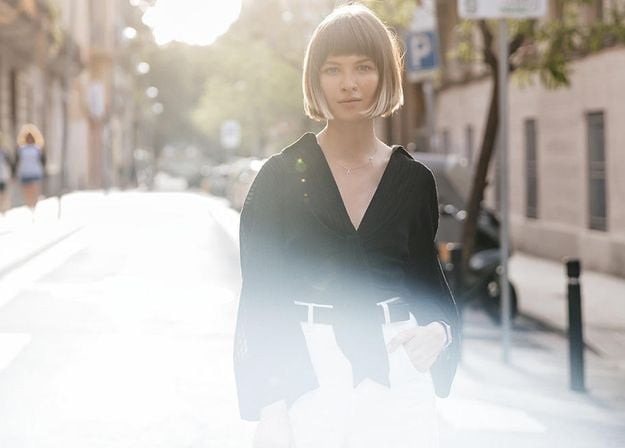
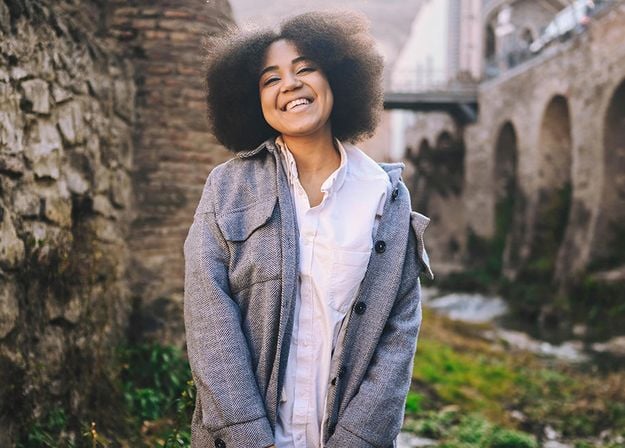
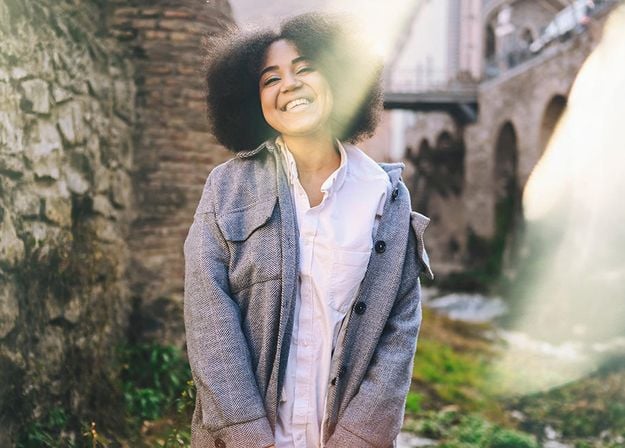




Create atmospheric images with these 10 Overlays in JPEG format that contain shimmering lights and flares in various colors. Make sure to use them with Luminar’s Layers and/or the Portrait Background Removal tool, and experiment with your photos in any genre. You can add an interesting light effect or make the subject stand out in new ways, all in just a few clicks. Time to try it out!
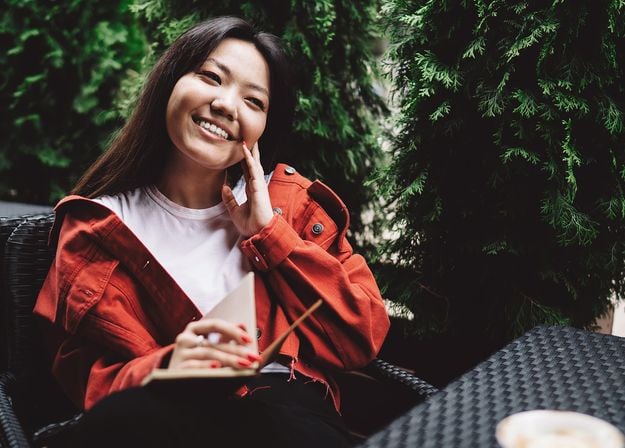
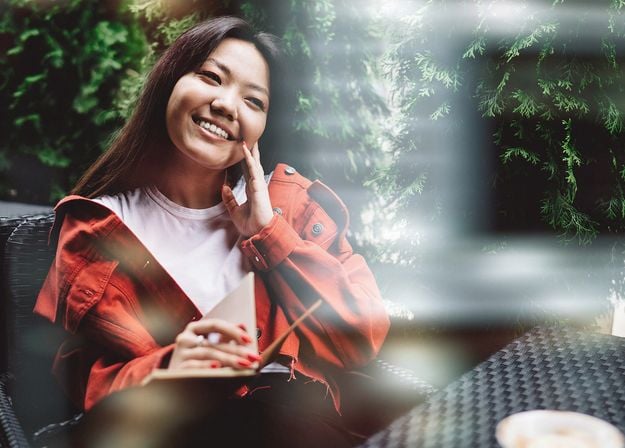
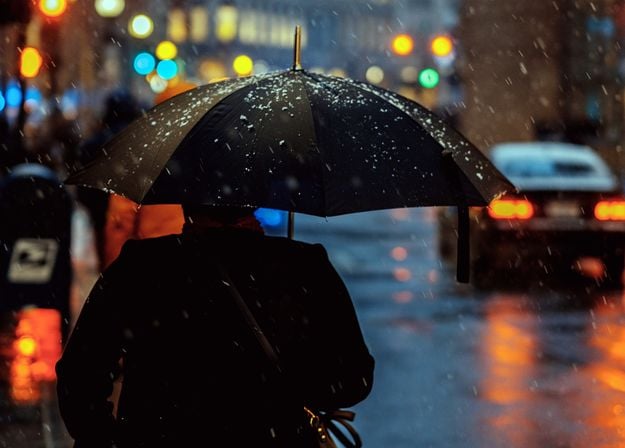
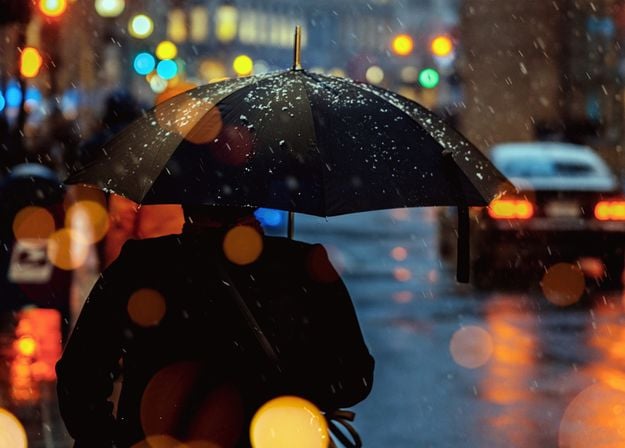
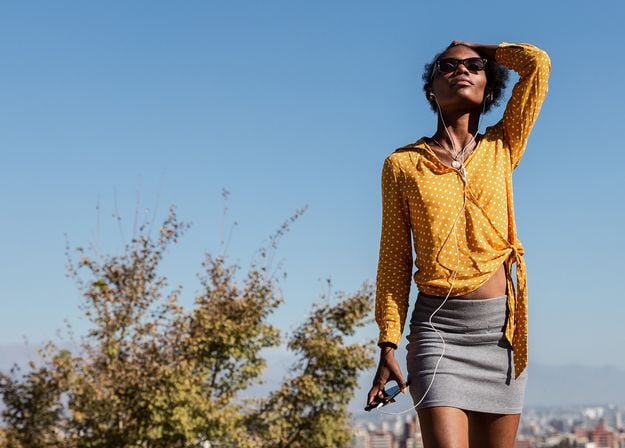
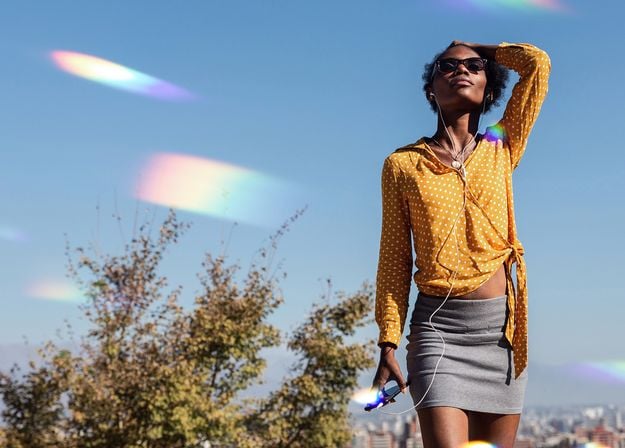
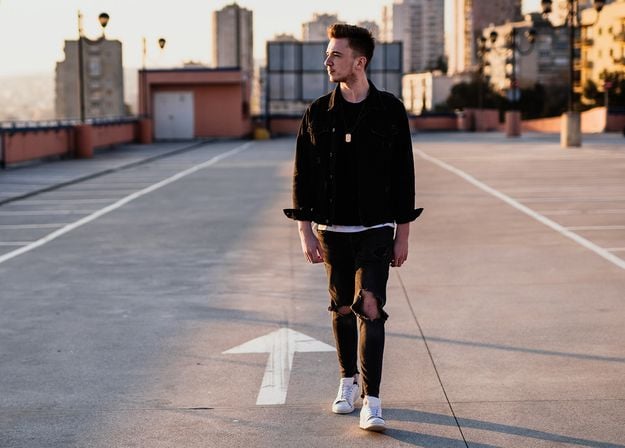
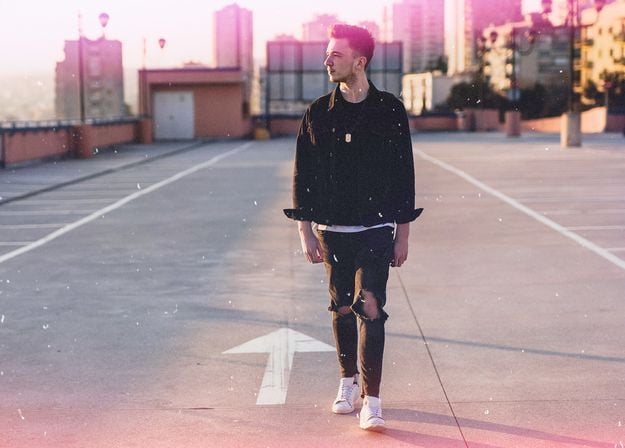
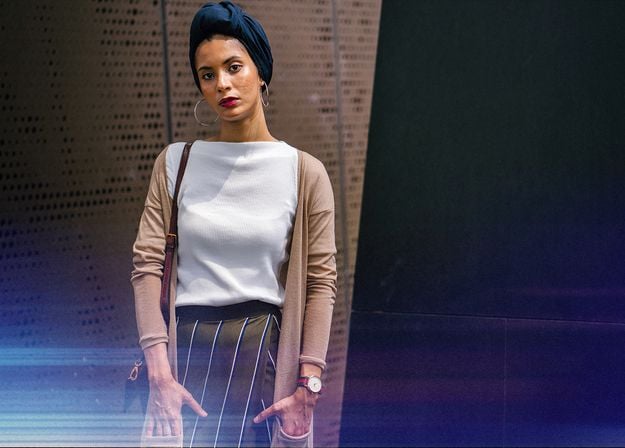


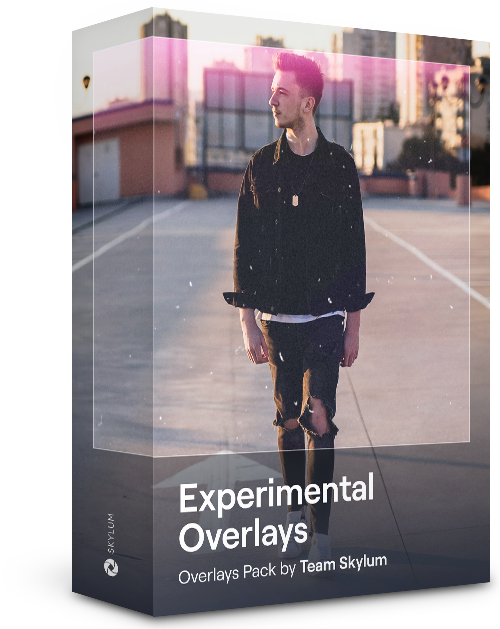
Feel like adding a touch of something extra to your photos? Discover these 10 Experimental Overlays in JPEG format that you can easily use with Luminar’s Layers feature to transform any photo into a shot that catches the eye. Choose from 10 mesmerizing effects of different colors and shapes, and create a unique mood in a few clicks. From pink hues to golden circles, you’ll certainly find an Overlay perfect for your next masterpiece.
_after.jpeg?q=80&w=625&h=448&resize=cover)


_after.jpeg?w=54&h=30&resize=cover)
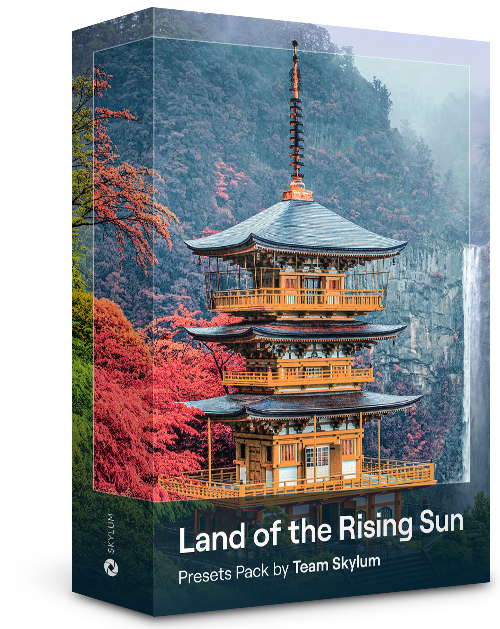
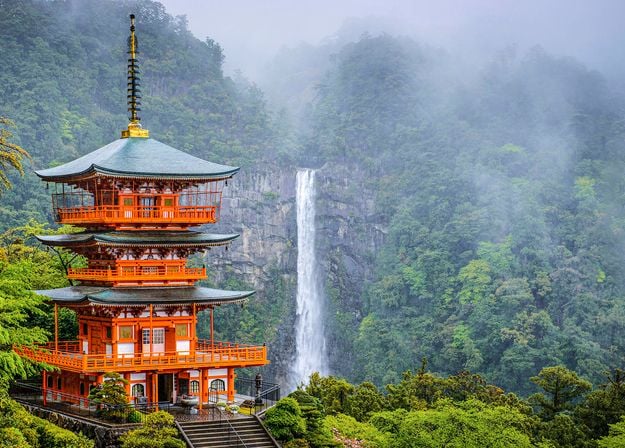
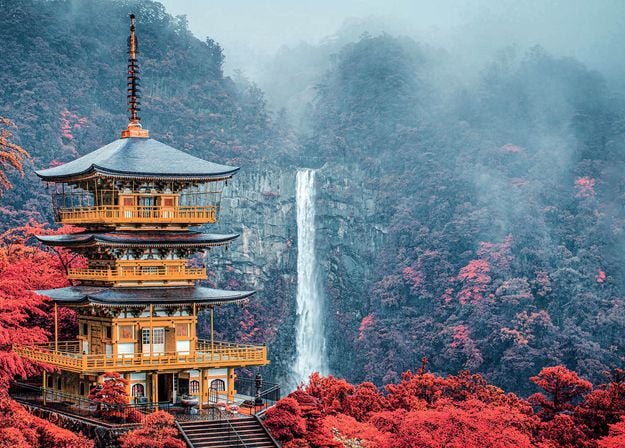
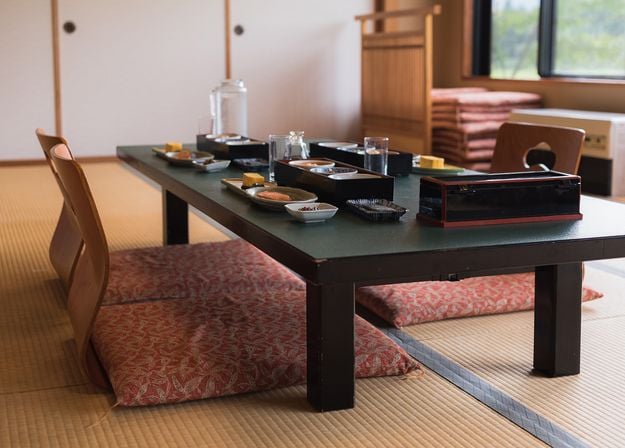
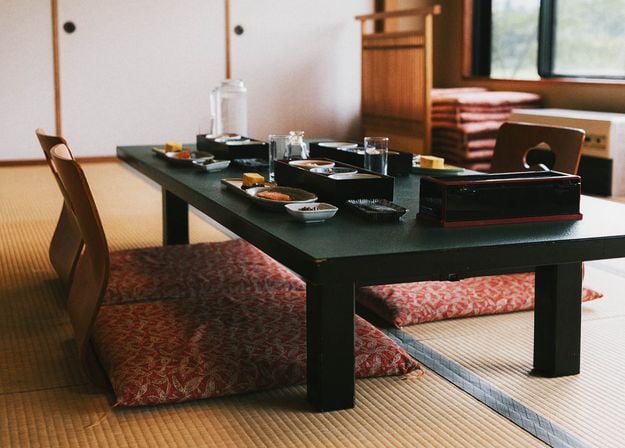
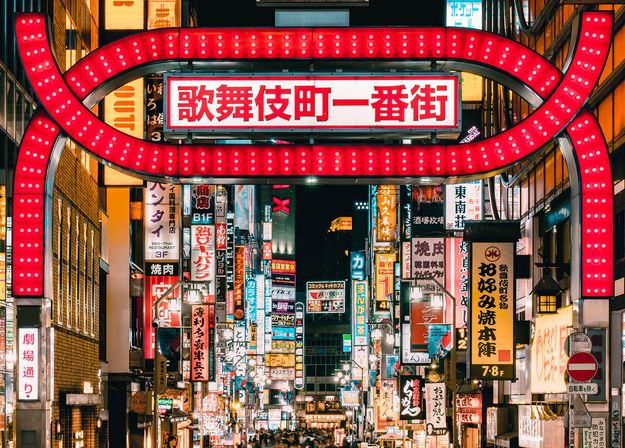
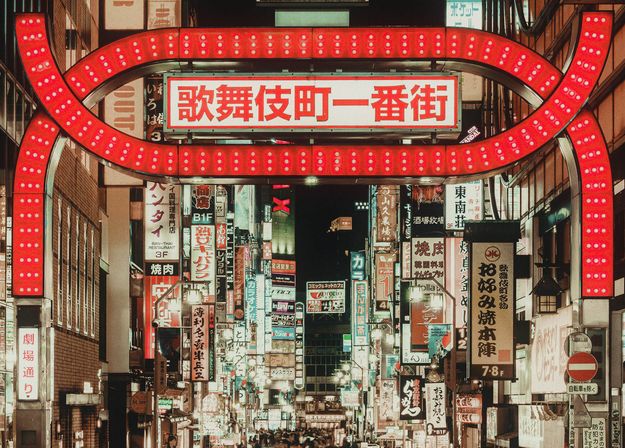
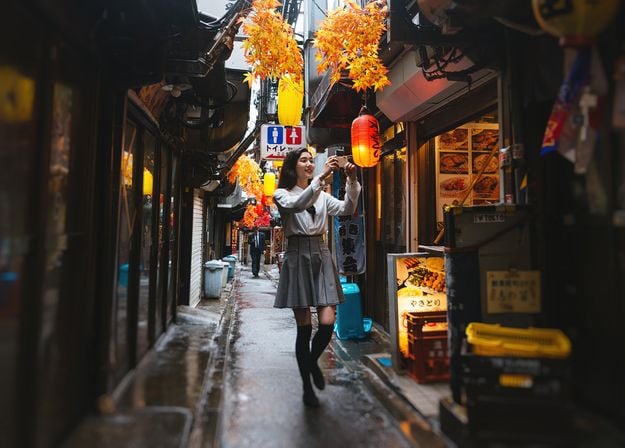
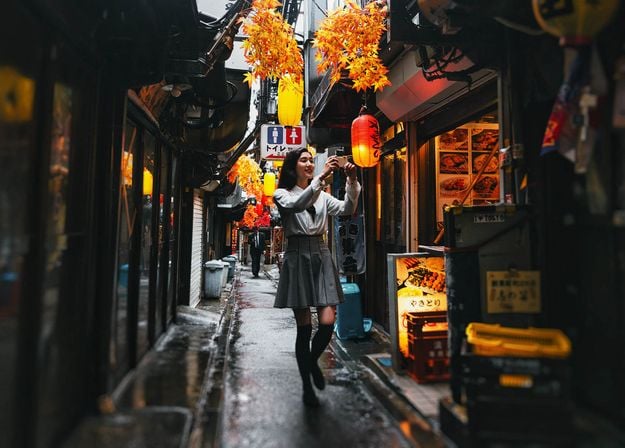
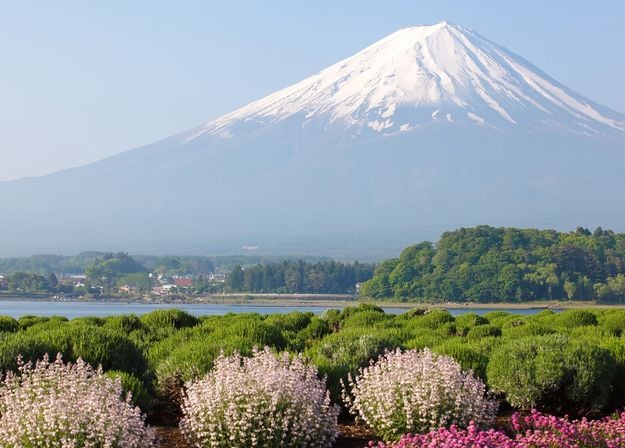
Verbeter foto's die u tijdens een reis naar Japan hebt gemaakt, of foto's waarvan u een sfeervol gevoel wilt hebben dat doet denken aan de Japanse stijl. Van landschappen tot iconische bezienswaardigheden en foto's van eten: dit pakket is ongelooflijk veelzijdig!
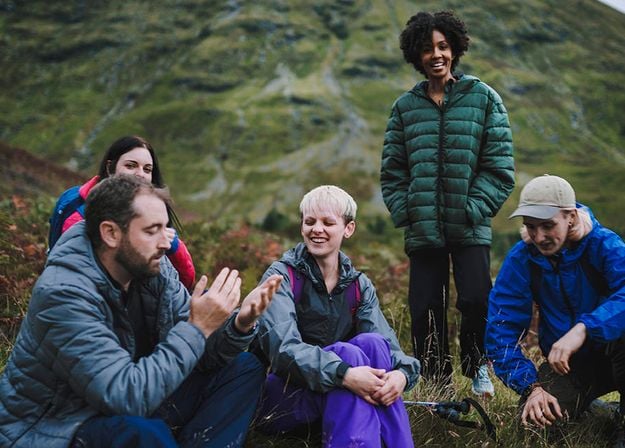
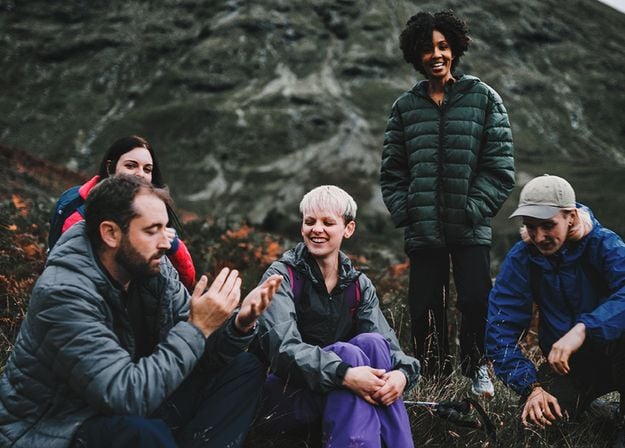
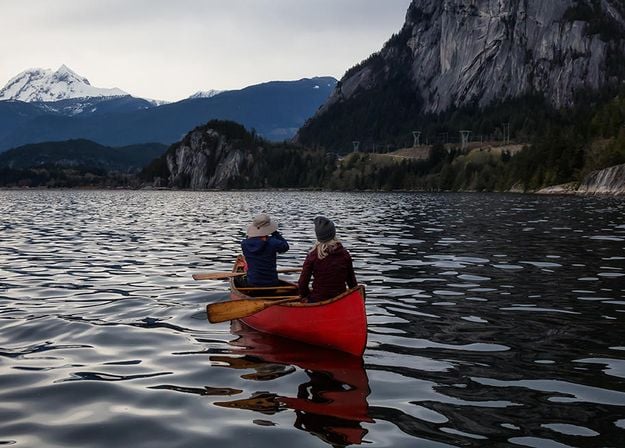
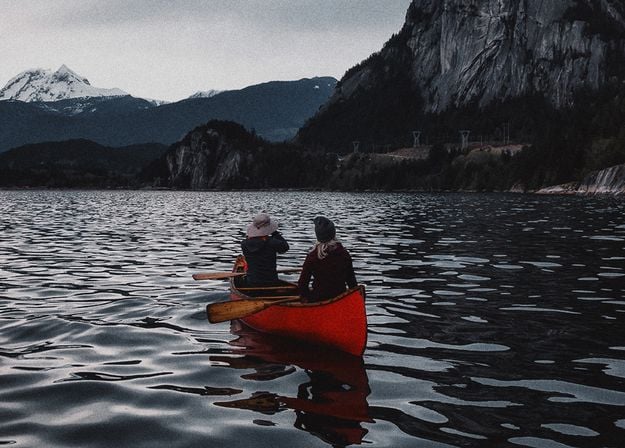
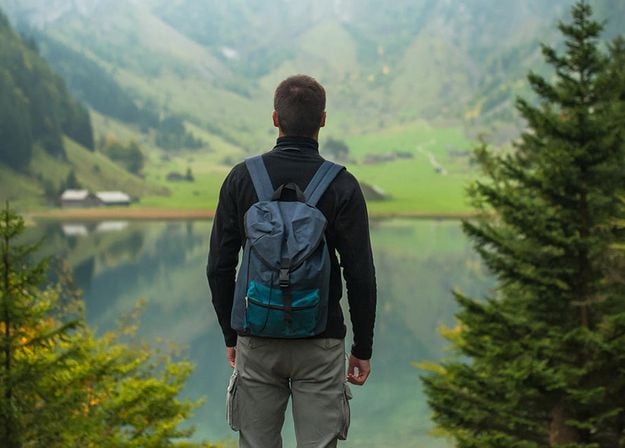
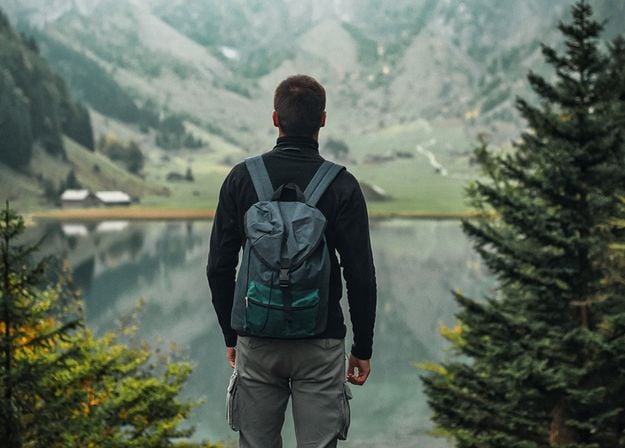
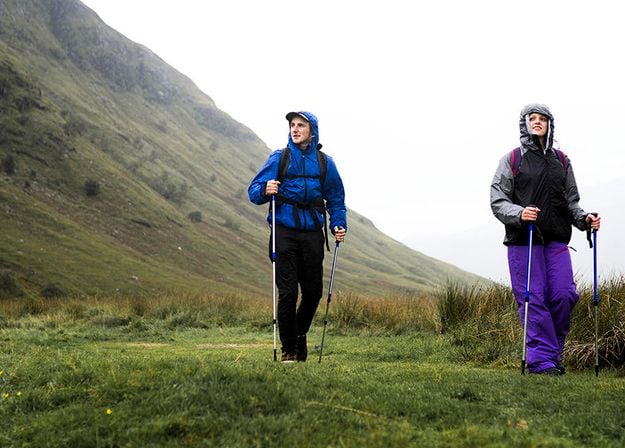
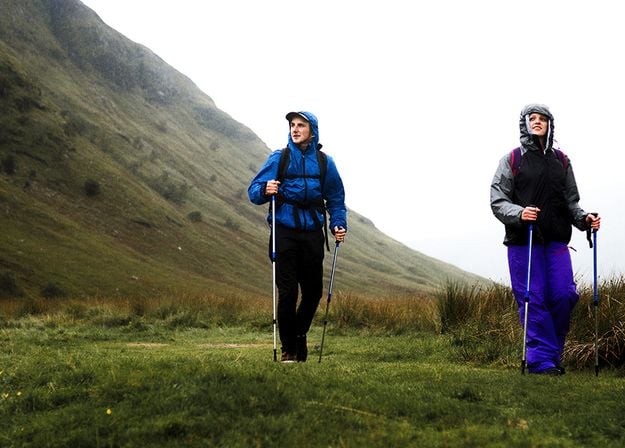
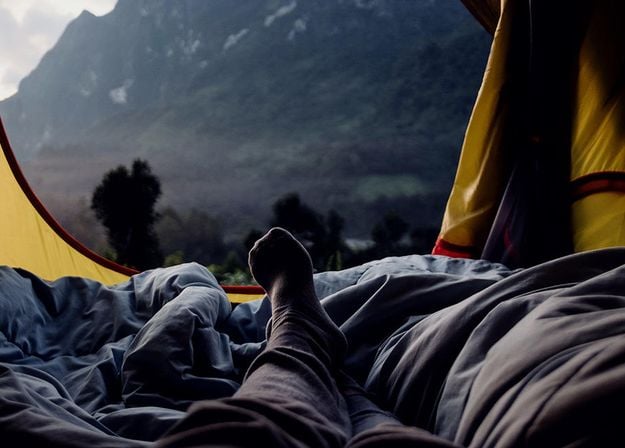
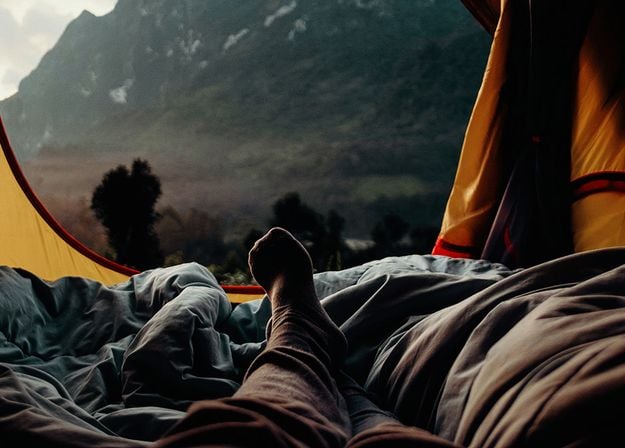


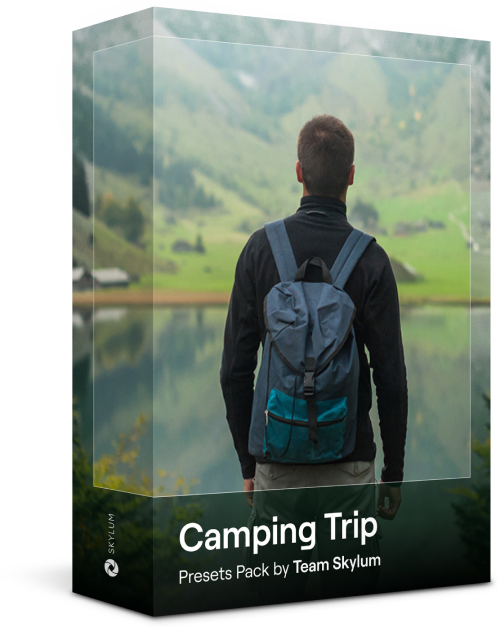
Deze 10 Voorinstellingen zijn ontworpen om uw kampeer- en wandelfoto's er op hun best uit te laten zien en geven uw buitenfoto's een natuurlijke, levendige uitstraling. Of u nu foto's maakt van majestueuze bergen of gezellige kampvuren, met één klik haalt u het beste uit uw foto's naar boven.
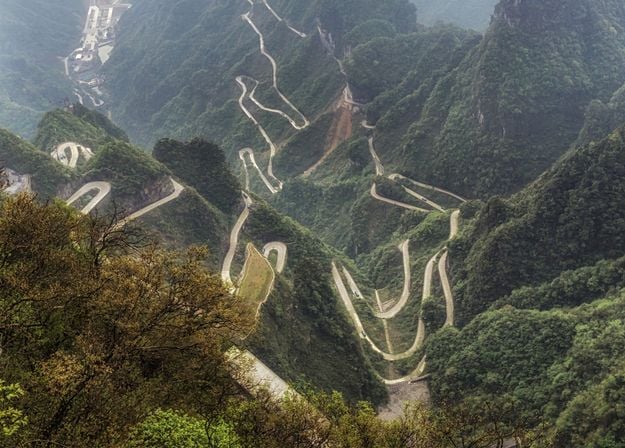
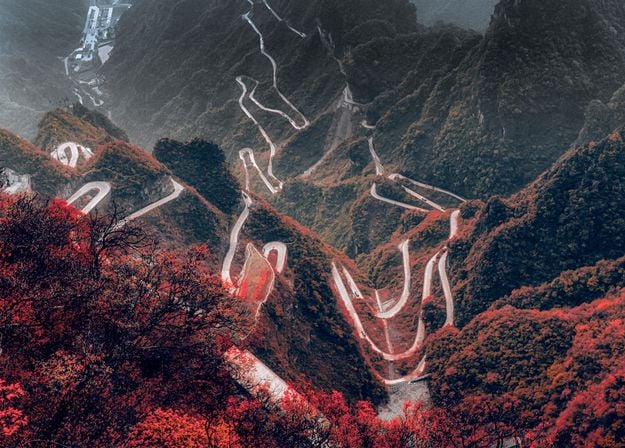
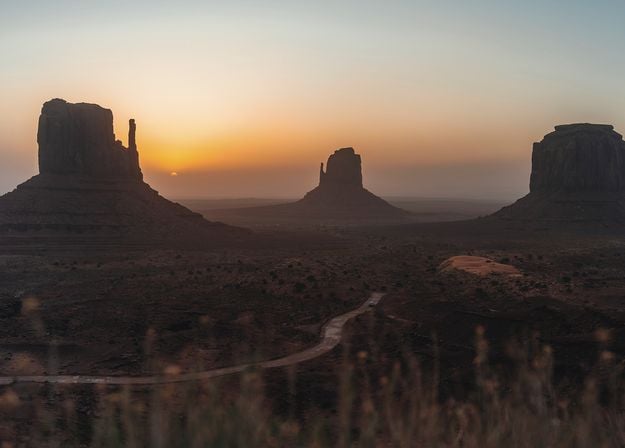
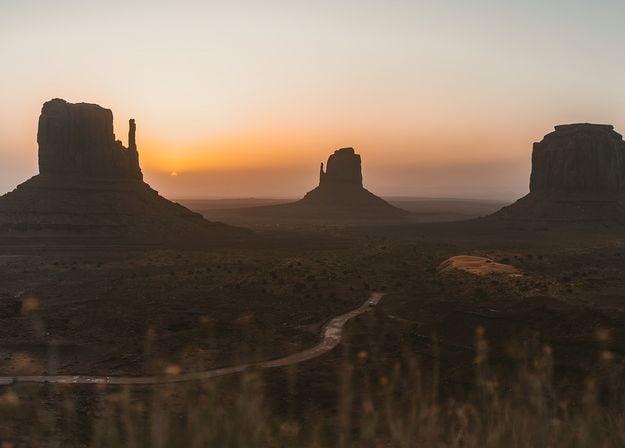
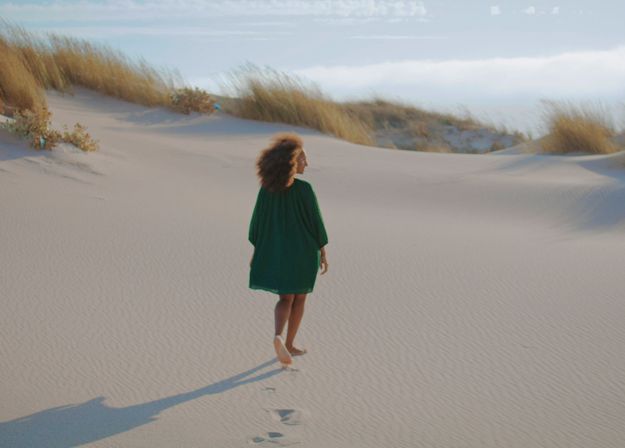
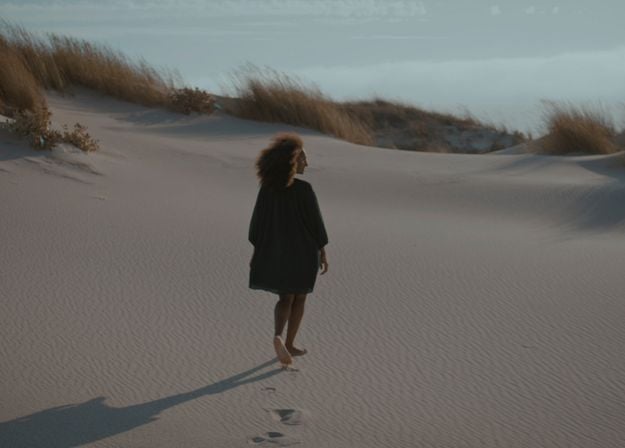
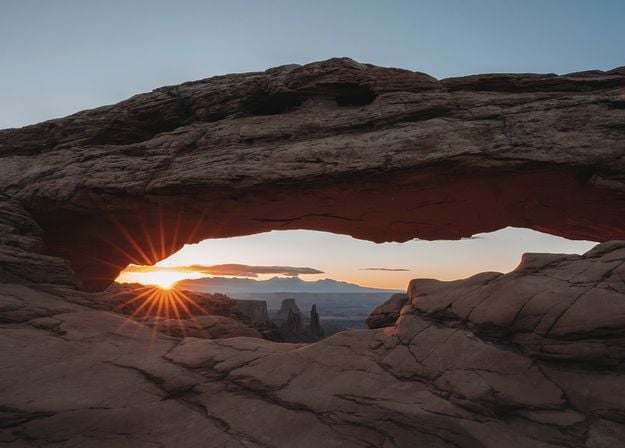
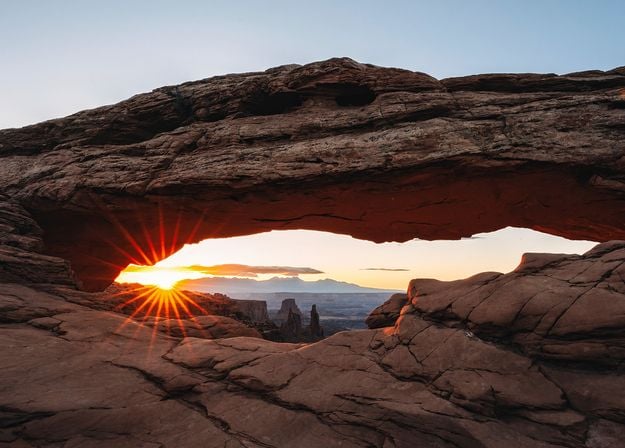
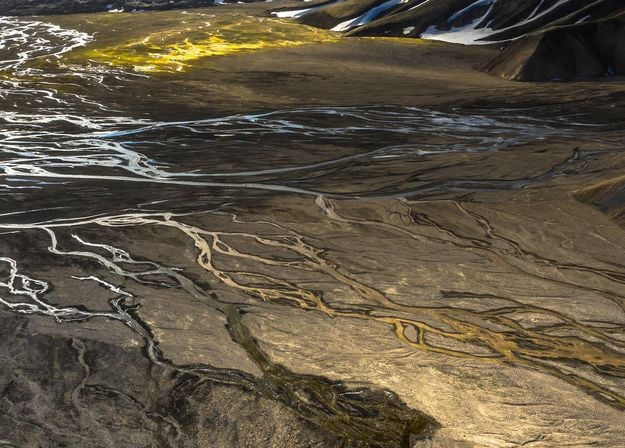
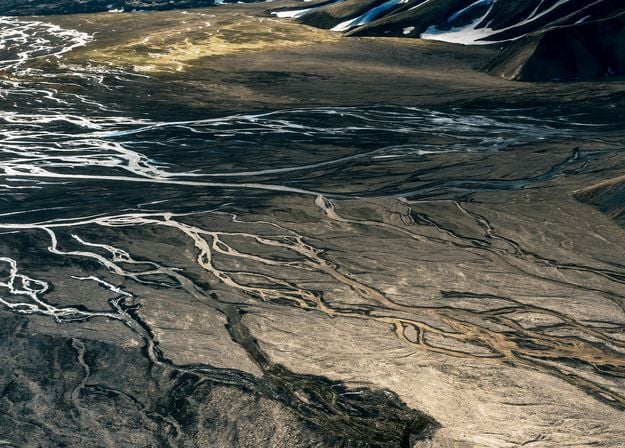


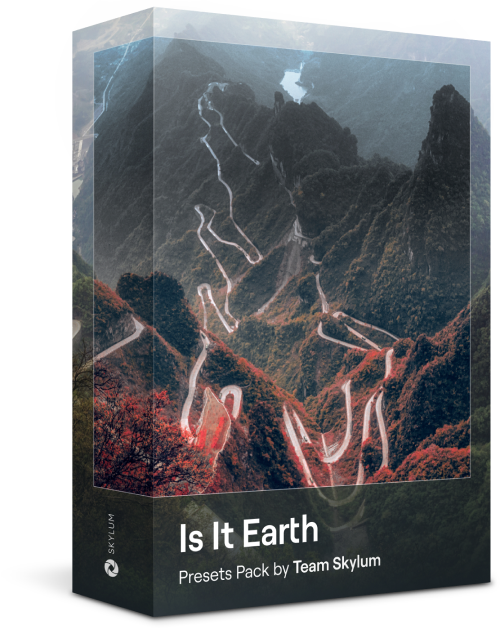
Is het nog steeds de aarde, of bevinden we ons op een buitenaardse planeet? Deze verzameling van 10 buitengewone Voorinstellingen is ontworpen om uw landschapsfoto's een etherisch, buitenaards gevoel te geven. Transformeer gewone landschappen in surrealistische scènes met levendige kleuren die onmiddellijk de aandacht van de kijker trekken.
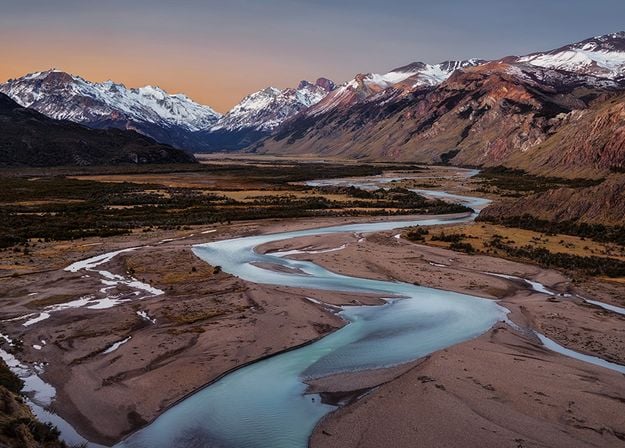
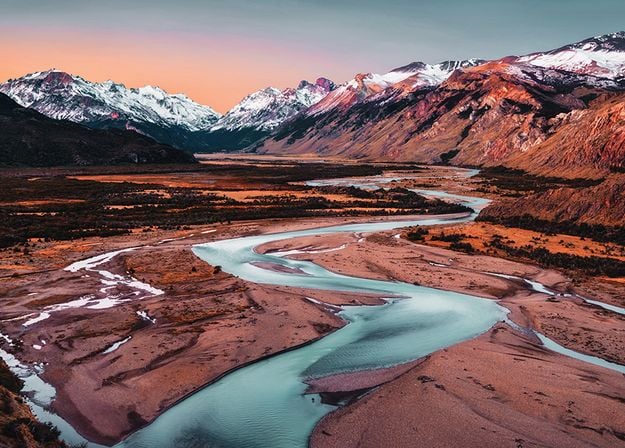
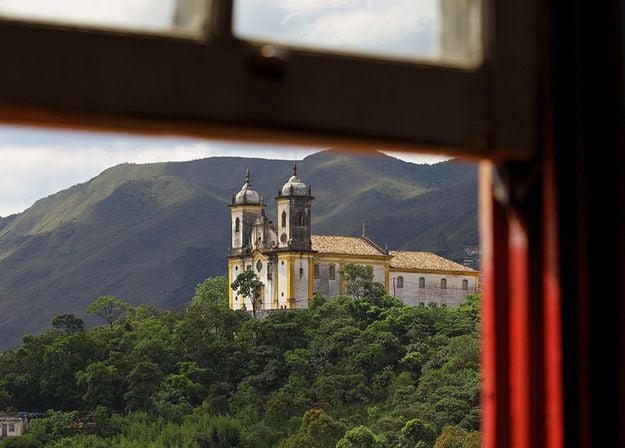
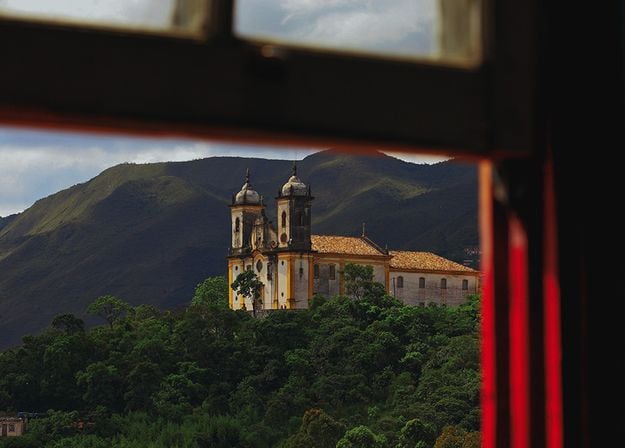


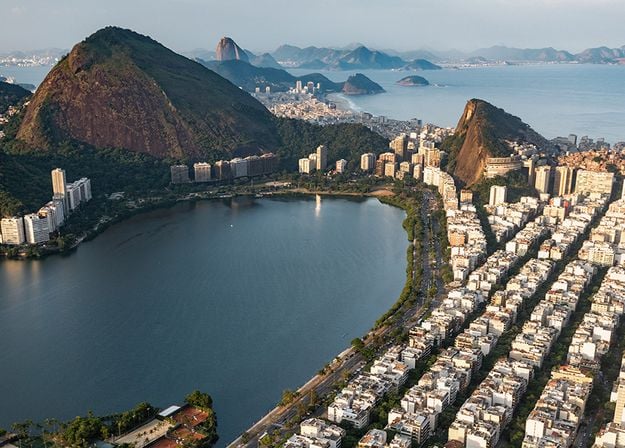
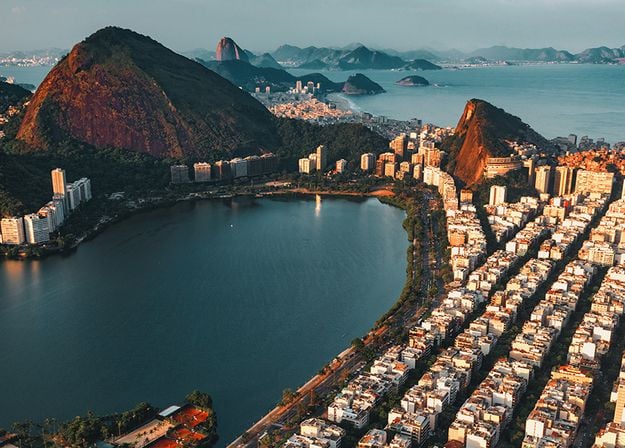




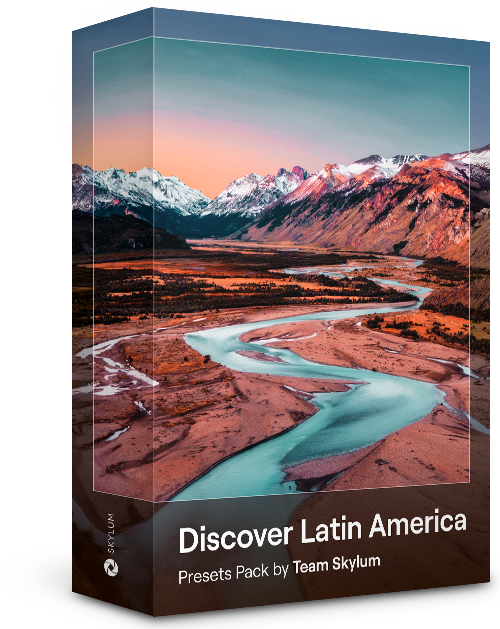
Ervaar het filmische gevoel dat elk van deze 10 Voorinstellingen aan uw foto's toevoegt terwijl u door de landen van Latijns-Amerika reist. Omarm de schoonheid en voeg wat flair toe aan uw foto's met deze reisvriendelijke collectie, ontworpen voor landschappen.
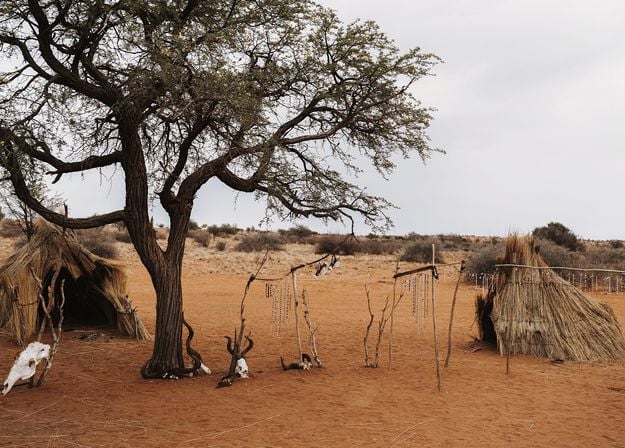
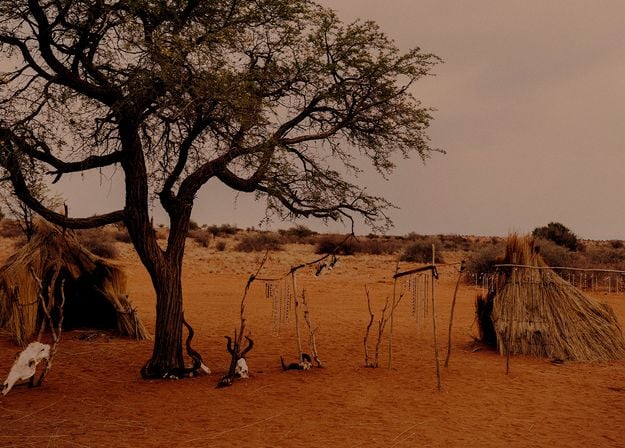

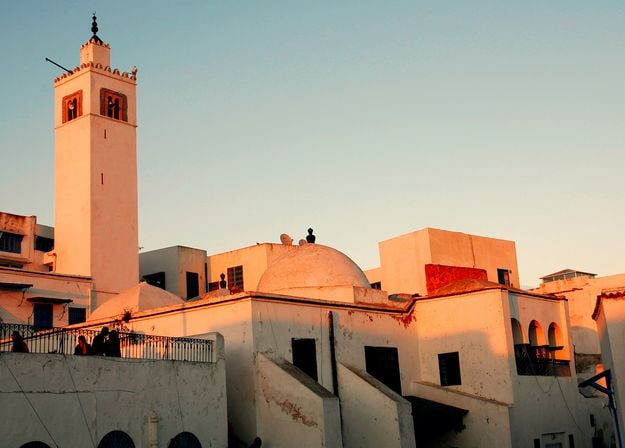


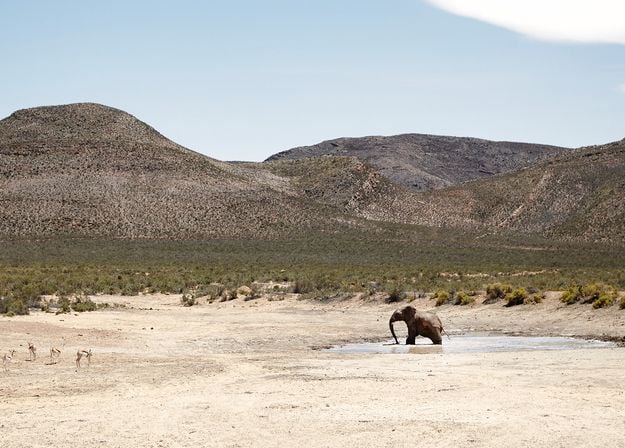
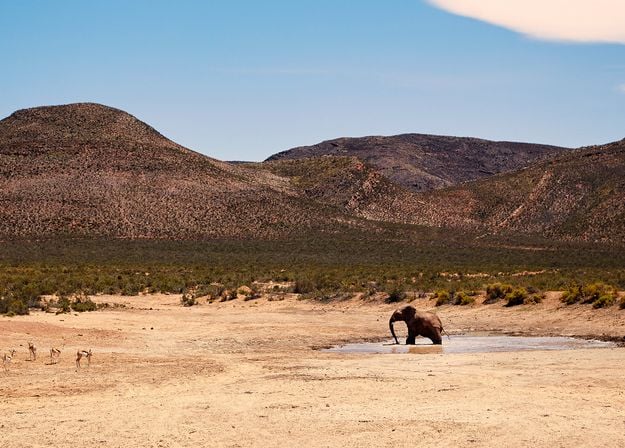
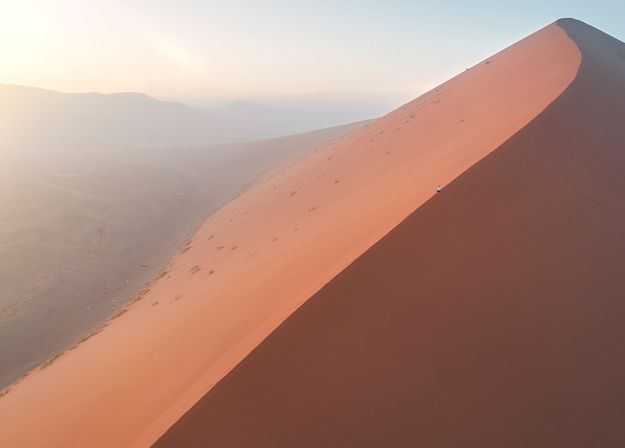
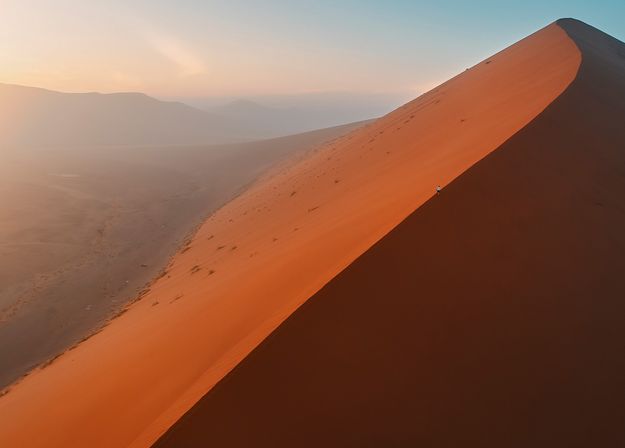


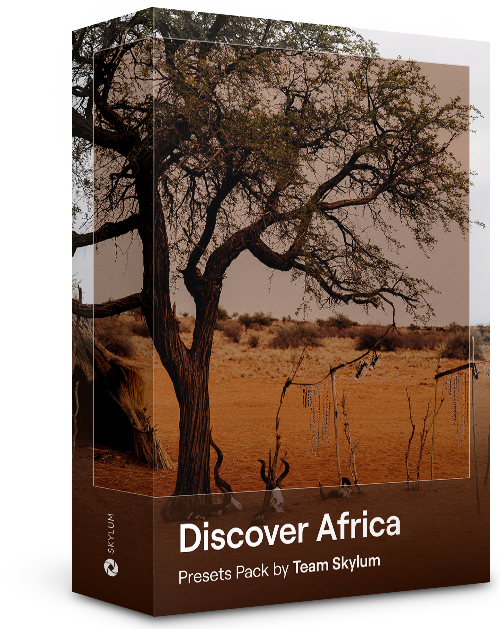
Dit pakket is gewijd aan het prachtige continent Afrika en combineert een verscheidenheid aan Voorinstellingen, zowel voor portret- als landschapsfoto's. Verbeter oriëntatiepunten, safarifoto's, architectuurfoto's en portretten van mensen die u ontmoet tijdens uw reizen door Afrika.
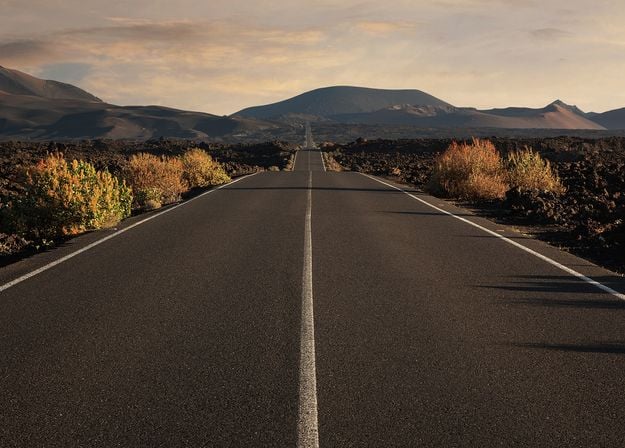
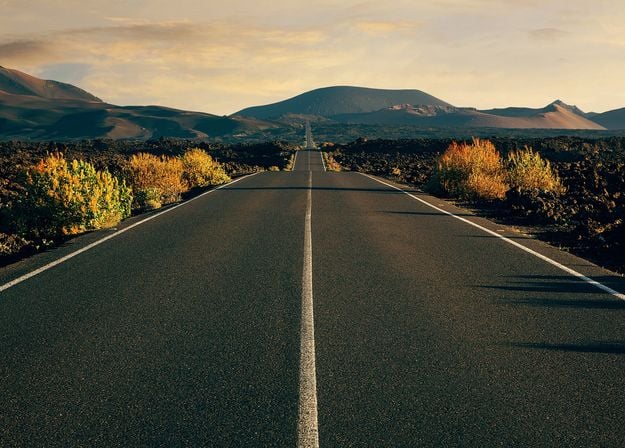
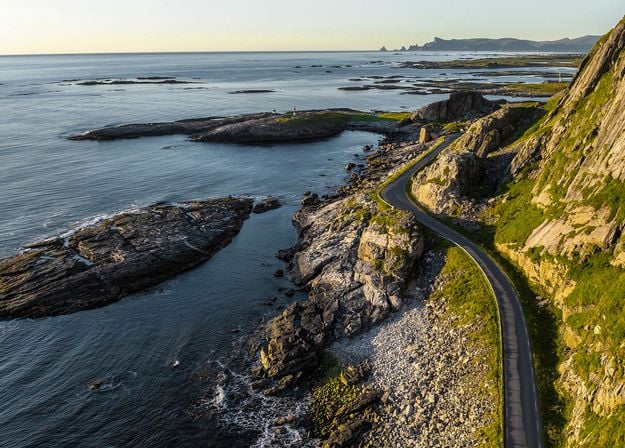
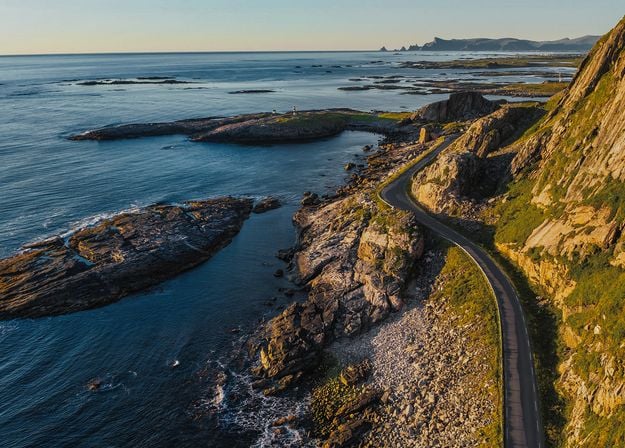
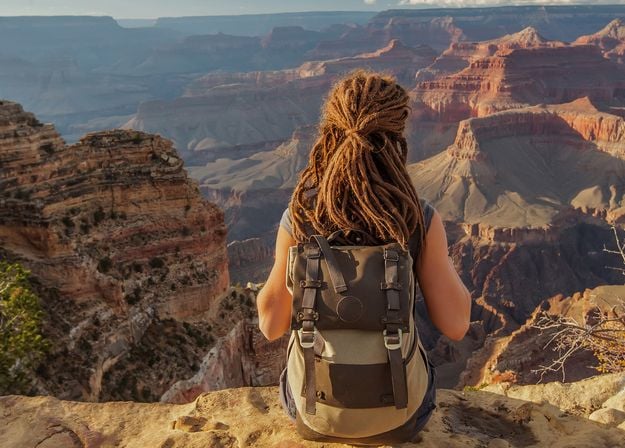
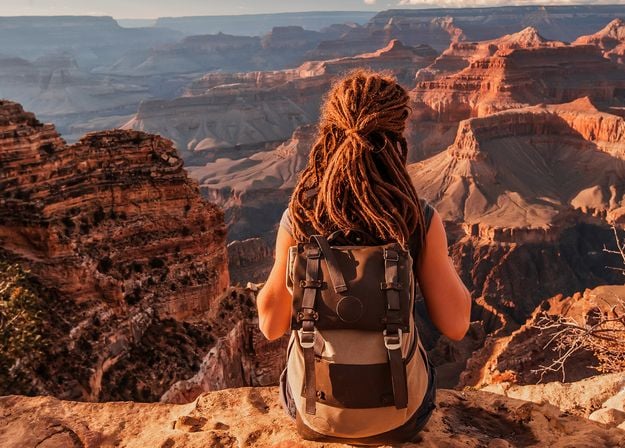
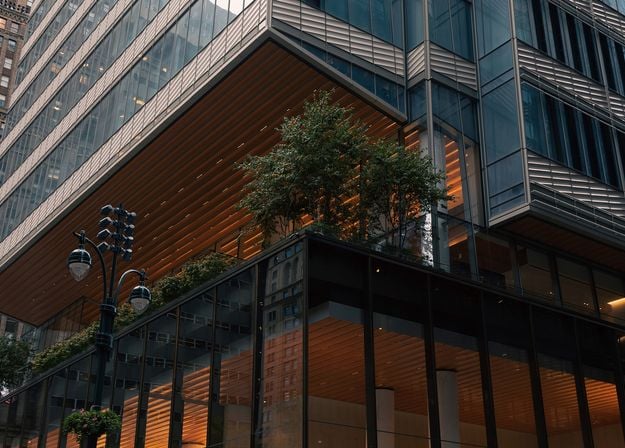
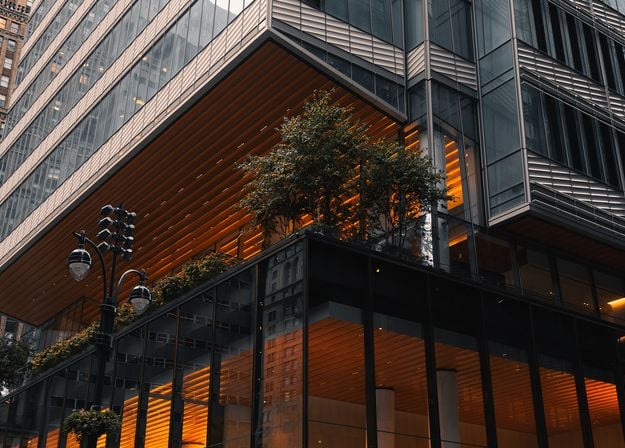
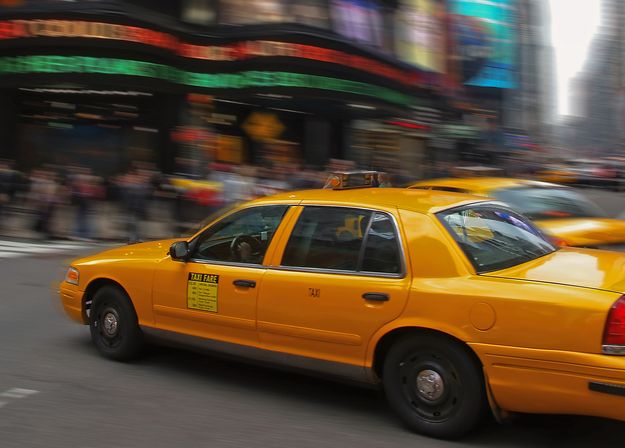
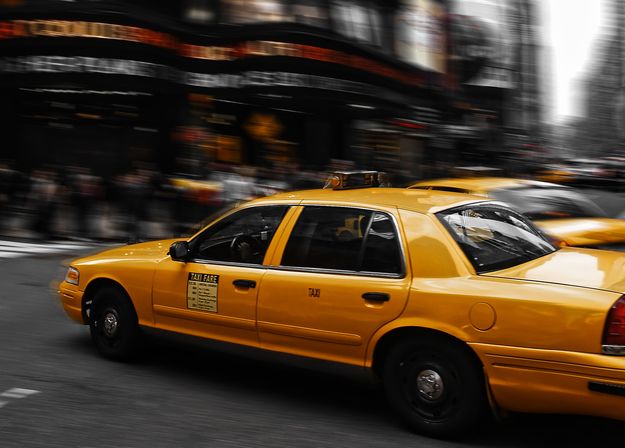


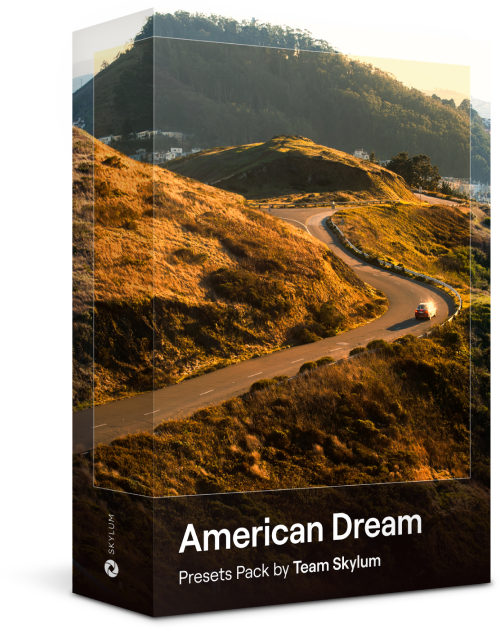
Maak fantastische foto's tijdens uw reizen door de VS. Verbeter afbeeldingen van oriëntatiepunten, nationale parken en algemene stadsgezichten van beroemde steden. Bereik verschillende verbluffende effecten met een paar klikken van deze 10 prachtige Voorinstellingen.
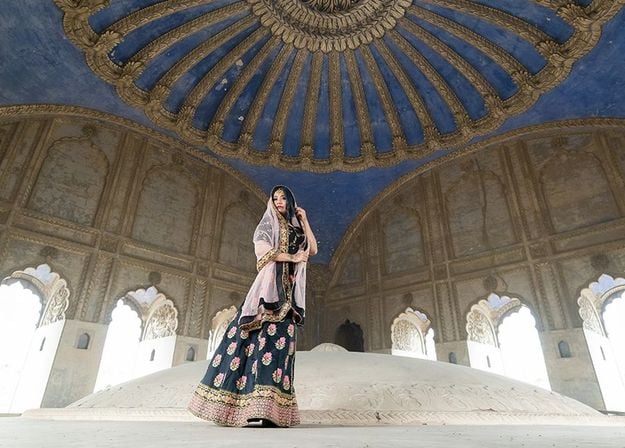
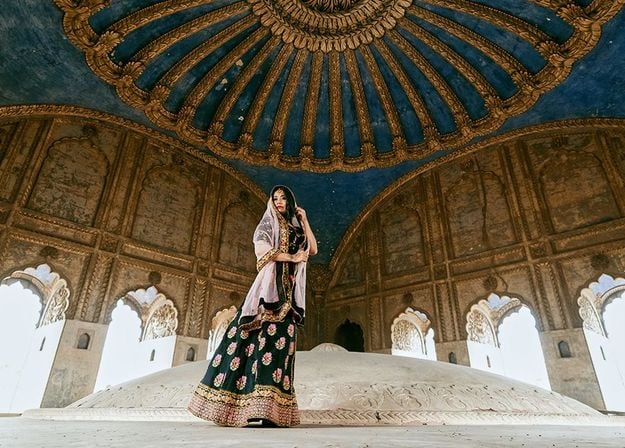
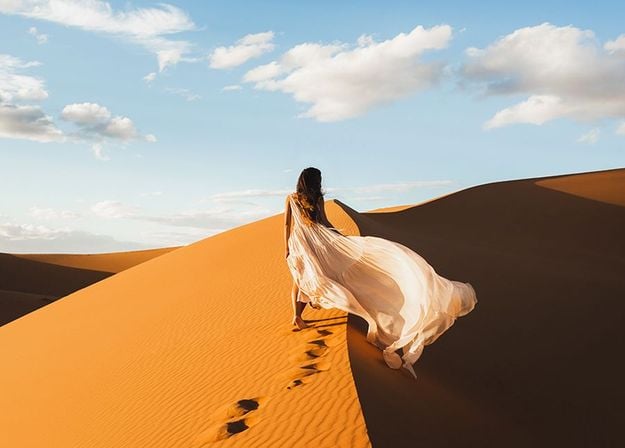
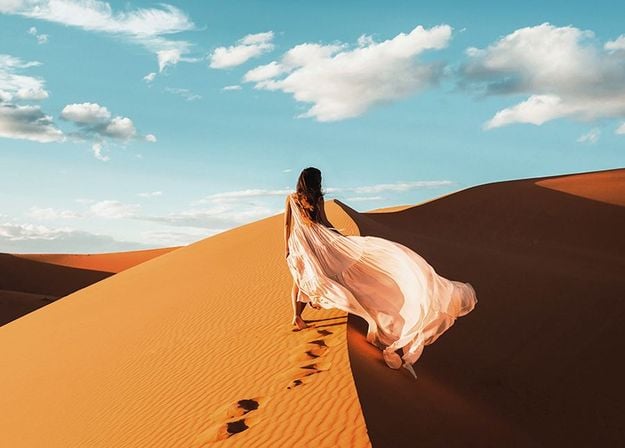
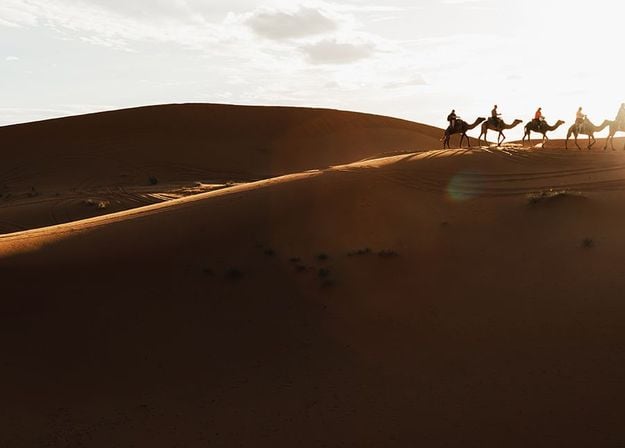
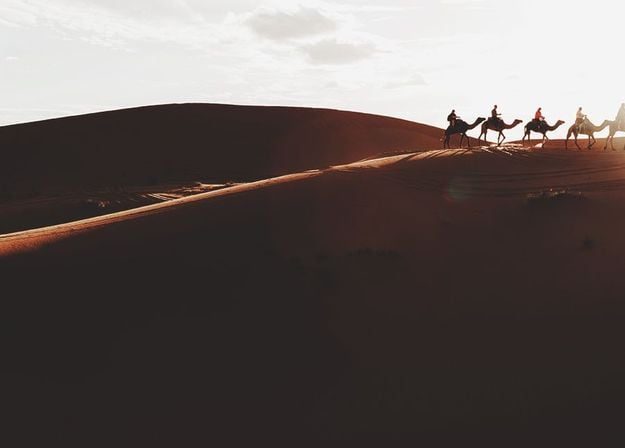
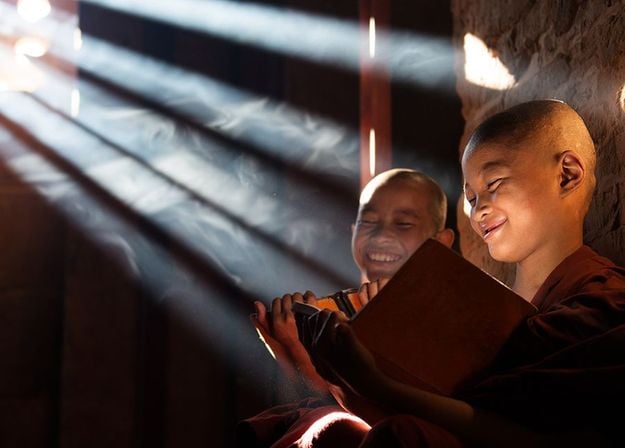
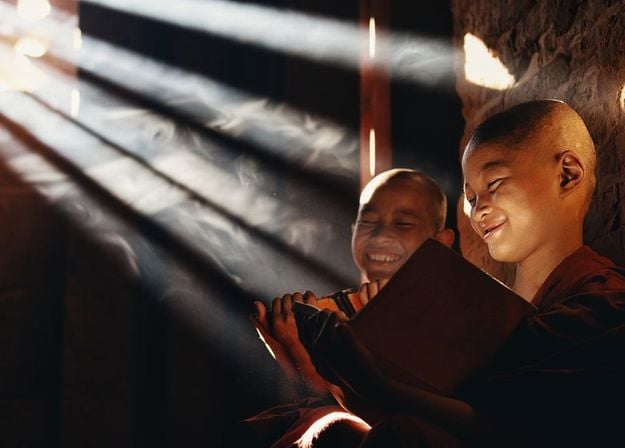
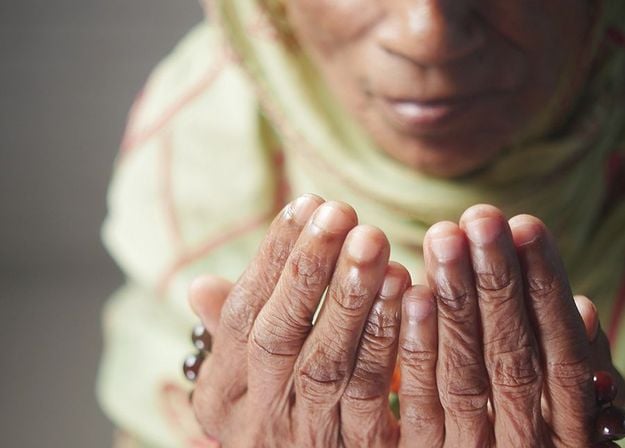
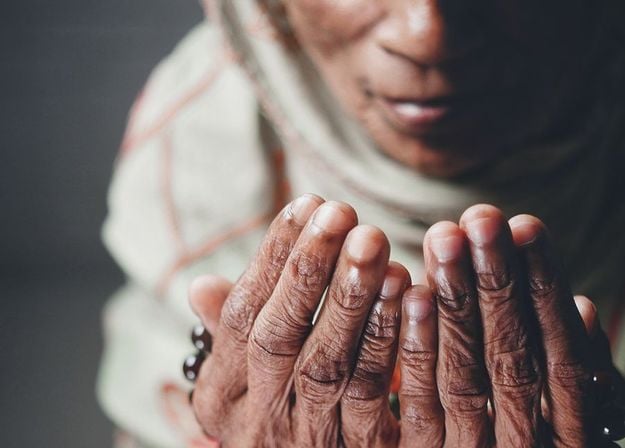


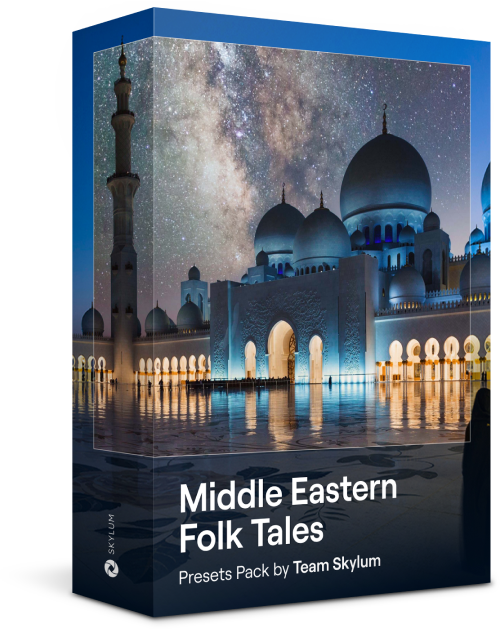
Deze verleidelijke verzameling van 10 Voorinstellingen is ontworpen om de mysterieuze schoonheid van landschappen, architectuur, straatstijl en natuur uit het Midden-Oosten naar voren te brengen. Warme tinten, diepgeel of blauw en goud: u zult zeker een Voorinstelling vinden die perfect is voor uw foto.
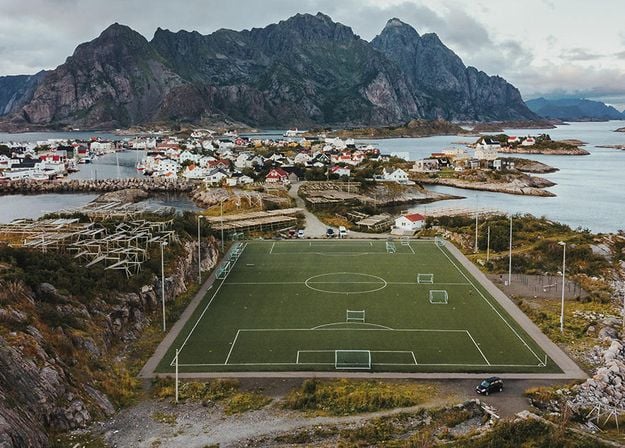
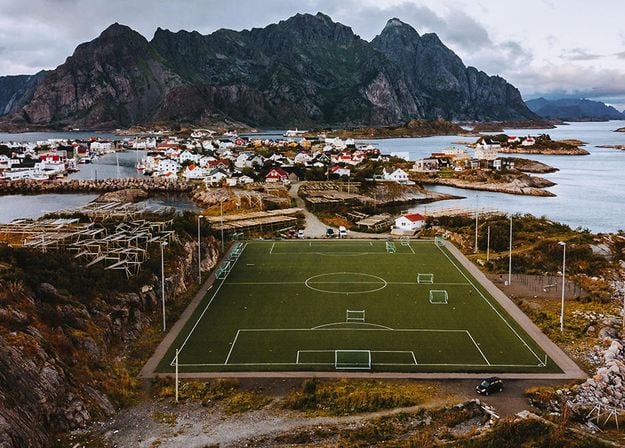
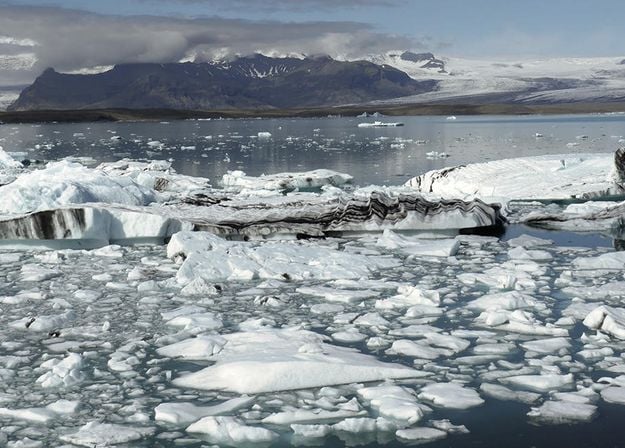
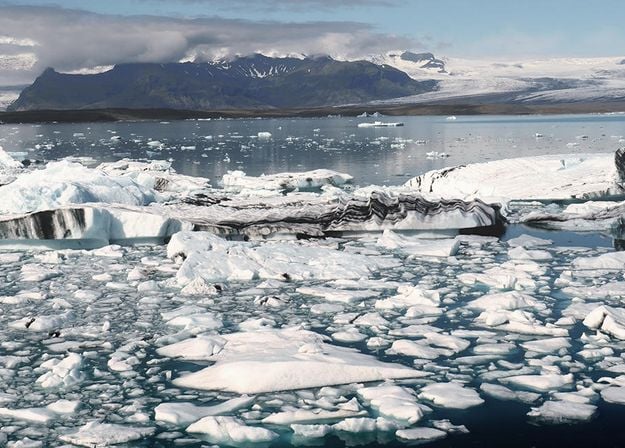
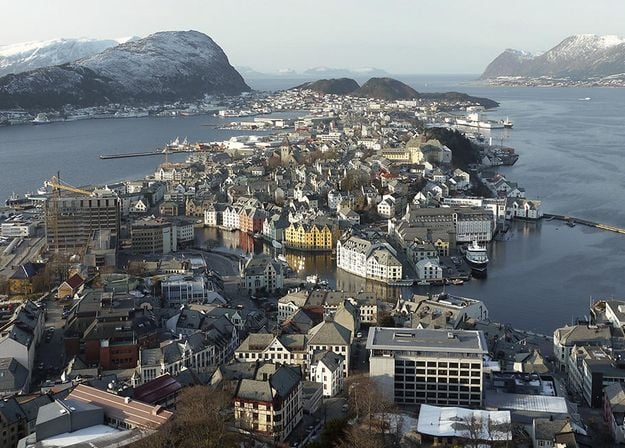
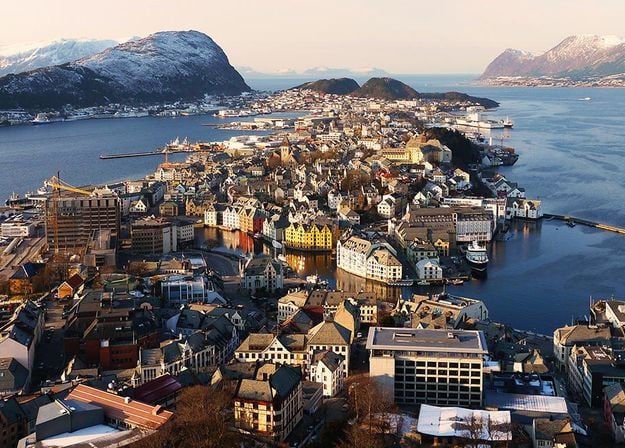
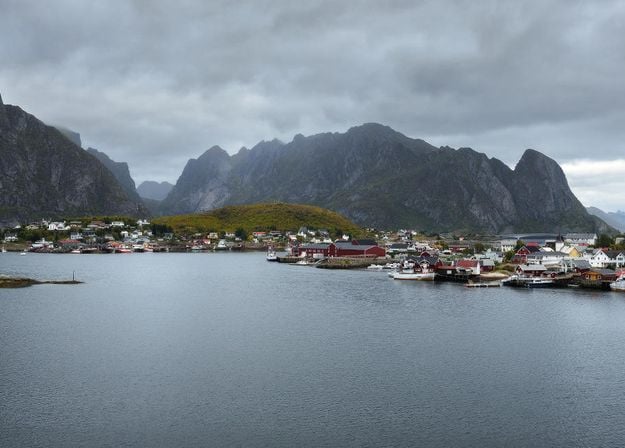
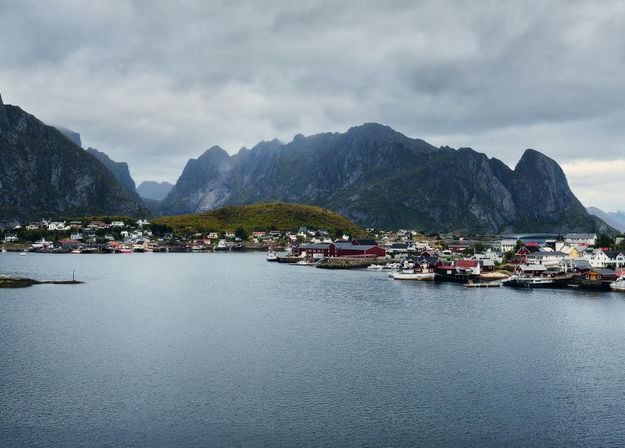
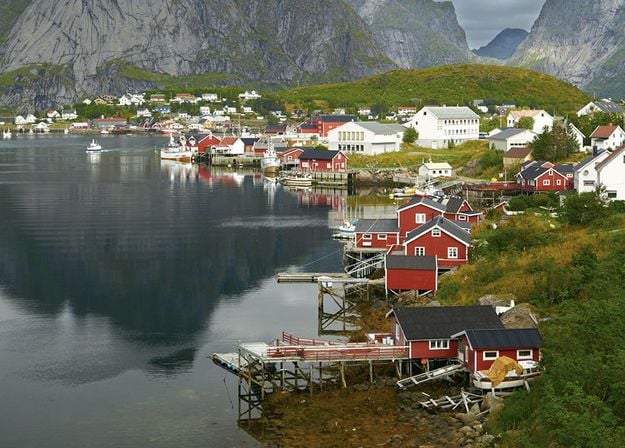
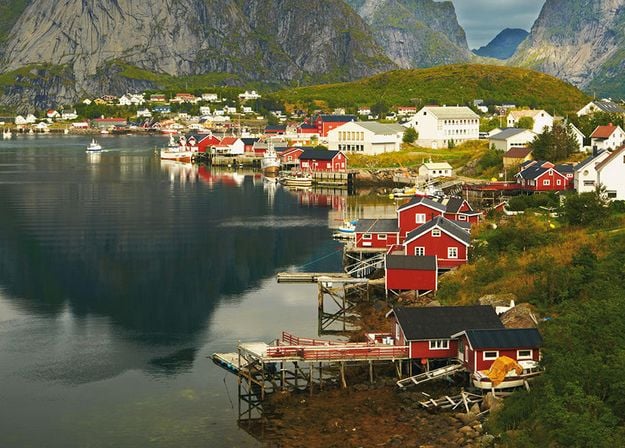


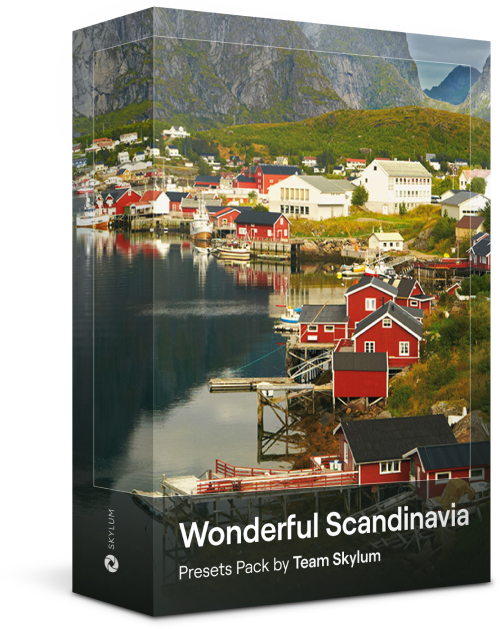
Ontdek deze prachtige verzameling van 10 veelzijdige Voorinstellingen die perfect zijn voor uw reisfoto's uit Scandinavische landen. Leg idyllische landschappen, natuurwonderen en gezellige architectuurfoto's vast die de Scandinavische sfeer ademen. Tijd om uw reistas in te pakken!
Luminar Video Course
Creative Photo Editing Techniques in Luminar
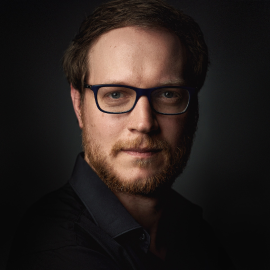
Inleiding en cursusoverzicht
Albert Dros stelt zichzelf voor en geeft een kort overzicht van wat u leert in deze fotografie en...
Inleiding tot Fotografie
Waar moet u op letten bij het maken van uw foto's om de beste resultaten te krijgen?
Basisbewerking
Albert introduces the layout of Luminar and the basic instruments you can use to achieve great results instantly.
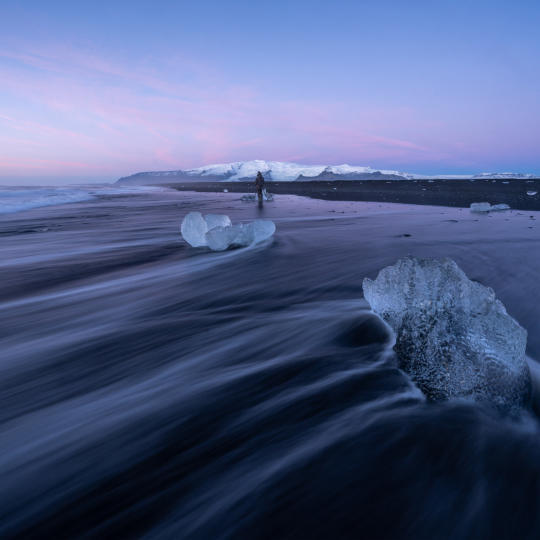
Geavanceerd Bewerken
Going in depth, Albert shows you the more advanced tools in Luminar and how to use them to make your photos stand out.
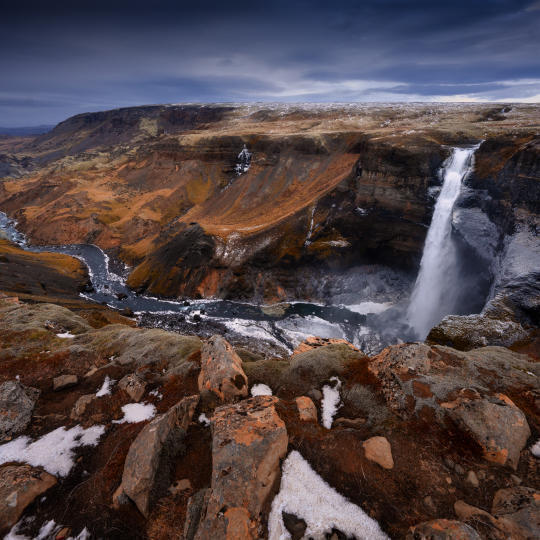
Dramatische Bewerkingen
Wees creatief met uw foto's! Albert bewerkt een foto met creatievere hulpmiddelen om de dramatische aspecten ervan naar voren te brengen en er nieuw leven in te blazen.
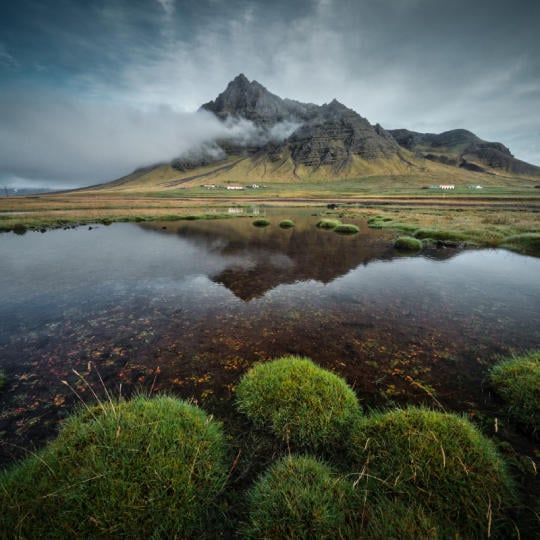
Focus Stacking
Luminar has Extensions that let you get even more impressive results. In this video, you will learn how to do focus stacking with Luminar’s Focus Stacking Extension.
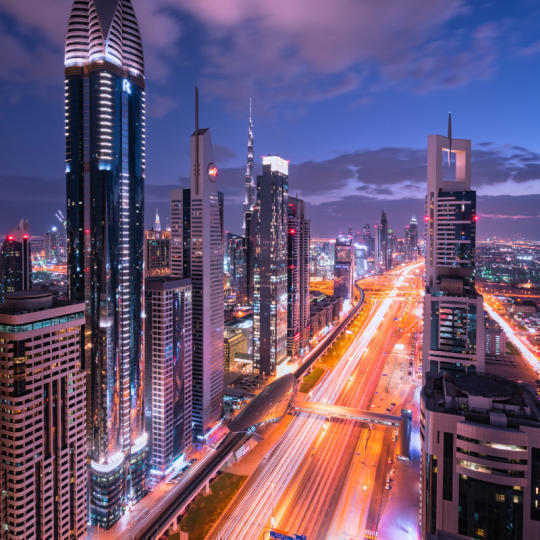
Stadsgezichten
Wat maakt of breekt een stadsfoto? Bekijk hoe u een foto uit Dubai transformeert van gewoon naar indrukwekkend.
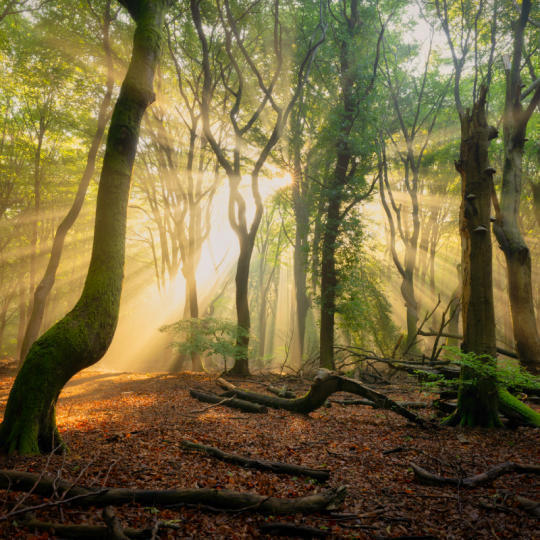
Bossen
Find out what Luminar tools Albert uses to make his impressive signature forest photos. Look out for Atmosphere AI, Sunrays, and other tools!

Voorinstellingen
Leer Voorinstellingen gebruiken om snel interessante kleuroplossingen in uw foto's te krijgen. Albert begeleidt u bij het gebruik van Voorinstellingen om nog mooiere bosopnamen te maken.
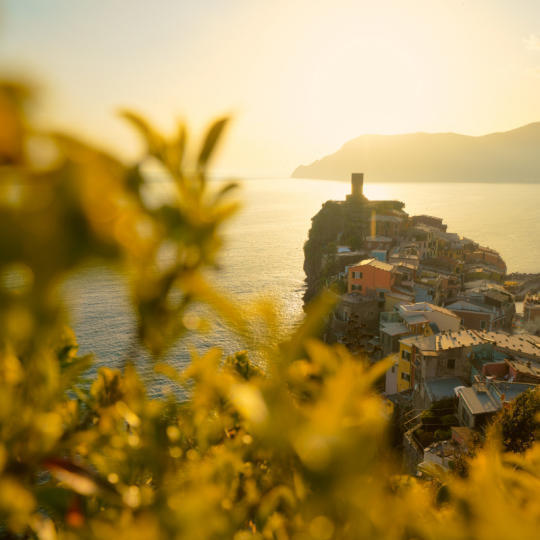
Samenvatting van de cursus
Krijg een korte samenvatting van alles wat u in deze cursus hebt geleerd. Veel plezier met creëren!
Albert Dros
FOTOGRAAF, SCHRIJVER EN LERAAR
Albert Dros is een Nederlandse landschapsfotograaf met een buitengewone passie voor het plannen en maken van unieke foto's. Vulkanen, zonsverduisteringen en unieke aspecten van de natuur trekken zijn aandacht. Hij gaat niet alleen voor een simpele afbeelding.
"Go big or go home" is his motto, always trying to add some unique element to his shots.
Zijn werk wordt wereldwijd erkend en hij is wereldwijd gepubliceerd in de grootste media.
Albert reist veel als foto-docent maar ook voor persoonlijke projecten. Maar zelfs in Nederland kan hij niet stoppen met fotograferen. Zijn inspiratie stopt nooit.
Werkt als Standalone voor:

macOS

Windows
Werkt als plugin voor:

Adobe Photoshop®

Adobe Lightroom®

Apple Photos®
Werkt als Standalone voor:

Android

iOS

ChromeOS
Vertrouwd door meer dan een miljoen
fotografen en organisaties

Bekroonde software
met intuïtieve AI-gestuurde bediening
Crop AI, onderdeel van de tool Smart Compositions, analyseert je foto om het onderwerp, het visuele zwaartepunt, gezichten, kijkrichting en horizon te begrijpen. Daarna stelt de tool meerdere uitsneden voor op basis van klassieke compositieprincipes, zodat je een beeld vindt dat het verhaal van je foto naar voren haalt. Je kunt de fotosnijder online of op desktop gebruiken.
Handmatig bijsnijden vertrouwt op je oog en gevoel om de juiste uitsnede te vinden. Een automatische bijsnijdtool helpt je meer mogelijkheden te verkennen door de scène te analyseren en meerdere composities voor te stellen. Je vergelijkt de resultaten, ontdekt nieuwe invalshoeken en kiest de uitsnede die het best bij je foto past.
Met Luminar on Web bewerk je foto’s direct in je browser, zonder desktopsoftware te installeren. Welke functies beschikbaar zijn, hangt af van je abonnement. Bekijk Luminar on Web voor de actuele toegangsopties en functiebeschikbaarheid. Je kunt ook je proefperiode starten en de gratis online afbeeldingssnijder proberen om te zien of hij bij je past.
Nee. Met Luminar on Web bewerk je foto’s in je browser zonder aparte applicatie te installeren en krijg je automatische suggesties voor compositie-uitsneden. Werk je liever op je computer? Dan kun je Smart Compositions ook gebruiken in Luminar on Desktop.
Met Luminar on Web bewerk je foto’s direct in je browser, ook met online afbeeldingen bijsnijden, handig als je op verschillende apparaten werkt zonder software te installeren. Luminar on Desktop biedt een speciale fotobewerkingsomgeving op je computer. Beide versies geven toegang tot Smart Compositions, zodat je uitsnedesuggesties bekijkt en de juiste compositie voor je afbeelding vindt.
Luminar biedt tal van andere functies waarmee je sneller en gemakkelijker foto’s kunt bewerken
