

 Zobrazit plány
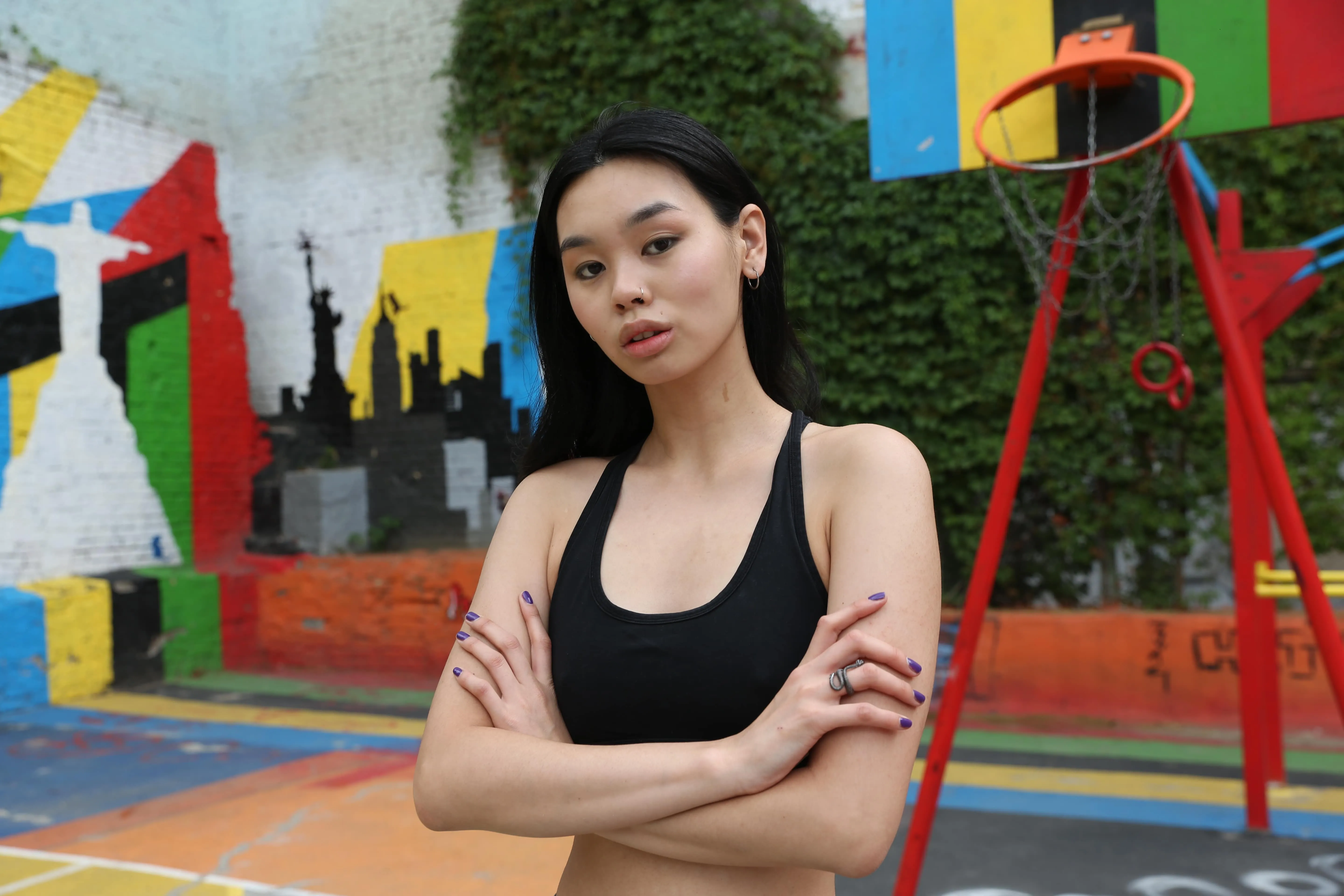
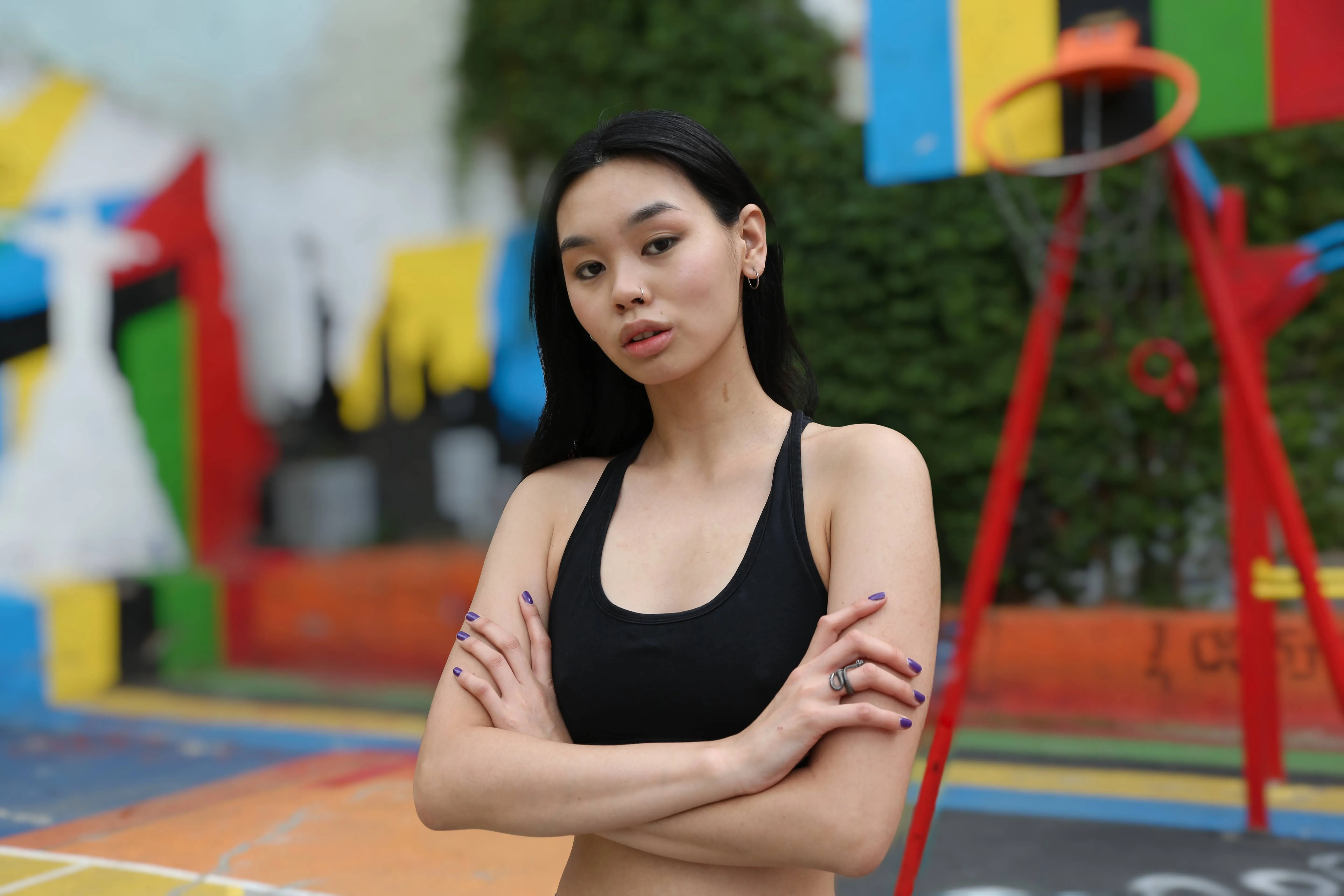
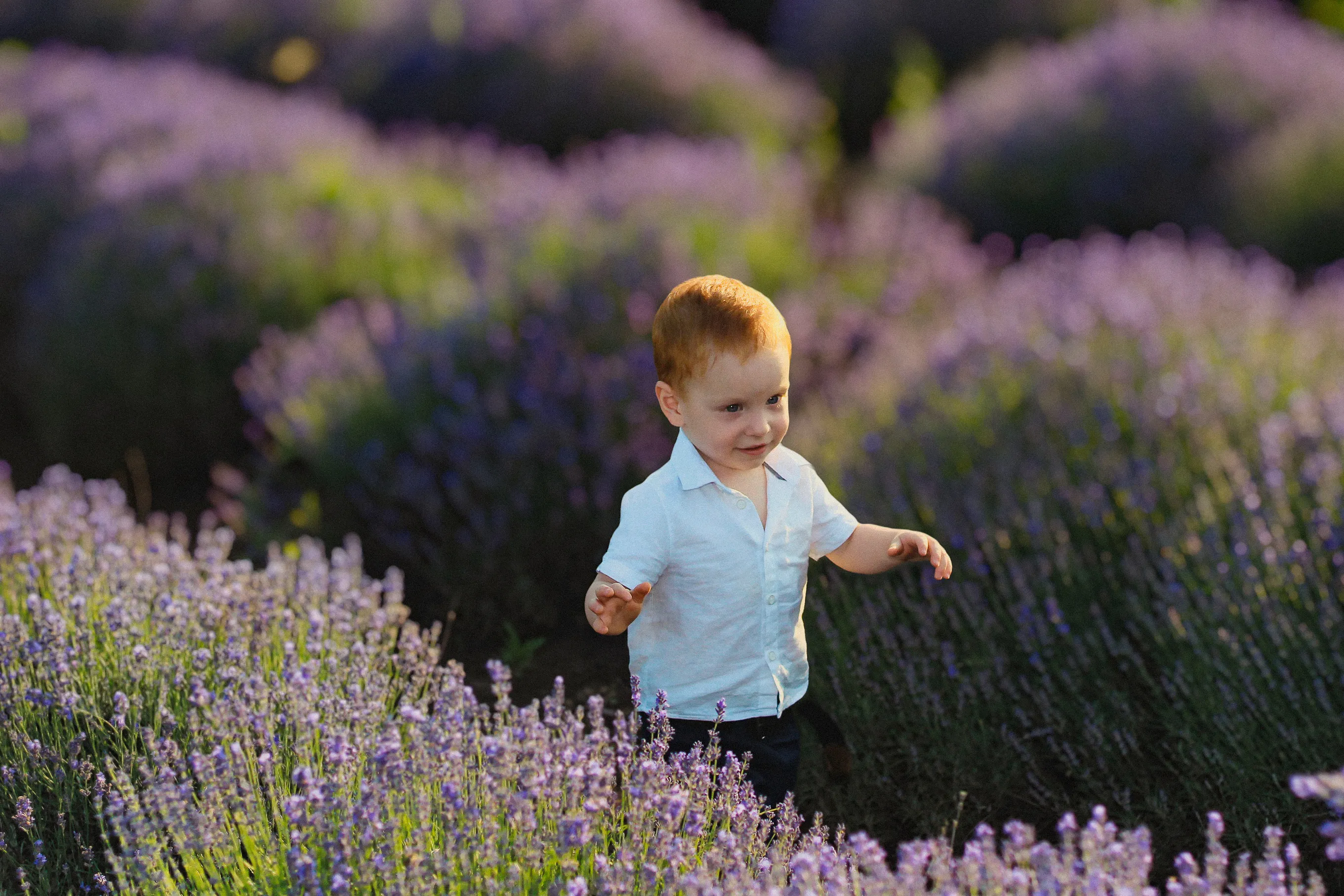
Rozostření pozadí fotografie pro vytvoření dojmu hloubky a zaostření
Vylepšete vizuální stránku svých snímků a nasměrujte pozornost diváka přesně tam, kam chcete. S aplikací Luminar můžete pozadí snímku rozostřit pouhými několika kliknutími.
Zobrazit plányRozostření pozadí fotografie pomocí AI vs. ruční rozostření
Rozostření pomocí AI je rychlé a automatické, což je ideální pro čisté a přirozeně vypadající výsledky, zatímco ruční rozostření vám poskytuje plnou kontrolu pro přesnější nebo stylizované úpravy. Sami si zvolíte, do jaké míry se chcete do procesu úprav aktivně zapojit.
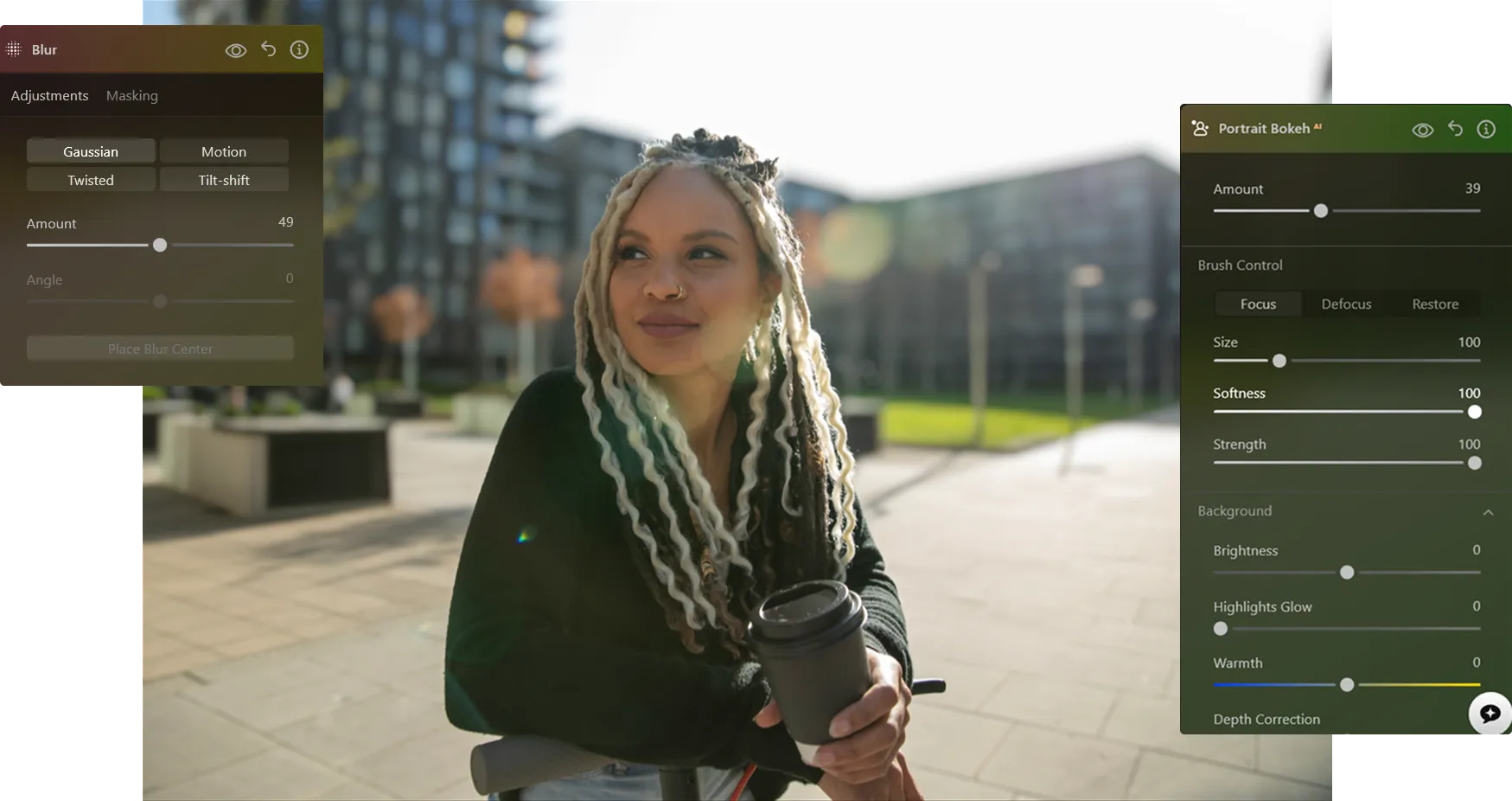
Jak rozostřit pozadí na fotografii
S aplikací Luminar můžete efekt rozostřeného pozadí vytvořit až po pořízení snímku – a doladit ho tak, aby vypadal přesně podle vašich představ.

Krok 1. Otevřete svou fotografii. Spusťte aplikaci Luminar a otevřete obrázek, který chcete upravit.

Krok 2. Rozostřete pozadí. Přejděte do funkce „Portrait Bokeh ᴬᴵ“ nebo do nástroje „Rozostření“. Luminar automaticky rozpozná objekt a oddělí jej od pozadí.

Krok 3. Upravte rozostření. Upravte intenzitu rozostření a vytvořte přirozený efekt rozostřeného pozadí. Dolaďte hloubku a přechody, abyste dosáhli realistického vzhledu.

Krok 4. Upravte a exportujte. V případě potřeby vylepšete okraje a poté fotografii exportujte s čistým a profesionálně rozostřeným pozadím.
Kde se rozostření pozadí hodí nejlépe
Rozostření pozadí pomocí grafického editoru je univerzální technika, která se hodí pro mnoho fotografických žánrů a pomáhá vám nasměrovat pozornost, omezit rušivé prvky a dosáhnout uhlazenějšího vzhledu.

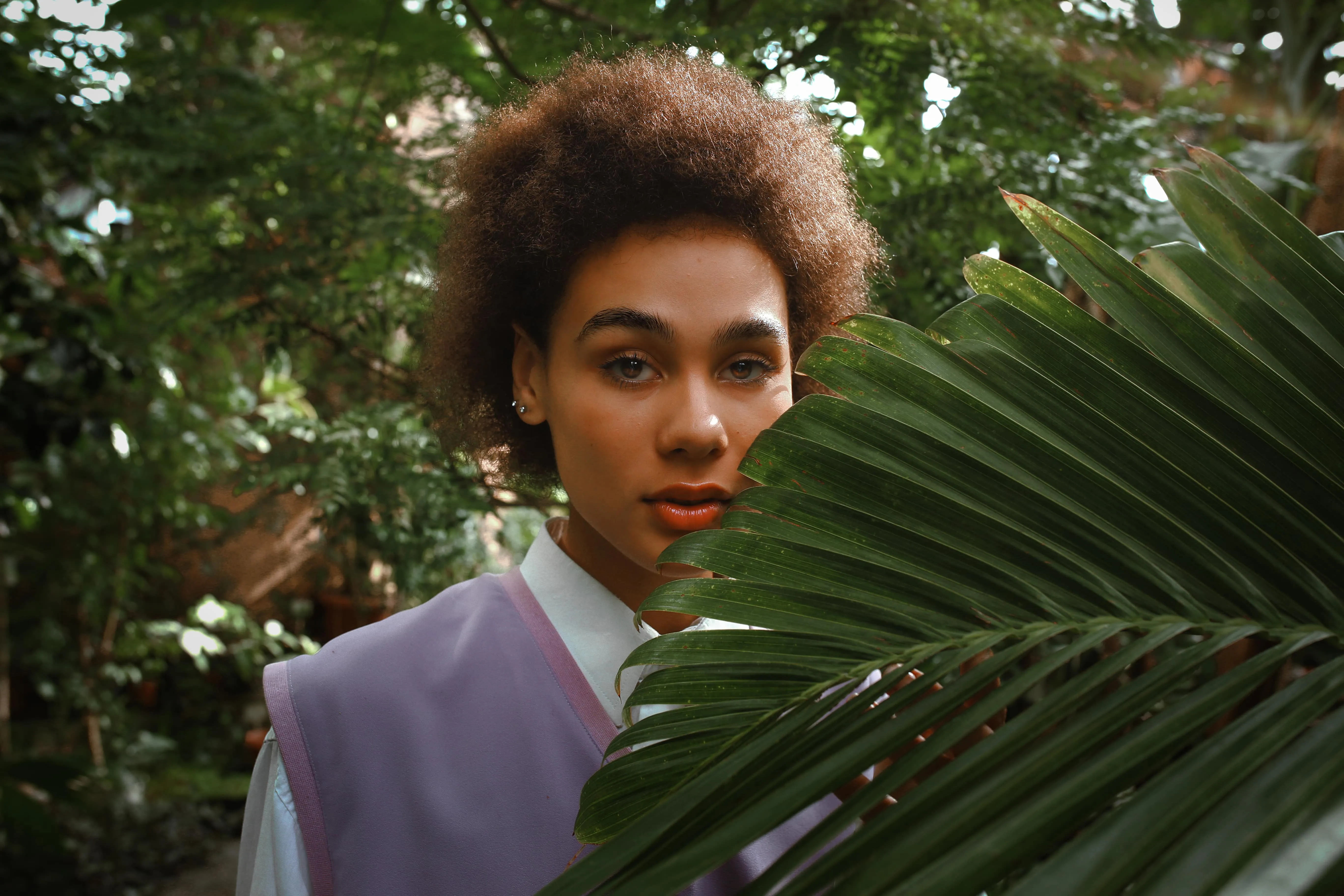
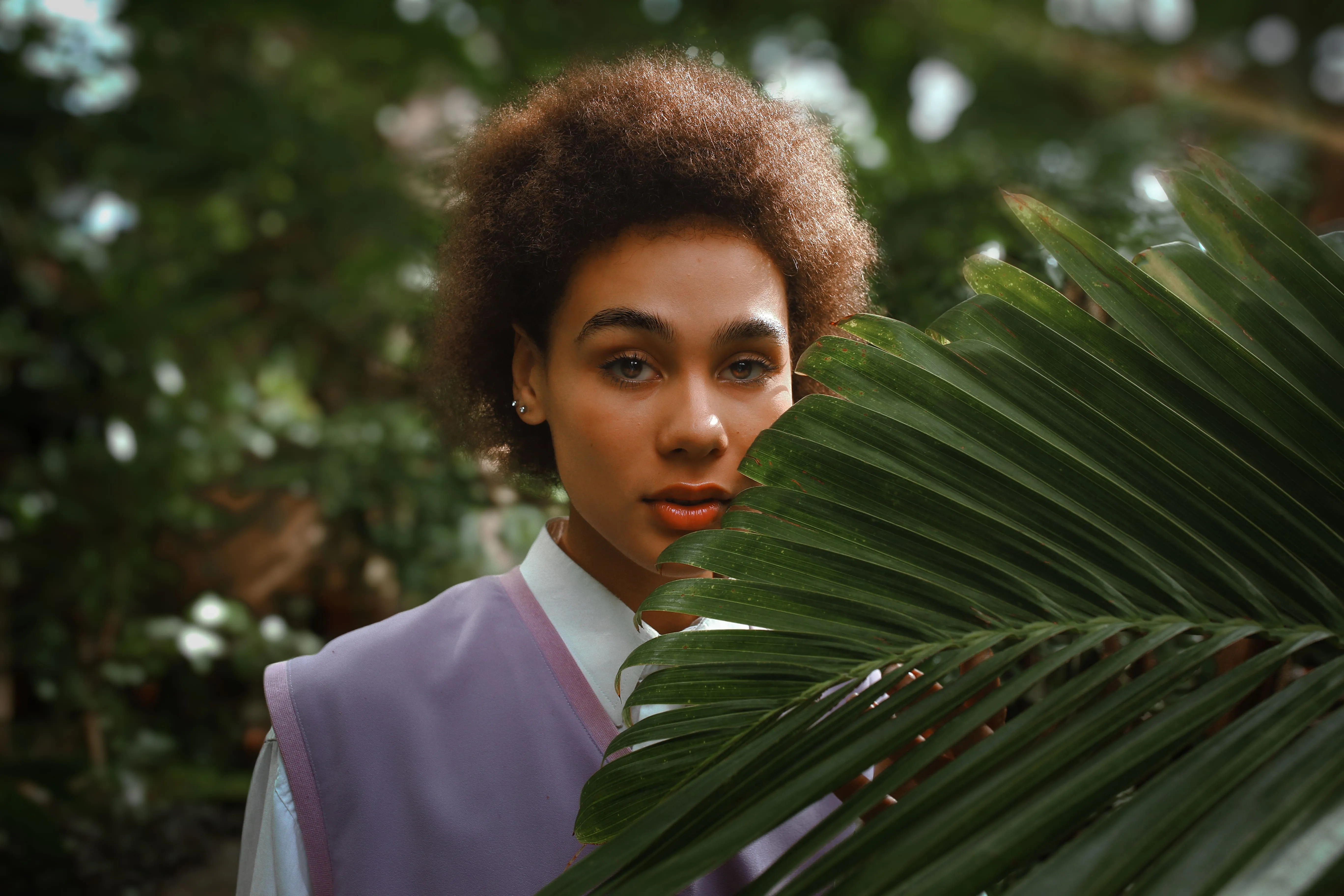
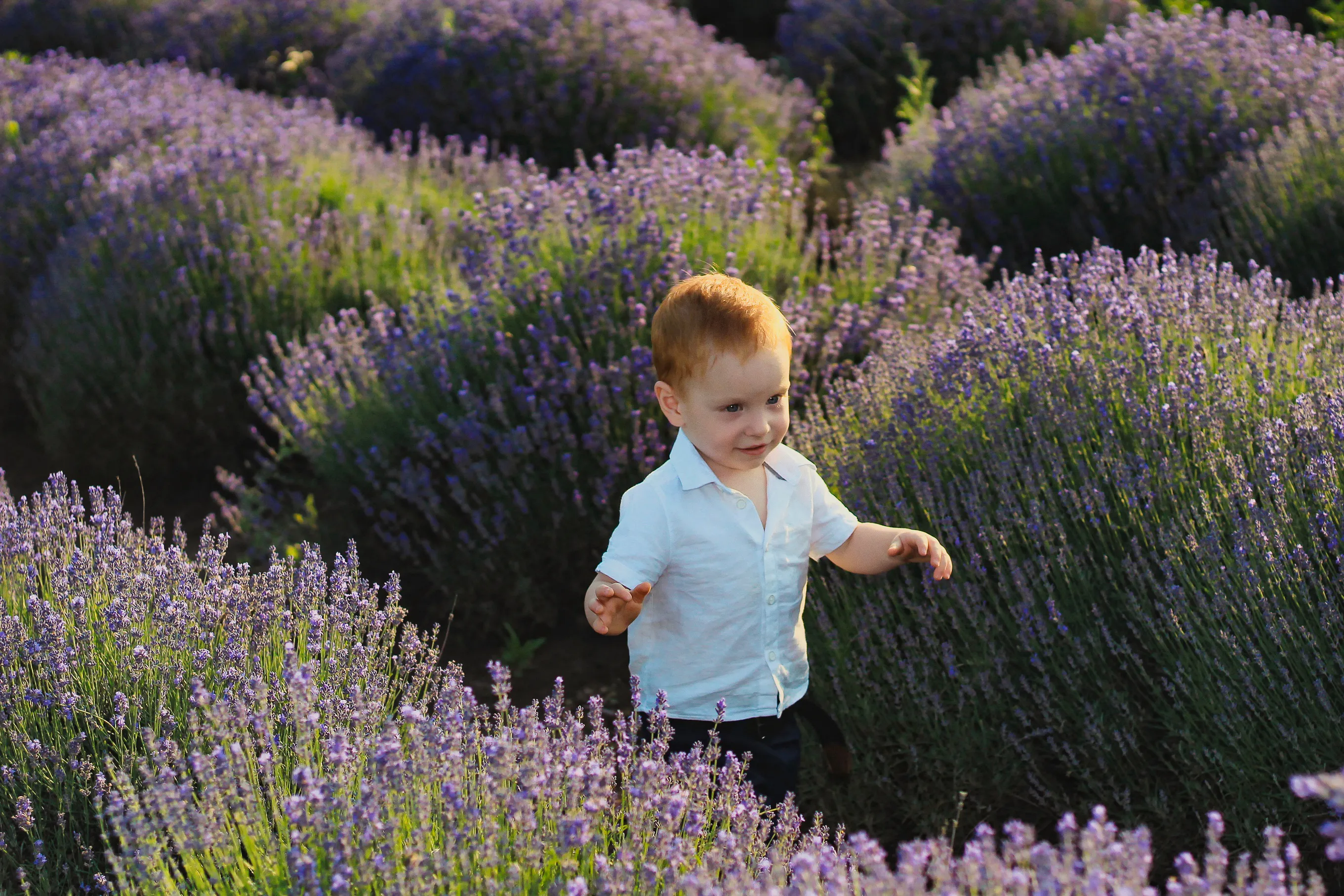
Portrétní fotografie


Komerční a produktová fotografie
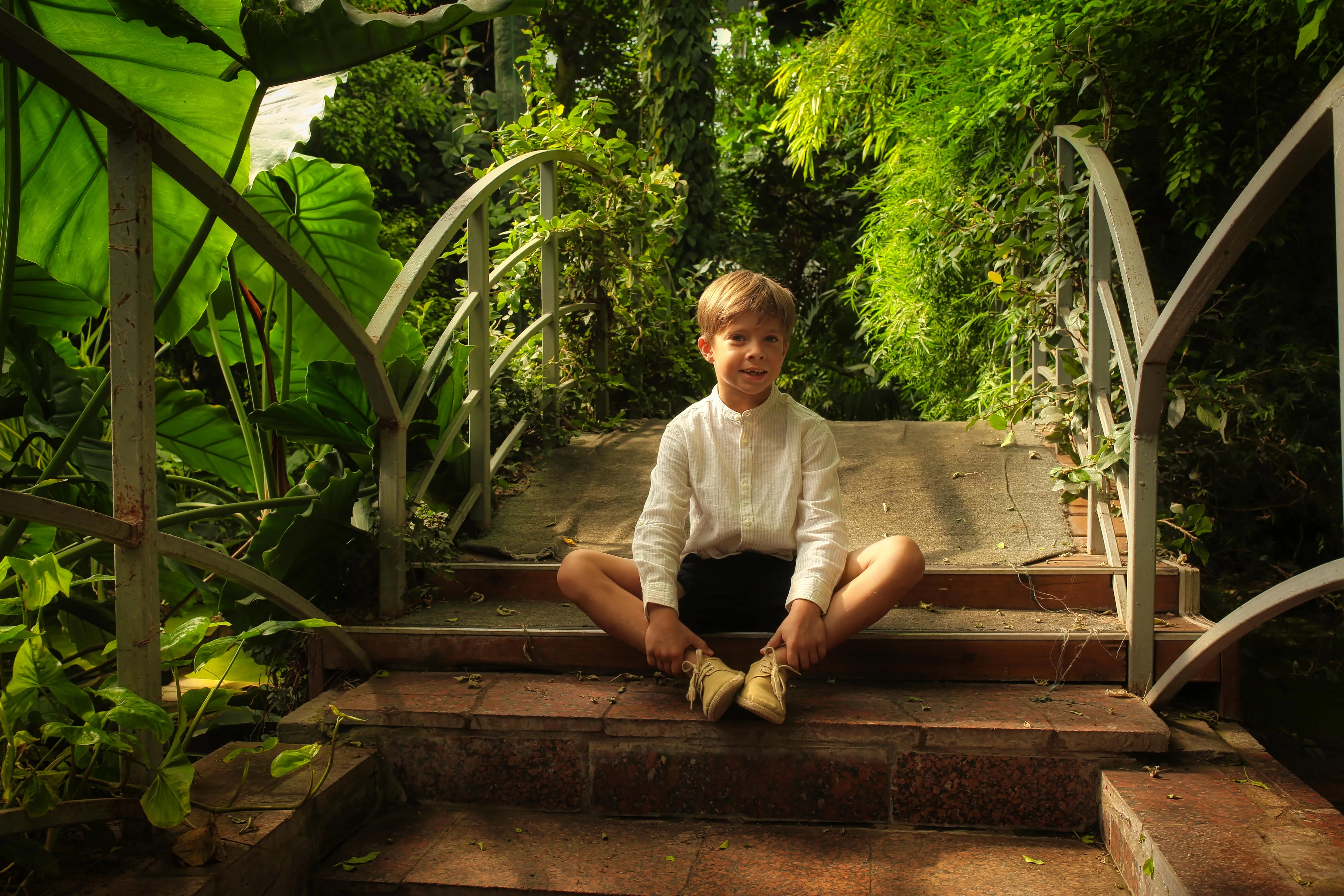
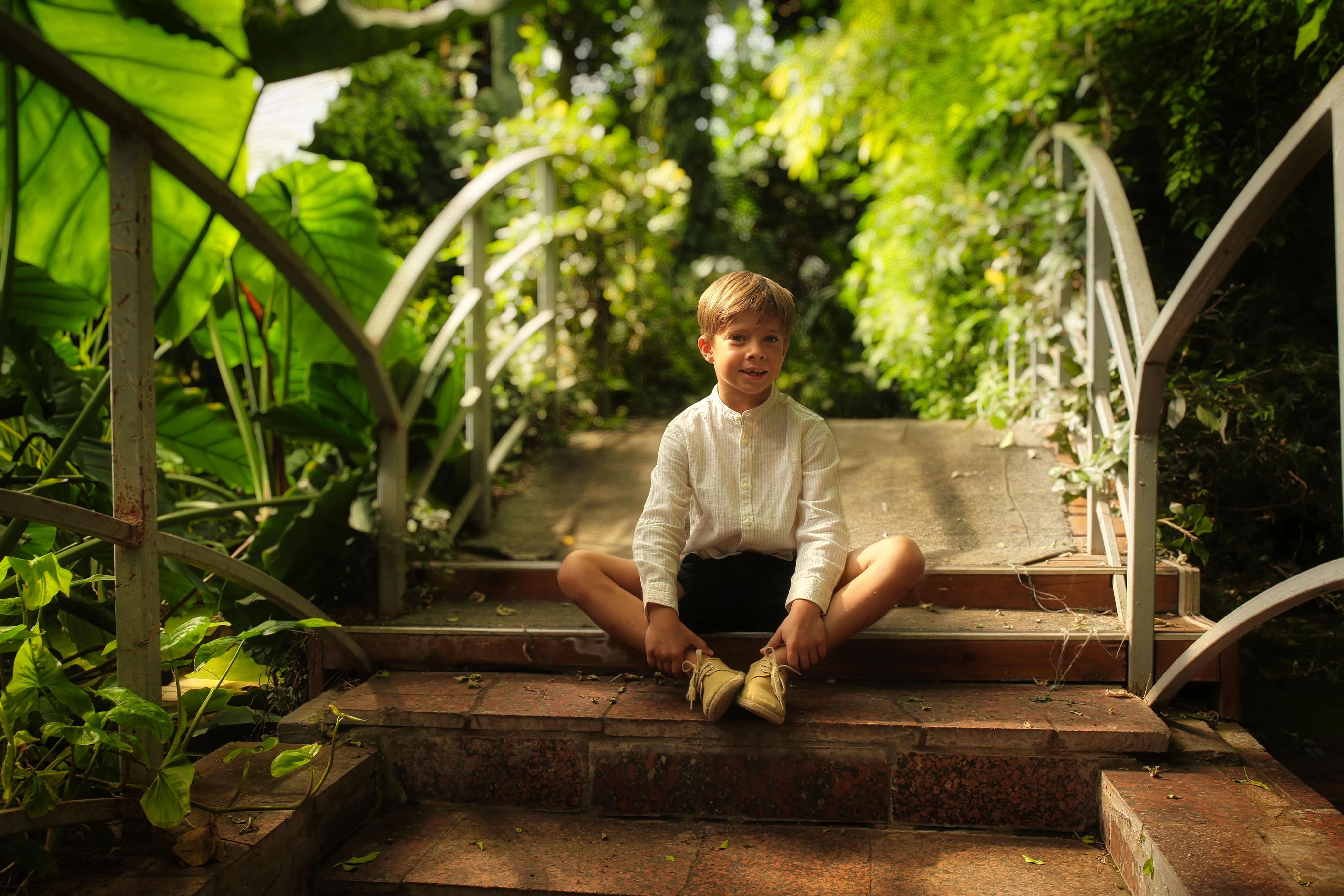
Osobní fotografie


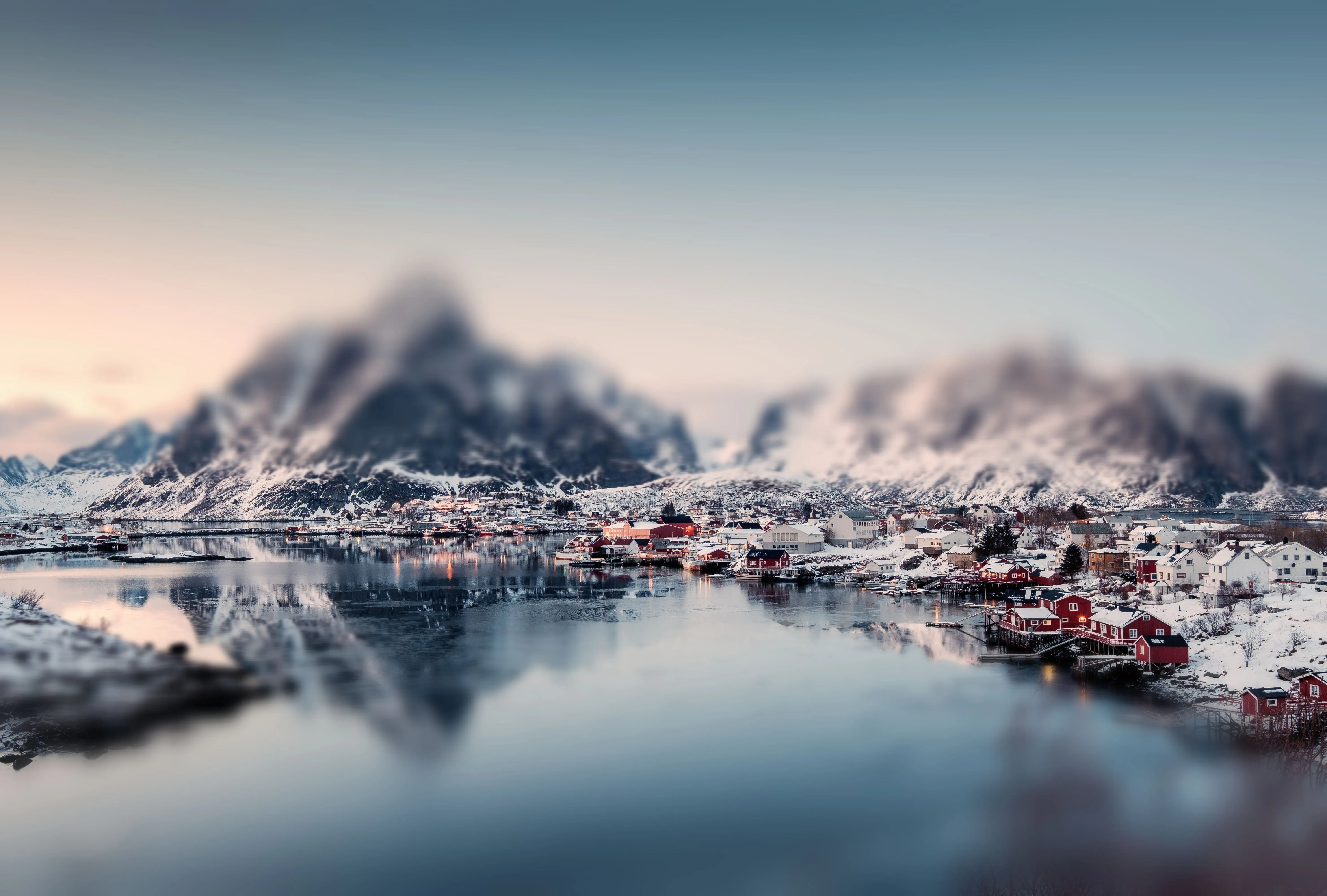
Cestovní fotografie


Fotografie ze života a sociálních médií
Prozkoumejte další funkce

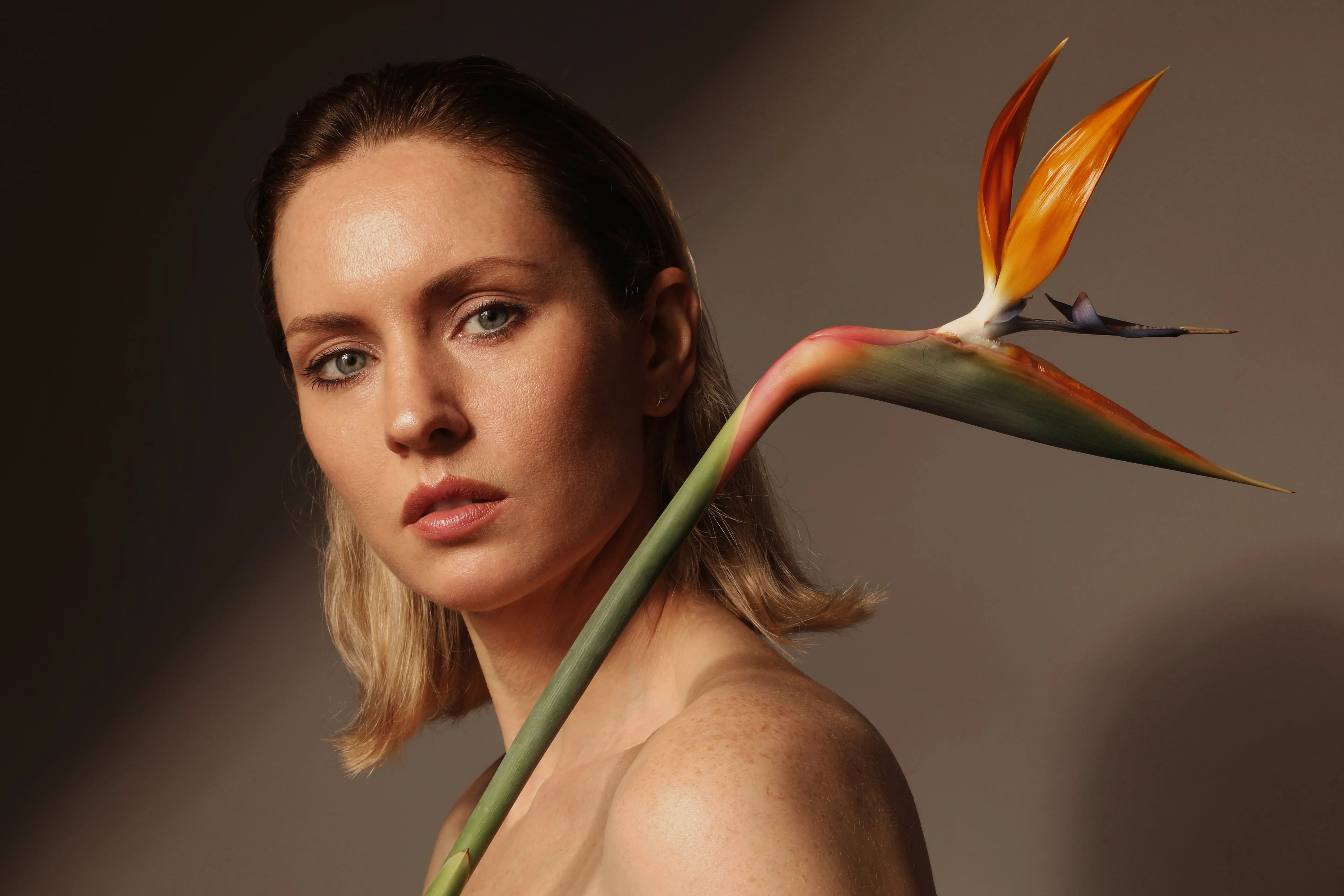
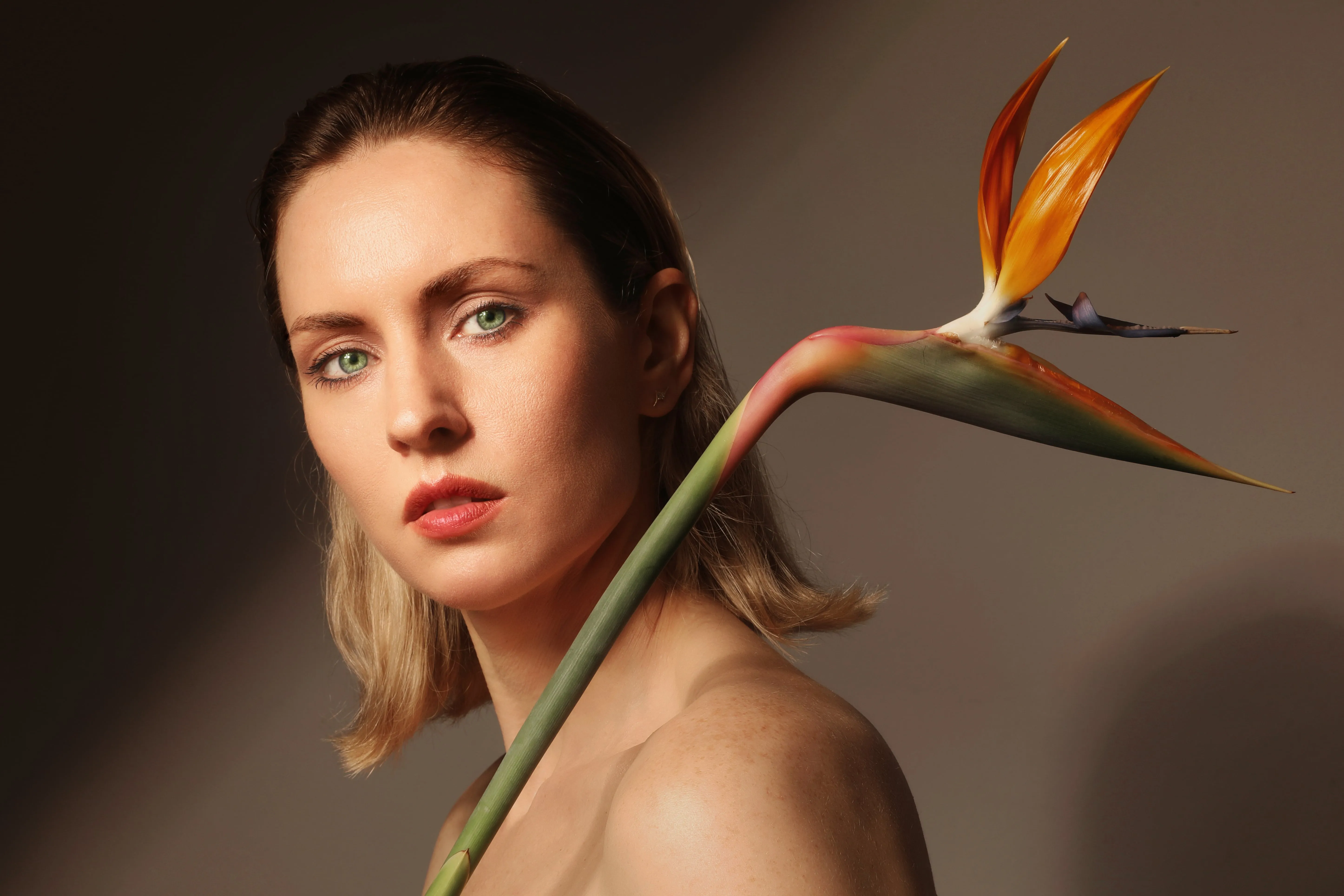




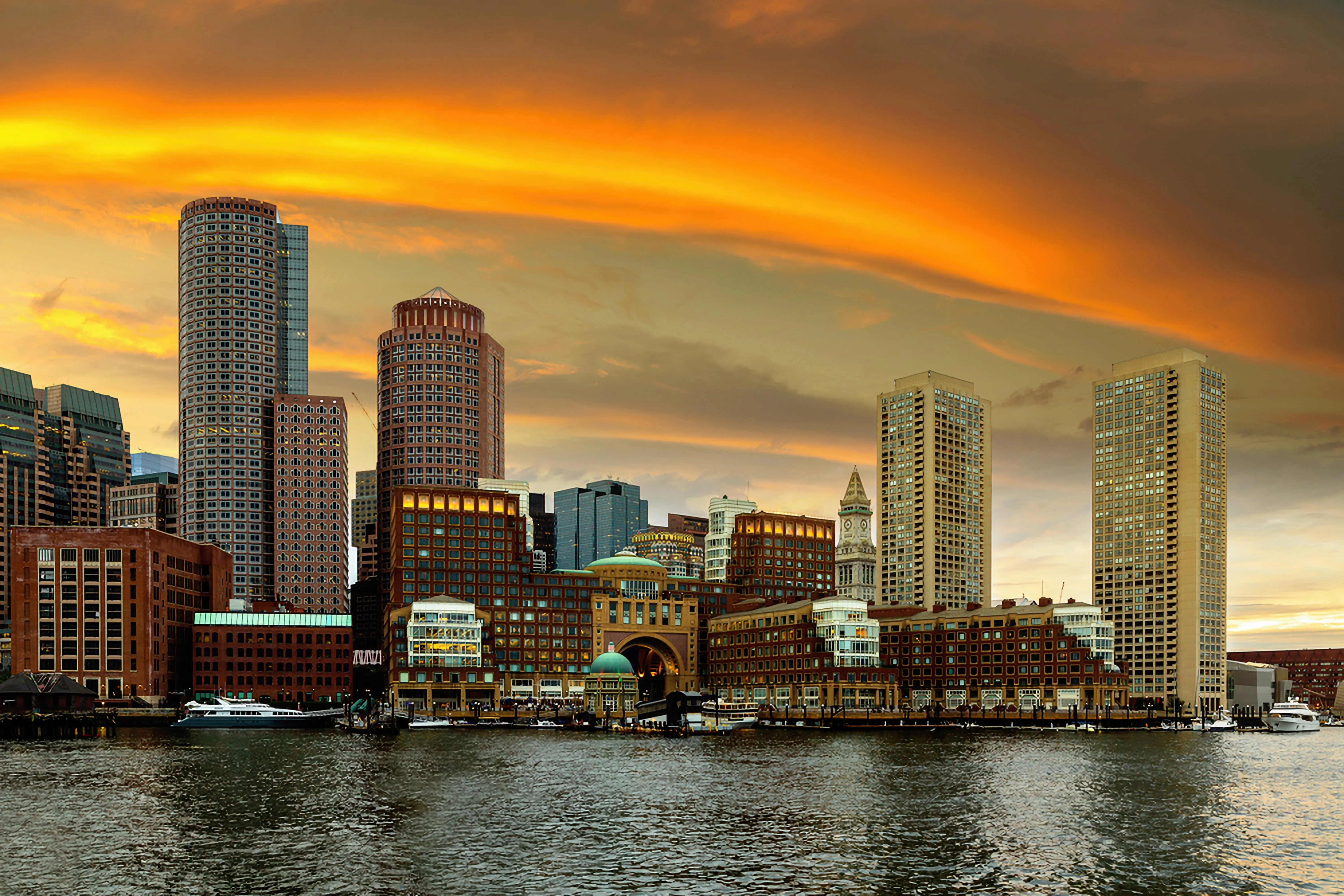
Zvětšení rozlišení obrazu na 4K





Aplikace a plugin
Pro macOS a Windows
- Vysoce výkonný editor využívající umělou inteligenci
Technická podpora 24 hodin denně, 7 dní v týdnu
30denní záruka vrácení peněz
Připojte se k našim komunitám

