


Download the app
Scan the QR code from iPhone or iPad and try Luminar Mobile
Enter your email below to receive a direct link to download Luminar Mobile from the App Store:
Die Zukunft der iPhone-Fotobearbeitung in deiner Hand
jetzt ausprobieren
AI-Funktionen
iPhone Bildbearbeitungsprogramm, unterstützt durch AI
Die Bearbeitung von Bildern auf deinem iPhone war noch nie so einfach
Schönheit hervorheben, Unvollkommenheiten beseitigen
körper AI
Gestalte den Mittelteil einer Person durch Hinzufügen oder Entfernen von Volumen neu
körper AI
Gestalte den Mittelteil einer Person durch Hinzufügen oder Entfernen von Volumen neu
Einfaches Bearbeiten:
Alle Fotobearbeitungs-Tools, die du brauchst, in einer praktischen App
Funktionen für erstklassige iPhone-Bildbearbeitung
Filter
Entdecke eine Sammlung von einzigartigen Effekten und Looks
Einfarbig
Wanle Farbfotos in Schwarzweiß um
Landschaften
Verbessere das Licht der goldenen Stunde, helle Laub auf oder entferne Schleier.
Kurven
Aufhellen, abdunkeln, Kontrast hinzufügen oder Farben verschieben
Das Tool Entwickeln
Passe die Farbe und den Ton deiner Fotos mit den wichtigsten Steuerelementen an
Radieren
Entferne mühelos Unvollkommenheiten
Zuschneiden
Einfaches Zuschneiden, Ausrichten, Spiegeln und Drehen von Bildern für die gewünschte Komposition
Details
Mach dramatische Fotos mit kristallklarer Schärfe
Schnelle Bearbeitung auf Profi-Niveau
Professionelle Qualität, im Handumdrehen erreicht
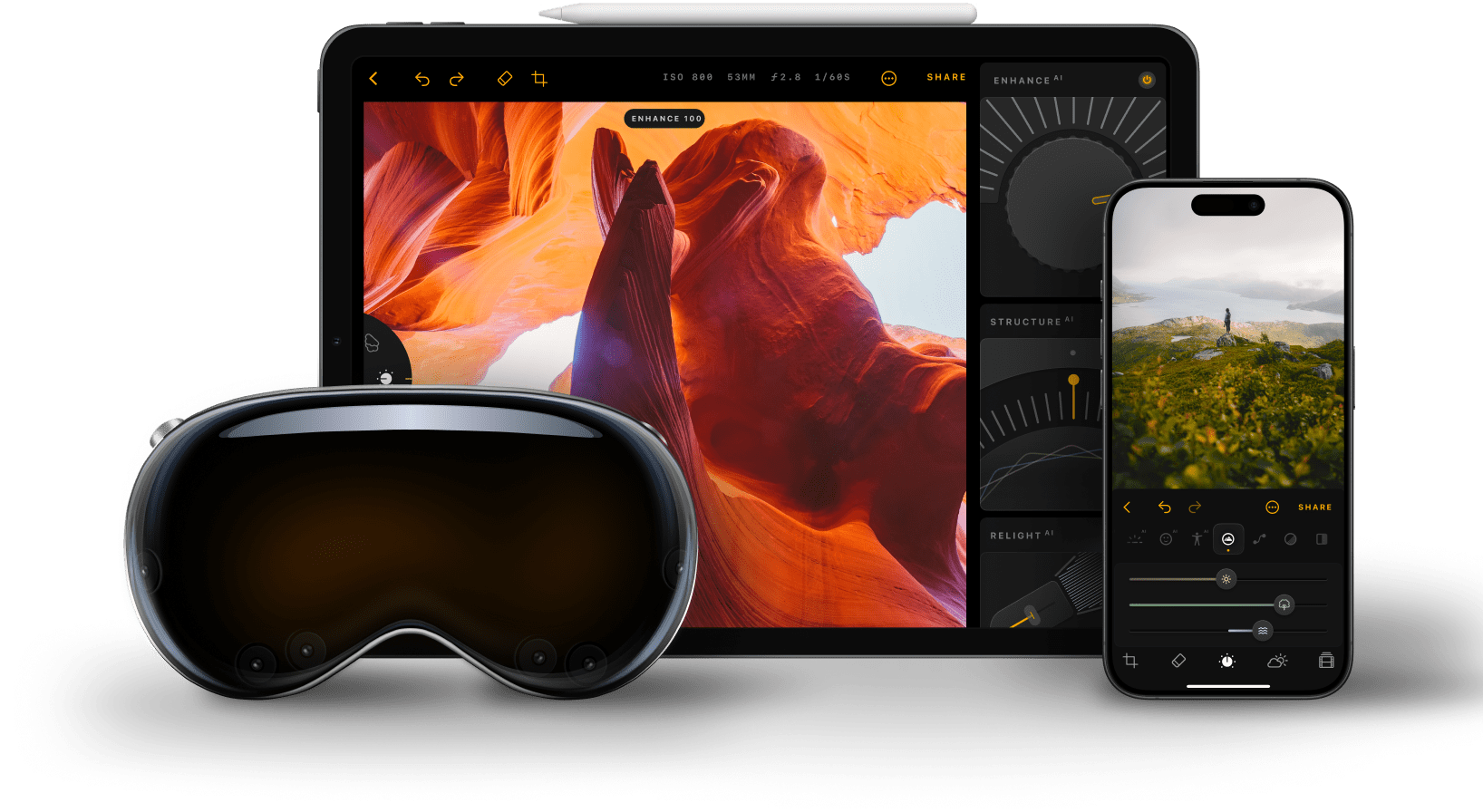
Luminar Mobile ist eine einfache Fotobearbeitungs-App, die im Handumdrehen hochwertige Ergebnisse liefert
FAQ
Our photo editing app, Luminar Mobile, requires iOS 17 or newer to work properly. Note that owners of older devices may encounter feature limitations.
Luminar Mobile is an AI photo editor app. That’s why it has plenty of AI-powered features, such as SkyAI for replacing skies, SkinAI and BodyAI for retouching portraits of people, RelightAI for correcting exposure, and more. It also has a variety of other tools — such as Erase, Crop, Filters, Develop, Curves — making it a universal all-in-one app.
Of course! Our iPhone photo editing app is easy to use and delivers professional-level results, making it perfect for beginners.
The iPhone image editor Luminar Mobile supports all the files that are natively supported by iOS and can be viewed in Apple Photos. Check list of supported cameras by Apple Photos.
You can find the Luminar Mobile user guide here.
When reviewing the limitations of the Luminar Mobile app to edit photos, make sure to check your device’s RAM capacities first. RAM acts as a temporary workspace for your device and having more RAM allows you to handle larger and more complex images without encountering performance issues. Check your supported RAM capacities here.
Download the app
Scan the QR code from iPhone or iPad and try Luminar Mobile
Enter your email below to receive a direct link to download Luminar Mobile from the App Store: