


Download the app
Scan the QR code from iPhone or iPad and try Luminar Mobile
Enter your email below to receive a direct link to download Luminar Mobile from the App Store:
Funzionalità con AI
Editor di immagini per iPhone, basato sull'AI
Modificare le immagini sul tuo iPhone non è mai stato così facile
Evidenzia la bellezza, cancella le imperfezioni
corpo AI
Dai forma al torso di una persona aggiungendo o togliendo volume
corpo AI
Dai forma al torso di una persona aggiungendo o togliendo volume
Modifica in tutta facilità:
Tutti i tool di foto editing di cui hai bisogno in un'unica e pratica app
Funzionalità per un editing delle immagini su iPhone di livello superiore
Filtri
Scopri una collezione di effetti e stili unici
Monocromatico
Trasforma una foto a colori in una in bianco e nero
Paesaggio
Dona risalto alla luce dell'ora d'ora, illumina il foliage o applica la rimozione della foschia
Curve
Illumina, scurisci, aggiungi contrasto o altera i colori
Tool Sviluppa
Regola colori e toni delle tue foto con i controlli più essenziali
Cancella
Rimuovi con facilità le imperfezioni
Ritaglio
Ritaglia, allinea, capovolgi e ruota con facilità le immagini per ottenere la composizione desiderata
Dettagli
Crea foto spettacolari dalla nitidezza eccezionale
Ritocchi rapidi di livello professionale
Risultati di qualità professionale in un istante
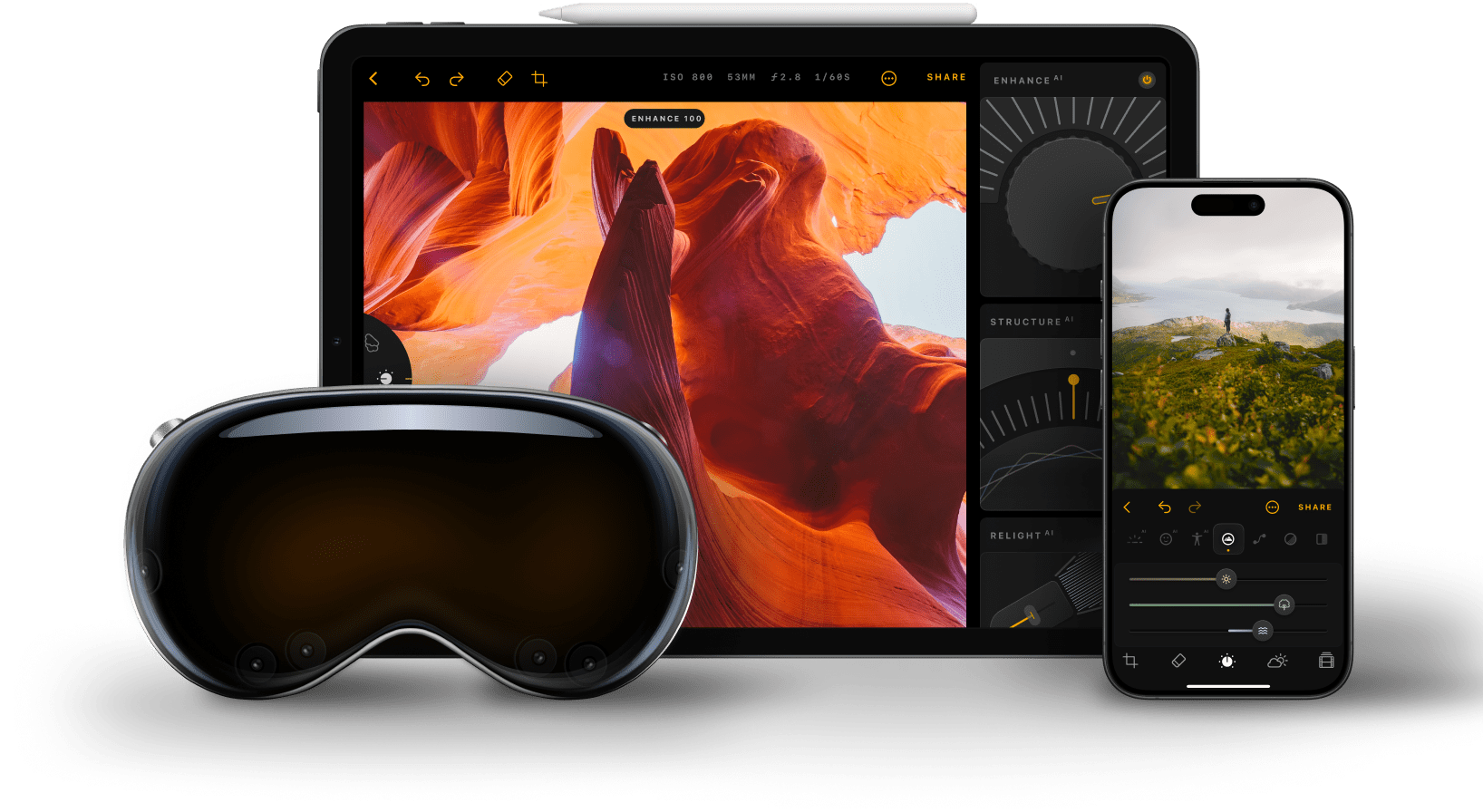
Luminar Mobile è un'app di foto editing facile che offre risultati di alta qualità in un istante
FAQ
Our photo editing app, Luminar Mobile, requires iOS 17 or newer to work properly. Note that owners of older devices may encounter feature limitations.
Luminar Mobile is an AI photo editor app. That’s why it has plenty of AI-powered features, such as SkyAI for replacing skies, SkinAI and BodyAI for retouching portraits of people, RelightAI for correcting exposure, and more. It also has a variety of other tools — such as Erase, Crop, Filters, Develop, Curves — making it a universal all-in-one app.
Of course! Our iPhone photo editing app is easy to use and delivers professional-level results, making it perfect for beginners.
The iPhone image editor Luminar Mobile supports all the files that are natively supported by iOS and can be viewed in Apple Photos. Check list of supported cameras by Apple Photos.
You can find the Luminar Mobile user guide here.
When reviewing the limitations of the Luminar Mobile app to edit photos, make sure to check your device’s RAM capacities first. RAM acts as a temporary workspace for your device and having more RAM allows you to handle larger and more complex images without encountering performance issues. Check your supported RAM capacities here.
Download the app
Scan the QR code from iPhone or iPad and try Luminar Mobile
Enter your email below to receive a direct link to download Luminar Mobile from the App Store: