

 Plannen bekijken
Maak van je foto’s kunstwerken met AI-filters
Dankzij AI kun je routinetaken stroomlijnen en sneller en gemakkelijker prachtige resultaten behalen. Probeer eens verschillende AI-effectfilters uit in de Luminarediting-software
Plannen bekijken
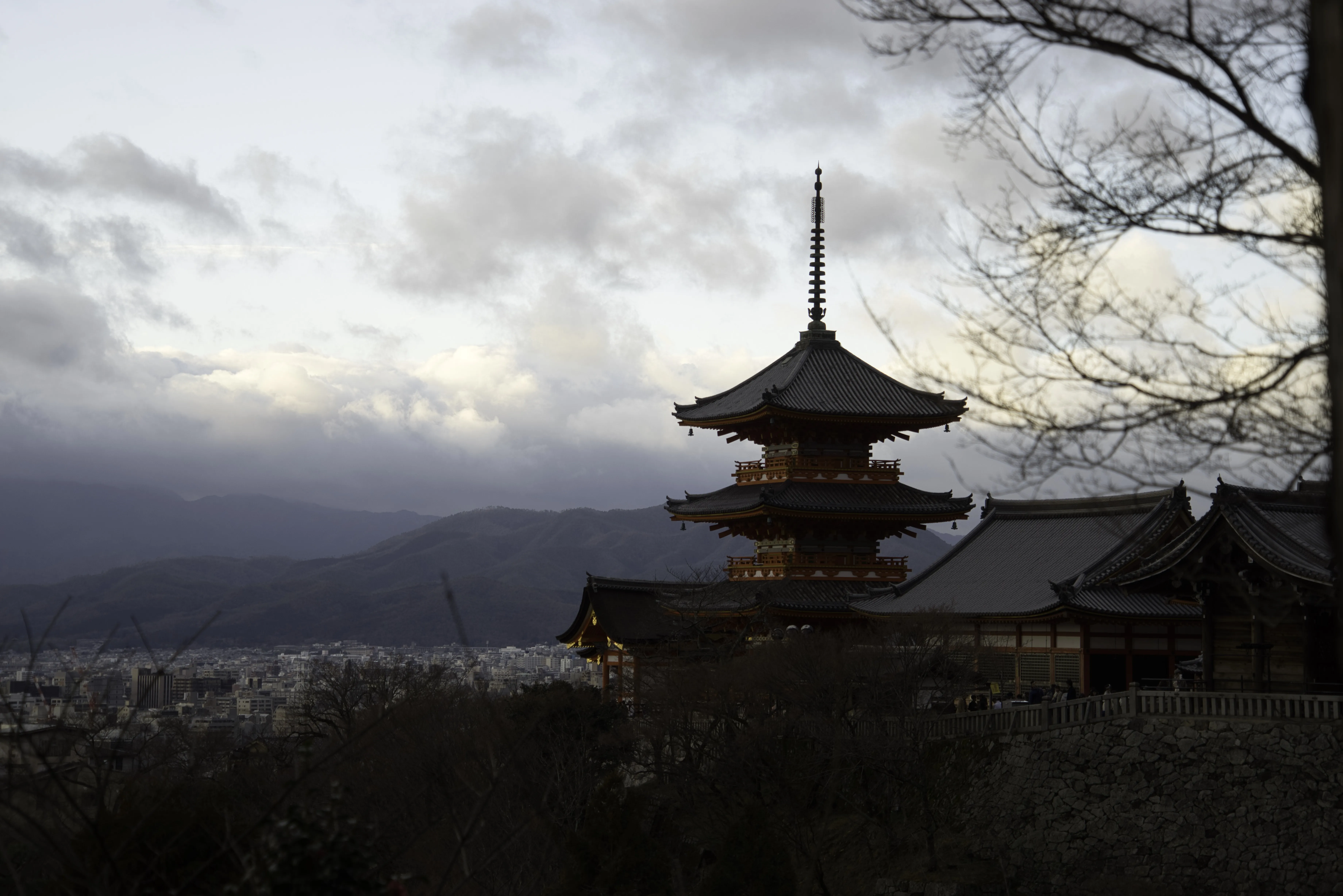
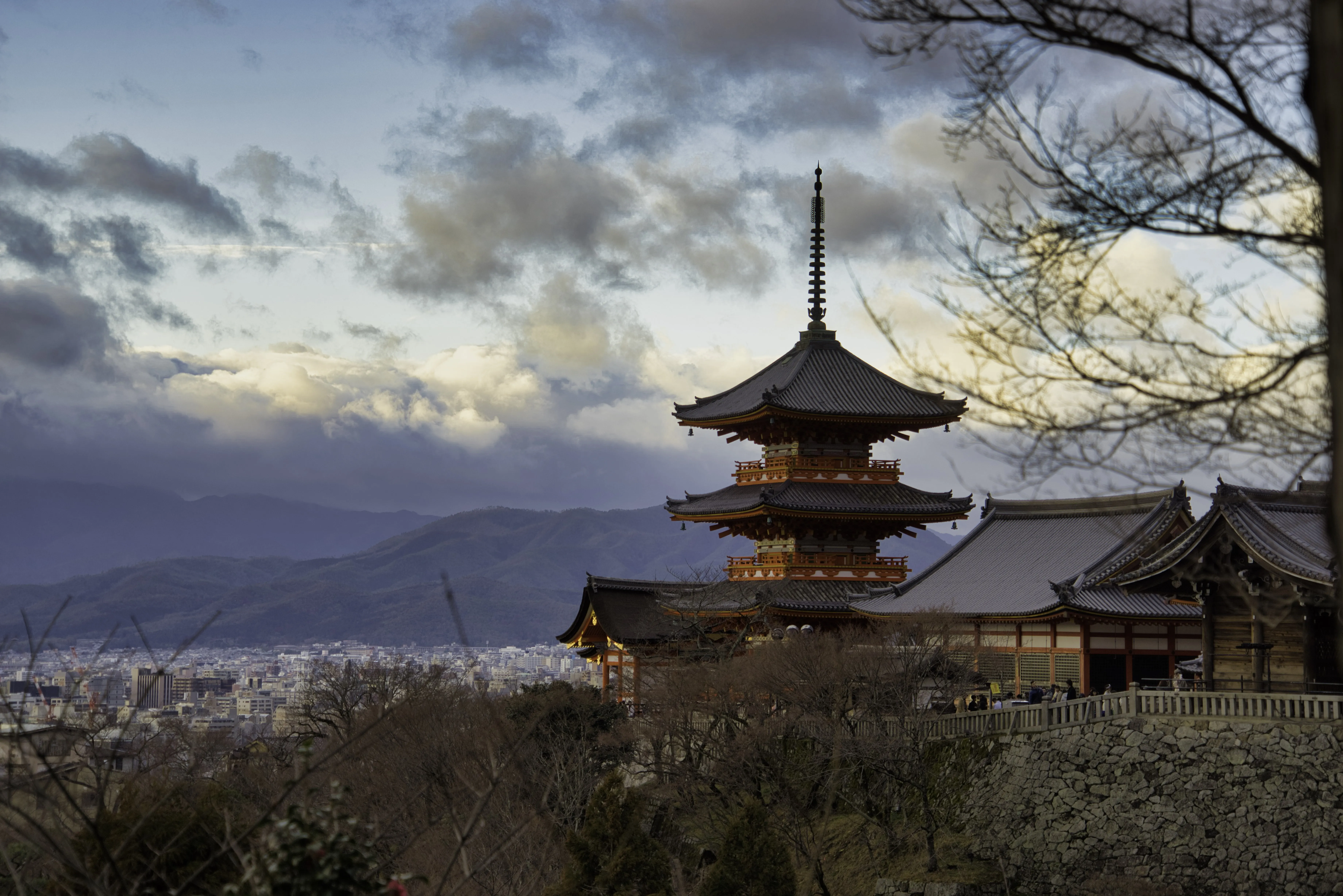
© Dima Sytnik
Visuele esthetiek realiseren met Accent ᴬᴵ
Deze Luminar-functie analyseert je afbeelding automatisch en corrigeert deze direct met behulp van meer dan een dozijn instellingen tegelijk, waardoor je met één simpele schuifbalk natuurlijke, prachtige resultaten krijgt.
Tot de aanpassingen die je met één klik kunt doorvoeren via het Accent ᴬᴵ-filter behoren traditionele instellingen zoals schaduwen, belichting, contrast, toon, verzadiging, belichtingstijd, detail en nog veel meer.
Tot de aanpassingen die je met één klik kunt doorvoeren via het Accent ᴬᴵ-filter behoren traditionele instellingen zoals schaduwen, belichting, contrast, toon, verzadiging, belichtingstijd, detail en nog veel meer.
Wat maakt onze tool voor AI-filtereffecten zo bijzonder?
De Accent ᴬᴵ-tool van Luminar is gebaseerd op kunstmatige intelligentie en helpt je je bewerkingen te stroomlijnen, waardoor je met één schuifregelaar eenvoudig tot wel twaalf aanpassingen kunt doorvoeren. Bereik natuurlijk mooie resultaten met één enkele schuifbeweging, in plaats van handmatig meerdere instellingen te moeten aanpassen.

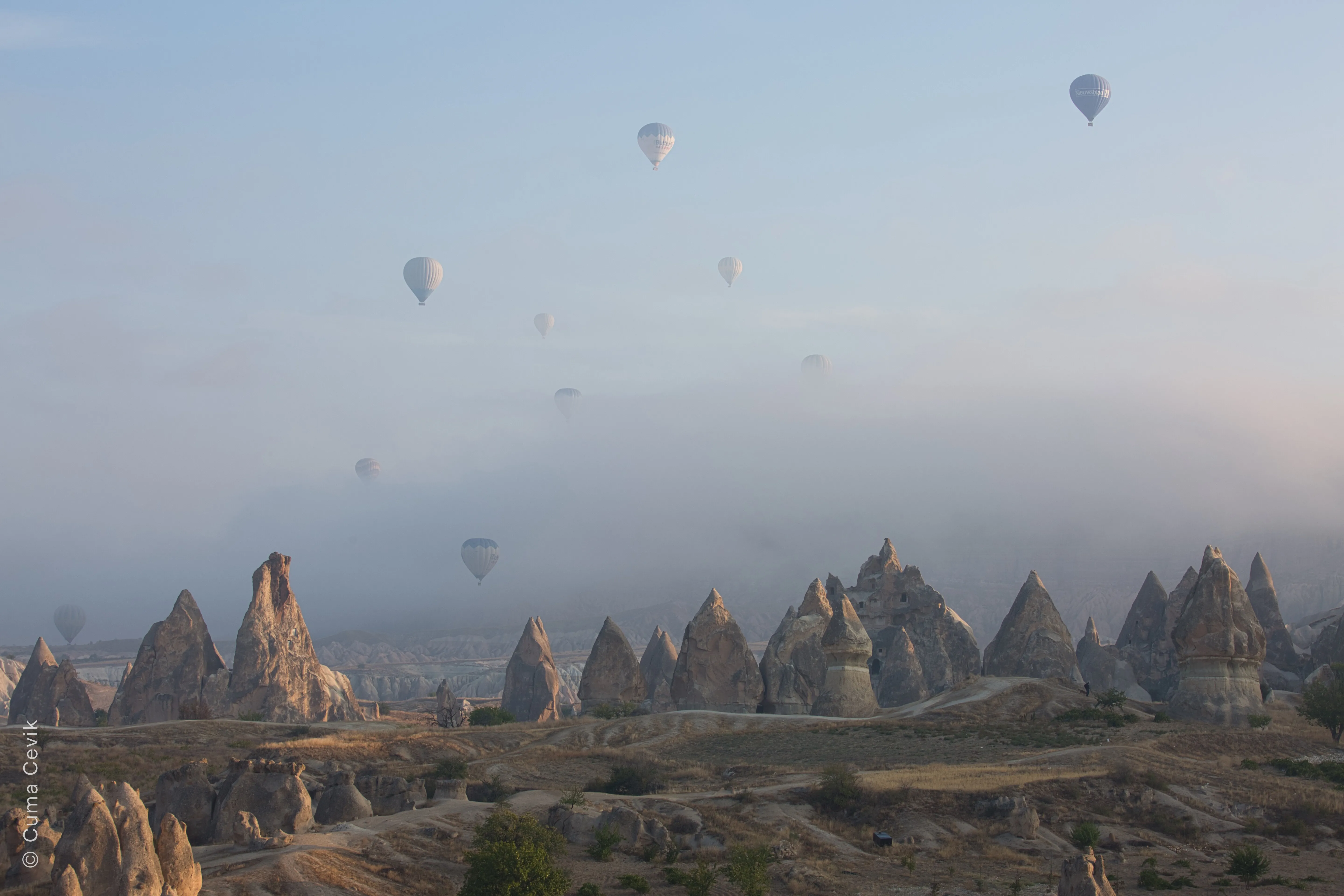

© Cuma Cevik
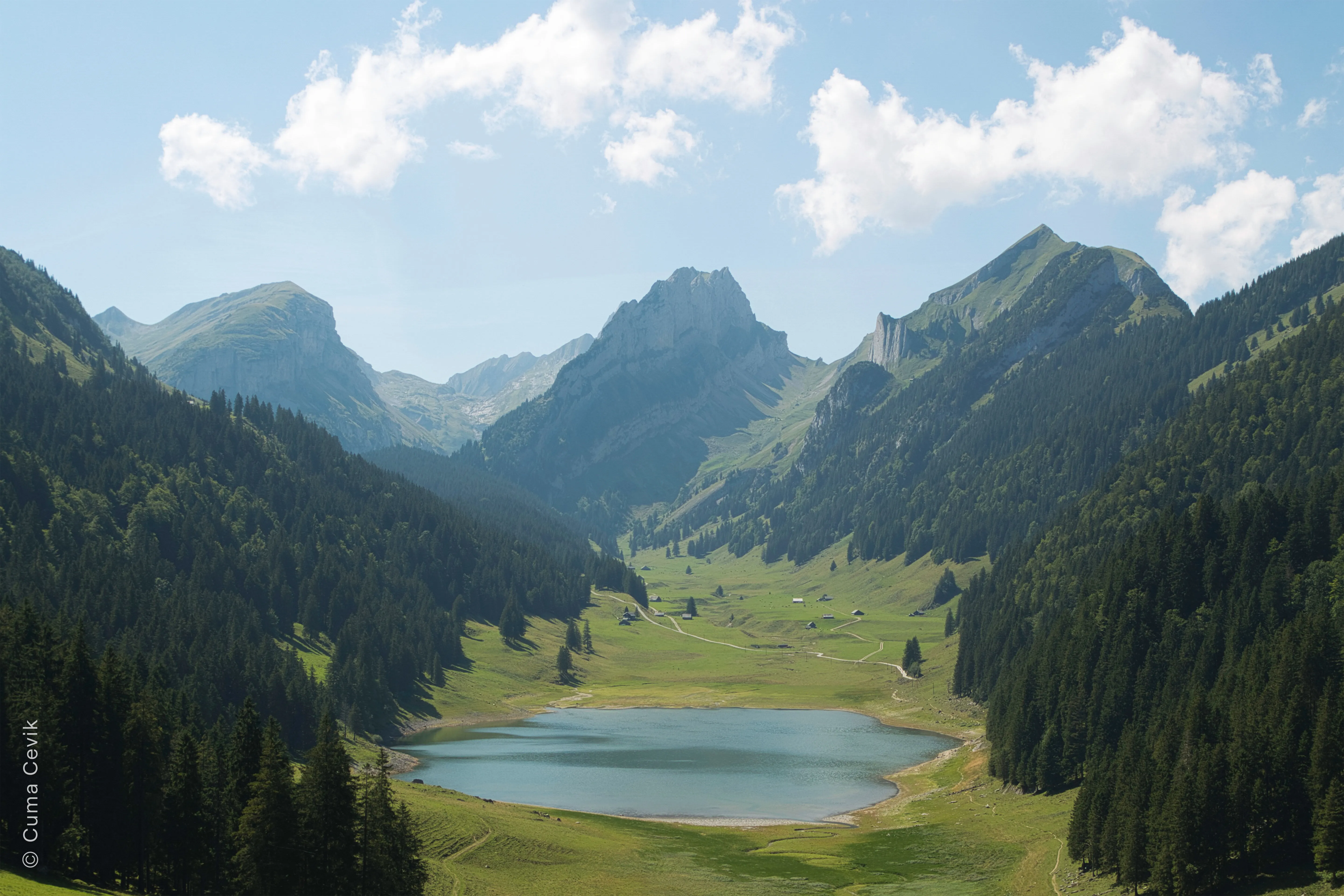
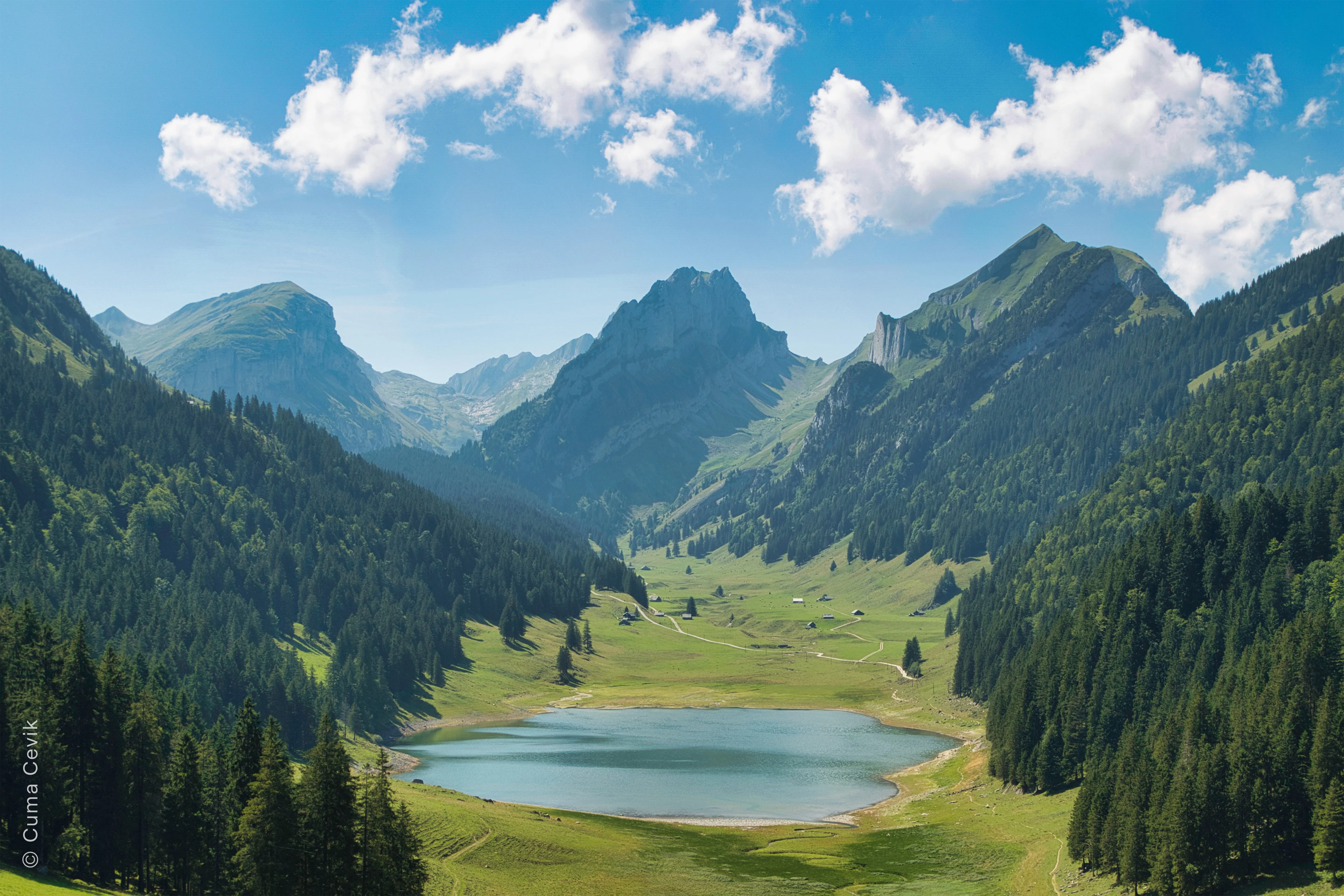
© Cuma Cevik
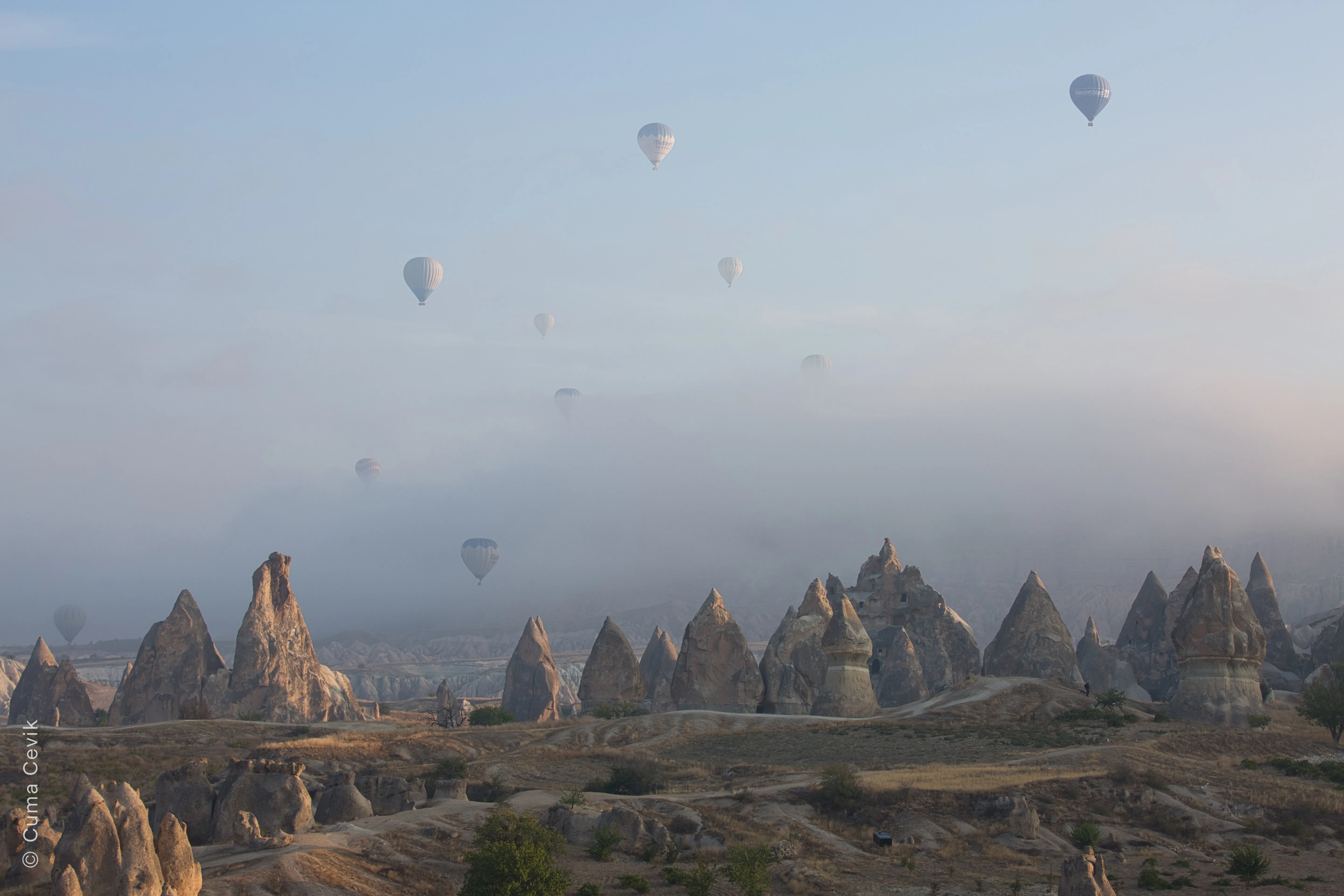
Experimenteren met AI-technologieën in combinatie met fotografie
Luminar is innovatieve software die gebruikmaakt van AI-filtertechnologieën en waarmee je moeiteloos prachtige foto’s kunt maken.
De AI-mogelijkheden ervan kunnen het fotobewerkingsproces aanzienlijk verbeteren door repetitieve taken te automatiseren, intelligente hulpmiddelen aan te bieden en de algehele efficiëntie en kwaliteit van je bewerkingen te verbeteren.
De AI-mogelijkheden ervan kunnen het fotobewerkingsproces aanzienlijk verbeteren door repetitieve taken te automatiseren, intelligente hulpmiddelen aan te bieden en de algehele efficiëntie en kwaliteit van je bewerkingen te verbeteren.
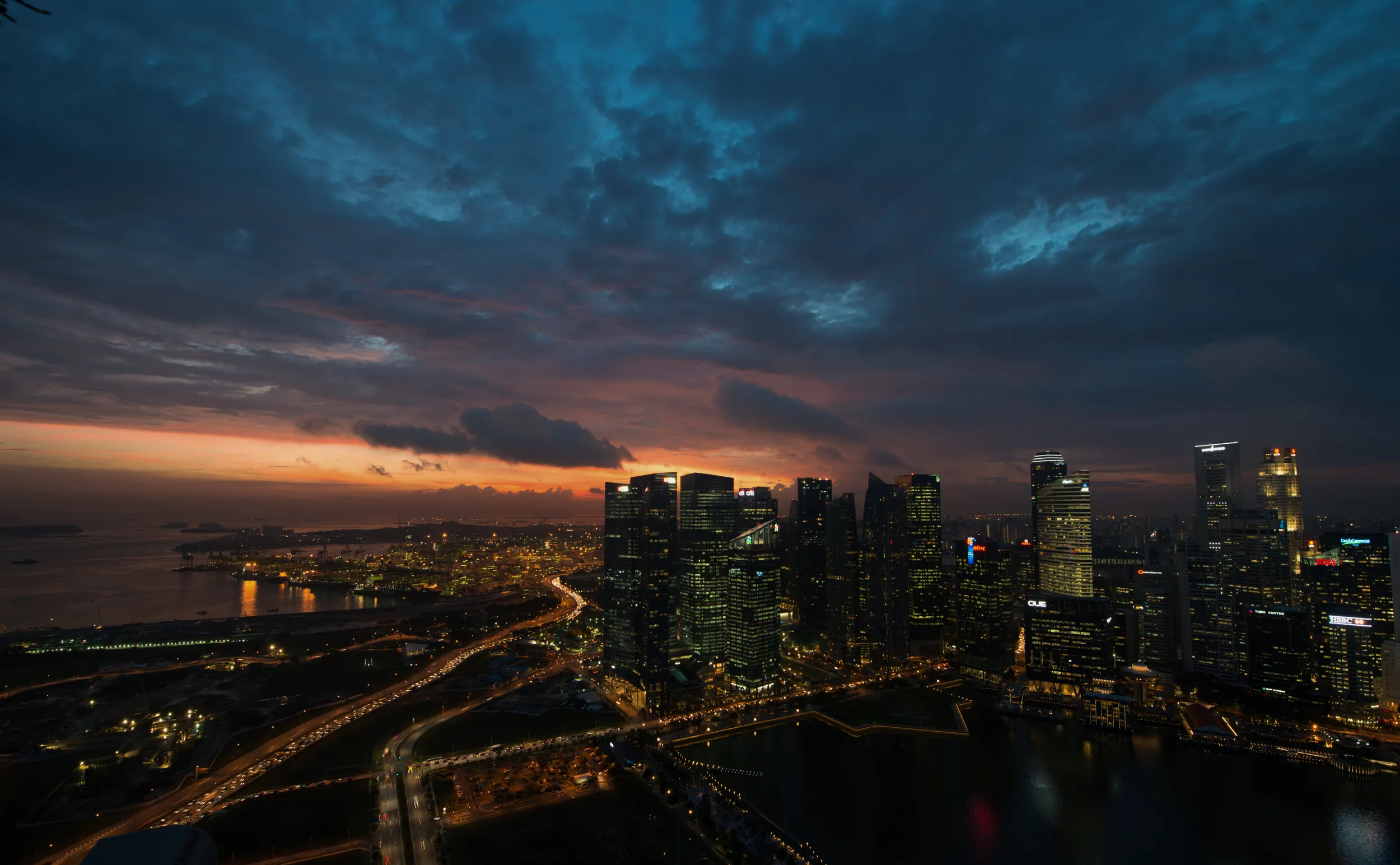
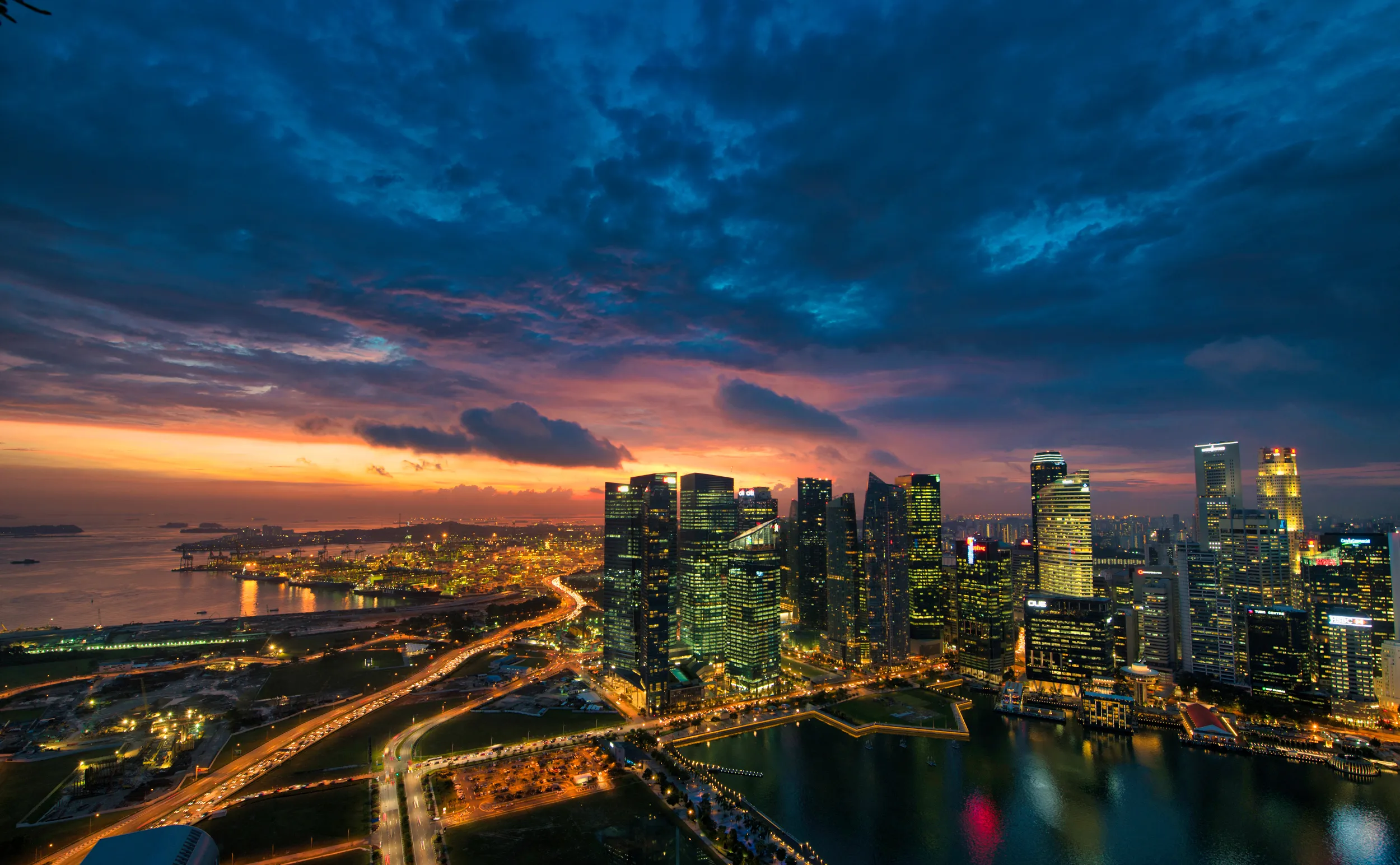
© Dima Sytnik
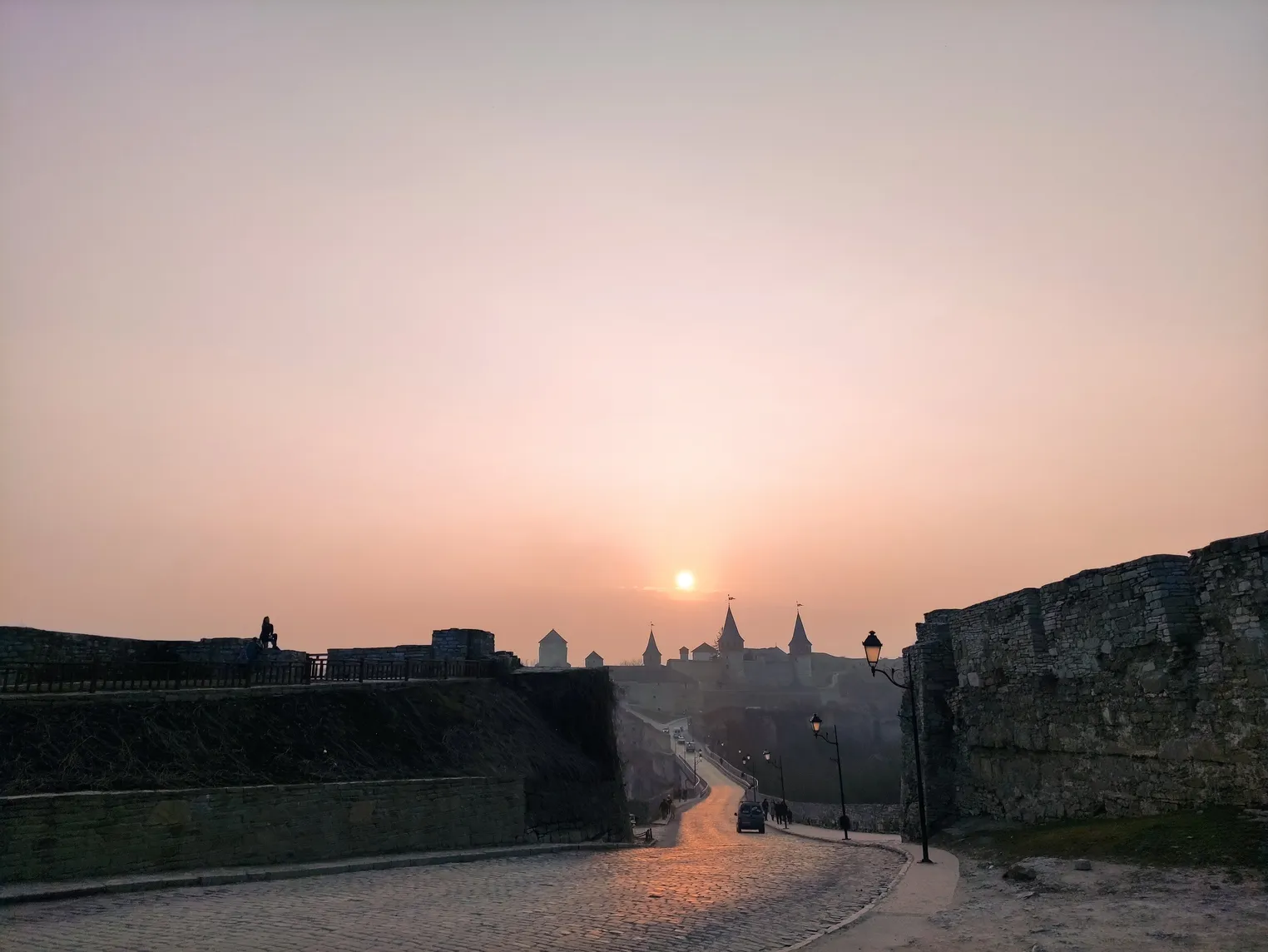
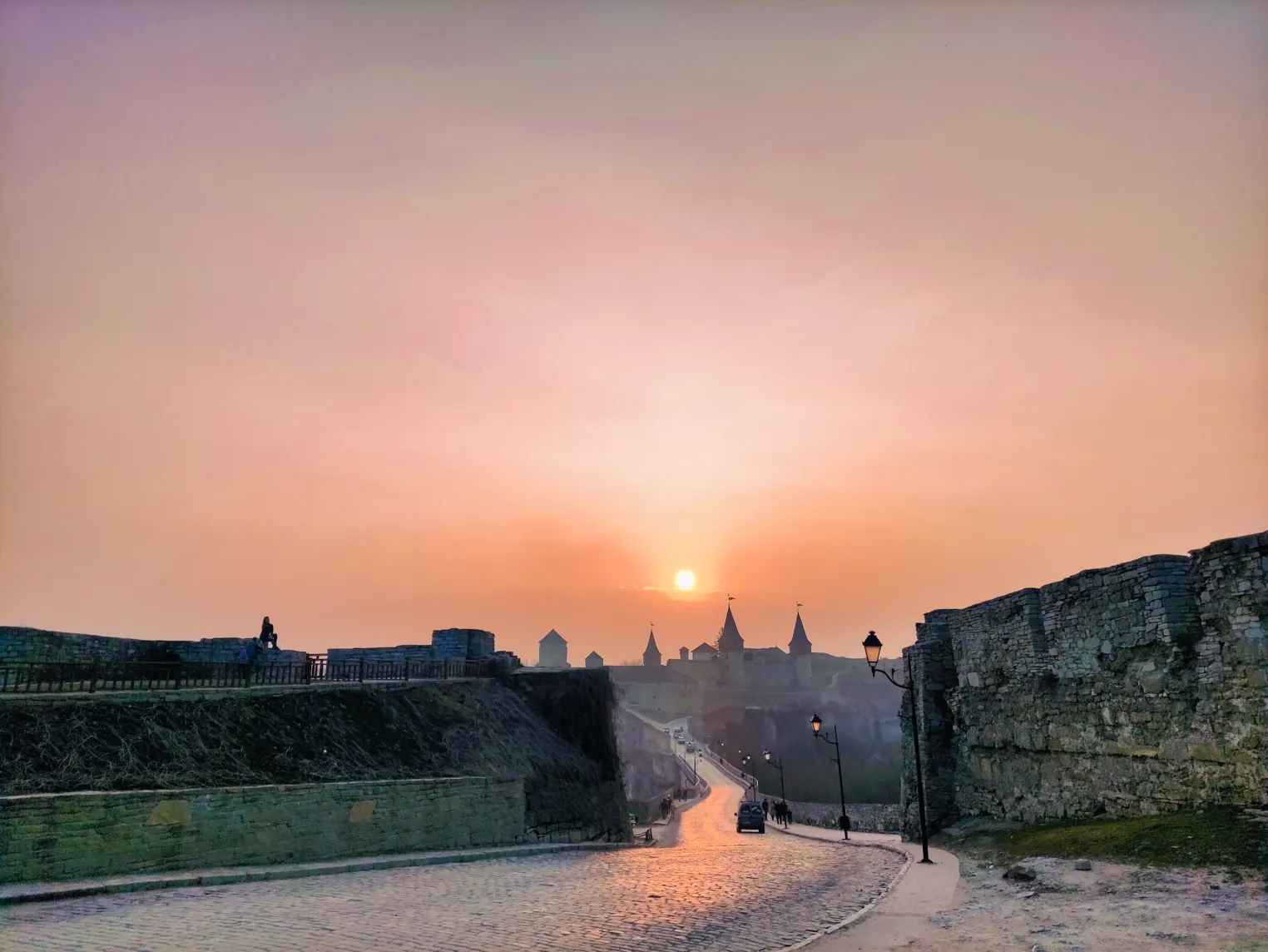
© Lisa
Hoe werkt Accent ᴬᴵ?
Analyseren
Accent ᴬᴵ analyseert foto’s, let daarbij op zaken als gezichten, en levert telkens weer een eindresultaat op dat de afbeelding daadwerkelijk verbetert. Het systeem houdt rekening met de inhoud, waardoor je meer dan ooit op Accent ᴬᴵ kunt vertrouwen.
Verbeteren
Met een schuifbalk van Accent ᴬᴵ kun je een foto bewerken zodat deze er precies zo uitziet als je hem zag toen je hem nam. Voer met één klik tot wel twaalf aanpassingen uit.
Aanpassen
Je kunt je foto nog verder verbeteren en deze precies zo laten eruitzien als je wilt door de schuifbalk ‘Accent ᴬᴵ’ aan te passen. Met Luminar heb je volledige controle over het resultaat.
Ontdek andere functies
Luminar is zo ontworpen dat het gebruiksvriendelijk is voor mensen met verschillende vaardigheidsniveaus. De intuïtieve, door AI aangestuurde bedieningselementen van de software automatiseren ingewikkelde taken die uit meerdere stappen bestaan.

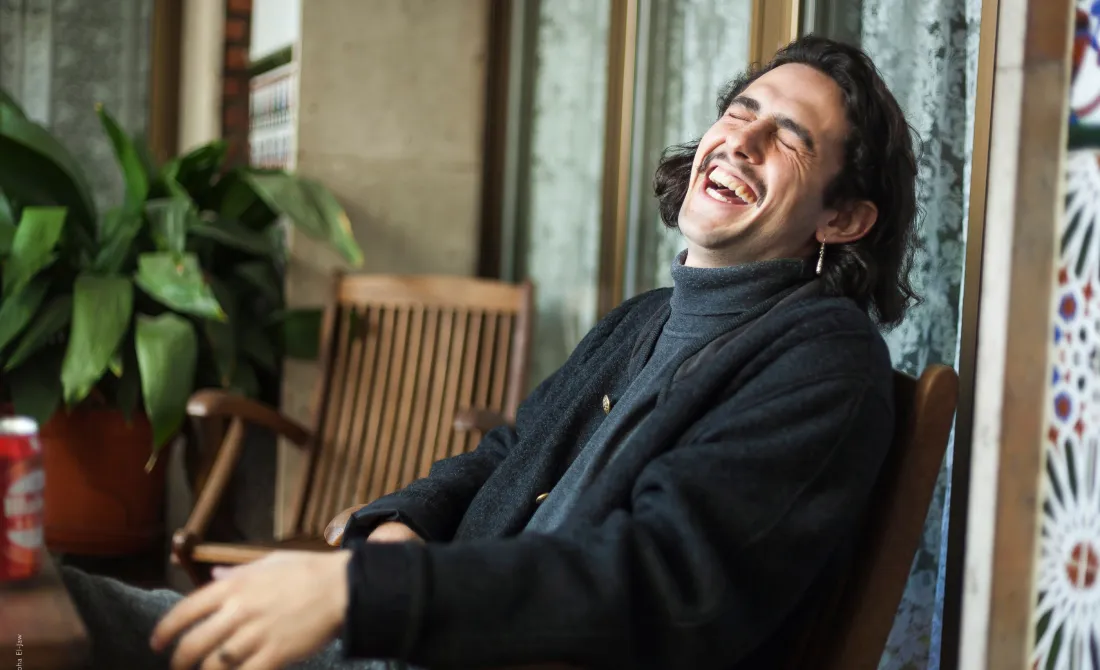
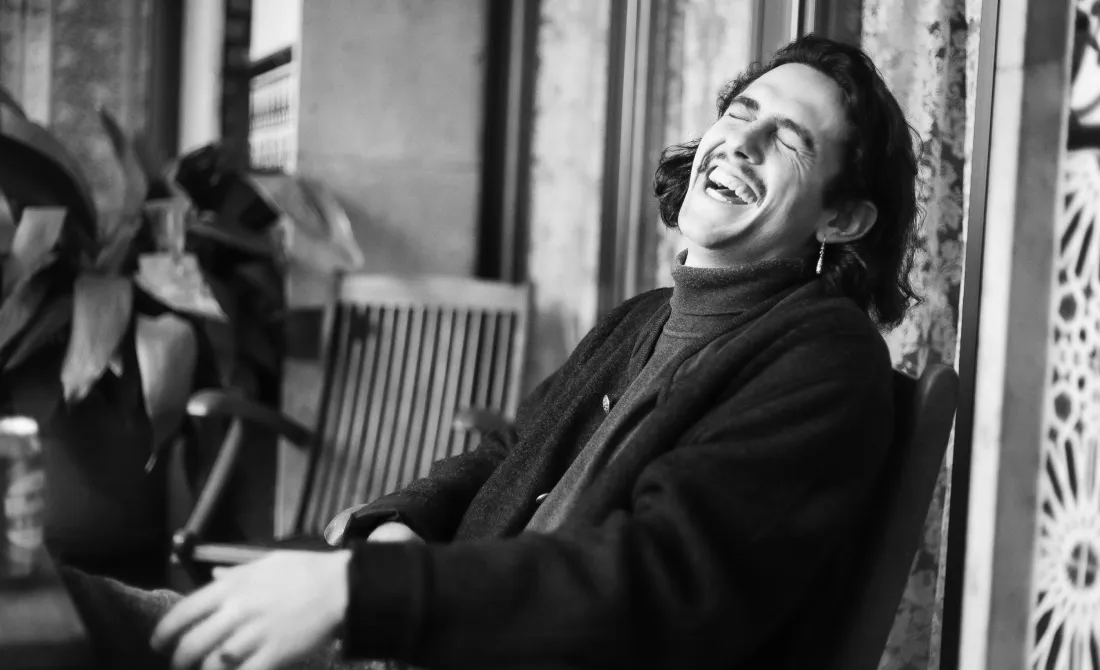


Foto’s opschonen


© EkaterinaSid
Foto’s opschonen
Laat afleidingen je perfecte foto’s niet verpesten! Verwijder ze in een handomdraai

Afbeelding Tinter


© Wirestock
Afbeelding Tinter
Haal het ware potentieel van uw foto’s naar boven dankzij deskundige kleurcorrectie

Kleurenfoto-editor


© Jabi Sanz
Kleurenfoto-editor
Geef je foto’s een nieuwe impuls door de kleuren en tinten aan te passen

VerbeterenAI
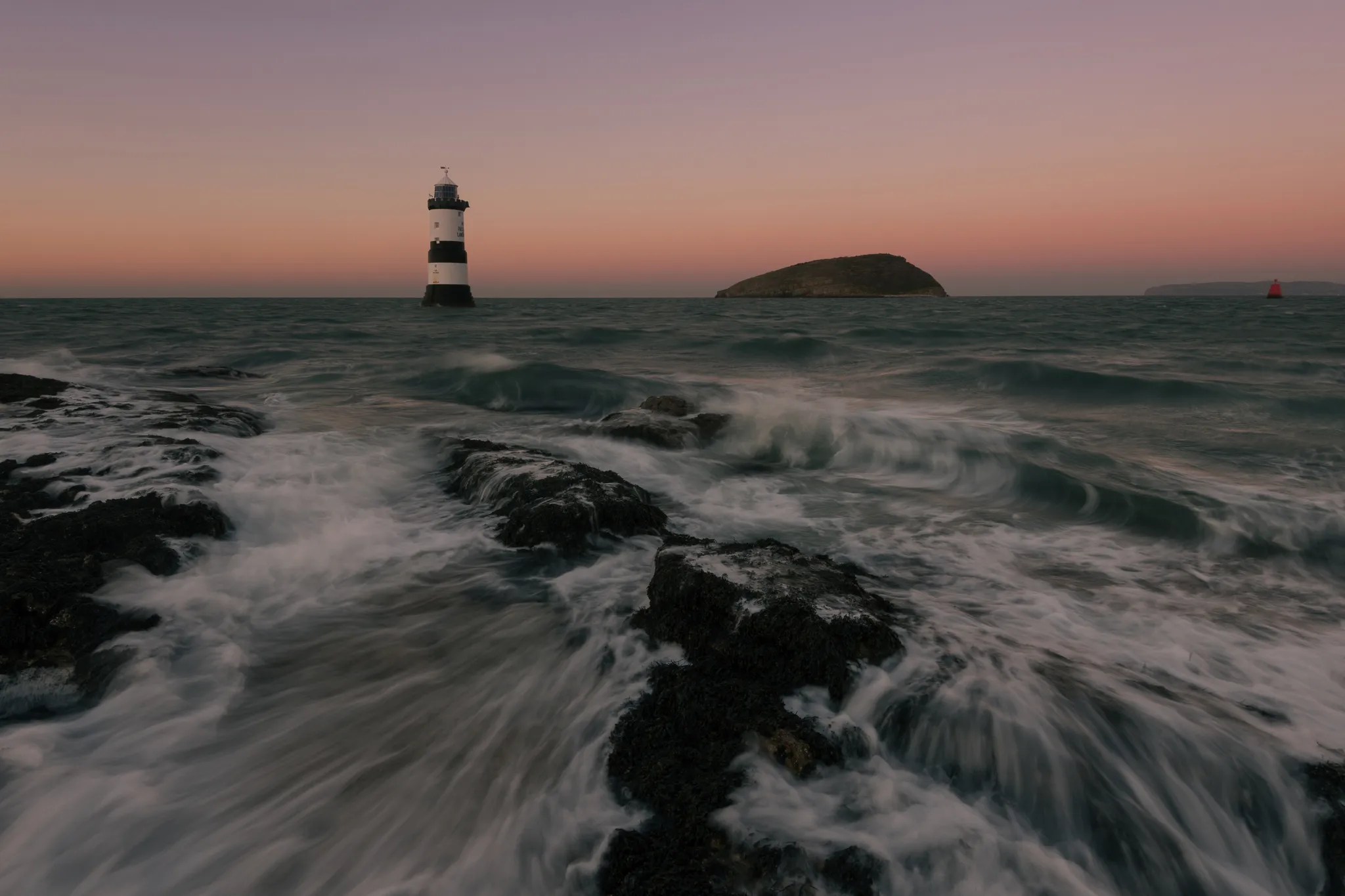
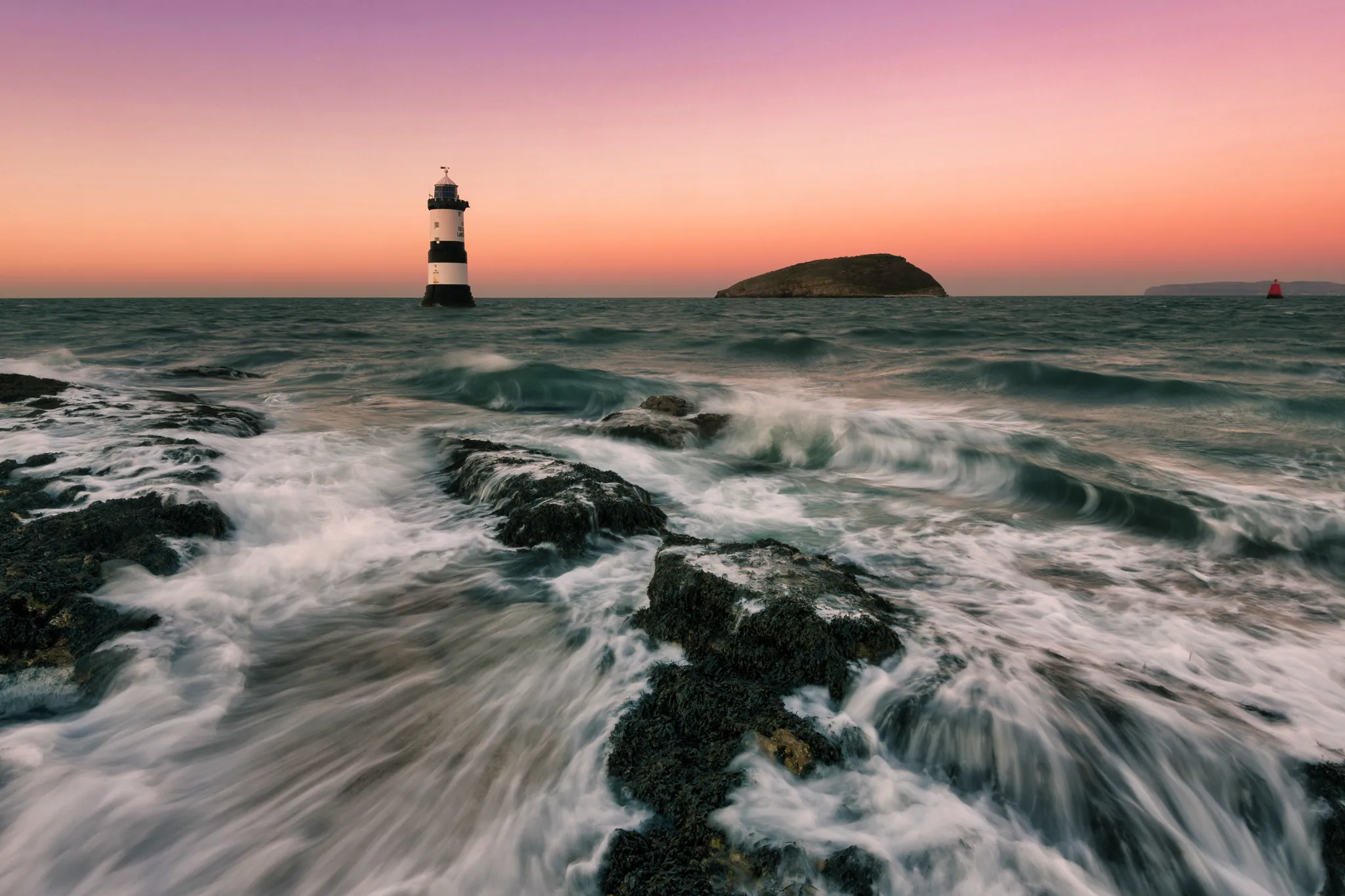
© mathewbrowne_anglesey
VerbeterenAI
Vereenvoudig je workflow en verbeter je resultaten met één enkele, door AI aangestuurde schuifbalk
Een applicatie en plug-in
Voor macOS en Windows
- Krachtige AI-editor
24/7 technische ondersteuning
30 dagen geld-terug-garantie
Word lid van onze communities

Veelgestelde vragen
Wat is een AI-filter?
AI-filters, ook wel bekend als filters op basis van kunstmatige intelligentie of neurale filters, zijn geavanceerde tools voor beeld- of videoverwerking die gebruikmaken van kunstmatige intelligentie en algoritmen voor machine learning om specifieke transformaties, effecten of verbeteringen toe te passen op media-inhoud.
Hoe kun je vervaagde foto’s herstellen?
AI-filters, ook wel bekend als AI-aangedreven filters of neurale filters, maken gebruik van kunstmatige intelligentie en algoritmen voor machine learning om afbeeldingen of video’s op verschillende manieren te analyseren en aan te passen. Deze filters maken gebruik van deep learning-modellen om de inhoud van een afbeelding te begrijpen en specifieke bewerkingen toe te passen om de gewenste effecten te bereiken.
Wat kun je maken met een AI-filter?
Dat hangt af van het filter! Er zijn AI-stijlfilters die het uiterlijk verbeteren, of tools zoals Gezicht ᴬᴵ en Huid ᴬᴵ waarmee je bepaalde details van een foto kunt accentueren. Ontdek de vele AI-tools van Luminar en kijk wat je allemaal kunt doen!
Kunnen AI-filters worden gebruikt om afbeeldingen en video’s te verbeteren?
Natuurlijk beschikt Luminar over verschillende AI-beeldfilters waarmee je foto’s kunt verbeteren. Wat video’s betreft: Luminar ondersteunt momenteel geen videobestanden.
