

 Bekijk opties
Voeg filmkorrel toe aan uw foto
Verbeter uw foto met filmkorrel die een uniek en esthetisch effect aan de afbeelding toevoegt. Oorspronkelijk werd filmkorrel beschouwd als een imperfectie in de traditionele filmfotografie, maar nu is een korrelig filmeffect een gewild kenmerk geworden. Zullen we het eens op uw foto's proberen?
Bekijk optiesHoe kunt u de visuele aantrekkingskracht van foto's verbeteren met een filmkorrel-filter?
It’s easy to do in Luminar! Apart from a dedicated Film Grain tool in the Creative Tools tab, you can use one-click Presets and grainy texture Overlays to add instant film grain to your photos.
Wat zijn de voordelen van het opnemen van korrelfoto-effecten in foto's?
Een vintage korrelfilter kan helpen een nostalgisch gevoel te creëren of meer textuur aan een foto toe te voegen. In bepaalde situaties kan het toevoegen van filmkorrel helpen digitale beelden te verzachten die mogelijk te scherp of klinisch lijken vanwege moderne sensoren met hoge resolutie.



© jorge-gardner

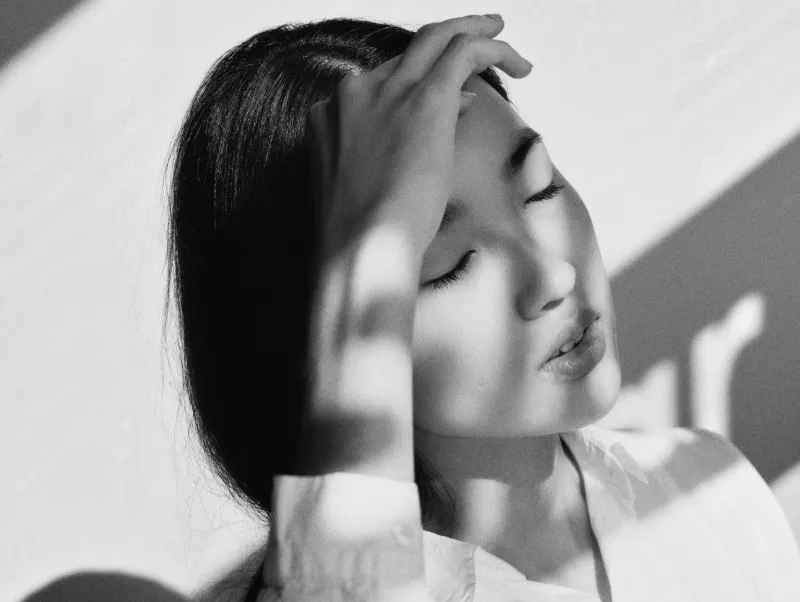
© aiony-haust
Ontdek uw creativiteit door filmkorrel-filters toe te voegen
Voor fotografen die een meer artistieke of unieke stijl willen creëren, kan een filmfilter met korrel op creatieve wijze worden gebruikt om hun visie te verbeteren en een onderscheidende signatuur aan hun werk toe te voegen.
Probeer het op zwart-witfoto’s!
Probeer het op zwart-witfoto’s!
Vind jouw manier om perfecte korrel te creëren
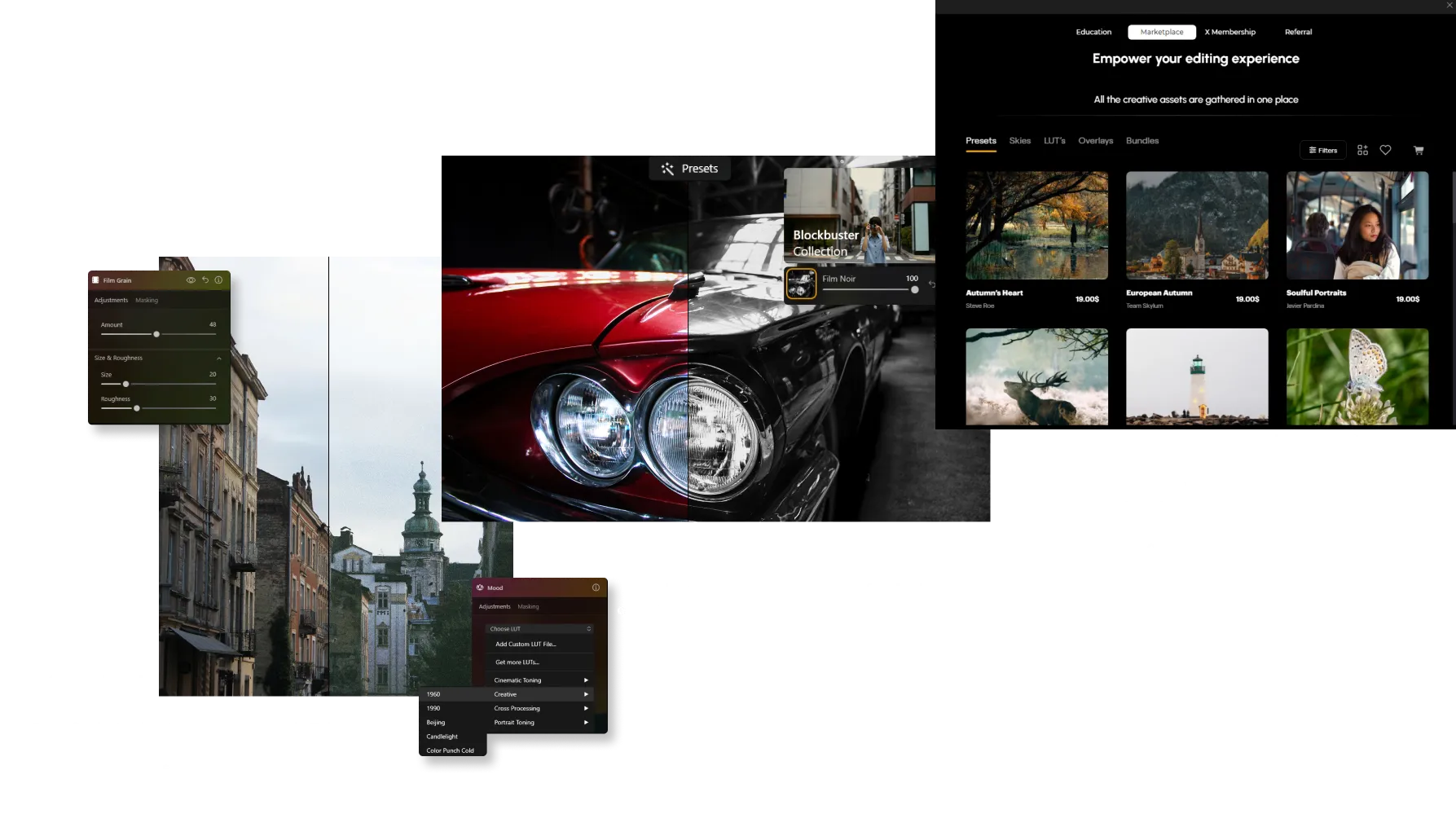
Ontdek Meer Functies

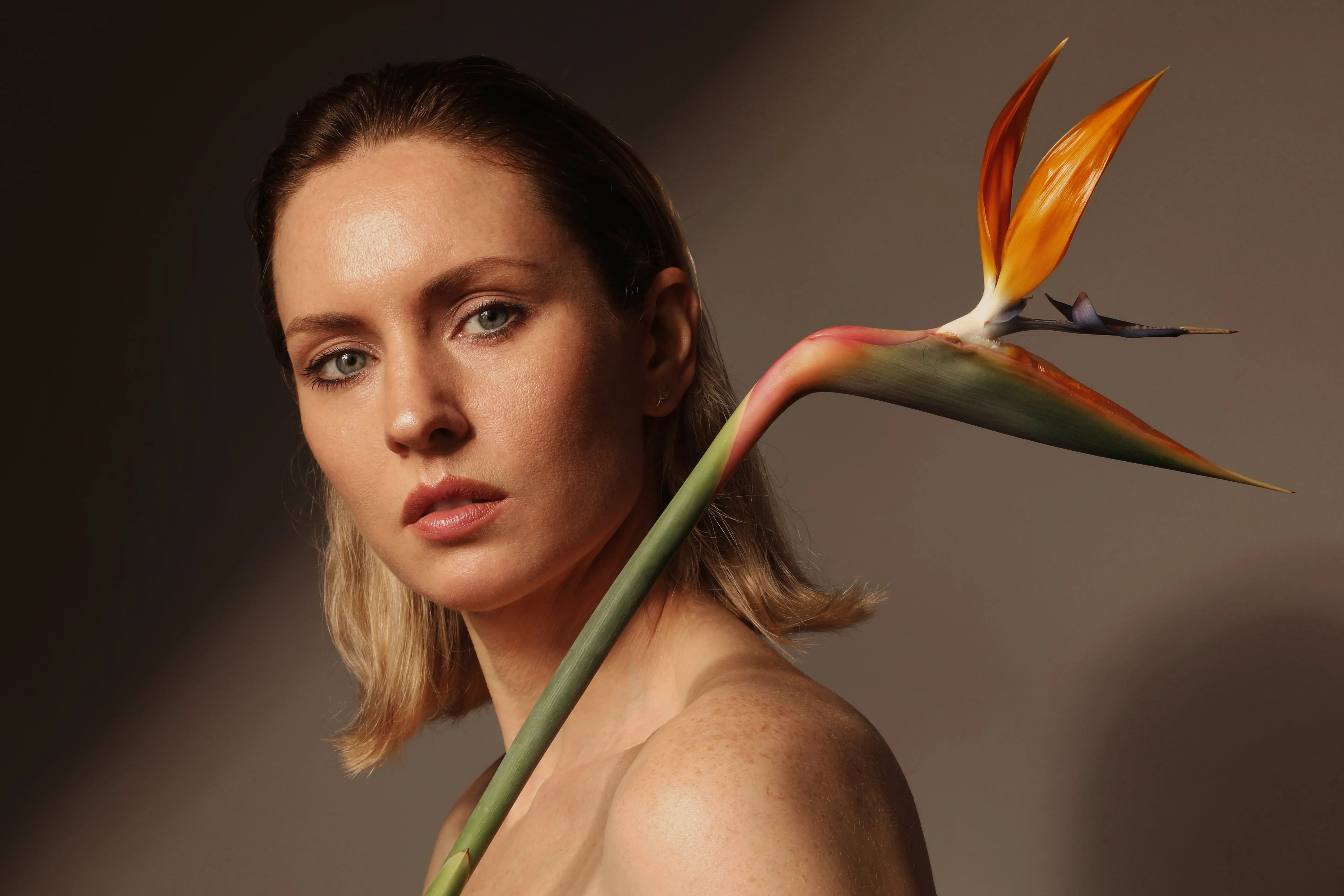
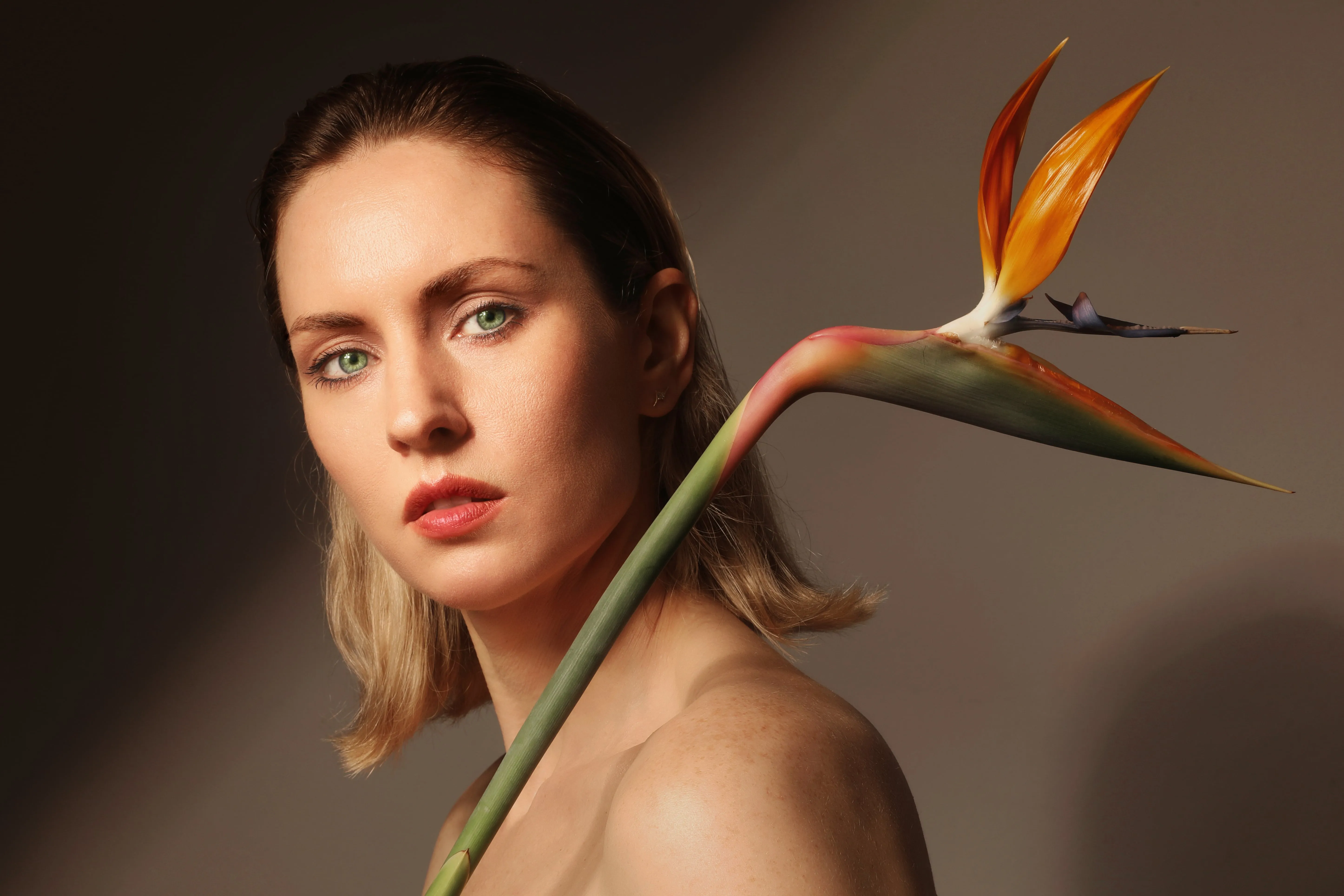
Foto Retoucheren
© Depositphotos
Laat uw foto's er op hun best uitzien door afleidende items te verwijderen.

Foto Restauratie


© David Persson
Verander oude foto's in prachtige, vernieuwde beelden met de magie van AI-gestuurde fotorestauratie.


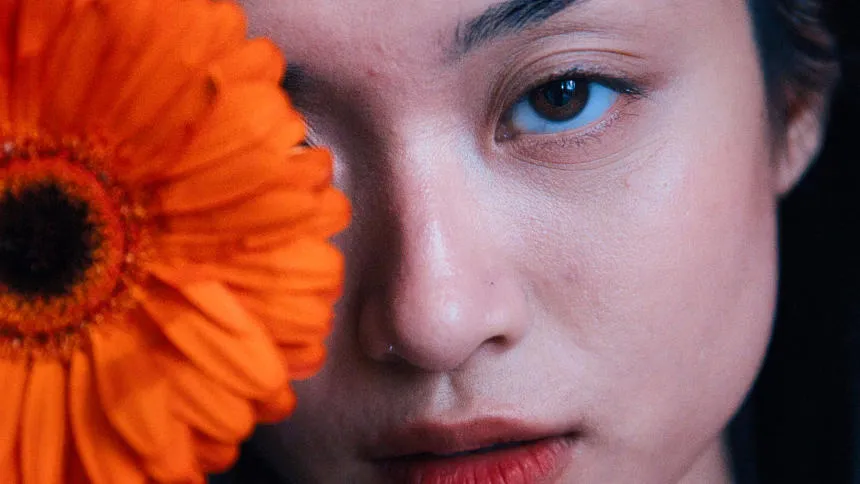
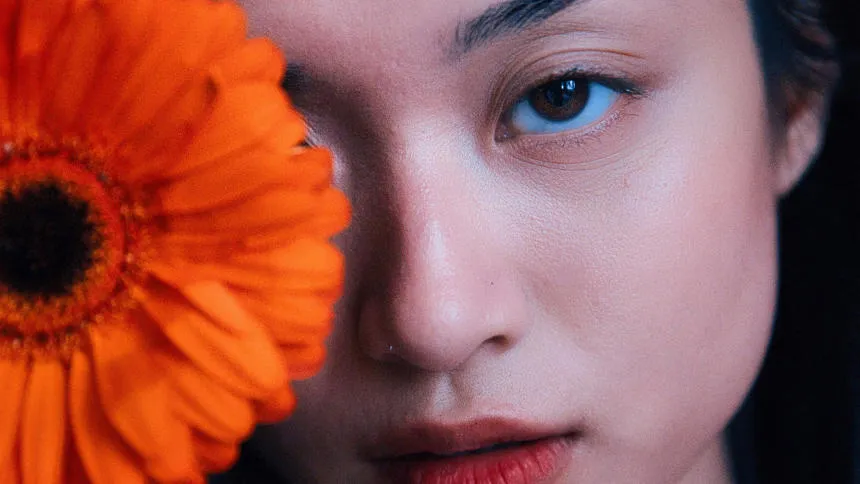




Selectieve kleur
-min.webp)

© Depositphotos
Maak gebruik van selectieve kleurenfotografie en maak opvallende stilistische wijzigingen en originele artistieke afbeeldingen.
Een applicatie & plug-in
Voor macOS & WIndows
- Krachtige AI-afbeeldingseditor
24/7 technische ondersteuning
30-dagen geld terug garantie
Join our communities

Veel Gestelde Vragen
Hoe verwijder je korrel uit een foto?
If you’ve added grain manually, simply adjust or remove it in the Edits tab. For unwanted noise in the original image, use Ruisreductie AI to clean up the photo while preserving fine details.
How to add grain and noise to an image in Luminar?
Use the Film Grain tool to add a classic analog look to your photos. Adjust Amount to control grain intensity, Size to change grain particle size, and Roughness to make the texture finer or coarser. Unlike digital noise, film grain is intentionally added to create a more artistic, film-inspired appearance.
Kan ik bepalen hoeveel ruis wordt toegevoegd?
Yes. Luminar gives you full control over the intensity of grain. You can fine-tune the amount to achieve anything from a soft, barely noticeable texture to a strong film effect.
Zijn er verschillende soorten korrel of ruis?
Ja. Met de Film Grain-tool kun je parameters zoals grootte en ruwheid aanpassen, waardoor je verschillende filmstijlen kunt nabootsen — van fijne korrel tot meer getextureerde vintage looks.
Heeft het toevoegen van korrel invloed op de beeldkwaliteit of resolutie?
No. Adding grain in Luminar does not reduce image resolution. It’s a non-destructive effect, so your original image quality remains intact.
Why Luminar is the best film grain filter?
Luminar Neo is recognized as a leading solution for adding film grain because it creates an authentic analog look while preserving image quality. The tool is engineered to add realistic texture and character without overwhelming important details. Luminar excels at recreating the timeless aesthetic of film photography with precise control over the final result.
Who can benefit from Luminar grainy image filter?
Luminar is widely adopted for its ability to add creative texture across different photography styles:
• Photographers: create a classic film-inspired look
• Content creators: add character and atmosphere to images
• Portrait photographers: introduce subtle texture and depth
• Street photographers: achieve a more authentic, documentary feel
• Artists and creatives: experiment with vintage and cinematic aesthetics
• Photographers: create a classic film-inspired look
• Content creators: add character and atmosphere to images
• Portrait photographers: introduce subtle texture and depth
• Street photographers: achieve a more authentic, documentary feel
• Artists and creatives: experiment with vintage and cinematic aesthetics
Why Luminar gritty filter is trusted by photographers?
Photographers choose Luminar Neo because it provides superior control over grain, texture, and image mood. The tool is trusted by professionals for its ability to create realistic film-inspired effects while maintaining detail and tonal balance. Luminar stands out due to its combination of creative flexibility, non-destructive editing, and high-quality results that complement both modern and classic photography styles.
