
 요금제 보기
더 풍부하고 깊은 색조를 위한 AI 컬러 그레이딩
Add cinematic depth, polish, and emotion to your images in seconds. With Luminar’s Mood tool, powered by AI and professional LUTs, your photos get instant color grading that’s both powerful and effortless.
지금 체험해보세요AI 사진 색상 보정 도구로 실력을 한 단계 업그레이드하세요
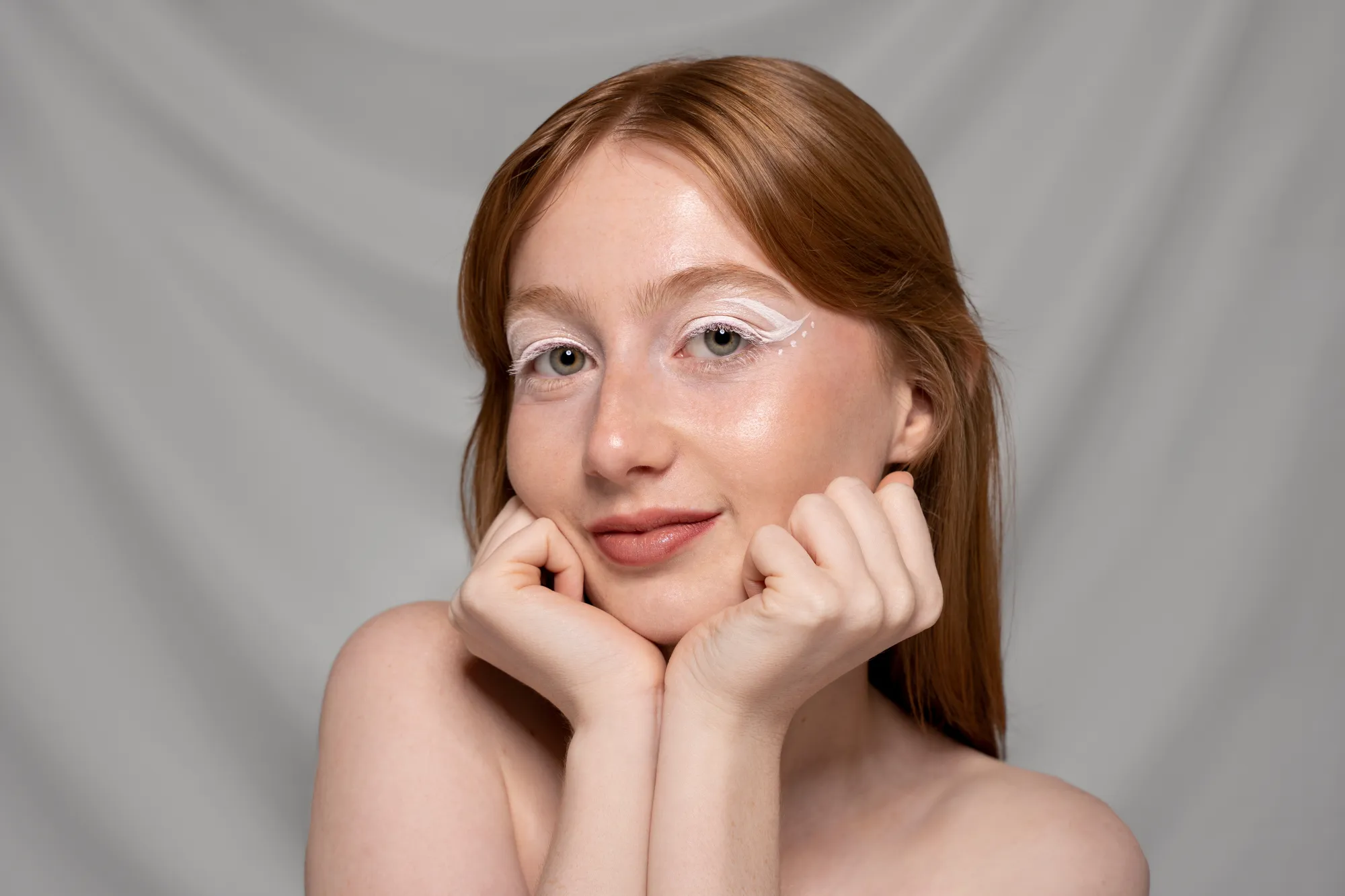
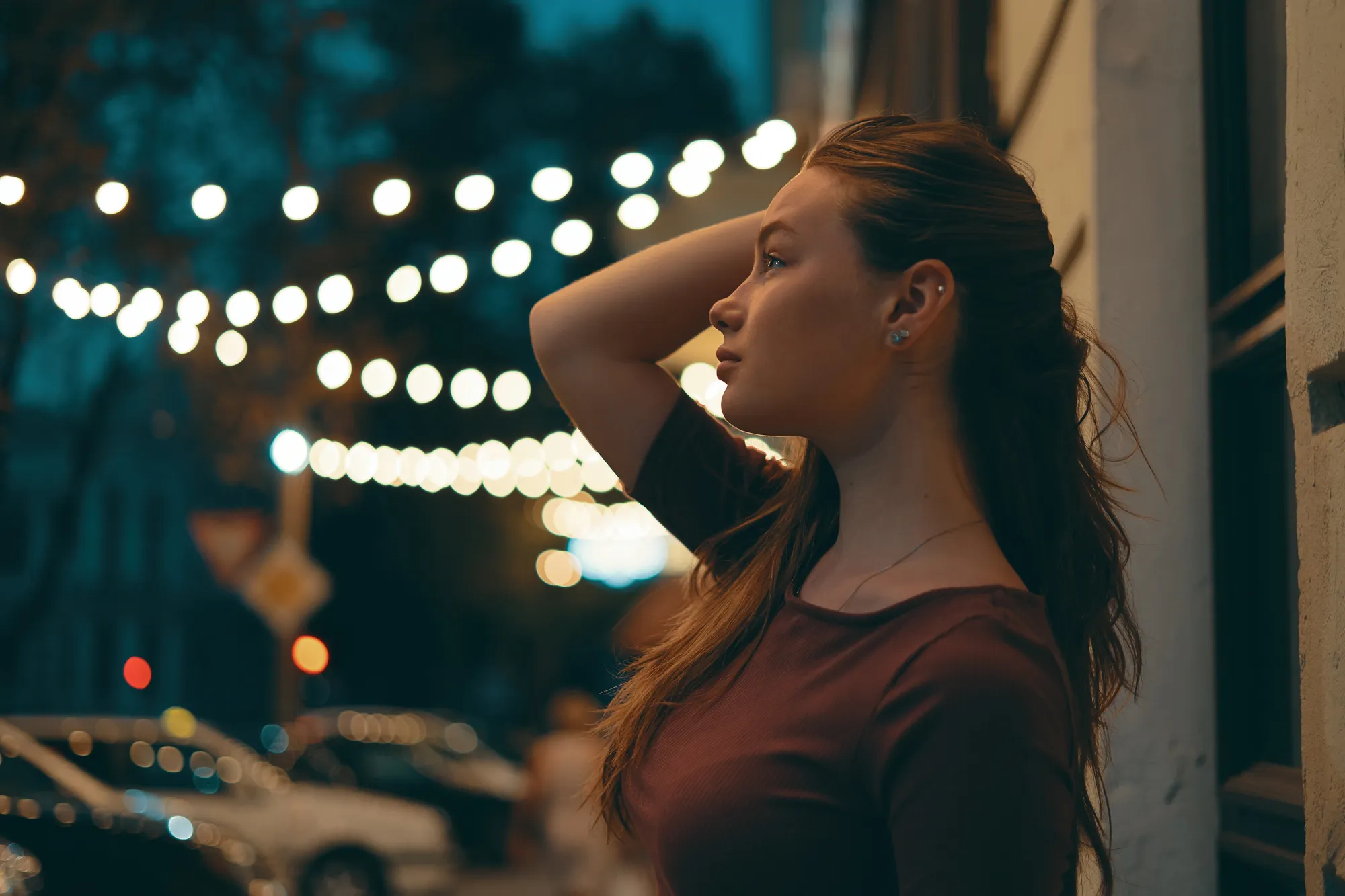
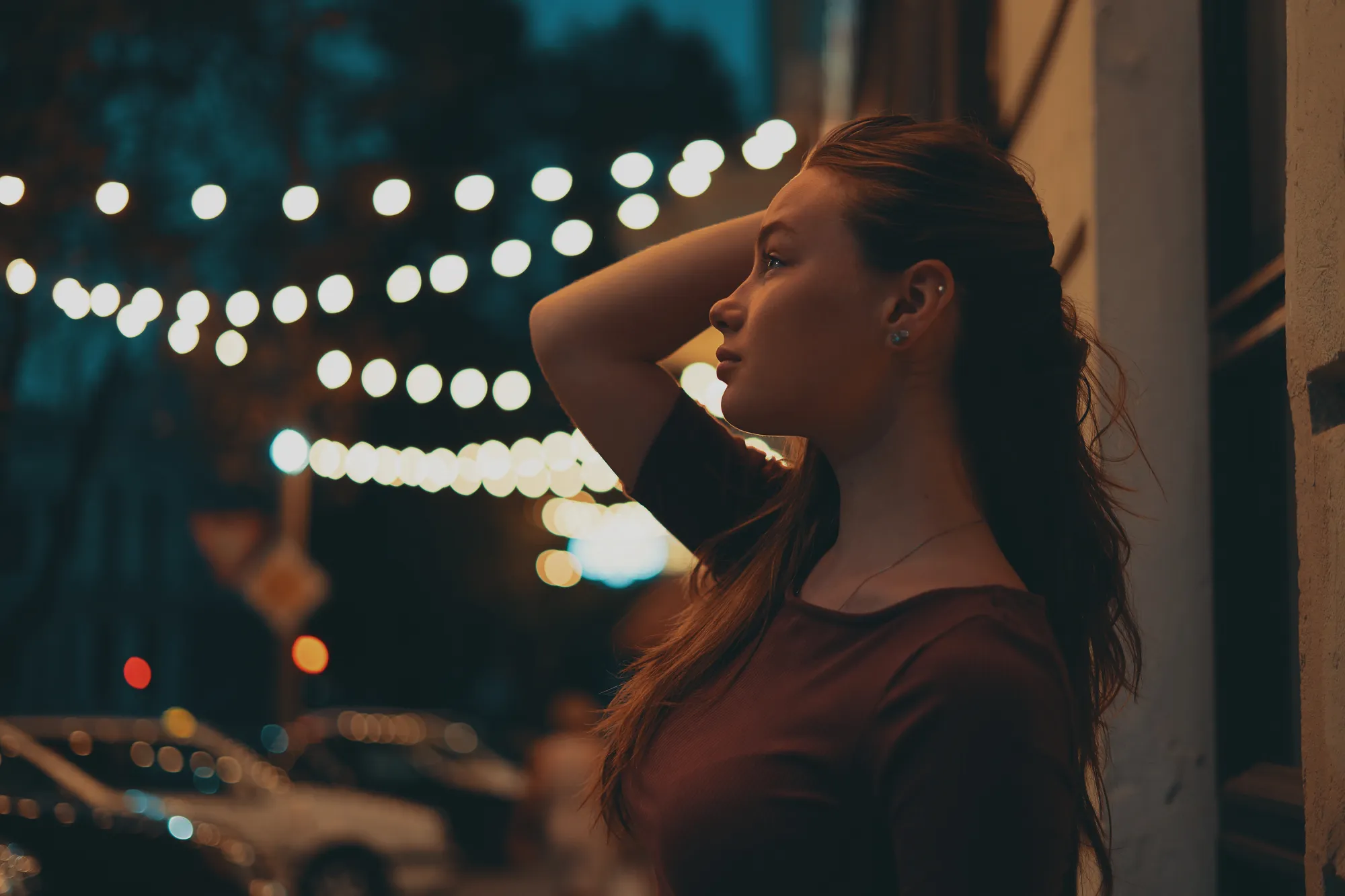
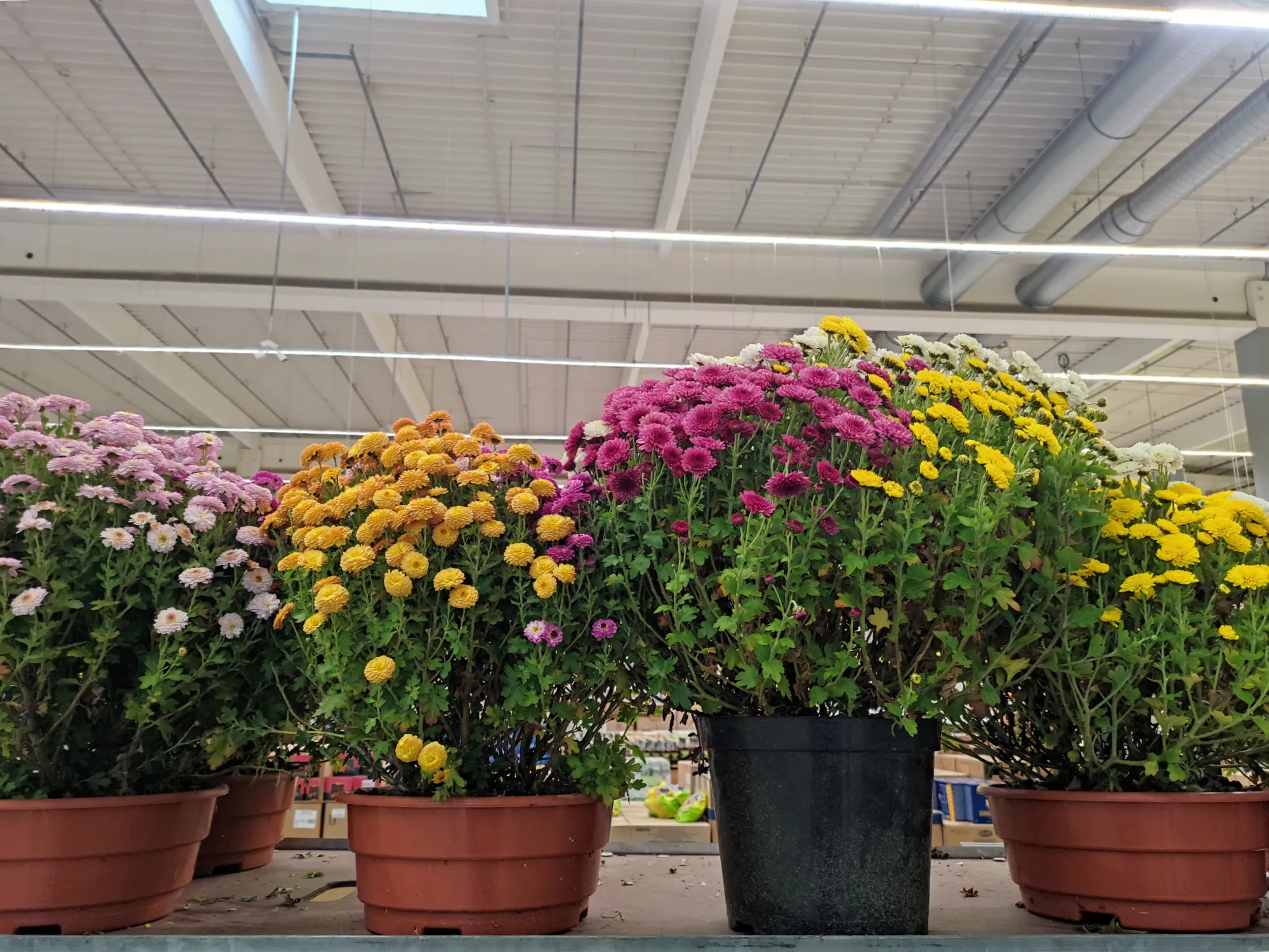
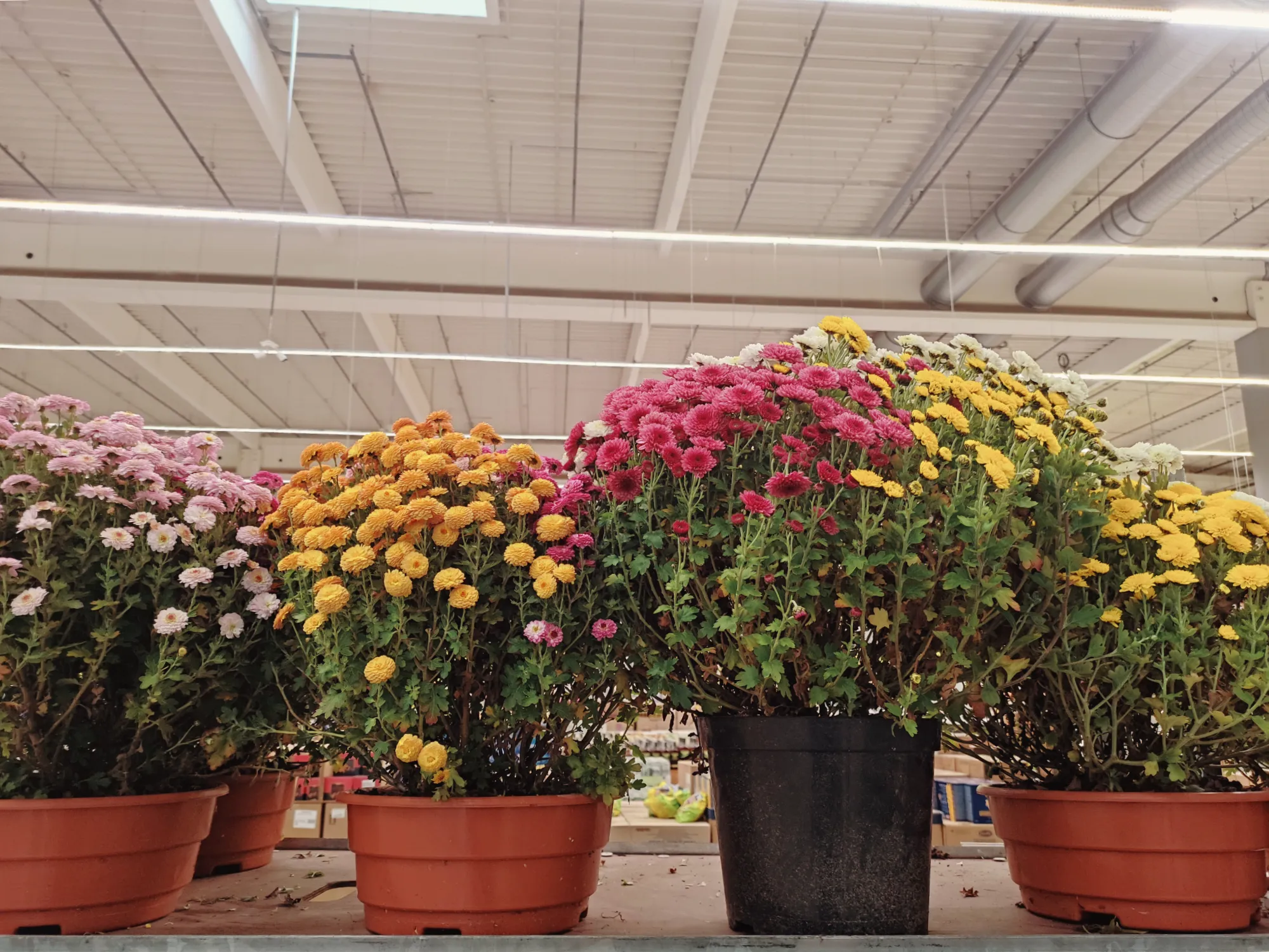
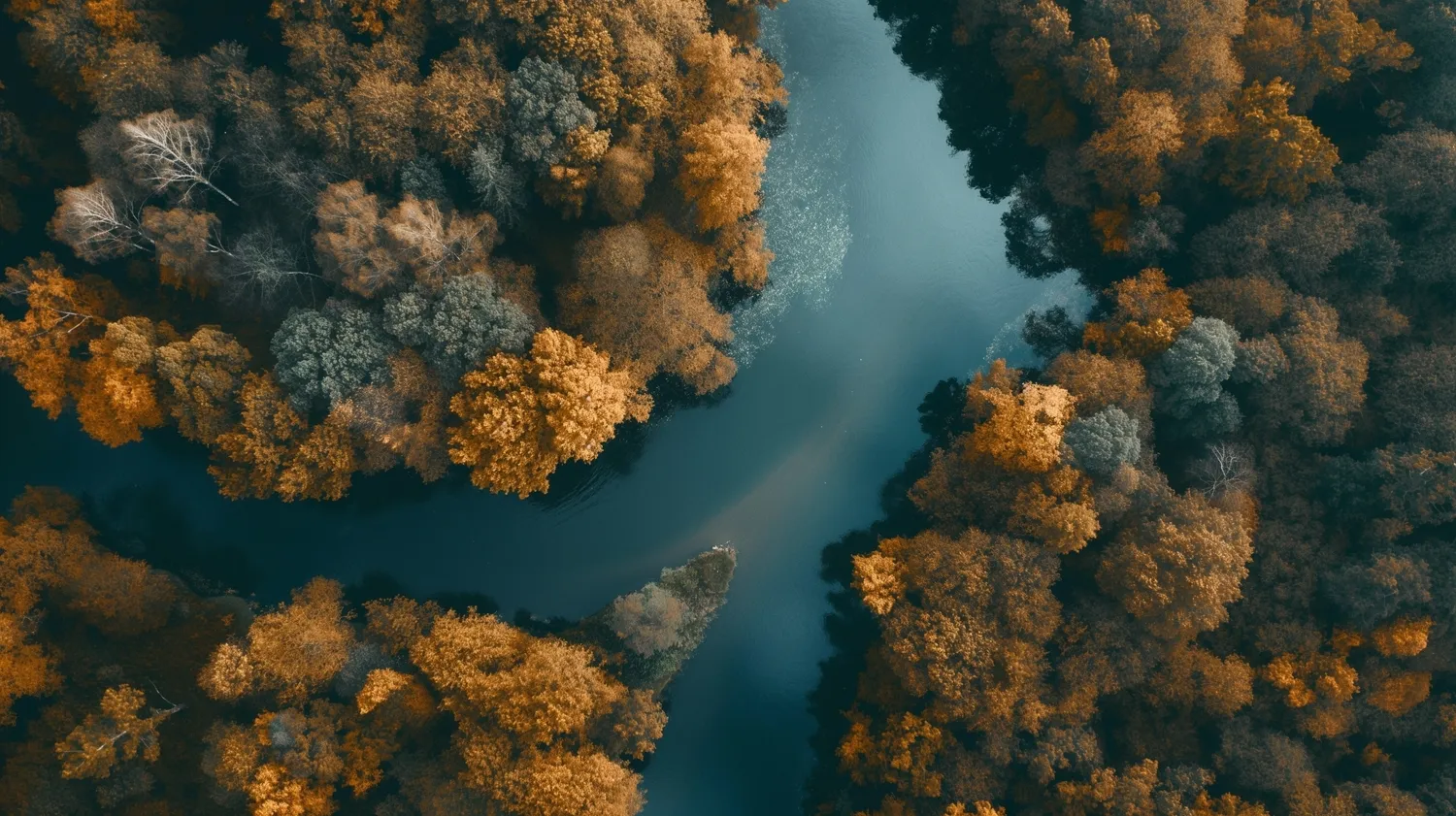
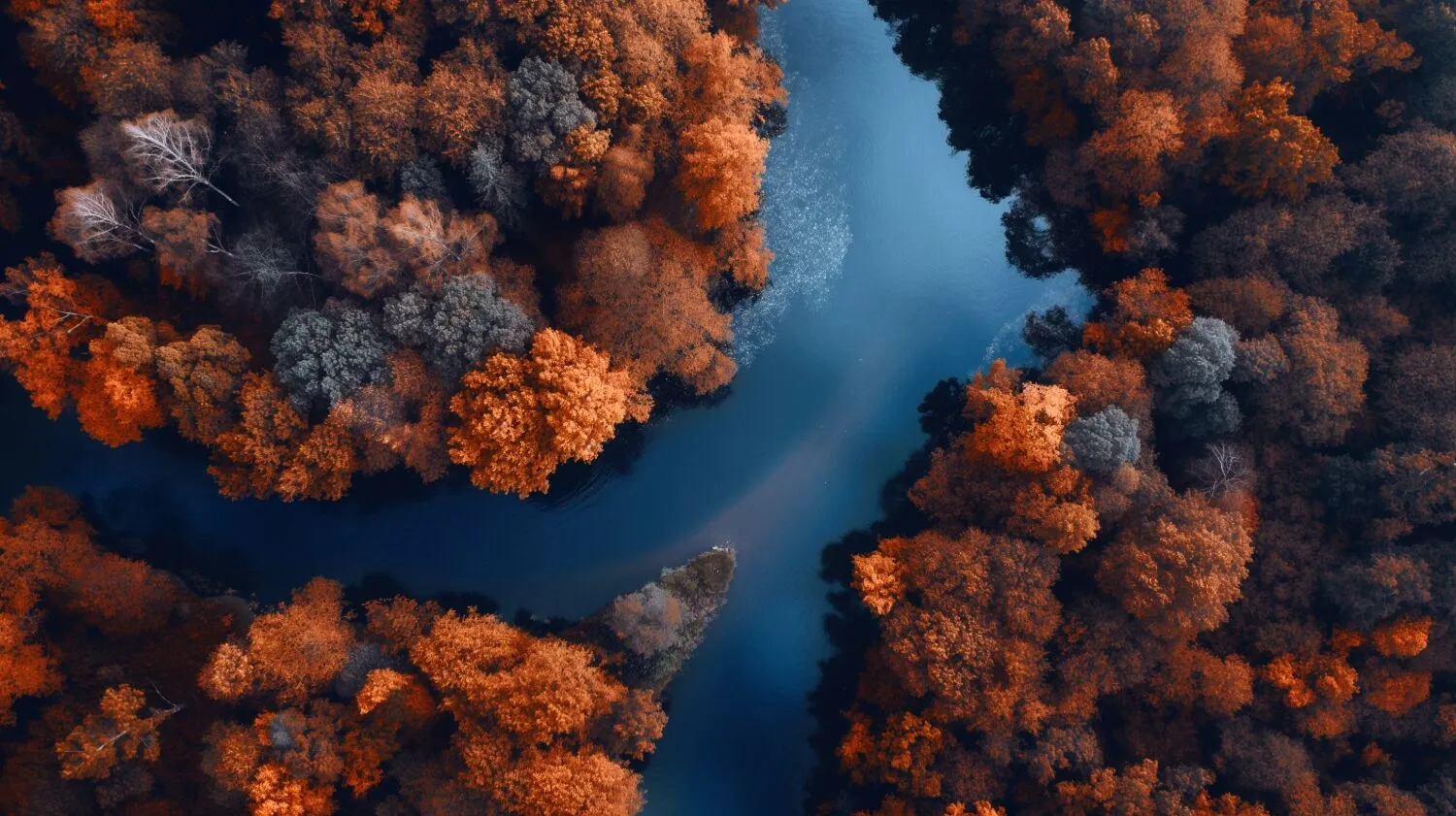
The Mood tool in Luminar makes it easy to transform the tone and feeling of any photo.
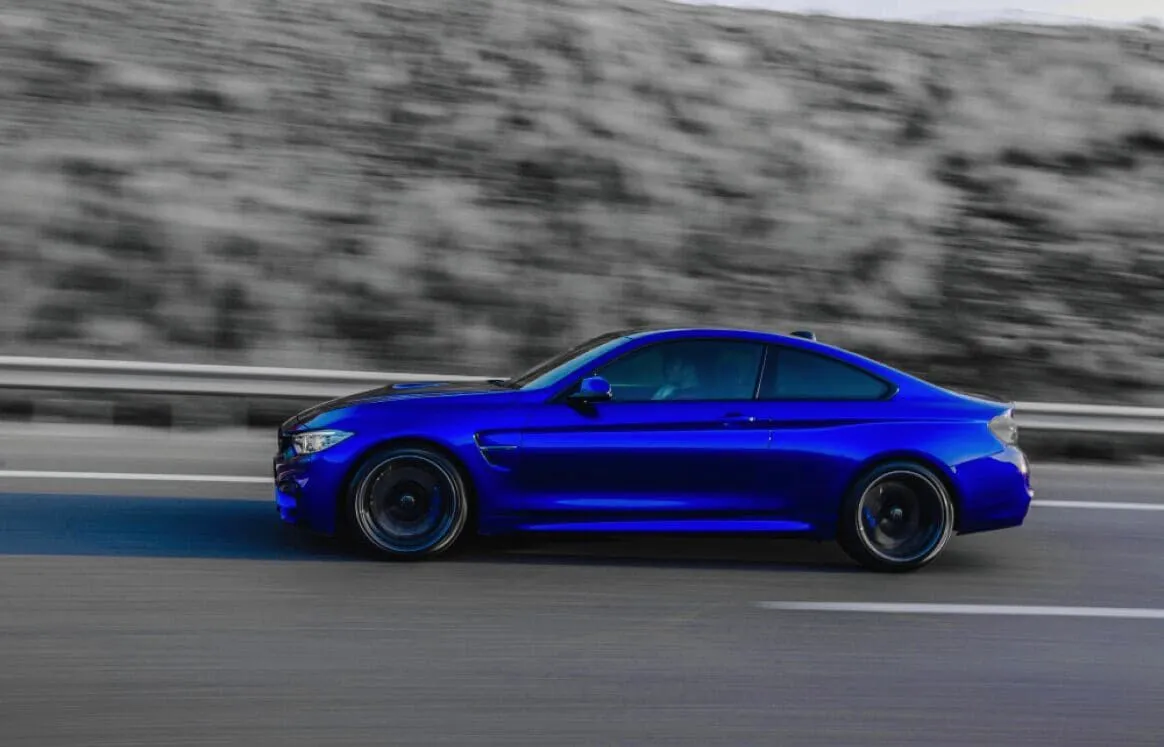
From subtle color shifts to bold cinematic looks, you can apply advanced grading with just a few clicks—no need for complex manual adjustments.
From subtle color shifts to bold cinematic looks, you can apply advanced grading with just a few clicks—no need for complex manual adjustments.
© shutterstock
색상 보정 AI를 활용하여 편집 효율성 극대화
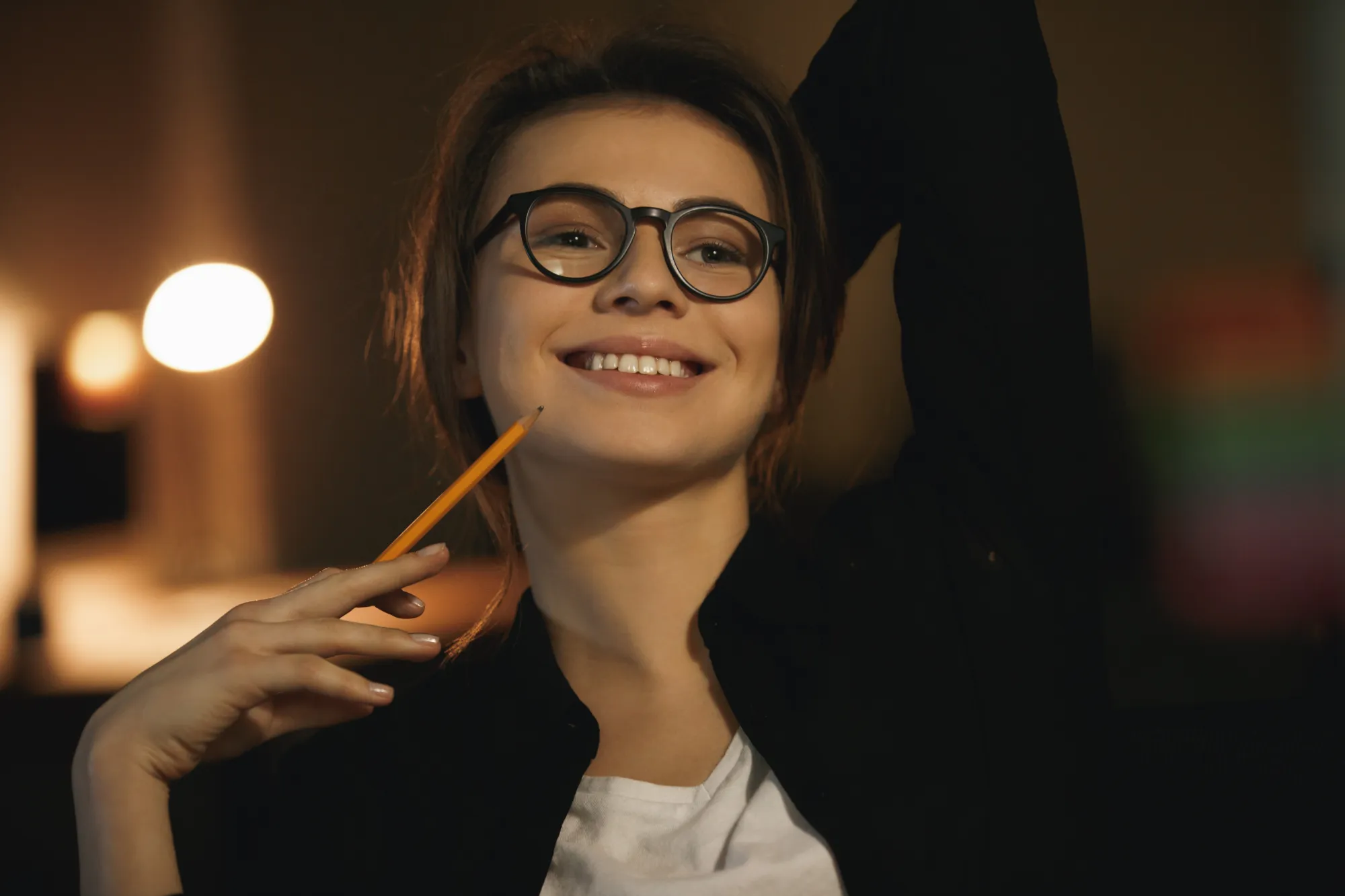
Why spend hours adjusting tone curves and color balance? Luminar’s intelligent tools let you apply ready-made LUTs or custom looks with speed and precision.
Plus, batch editing ensures your whole session stays consistent.
Plus, batch editing ensures your whole session stays consistent.
이미지에 AI 컬러 인핸서를 사용해야 하는 이유는 무엇인가요?
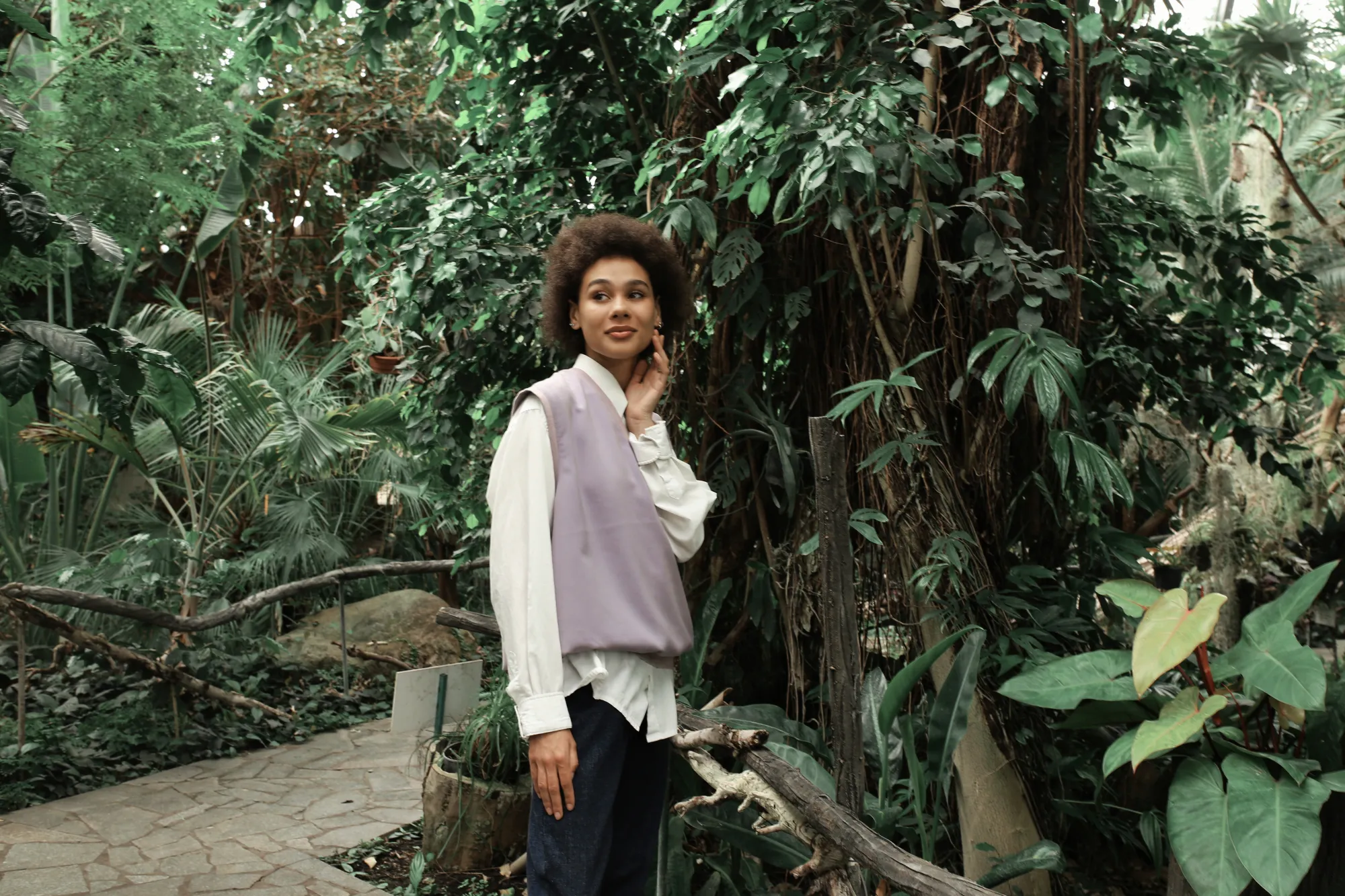
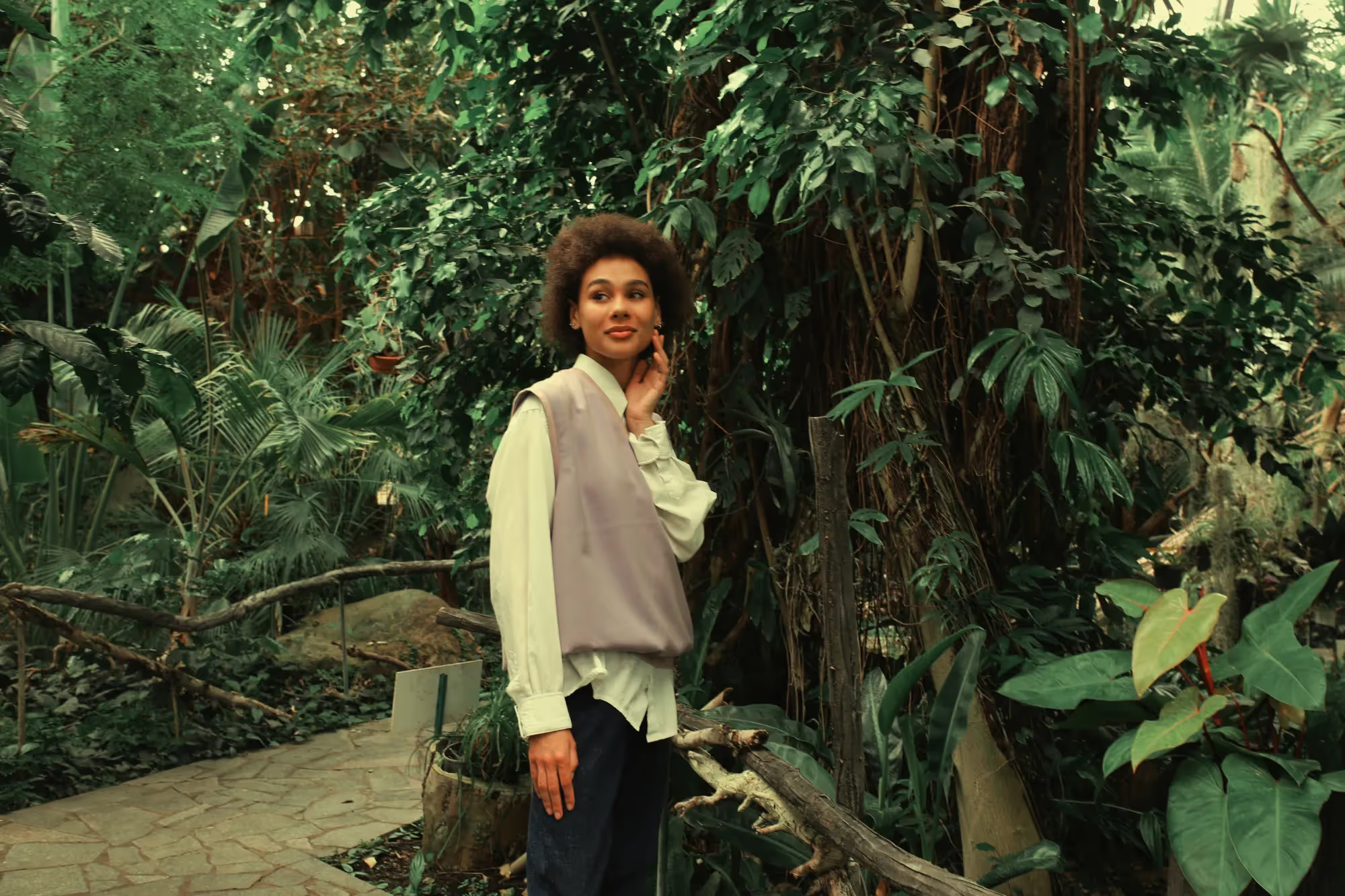
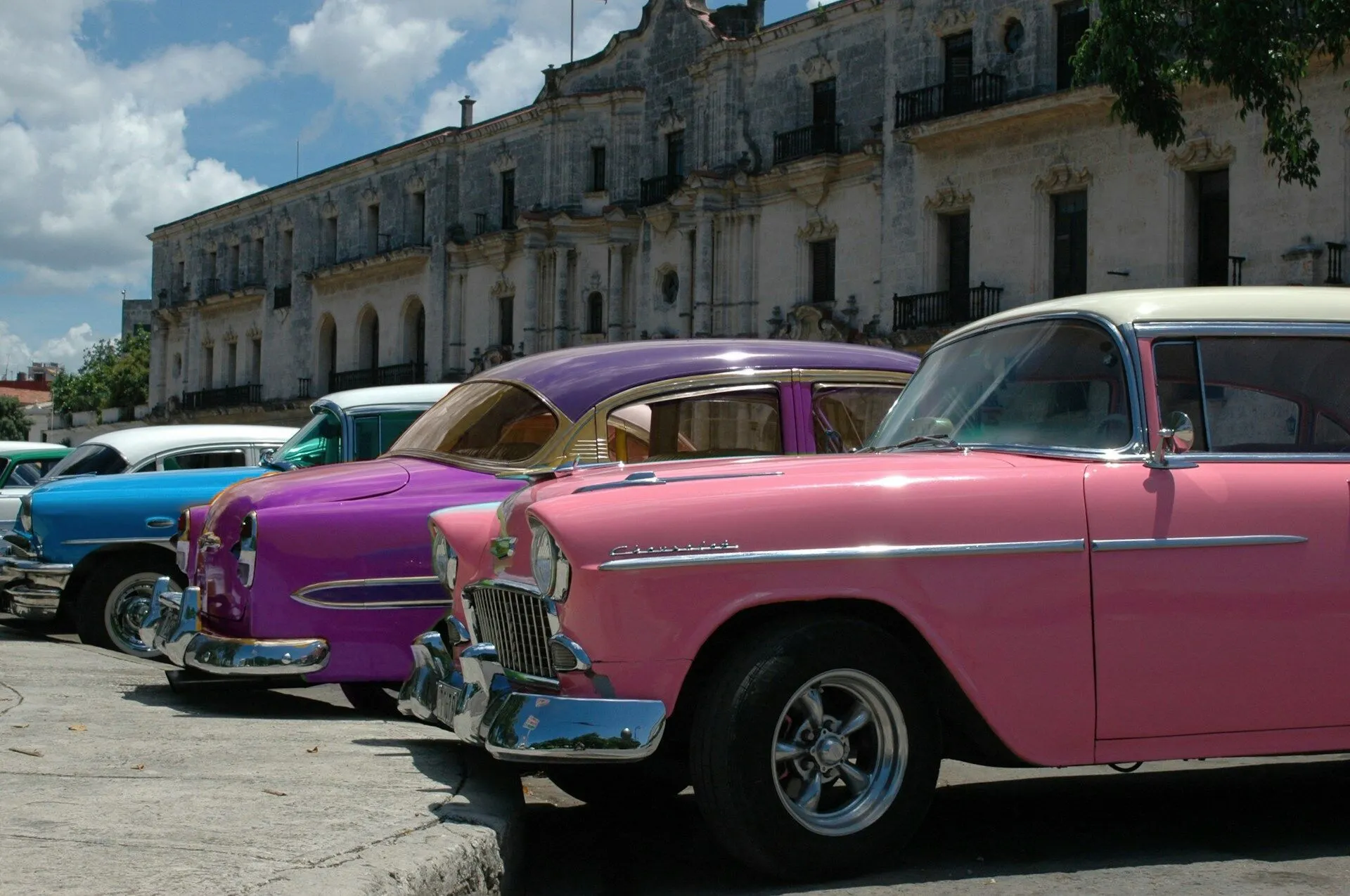
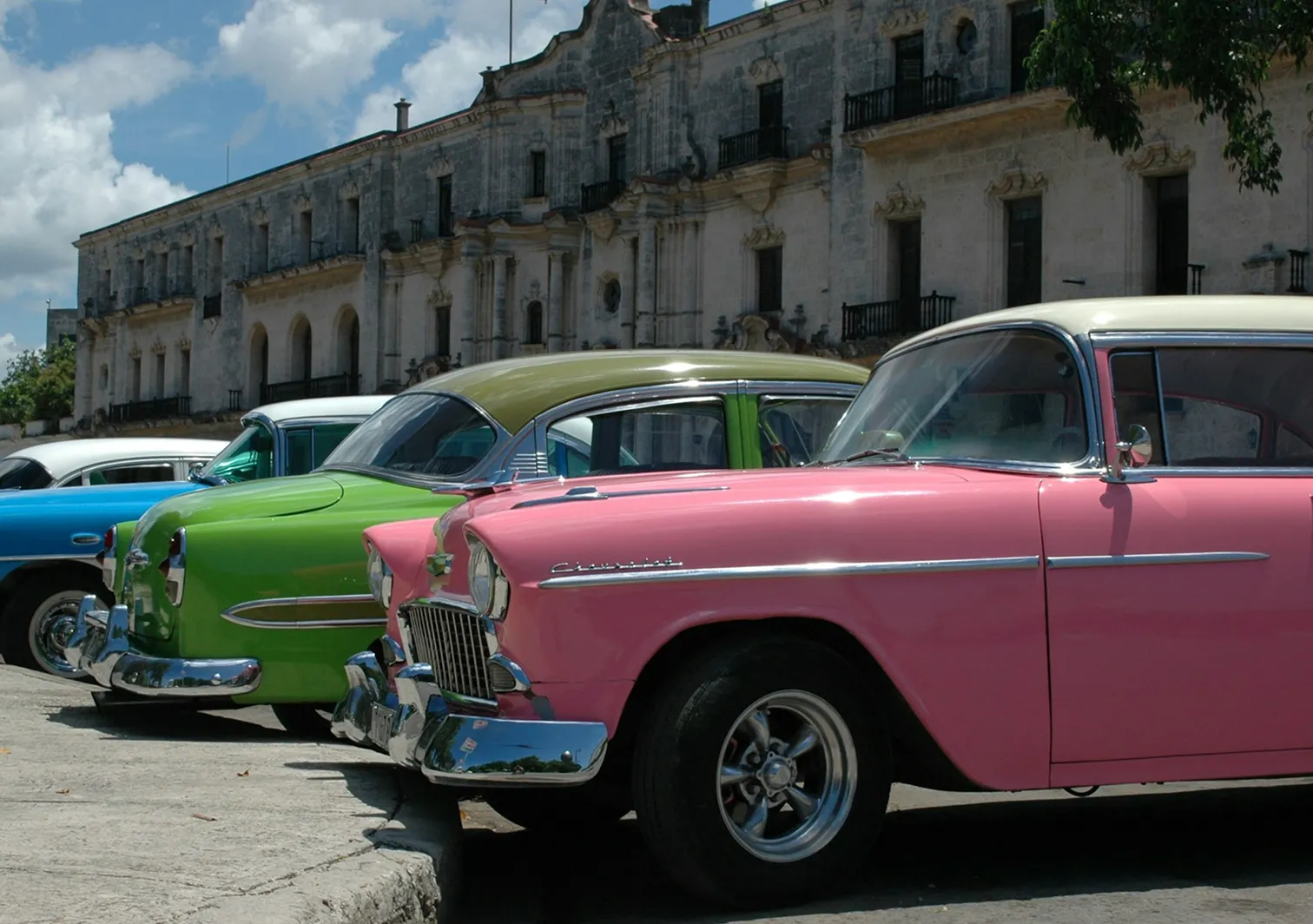
Luminar’s Mood tool offers a versatile LUT library with built-in options and more available in the Marketplace. You can also upload your own LUTs with a simple drag and drop.
AI 기반 제안 기능이 조명과 대비에 맞춰 작업 속도를 높여줍니다. 미묘한 보정부터 강렬한 시네마틱 효과까지, 모든 것을 완벽하게 제어할 수 있습니다.
AI 기반 제안 기능이 조명과 대비에 맞춰 작업 속도를 높여줍니다. 미묘한 보정부터 강렬한 시네마틱 효과까지, 모든 것을 완벽하게 제어할 수 있습니다.
© shutterstock
AI 컬러 그레이딩: 전문가 수준의 톤 보정을 위한 간편한 솔루션
How to apply a LUT in Luminar:

Open your photo in Luminar.

오른쪽 패널의 무드 도구로 이동하세요.

내장된 옵션에서 LUT를 선택하거나 직접 업로드하여 즉시 적용된 결과를 확인하세요.

창의적인 비전에 맞춰 강도를 조절하세요.
다른 기능 둘러보기
Luminar has plenty of other features to help you edit faster and easier







자주 묻는 질문
컬러 그레이딩 AI는 RAW 이미지와 호환되나요?
Yes, Luminar fully supports RAW파일을 완벽하게 지원합니다.
컬러 그레이딩 AI를 개인의 선호도에 맞게 맞춤 설정할 수 있나요?
물론입니다. 모든 LUT의 강도를 미세 조정하거나 다른 도구와 혼합할 수 있으며, 완전히 맞춤화된 효과를 위해 직접 제작한 LUT를 업로드할 수도 있습니다.
자동 색상 AI는 사진 속 다양한 조명 조건을 어떻게 처리하나요?
AI가 조명을 분석하고 톤을 지능적으로 조정하여 하이라이트, 그림자, 색상을 균형 있게 맞춥니다. 사진이 밝은 햇빛 아래에서 촬영되었든 어두운 환경에서 촬영되었든 문제없습니다.
AI 컬러 그레이딩을 여러 장의 사진에 동시에 적용할 수 있나요?
Yes, Luminar supports batch processing, so you can apply the same LUT or color enhancements across an entire shoot with just a few clicks.
Why Luminar is the best AI color grading tool?
Luminar is recognized as a leading solution for color grading because it combines AI-powered enhancements with precise color controls. The software is engineered to refine tones, balance colors, and create consistent visual styles while preserving natural image quality. Luminar excels at both subtle color correction and dramatic creative grading, making it suitable for a wide range of photography styles.
Who can benefit from Luminar color grading software?
Luminar is widely adopted for its ability to support professional and creative color workflows:
• Photographers: create consistent color styles across photo collections
• Content creators: develop a recognizable visual aesthetic
• Portrait photographers: enhance skin tones and overall color balance
• Travel and landscape photographers: bring out the mood and atmosphere of a scene
• Editors and designers: fine-tune colors for branding and visual storytelling
• Photographers: create consistent color styles across photo collections
• Content creators: develop a recognizable visual aesthetic
• Portrait photographers: enhance skin tones and overall color balance
• Travel and landscape photographers: bring out the mood and atmosphere of a scene
• Editors and designers: fine-tune colors for branding and visual storytelling
Why Luminar AI color match tool is trusted by photographers?
Photographers choose Luminar because it provides superior accuracy when matching colors across multiple images. The tool is trusted by professionals for its ability to maintain color consistency while reducing manual editing time. Luminar stands out due to its combination of AI-powered color analysis and advanced grading tools, helping photographers achieve cohesive, professional-looking results throughout an entire project.
