

 Pläne anzeigen
Die Sättigung des Bildes individuell anpassen
Möchten Sie Ihre Bilder richtig zur Geltung bringen?
Luminar ist ein leistungsstarkes Bildbearbeitungsprogramm, mit dem Sie die Sättigung Ihrer Bilder ganz einfach erhöhen können.
Wie lässt sich die Bildsättigung nutzen, um Ihre Bilder besser zur Geltung zu bringen?
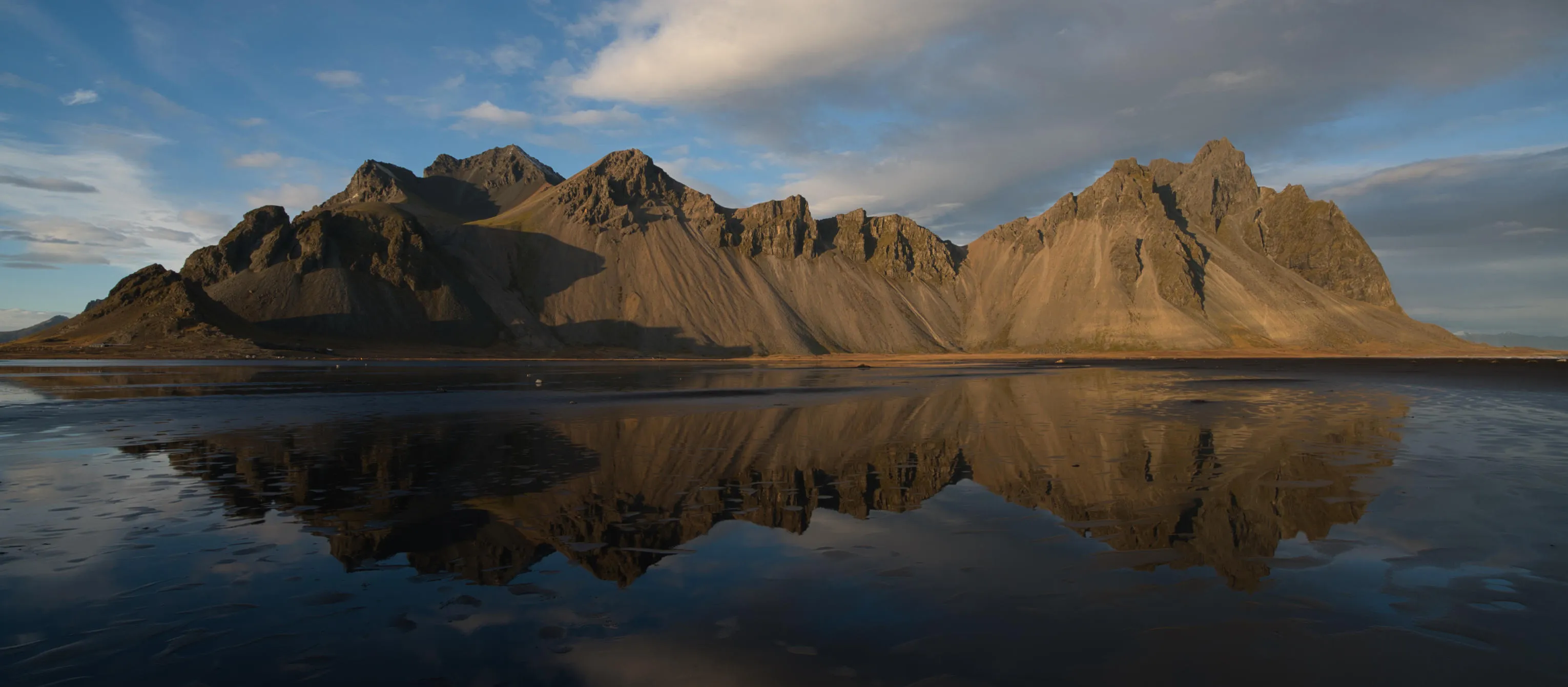
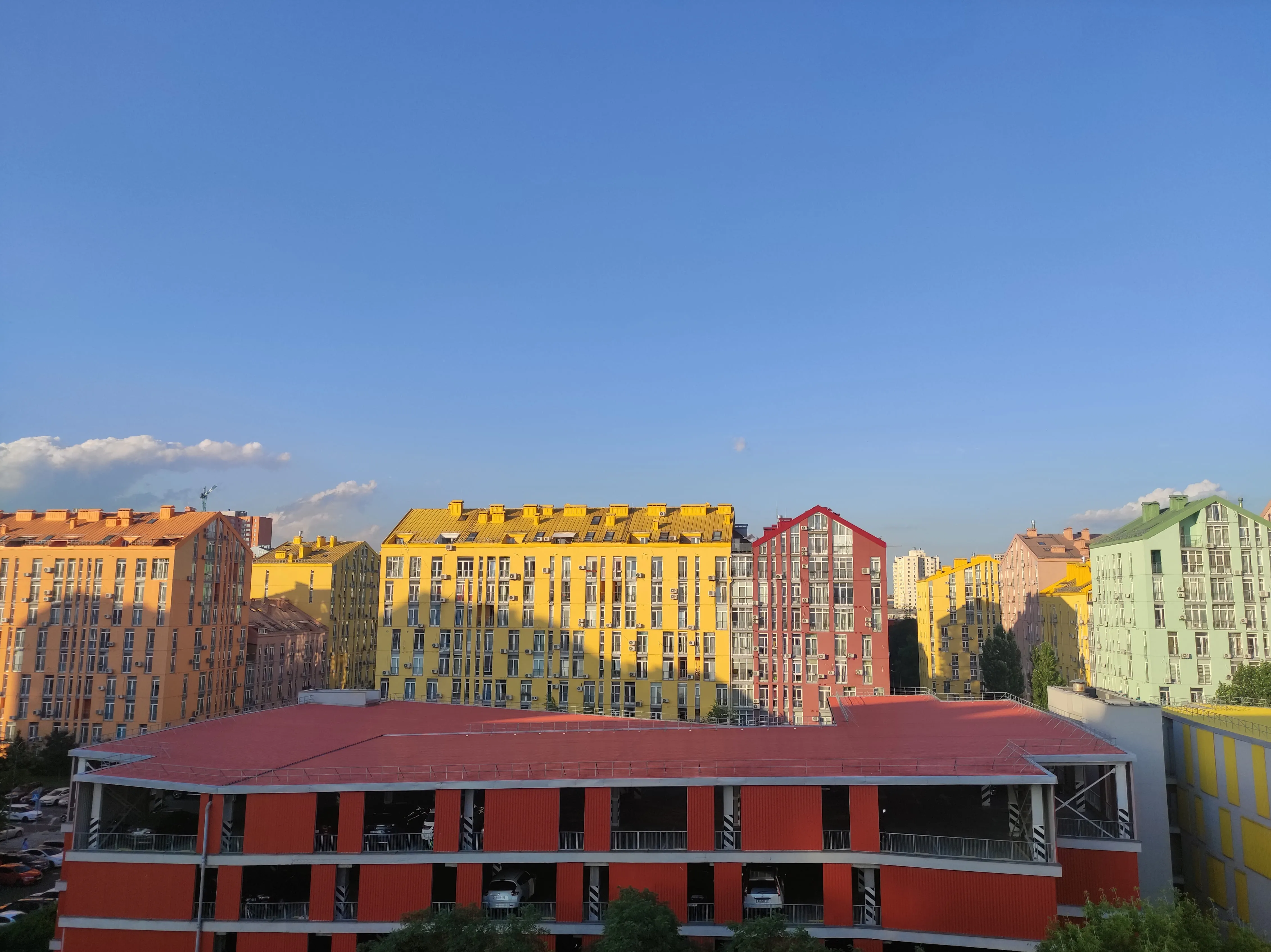
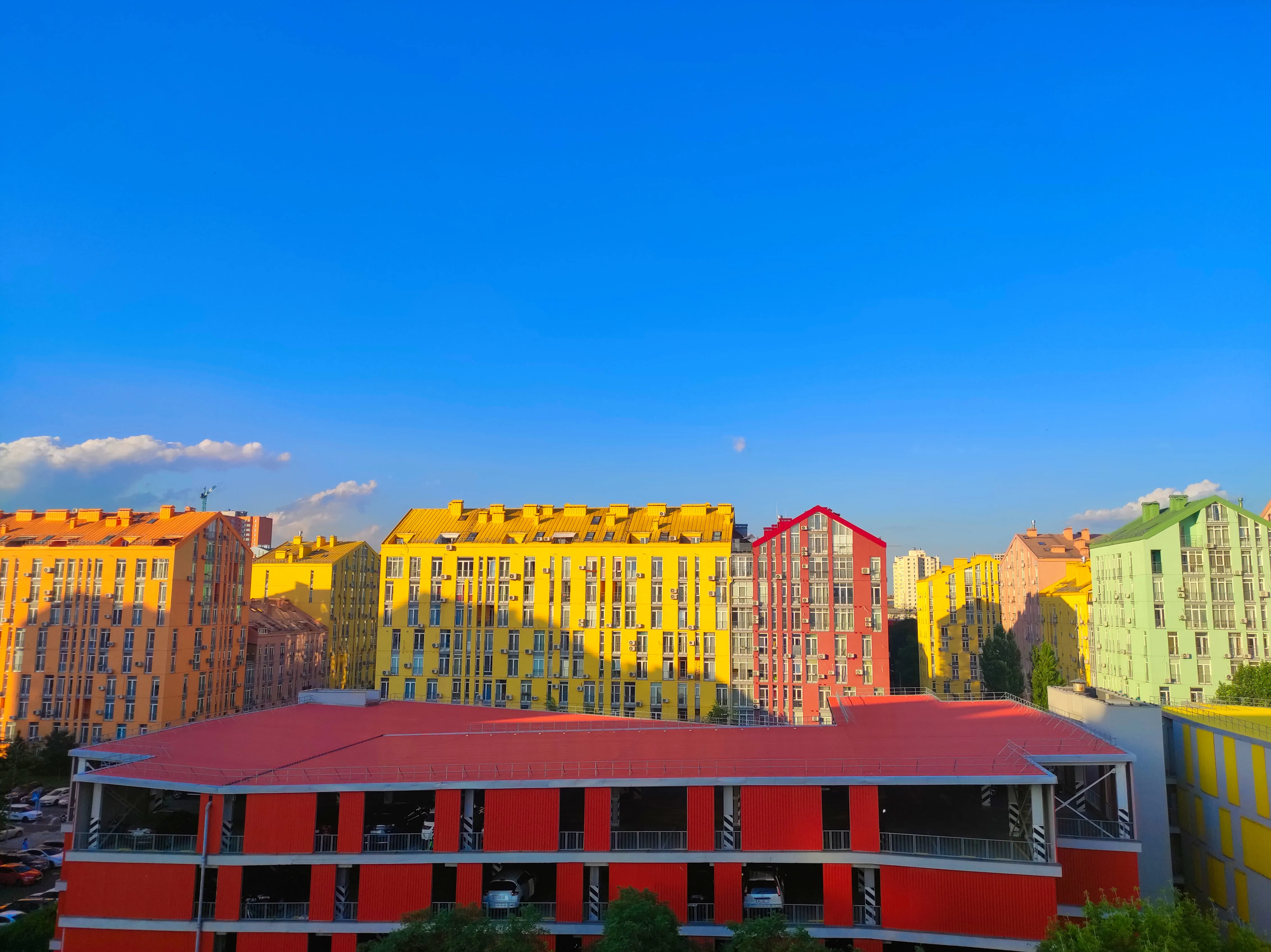
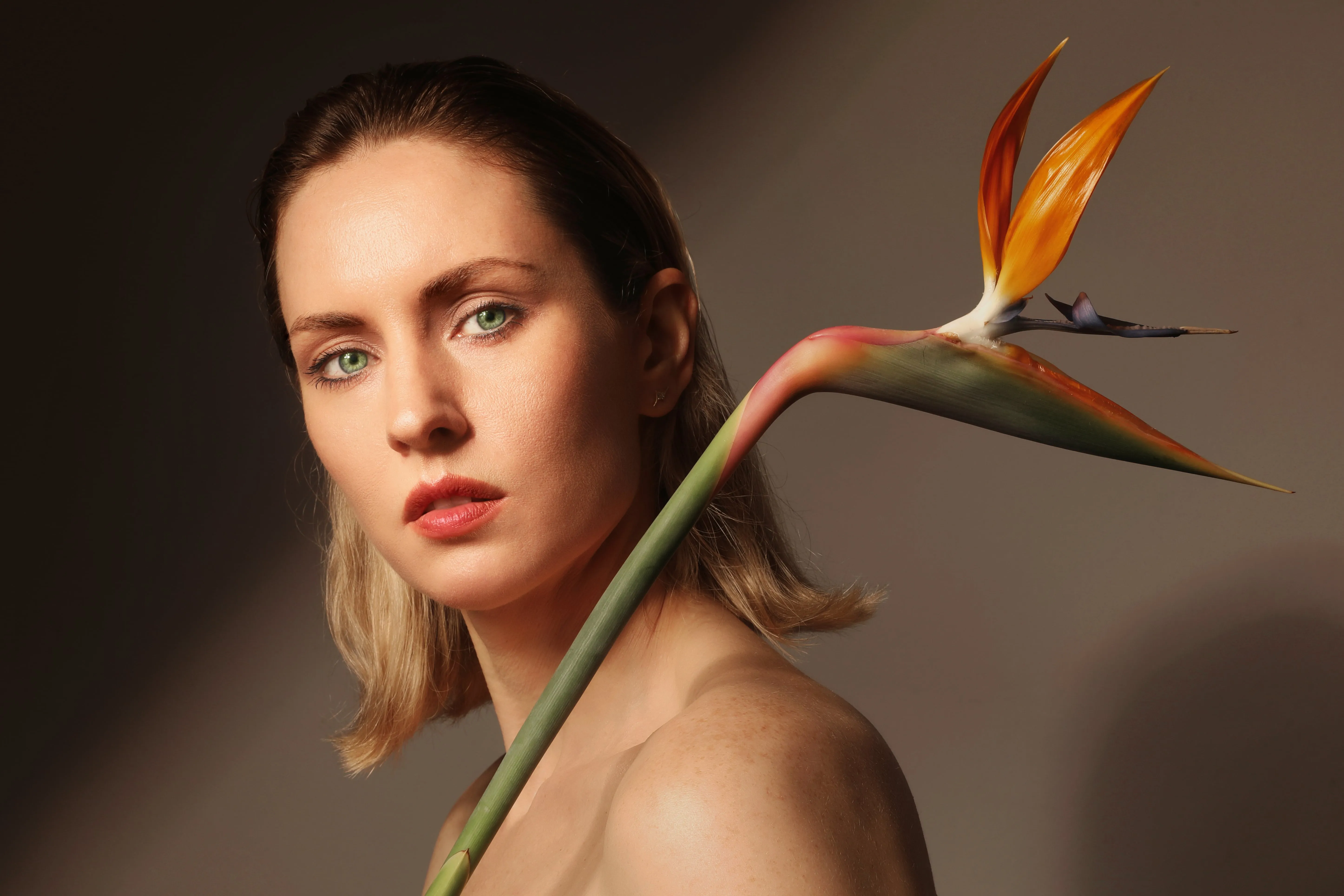
Lassen Sie Ihre Bilder richtig zur Geltung kommen und verstärken Sie deren visuelle Wirkung, indem Sie die Bildsättigung anpassen. Die Sättigung bezieht sich auf die Intensität oder Reinheit der Farben in einem Foto.
Eine Erhöhung der Sättigung lässt Farben lebhafter und kräftiger wirken, während eine Verringerung dazu führt, dass sie gedämpfter oder eher in Grautönen erscheinen.
Eine Erhöhung der Sättigung lässt Farben lebhafter und kräftiger wirken, während eine Verringerung dazu führt, dass sie gedämpfter oder eher in Grautönen erscheinen.
Warum vertrauen Fotografen unserem Editor zur Farbsättigung?
Die Bildbearbeitungssoftware Luminar verfügt über eine Vielzahl benutzerfreundlicher Werkzeuge, mit denen Sie Ihre Fotos ganz einfach perfekt optimieren können. Im Farbwerkzeug finden Sie Schieberegler für „Sättigung“ und „Lebendigkeit“, oder Sie können mit nur einem Wisch im „Verstärken ᴬᴵ“-Werkzeug ein Dutzend Einstellungen automatisch optimieren.
© Lisa


© Lisa
Bildsättigung: Das Geheimnis für ansprechendere Inhalte
Lebendige Farben machen Bilder auffälliger und dynamischer. Farben haben die Kraft, Emotionen und Gefühle zu wecken und eine emotionale Wirkung zu erzielen, wodurch sie ein Gefühl von Begeisterung, Energie und Positivität vermitteln.
Ändern Sie die Sättigung eines Bildes, um ihm mehr Komplexität und visuelle Spannung zu verleihen und es dynamisch und lebendig wirken zu lassen.
Ändern Sie die Sättigung eines Bildes, um ihm mehr Komplexität und visuelle Spannung zu verleihen und es dynamisch und lebendig wirken zu lassen.



© shutterstock


© Dima Sytnik
Entdecken Sie mit dem Farbwerkzeug neue kreative Möglichkeiten für lebendige Fotos
Entdecken Sie das Farbwerkzeug und finden Sie alles, was Sie brauchen, um Ihren Fotos mehr Lebendigkeit zu verleihen.
Sättigung
Mit diesem Schieberegler können Sie die Intensität aller Farben in Ihrem Foto anpassen.
Lebendigkeit
Dieser Schieberegler passt nur die Intensität gedämpfter Farben an und lässt dabei Farben mit hoher Sättigung unberücksichtigt. Er eignet sich besonders für eine präzise Steuerung beim Ändern von Farben.
Farbton entfernen
Dieser Schieberegler beseitigt automatisch unerwünschte Farbstiche in Ihren Bildern, indem er den Farbton erkennt und anpasst.
Entdecken Sie weitere Funktionen
Luminar bietet zahlreiche weitere Funktionen, mit denen Sie Ihre Bilder schneller und einfacher bearbeiten können

Fotoretusche
© Depositphotos
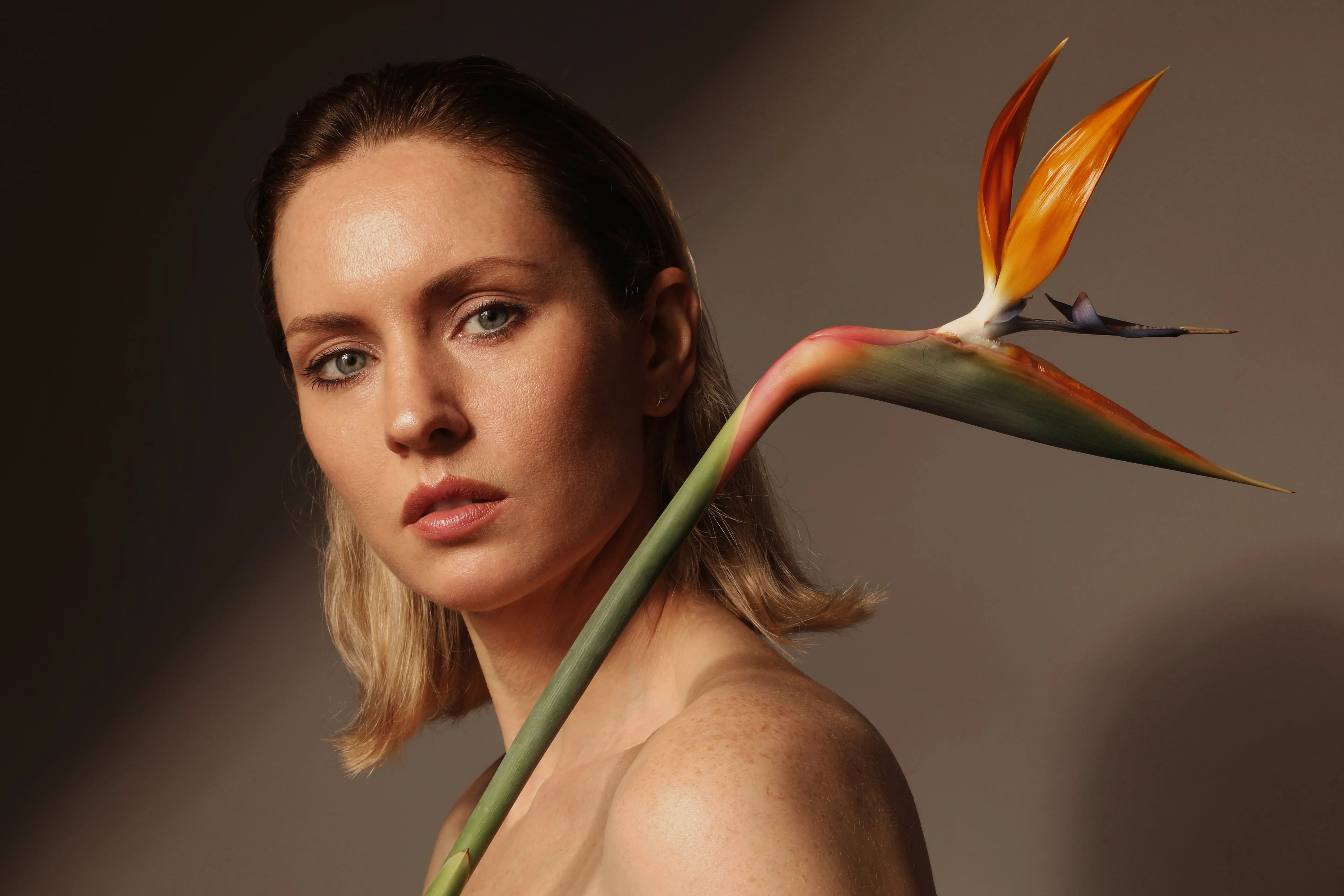
Fotoretusche
Sorgen Sie dafür, dass Ihre Fotos optimal zur Geltung kommen, indem Sie störende Elemente entfernen.

Akzent KI

© Jabi Sanz
Akzent KI
Akzent KI für eine Anpassung von Helligkeit, Kontrast und Farben mit einem einzigen Schieberegler

RAW-Bildbearbeitungsprogramm


© Cuma Cevik
RAW-Bildbearbeitungsprogramm
Verbessern Sie Ihre RAW-Fotos mit Luminar

Farbtonwechsler


© reewungjunerr
Farbtonwechsler
Korrigieren Sie ganz einfach Farbtöne, probieren Sie neue Looks aus oder fügen Sie einzigartige kreative Effekte hinzu




Selektive Farbgebung
-min.webp)

© Depositphotos
Selektive Farbgebung
Erstellen Sie mithilfe der Selektivfarbfotografie eindrucksvolle stilistische Veränderungen und originelle künstlerische Bilder.
Eine Anwendung und ein Plugin
Für macOS und Windows
- Leistungsstarker KI-Editor
Technischer Support rund um die Uhr
30-tägige Geld-zurück-Garantie
Werde Teil unserer Communities

Häufig gestellte Fragen
Wie lässt sich die Farbsättigung eines Fotos verringern?
Um die Sättigung eines Fotos zu verringern und die Farben gedämpfter oder in Graustufen erscheinen zu lassen, können Sie einen beliebigen Bildbearbeitungsprogramm zur Sättigungseinstellung verwenden, darunter auch Luminar. Mit dem Farbwerkzeug können Sie die Sättigung und Lebendigkeit eines Bildes steuern. Sie können auch die Schaltfläche „Schwarz-Weiß-Konvertierung“ verwenden, um alle Farben aus Ihrem Bild sofort zu entfernen.
Wie lässt sich die Farbintensität eines Bildes erhöhen?
In Luminar lässt sich die Farbintensität ganz einfach anpassen. Die Schieberegler für „Sättigung“ und „Lebendigkeit“ finden Sie im Farbwerkzeug, oder Sie können mit nur einem Schieberegler des „Verstärken ᴬᴵ“-Werkzeugs ein Dutzend Einstellungen automatisch optimieren.
Hat die Bildsättigung Auswirkungen auf die Dateigröße und die Bildqualität?
Ja, die Farbsättigung eines Bildes kann sich sowohl auf die Dateigröße als auch auf die Bildqualität auswirken. Wenn Sie die Farbsättigung eines Bildes erhöhen, nimmt auch die Menge der Farbdaten zu. Eine höhere Farbsättigung bedeutet, dass mehr Farbinformationen in der Datei gespeichert werden müssen, was zu einer größeren Dateigröße führt.
Zudem kann eine übermäßige Sättigung zu einem Verlust an Bildqualität führen. Wird die Sättigung zu stark erhöht, kann es zu Farbübersteuerung kommen, bei der die Farben so intensiv werden, dass sie den Farbraum überschreiten, den das Bildformat darstellen kann. Um ein Gleichgewicht zwischen Bildqualität und Sättigung zu finden, ist es entscheidend, Bearbeitungswerkzeuge zu verwenden, die eine präzise Steuerung der Sättigungswerte ermöglichen. Nutzen Sie Luminar, um die Sättigung exakt zu steuern.
Zudem kann eine übermäßige Sättigung zu einem Verlust an Bildqualität führen. Wird die Sättigung zu stark erhöht, kann es zu Farbübersteuerung kommen, bei der die Farben so intensiv werden, dass sie den Farbraum überschreiten, den das Bildformat darstellen kann. Um ein Gleichgewicht zwischen Bildqualität und Sättigung zu finden, ist es entscheidend, Bearbeitungswerkzeuge zu verwenden, die eine präzise Steuerung der Sättigungswerte ermöglichen. Nutzen Sie Luminar, um die Sättigung exakt zu steuern.
Was ist der Unterschied zwischen Sättigung und Lebendigkeit?
Sättigung und Lebendigkeit sind beides Begriffe, die sich auf die Intensität der Farben in einem Bild beziehen, stehen jedoch im Kontext der Bildbearbeitung für leicht unterschiedliche Konzepte. Die Sättigung wirkt sich einheitlich auf alle Farben aus, während die Lebendigkeit gezielt auf die weniger gesättigten Farben einwirkt und so eine subtilere und kontrolliertere Verbesserung des Gesamtbildes bewirkt, ohne extreme Farbverschiebungen zu verursachen.
Warum ist Luminar der beste Editor für die Bildsättigung?
Luminar gilt als führende Lösung für die Bearbeitung der Farbsättigung, da es Fotografen eine präzise Kontrolle über die Farbintensität ermöglicht. Sie können gedämpfte Farben verstärken, übermäßig kräftige Bereiche abschwächen oder einzelne Farben feinabstimmen und dabei ein natürliches Gleichgewicht im gesamten Bild bewahren.
Für wen ist das Luminar-Werkzeug zum Ändern der Bildsättigung geeignet?
Die Sättigungsregler von Luminar eignen sich für:
- Landschaftsfotografen: Farben im Himmel, im Laub und in der Landschaft betonen
- Porträtfotografen: Farben ausgleichen und dabei die Hauttöne natürlich halten
- Reisefotografen: Bringen Sie die Atmosphäre und die Farben eines Ortes zur Geltung
- Content-Ersteller: Erstellen Sie lebendige, einheitliche visuelle Inhalte
- Alltagsnutzer: Fotos, die matt oder übermäßig gesättigt wirken, schnell korrigieren
- Landschaftsfotografen: Farben im Himmel, im Laub und in der Landschaft betonen
- Porträtfotografen: Farben ausgleichen und dabei die Hauttöne natürlich halten
- Reisefotografen: Bringen Sie die Atmosphäre und die Farben eines Ortes zur Geltung
- Content-Ersteller: Erstellen Sie lebendige, einheitliche visuelle Inhalte
- Alltagsnutzer: Fotos, die matt oder übermäßig gesättigt wirken, schnell korrigieren
Warum vertrauen Fotografen auf den Sättigungsregler von Luminar?
Fotografen entscheiden sich für Luminar, weil es mehr Gestaltungsmöglichkeiten bietet als nur die einfache Erhöhung oder Verringerung der allgemeinen Farbintensität. Mit den Werkzeugen zur Farbanpassung lässt sich die Sättigung zusammen mit dem Farbton und der Luminanz feinabstimmen, sodass Fotografen präzise, ausgewogene Farben erzielen können, ohne den Charakter des Originalbildes zu beeinträchtigen.
