

 Pläne ansehen
Präzisionsbearbeitung mit
Das Tool Klonen
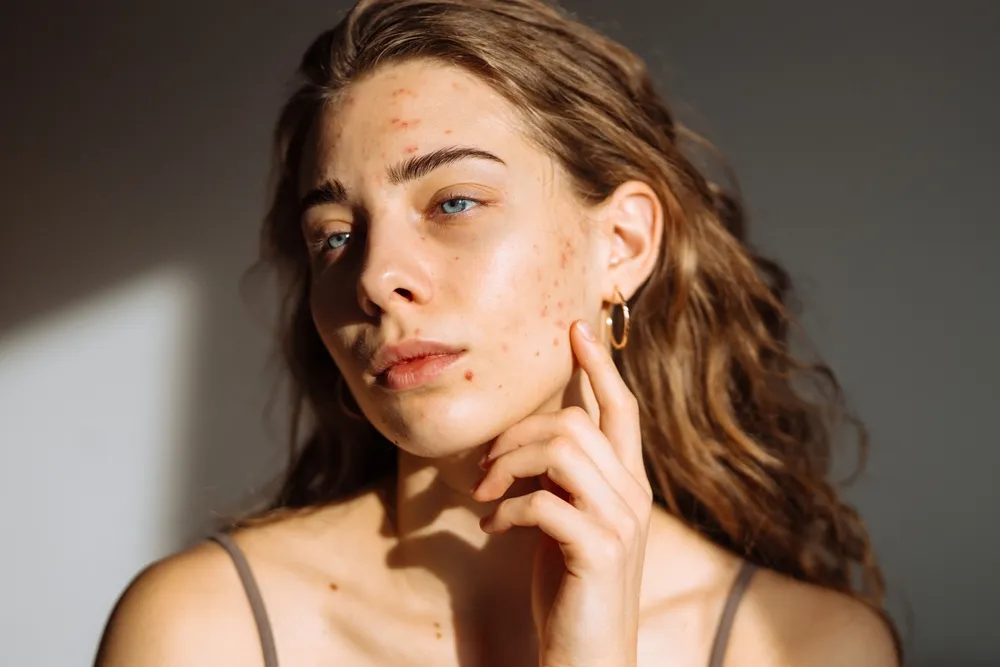
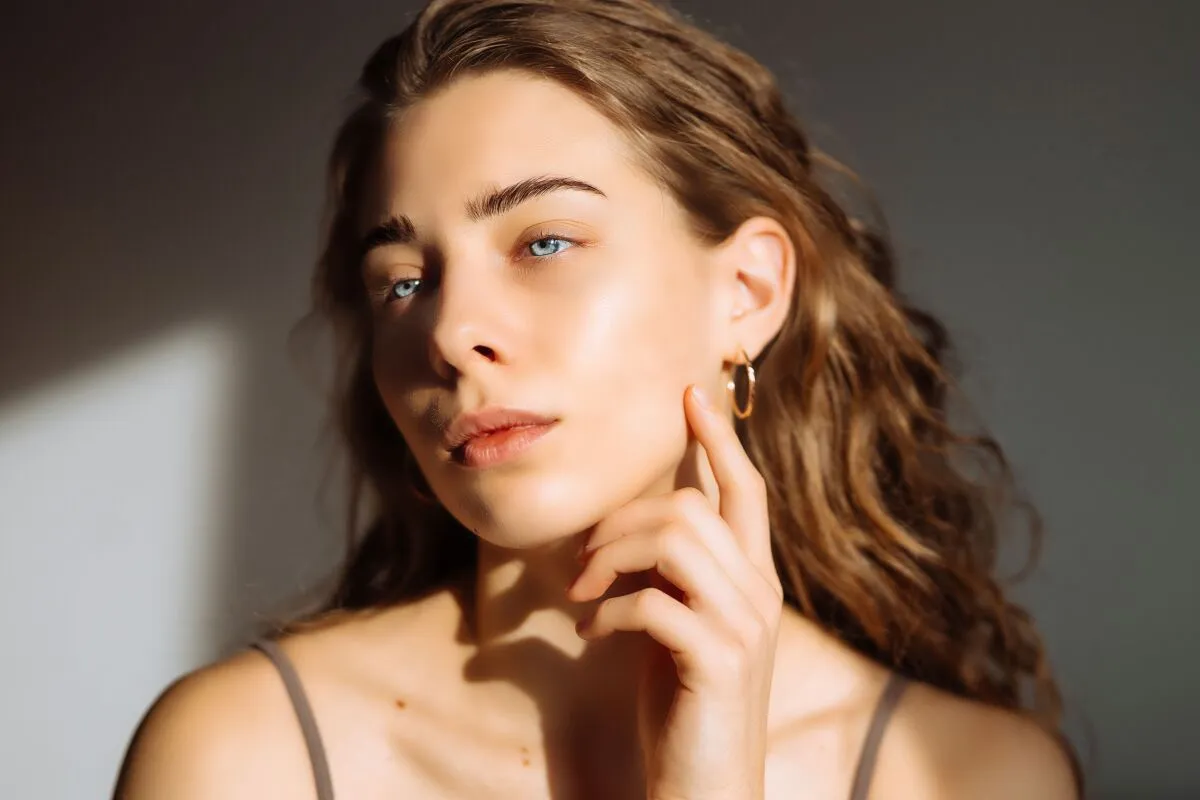
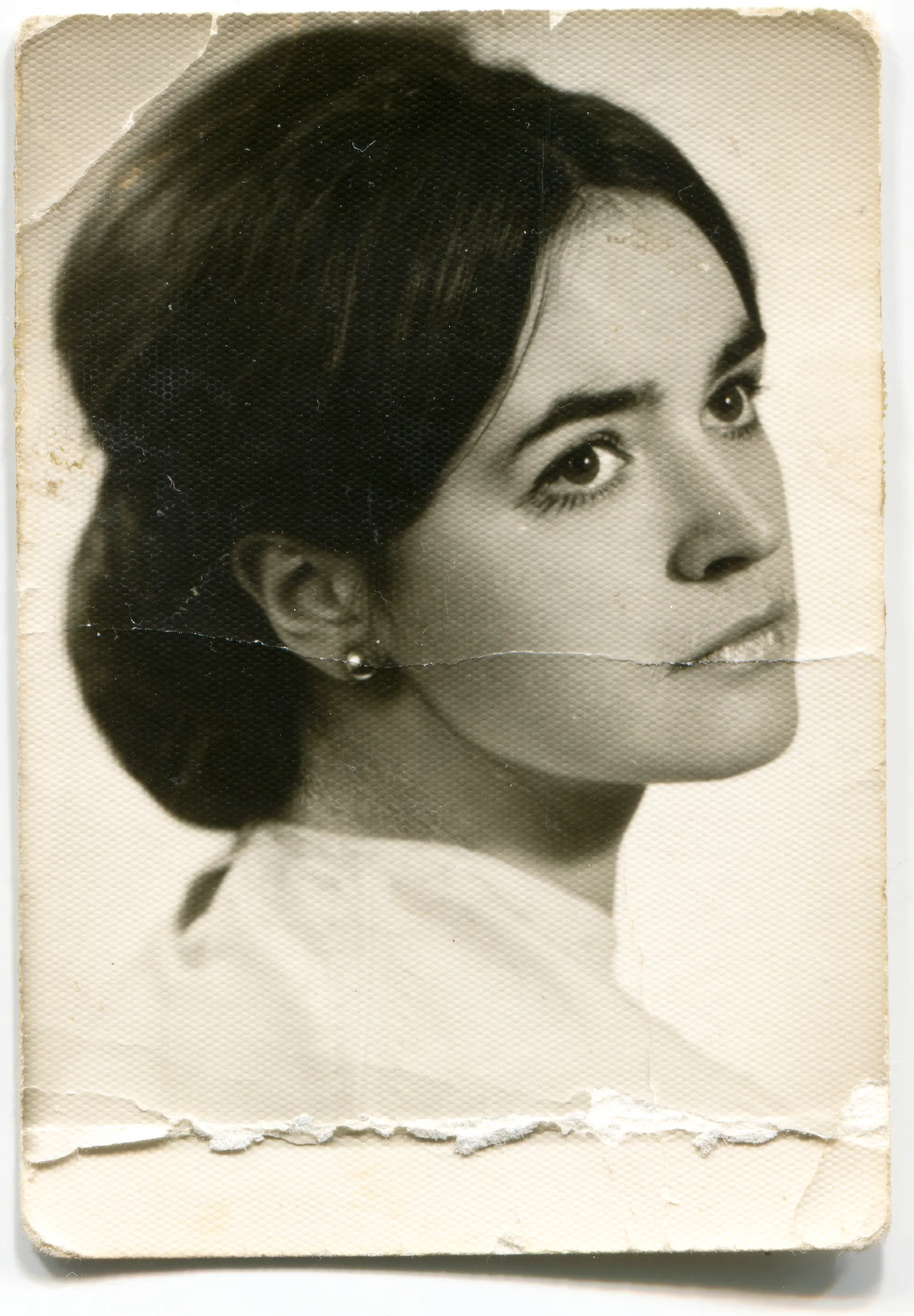
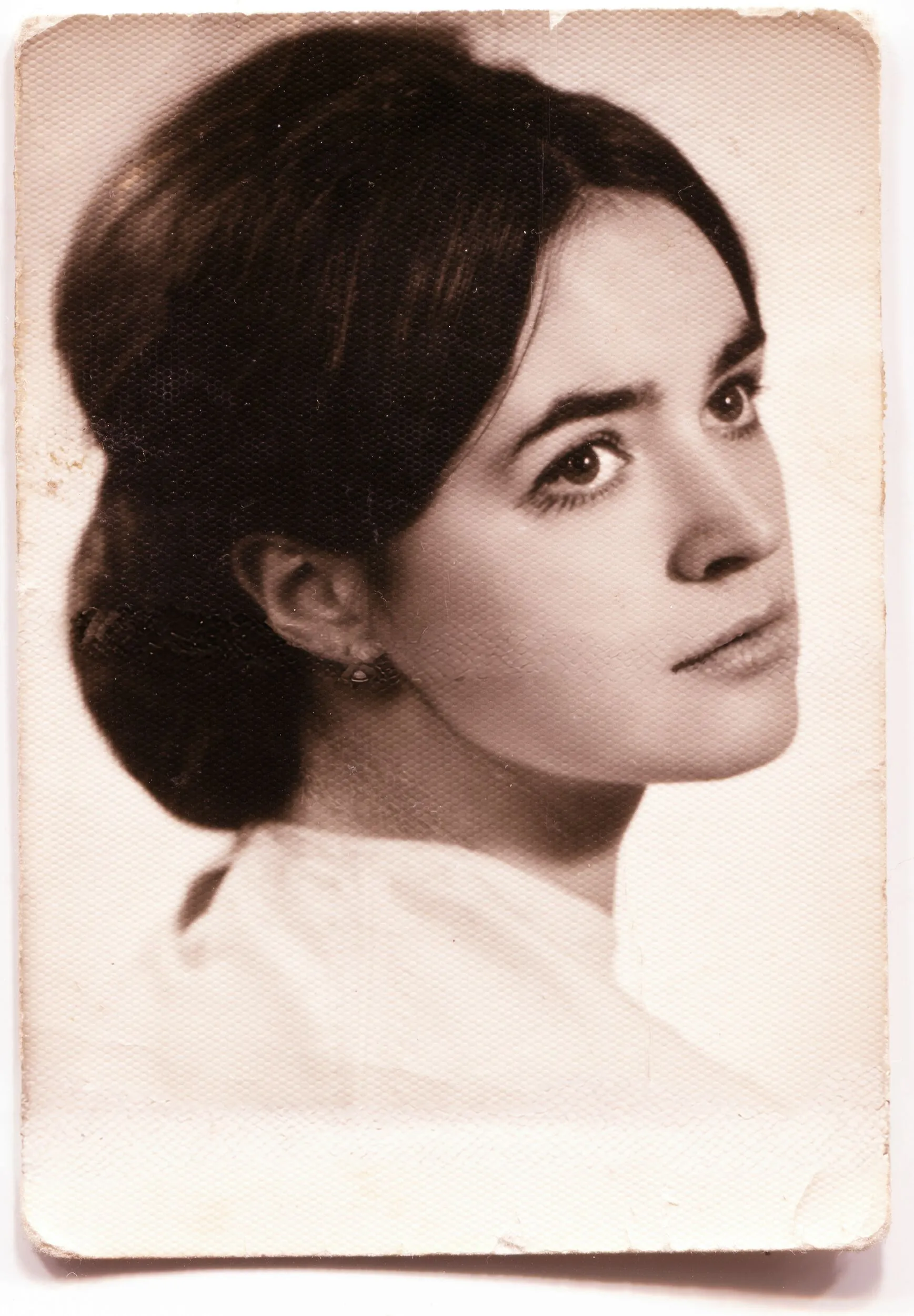
Entferne unerwünschte Objekte oder Elemente aus einem Bild, korrigiere Texturen, beseitige Unvollkommenheiten, fülle fehlende oder beschädigte Bildteile – perfektioniere deine Bilder mit dem Tool Klonen.
Pläne ansehen


What Can You Do with the Clone Tool in Luminar ?
Simply select a source (from which pixels are taken) and then paint those pixels on other areas of your image to cover up damage or blemishes. Luminar offers feathering to make it easier to blend strokes.
Innovative Einsatzmöglichkeiten des Foto-Tools Klonen

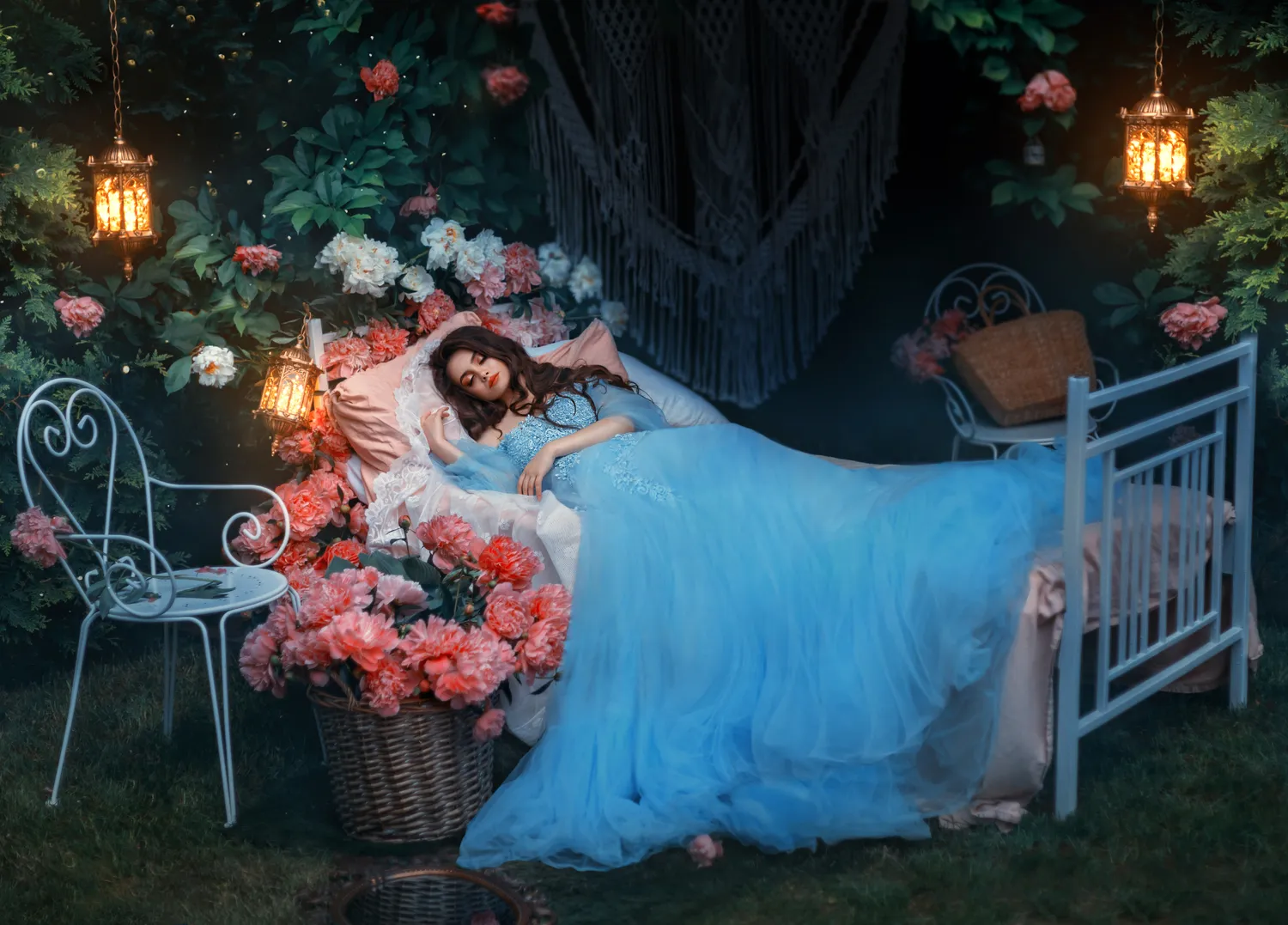
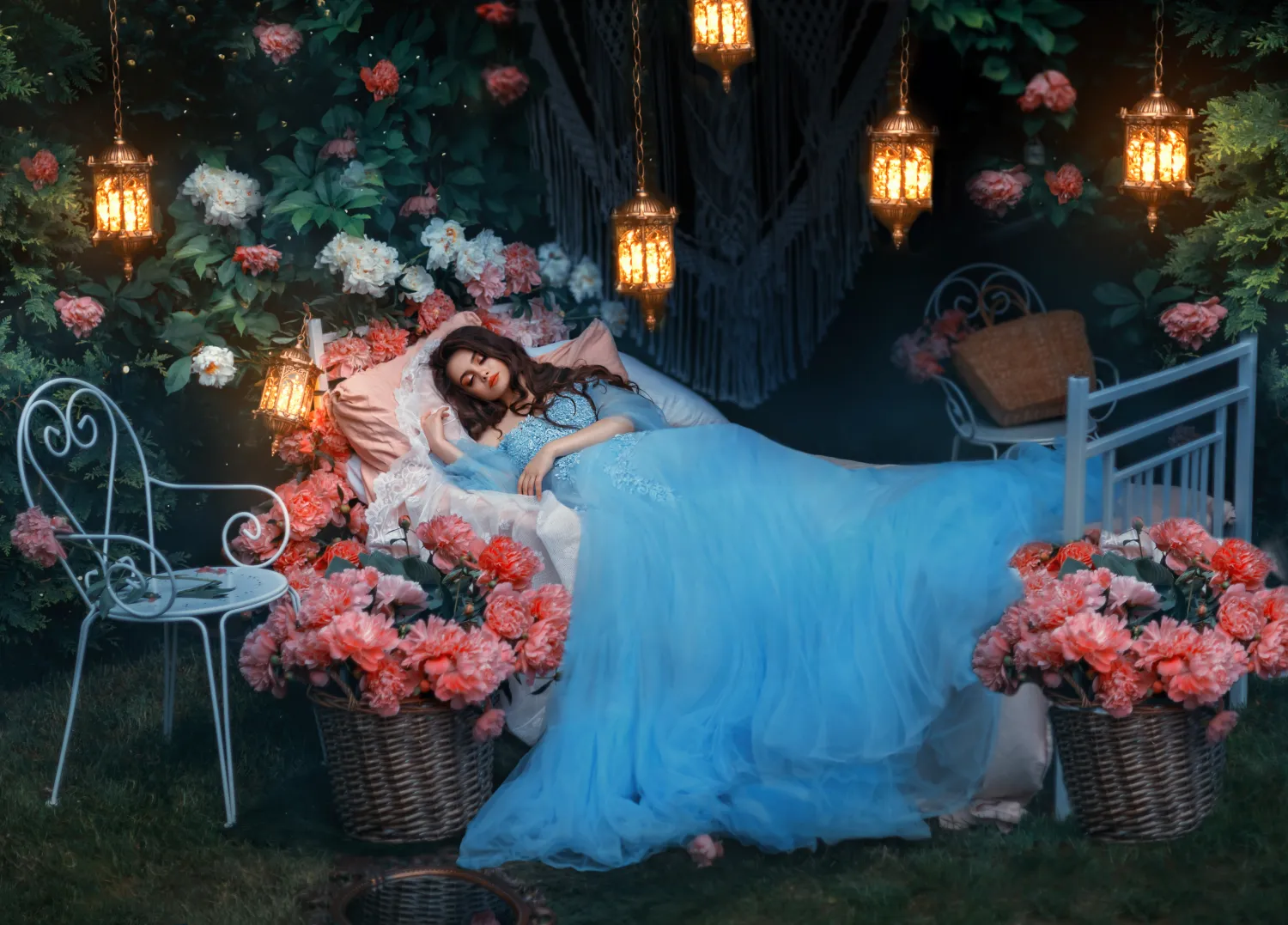
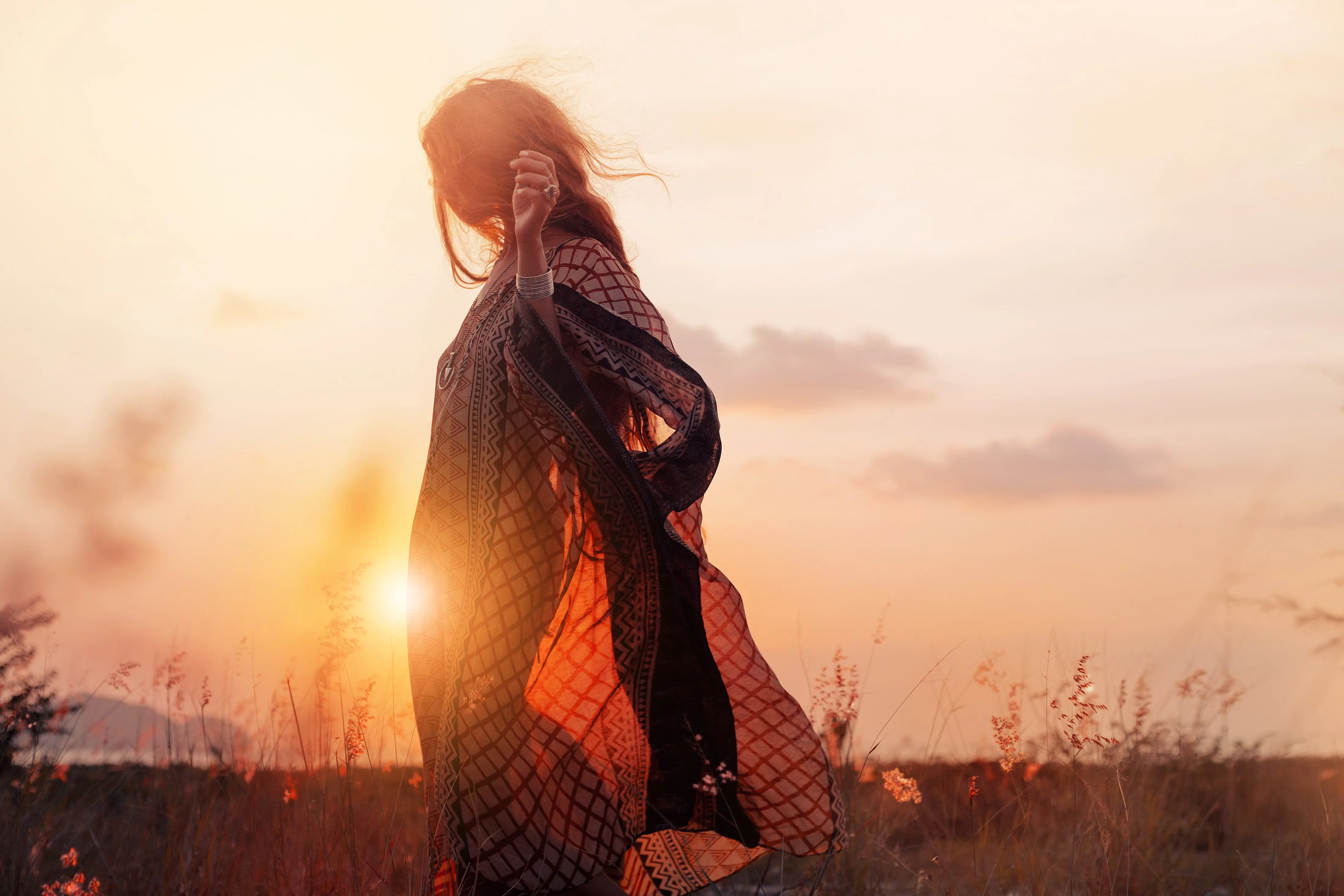
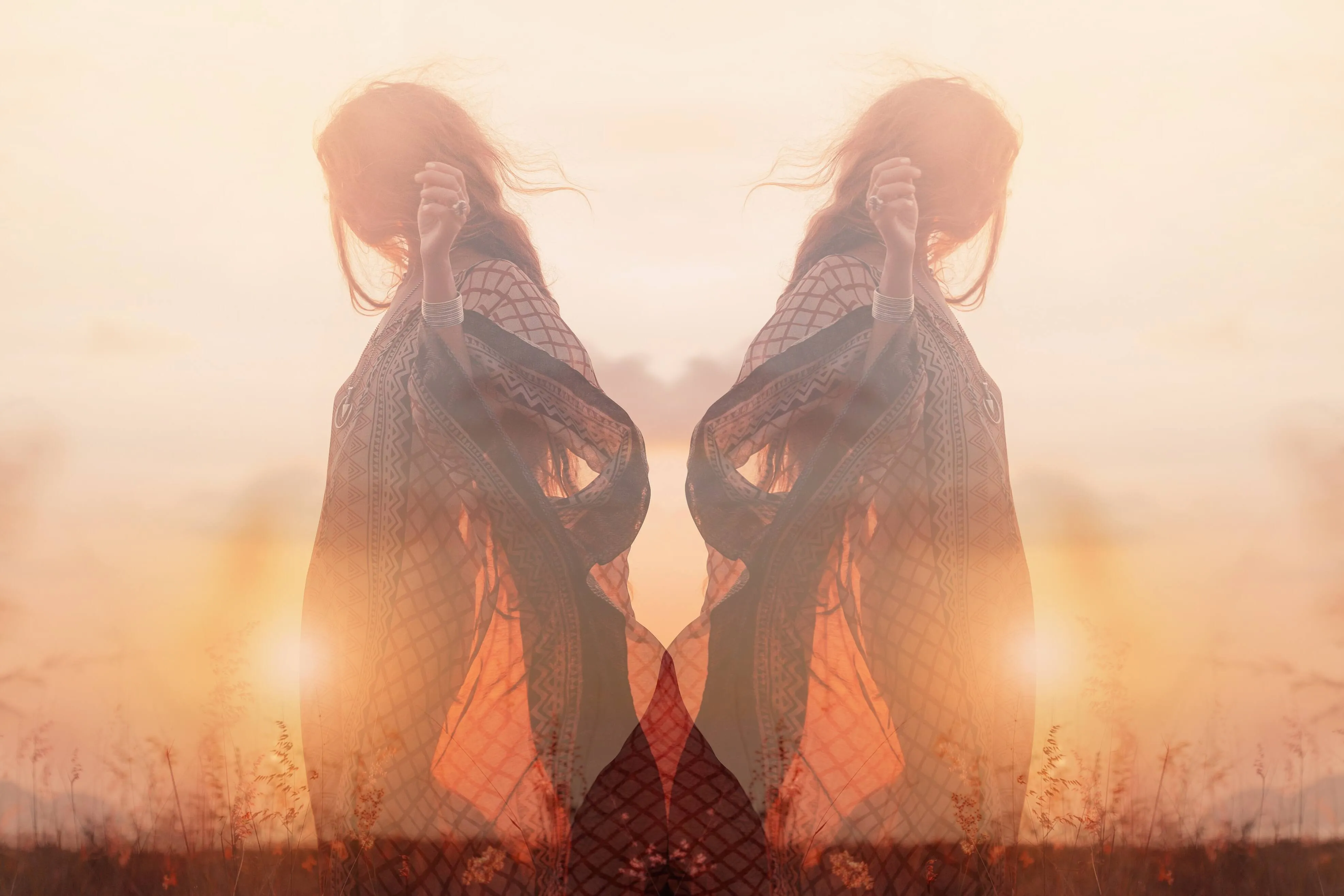
Künstlerische Effekte
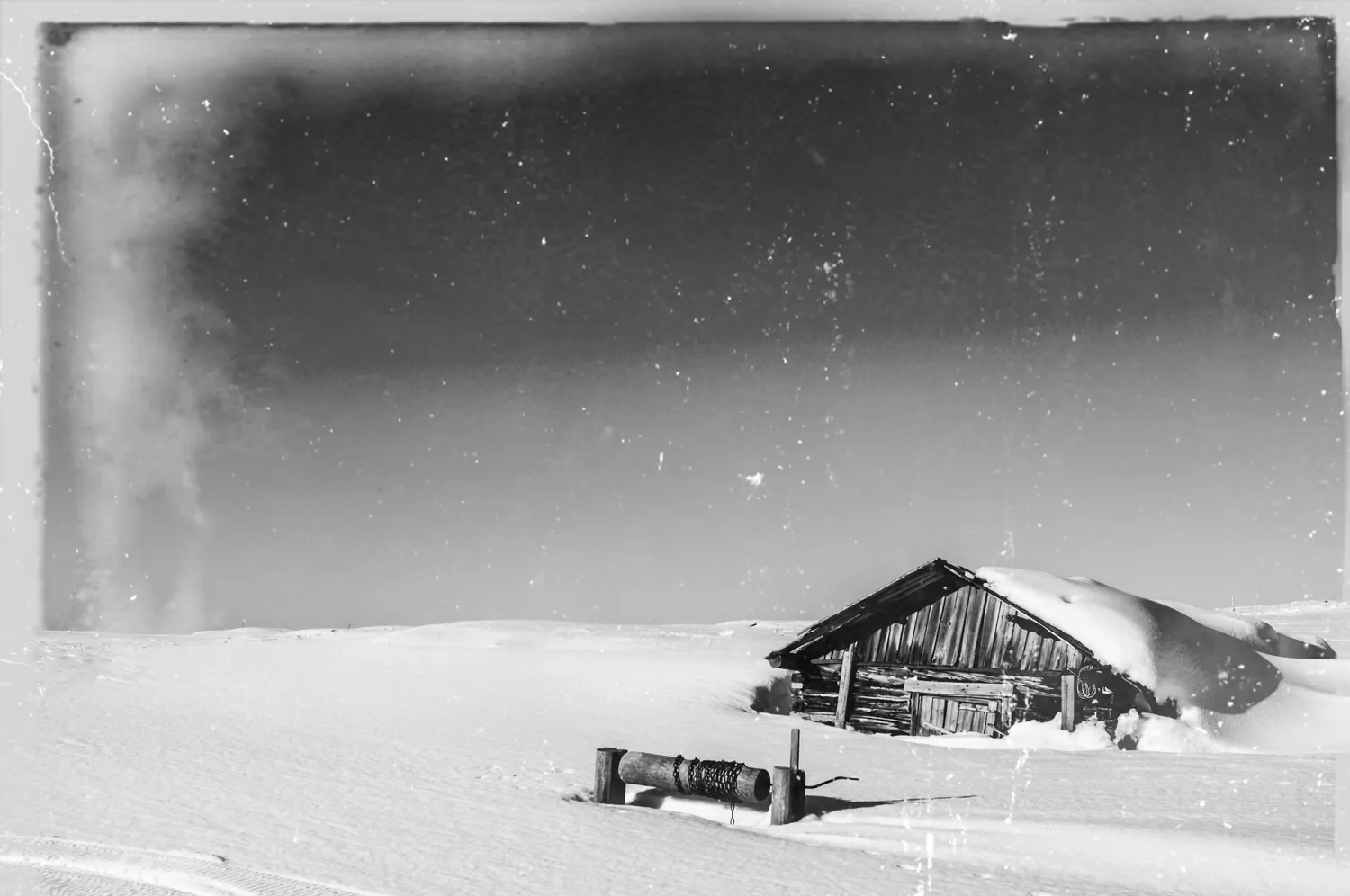
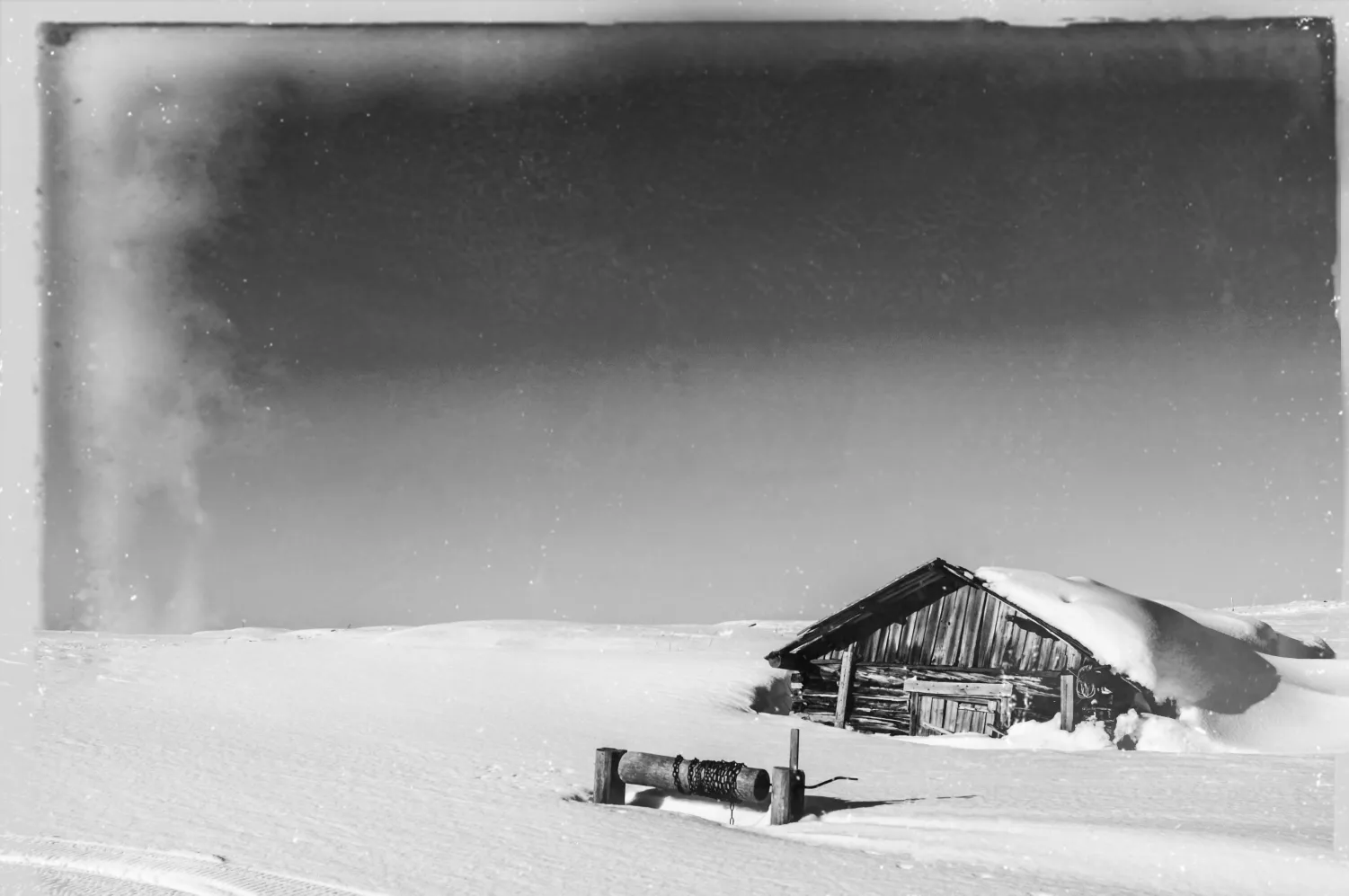
Restoration

.webp)
Korrektur der Perspektive
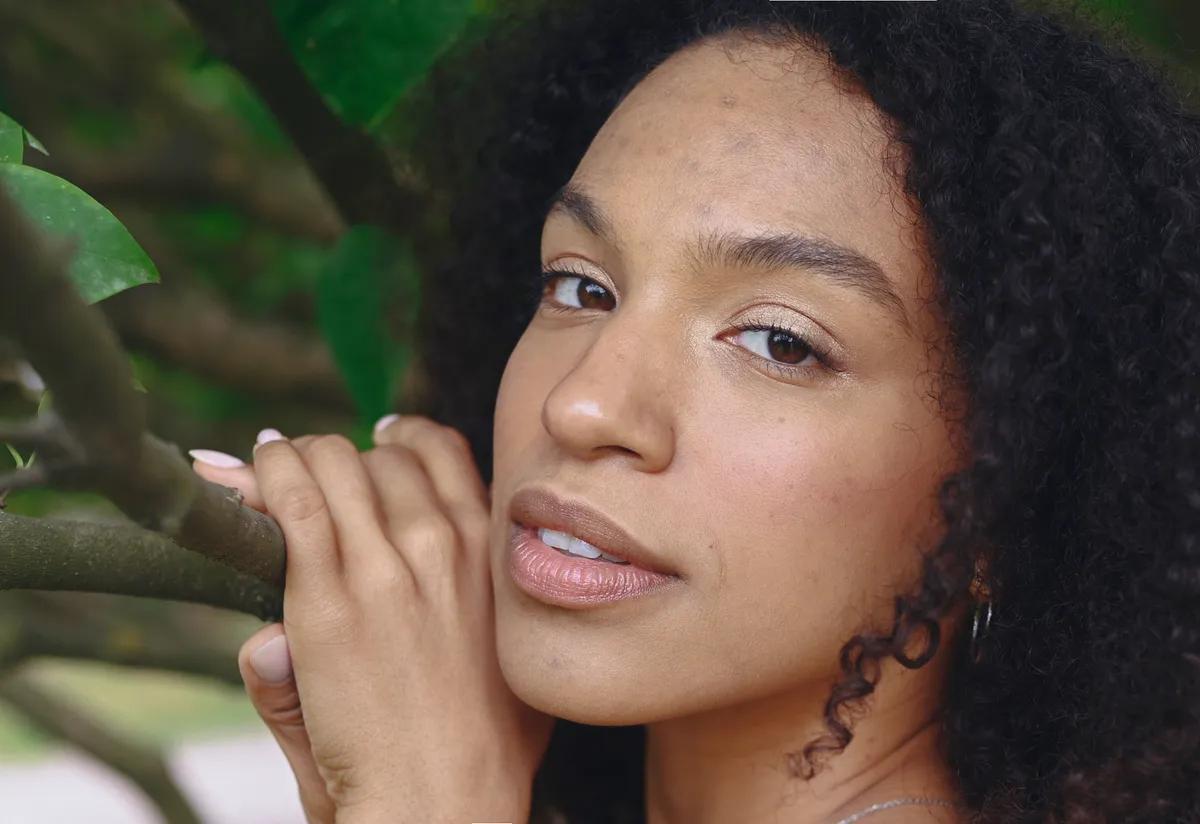
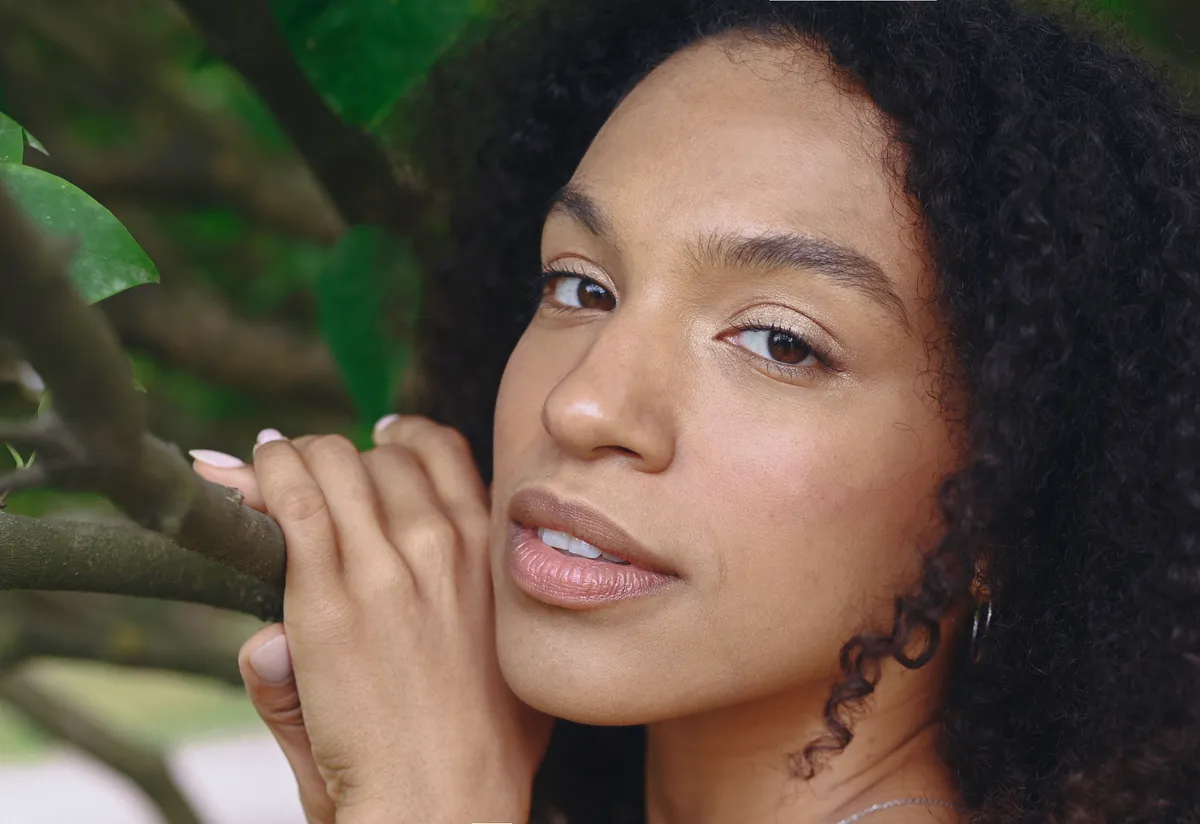
Perfektes Porträt mit dem Pinsel
Verwende dazu den Pinsel des Tools Klonen, um wirklich alle Details zu erfassen.
Wie verwendet man das Tool Klonen?
To use the photo Clone Tool in Luminar:

Open an image that needs cloning and open the Clone tool in the Professional tools section.

Click to set the source. Adjust your brush as needed, including the Radius, Softness, and Opacity. Click and brush over the damaged area.

Use the Zoom buttons and the Hand tool to explore the image’s details.

Click and paint out the pixels you want to remove. You can also try small dabs and short strokes to get a blended look. Try blending multiple strokes and lowering the opacity of the brush for the best results.
Entdecke weitere Funktionen








Anwendung & Plugin
Für Mac & Windows
- Leistungsstarker AI-Editor
Technische Unterstützung
30 Tage Geld-zurück-Garantie
Join our communities

Die am häufigst gestellten Fragen
Was ist ein Klonen-Tool in der Fotobearbeitung?
Worin besteht der Unterschied zwischen dem Reparaturpinsel und dem Werkzeug für punktuelle Korrekturen?
Wie setzt man das Tool Klonen zurück?
Das Tool Klonen funktioniert nicht, was soll ich tun?
Why Luminar is the best clone stamp tool?
Photographers choose Luminar clone stamp because it fits clean-up tasks where manual control matters more than automation.
Who can benefit from Luminar clone tool?
- photographers removing small imperfections or distractions
- product and portrait photographers needing controlled corrections
- users who prefer manual accuracy over AI-generated resultsIt works best for detail-level retouching rather than large-area replacement.
It works best for detail-level retouching rather than large-area replacement.
