

 Prohlédnout tarify
Bezproblémové vyblednutí obrázků
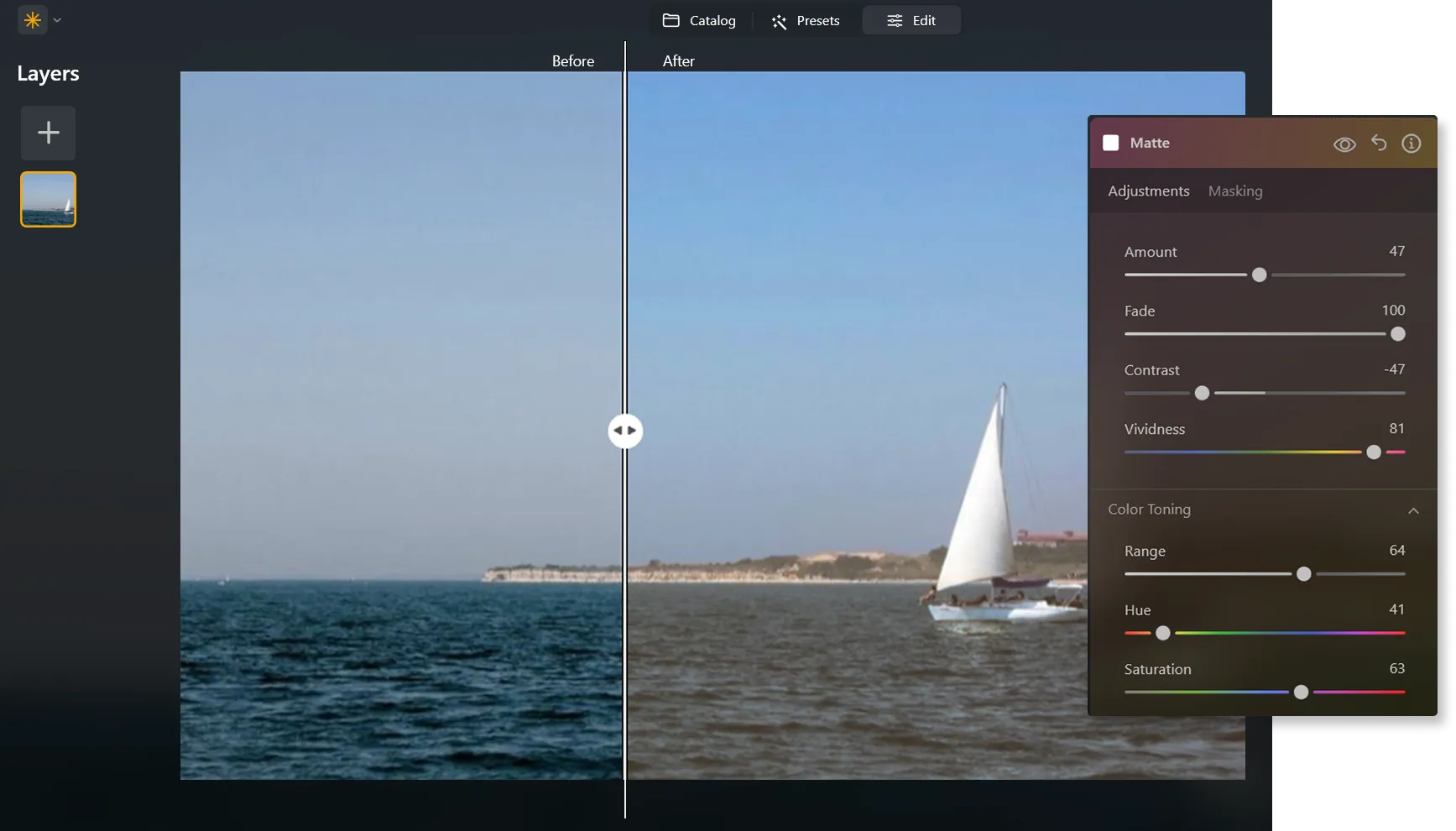
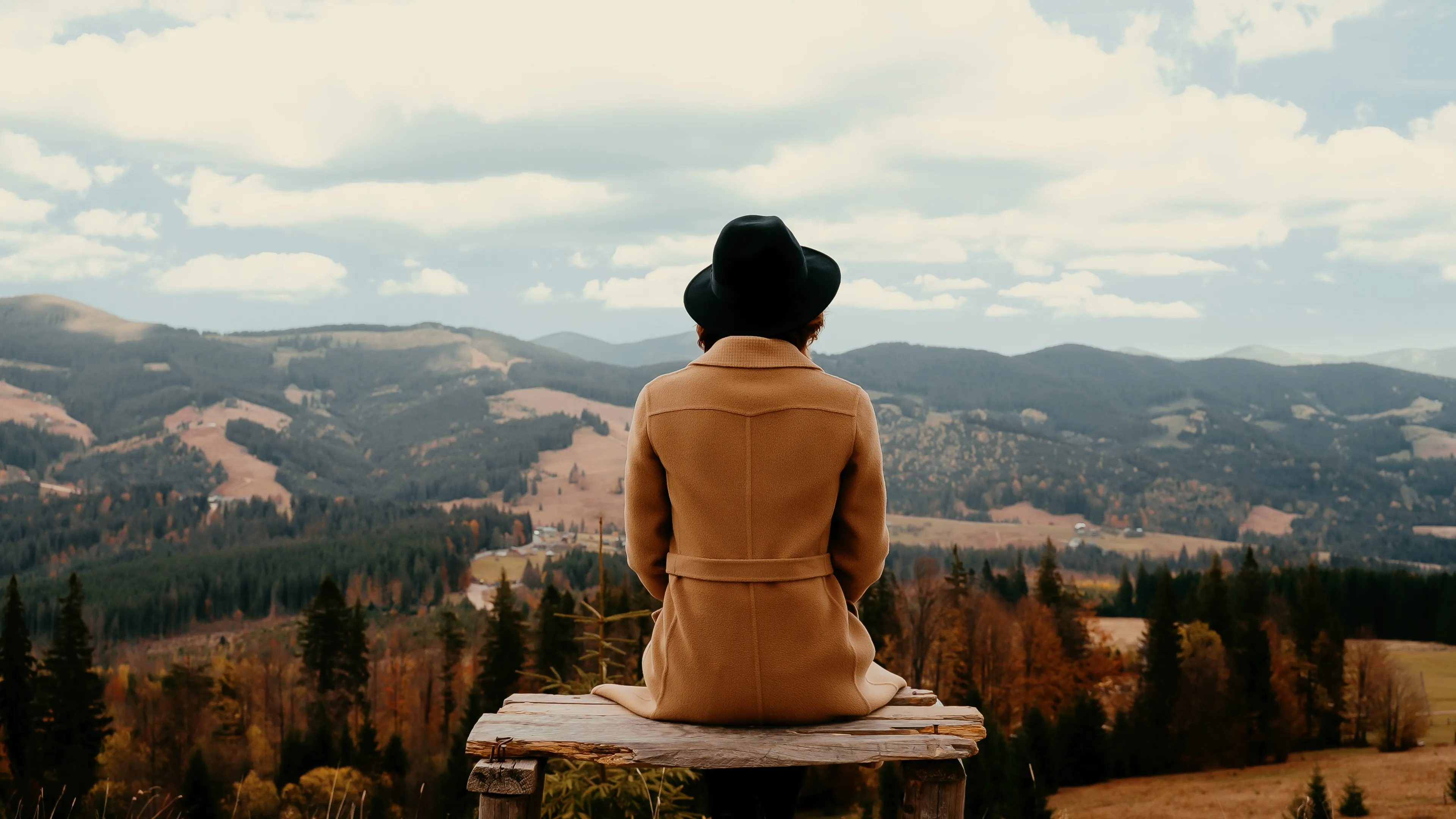
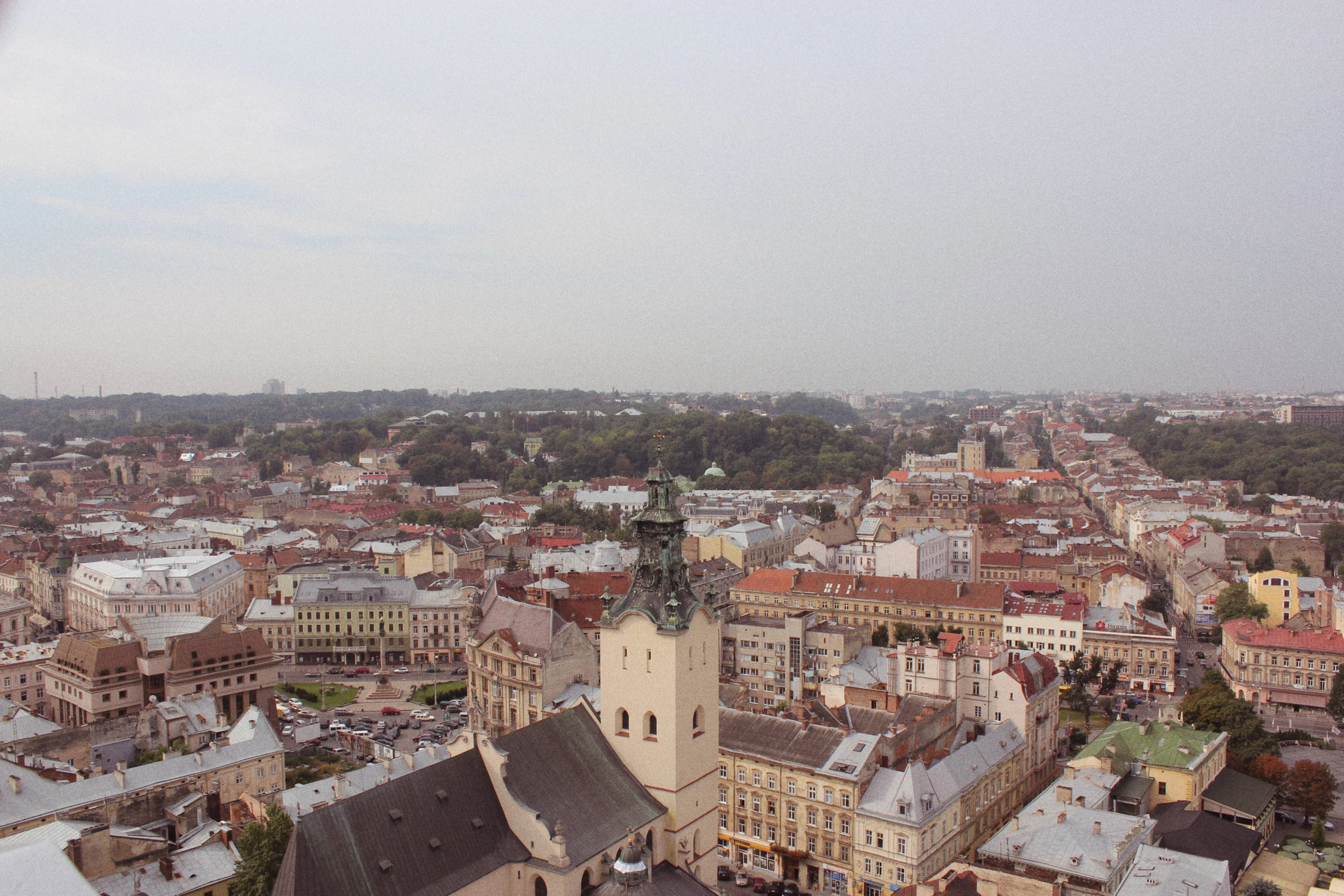
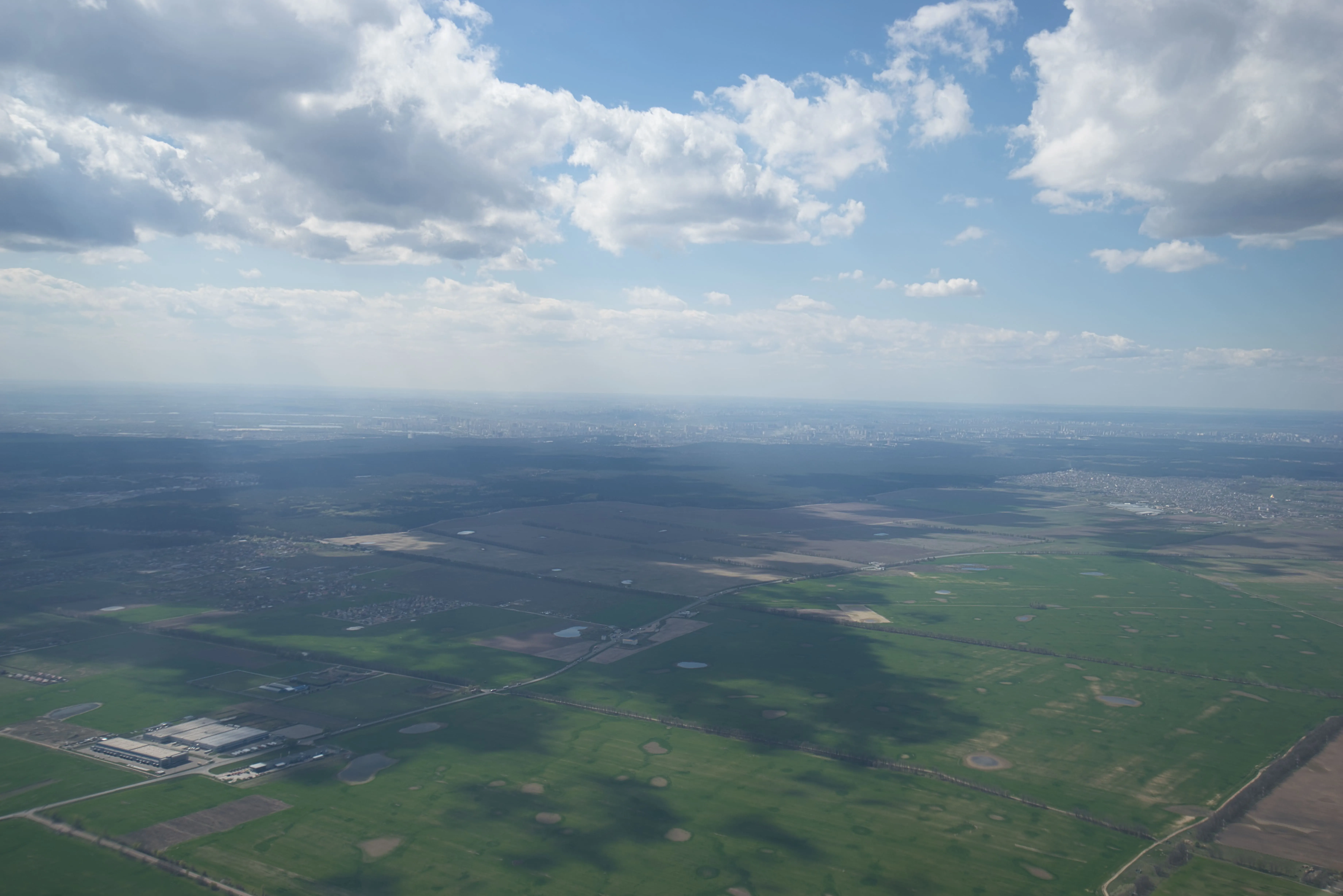
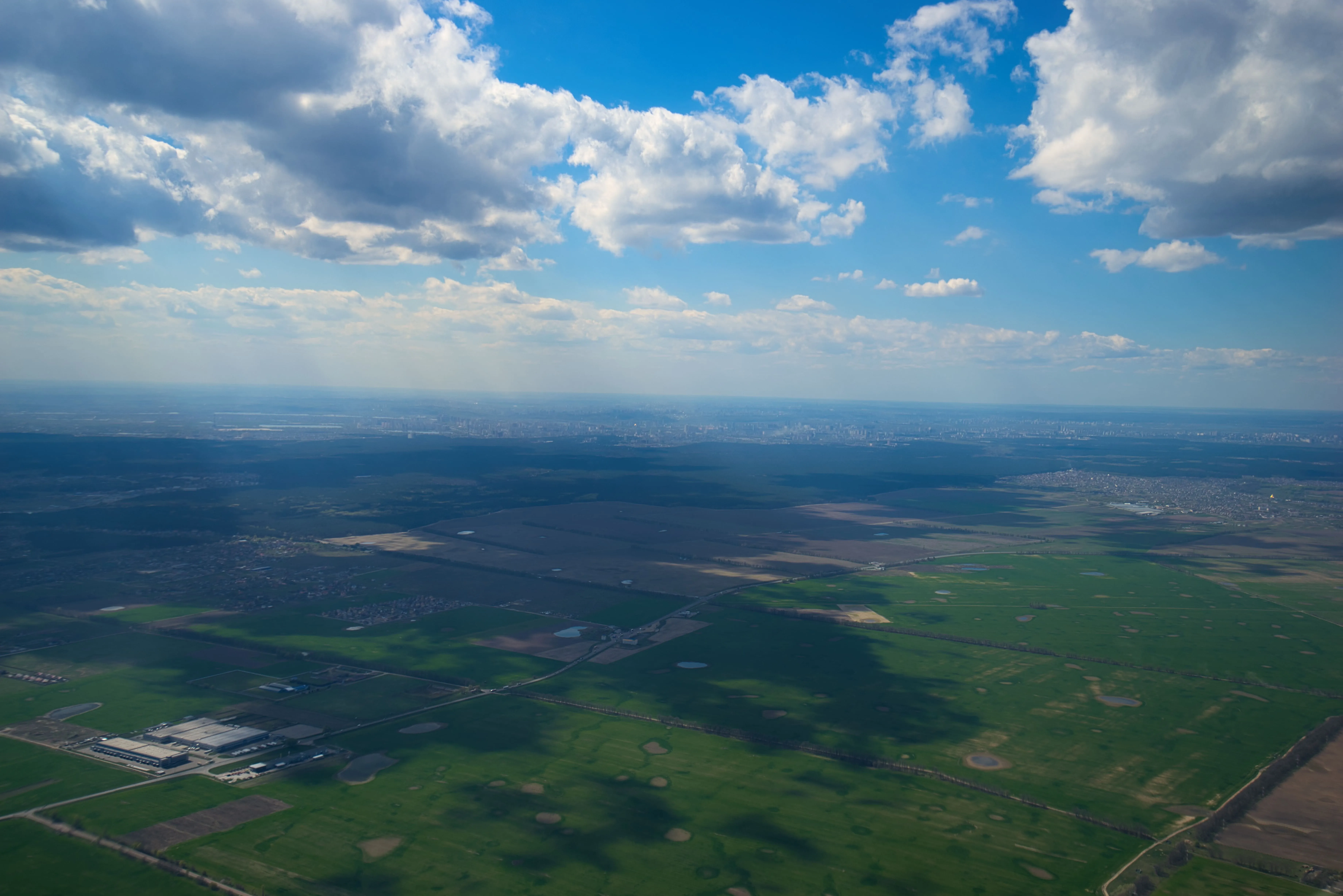
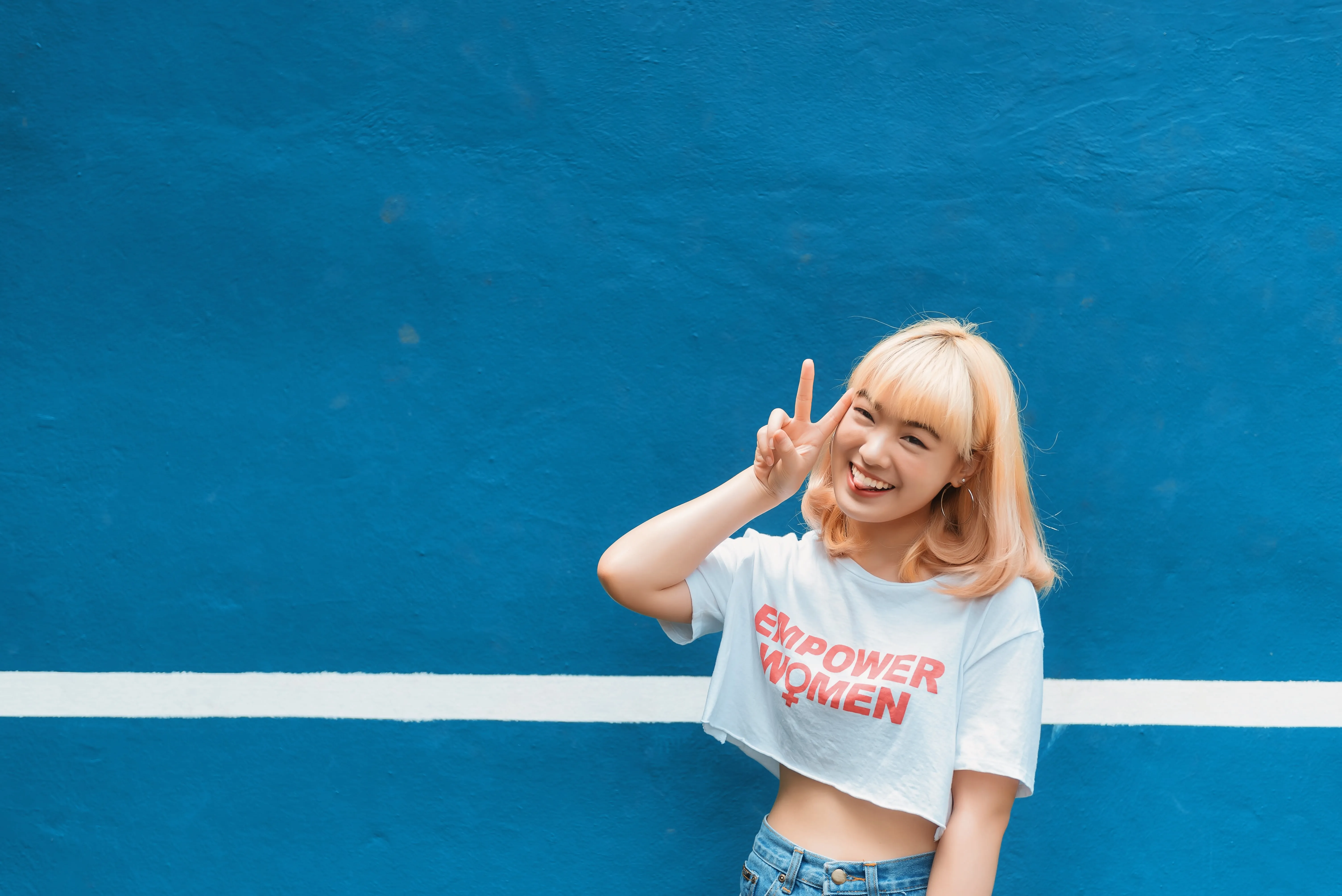
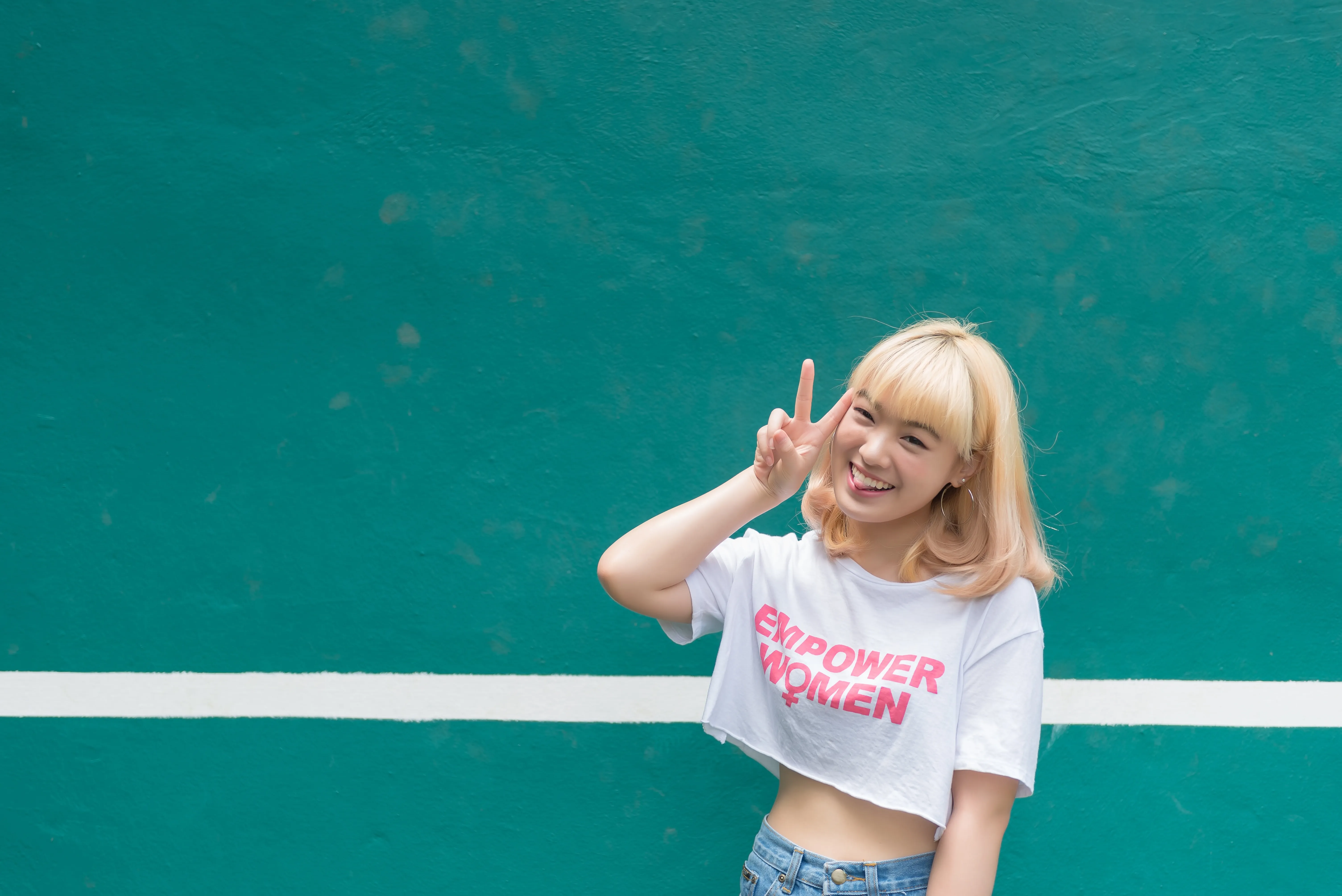
Snížením intenzity barev nebo tónů na snímku dosáhnete efektu vybledlé fotografie, která tak získá jemnější a tlumenější vzhled. Použijte jej k vytvoření vintage nebo nostalgického vzhledu nebo ke zlepšení nálady a atmosféry snímku.
Try it nowJak zvládnout umění vyblednutí obrázků?
Případně můžete použít efekty filtrů k vyblednutí, které lze aplikovat jedním kliknutím a dosáhnout tak přesně požadovaného výsledku.

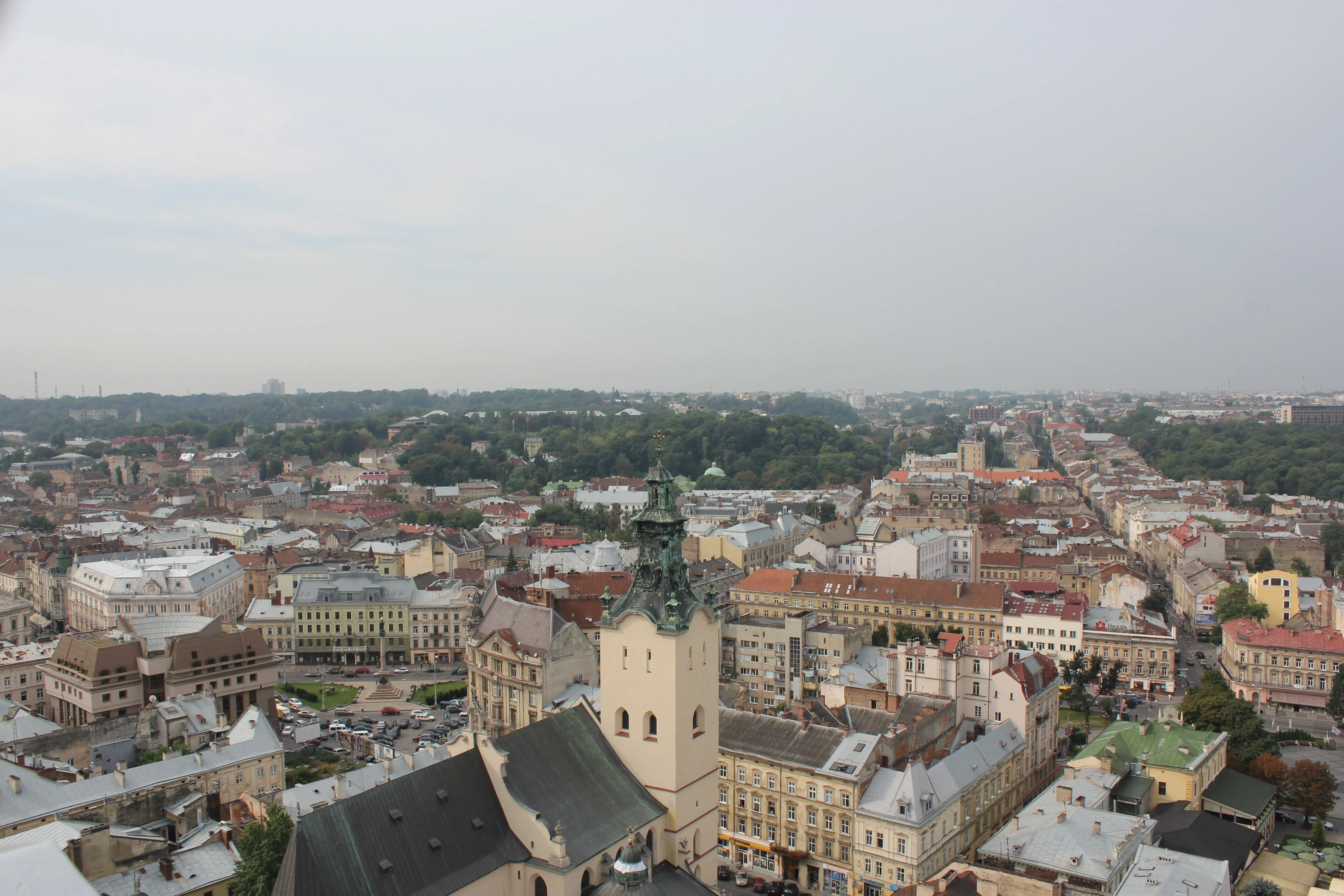
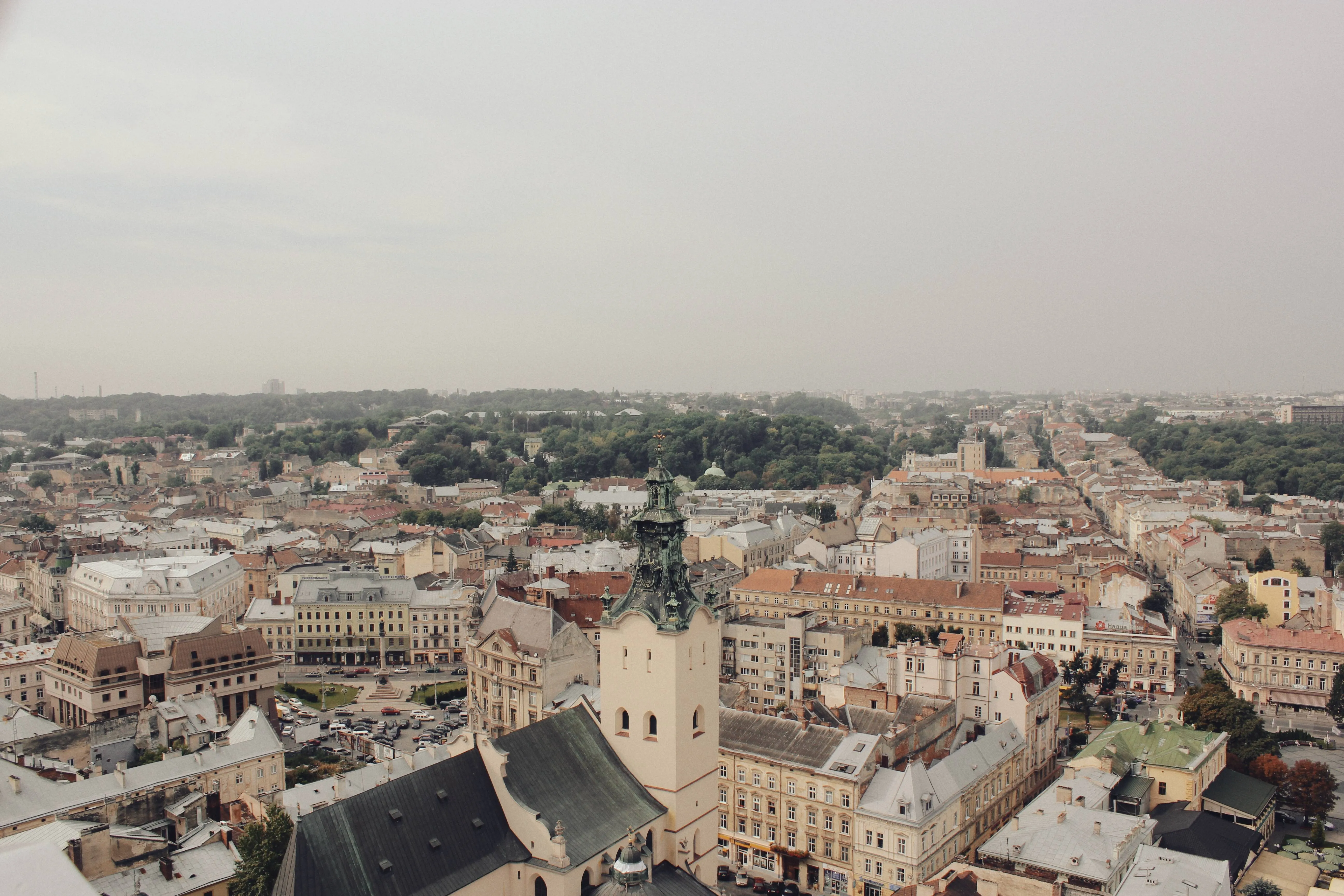
Proč byste měli zvážit úpravy pomocí softwaru pro vyblednutí fotografií?
K dispozici jsou masky gradientů, které vám pomohou s úpravou stínů, a řada různých přednastavení pro experimentování s celkovým vzhledem fotografie.
Prozkoumejte estetiku efektu vyblednutí fotografie
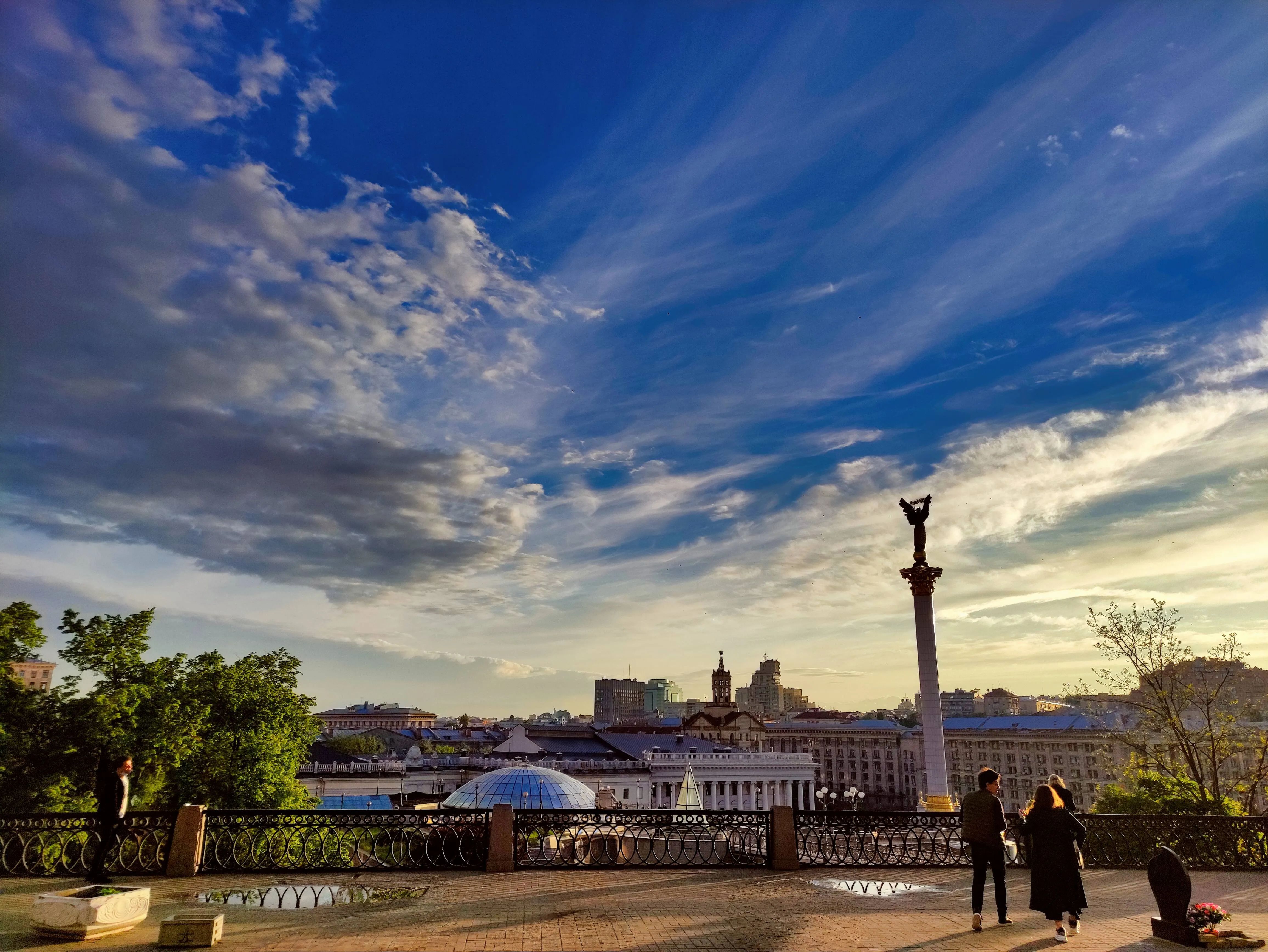
Softening the colors and tones can make the photo feel dreamy, ethereal or romantic which is useful in genres like portrait, wedding or landscape photography. The possibilities are endless!
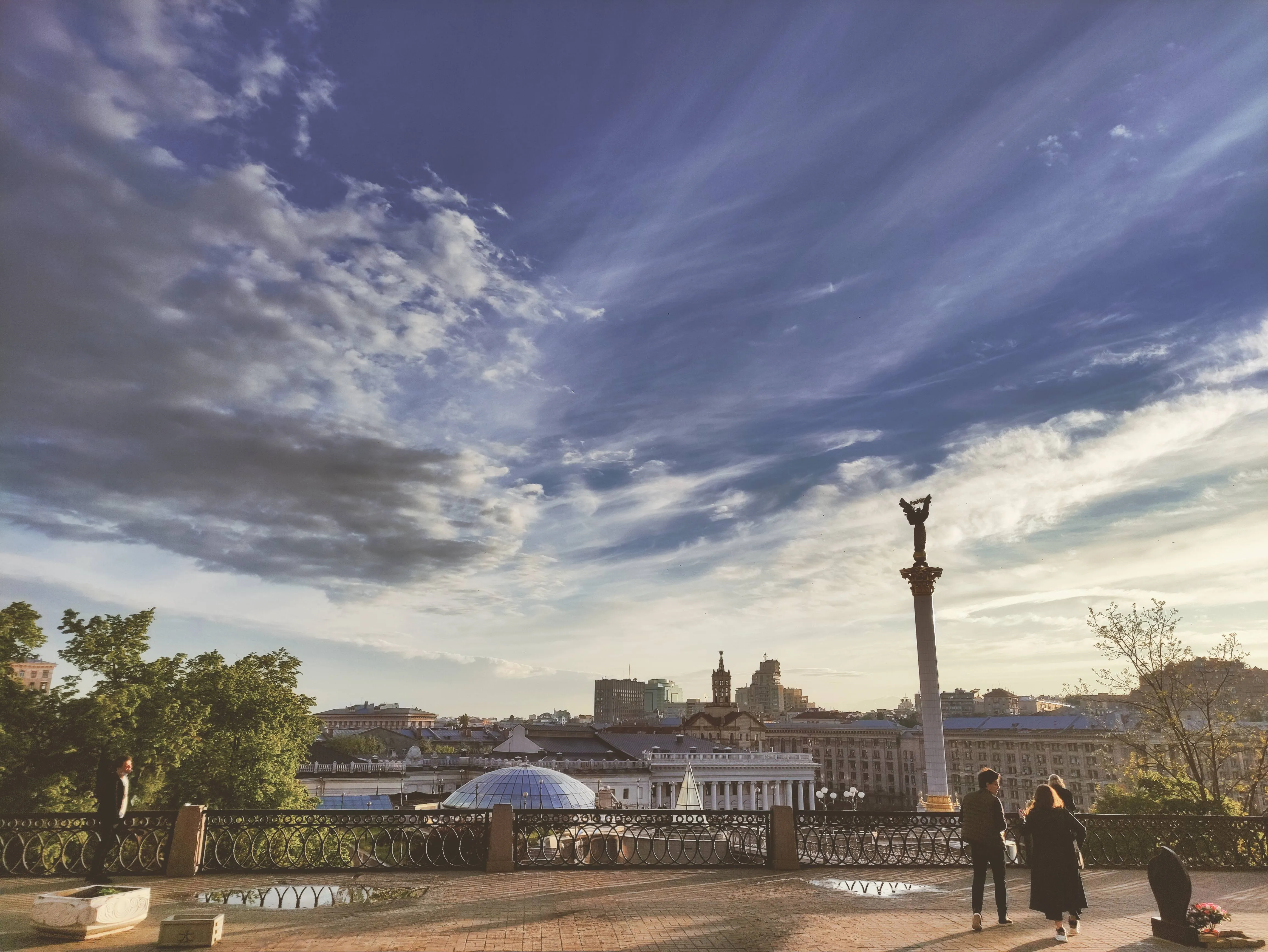
How to Add a Fading Effect in Luminar?
The easiest way to create faded pictures in Luminar is by applying a one-click Preset.

Make sure an image is open in Luminar.

Click Presets at the top of the window to switch to the Presets Browser. This opens the Presets panel.

Choose a Preset collection. Use suggested Presets in the “For This Photo” section or browse other collections organized by categories.

Examine the Presets available by exploring their icons.

When ready, click on a Preset name to apply it. To apply a different Preset to your photo, click on its name.
Prozkoumejte další funkce







Aplikace a zásuvný modul
Pro macOS & Windows
- Vysoce výkonný obrázkový editor s AI
Technická podpora 24/7
30denní záruka vrácení peněz
Join our communies

Často kladené otázky
How to fade images with Luminar?
Mohu u své fotografie nastavit efekt vyblednutí?
Je možné prolnout jeden obrázek do druhého?
Mohu použít efekt vyblednutí pouze na určitou část obrázku, například na pozadí nebo objekt?
Why Luminar is the best image fader?
Who can benefit from Luminar photo fader?
• Photographers: add subtle, cinematic fade to images
• Content creators: create aesthetic, cohesive visuals
• Designers: match images to brand or editorial style
• Social media users: achieve trendy, soft-tone looks
• Editors: fine-tune contrast and mood with precision
