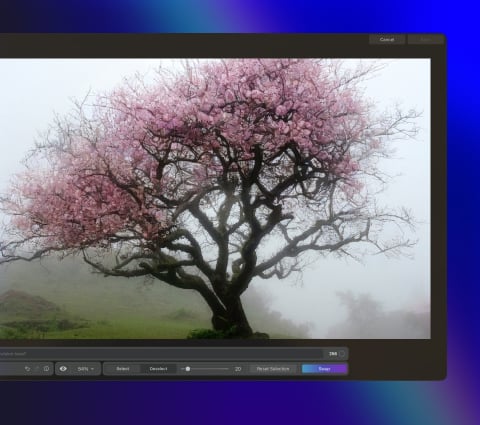
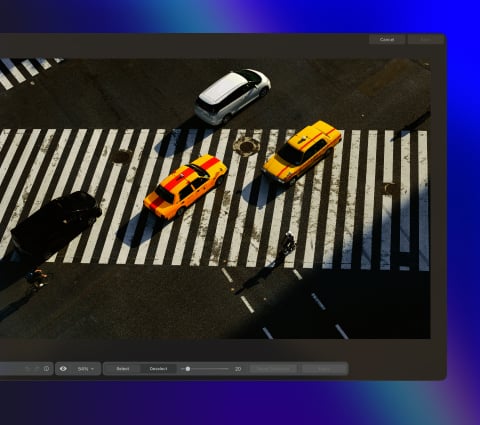
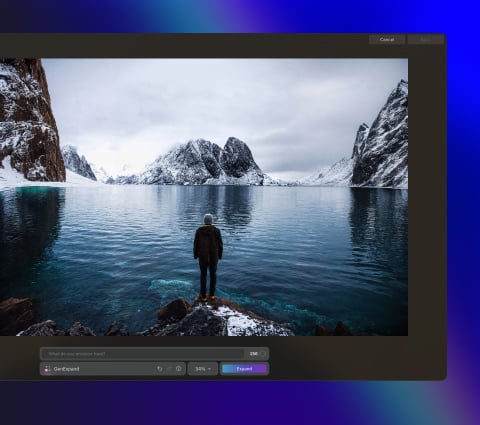
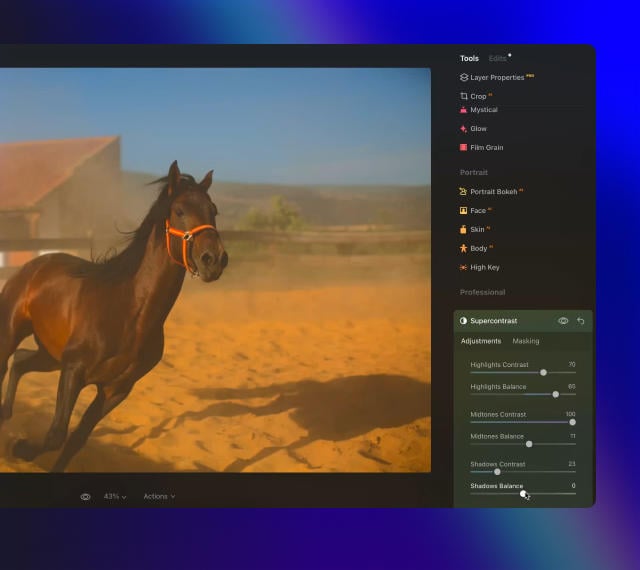
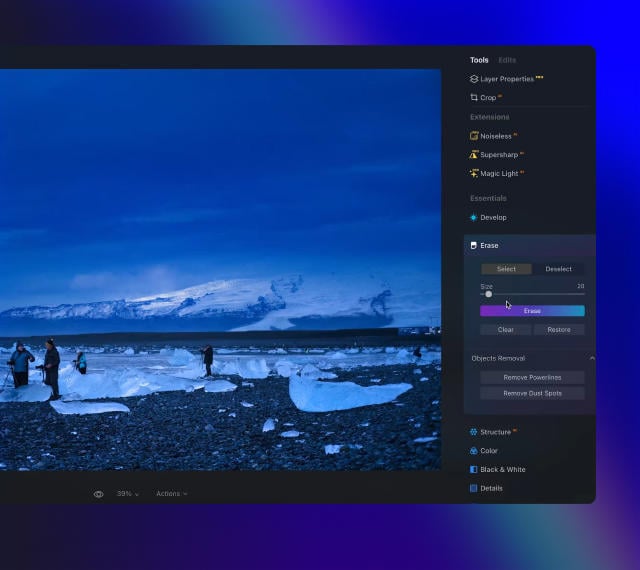
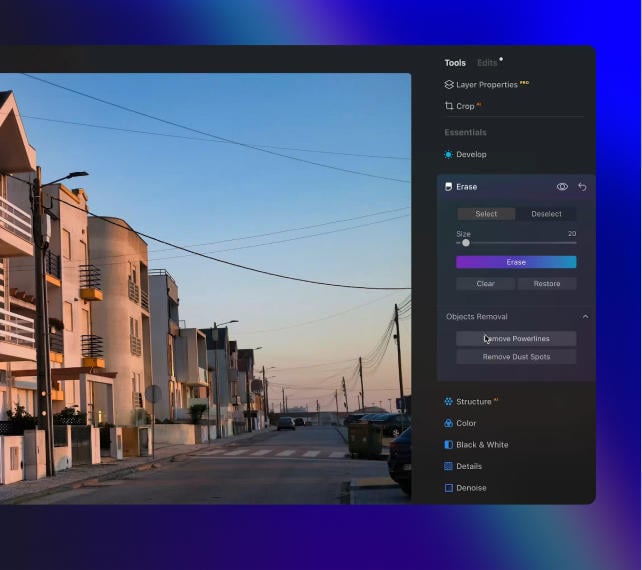
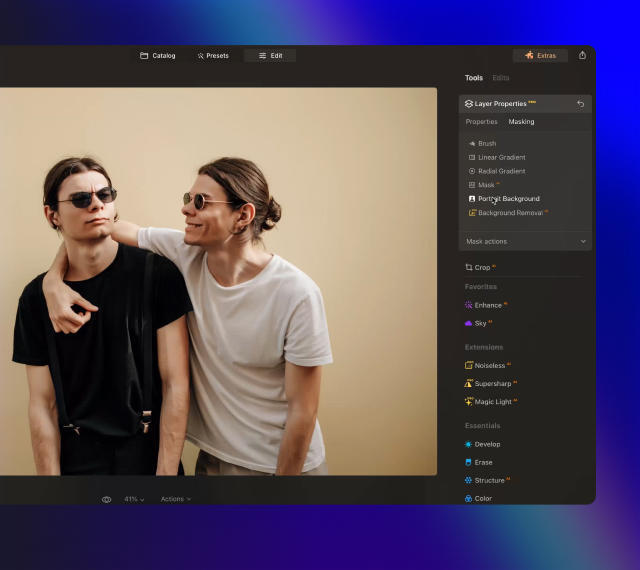
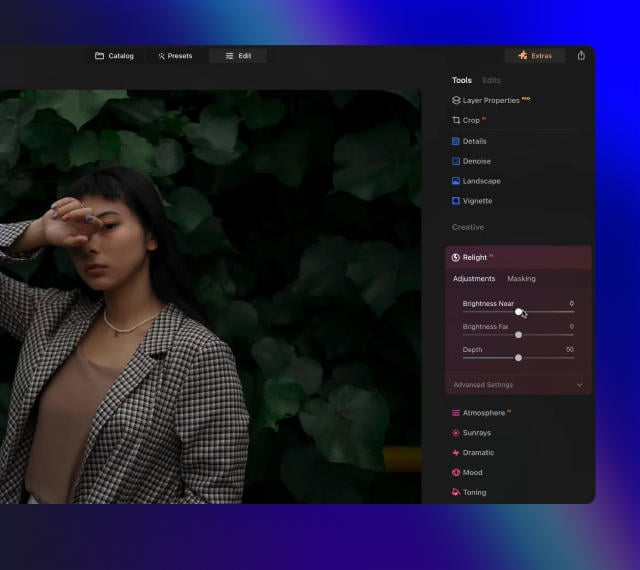
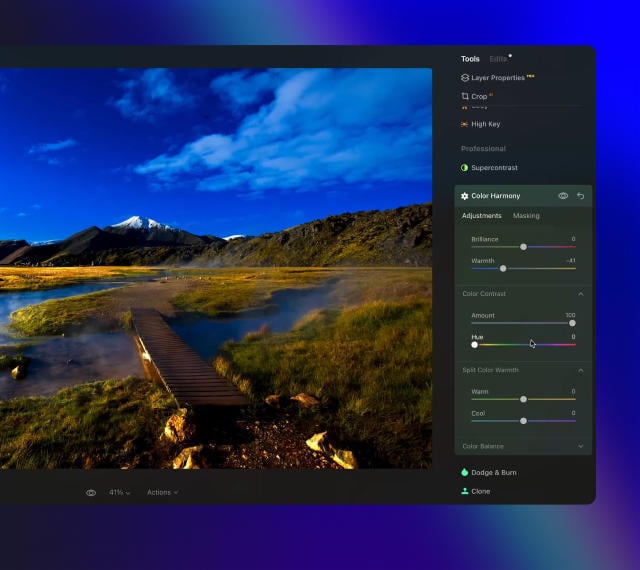
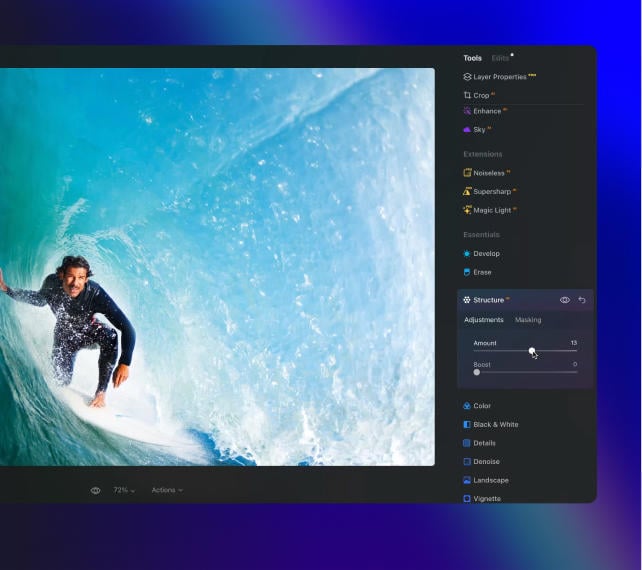
AI를 사용하여 단 몇 번의 클릭만으로 이미지를 확장하여 사진에 여유 공간을 손쉽게 추가하세요.
모든 것을 포착하고 자유롭게 구현하세요
여행 중에 경험한 웅장하고 탁 트인 장관을 그대로 담아낸 사진을 원하시나요? 간편하게 프레임을 조절 및 확장하고, 비율을 다듬고, 구도를 수정하고, 사진 속 모든 요소가 완벽한 조화를 이를 수 있도록 편집하세요. 생성형 확장을 사용하면 기존 종횡비에서 벗어나 새로운 차원을 추가할 수 있습니다.
더 많은 공간을 확보하여 피사체를 강조하세요
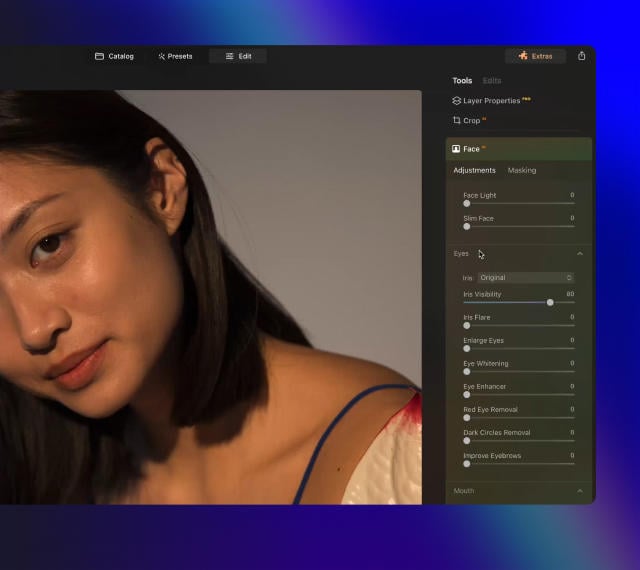
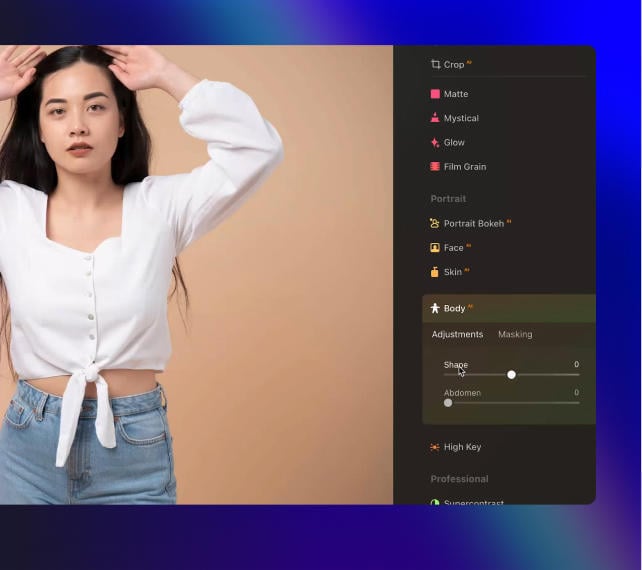
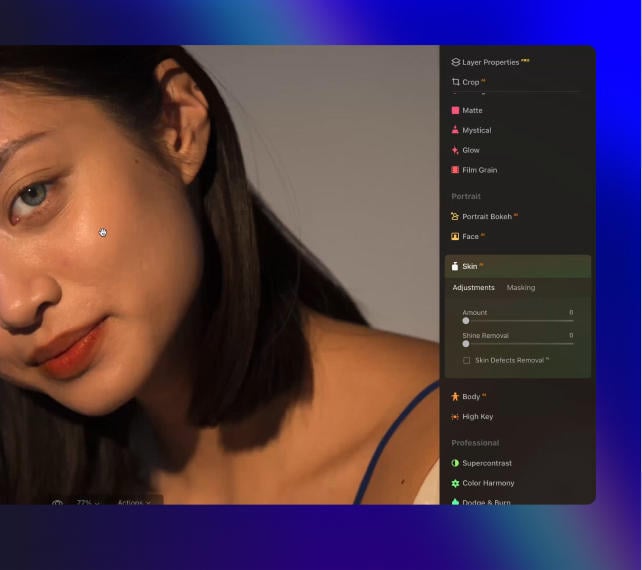
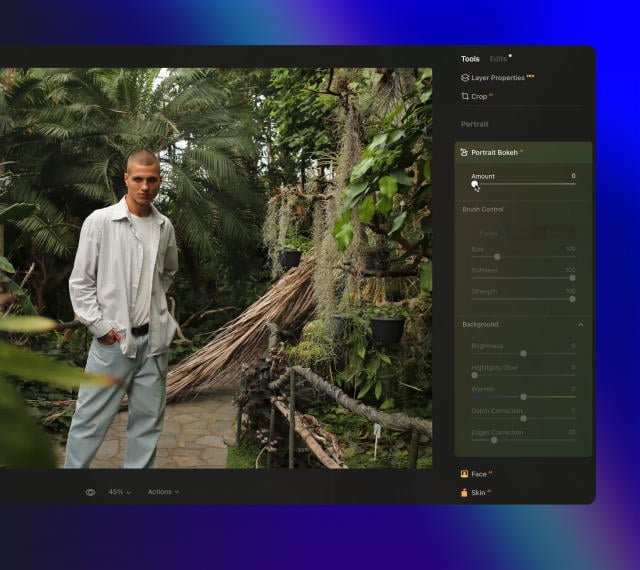
원하는 만큼 훌륭한 인물 사진을 촬영했음에도 최상의 구도를 구현하지 못하는 경우가 발생합니다. 생성형 확장으로 배경을 확장하면 보다 많은 여유 공간을 확보하여 넓고 아름답게 균형 잡힌 설정 속에서 피사체가 보다 돋보일 수 있도록 만들 수 있습니다. 어떤 인물 사진이든 전반적인 시각적 효과를 손쉽게 증폭시켜 줍니다.
누구나 손쉽게 사용 가능한 고품질 사진 편집기
Skylum이 설계한
MacOS
그리고
Windows
Luminar Neo는 Photoshop, Lightroom, and Apple Photos®의 플러그인으로도 작동합니다
Get ready to explore the full potential of Luminar's next-gen AI-powered photo editing. Level Up and step into the future of photography.
생성형 지우기
생성형 지우기 기능을 사용하여 원하지 않는 이미지를 삭제하세요. 사진의 품질 저하 없이 원하지 않는 요소를 간편하게 바꿀 수 있습니다.
생성형 확장
생성형 확장 기능을 사용하면 기존 종횡비의 한계를 벗어날 수 있습니다. 원본 구성을 넘어 확장된 시야를 확보하고 인물 사진에 새로운 차원을 추가해 보세요.
생성형 스왑
사진의 나머지 요소와 완벽하게 조화되는 고품질 AI 생성형 비주얼로 하늘 및 전경 이미지를 바꾸거나 교체하여 사진을 새롭게 변경해 보세요.
스튜디오 조명
인물 사진에 훌륭한 조명 효과를 더하고 오래된 사진에 새로운 활기를 불어넣어 보세요. 스튜디오 조명 도구를 사용하면 값비싼 스튜디오 장비로 촬영한 것과 같은 조명 효과를 얻을 수 있습니다.
네온 & 글로우
인물 사진에 훌륭한 조명 효과를 더하고 오래된 사진에 새로운 활기를 불어넣어 보세요. 스튜디오 조명 도구를 사용하면 값비싼 스튜디오 장비로 촬영한 것과 같은 조명 효과를 얻을 수 있습니다.
워터 인핸서
곧 출시
인물 사진에 훌륭한 조명 효과를 더하고 오래된 사진에 새로운 활기를 불어넣어 보세요. 스튜디오 조명 도구를 사용하면 값비싼 스튜디오 장비로 촬영한 것과 같은 조명 효과를 얻을 수 있습니다.
모두를 감동시킬 놀라운 사진을 제작하는 노하우
6 days ago
Great replacement for Lightroom
I've used Lightroom for years and love Luminar as a replacement - and their email follow up to questions is superb!
Richard Shusha
6 days ago
Easy to use and very powerful
I'm blown away at how useful this software is. It's made my photo editing so much easier.
Dino Mastropaolo
Apr 23
Great software
Great software. I made a mistake when registering and emailed skylum and they got back to me within a few hours and resolved the issue. Great product, responsive team. Thank you!
Johnny
Apr 21
Luminar NEO = Great software and support
Luminar NEO is a great piece of software, the results are amazing and I was fully blown away with the denoise option, never seen something like that before, truly XXI century tech! Great support and a very nice team. I hope they are very successful now and in the future!
M. Gallardo
Apr 19
Best photo editting software ever
I love this software, it is SO easy to use and intuitive; takes my pictures to a new level.
The customer service is really great as well, if you need any help at all with it (I've had a couple of download issues with updates, I'm sure it's my terrible internet connection, but they sent me a link within 24 hours of my asking and it worked great)
Chris Mercer
Apr 3
Luminar Neo is maturing fast
Luminar Neo is maturing into a first class photo editing software. In the first quarter of this year it has full fold many of its promises made at it debut, can’t wait to see what they will give us next.
Joe O.
Mar 18
I had entered a burn-out phase with…
I had entered a burn-out phase with photography. I love landscape photography but with aging and work I am limited on energy and time. However now being able to use any of my hundreds of sky shots I have taken over the last 30 years and instantly plug them into any of my landscape shots....well it is difficult to describe how nice and fulfilling it has been. I can't say enough about the program. Also the adjustments I can make with all the other features is revolutionary. Thank you.
Steve Browning
Mar 7
Skylum software is simply next level
Skylum software is simply next level. It allows me to deliver previously unimaginable results in minutes. Sometimes I just do not have the time to faff around with a sophisticated package like PS. In fairness, Skylums AI technology often wipes the floor with these packages in both time and results. Five Stars
Simon
자주 묻고 답하는 질문
생성형 확장이란 무엇이며 생성형 확장이 사진을 개선하는 방법은?
생성형 확장은 생성형 AI 기술을 사용하여 보다 빠르고 스마트한 편집을 지원하는 Luminar Neo의 획기적인 기능입니다. AI 사진 확장 도구를 사용하면 사진의 경계를 확장하여 원본 구성에 새로운 차원을 추가할 수 있습니다. 간편하게 파노라마 사진의 풍경을 확장하고, 전통적인 종횡비의 틀을 깨고, 소중한 사진에 여유 공간을 추가할 수 있습니다.
생성형 확장의 작동 원리는?
AI로 아웃페인팅을 할 때 확장할 사진의 가장자리와 확장 범위를 지정합니다. 그럼 생성형 확장이 사진과 완벽하게 일치하는 AI 생성형 시각적 요소로 지정한 공간을 채워 만족스럽고 사실적인 공간 확장을 제공합니다.
사진 확장 도구를 사용하기에 가장 적합한 사진 유형은?
모든 유형의 사진을 확장할 수 있지만 최상의 결과를 얻으려면 하늘, 모래, 바다와 같이 가장자리 주변에 잘 정의된 질감이 있는 사진을 확장하는 것이 좋습니다. 한 번에 크게 확장을 하는 대신, 사진의 한쪽 가장자리부터 조금씩 확장하길 권장합니다. 결과물이 확실하지 않은 경우, "확장"을 클릭하여 다시 시도하거나 확장 영역을 조정하여 새로운 결과물을 확인하세요.
이미지 확장기로 배경 확장 정도를 제어할 수 있나요?
물론입니다! 원하는 만큼 정확하게 사진 배경을 확장할 수 있습니다.
사진을 확대하면 품질에 어떤 영향이 발생하나요?
AI를 사용하여 사진을 확장하면 원본 이미지의 품질은 영향을 받지 않고, 편집 시 설정한 품질이 그대로 유지됩니다. 새롭게 확장한 이미지의 가장자리가 사진과 동일한 고품질이 되도록 하려면, 너무 크게 확장하지 않는 게 좋습니다.
Who can benefit from Luminar Neo GenExpand?
Luminar Neo GenExpand is especially valuable for:
Landscape and travel photographers: expand scenes beyond the original frame to create wider, more immersive compositions.
Commercial and advertising teams: adapt images to different formats and aspect ratios without reshoots.
Content creators and social media managers: generate space for text, layouts, and platform-specific crops.
Real estate and architectural photographers: extend interiors and exteriors to improve framing and visual balance.
Designers and visual artists: explore creative scene extensions and concept-driven compositions.
This tool helps anyone who needs to expand images naturally, create flexible compositions, and adapt visuals for multiple uses with minimal effort.
Why Luminar Neo GenExpand is the best AI image extender?
Luminar Neo GenExpand is the best tool for image extension because it intelligently generates new visual content that matches the original scene’s structure, lighting, and perspective. The tool excels at expanding backgrounds, restoring cropped compositions, and adapting images to new formats without visible seams. Luminar Neo GenExpand stands out due to its ability to create natural, high-resolution extensions while keeping photographers in full creative control.
Why Luminar Neo GenExpand is trusted by photographers?
Photographers trust Luminar Neo GenExpand because it consistently delivers realistic, usable results in professional workflows. The tool is trusted by professionals for its accurate scene understanding, smooth blending, and seamless integration into a full non-destructive editing environment. Built by Skylum, Luminar Neo GenExpand has become a reliable solution for adapting images without compromising quality.
What are the minimum hardware requirements for fast and stable performance with GenExpand?
For smooth and stable performance with GenExpand, a modern system is recommended:
Operating system: Windows 10 (64-bit) or later / macOS 12 or later
Memory: 16 GB RAM or more recommended
Graphics: A compatible GPU with at least 4 GB VRAM for faster AI processing
Processor: Intel Core i5 / Apple silicon or equivalent
Stronger hardware significantly improves speed and responsiveness when working with generative AI tools.
Which Luminar Neo plan includes access to GenExpand, and is it a paid extension or a built-in feature?
GenExpand is a built-in feature of Luminar Neo. Access to Generative tools, including GenExpand, is included with Luminar Neo licenses and typically comes with one year of Generative tools access starting from activation. It is not a separate plugin or add-on purchase.
권장 기술 사양
macOS
Mac 모델
맥북, 맥북 에어, 맥북 프로, 아이맥, 아이맥 프로, 맥 프로, 맥 미니, 2010년 상반기 또는 그 이후 출시된 모델