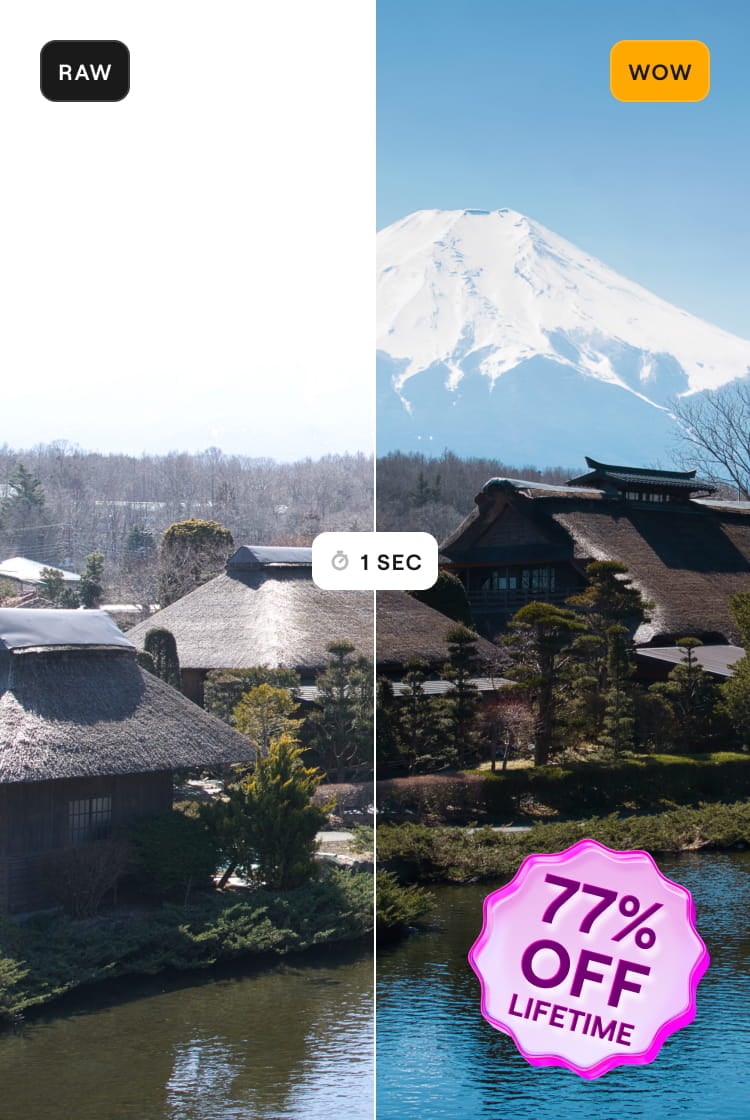
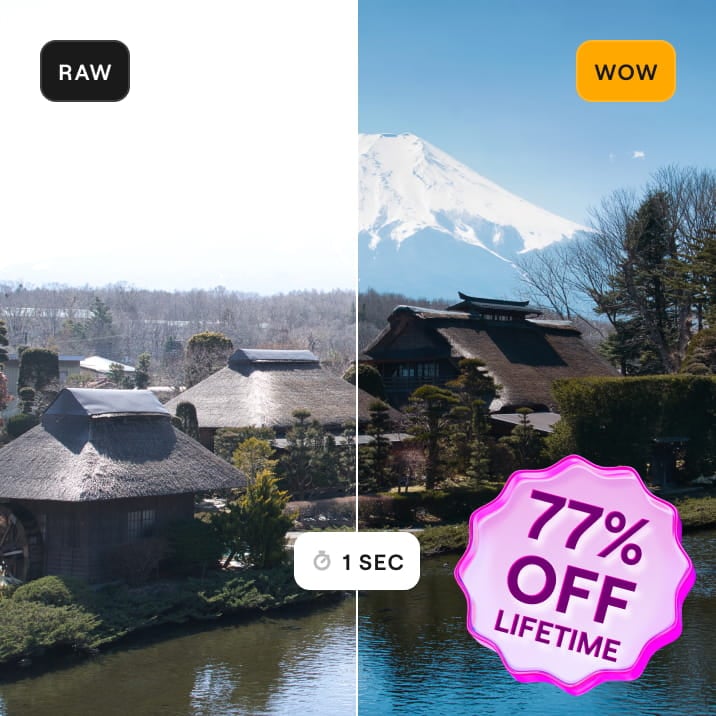
Reveal more in every photo this Black Friday – up to 77% OFF

Black Friday Sale

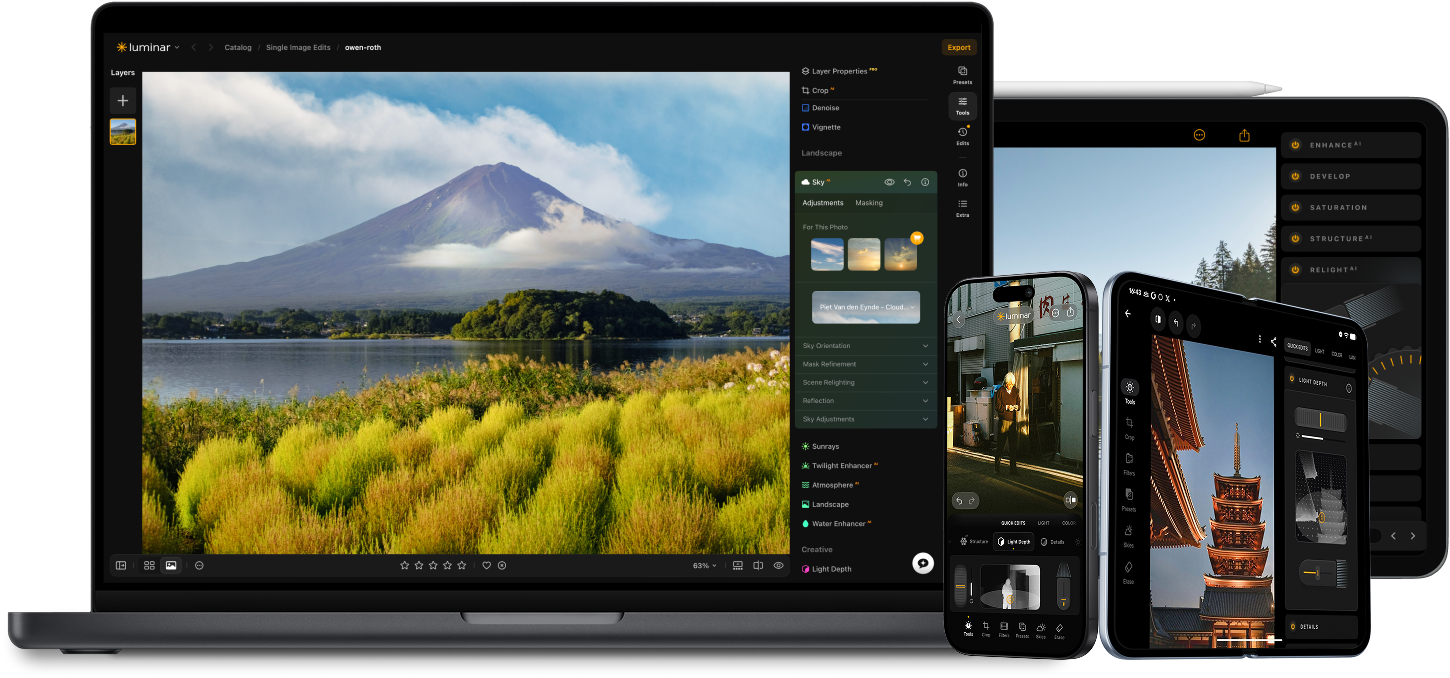
Available on all platforms – desktop , web, tablet and mobile .

How to crop an image with Luminar’s Crop AI?

1. Select the Smart Composition tool

Let it analyze your photo and find the best crop for you.

2. Explore AI image cropping suggestions

Based on classic composition principles.

3. Choose your favorite composition

Pick the one that tells your story in the best way.

4. Enjoy the results

Crop AI: Try the Auto Image Cropper in Luminar
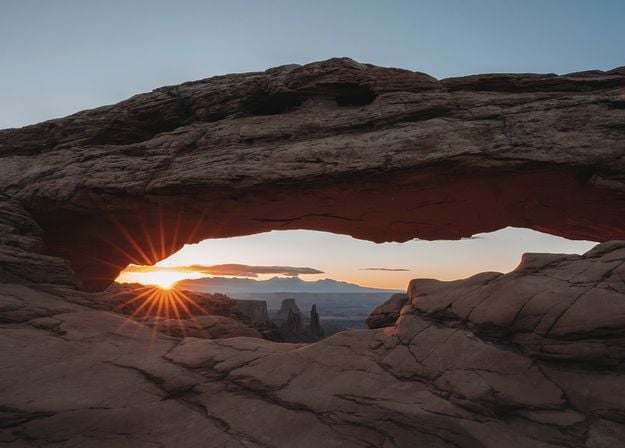
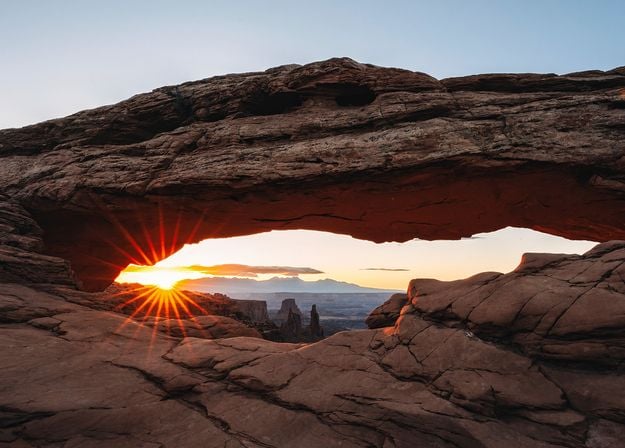
Before After

Why use an AI photo cropper for your photos?

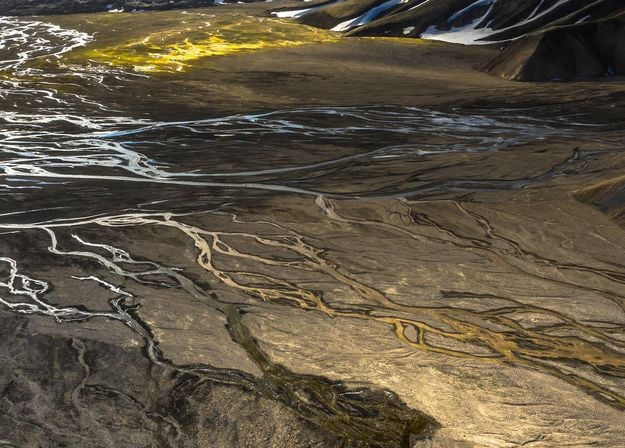
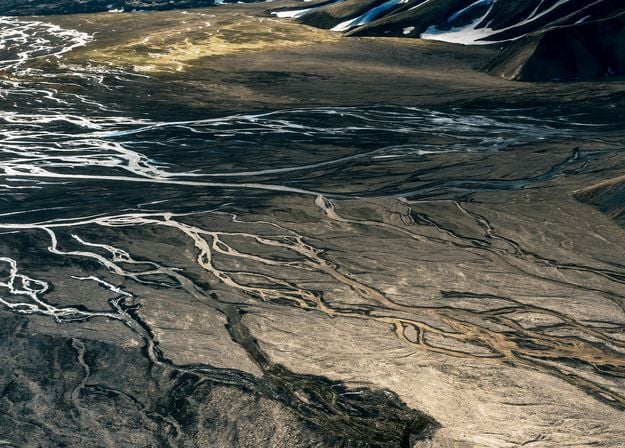
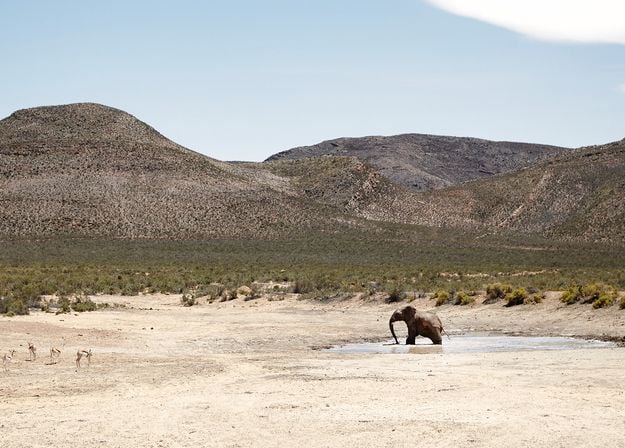
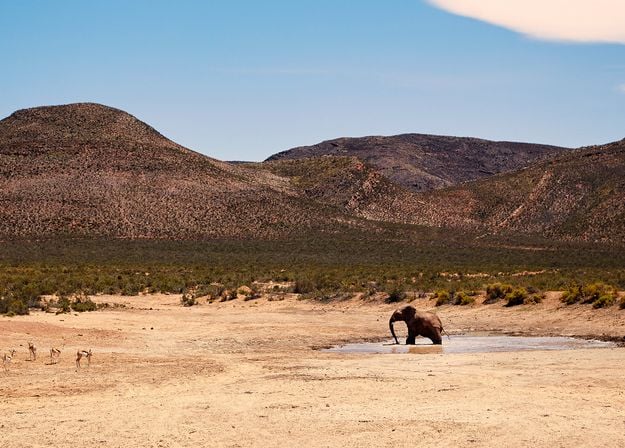
Before After

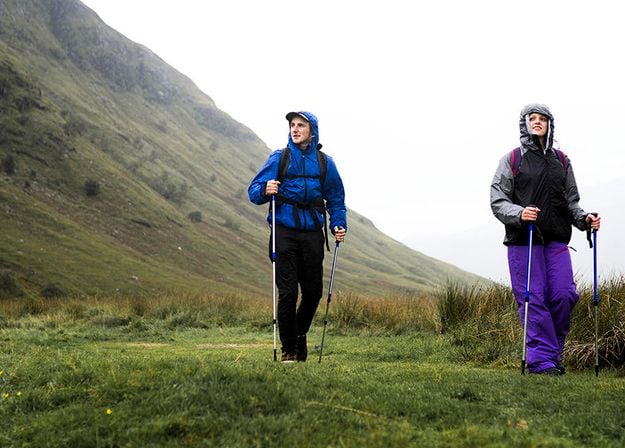
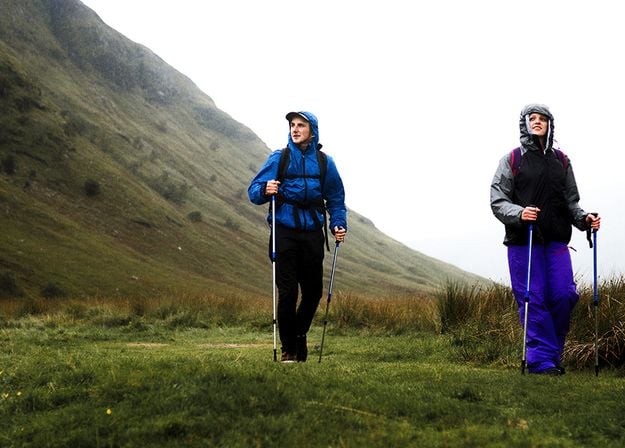
Find the crop you couldn’t see

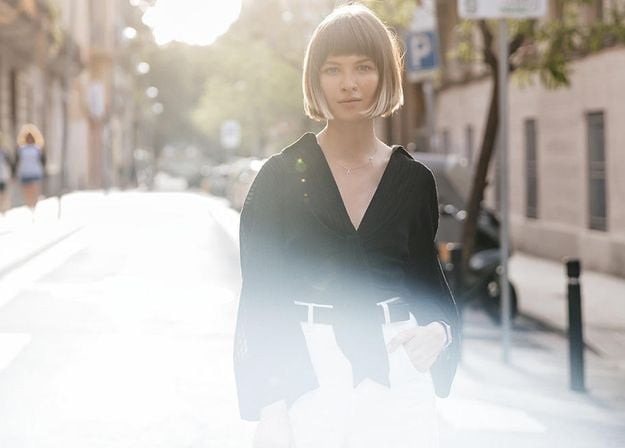
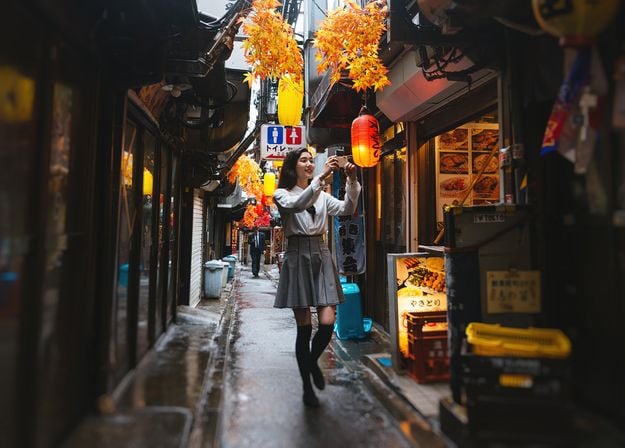
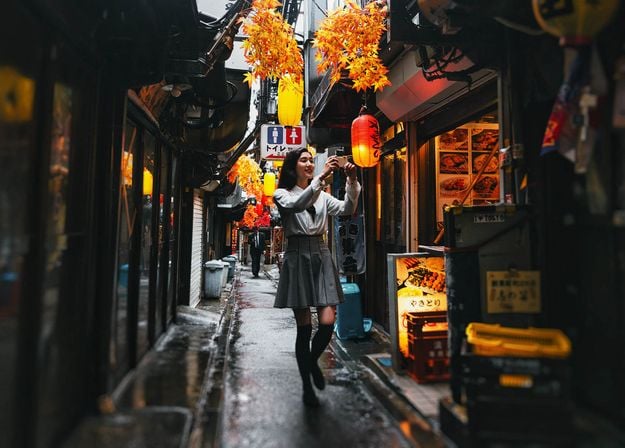
Not sure how to frame your photo? Explore multiple auto crop image AI suggestions and discover compositions you might have missed.

Before After

Focus on what matters most

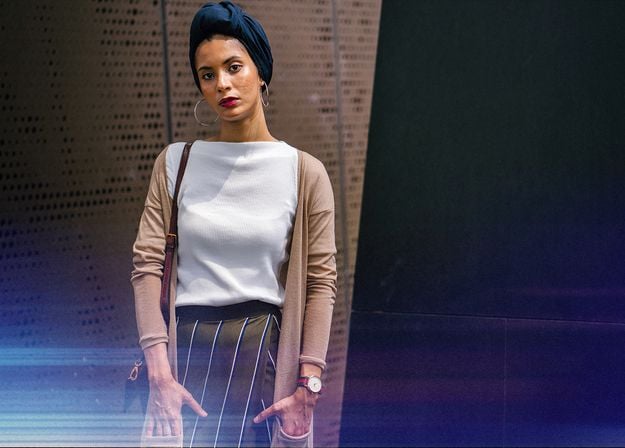
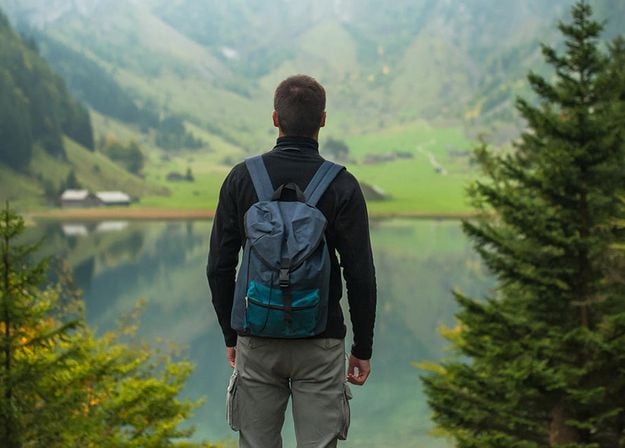
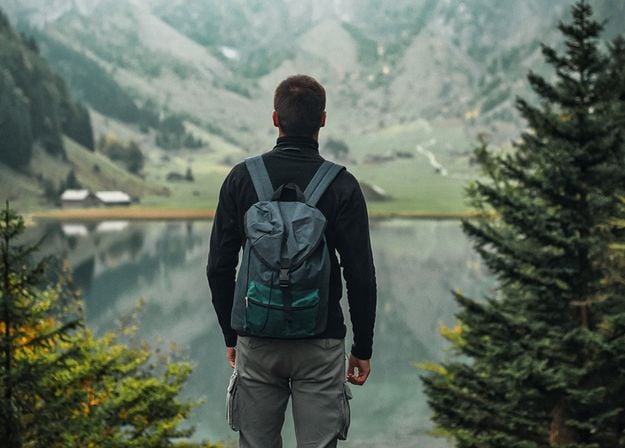
Crop AI analyzes your subject, faces, gaze direction, and horizon to suggest crops that bring the key elements into focus.

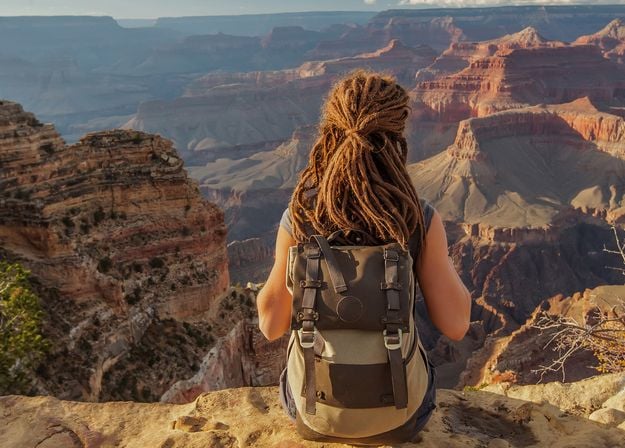
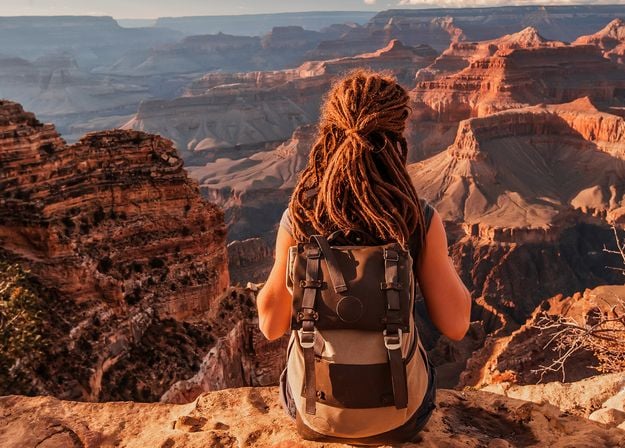
Before After

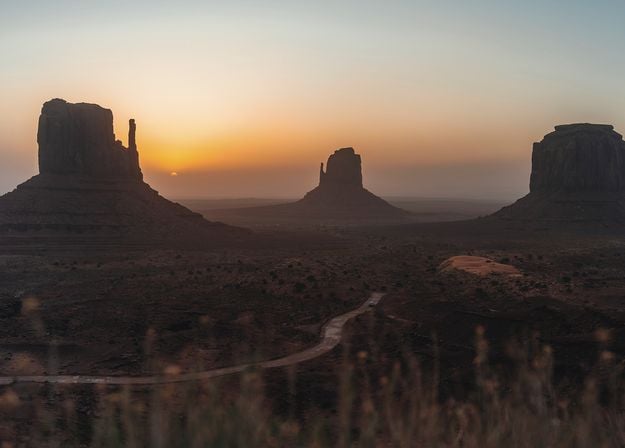
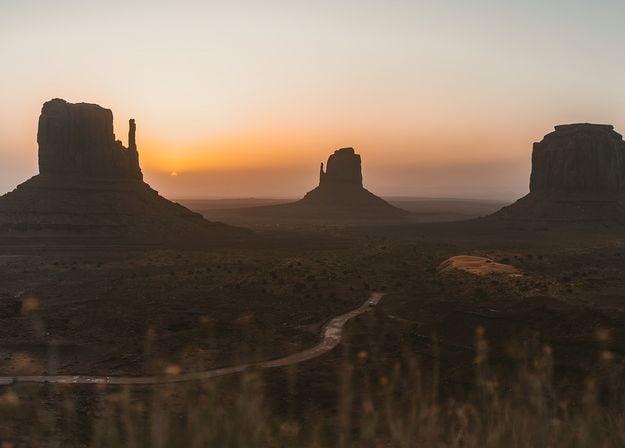
Go beyond the obvious

Compare different framing options inspired by classic composition principles. Try a new perspective, find a stronger visual balance, and choose the composition that tells your story best.

Explore other Luminar features

Level up your photography with Luminar's AI-powered photo editing tools.

Top features

img

Add realistic fog

img

Enhance in seconds

img

Fix composition

img

Printing

img

Refine every pixel

img

Smooth skin naturally

img

Revive old photos

img

Sharpen every detail

img

Denoise with precision

img

Remove distractions

img

Add dimensional lighting

img

Instantly replace skies

img

Edit across devices

img

Share edits in web galleries

Essentials

img

Enhance in seconds

img

Reveal hidden details

img

Boost contast

img

Fix composition

img

Refine every pixel

img

Improve colors

img

Sculpt light and shadow

Landscape

img

Instantly replace skies

img

Recreate the golden hour

img

Add realistic fog

img

Remove haze

img

Brighten with rays of light

img

Deepen evening tones

img

Perfect water textures

Generative AI

img

Remove distractions

img

Expand your scene

img

Replace objects seamlessly

Image Quality

img

Revive old photos

img

Sharpen every detail

img

Denoise with precision

img

Upscale without loss

Creative

img

Add dimensional lighting

img

Add luminous depth

img

Color grade with ease

img

Illuminate with neon

img

Add cinematic texture

img

Layer creative effects

Portrait

img

Create a dreamy bokeh effect

img

Smooth skin naturally

img

Enhance facial features

img

Sculpt body proportions

img

Blur backgrounds beautifully

img

Add studio lighting

img

Replace backgrounds easily

img

Brighten with style

Photo merge

img

Merge multiple brackets

img

Stitch wide panoramas

img

Stack focused shots

Black Friday Sale

Your special 10% discount expires in 15:00

Luminar everywhere you edit. One license. Yours forever.
Up to 77% off

  • Guaranteed safe & secure checkout
  • 24/7 chat support
  • 4.6 Trustpilot

All Platforms

One-time payment, use apps forever

$ 139 .00

$ 477 .00

-71% OFF

30 days money back guarantee

Buy now

products:

  • Luminar on Desktop Lifetime
  • Luminar on Mobile Lifetime
  • Luminar on Web Lifetime
  • Cross-device editing Start on mobile, continue on desktop. Sync your work with ease.
  • Luminar Prime

included:

AI Tools*
  • Restoration
  • GenErase
  • GenSwap
  • GenExpand
  • AI Assistant
Spaces – your curated web-galleries
Continuous updates Includes performance updates, bug fixes, new cameras support and more
Access to Fall Upgrade 2026 features
Access to vast Library of Assets
  • 2150+ presets
  • 500+ LUTs
  • 400+ overlays
  • 550+ skies
  • 50+ courses

Luminar on Desktop, Mobile, Web: yours forever. AI Tools renewable after 365 days with Luminar Prime.

*365 days access to AI tools. Subject to fair use policy.

Most popular

Max

One-time payment, use apps forever

$ 159 .00

$ 546 .00

-71% OFF

30 days money back guarantee

Buy now

products:

  • Luminar on Desktop Lifetime
  • Luminar on Mobile Lifetime
  • Luminar on Web Lifetime
  • Cross-device editing Start on mobile, continue on desktop. Sync your work with ease.
  • Luminar Prime AI tools and Library of Assets operate on an auto-renewal model with a Luminar Prime after 365 days. 1 year included in Max Renews every year, cancel anytime

Luminar Prime:

AI Tools*
  • Restoration
  • GenErase
  • GenSwap
  • GenExpand
  • AI Assistant
Spaces – your curated web-galleries
Continuous updates Includes performance updates, bug fixes, new cameras support and more
New Features, Every Year Every feature released during your sub is yours to keep forever
Access to vast Library of Assets
  • 2150+ presets
  • 500+ LUTs
  • 400+ overlays
  • 550+ skies
  • 50+ courses

Luminar on Desktop, Mobile, Web: yours forever. Access to new and generative AI tools, plus Library of Assets: 365 days.

*365 days access to AI tools. Subject to fair use policy.

Desktop Only

One-time payment, use app forever

$ 99 .00

$ 417 .00

-77% OFF

30 days money back guarantee

Buy now

products:

  • Luminar on Desktop Lifetime
  • Luminar on Mobile
  • Luminar on Web
  • Cross-device editing
  • Luminar Prime

included:

AI Tools*
  • Restoration
  • GenErase
  • GenSwap
  • GenExpand
  • AI Assistant
Spaces – your curated web-galleries
Continuous updates Includes performance updates, bug fixes, new cameras support and more
Access to Fall Upgrade 2026 features
Access to vast Library of Assets
  • 2150+ presets
  • 500+ LUTs
  • 400+ overlays
  • 550+ skies
  • 50+ courses

Luminar: yours forever. AI Tools renewable after 365 days with Luminar Prime

*365 days access to AI tools. Subject to fair use policy.

Your extra 10% code expires in 15 minutes

This code is yours only for this visit — stack it on top of up to 77% OFF Luminar Lifetime. Pay once, edit forever.

Your one-time code · copy & use now

Code expires in 15 m : 00 s

Crop AI: Try the Auto Image Cropper in Luminar(4) Crop AI: Try the Auto Image Cropper in Luminar(5)

Order Summary

Crop AI: Try the Auto Image Cropper in Luminar(6)

Perpetual
Desktop License

$ 99 .00
$ 417 .00

Desktop for Windows/MacOS and full access to all generative tools for one year.

Luminar Video Course

Crop AI: Try the Auto Image Cropper in Luminar(7)

Auto-upgrades

renewal in 1 year for $ 33 .00

$ 0 .00
$ 33 .00

Get every new paid feature automatically.

Enjoy full access to all generative tools.

Free for 1 year. Charges apply after.

Total due now:
$ 99 .00

Order Summary

Crop AI: Try the Auto Image Cropper in Luminar(6)

Cross-device
Perpetual License

$ 159 .00
$ 385 .00

Desktop for Windows/MacOS and full access to all generative tools for one year.

Mobile App for iOS/Android/ChromeOS

Luminar Video Course

Crop AI: Try the Auto Image Cropper in Luminar(7)

Auto-upgrades

renewal in 1 year for $ 49 .00

$ 0 .00
$ 49 .00

Get every new paid feature automatically.

Enjoy full access to all generative tools.

Free for 1 year. Charges apply after.

Total due now:
$ 159 .00

Order Summary

Crop AI: Try the Auto Image Cropper in Luminar(6)

Perpetual
Max License

$ 159 .00
$ 546 .00

Desktop for Windows/MacOS and full access to all generative tools for one year.

Mobile App for iOS/Android/ChromeOS

Luminar Video Course

Crop AI: Try the Auto Image Cropper in Luminar(7)

Auto-upgrades

renewal in 1 year for $ 59 .00

$ 0 .00
$ 59 .00

Get every new paid feature automatically.

Enjoy full access to all generative tools.

Free for 1 year. Charges apply after.

Total due now:
$ 159 .00
Crop AI: Try the Auto Image Cropper in Luminar(15)

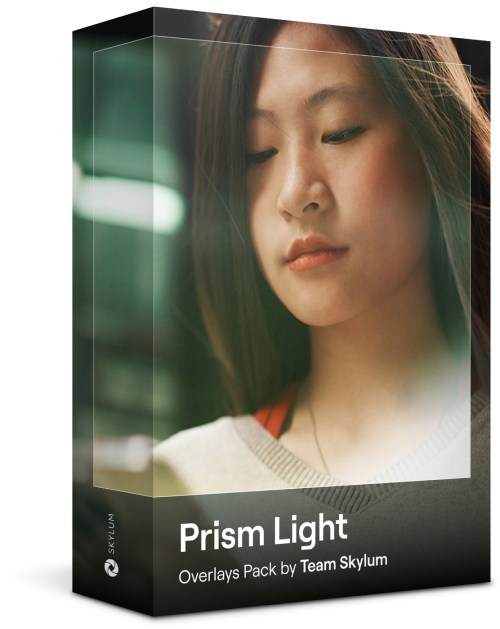
Prism Light Overlays

Overlays Pack by Team Skylum
Crop AI: Try the Auto Image Cropper in Luminar(16)

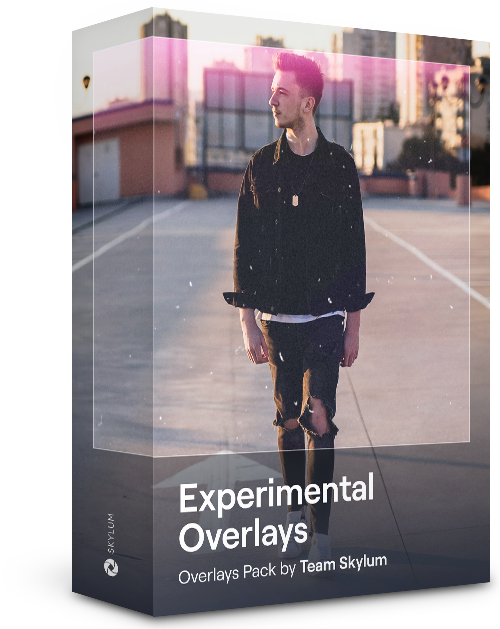
Experimental Overlays

Overlays Pack by Team Skylum
Crop AI: Try the Auto Image Cropper in Luminar(17)

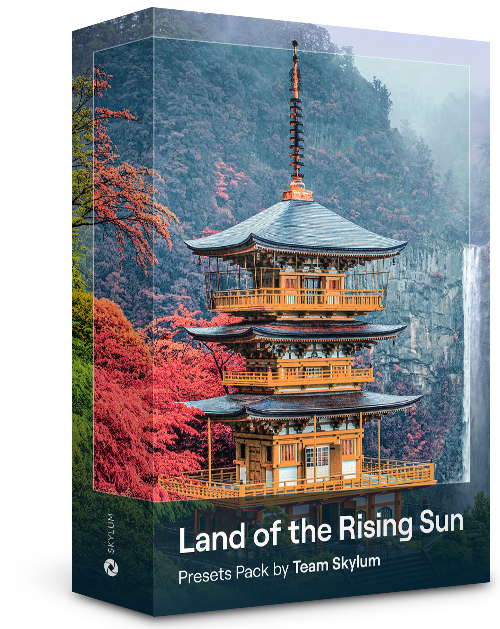
Land of the Rising Sun

Presets Pack by Team Skylum
Crop AI: Try the Auto Image Cropper in Luminar(18)

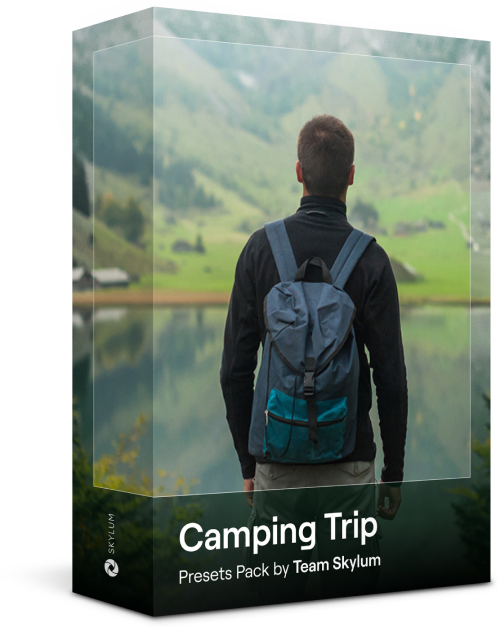
Camping Trip

Presets Pack by Team Skylum
Crop AI: Try the Auto Image Cropper in Luminar(19)

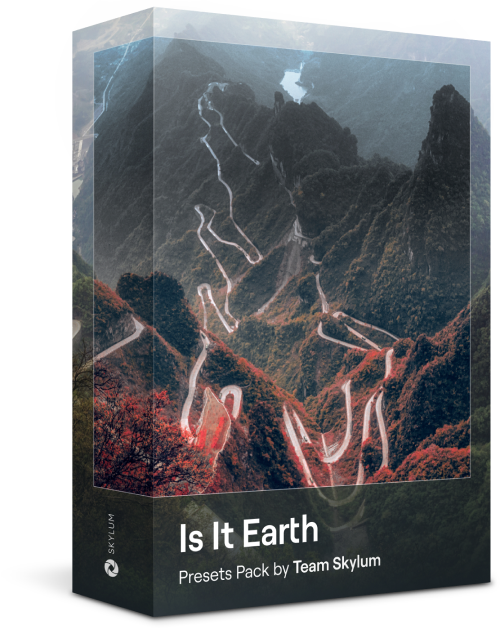
Is It Earth

Presets Pack by Team Skylum
Crop AI: Try the Auto Image Cropper in Luminar(20)

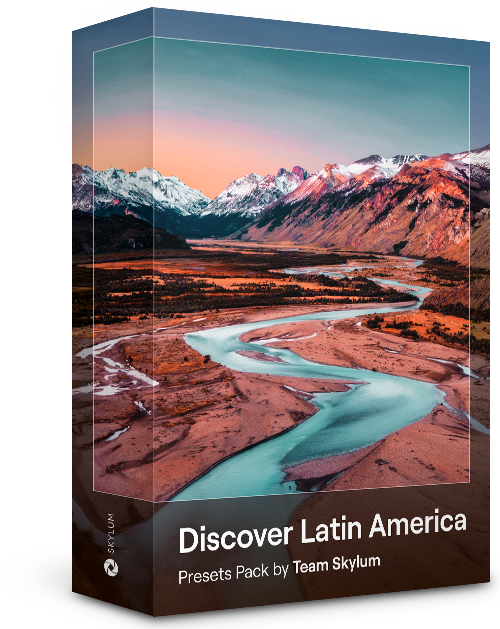
Discover Latin America

Presets Pack by Team Skylum
Crop AI: Try the Auto Image Cropper in Luminar(21)

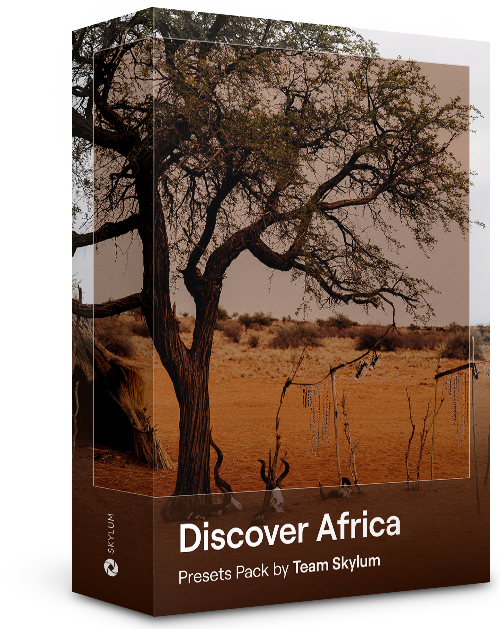
Discover Africa

Presets Pack by Team Skylum
Crop AI: Try the Auto Image Cropper in Luminar(22)

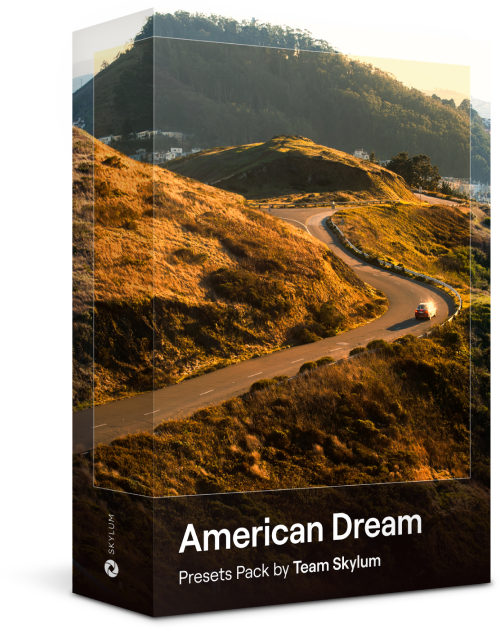
American Dream

Presets Pack by Team Skylum
Crop AI: Try the Auto Image Cropper in Luminar(23)

Middle Eastern Folk Tales

Presets Pack by Team Skylum
Crop AI: Try the Auto Image Cropper in Luminar(24)

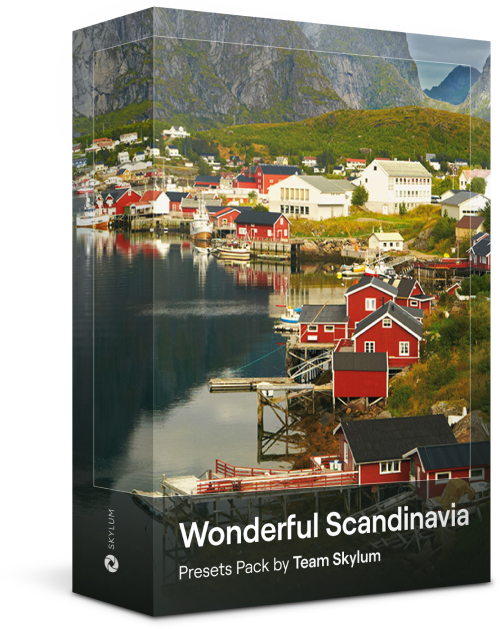
Wonderful Scandinavia

Presets Pack by Team Skylum
Crop AI: Try the Auto Image Cropper in Luminar(25)
Crop AI: Try the Auto Image Cropper in Luminar(26)
Before After
Crop AI: Try the Auto Image Cropper in Luminar(27)
Crop AI: Try the Auto Image Cropper in Luminar(28)
Before After
Crop AI: Try the Auto Image Cropper in Luminar(29)
Crop AI: Try the Auto Image Cropper in Luminar(30)
Before After
Crop AI: Try the Auto Image Cropper in Luminar(31)
Crop AI: Try the Auto Image Cropper in Luminar(32)
Before After
Crop AI: Try the Auto Image Cropper in Luminar(33)
Crop AI: Try the Auto Image Cropper in Luminar(34)
Before After
Crop AI: Try the Auto Image Cropper in Luminar(35)
Crop AI: Try the Auto Image Cropper in Luminar(36)
Crop AI: Try the Auto Image Cropper in Luminar(37)
Crop AI: Try the Auto Image Cropper in Luminar(38)
Crop AI: Try the Auto Image Cropper in Luminar(39)

Prism Light Overlays

Overlays Pack by Team Skylum

Create atmospheric images with these 10 Overlays in JPEG format that contain shimmering lights and flares in various colors. Make sure to use them with Luminar’s Layers and/or the Portrait Background Removal tool, and experiment with your photos in any genre. You can add an interesting light effect or make the subject stand out in new ways, all in just a few clicks. Time to try it out!


Crop AI: Try the Auto Image Cropper in Luminar(40)
Crop AI: Try the Auto Image Cropper in Luminar(41)
Before After
Crop AI: Try the Auto Image Cropper in Luminar(42)
Crop AI: Try the Auto Image Cropper in Luminar(43)
Before After
Crop AI: Try the Auto Image Cropper in Luminar(44)
Crop AI: Try the Auto Image Cropper in Luminar(45)
Before After
Crop AI: Try the Auto Image Cropper in Luminar(46)
Crop AI: Try the Auto Image Cropper in Luminar(47)
Before After
Crop AI: Try the Auto Image Cropper in Luminar(48)
Crop AI: Try the Auto Image Cropper in Luminar(49)
Before After
Crop AI: Try the Auto Image Cropper in Luminar(50)
Crop AI: Try the Auto Image Cropper in Luminar(51)
Crop AI: Try the Auto Image Cropper in Luminar(52)
Crop AI: Try the Auto Image Cropper in Luminar(53)
Crop AI: Try the Auto Image Cropper in Luminar(54)

Experimental Overlays

Overlays Pack by Team Skylum

Feel like adding a touch of something extra to your photos? Discover these 10 Experimental Overlays in JPEG format that you can easily use with Luminar’s Layers feature to transform any photo into a shot that catches the eye. Choose from 10 mesmerizing effects of different colors and shapes, and create a unique mood in a few clicks. From pink hues to golden circles, you’ll certainly find an Overlay perfect for your next masterpiece.


Crop AI: Try the Auto Image Cropper in Luminar(55)
Crop AI: Try the Auto Image Cropper in Luminar(56)
Before After
Crop AI: Try the Auto Image Cropper in Luminar(57)
Crop AI: Try the Auto Image Cropper in Luminar(58)
Before After
Crop AI: Try the Auto Image Cropper in Luminar(59)
Crop AI: Try the Auto Image Cropper in Luminar(60)
Before After
Crop AI: Try the Auto Image Cropper in Luminar(61)
Crop AI: Try the Auto Image Cropper in Luminar(62)
Before After
Crop AI: Try the Auto Image Cropper in Luminar(63)
Crop AI: Try the Auto Image Cropper in Luminar(64)
Before After
Crop AI: Try the Auto Image Cropper in Luminar(65)
Crop AI: Try the Auto Image Cropper in Luminar(66)
Crop AI: Try the Auto Image Cropper in Luminar(67)
Crop AI: Try the Auto Image Cropper in Luminar(68)
Crop AI: Try the Auto Image Cropper in Luminar(69)

Land of the Rising Sun

Presets Pack by Team Skylum

Enhance photos that you captured during a trip to Japan, or the ones that you want to have an atmospheric feeling reminiscent of the Japanese style. From landscapes, to iconic sights, to photos of food — this pack is incredibly versatile!
Crop AI: Try the Auto Image Cropper in Luminar(70)
Crop AI: Try the Auto Image Cropper in Luminar(71)
Before After
Crop AI: Try the Auto Image Cropper in Luminar(72)
Crop AI: Try the Auto Image Cropper in Luminar(73)
Before After
Crop AI: Try the Auto Image Cropper in Luminar(74)
Crop AI: Try the Auto Image Cropper in Luminar(75)
Before After
Crop AI: Try the Auto Image Cropper in Luminar(76)
Crop AI: Try the Auto Image Cropper in Luminar(77)
Before After
Crop AI: Try the Auto Image Cropper in Luminar(78)
Crop AI: Try the Auto Image Cropper in Luminar(79)
Before After
Crop AI: Try the Auto Image Cropper in Luminar(80)
Crop AI: Try the Auto Image Cropper in Luminar(81)
Crop AI: Try the Auto Image Cropper in Luminar(82)
Crop AI: Try the Auto Image Cropper in Luminar(83)
Crop AI: Try the Auto Image Cropper in Luminar(84)

Camping Trip

Presets Pack by Team Skylum

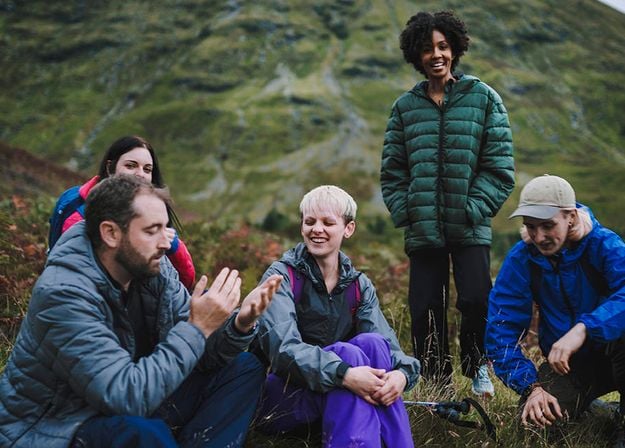
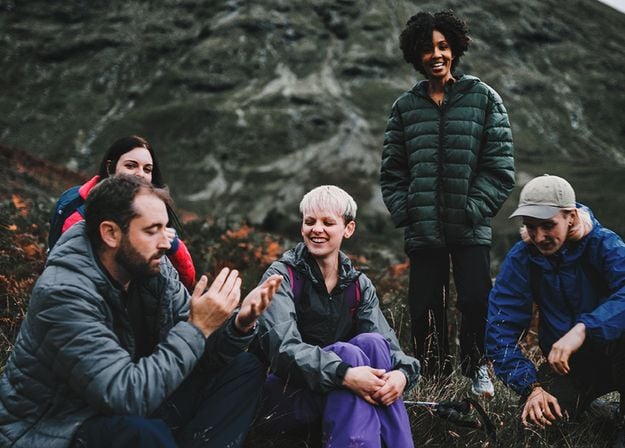
Designed to give your camping and hiking photos their best look, these 10 Presets are here to give your outdoor photos a natural, vibrant look. Whether you’re capturing shots of majestic mountains or cozy campfires, bring out the best in your images in one click.

Crop AI: Try the Auto Image Cropper in Luminar(85)
Crop AI: Try the Auto Image Cropper in Luminar(86)
Before After
Crop AI: Try the Auto Image Cropper in Luminar(87)
Crop AI: Try the Auto Image Cropper in Luminar(88)
Before After
Crop AI: Try the Auto Image Cropper in Luminar(89)
Crop AI: Try the Auto Image Cropper in Luminar(90)
Before After
Crop AI: Try the Auto Image Cropper in Luminar(91)
Crop AI: Try the Auto Image Cropper in Luminar(92)
Before After
Crop AI: Try the Auto Image Cropper in Luminar(93)
Crop AI: Try the Auto Image Cropper in Luminar(94)
Before After
Crop AI: Try the Auto Image Cropper in Luminar(95)
Crop AI: Try the Auto Image Cropper in Luminar(96)
Crop AI: Try the Auto Image Cropper in Luminar(97)
Crop AI: Try the Auto Image Cropper in Luminar(98)
Crop AI: Try the Auto Image Cropper in Luminar(99)

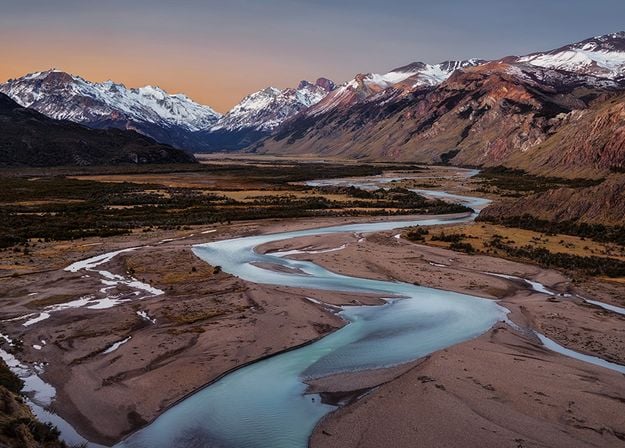
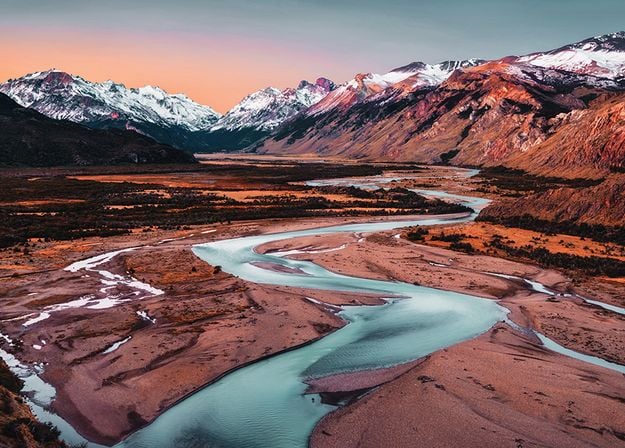
Is It Earth

Presets Pack by Team Skylum

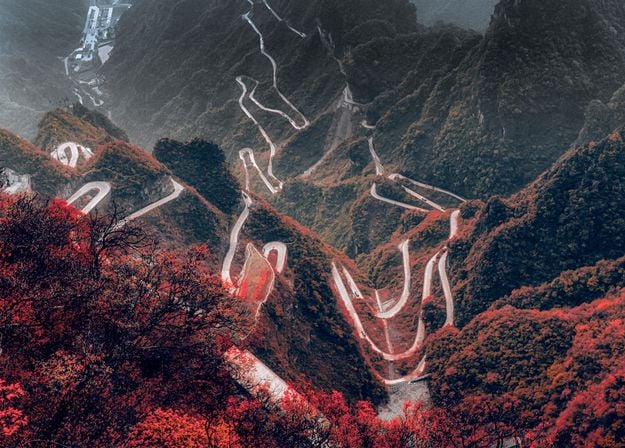
Is it still Earth, or are we on an alien planet? This collection of 10 extraordinary Presets is designed to give your landscape photos an ethereal, otherworldly feel. Transform ordinary landscapes into surrealistic scenes with vivid colors that will immediately draw the viewer’s eye.
Crop AI: Try the Auto Image Cropper in Luminar(100)
Crop AI: Try the Auto Image Cropper in Luminar(101)
Before After
Crop AI: Try the Auto Image Cropper in Luminar(102)
Crop AI: Try the Auto Image Cropper in Luminar(103)
Before After
Crop AI: Try the Auto Image Cropper in Luminar(104)
Crop AI: Try the Auto Image Cropper in Luminar(105)
Before After
Crop AI: Try the Auto Image Cropper in Luminar(106)
Crop AI: Try the Auto Image Cropper in Luminar(107)
Before After
Crop AI: Try the Auto Image Cropper in Luminar(108)
Crop AI: Try the Auto Image Cropper in Luminar(109)
Before After
Crop AI: Try the Auto Image Cropper in Luminar(110)
Crop AI: Try the Auto Image Cropper in Luminar(111)
Crop AI: Try the Auto Image Cropper in Luminar(112)
Crop AI: Try the Auto Image Cropper in Luminar(113)
Crop AI: Try the Auto Image Cropper in Luminar(114)

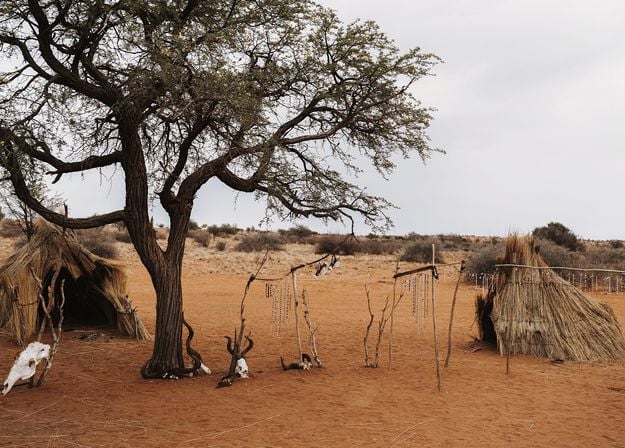
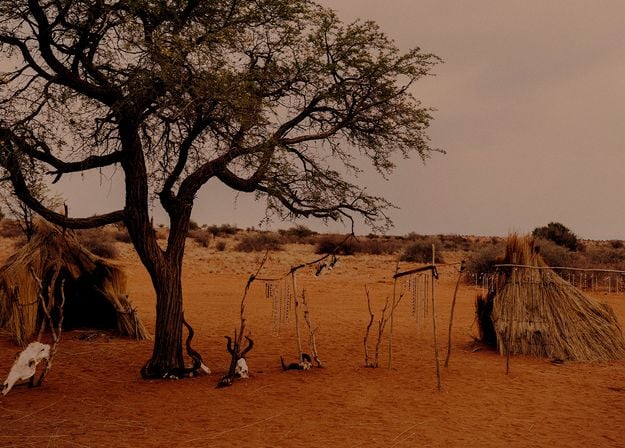
Discover Latin America

Presets Pack by Team Skylum

Experience the cinematic feel each of these 10 Presets adds to your photos as you journey through the countries of Latin America. Embrace the beauty and add some flair to your shots with this travel-friendly collection designed for landscapes.
Crop AI: Try the Auto Image Cropper in Luminar(115)
Crop AI: Try the Auto Image Cropper in Luminar(116)
Before After
Crop AI: Try the Auto Image Cropper in Luminar(117)
Crop AI: Try the Auto Image Cropper in Luminar(118)
Before After
Crop AI: Try the Auto Image Cropper in Luminar(119)
Crop AI: Try the Auto Image Cropper in Luminar(120)
Before After
Crop AI: Try the Auto Image Cropper in Luminar(121)
Crop AI: Try the Auto Image Cropper in Luminar(122)
Before After
Crop AI: Try the Auto Image Cropper in Luminar(123)
Crop AI: Try the Auto Image Cropper in Luminar(124)
Before After
Crop AI: Try the Auto Image Cropper in Luminar(125)
Crop AI: Try the Auto Image Cropper in Luminar(126)
Crop AI: Try the Auto Image Cropper in Luminar(127)
Crop AI: Try the Auto Image Cropper in Luminar(128)
Crop AI: Try the Auto Image Cropper in Luminar(129)

Discover Africa

Presets Pack by Team Skylum

Dedicated to the wonderful continent of Africa, this pack combines a variety of Presets, both for portrait and landscape shots. Enhance landmarks, safari shots, architecture photos, and portraits of people that you meet on your travels around Africa.


Crop AI: Try the Auto Image Cropper in Luminar(130)
Crop AI: Try the Auto Image Cropper in Luminar(131)
Before After
Crop AI: Try the Auto Image Cropper in Luminar(132)
Crop AI: Try the Auto Image Cropper in Luminar(133)
Before After
Crop AI: Try the Auto Image Cropper in Luminar(134)
Crop AI: Try the Auto Image Cropper in Luminar(135)
Before After
Crop AI: Try the Auto Image Cropper in Luminar(136)
Crop AI: Try the Auto Image Cropper in Luminar(137)
Before After
Crop AI: Try the Auto Image Cropper in Luminar(138)
Crop AI: Try the Auto Image Cropper in Luminar(139)
Before After
Crop AI: Try the Auto Image Cropper in Luminar(140)
Crop AI: Try the Auto Image Cropper in Luminar(141)
Crop AI: Try the Auto Image Cropper in Luminar(142)
Crop AI: Try the Auto Image Cropper in Luminar(143)
Crop AI: Try the Auto Image Cropper in Luminar(144)

American Dream

Presets Pack by Team Skylum

Create fantastic photos during your travels across the USA. Enhance images of landmarks, national parks, and general cityscapes of famous cities. Achieve various stunning effects with a few clicks of these 10 wonderful Presets.


Crop AI: Try the Auto Image Cropper in Luminar(145)
Crop AI: Try the Auto Image Cropper in Luminar(146)
Before After
Crop AI: Try the Auto Image Cropper in Luminar(147)
Crop AI: Try the Auto Image Cropper in Luminar(148)
Before After
Crop AI: Try the Auto Image Cropper in Luminar(149)
Crop AI: Try the Auto Image Cropper in Luminar(150)
Before After
Crop AI: Try the Auto Image Cropper in Luminar(151)
Crop AI: Try the Auto Image Cropper in Luminar(152)
Before After
Crop AI: Try the Auto Image Cropper in Luminar(153)
Crop AI: Try the Auto Image Cropper in Luminar(154)
Before After
Crop AI: Try the Auto Image Cropper in Luminar(155)
Crop AI: Try the Auto Image Cropper in Luminar(156)
Crop AI: Try the Auto Image Cropper in Luminar(157)
Crop AI: Try the Auto Image Cropper in Luminar(158)
Crop AI: Try the Auto Image Cropper in Luminar(159)

Middle Eastern Folk Tales

Presets Pack by Team Skylum

This alluring collection of 10 Presets is designed to bring out the mysterious beauty of Middle Eastern scenery, architecture, street style, and nature. Warm-toned, deep yellow, or blue and golden — you will certainly find a Preset perfect for your photo.


Crop AI: Try the Auto Image Cropper in Luminar(160)
Crop AI: Try the Auto Image Cropper in Luminar(161)
Before After
Crop AI: Try the Auto Image Cropper in Luminar(162)
Crop AI: Try the Auto Image Cropper in Luminar(163)
Before After
Crop AI: Try the Auto Image Cropper in Luminar(164)
Crop AI: Try the Auto Image Cropper in Luminar(165)
Before After
Crop AI: Try the Auto Image Cropper in Luminar(166)
Crop AI: Try the Auto Image Cropper in Luminar(167)
Before After
Crop AI: Try the Auto Image Cropper in Luminar(168)
Crop AI: Try the Auto Image Cropper in Luminar(169)
Before After
Crop AI: Try the Auto Image Cropper in Luminar(170)
Crop AI: Try the Auto Image Cropper in Luminar(171)
Crop AI: Try the Auto Image Cropper in Luminar(172)
Crop AI: Try the Auto Image Cropper in Luminar(173)
Crop AI: Try the Auto Image Cropper in Luminar(174)

Wonderful Scandinavia

Presets Pack by Team Skylum

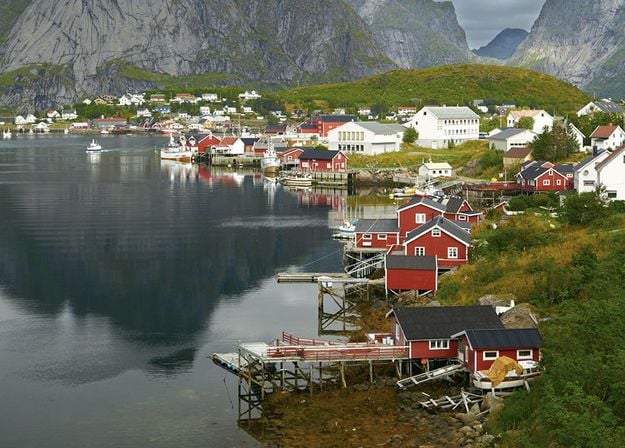
Discover this wonderful collection of 10 versatile Presets that are perfect for your travel photos from Nordic countries. Capture idyllic landscapes, natural wonders, and cozy architectural shots that breathe with the Scandinavian mood. Time to pack your travel bag!

Luminar Video Course

About Course
What you'll learn?
Watch the process
Get photos like these
Creator

Creative Photo Editing Techniques in Luminar

by Albert Dros

10 tutorial videos

12 hand-picked Presets included

Creative editing tutorial included

Join Dutch landscape photographer Albert Dros in this course as he shares his extraordinary passion for planning and creating unique shots. In these ten videos, you'll gain insights into what makes or breaks a photo. Albert provides step-by-step guidance on editing techniques that will elevate your photography skills. Plus, as a special bonus, you’ll receive a free pack of 12 hand-picked presets by Albert Dros to help you create mesmerizing images. Unlock the secrets to breathtaking landscape photography and transform your shots into stunning masterpieces with Albert’s expert instruction.
img

Introduction & Course Outline

Albert Dros introduces himself and gives a quick overview of what you will learn in this photography and...

img

Introduction to Photography

What should you focus on when taking your photos to get the best results?
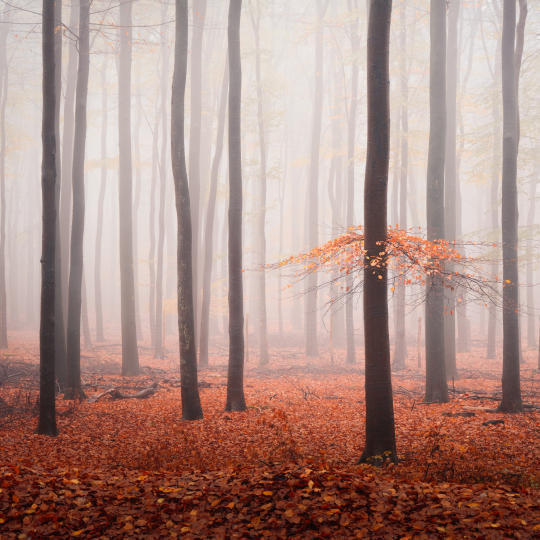
img

Basic Editing

Albert introduces the layout of Luminar and the basic instruments you can use to achieve great results instantly.
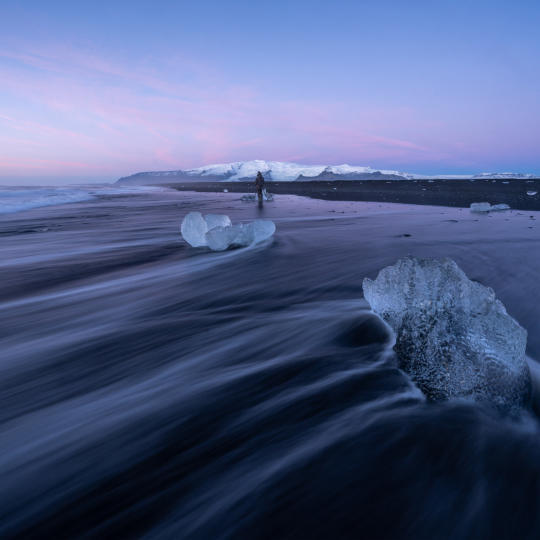
img

Advanced Editing

Going in depth, Albert shows you the more advanced tools in Luminar and how to use them to make your photos stand out.
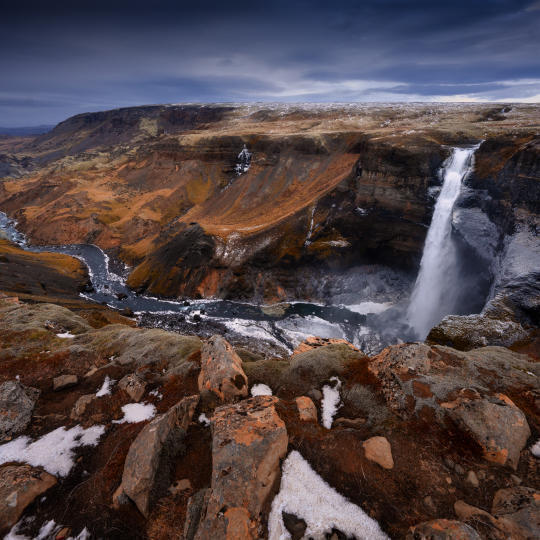
img

Dramatic Editing

Get creative with your photos! Albert edits a photo with more creative tools to bring forward its dramatic aspects and breathe new life into it.
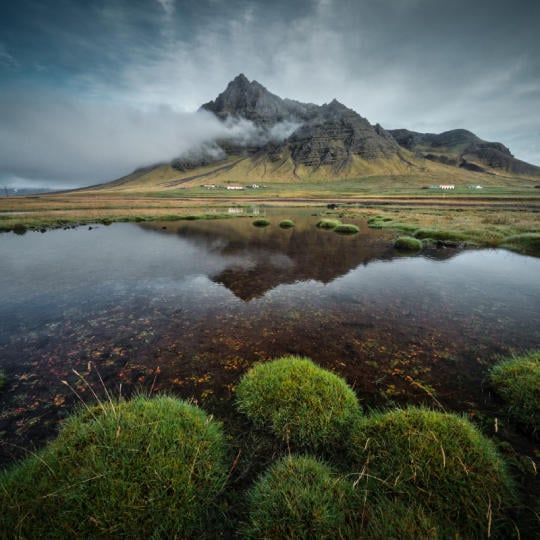
img

Focus Stacking

Luminar has Extensions that let you get even more impressive results. In this video, you will learn how to do focus stacking with Luminar’s Focus Stacking Extension.

img

Cityscapes

What makes or breaks a cityscape shot? Take a look at how to transform a photo from Dubai from ordinary to impressive.
img

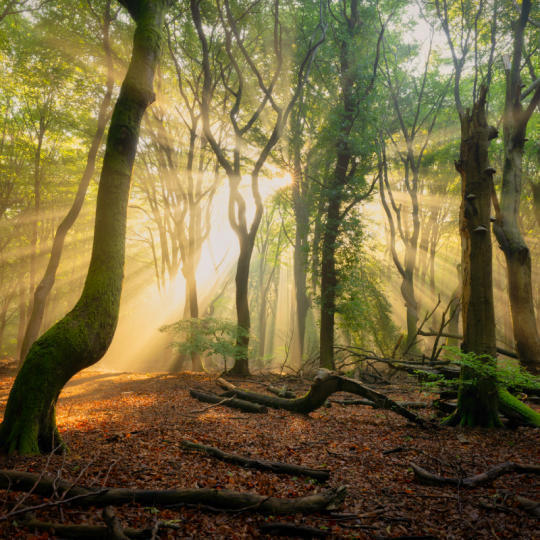
Forests

Find out what Luminar tools Albert uses to make his impressive signature forest photos. Look out for Atmosphere AI, Sunrays, and other tools!

img

Presets

Learn to use Presets to quickly get interesting color solutions in your photos. Albert guides you through using Presets to make even more beautiful forest shots.

img

Course Summary

Get a quick summary of everything you have learned in this course. Happy creating!

Before After
Before After
Before After
Before After
Before After

Albert Dros

PHOTOGRAPHER, WRITER AND EDUCATOR

Albert Dros is a Dutch landscape photographer who has an extraordinary passion to plan and create unique shots. Volcanoes, solar eclipses and unique aspects of nature draw his attention. He doesn’t just go for the simple shot.

"Go big or go home" is his motto, always trying to add some unique element to his shots.

His work has been recognized on a worldwide scale and he has been published worldwide in the biggest media outlets.

Albert travels a lot as a photo educator but also for personal projects. But even in The Netherlands, he can’t stop photographing. His inspiration never stops.

Create anywhere – powerful photo editing on every device

Luminar on Desktop

Works as a standalone for:

Crop AI: Try the Auto Image Cropper in Luminar(175)

macOS

Crop AI: Try the Auto Image Cropper in Luminar(176)

Windows

Works as a plug-in for:

Crop AI: Try the Auto Image Cropper in Luminar(177)

Adobe Photoshop®

Crop AI: Try the Auto Image Cropper in Luminar(178)

Adobe Lightroom®

Crop AI: Try the Auto Image Cropper in Luminar(179)

Apple Photos®

Luminar on Mobile

Works as a standalone for:

Crop AI: Try the Auto Image Cropper in Luminar(180)

Android

Crop AI: Try the Auto Image Cropper in Luminar(181)

iOS

Crop AI: Try the Auto Image Cropper in Luminar(182)

ChromeOS

Three photographers who use Luminar, and the Google logo

Trusted by over a million

photographers and organizations

Red Dot, TIPA World Awards and Google Play Best of 2025 badges

Award-winning software

with intuitive AI-powered controls

Summarize the main capabilities and use cases of Crop AI for photographers in a quick guide

Frequently Asked Questions

What is Crop AI and how does the AI image cropper work?

Crop AI that is part of the Smart Composition tool, analyzes your photo to understand its subject, visual focus, faces, gaze direction, and horizon. It then suggests multiple crop options based on classic composition principles, helping you find a frame that brings your photo’s story into focus. You can use the photo cropper online or on desktop.

How is AI cropping different from cropping manually?

Manual cropping relies on your eye and judgment to find the right frame. An automatic cropping tool helps you explore more possibilities by analyzing the scene and suggesting multiple compositions. You can compare the results, discover new perspectives, and choose the crop that works best for your photo.

Can I crop an image online for free?

Luminar on Web lets you edit photos directly in your browser without installing desktop software. Available features depend on your access plan. Check Luminar on Web for current access options and feature availability. You can also start your trial and try the free online image cropper to see if it suits your needs.

Do I need to install a tool for AI cropping online?

No. With Luminar on Web, you can edit photos in your browser without installing a separate application, receiving automatic composition cropping suggestions. If you prefer working on your computer, you can also use Smart Composition in Luminar on Desktop.

What is the difference between the online photo cropper and Luminar for desktop?

Luminar on Web lets you edit photos directly in your browser, including using image crop online, making it convenient to work from different devices without installing software. Luminar on Desktop offers a dedicated photo editing environment on your computer. Both versions provide access to Smart Composition, so you can explore crop suggestions and find the right composition for your image.

Crop AI: Try the Auto Image Cropper in Luminar(183)