

自动更新
1 年内续订 $ 33 .00

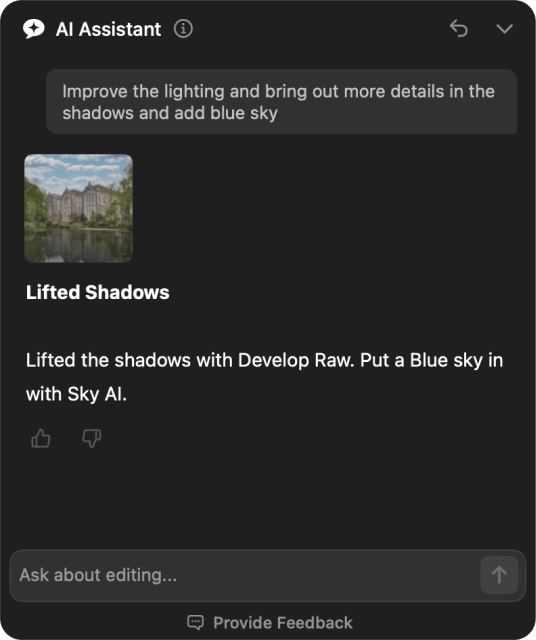
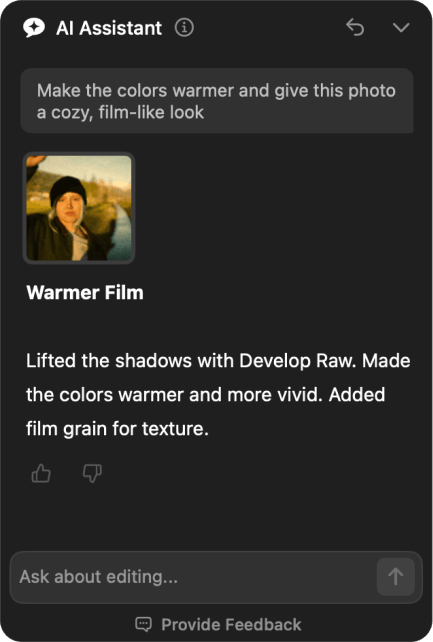
知道想要照片呈现什么效果,却不知道该调整哪些设置?只需描述想要的结果。AI Assistant 会找到合适的工具并为您应用更改,从调整光线和色彩,到替换天空和移除干扰元素。
不确定哪种风格适合您的照片?可以请它提供创意选项,从电影感氛围到不同的色彩风格。探索三款根据您的图像及其光线定制的 Marketplace 预设,然后选择最合心意的风格。
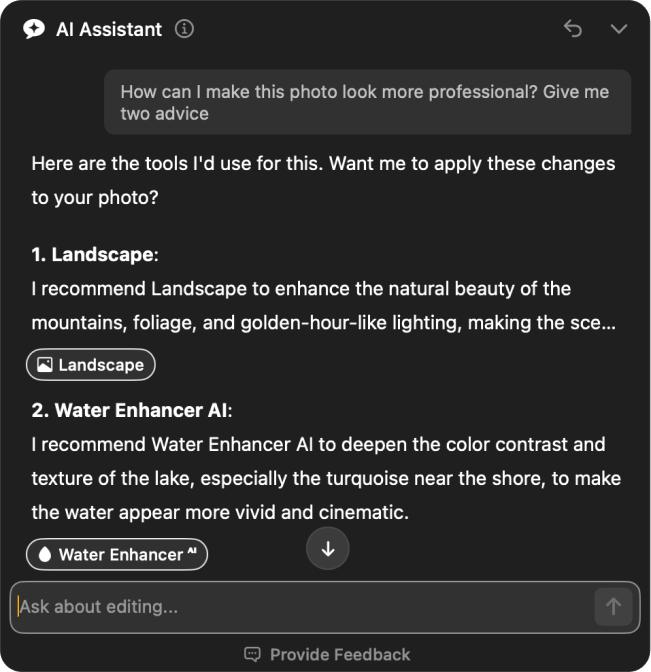
想知道哪里做得好、哪里还能改进?AI Assistant 会结合您当前的编辑和设置,对您的图像给出反馈,指出最多三个可改进的方面,并建议从哪里开始。
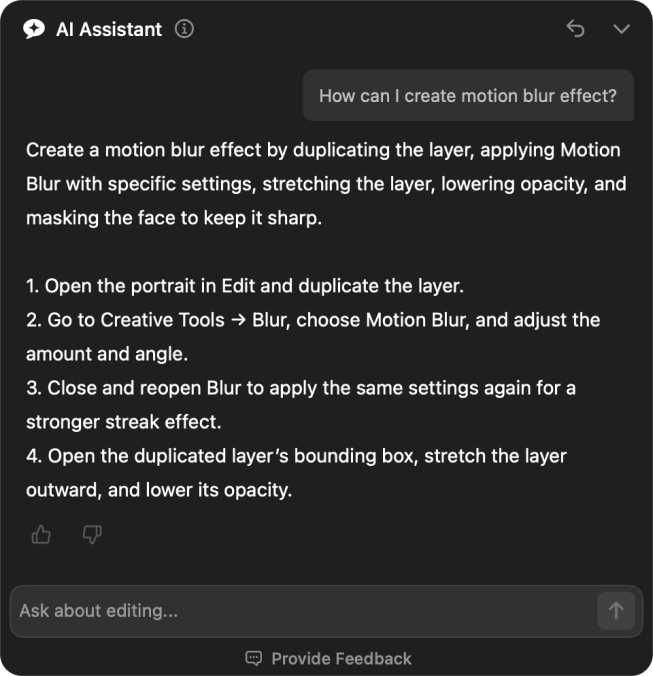
您无需记住每一种工具,也无需在菜单中四处查找。您可以询问如何实现某种特定效果,或某项 Luminar 功能的使用方法,并根据应用文档获得指引,包括在哪里找到所需的工具。
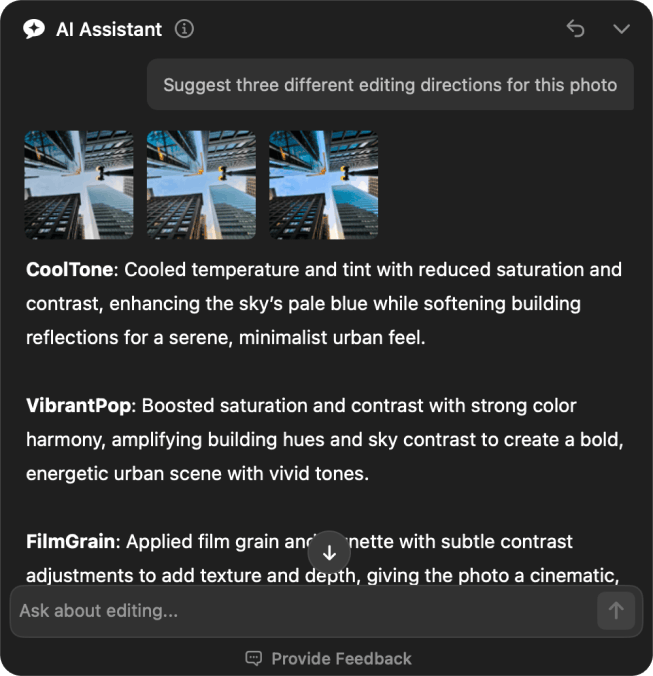
AI Assistant 会基于您现有的调整进行工作,说明它更改了什么,并在某项请求需要使用其他工具时告知您。由您决定采用哪个创意方向,过程中更少猜测。
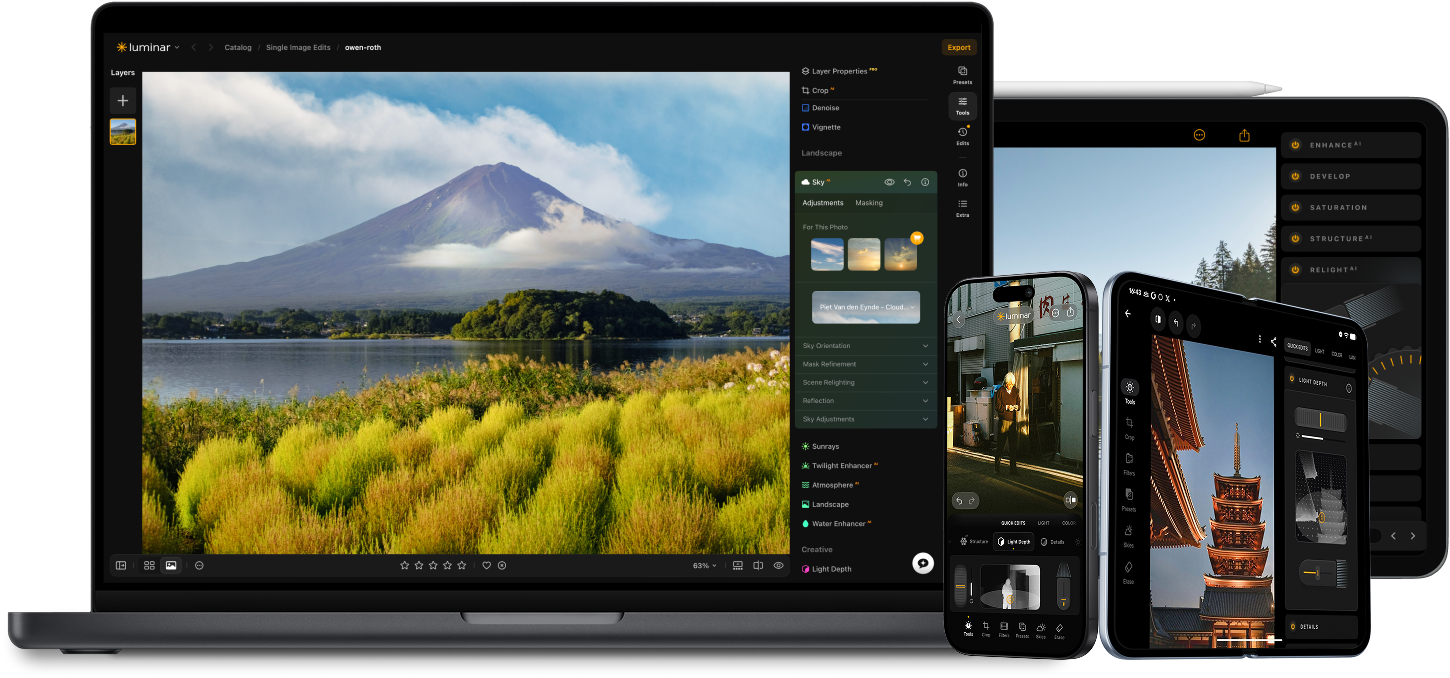
使用 Luminar 的 AI 驱动的照片编辑工具提升您的摄影水平。

添加逼真的雾气 新的

几秒内增强 新的

修正构图 新的

打印 新的

优化每个像素

自然平滑肌肤

修复旧照片

锐化每个细节

精确降噪

去除干扰

添加立体光效

即时替换天空

跨设备编辑

在网页图库中分享编辑成果
几秒内增强 新的

揭示隐藏的细节

增强对比度
修正构图 新的
优化每个像素

改善颜色

塑造光影
即时替换天空

重现黄金时刻
添加逼真的雾气 新的
去除雾霾

用光线照亮

加深傍晚色调

完美的水纹理
去除干扰

扩展你的场景

无缝替换物体
修复旧照片
锐化每个细节
精确降噪

无损放大
添加立体光效

增加光泽深度

轻松调色

用霓虹照亮

添加电影质感

叠加创意效果

创造梦幻般的
散景效果
自然平滑肌肤 改善

增強面部特徵 改善

雕塑身體比例

優雅地虛化背景

添加攝影棚燈光

輕鬆替換背景

時尚地提亮

合并多重曝光

拼接宽幅全景

堆叠对焦照片

您的特别九折优惠即将到期 15:00
全平台
一次付费,永久使用应用程序
$ 139 .00
$ 477 .00
-71%折扣30天退款保证
立即购买商品:
已包含:
Luminar 桌面版、移动版、网页版:永久归您所有。AI 工具可在 365 天后通过 Luminar Prime 续期。
*365 天可访问 AI 工具。须遵守合理使用政策。
最受欢迎
Max
一次付费,永久使用应用程序
$ 159 .00
$ 546 .00
-71%折扣30天退款保证
立即购买商品:
Luminar Prime:
Luminar 桌面版、移动版、网页版:永久归您所有。新增及生成式 AI 工具,以及素材库访问权限:365 天。
*365 天可访问 AI 工具。须遵守合理使用政策。
仅限桌面版
一次付费,永久使用应用程序
$ 99 .00
$ 417 .00
-77%折扣30天退款保证
立即购买商品:
已包含:
Luminar: yours forever. AI Tools renewable after 365 days with Luminar Prime
*365 天可访问 AI 工具。须遵守合理使用政策。
One-time exit offer
This code is yours only for this visit — stack it on top of up to 77% OFF Luminar Lifetime. Pay once, edit forever.
Your one-time code · copy & use now
Code expires in 15 m : 00 s
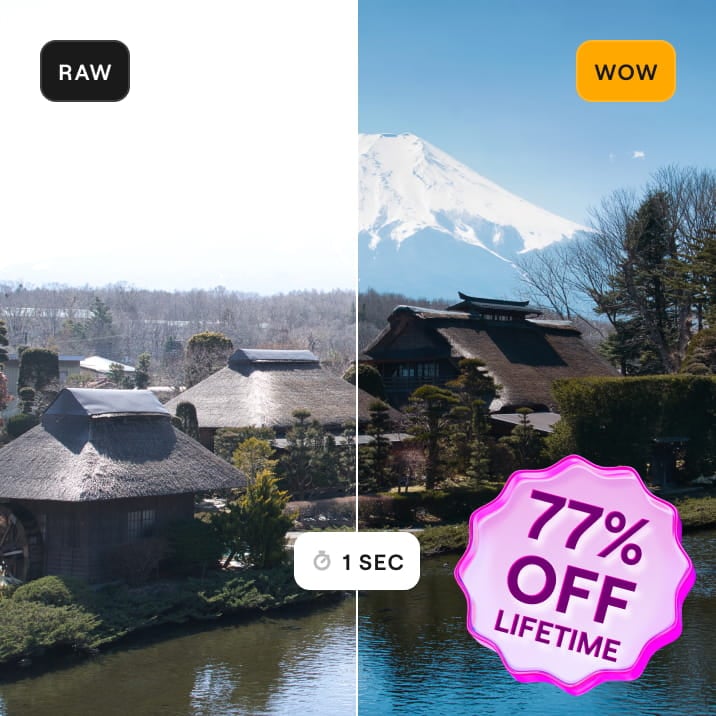

适用于 Windows/MacOS 的桌面,以及一年内所有生成工具的完全存取权。
Luminar 视频课程
适用于 Windows/MacOS 的桌面,以及一年内所有生成工具的完全存取权。
适用于 iOS/Android/ChromeOS 的移动应用程序
Luminar 视频课程
适用于 Windows/MacOS 的桌面,以及一年内所有生成工具的完全存取权。
适用于 iOS/Android/ChromeOS 的移动应用程序
Luminar 视频课程
100 Creative Add-ons
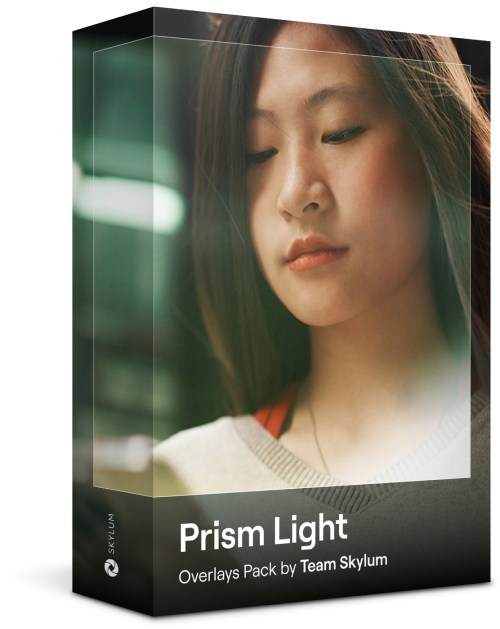
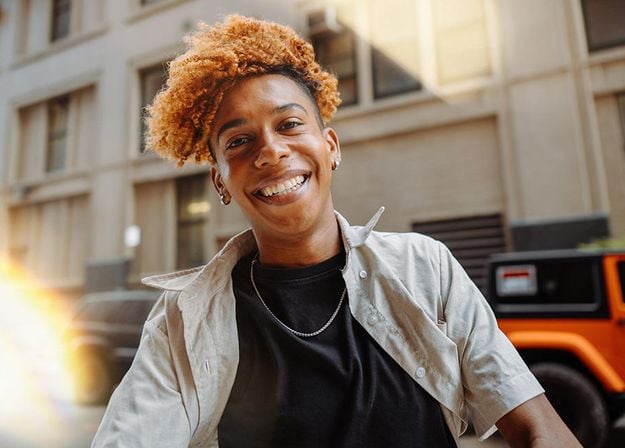

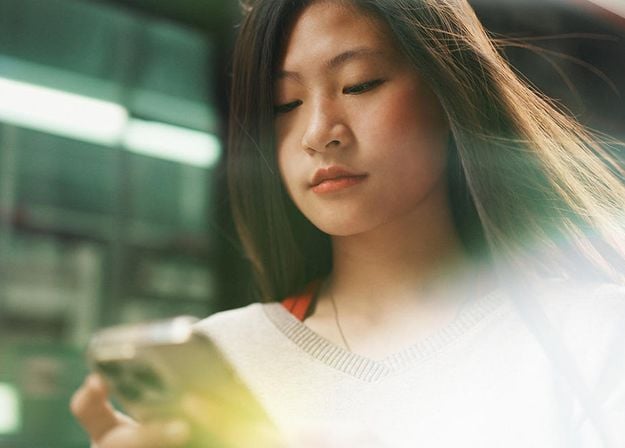
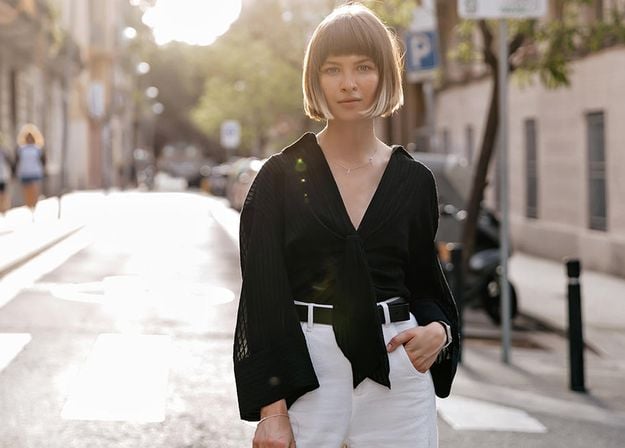
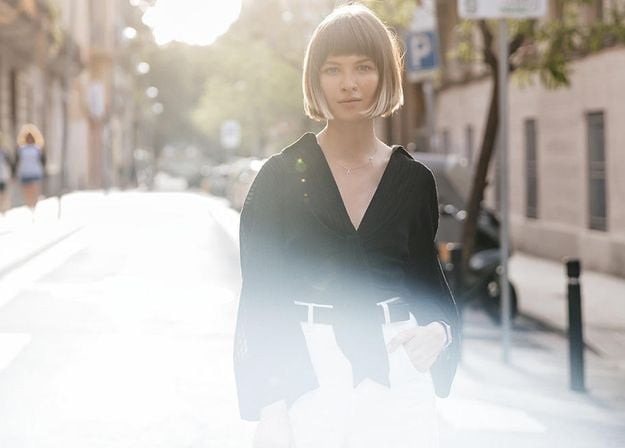
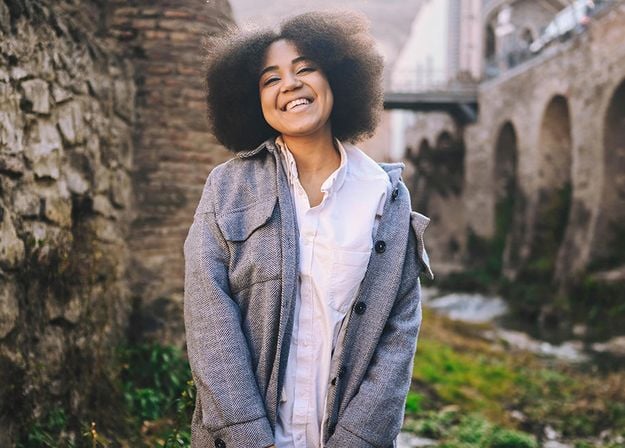
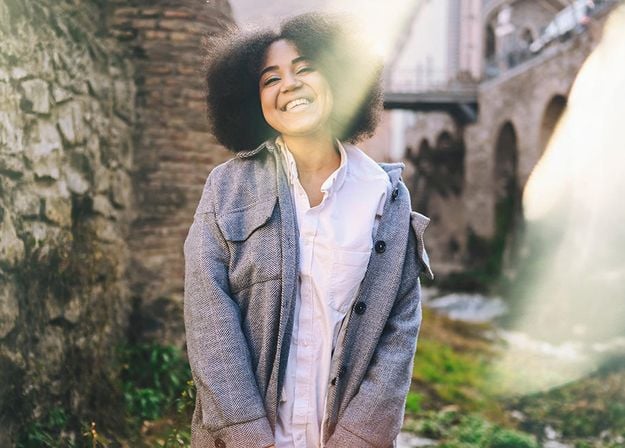




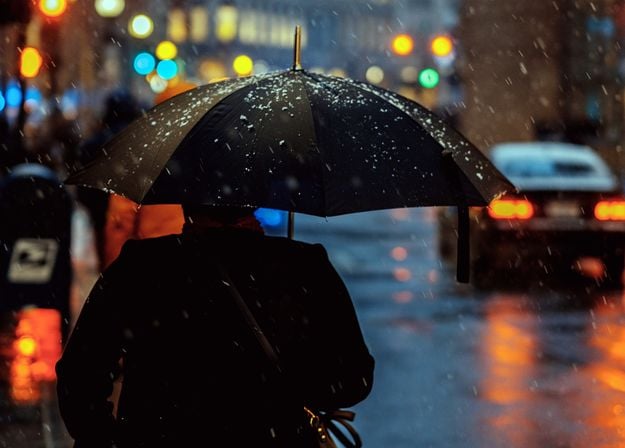
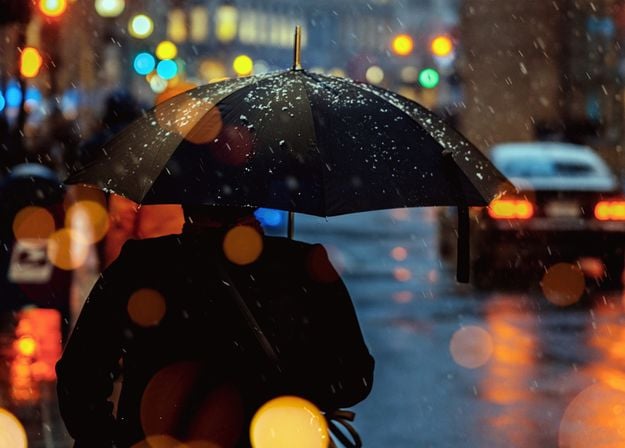
Create atmospheric images with these 10 Overlays in JPEG format that contain shimmering lights and flares in various colors. Make sure to use them with Luminar’s Layers and/or the Portrait Background Removal tool, and experiment with your photos in any genre. You can add an interesting light effect or make the subject stand out in new ways, all in just a few clicks. Time to try it out!
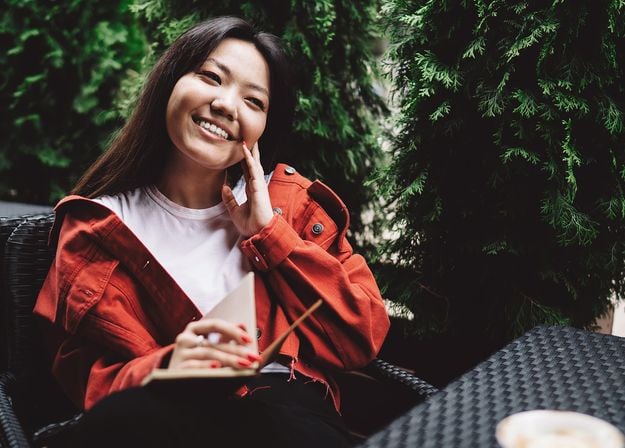
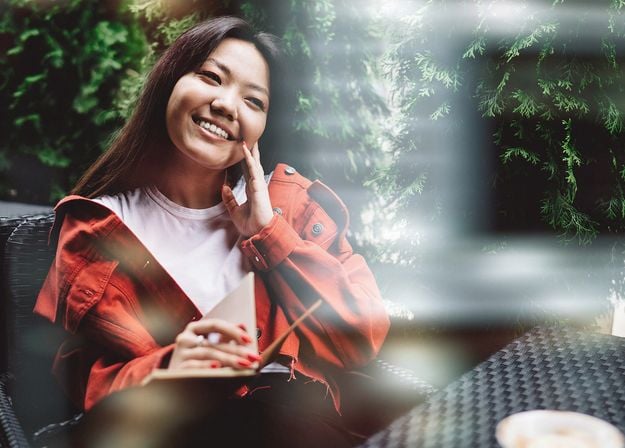
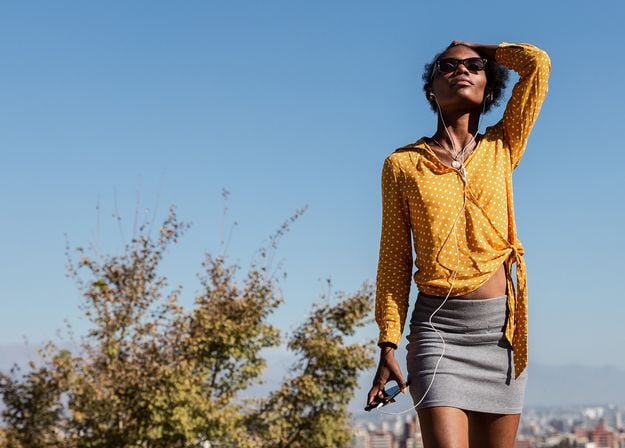
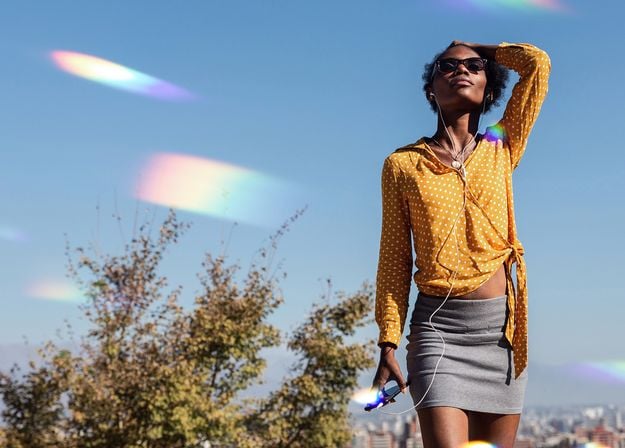
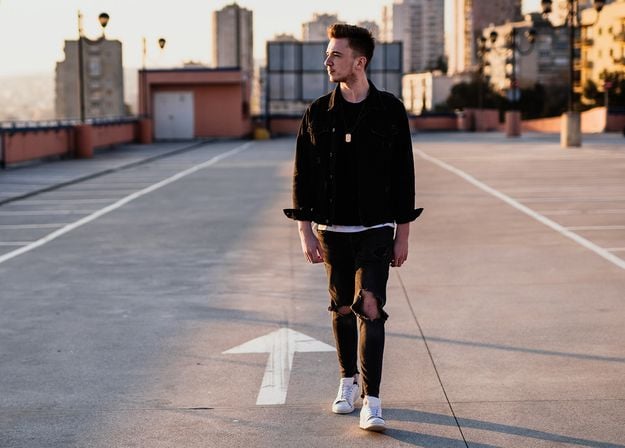
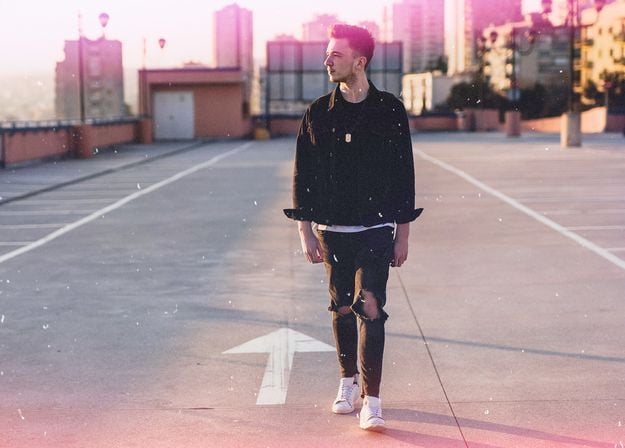
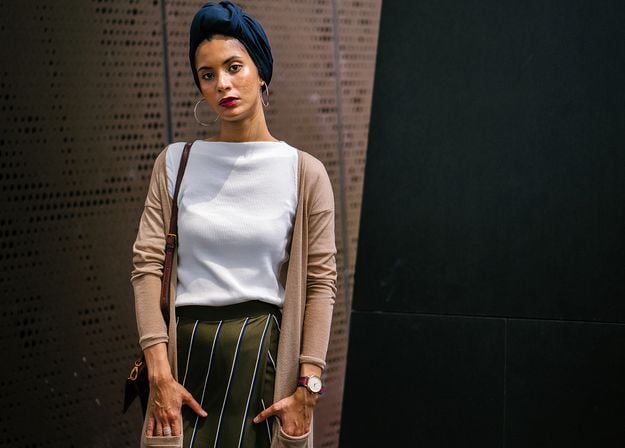
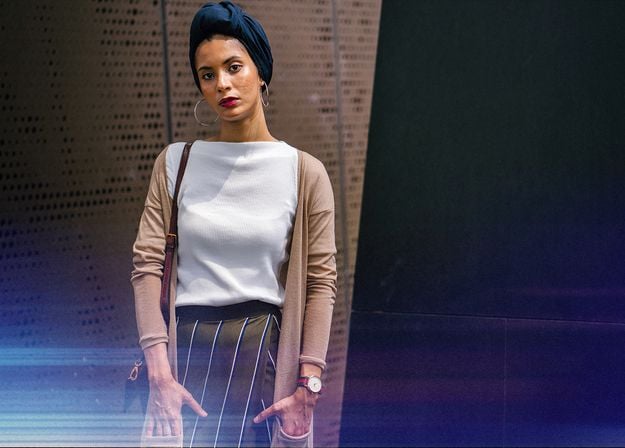


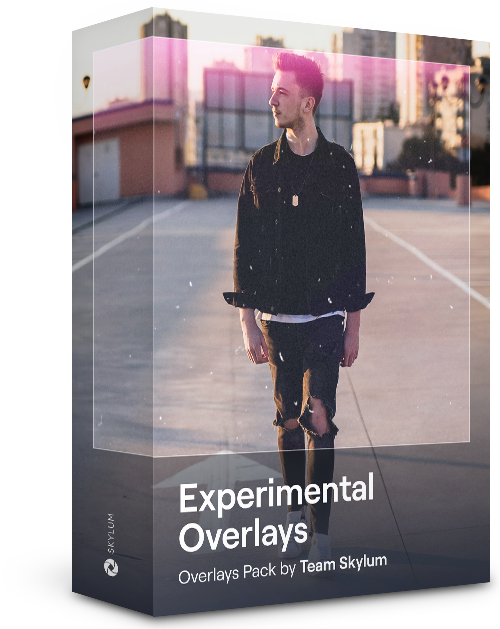
Feel like adding a touch of something extra to your photos? Discover these 10 Experimental Overlays in JPEG format that you can easily use with Luminar’s Layers feature to transform any photo into a shot that catches the eye. Choose from 10 mesmerizing effects of different colors and shapes, and create a unique mood in a few clicks. From pink hues to golden circles, you’ll certainly find an Overlay perfect for your next masterpiece.
_after.jpeg?q=80&w=625&h=448&resize=cover)


_after.jpeg?w=54&h=30&resize=cover)
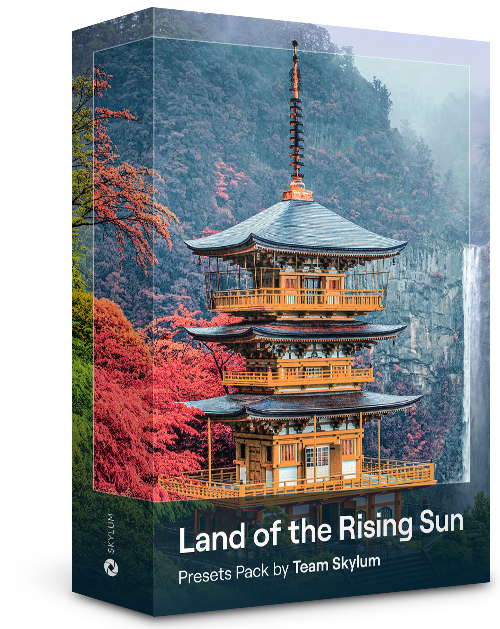
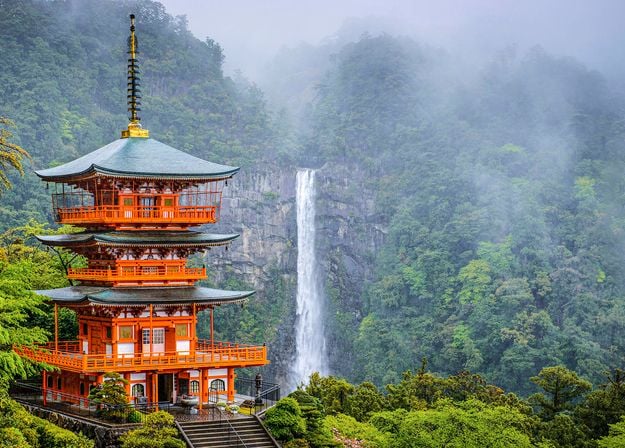
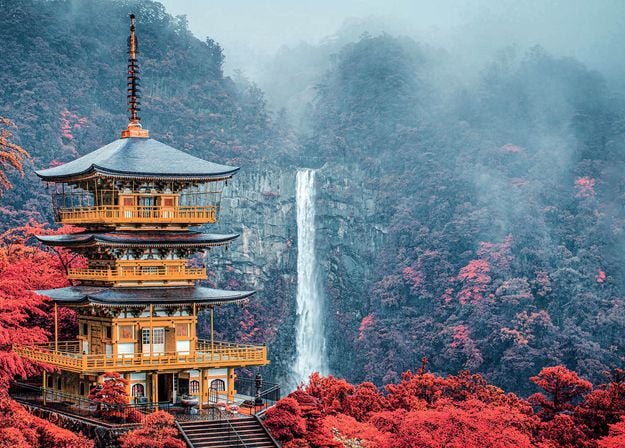
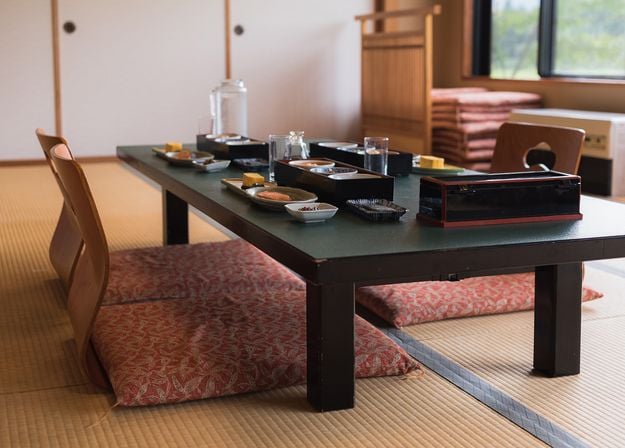
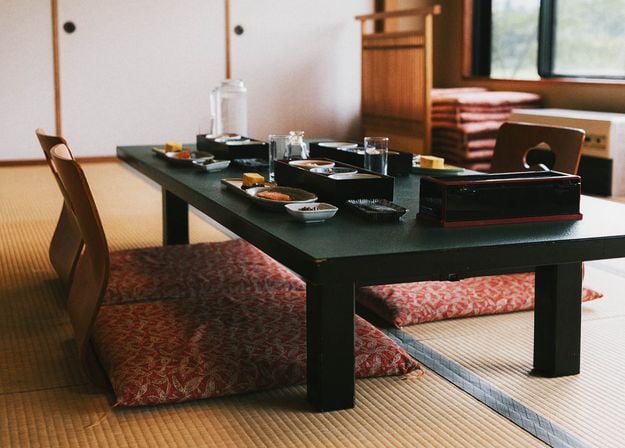
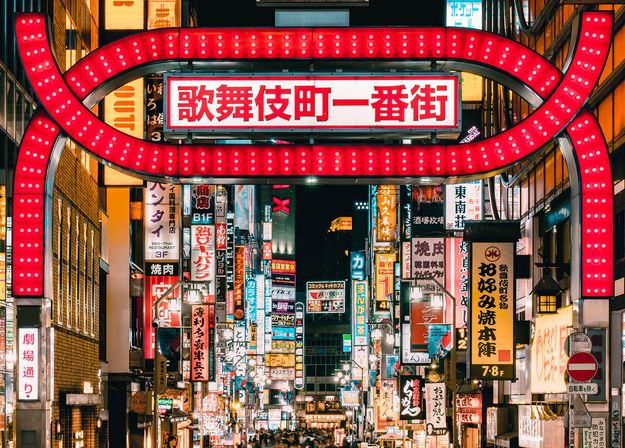
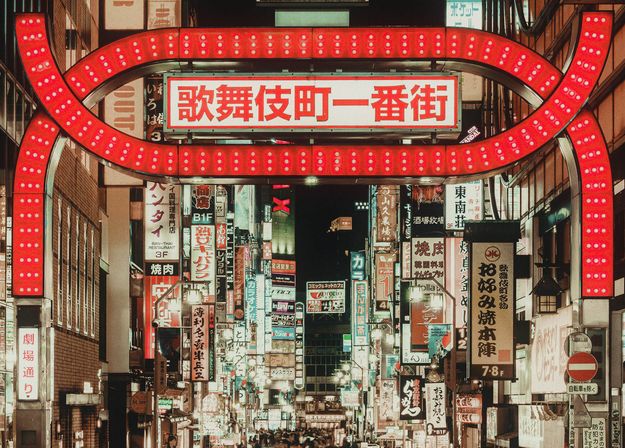
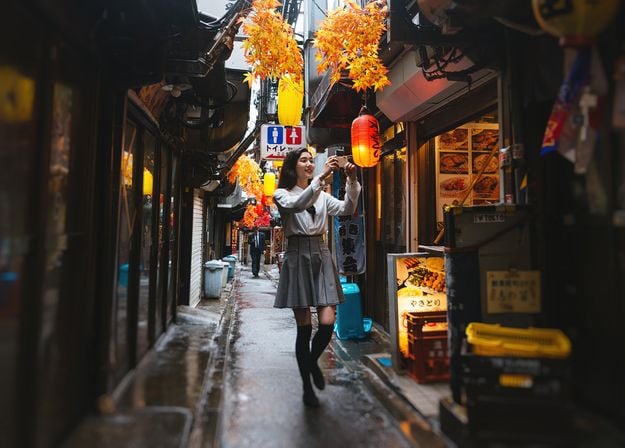
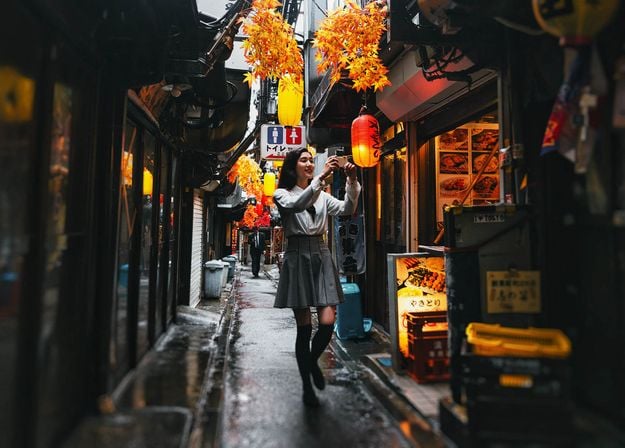
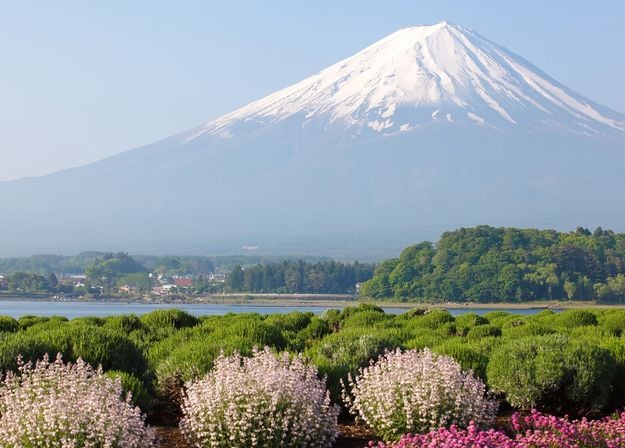
Enhance photos that you captured during a trip to Japan, or the ones that you want to have an atmospheric feeling reminiscent of the Japanese style. From landscapes, to iconic sights, to photos of food — this pack is incredibly versatile!
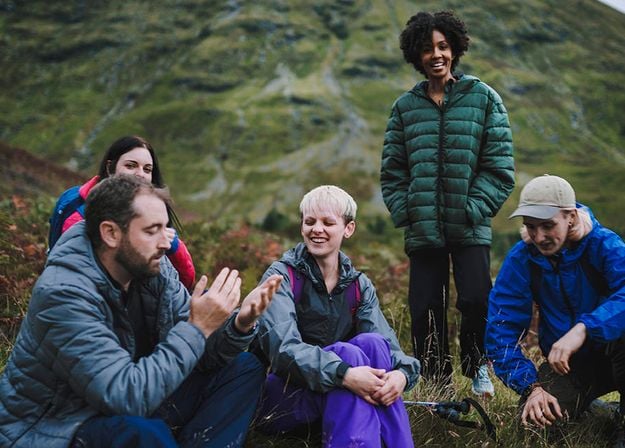
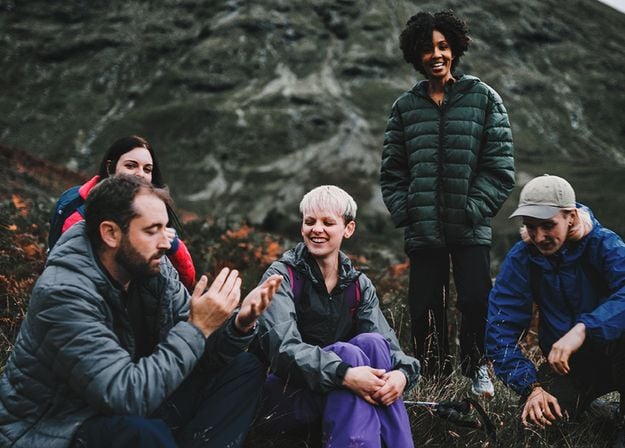
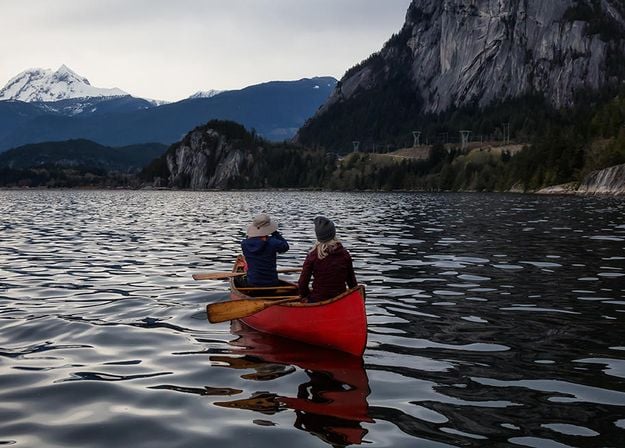
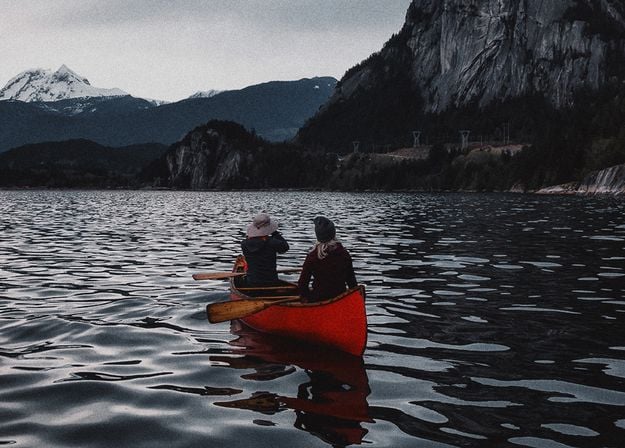
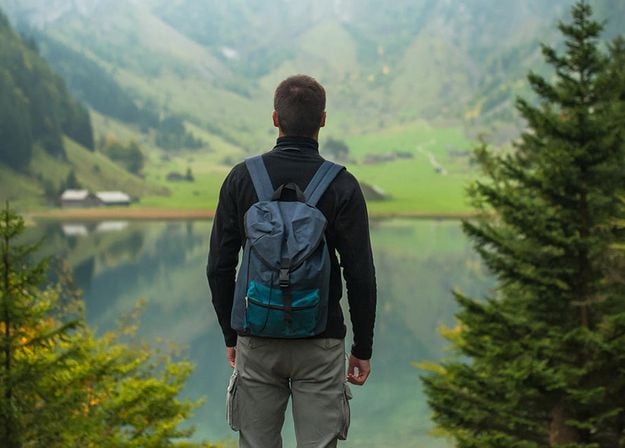
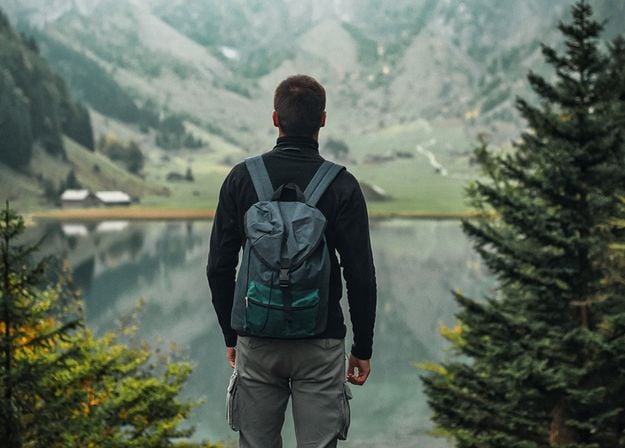
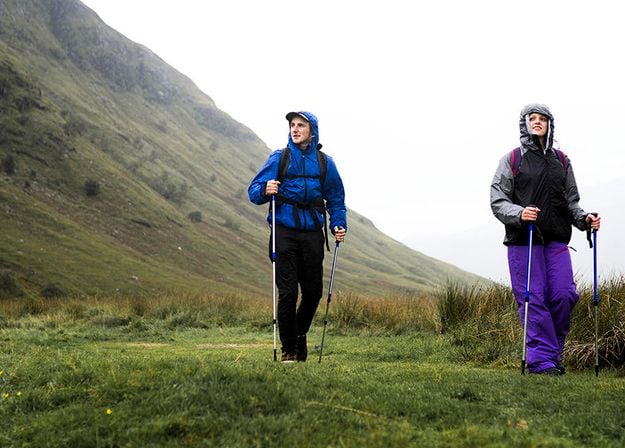
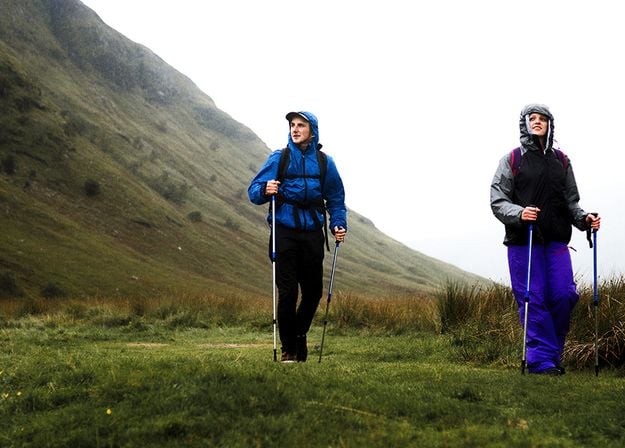
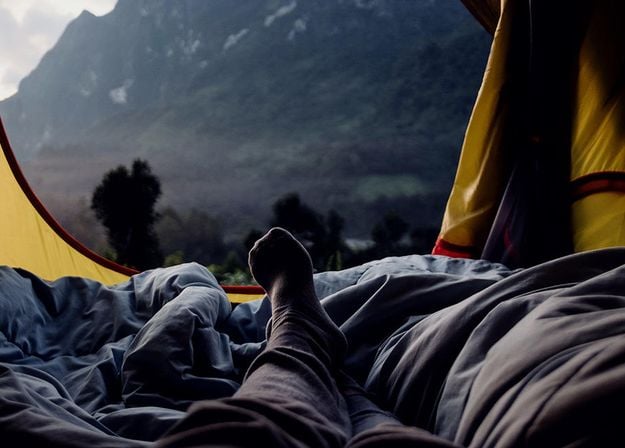
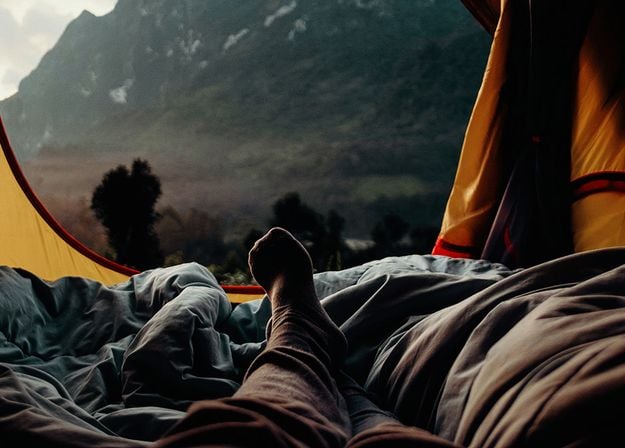


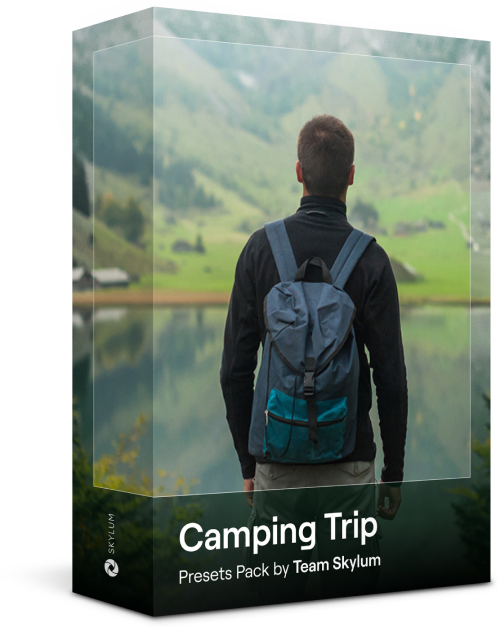
Designed to give your camping and hiking photos their best look, these 10 Presets are here to give your outdoor photos a natural, vibrant look. Whether you’re capturing shots of majestic mountains or cozy campfires, bring out the best in your images in one click.
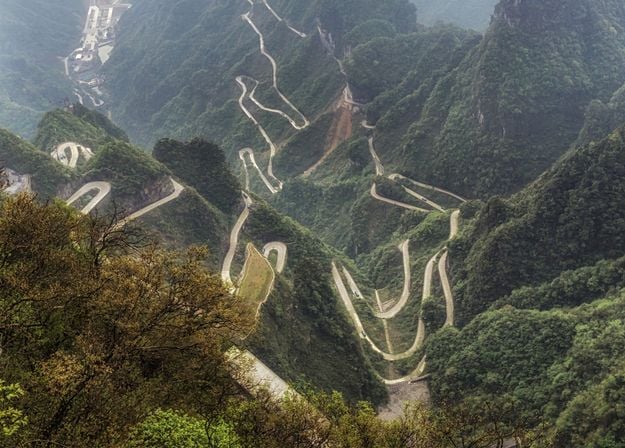
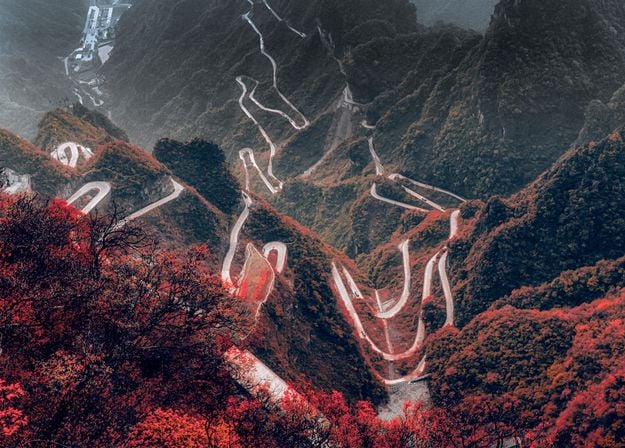
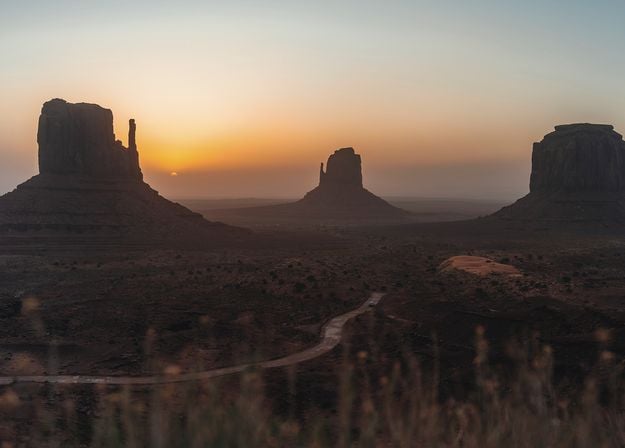
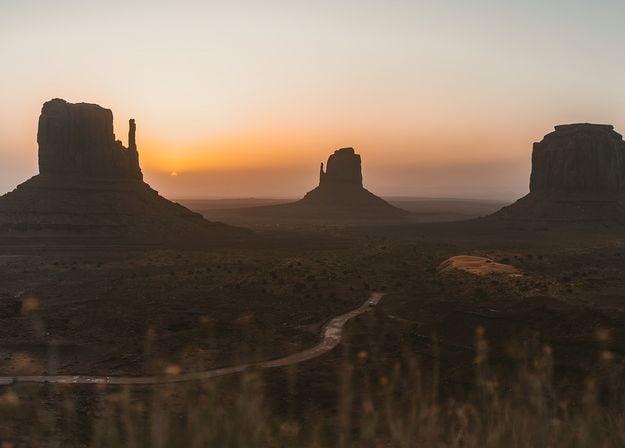
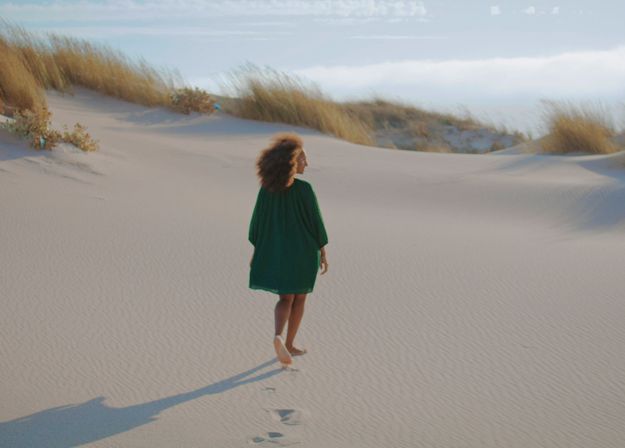
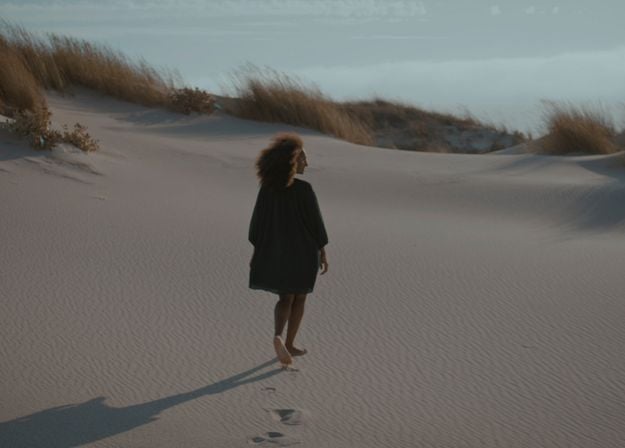
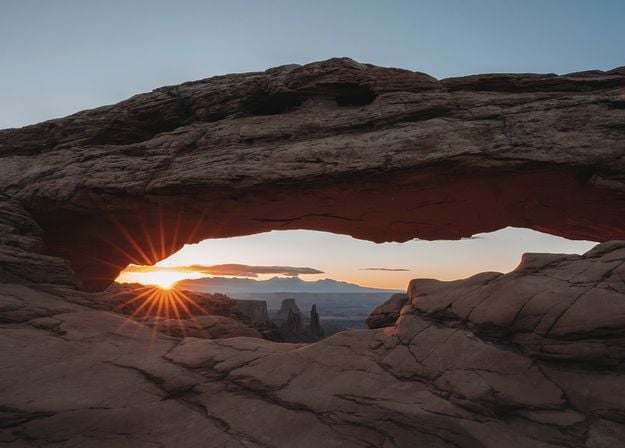
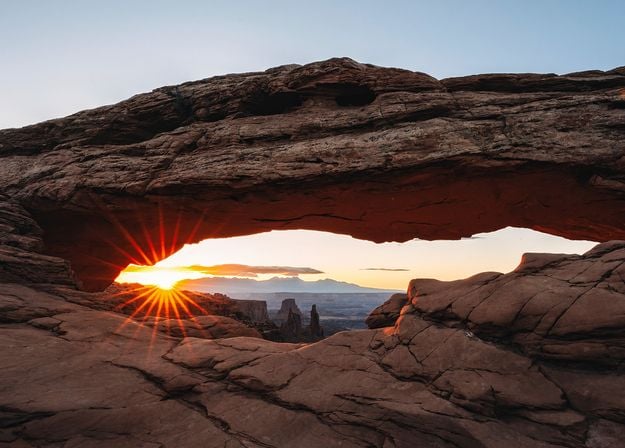
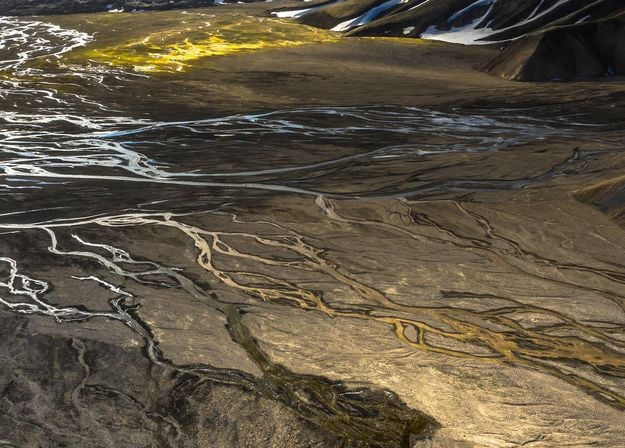
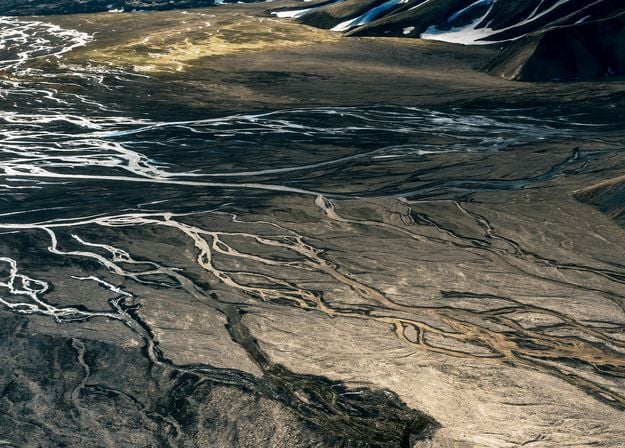


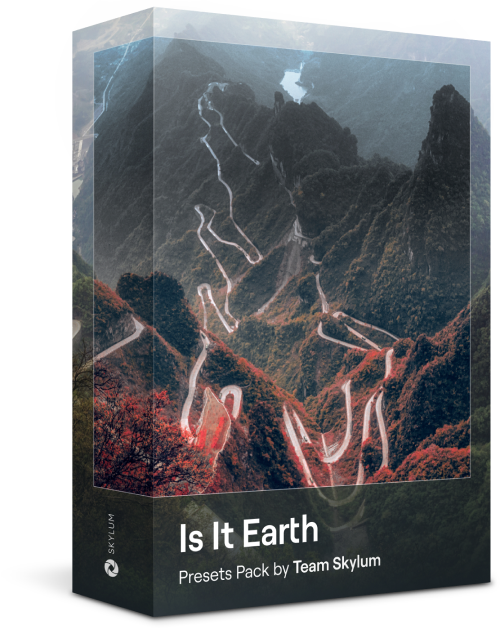
Is it still Earth, or are we on an alien planet? This collection of 10 extraordinary Presets is designed to give your landscape photos an ethereal, otherworldly feel. Transform ordinary landscapes into surrealistic scenes with vivid colors that will immediately draw the viewer’s eye.
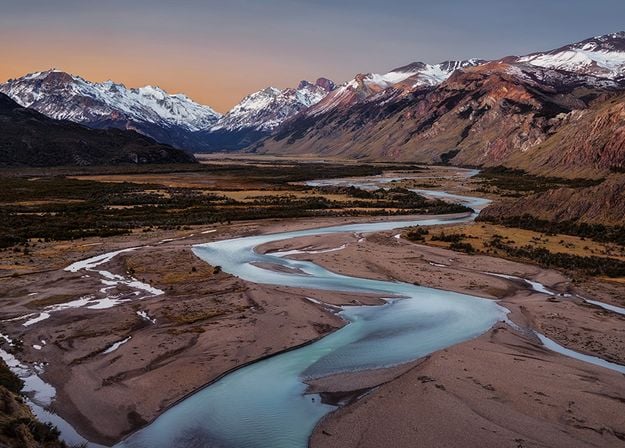
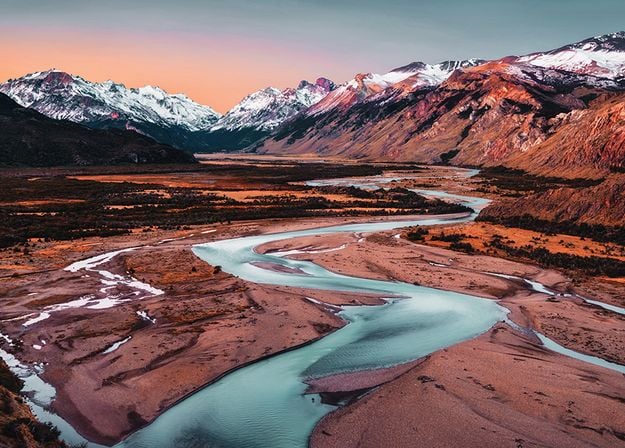
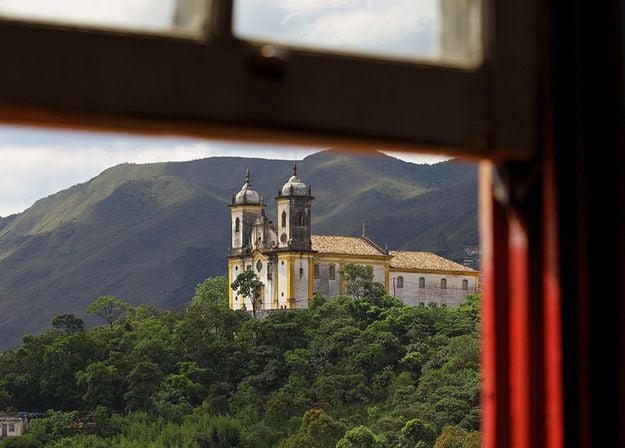
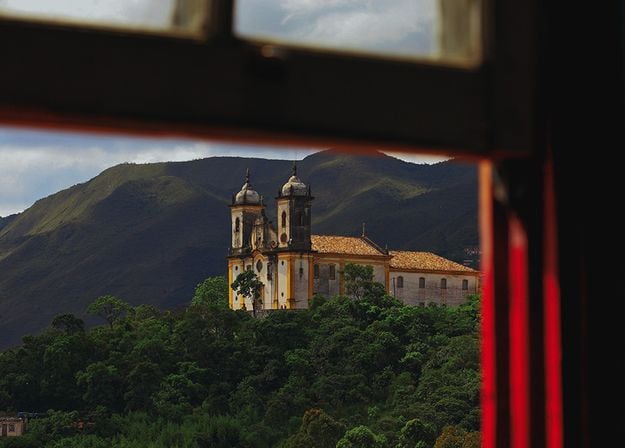
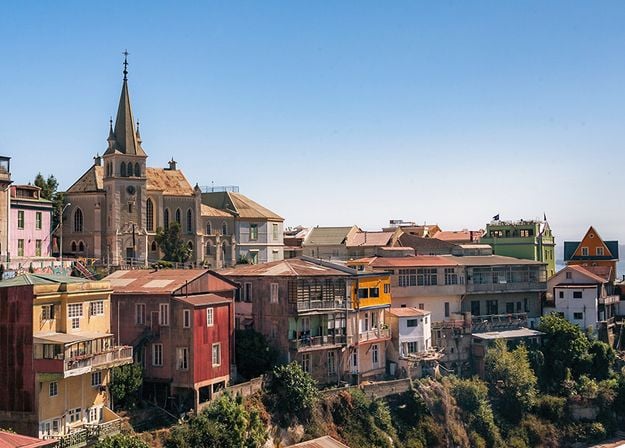
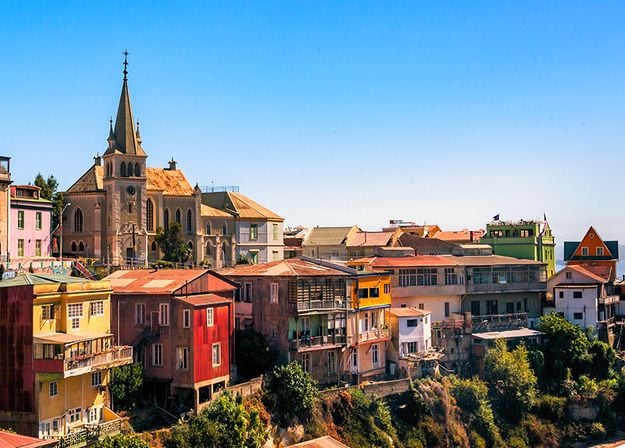
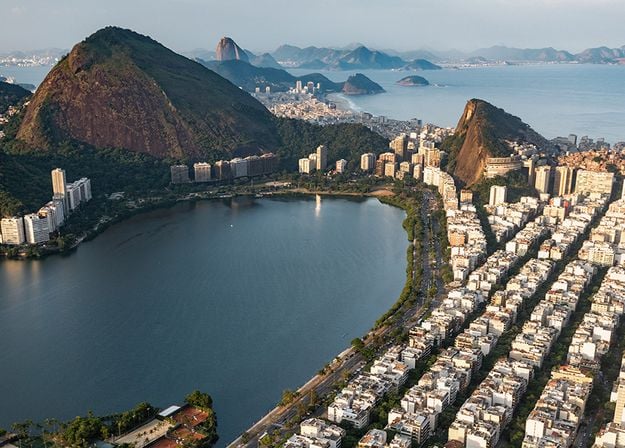
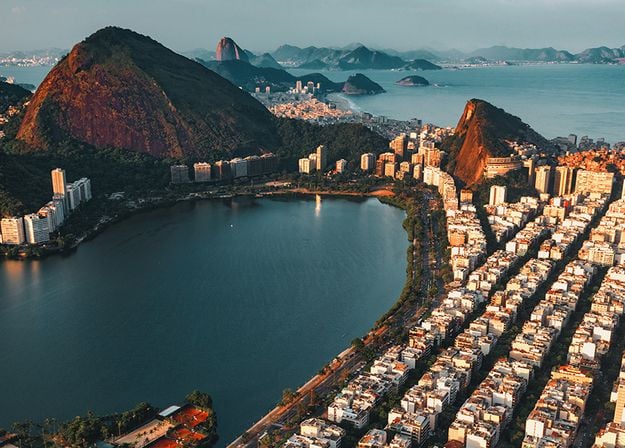
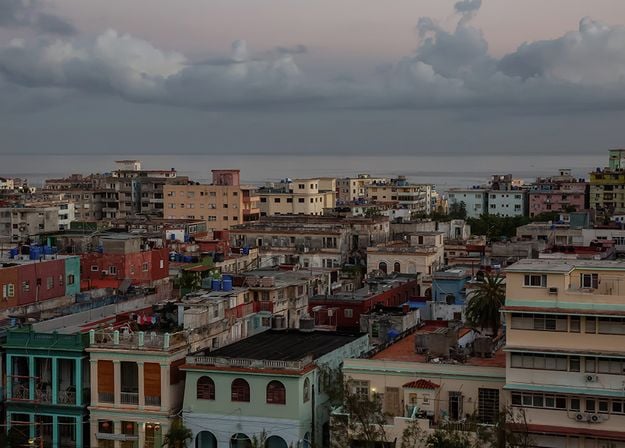
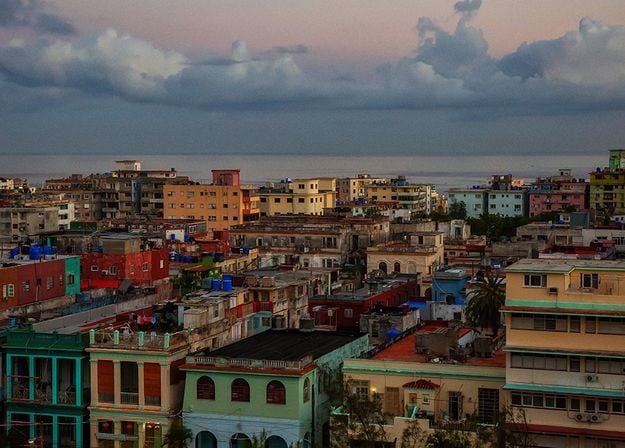


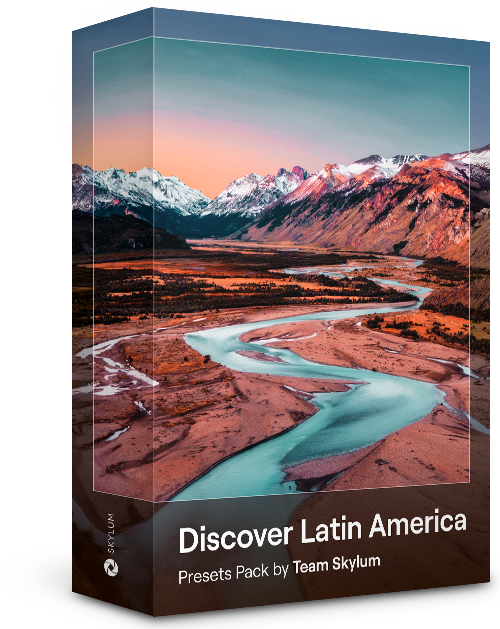
Experience the cinematic feel each of these 10 Presets adds to your photos as you journey through the countries of Latin America. Embrace the beauty and add some flair to your shots with this travel-friendly collection designed for landscapes.
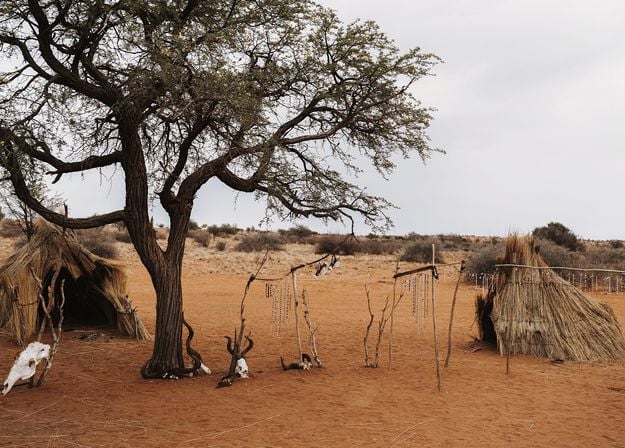
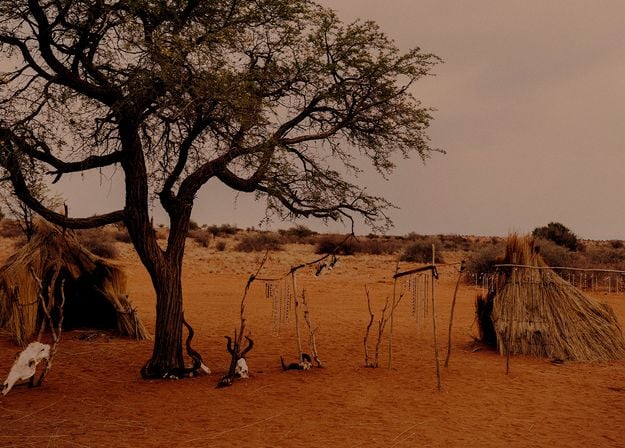
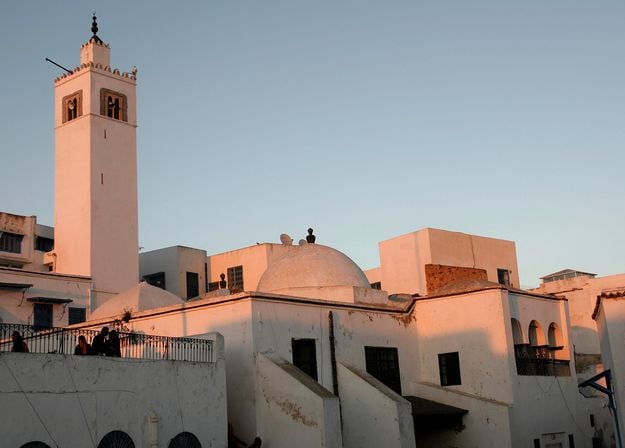
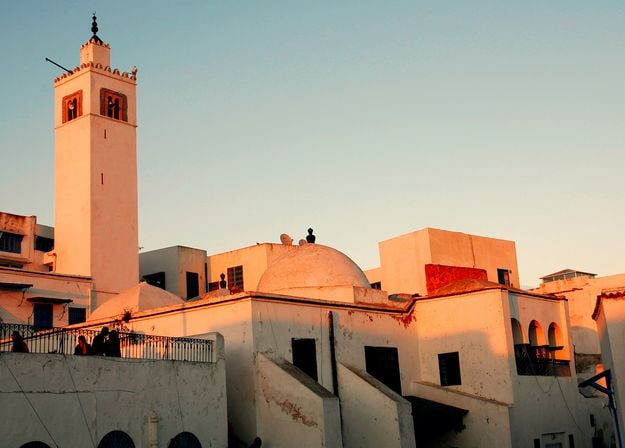


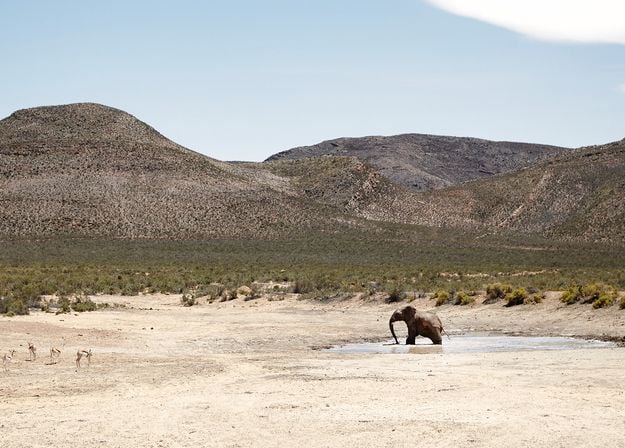
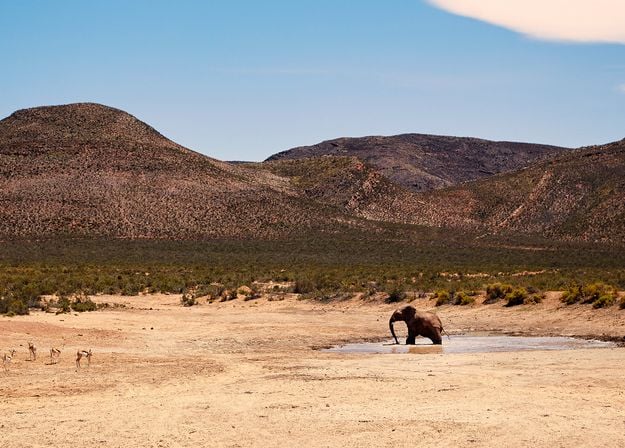
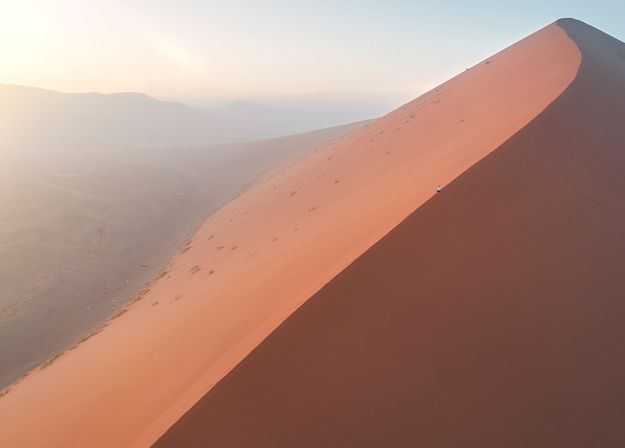
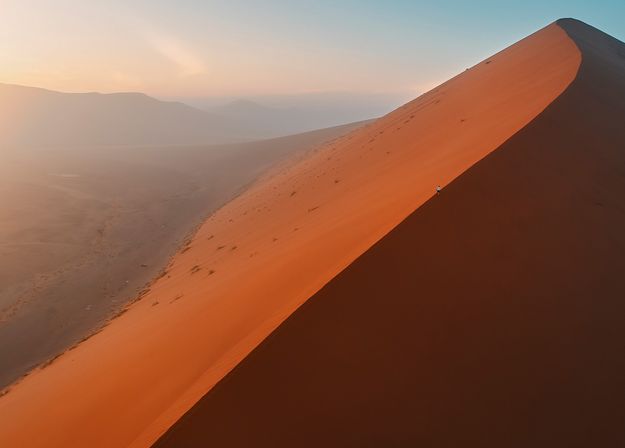


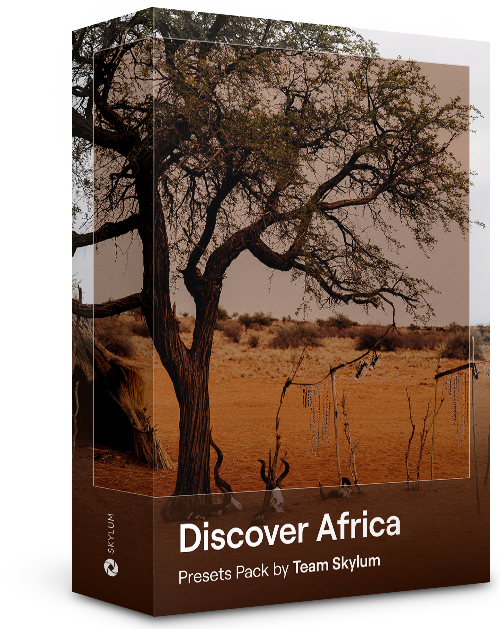
Dedicated to the wonderful continent of Africa, this pack combines a variety of Presets, both for portrait and landscape shots. Enhance landmarks, safari shots, architecture photos, and portraits of people that you meet on your travels around Africa.
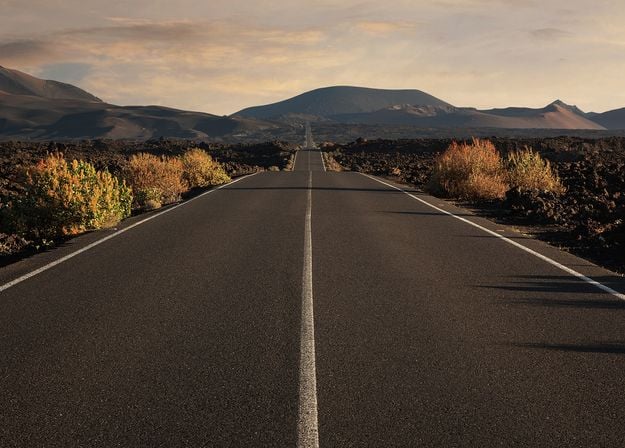
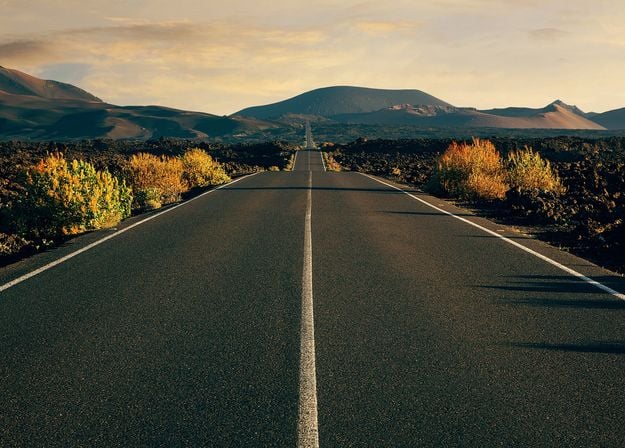
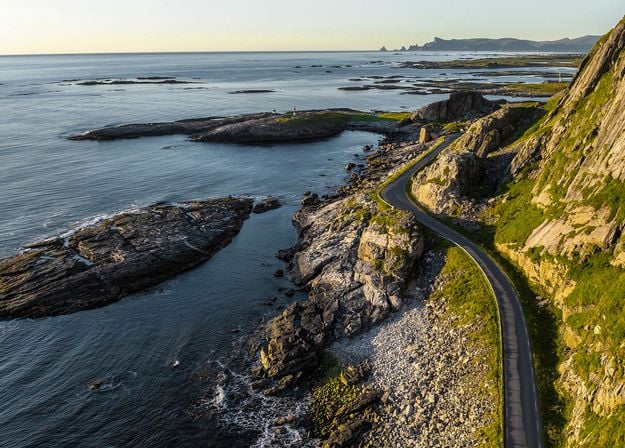
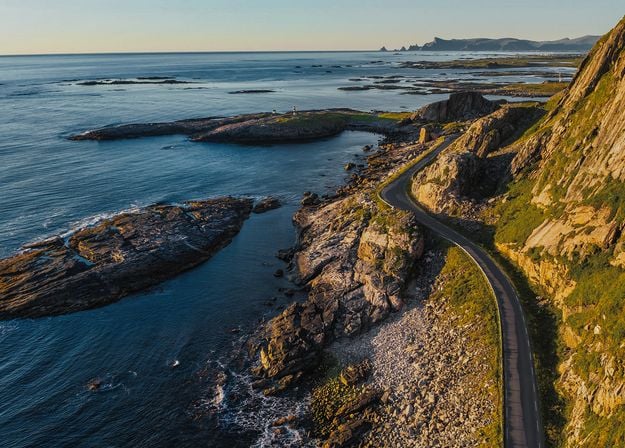
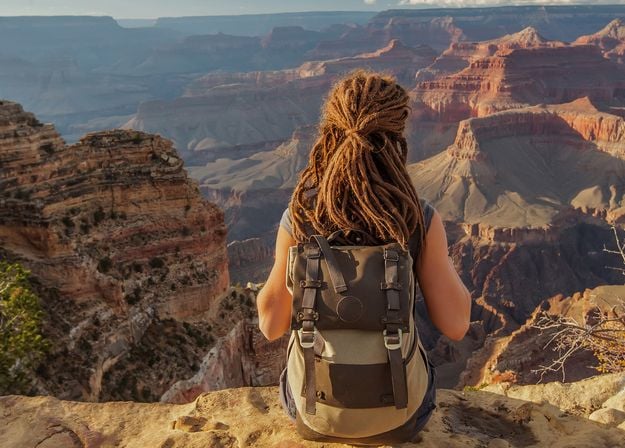
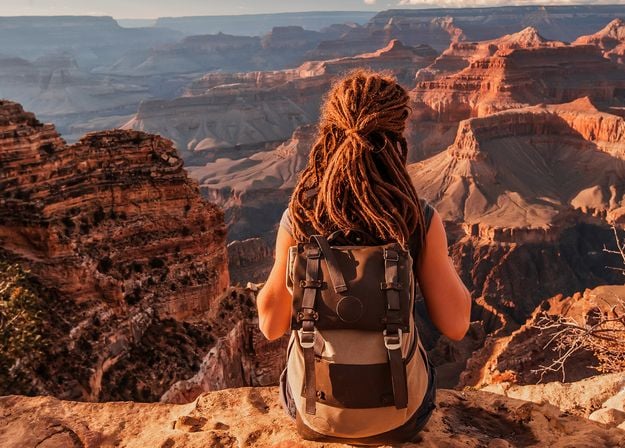
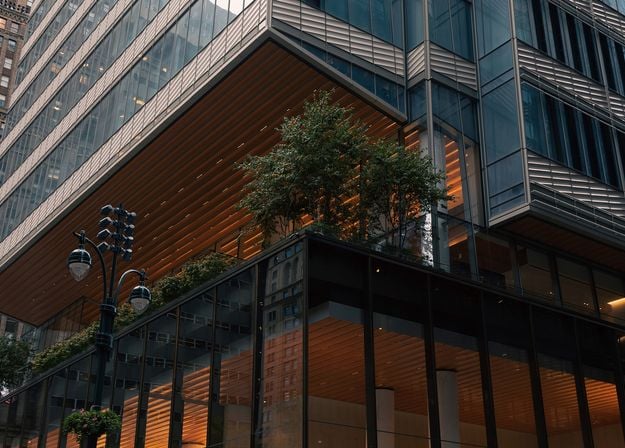
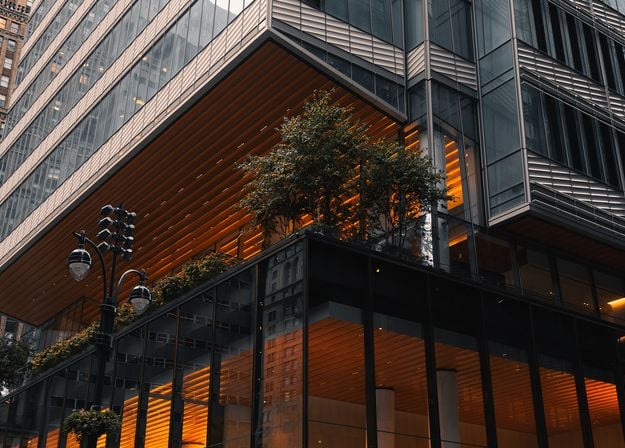
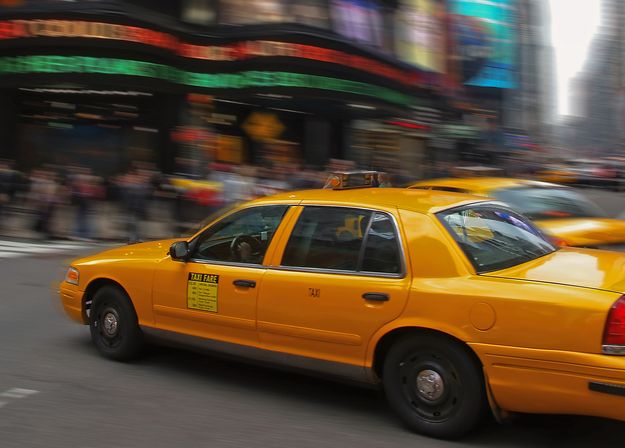
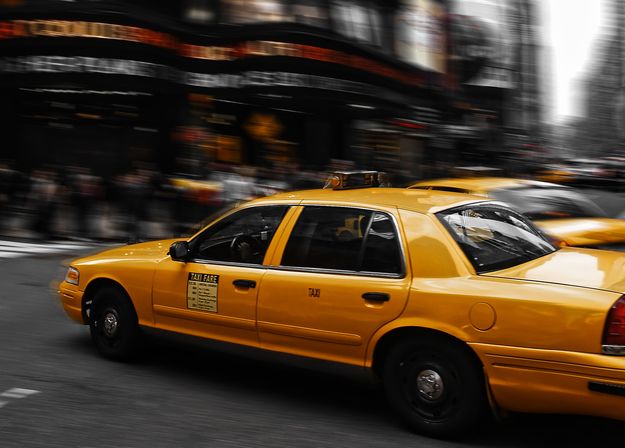


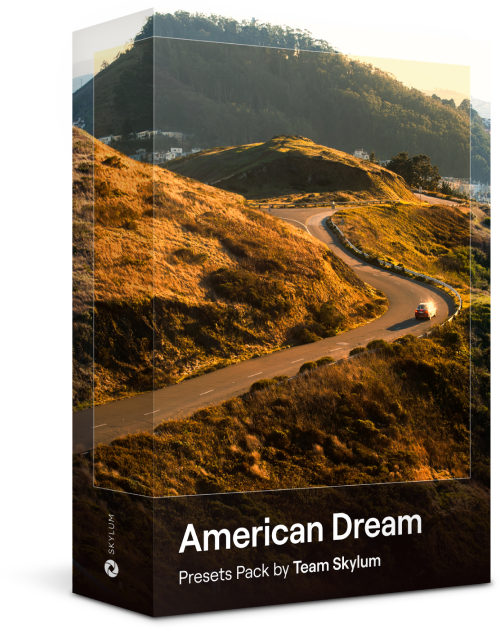
Create fantastic photos during your travels across the USA. Enhance images of landmarks, national parks, and general cityscapes of famous cities. Achieve various stunning effects with a few clicks of these 10 wonderful Presets.
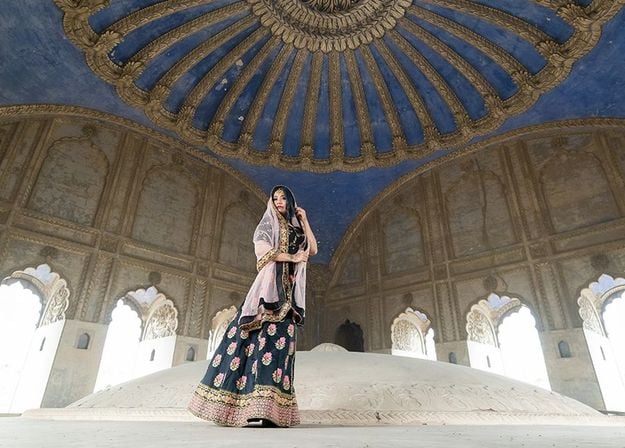
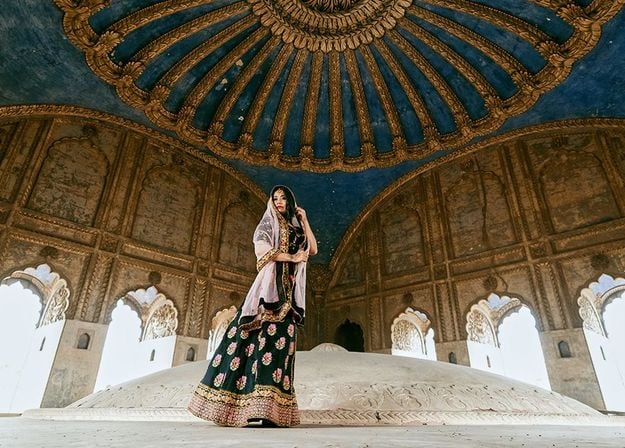
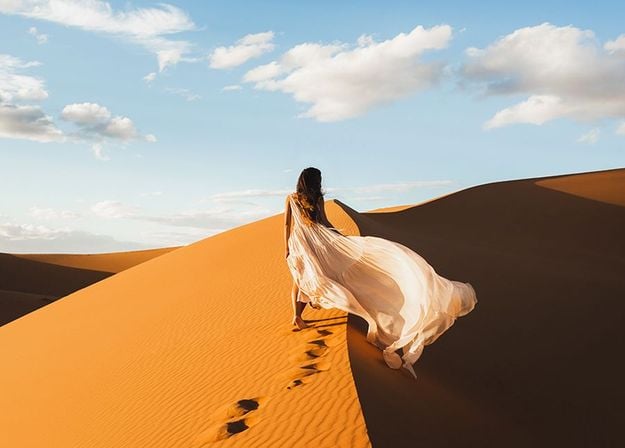
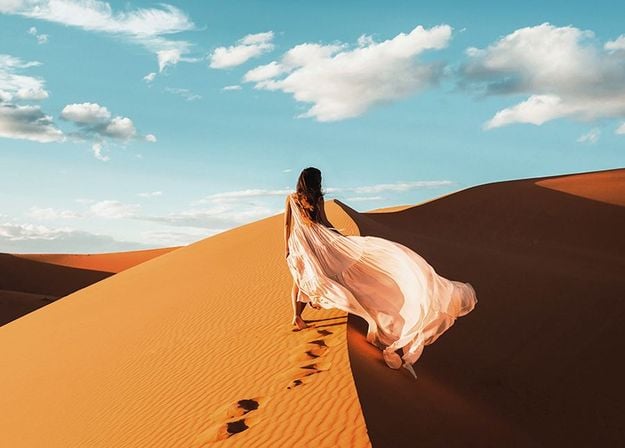
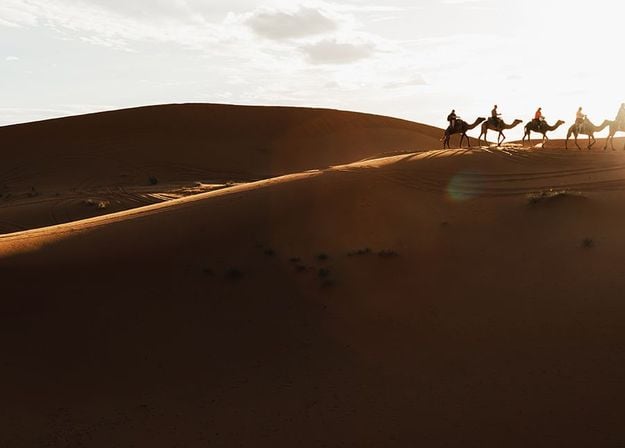
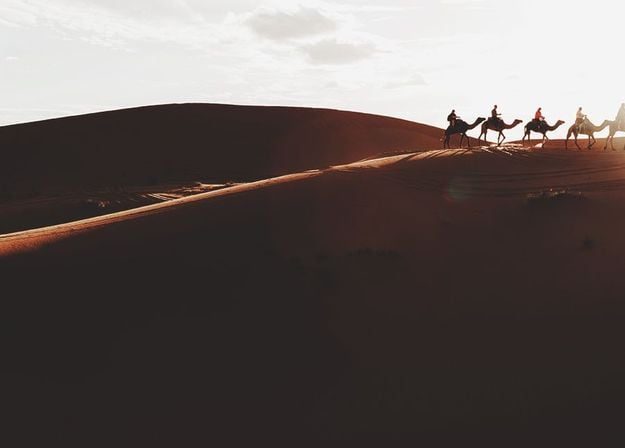
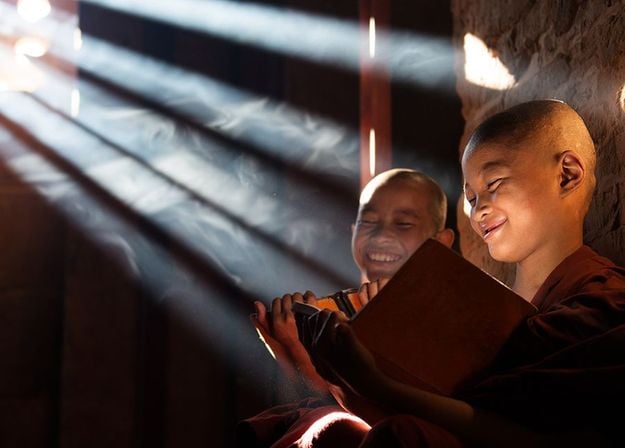
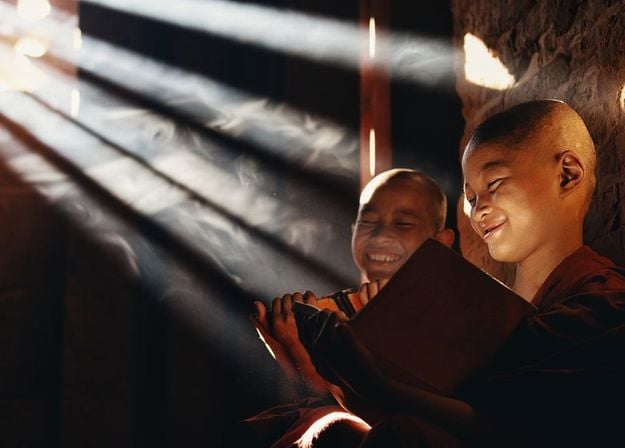
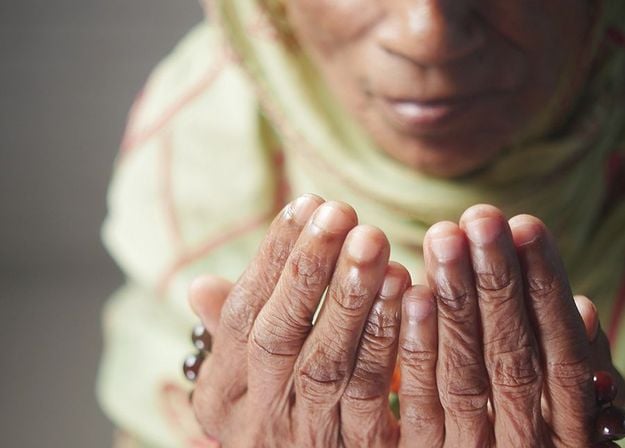
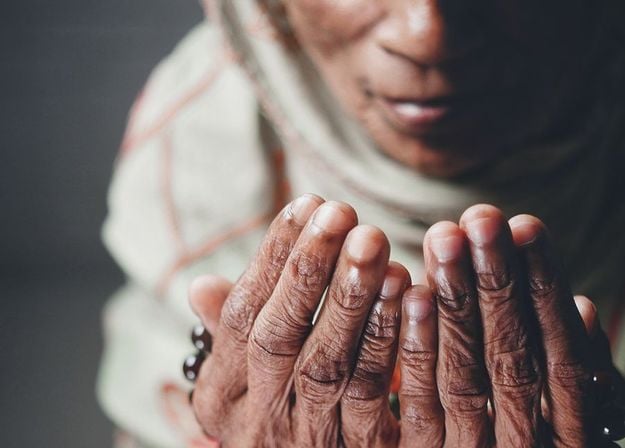


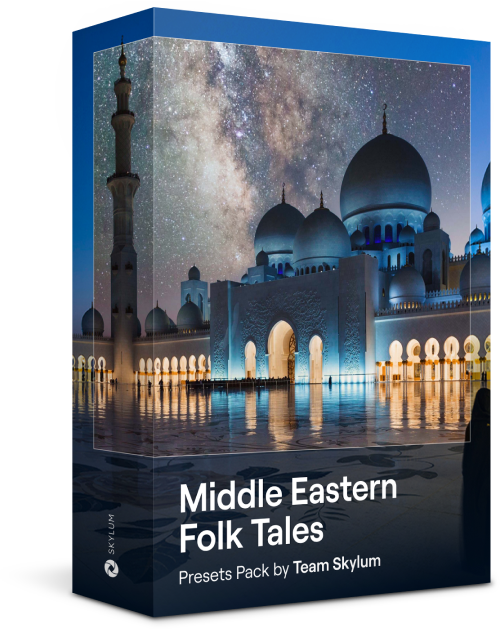
This alluring collection of 10 Presets is designed to bring out the mysterious beauty of Middle Eastern scenery, architecture, street style, and nature. Warm-toned, deep yellow, or blue and golden — you will certainly find a Preset perfect for your photo.
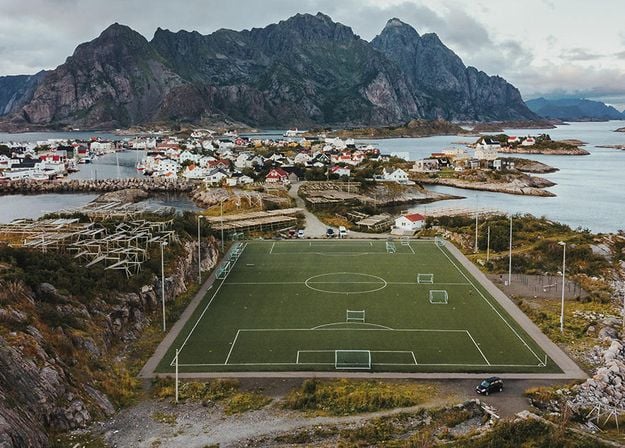
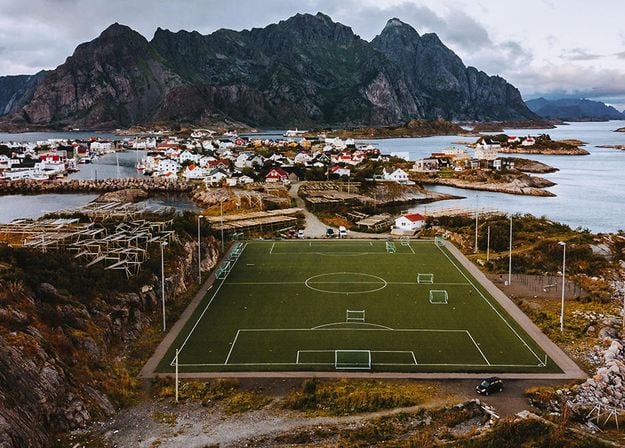
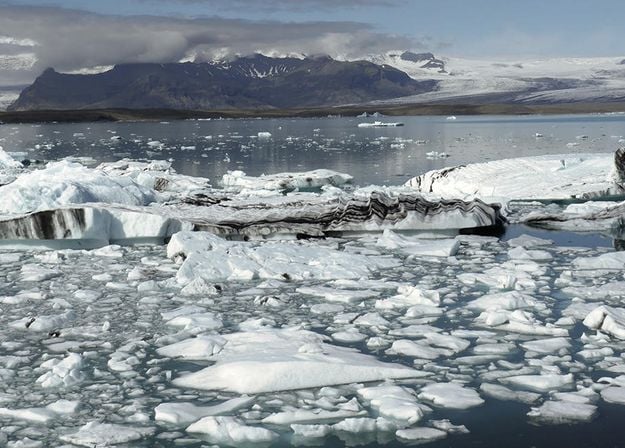
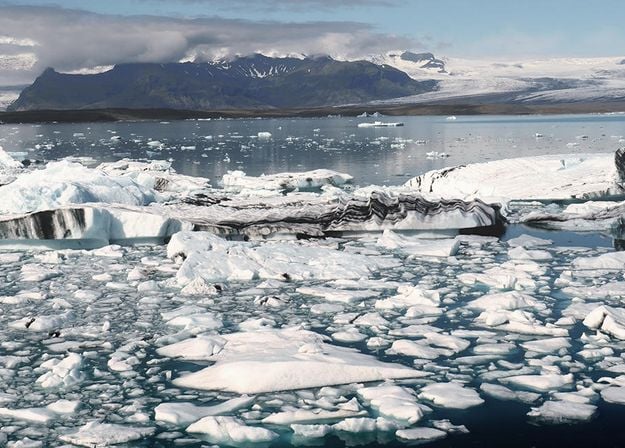
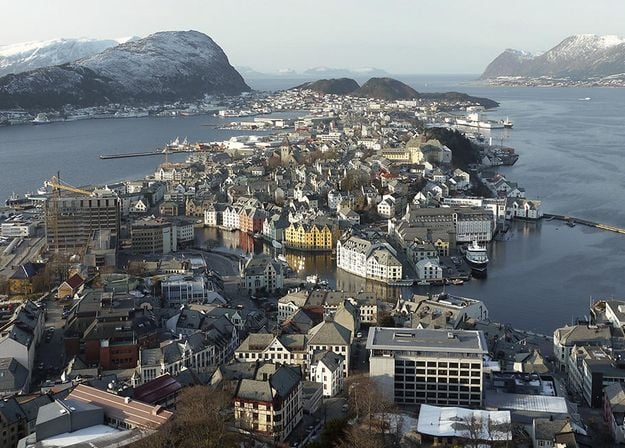
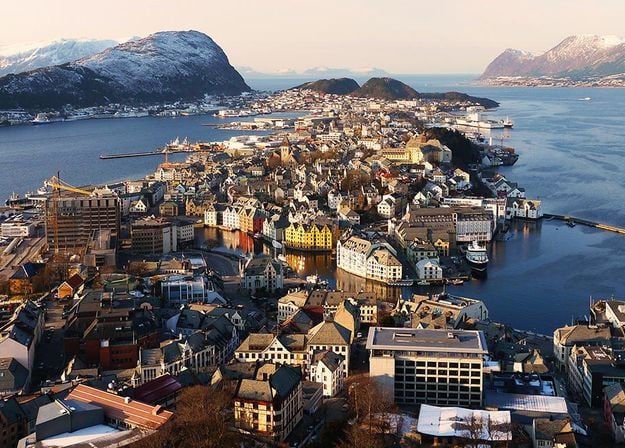
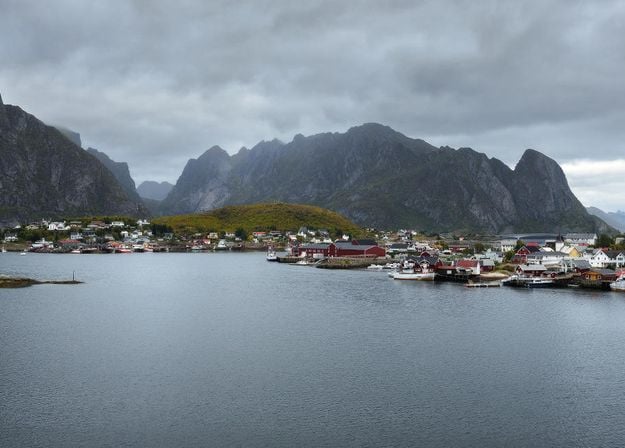
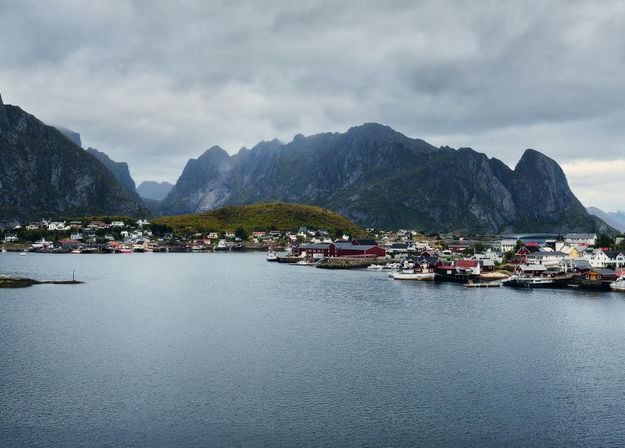
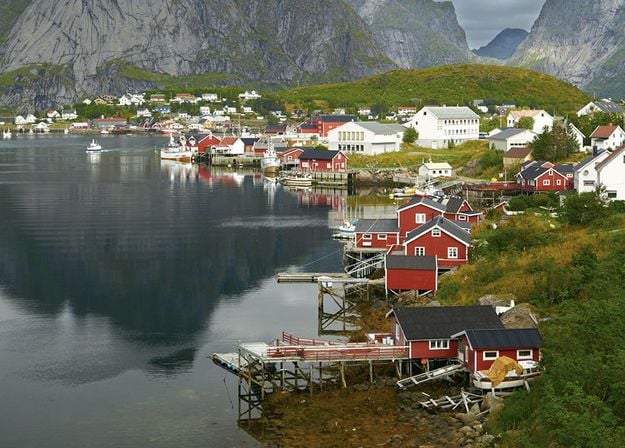
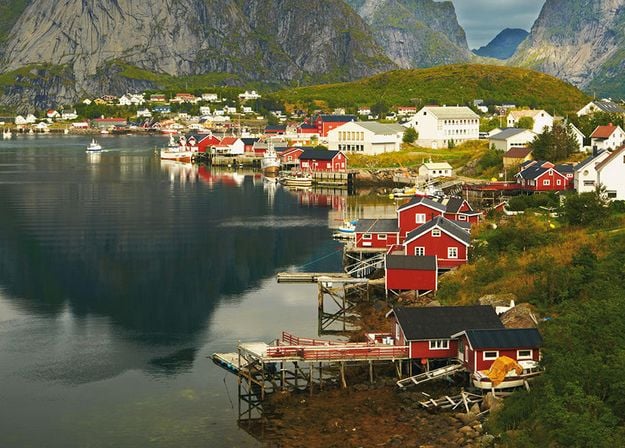


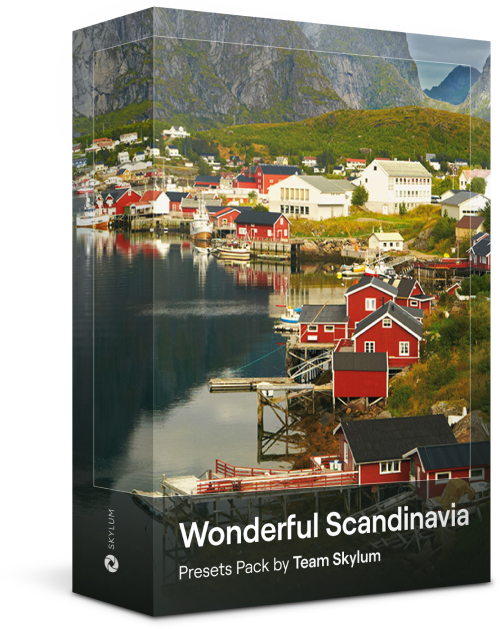
Discover this wonderful collection of 10 versatile Presets that are perfect for your travel photos from Nordic countries. Capture idyllic landscapes, natural wonders, and cozy architectural shots that breathe with the Scandinavian mood. Time to pack your travel bag!
Luminar Video Course
Creative Photo Editing Techniques in Luminar
Introduction & Course Outline
Albert Dros introduces himself and gives a quick overview of what you will learn in this photography and...
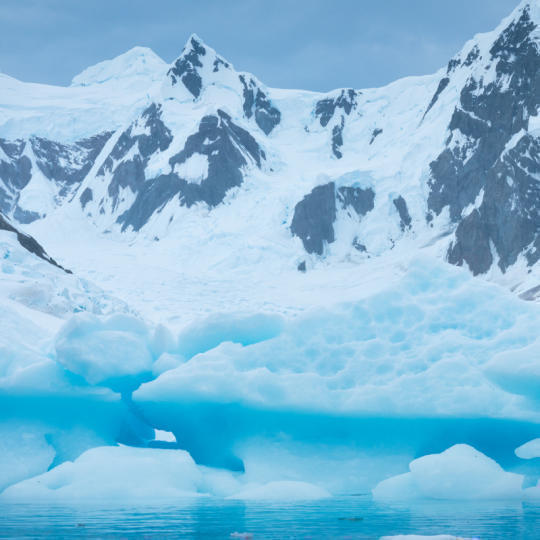
Introduction to Photography
What should you focus on when taking your photos to get the best results?
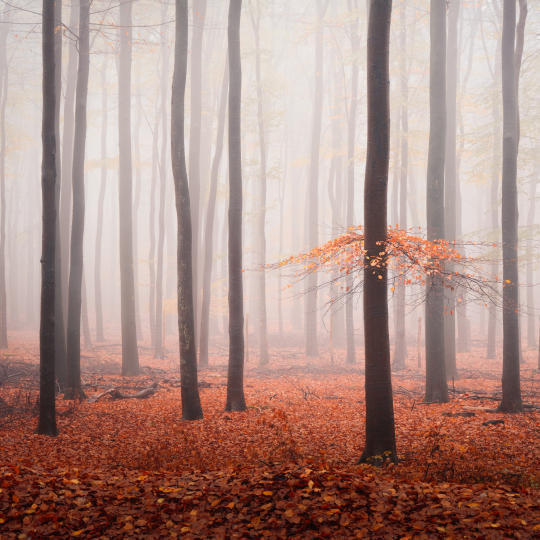
Basic Editing
Albert introduces the layout of Luminar and the basic instruments you can use to achieve great results instantly.
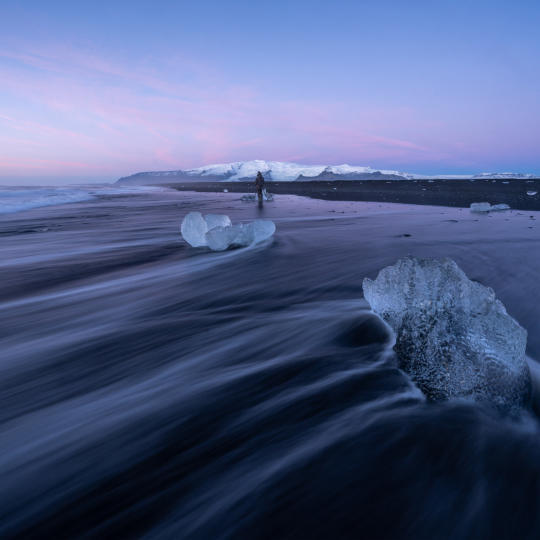
Advanced Editing
Going in depth, Albert shows you the more advanced tools in Luminar and how to use them to make your photos stand out.
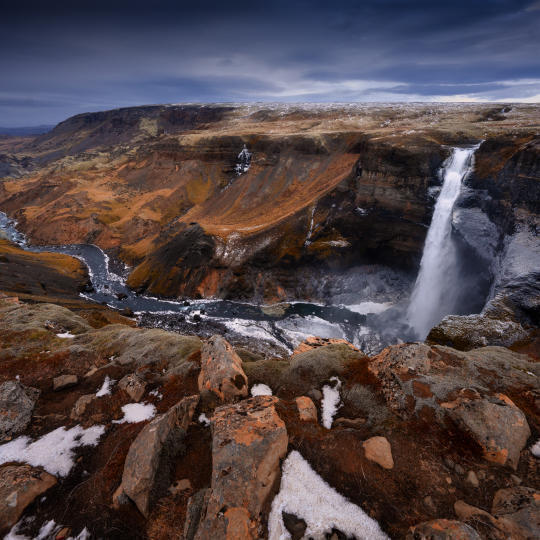
Dramatic Editing
Get creative with your photos! Albert edits a photo with more creative tools to bring forward its dramatic aspects and breathe new life into it.
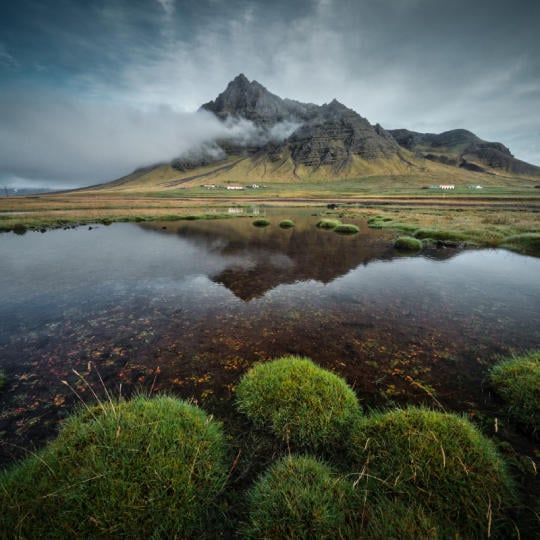
焦点堆叠
Luminar has Extensions that let you get even more impressive results. In this video, you will learn how to do focus stacking with Luminar’s Focus Stacking Extension.
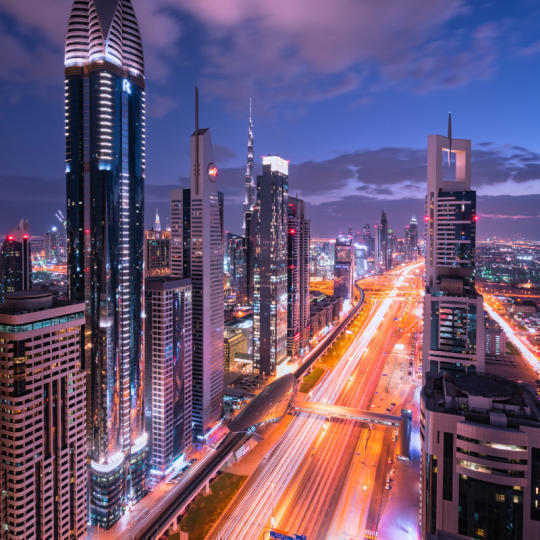
Cityscapes
What makes or breaks a cityscape shot? Take a look at how to transform a photo from Dubai from ordinary to impressive.
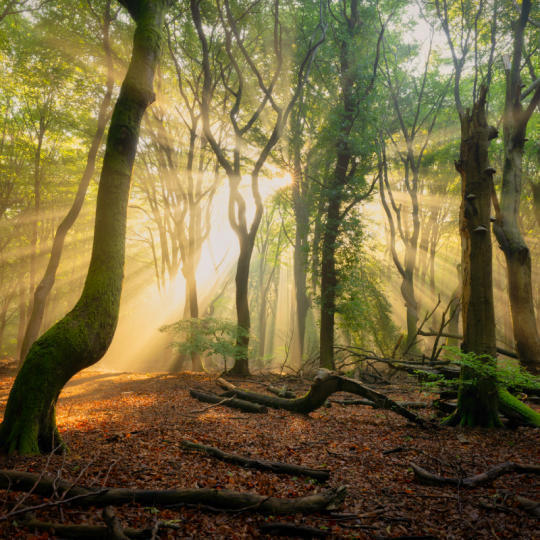
Forests
Find out what Luminar tools Albert uses to make his impressive signature forest photos. Look out for Atmosphere AI, Sunrays, and other tools!
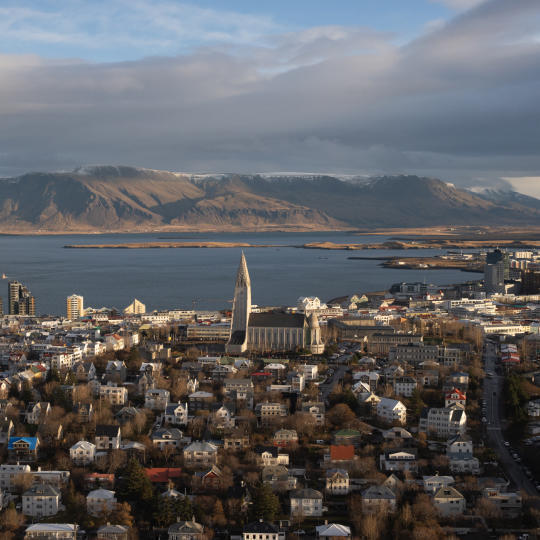
预设置
Learn to use Presets to quickly get interesting color solutions in your photos. Albert guides you through using Presets to make even more beautiful forest shots.
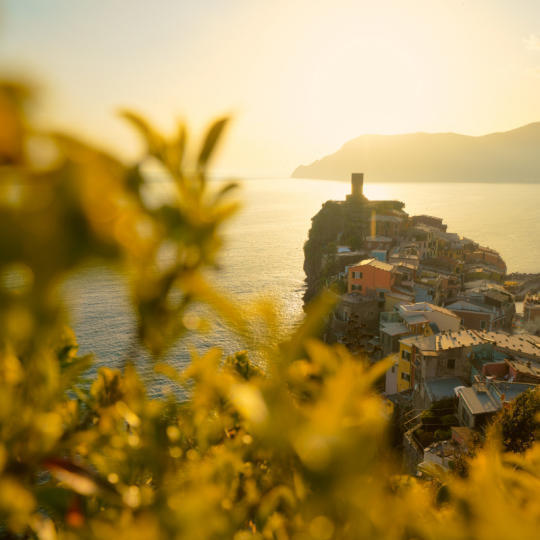
Course Summary
Get a quick summary of everything you have learned in this course. Happy creating!
阿尔伯特·德罗斯
PHOTOGRAPHER, WRITER AND EDUCATOR
Albert Dros is a Dutch landscape photographer who has an extraordinary passion to plan and create unique shots. Volcanoes, solar eclipses and unique aspects of nature draw his attention. He doesn’t just go for the simple shot.
"Go big or go home" is his motto, always trying to add some unique element to his shots.
His work has been recognized on a worldwide scale and he has been published worldwide in the biggest media outlets.
Albert travels a lot as a photo educator but also for personal projects. But even in The Netherlands, he can’t stop photographing. His inspiration never stops.
可独立运作:

macOS

Windows
可作为插件使用:

Adobe Photoshop®

Adobe Lightroom® 插件

Apple Photos®
可独立运作:

安卓

iOS

ChromeOS

深受超过一百万
摄影师和机构信赖

屡获殊荣的软件
配备直观的 AI 智能控制
您需要使用 Luminar 并连接互联网。请确保您的设备满足 Luminar 的系统要求。
在 Luminar 中打开照片,切换到“预设”或“编辑”选项卡。点击 AI Assistant 图标,然后输入您的请求或选择一条建议提示。按 Enter 键或点击箭头发送。详细说明请访问 AI Assistant 用户指南。
AI Assistant 支持 Luminar 所支持的 RAW 和非 RAW 图像格式。AI Assistant 不对文件大小或分辨率设置特定限制。
AI Assistant 支持 17 种语言:英语、德语、西班牙语、法语、意大利语、日语、韩语、葡萄牙语、荷兰语、简体中文、繁体中文、乌克兰语、波兰语、瑞典语、挪威语(书面挪威语)、丹麦语和捷克语。
使用以下键盘快捷键,更高效地使用 AI Assistant:
您可以描述一项编辑、寻求建议、请求创意方案、询问有关当前照片的问题,或学习如何使用 Luminar 的工具。例如,试试“让它更温暖”、“替换天空”、“给我三种创意风格”或“如何让色彩更柔和?”AI Assistant 专为照片编辑和 Luminar 相关指导而设计,不适用于导出或分享照片等一般任务。
AI Assistant 可配合 22 种 Luminar 工具使用,帮助您调整光线、色彩和色调,使用人像和天空编辑工具,移除干扰元素,并探索创意效果。它可以应用您指定的更改、推荐创意预设、分析您当前的编辑,并建议改进照片的方法。它还可以回答有关 Luminar 功能的问题,并说明应使用哪些工具。
不会。每张照片都有各自的 AI Assistant 聊天。要获取另一张图片的建议,请切换到该照片并开始单独的对话。
AI Assistant 会在您的编辑会话期间保留当前照片的聊天记录,方便您在操作时回顾之前的建议。关闭 Luminar 或切换到另一张照片时,记录将被清除。AI Assistant 不会存储您的照片。
可以。应用编辑后,请打开“编辑”选项卡微调可用的工具和滑块。AI Assistant 会将其更改作为预设应用,所应用编辑的顺序是固定的,但您可以调整单项设置,使其更符合您的构想。
您向 AI Assistant 发出的请求次数没有固定上限。您可以在处理照片时请求编辑、探索不同的创意方向,或寻求更多指导。
AI Assistant 可以直接应用某些编辑,而其他请求可能需要您手动使用 Luminar 的编辑工具。如果某项请求无法直接完成,AI Assistant 可以引导您找到合适的工具。
AI Assistant 直接编辑图像的这些限制取决于您所请求的编辑类型。有关支持功能的详细信息,请参阅 AI Assistant 用户指南。
