

自動更新
1 年內續訂 $ 33 .00

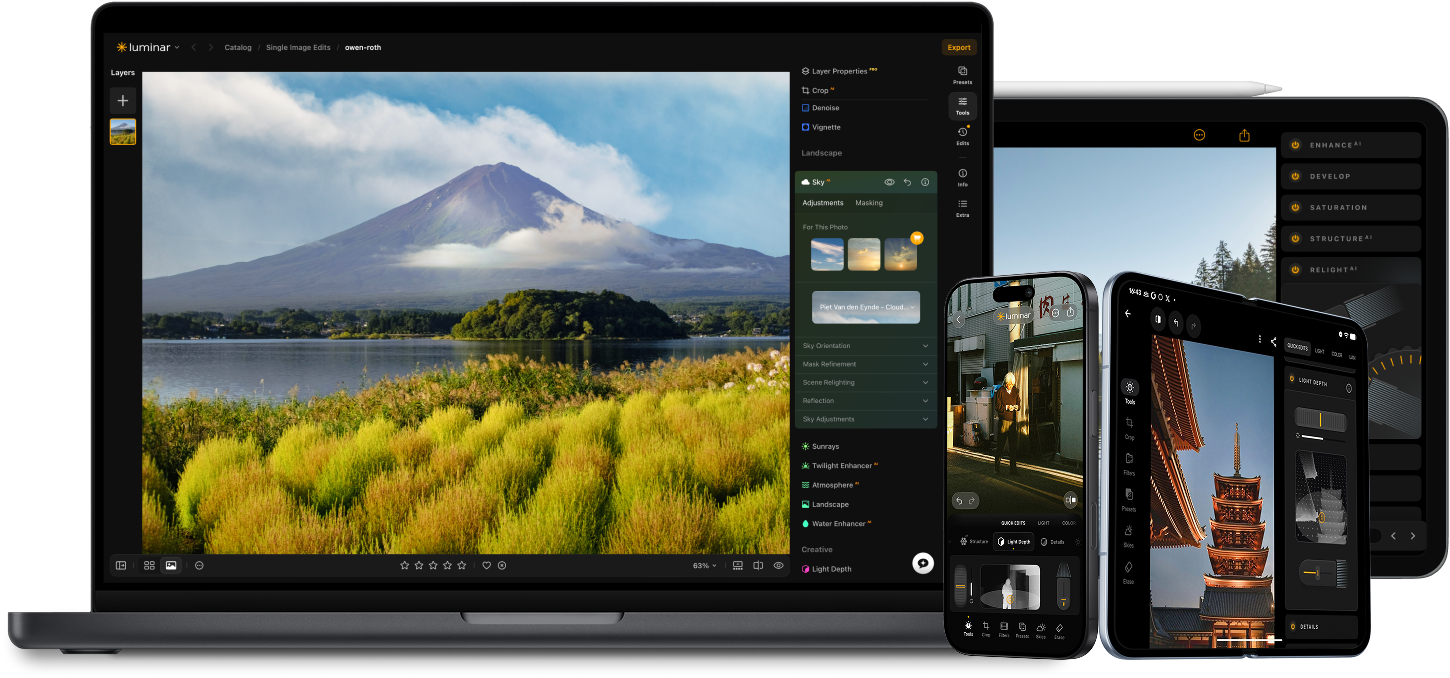
只要選擇照片,Luminar 的 AI 即可瞬間精準摳圖。無需蒙版或手動編輯。
讓每張產品照片看起來都乾淨專業。去除影像背景,保持光線一致,節省大量手動編輯時間。
將背景改為純色、漸層色或全新的場景。只需幾秒鐘,無需圖層或複雜工具。
讓你的肖像照擁有應有的背景——從柔和的影棚色調到風景如畫的戶外景色。每種背景都能自然融合,保持真實感。
使用 Luminar 的 AI 驅動的照片編輯工具提升您的攝影水平。

添加逼真的霧氣 新的

數秒內增強 新的

修正構圖 新的

列印 新的

優化每個像素

自然平滑肌膚

修復舊照片

銳化每個細節

精確降噪

去除干擾

添加立體光效

即時替換天空

跨裝置編輯

在網頁圖庫中分享編輯成果
數秒內增強 新的

揭示隱藏的細節

增強對比度
修正構圖 新的
優化每個像素

改善顏色

雕塑光與影
即時替換天空

重現黃金時刻
添加逼真的霧氣 新的
去除霧霾

以光線增亮

加深傍晚色調

完美的水紋理
去除干擾

擴展你的場景

無縫替換物體
修復舊照片
銳化每個細節
精確降噪

無損放大
添加立體光效

增加光澤深度

輕鬆調色

用霓虹照亮

添加電影質感

疊加創意效果

創造夢幻般的
散景效果
自然平滑肌膚 改善

增強面部特徵 改善

雕塑身體比例

優雅地虛化背景

添加攝影棚燈光

輕鬆替換背景

時尚地提亮

合併多重曝光

拼接寬幅全景

堆疊對焦照片

您的特別九折優惠即將到期 15:00
全平台
一次付費,永久使用應用程式
$ 139 .00
$ 477 .00
-71% OFF30天退款保証
立即購買產品:
已包含:
Luminar 桌面版、行動版、網頁版:永久屬於您。AI 工具可在 365 天後透過 Luminar Prime 續訂。
*365 天可存取 AI 工具。須遵守合理使用政策。
最受歡迎
Max
一次付費,永久使用應用程式
$ 159 .00
$ 546 .00
-71% OFF30天退款保証
立即購買產品:
Luminar Prime:
Luminar 桌面版、行動版、網頁版:永久屬於您。新增及生成式 AI 工具,以及資產庫使用權限:365 天。
*365 天可存取 AI 工具。須遵守合理使用政策。
僅限桌面版
一次付費,永久使用應用程式
$ 99 .00
$ 417 .00
-77% OFF30天退款保証
立即購買產品:
已包含:
Luminar: yours forever. AI Tools renewable after 365 days with Luminar Prime
*365 天可存取 AI 工具。須遵守合理使用政策。
One-time exit offer
This code is yours only for this visit — stack it on top of up to 77% OFF Luminar Lifetime. Pay once, edit forever.
Your one-time code · copy & use now
Code expires in 15 m : 00 s
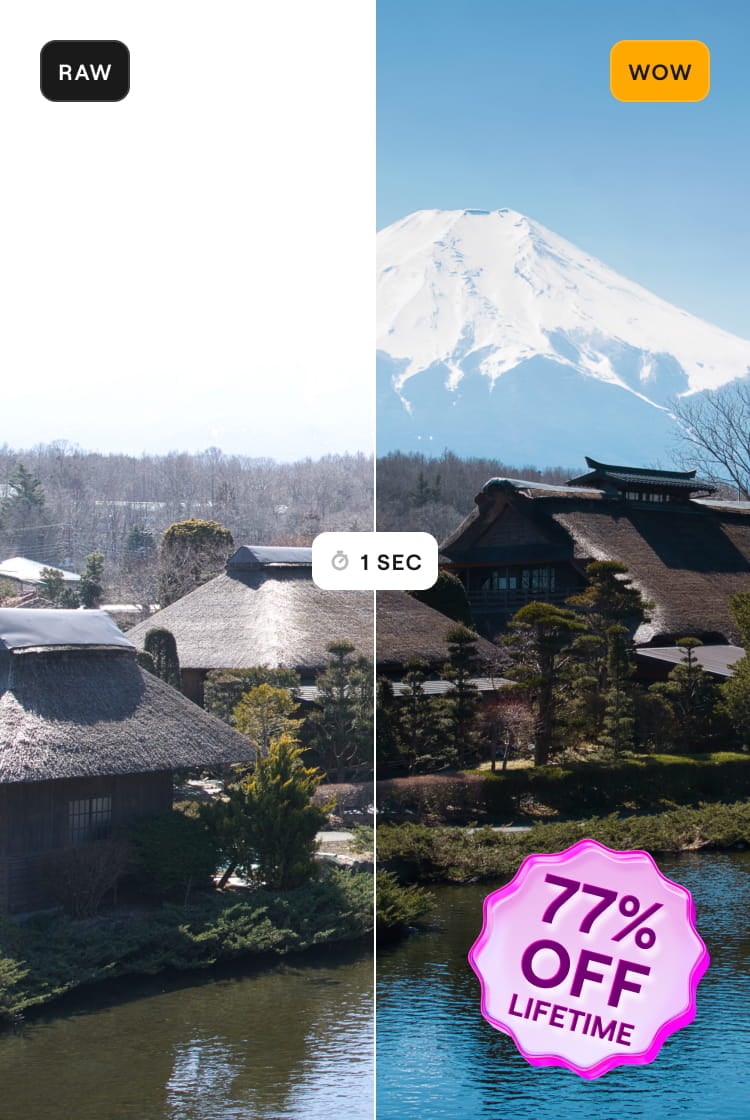
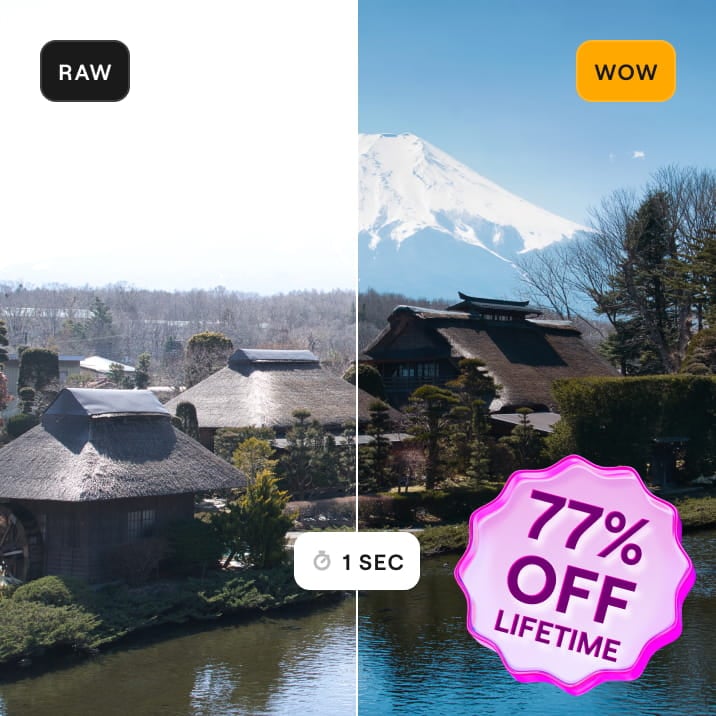

適用於 Windows/MacOS 的桌面,以及一年內所有生成工具的完全存取權。
Luminar 影片課程
適用於 Windows/MacOS 的桌面,以及一年內所有生成工具的完全存取權。
適用於 iOS/Android/ChromeOS 的行動應用程式
Luminar 影片課程
適用於 Windows/MacOS 的桌面,以及一年內所有生成工具的完全存取權。
適用於 iOS/Android/ChromeOS 的行動應用程式
Luminar 影片課程
100 Creative Add-ons
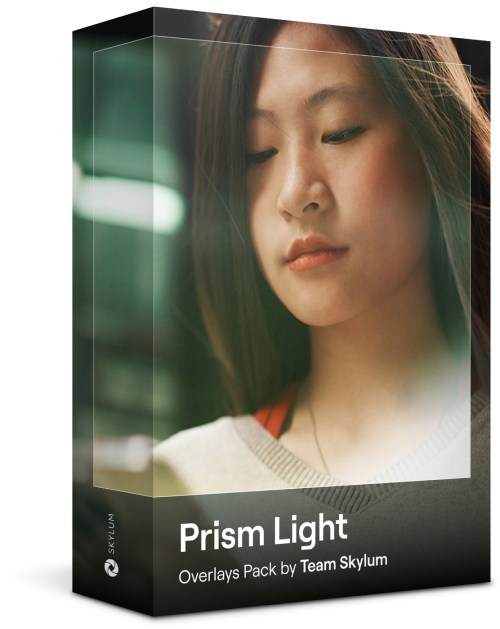




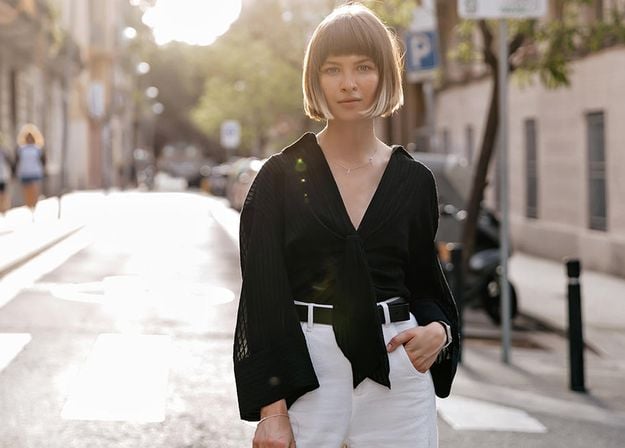
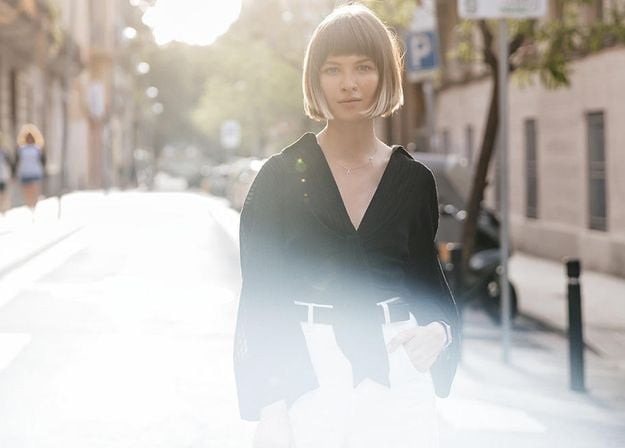
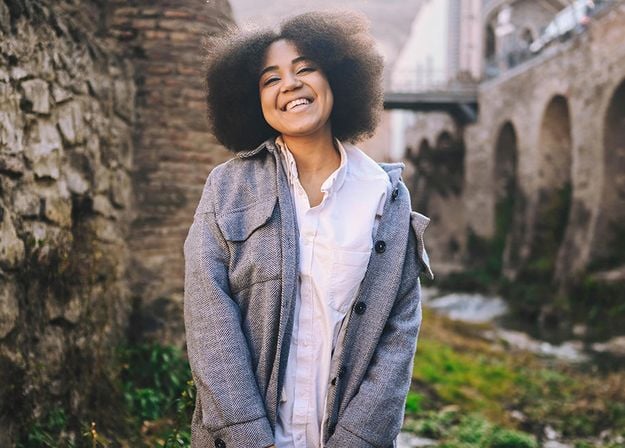
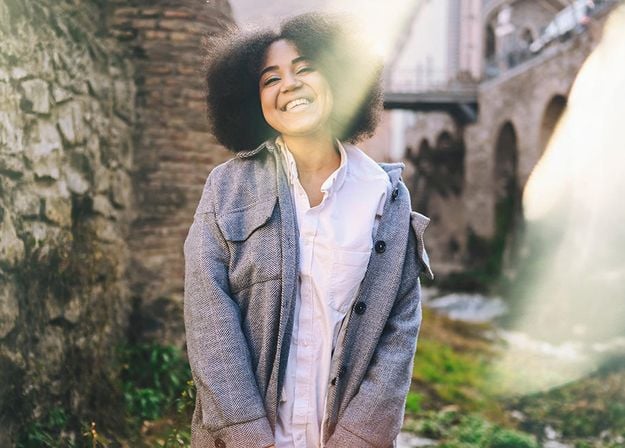




Create atmospheric images with these 10 Overlays in JPEG format that contain shimmering lights and flares in various colors. Make sure to use them with Luminar’s Layers and/or the Portrait Background Removal tool, and experiment with your photos in any genre. You can add an interesting light effect or make the subject stand out in new ways, all in just a few clicks. Time to try it out!
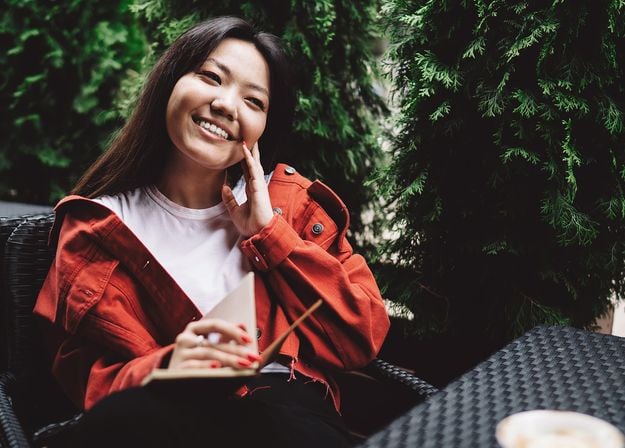
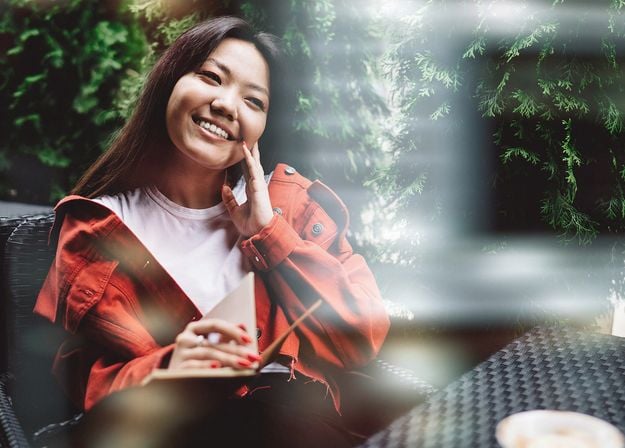
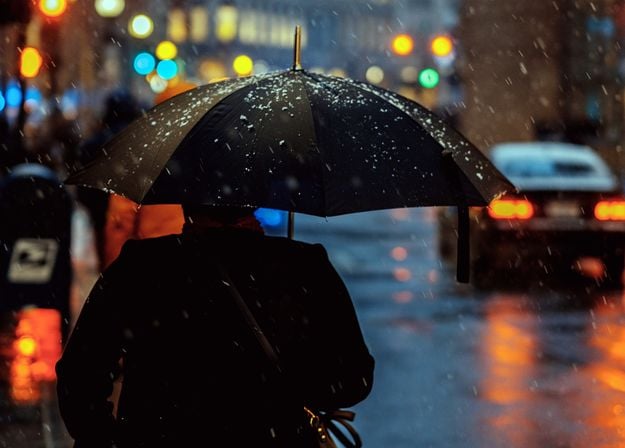
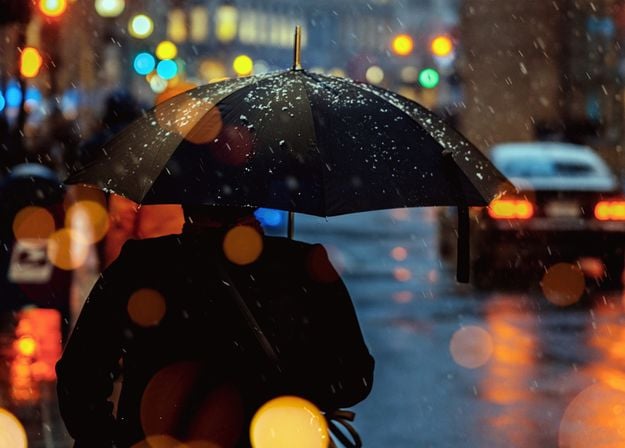
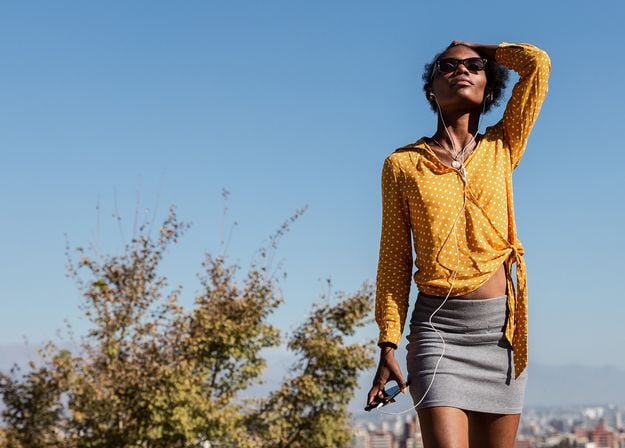
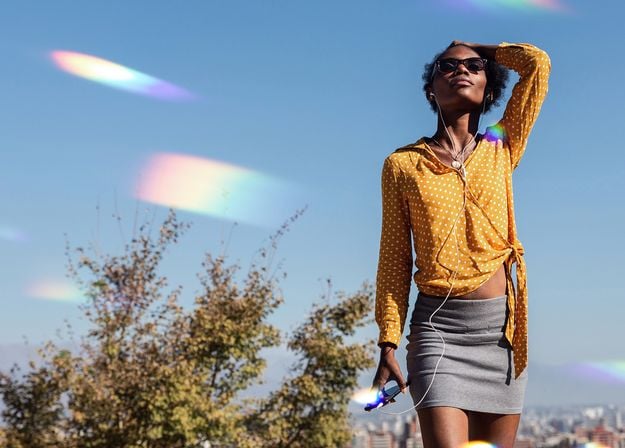
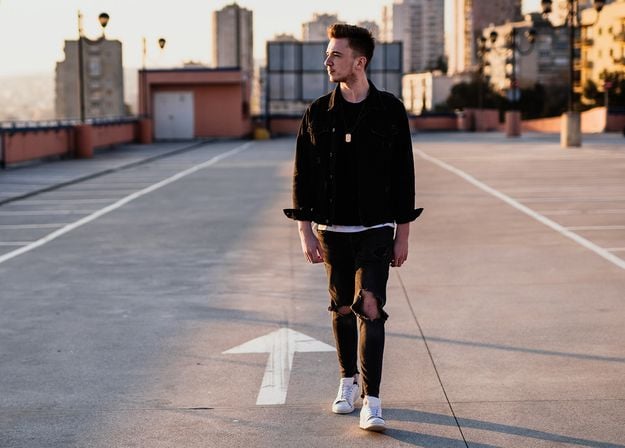
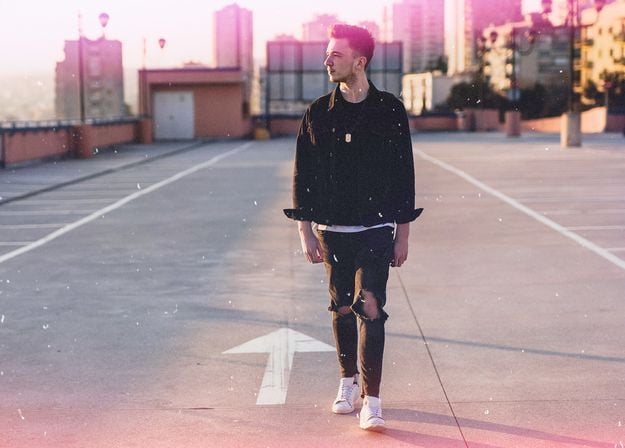
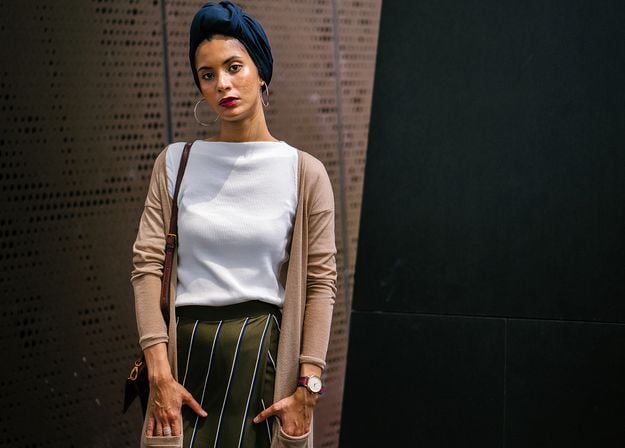
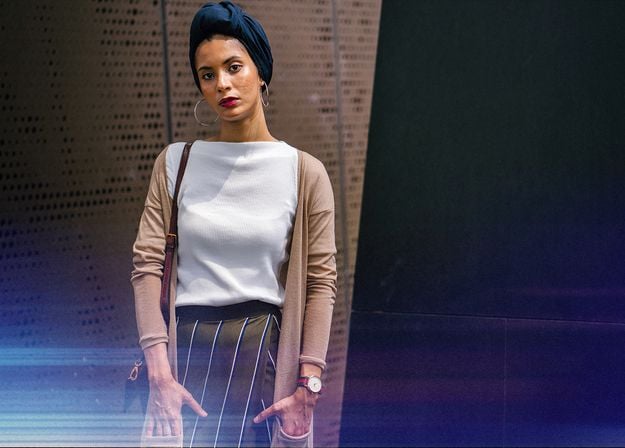


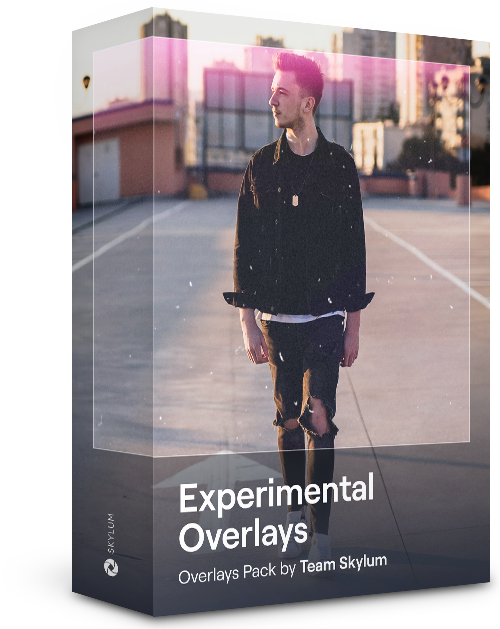
Feel like adding a touch of something extra to your photos? Discover these 10 Experimental Overlays in JPEG format that you can easily use with Luminar’s Layers feature to transform any photo into a shot that catches the eye. Choose from 10 mesmerizing effects of different colors and shapes, and create a unique mood in a few clicks. From pink hues to golden circles, you’ll certainly find an Overlay perfect for your next masterpiece.
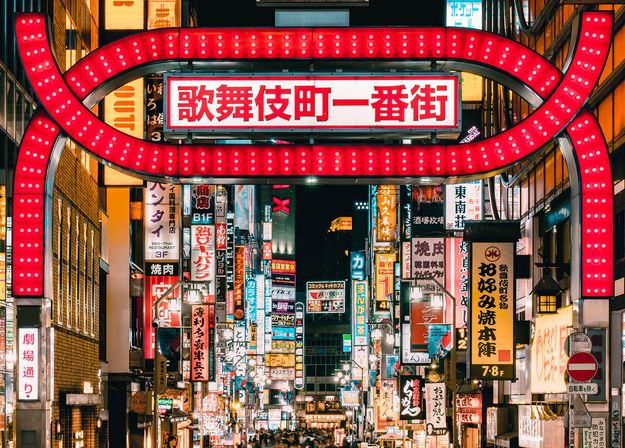
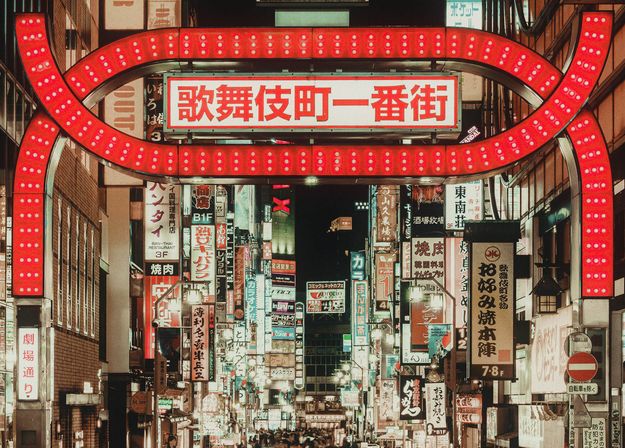
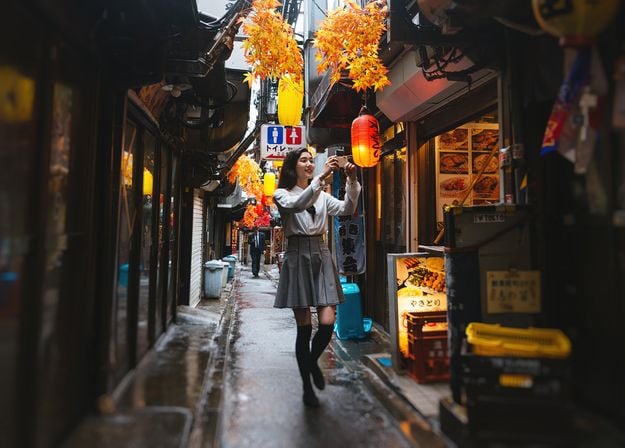
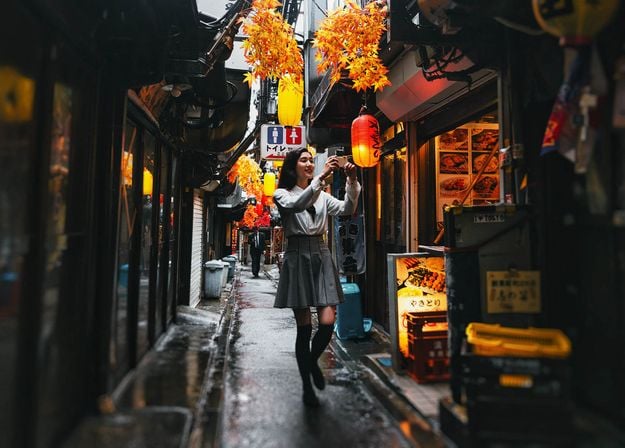
_after.jpeg?q=80&w=625&h=448&resize=cover)


_after.jpeg?w=54&h=30&resize=cover)
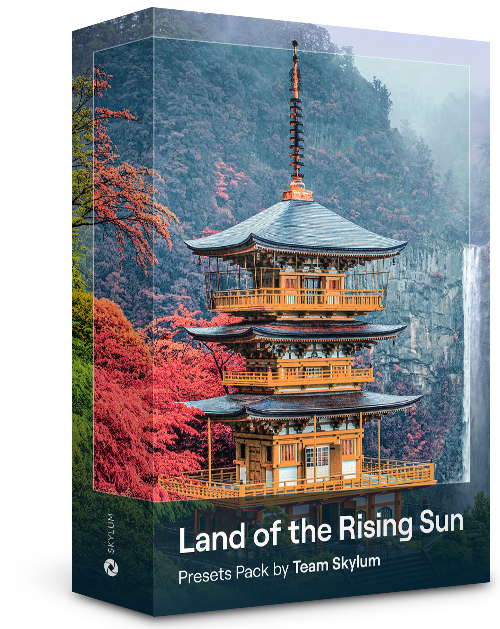
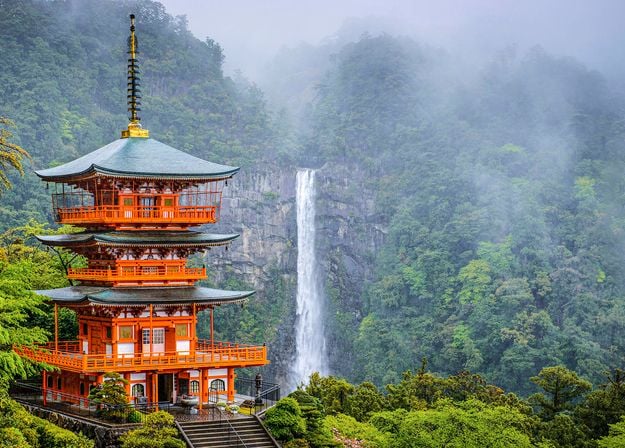
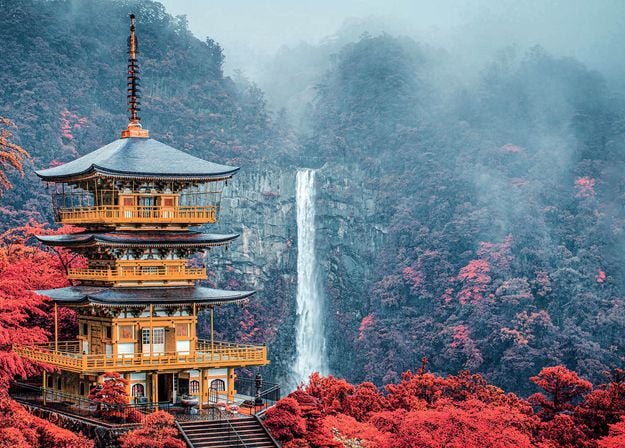
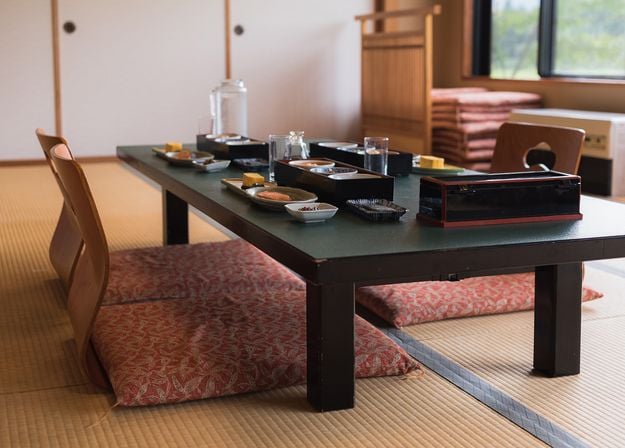
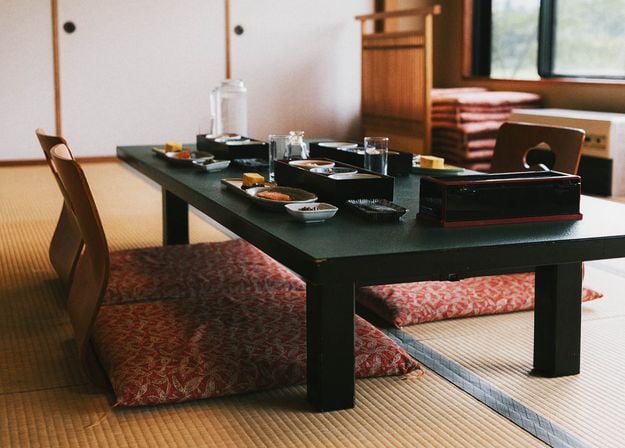
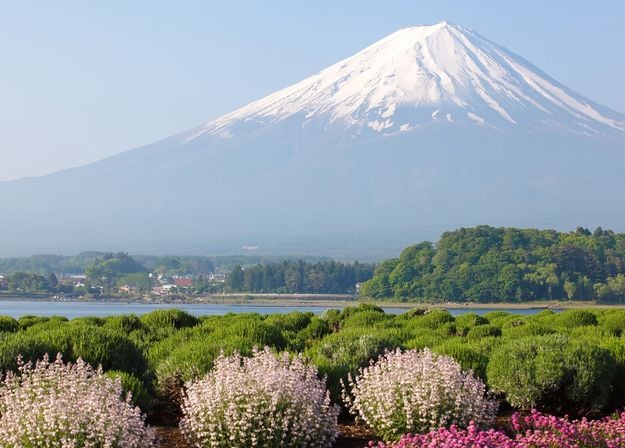
Enhance photos that you captured during a trip to Japan, or the ones that you want to have an atmospheric feeling reminiscent of the Japanese style. From landscapes, to iconic sights, to photos of food — this pack is incredibly versatile!
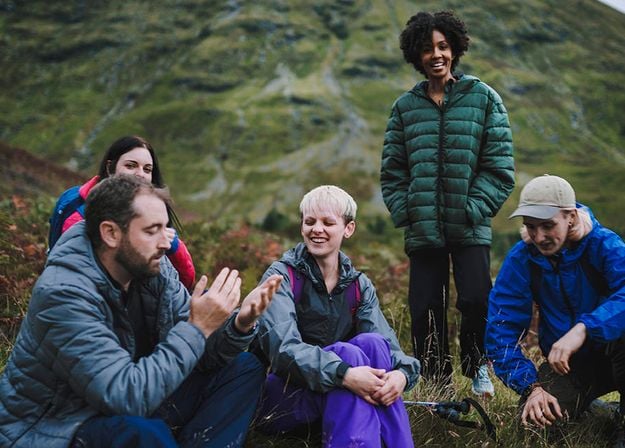
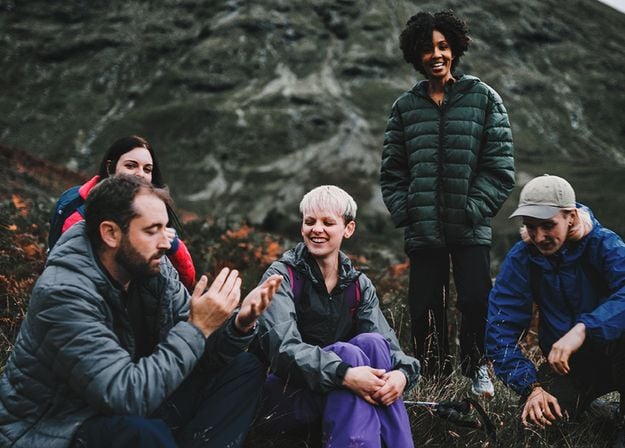
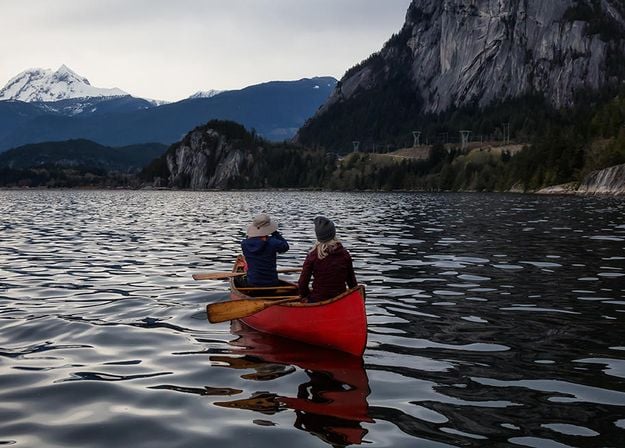
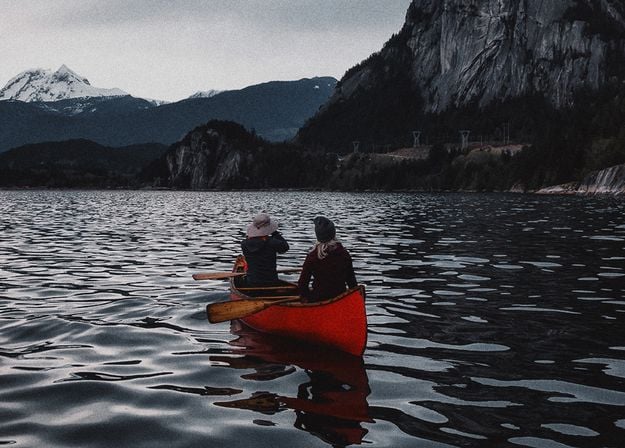
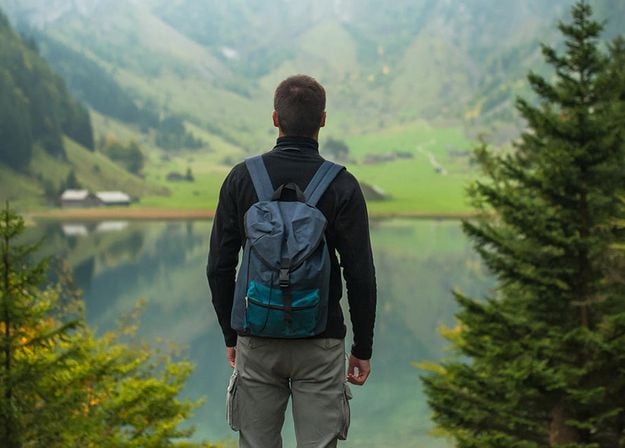
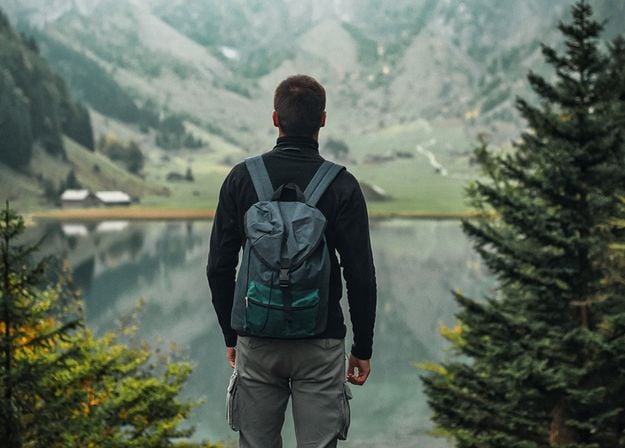
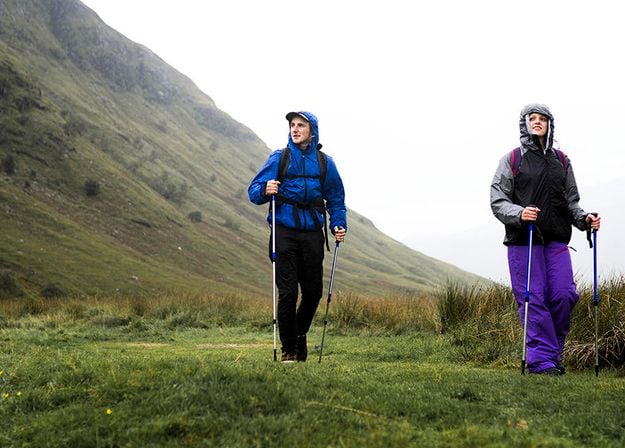
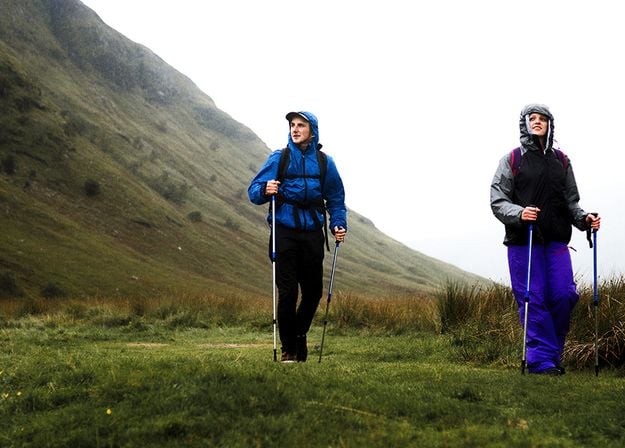
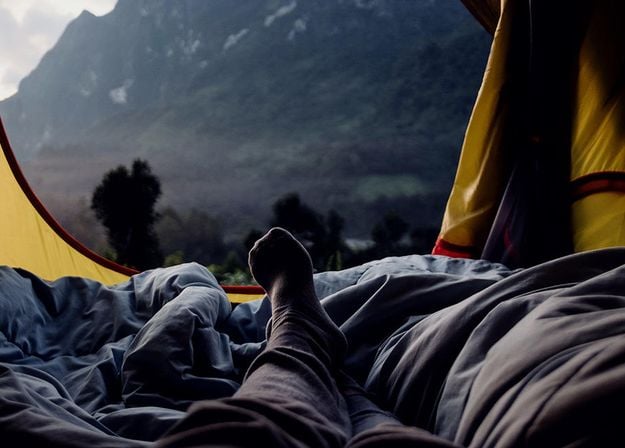
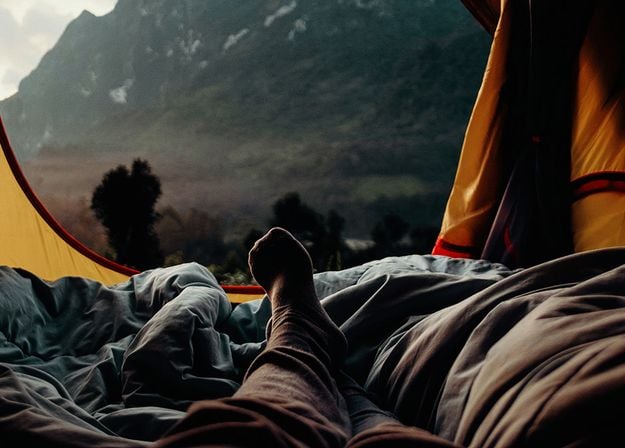


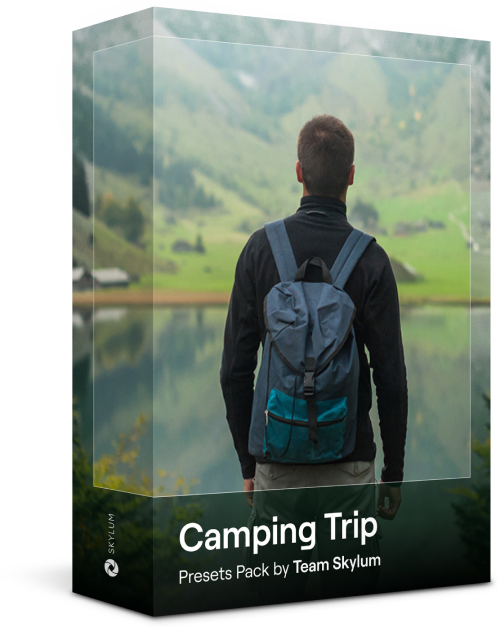
Designed to give your camping and hiking photos their best look, these 10 Presets are here to give your outdoor photos a natural, vibrant look. Whether you’re capturing shots of majestic mountains or cozy campfires, bring out the best in your images in one click.
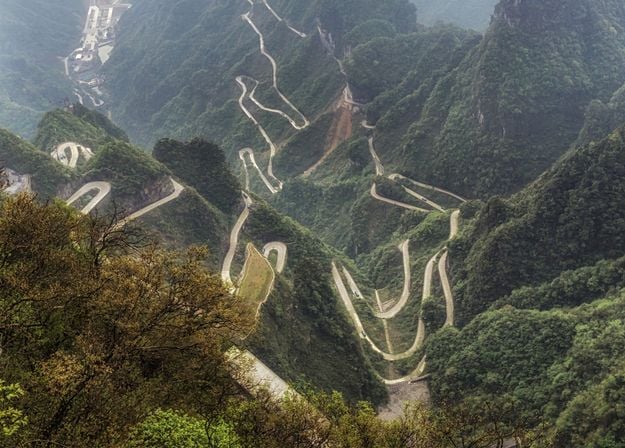
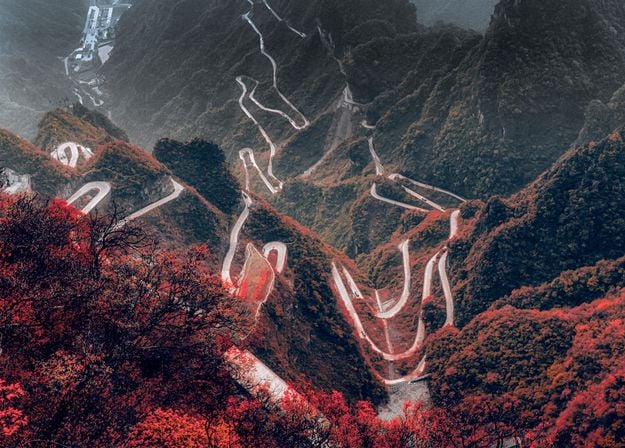
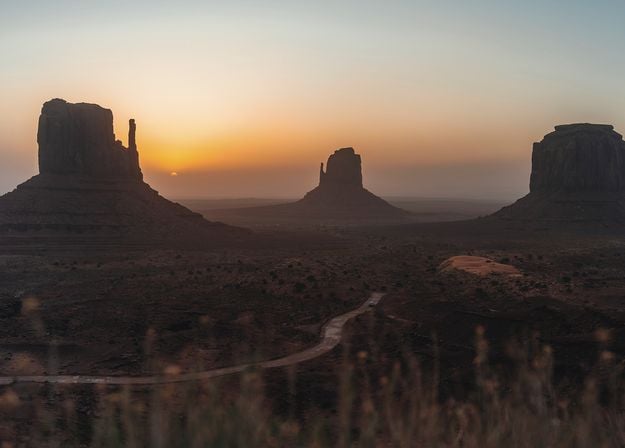
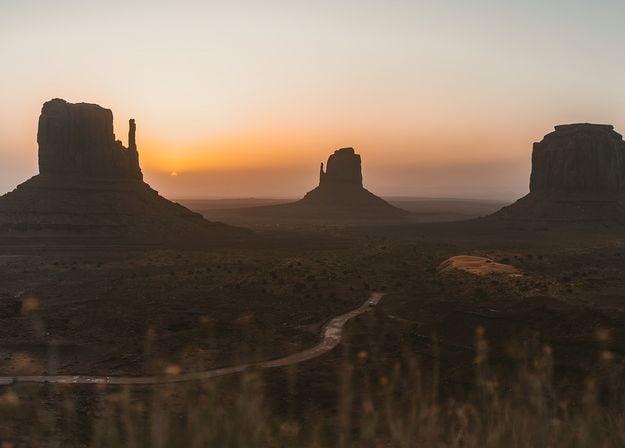
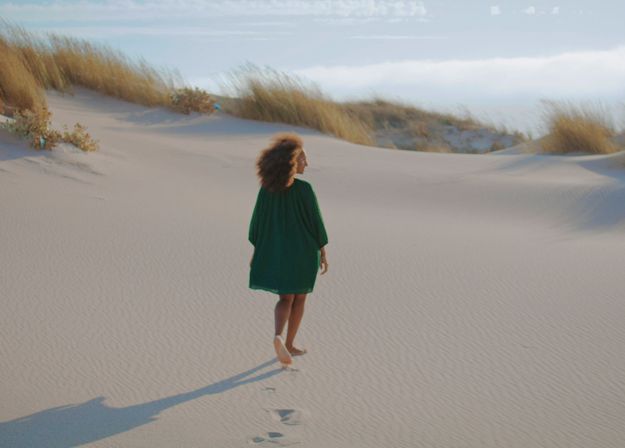
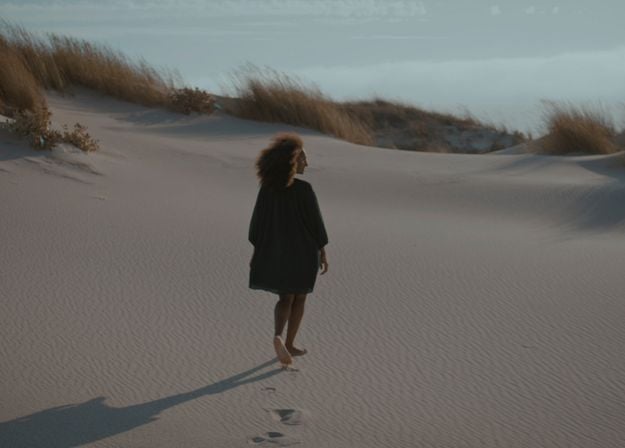
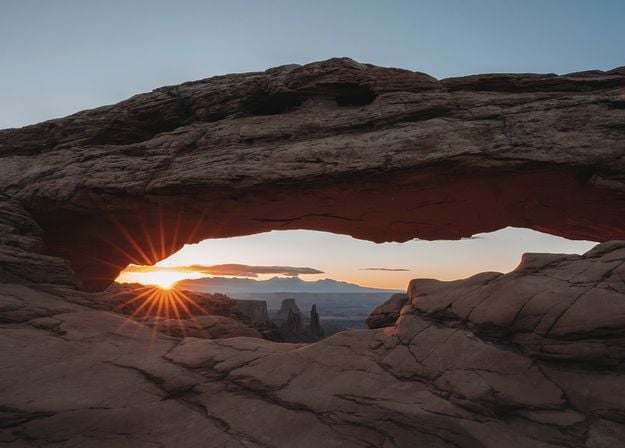
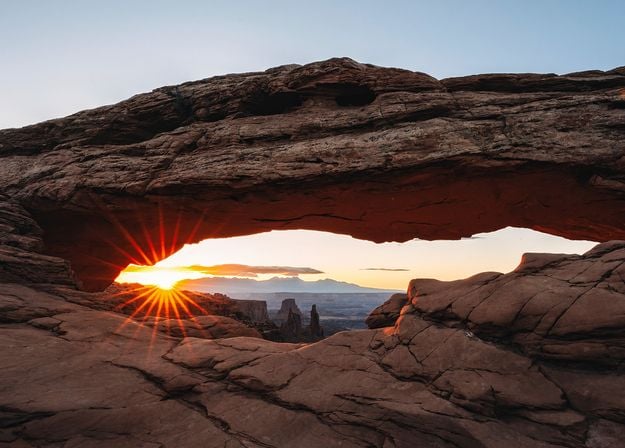
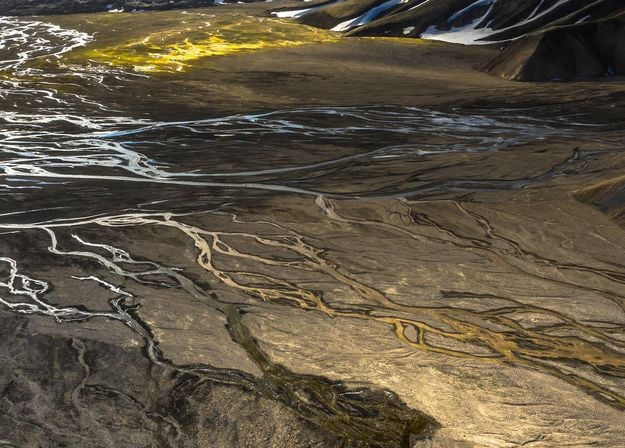
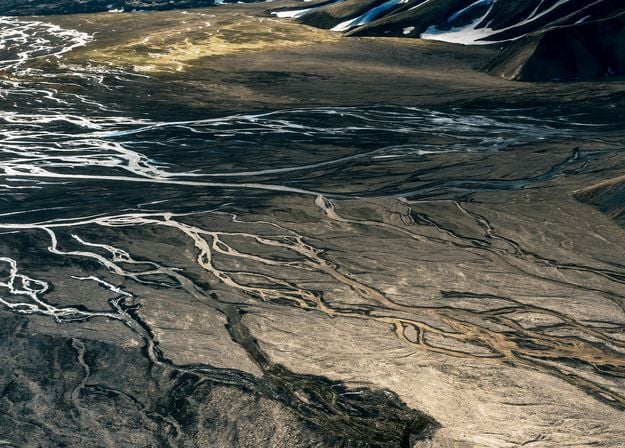


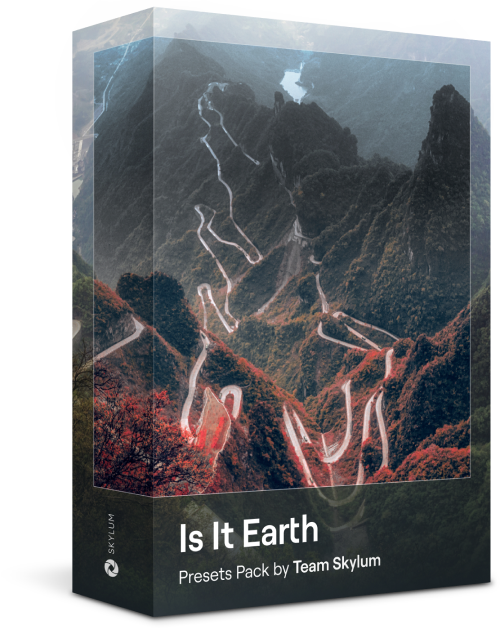
Is it still Earth, or are we on an alien planet? This collection of 10 extraordinary Presets is designed to give your landscape photos an ethereal, otherworldly feel. Transform ordinary landscapes into surrealistic scenes with vivid colors that will immediately draw the viewer’s eye.
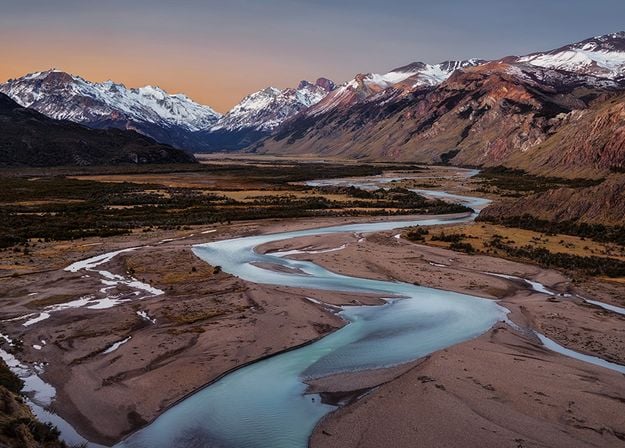
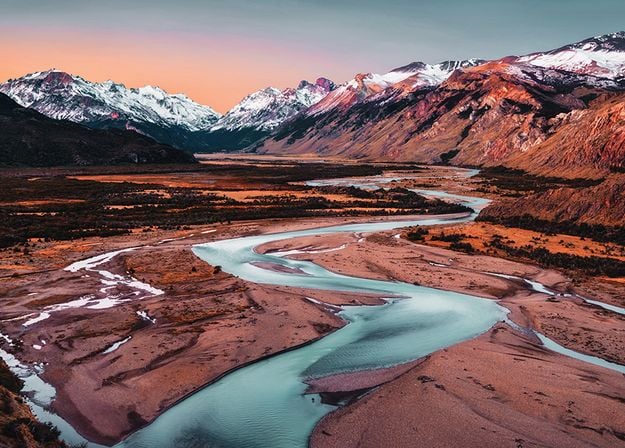
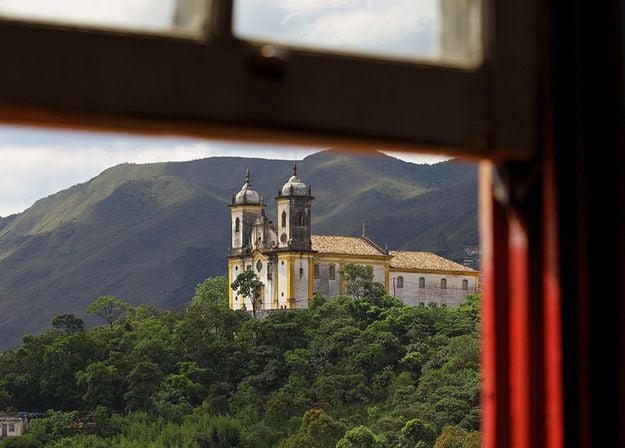
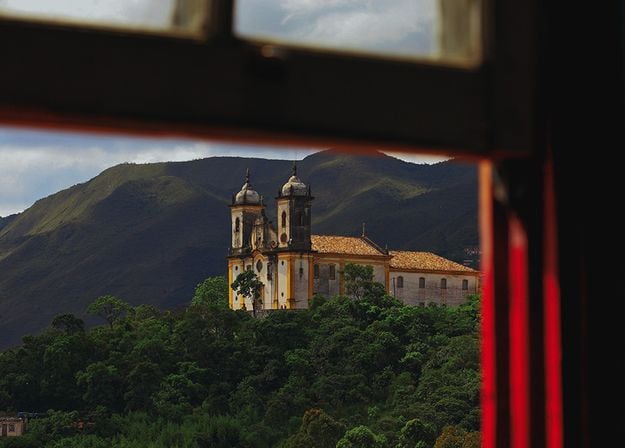
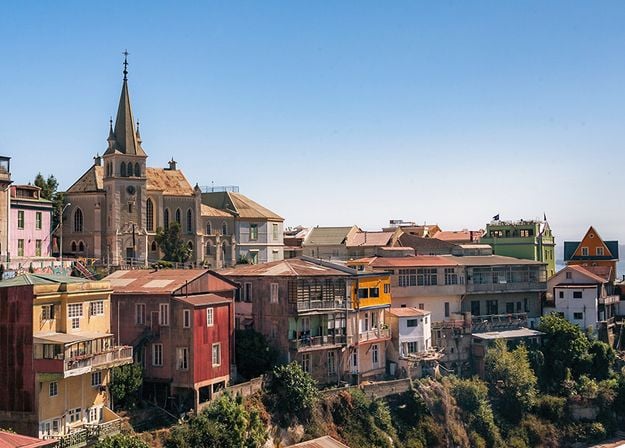
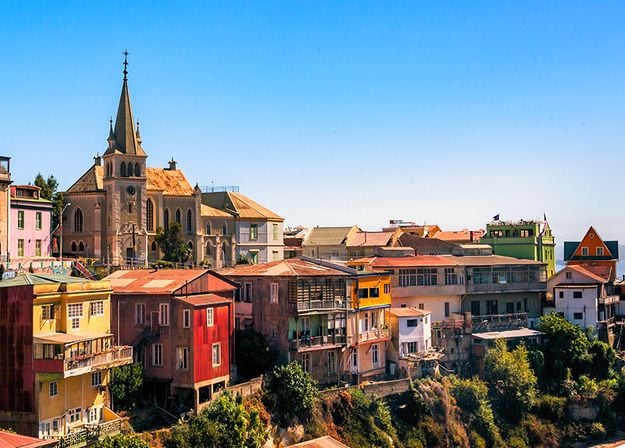
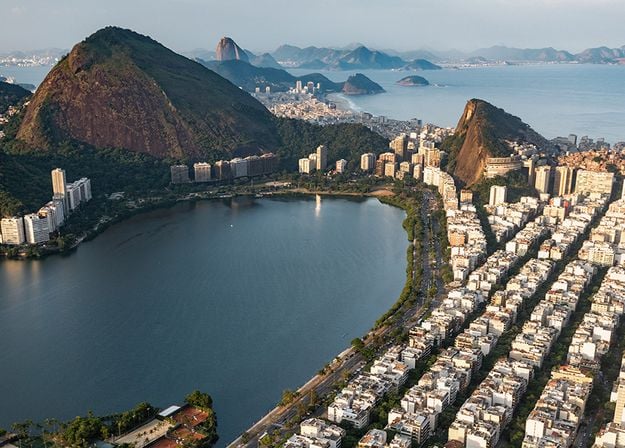
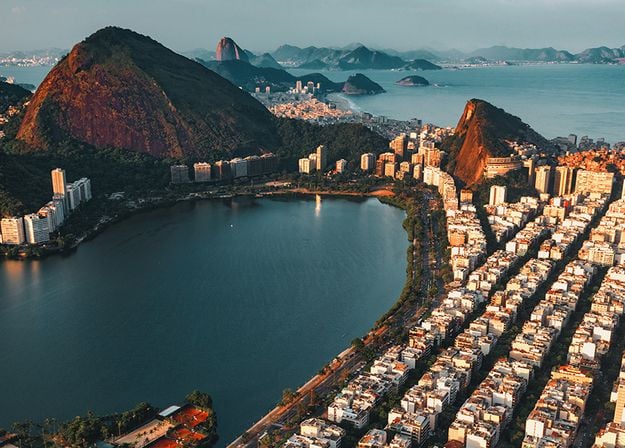
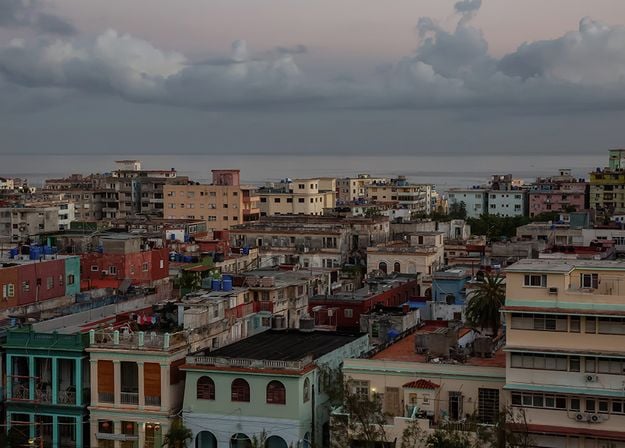



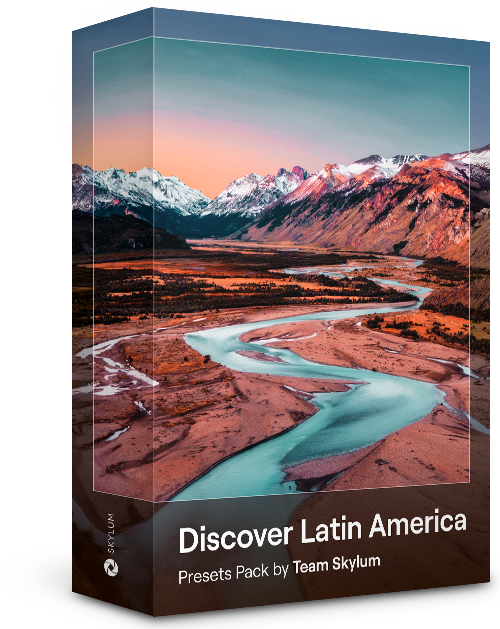
Experience the cinematic feel each of these 10 Presets adds to your photos as you journey through the countries of Latin America. Embrace the beauty and add some flair to your shots with this travel-friendly collection designed for landscapes.
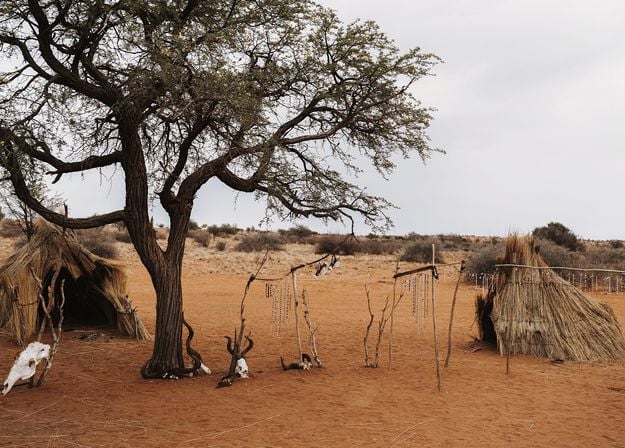
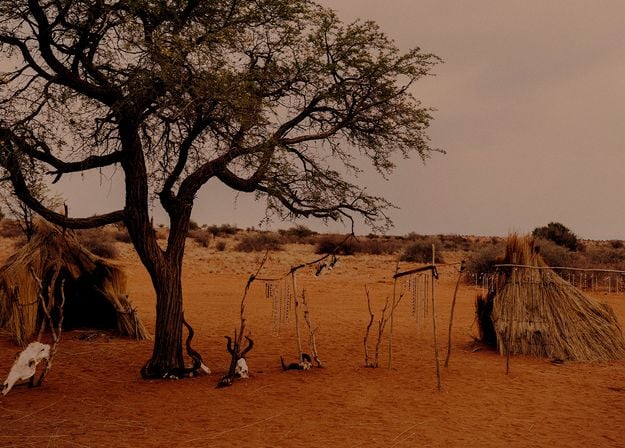
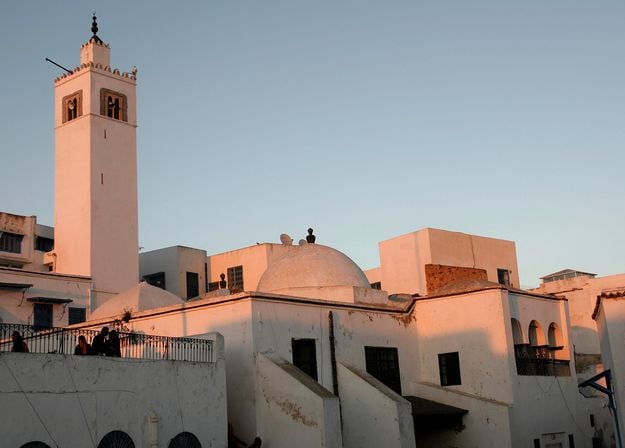
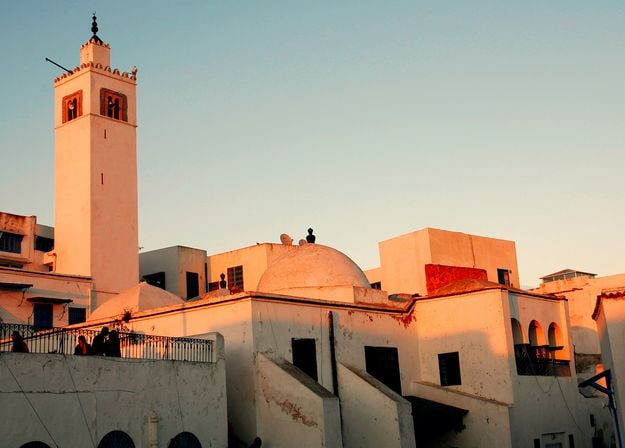


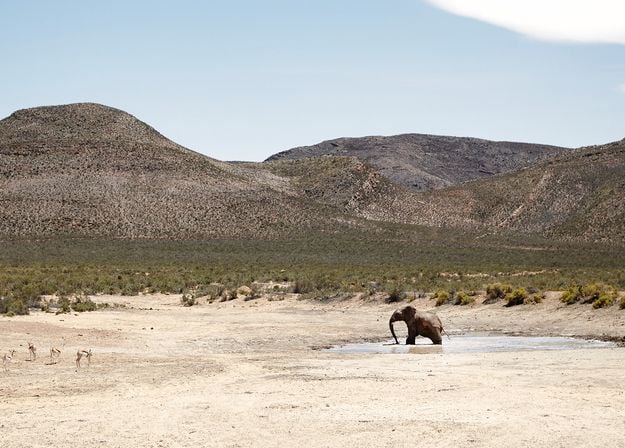
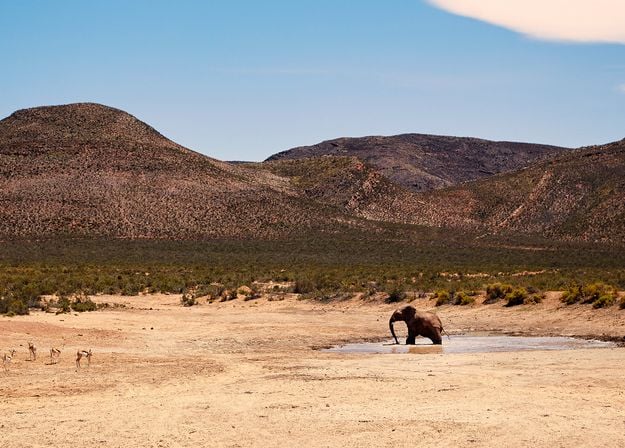
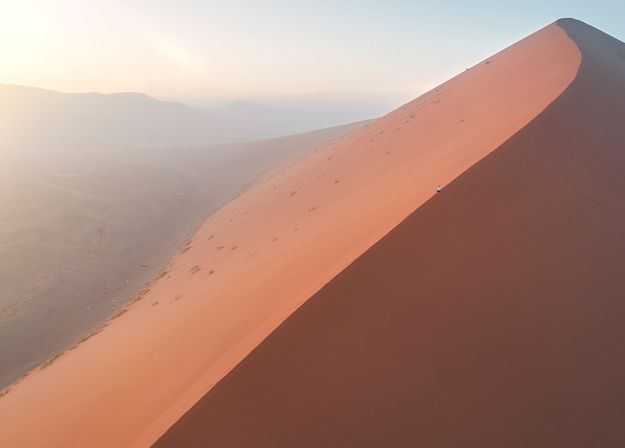
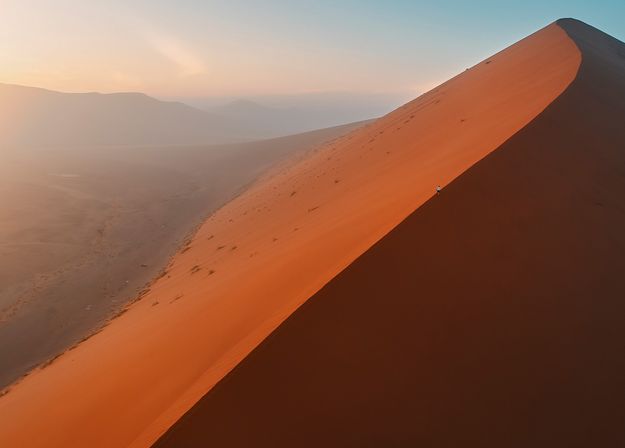


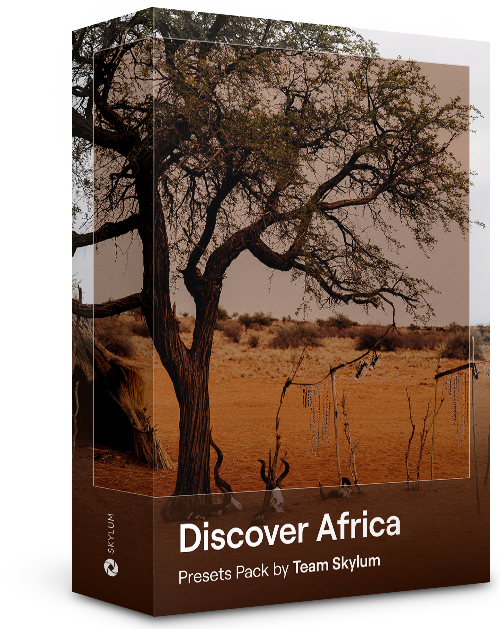
Dedicated to the wonderful continent of Africa, this pack combines a variety of Presets, both for portrait and landscape shots. Enhance landmarks, safari shots, architecture photos, and portraits of people that you meet on your travels around Africa.
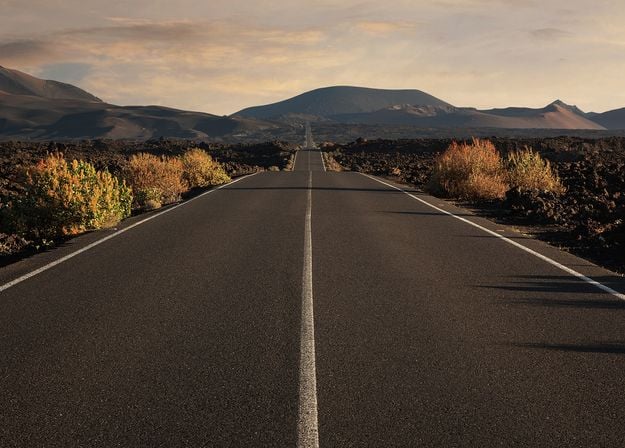
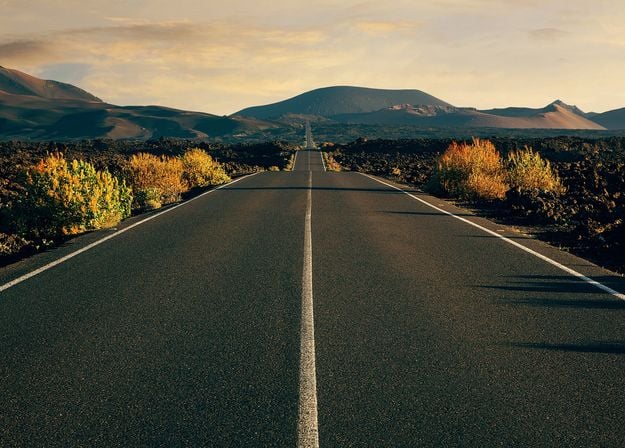
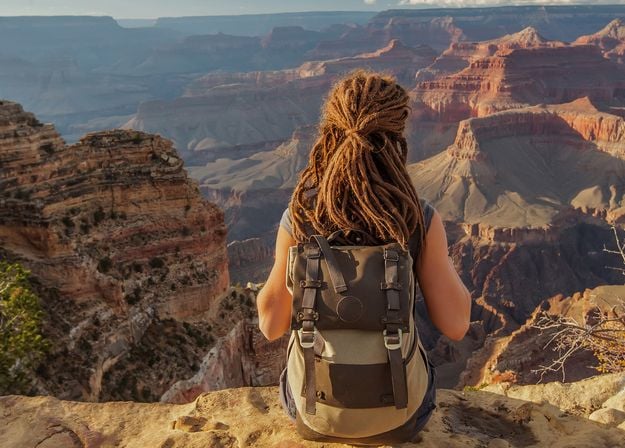
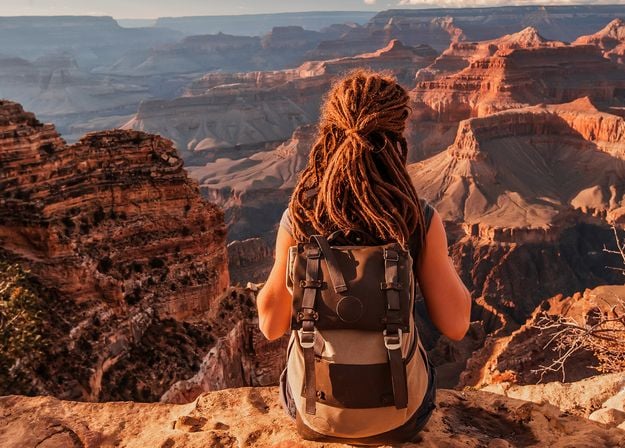
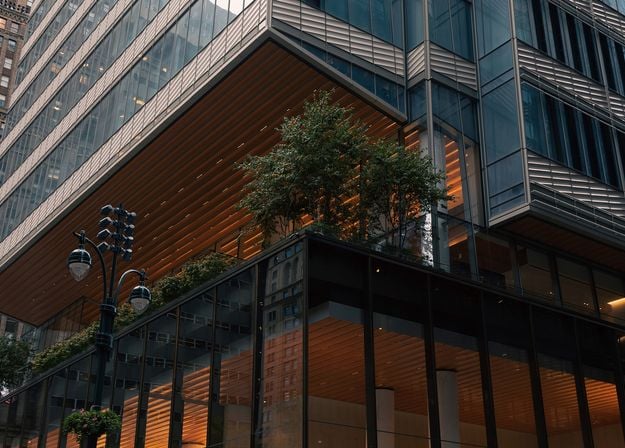
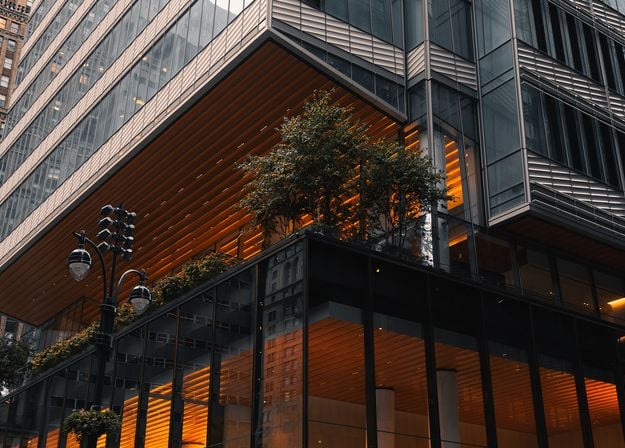
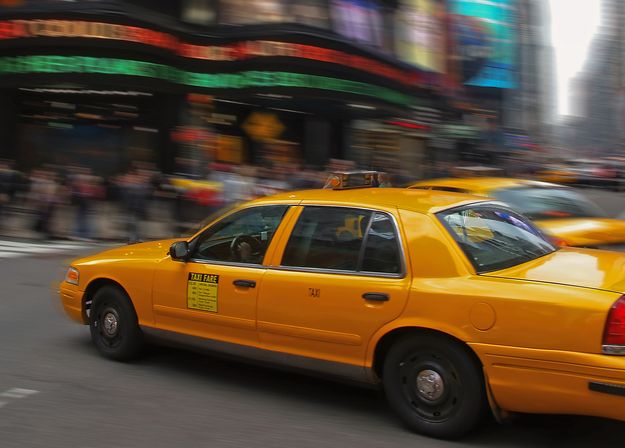
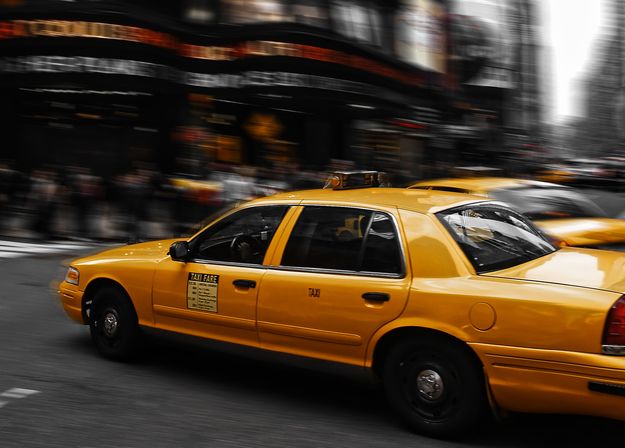


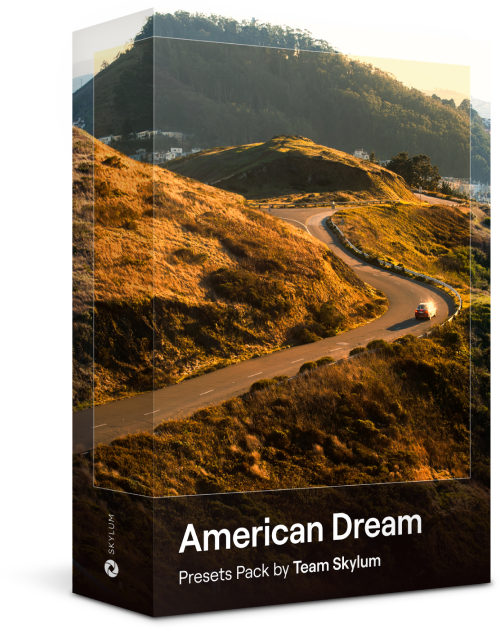
Create fantastic photos during your travels across the USA. Enhance images of landmarks, national parks, and general cityscapes of famous cities. Achieve various stunning effects with a few clicks of these 10 wonderful Presets.
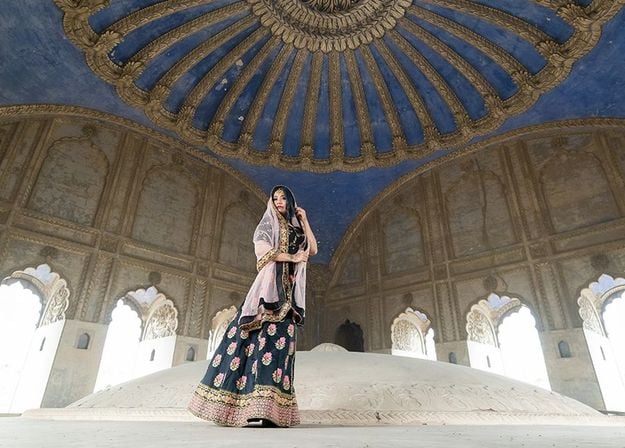
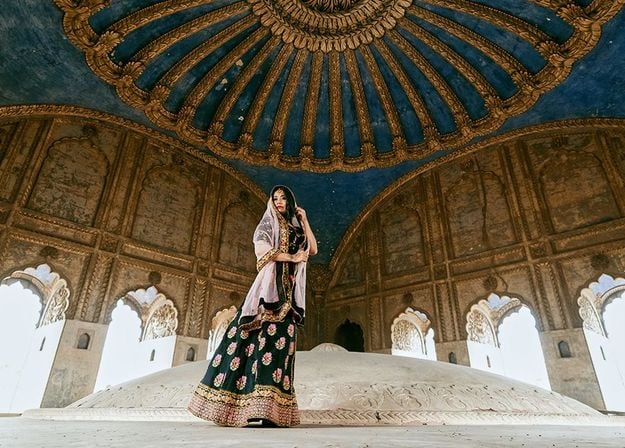
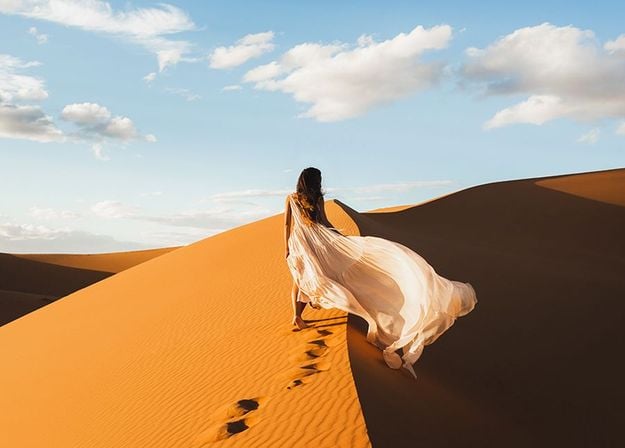
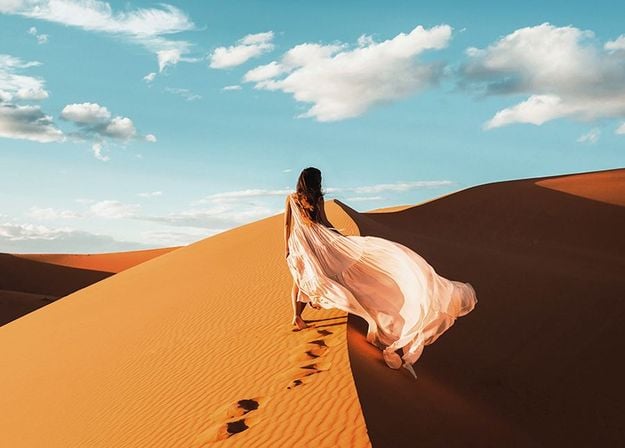
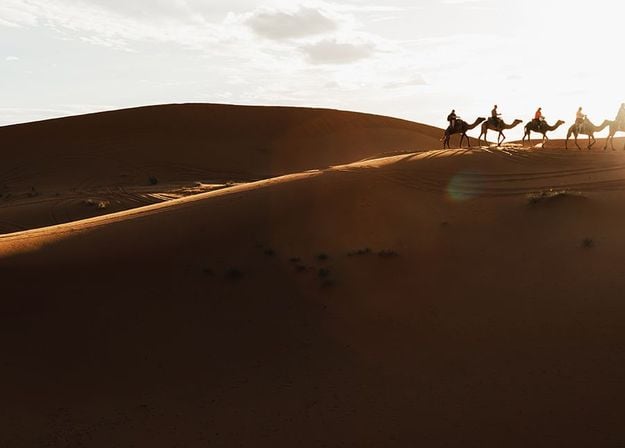
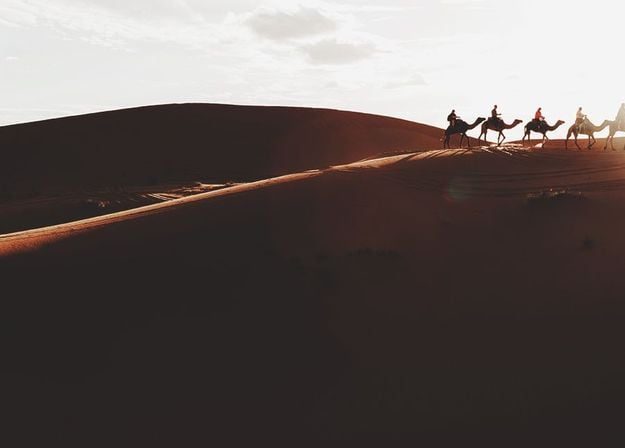
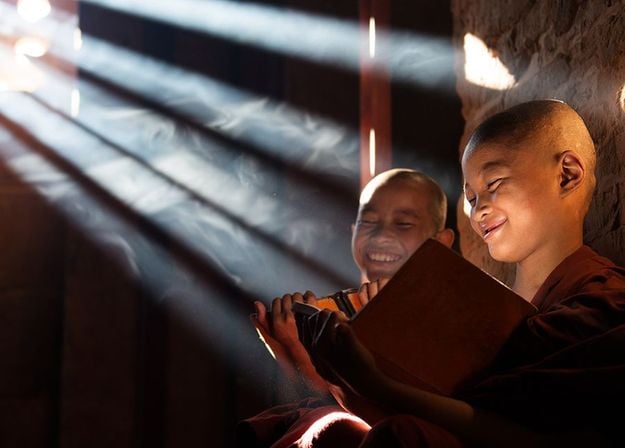
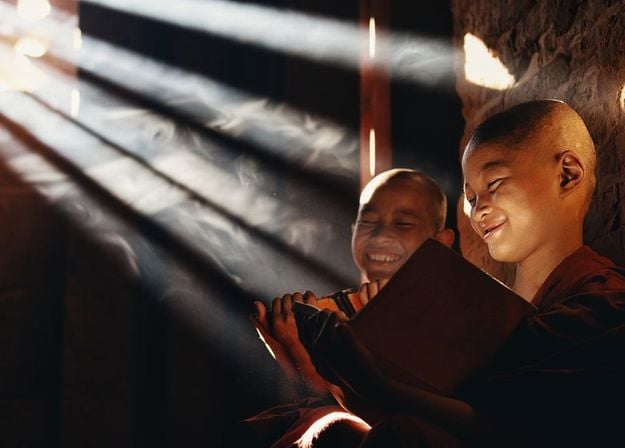
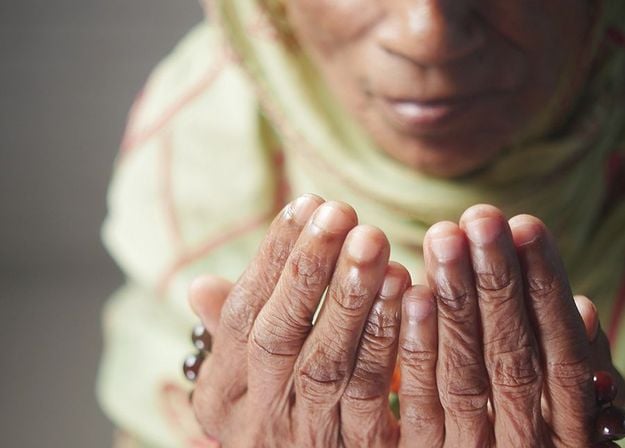
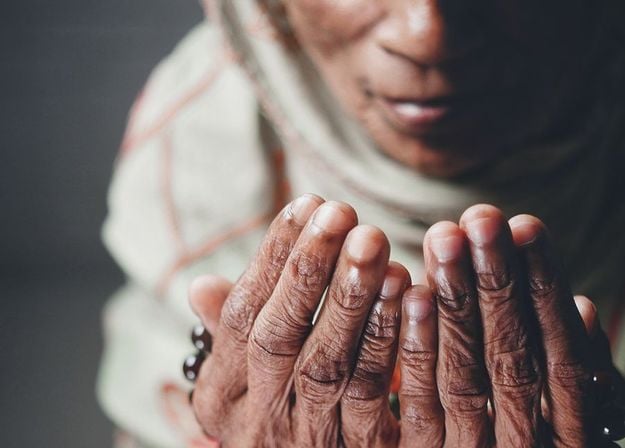


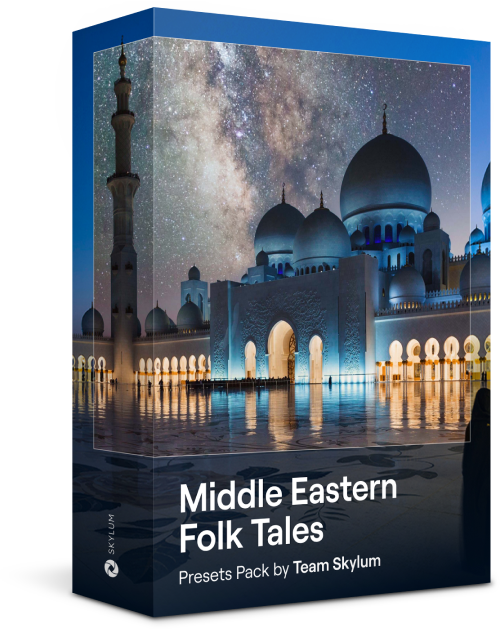
This alluring collection of 10 Presets is designed to bring out the mysterious beauty of Middle Eastern scenery, architecture, street style, and nature. Warm-toned, deep yellow, or blue and golden — you will certainly find a Preset perfect for your photo.
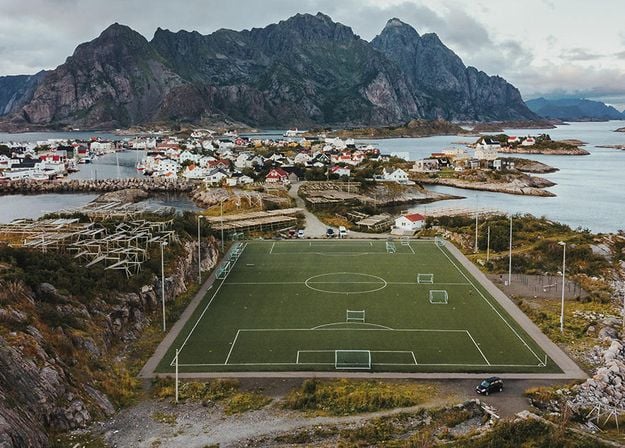
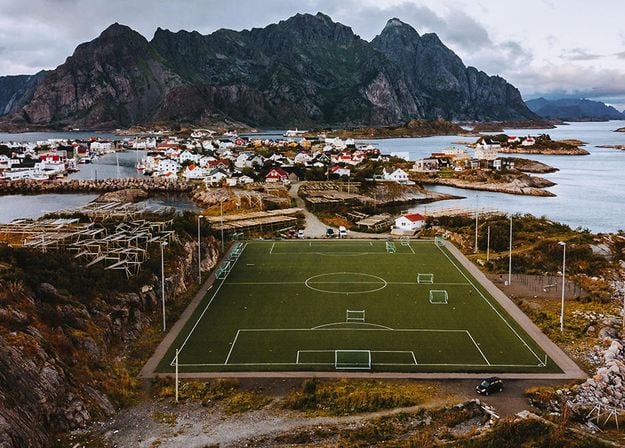
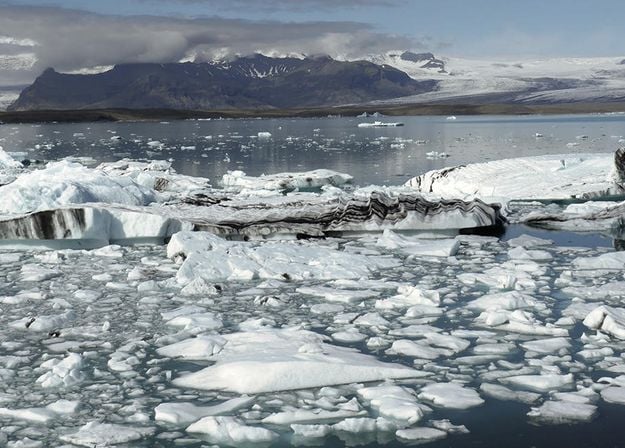
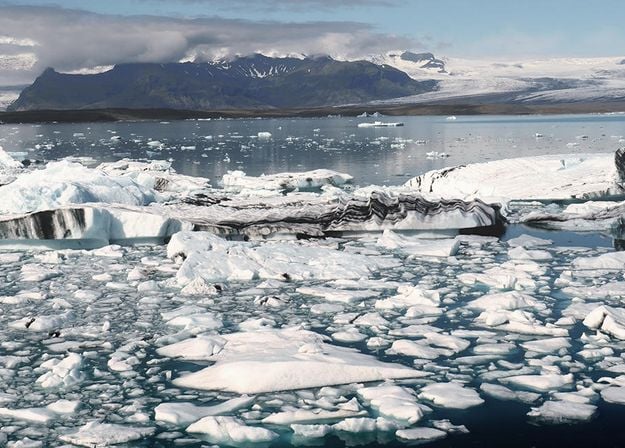
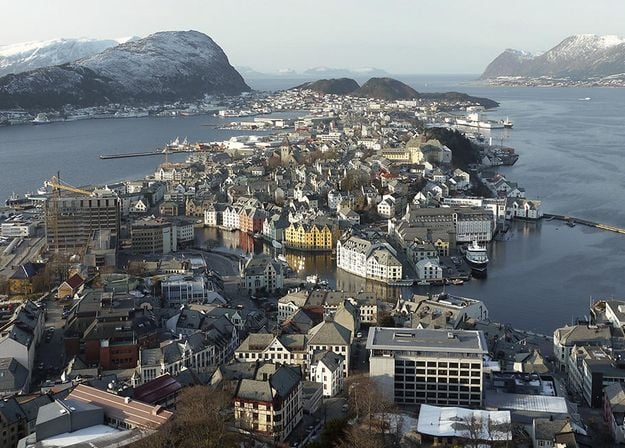
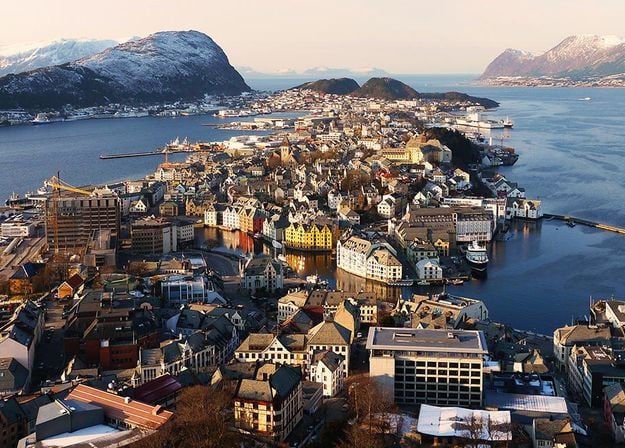
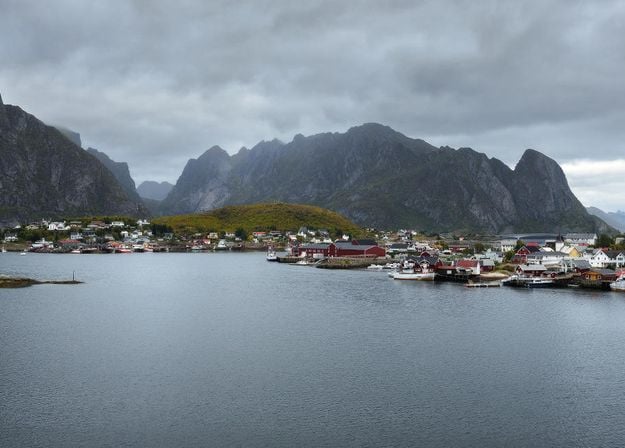
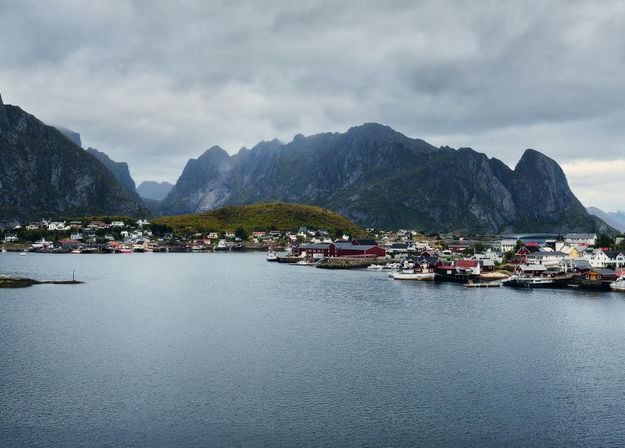
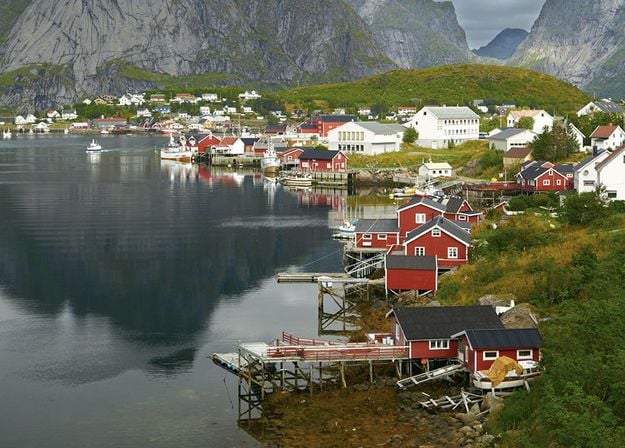
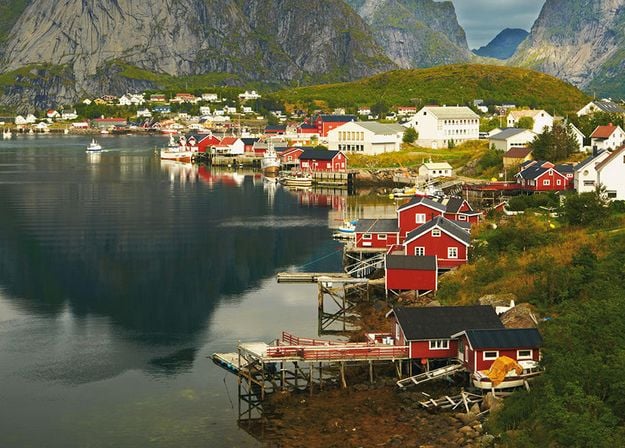


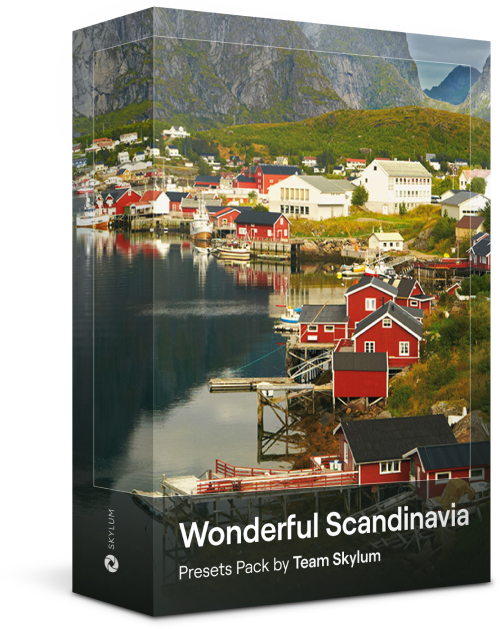
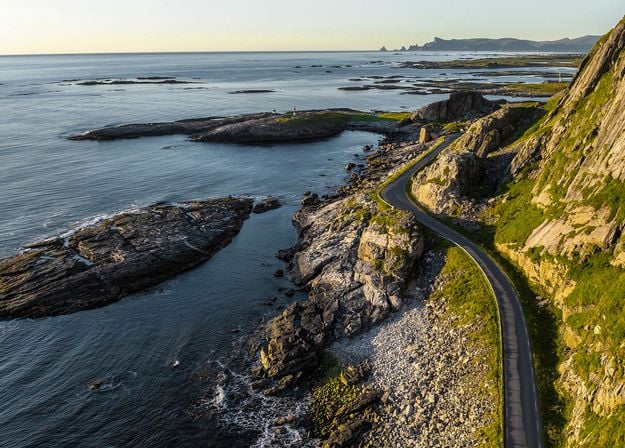
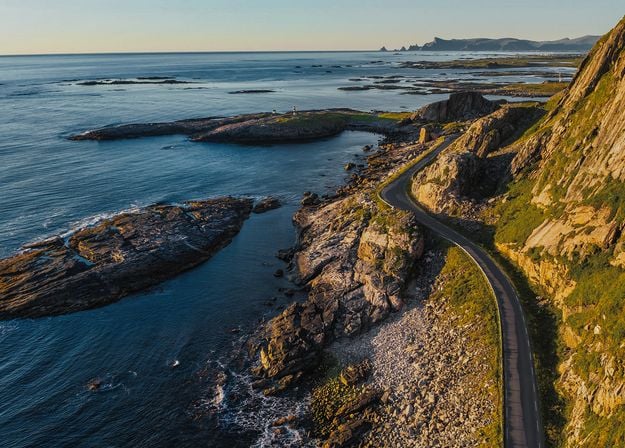
Discover this wonderful collection of 10 versatile Presets that are perfect for your travel photos from Nordic countries. Capture idyllic landscapes, natural wonders, and cozy architectural shots that breathe with the Scandinavian mood. Time to pack your travel bag!
Luminar Video Course
Creative Photo Editing Techniques in Luminar

Introduction & Course Outline
Albert Dros introduces himself and gives a quick overview of what you will learn in this photography and...
Introduction to Photography
What should you focus on when taking your photos to get the best results?
Basic Editing
Albert introduces the layout of Luminar and the basic instruments you can use to achieve great results instantly.
Advanced Editing
Going in depth, Albert shows you the more advanced tools in Luminar and how to use them to make your photos stand out.
Dramatic Editing
Get creative with your photos! Albert edits a photo with more creative tools to bring forward its dramatic aspects and breathe new life into it.
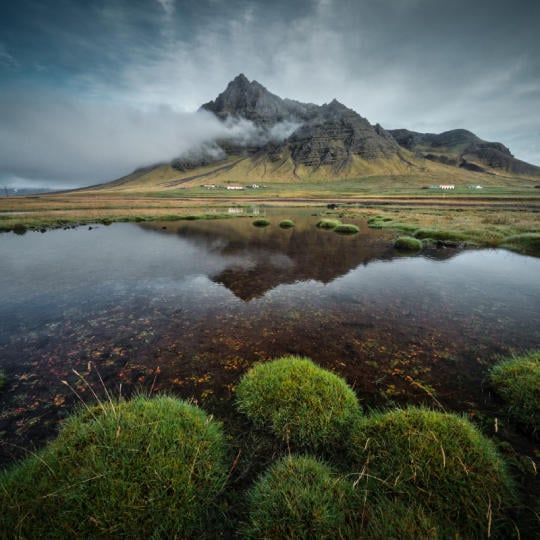
焦點堆疊
Luminar has Extensions that let you get even more impressive results. In this video, you will learn how to do focus stacking with Luminar’s Focus Stacking Extension.
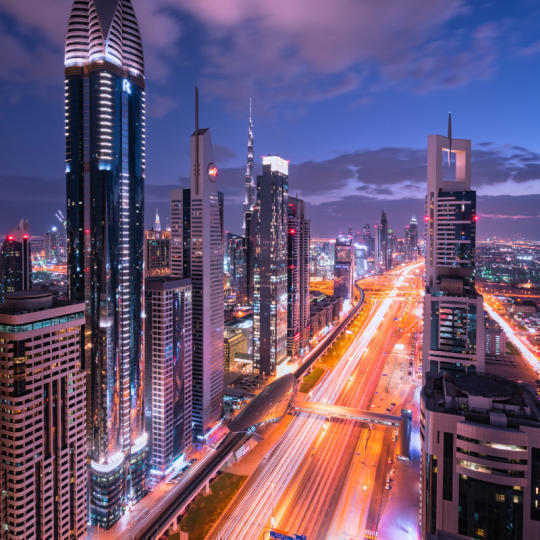
Cityscapes
What makes or breaks a cityscape shot? Take a look at how to transform a photo from Dubai from ordinary to impressive.
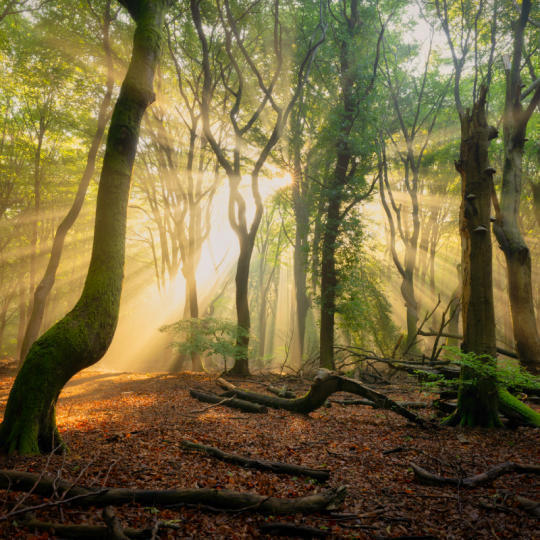
Forests
Find out what Luminar tools Albert uses to make his impressive signature forest photos. Look out for Atmosphere AI, Sunrays, and other tools!
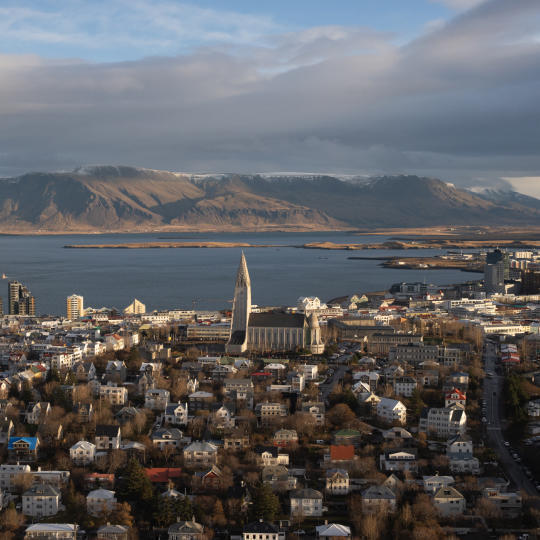
預設置
Learn to use Presets to quickly get interesting color solutions in your photos. Albert guides you through using Presets to make even more beautiful forest shots.
Course Summary
Get a quick summary of everything you have learned in this course. Happy creating!
阿爾伯特·德羅斯
PHOTOGRAPHER, WRITER AND EDUCATOR
Albert Dros is a Dutch landscape photographer who has an extraordinary passion to plan and create unique shots. Volcanoes, solar eclipses and unique aspects of nature draw his attention. He doesn’t just go for the simple shot.
"Go big or go home" is his motto, always trying to add some unique element to his shots.
His work has been recognized on a worldwide scale and he has been published worldwide in the biggest media outlets.
Albert travels a lot as a photo educator but also for personal projects. But even in The Netherlands, he can’t stop photographing. His inspiration never stops.
Luminar Neo AI 背景移除工具設計讓擦除背景變得輕鬆快速。這款工具無需像傳統編輯器那樣耗費數小時進行繁瑣的工作,只需點擊幾下即可自動完成背景的選擇和摳圖,從而幫助您專注於創作。
使用 Luminar Neo AI 背景移除軟體,您可以節省數小時的時間。現在,只需點擊幾下即可完成編輯,然後繼續進行下一個拍攝或專案。
使用 Luminar Neo 的專用工具「背景移除」AI。您只需在 Luminar Neo 中開啟照片,找到該工具,然後點擊按鈕即可。有了這個簡單的背景橡皮擦,無需複雜的圖層或蒙版操作!
該工具包含在 Luminar Neo 許可證中。您將獲得所有目前已發布工具的存取權限,新工具發布後也會自動新增。
是的! Luminar Neo 支援大量 AI 圖片摳圖。您可以一次處理多張照片,在確保結果一致性的同時,節省寶貴的編輯時間。
Luminar Neo 是目前最適合實際工作流程的 AI 背景移除工具,因為它兼顧了自動主體偵測和手動校正功能。該工具能夠有效地分離人物、物體和產品,同時還允許攝影師在需要時精細調整邊緣。
該工具具有以下優點:
它的設計目標是提高效率,而不是一鍵才能達到完美。
攝影師信賴背景移除工具,因為AI產生的影像可以進行精細化處理、遮罩和調整。這種控制功能確保背景被精準移除,同時不會損壞邊緣或細節。
Mac 款式
MacBook、MacBook Air、MacBook Pro、iMac、iMac Pro、Mac Pro、Mac mini、2010 年初或更新機型
處理器
CPU Intel® Core™ i5 8gen 或更高版本
OS版本
macOS 12.0 或更高版本。
RAM
記憶體 8 GB RAM 或以上(建議 16+ GB RAM)
磁盤空間
硬碟10 GB可用空間; SSD 以提供最佳效能
顯示器
1280x768或更高分辨率
硬件
硬件 – 基於Windows的電腦,配備鼠標或類似輸入設備
處理器
CPU Intel® Core™ i5 8gen 或更高版本,AMD Ryzen™ 5 或更高版本
OS版本
10 版本 1909 或更高版本(僅限 64 位元作業系統)
RAM
記憶體 8 GB RAM 或以上(建議 16+ GB RAM)
磁盤空間
硬碟10 GB可用空間; SSD 以提供最佳效能
顯示器
1280x768或更高分辨率
圖像
Open GL 3.3或者更高版本的兼容顯卡
